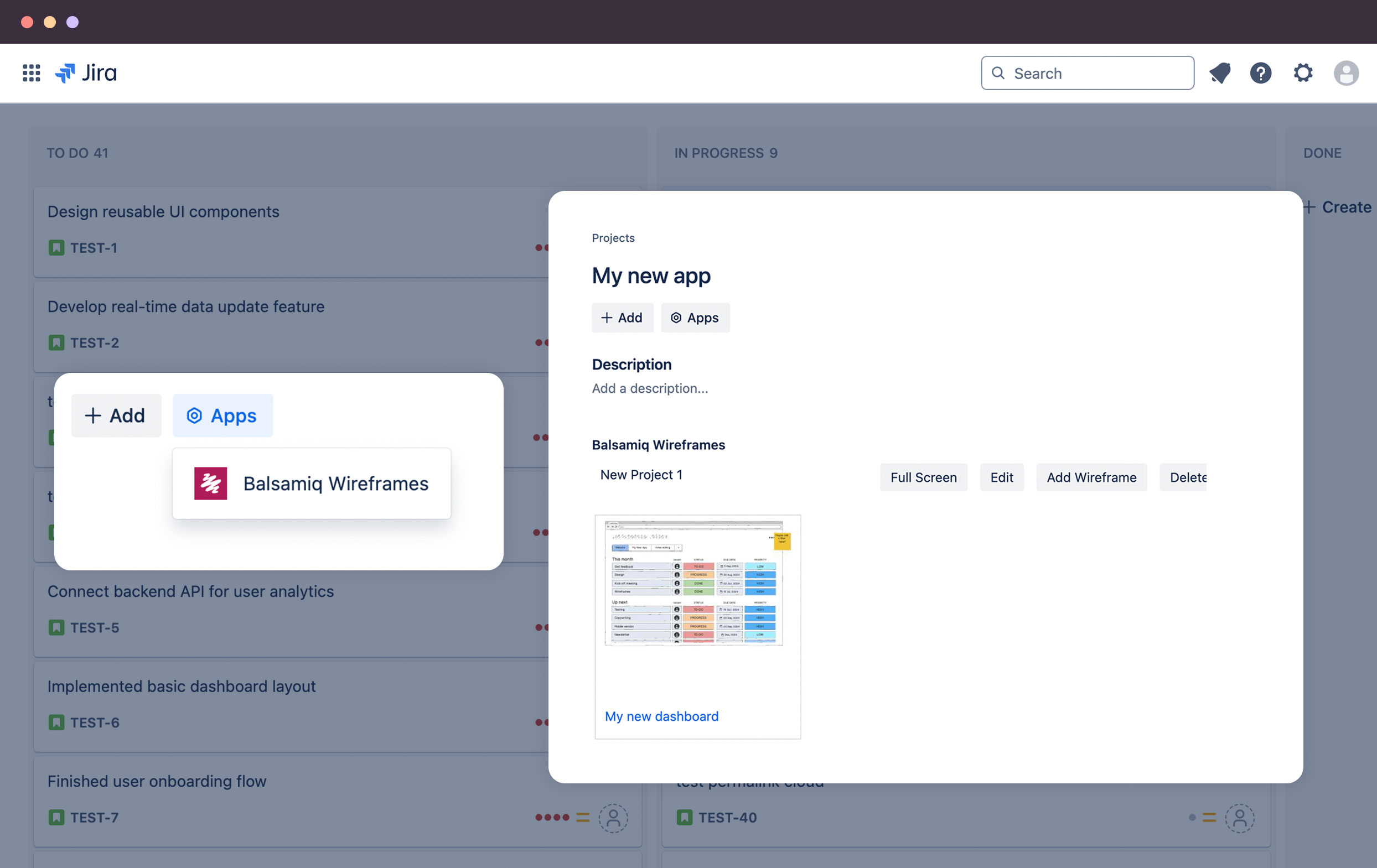
Balsamiq is a wireframing tool that helps lean product teams turn early ideas into clear, actionable direction. The tool helps product managers, founders, and engineers worldwide share concepts, reduce rework, and build better products.
$12
per month (up to 2 projects)
Gliffy
Score6 out of 10
N/A
Gliffy is an online diagramming tool with collaboration features from the San Francisco company of the same name, offering standalone versions of Gliffy and integrated versions for Jira and Confluence.
$6
per month
Microsoft Visio
Score7.8 out of 10
N/A
Microsoft offers Visio, a diagramming tool for building flowcharts, diagrams (e.g. network diagrams), org charts and floor plans, available online as a subscription and also in enterprise level packages (e.g. Visio Professional).
$5
per month per user
Pricing
Balsamiq
Gliffy
Microsoft Visio
Editions & Modules
No answers on this topic
Professional
$6
per month
Visio Plan 1
$5.00
per month per user
Visio Plan 2
$15.00
per month per user
Visio Standard 2024
$309.99
one-time fee On-premises diagramming solution, licensed for one PC
Visio Professional 2024
$579.99
one-time fee On-premises diagramming solution, licensed for one PC
Product Owner in Research & Development at Hansen Technologies (Telecommunications, 501-1000 employees)
Chose Balsamiq
I used Gliffy as a free trial and only for a few projects. From what I remember it was fairly similar to Balsamic, but I don't remember Gliffy having the same selection in their UI library.
A de minimis incentive was given to thank the reviewer for their time. The incentive was not used to bias or drive a particular response, nor was the incentive contingent on a positive endorsement. More Info
Consultant in Corporate at HMS Cornerstone Solutions (Information Technology & Services, 11-50 employees)
Chose Balsamiq
We think Balsamiq does a good job compared to Visio and we do go to Balsamiq first. We typically know after trying to put together the first wireframe if it will work well in Balsamiq. And we are familiar enough with both tools to get an idea. If it is not working right away in …
A de minimis incentive was given to thank the reviewer for their time. The incentive was not used to bias or drive a particular response, nor was the incentive contingent on a positive endorsement. More Info
Perforce Software
Verified User
Chose Gliffy
The interface is pretty decent and easy to use, with more helpful and advance features in comparison to others.
A de minimis incentive was given to thank the reviewer for their time. The incentive was not used to bias or drive a particular response, nor was the incentive contingent on a positive endorsement. More Info
Verified User
Chose Gliffy
It really all comes down to ease of use. The way you can make diagrams and how Gliffy integrates with Confluence is very important for our way of working.
A de minimis incentive was given to thank the reviewer for their time. The incentive was not used to bias or drive a particular response, nor was the incentive contingent on a positive endorsement. More Info
Verified User
Chose Gliffy
Gliffy is easier to use together with Confluence since it provides an integration where you can edit an image directly on the page. Visio and PowerPoint is better drawing tools but we have moved away from them since there isn’t a good way to keep track of the original file of …
A de minimis incentive was given to thank the reviewer for their time. The incentive was not used to bias or drive a particular response, nor was the incentive contingent on a positive endorsement. More Info
Senior Marketing Leader in Marketing at Covered California (Insurance, 5001-10,000 employees)
Chose Gliffy
The Gliffy platform supports only web whereas Lucidchart and Zoho Creator both support web, iPhone App and Android App. Gliffy is geared toward SMB and MSB whereas their competitors also market to freelancers and Enterprise customers providing solutions for each. Gliffy only …
A de minimis incentive was given to thank the reviewer for their time. The incentive was not used to bias or drive a particular response, nor was the incentive contingent on a positive endorsement. More Info
Verified User
Chose Gliffy
Visio has been the standard of what I have considered to be the go-to diagramming product. Gliffy holds its own and while I haven't used Visio for a while I don't know where there would be substantial advantages to using Visio over Gliffy. The functionality is comparable and I …
A de minimis incentive was given to thank the reviewer for their time. The incentive was not used to bias or drive a particular response, nor was the incentive contingent on a positive endorsement. More Info
VP of Technology & Human Resources in Information Technology at Quality Ironworks, Inc. (Construction, 51-200 employees)
Chose Gliffy
Visio is much more expensive than Gliffy. If Visio was included in Office365 I'd likely give it a shot, but I don't see that happening soon. Again, if you're an expert maybe you have a reason for using Visio instead of Gliffy. Other than that or a scenario in which someone is …
A de minimis incentive was given to thank the reviewer for their time. The incentive was not used to bias or drive a particular response, nor was the incentive contingent on a positive endorsement. More Info
Senior Professional, Technical Writer in Research & Development at DXC Technology (Computer Software, 10,001+ employees)
Chose Gliffy
Comparable. Not quite as slick but it accomplishes the core functionality just as well. At least with the version I've used, they're not mutually compatible, but it's not too tough to recreate Visio content in Gliffy.
A de minimis incentive was given to thank the reviewer for their time. The incentive was not used to bias or drive a particular response, nor was the incentive contingent on a positive endorsement. More Info
Director - Strategic Project Delivery in Information Technology at Holman Strategic Ventures (Transportation/Trucking/Railroad, 5001-10,000 employees)
Chose Microsoft Visio
This is not exactly the same type of thing, but for some of our applications, Balsamiq is a viable option. We use Visio because it is more accepted in our organization. However, if someone joined the group, and had a good case for using Balsamiq, we potentially would …
A de minimis incentive was given to thank the reviewer for their time. The incentive was not used to bias or drive a particular response, nor was the incentive contingent on a positive endorsement. More Info
Verified User
Chose Microsoft Visio
Visio has a larger number of templates. More versatile. There are many ready-made elements. More reliable. It is better integrated with other software products, both from the Microsoft ecosystem and with other ecosystems. More convenient to learn. There are much more …
A de minimis incentive was given to thank the reviewer for their time. The incentive was not used to bias or drive a particular response, nor was the incentive contingent on a positive endorsement. More Info
Senior Marketing Leader in Marketing at Covered California (Insurance, 5001-10,000 employees)
Chose Microsoft Visio
Microsoft Visio, with a plethora of templates, shapes, layouts, and designs, Visio is a paradise for your visual modeling requirements. Lucidchart advertises itself as a Visio alternative and boasts of being used by the teams at Cisco, Harvard University, Accenture, and more. …
A de minimis incentive was given to thank the reviewer for their time. The incentive was not used to bias or drive a particular response, nor was the incentive contingent on a positive endorsement. More Info
Verified User
Chose Microsoft Visio
It is a very complete tool, although it is not compatible with multiple devices. You can export your diagrams and share with different media or document management systems.
A de minimis incentive was given to thank the reviewer for their time. The incentive was not used to bias or drive a particular response, nor was the incentive contingent on a positive endorsement. More Info
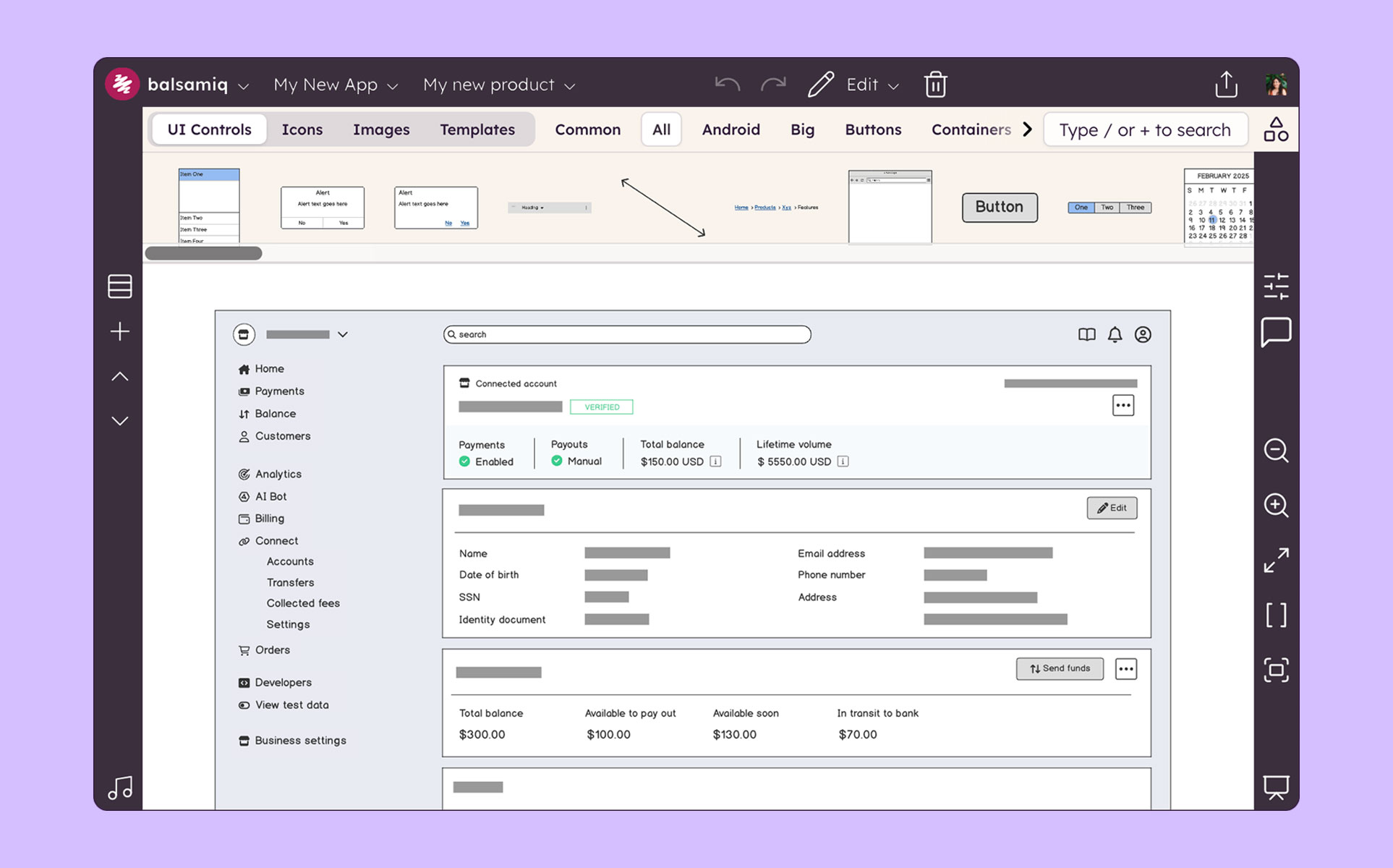
Balsamiq is a great tool for quickly getting ideas into visual form. At first it seems like there are not that many UI assets, but this constraint actually adds to the speed. There are less things for you to fuss over, you can focus on getting your ideas down. This is a tool for lofi rough drawings not a tool for building beautiful prototypes for developers to code to. It is fantastic for ideation because you mostly just drag and drop components onto the canvas and move things around. It's great in a live workshop setting for that reason.
A de minimis incentive was given to thank the reviewer for their time. The incentive was not used to bias or drive a particular response, nor was the incentive contingent on a positive endorsement. More Info
Gliffy is user-friendly, with a drag-and-drop interface that makes it easy to create clear and visually appealing diagrams without steep learning curves. It’s perfect for creating straightforward, quick wireframes. Gliffy lacks features for detailed UI/UX wireframing and prototyping compared to specialized tools like Figma, Sketch, or Adobe XD.
Visio is by far and away the best tool that I have used to do Value Stream Mapping sessions with the warehouse I support. It has all of the shapes needed built in to be able to represent all areas of the processes. I also like how you are able to make the drawing as big as needed and when printing it out of Visio you have the ability to use the necessary paper size. The biggest complaint that I have with the software if how it can be cumbersome for non-Visio users (that is, people without a license in the orgnaization) to interact with the Visio Map. We normally have to dedicate one Visio SME to be able to make the changes that Process SME's find since they do not have access to the software.
A de minimis incentive was given to thank the reviewer for their time. The incentive was not used to bias or drive a particular response, nor was the incentive contingent on a positive endorsement. More Info
Mock ups are obviously only just mock ups (this is important as if users see mock-ups in HTML, for example, they tend to think the system is ready to use or not far off)
Has a good selection of standard shapes that mock real world fields / controls
Allows not for profit organisations use it for free
A de minimis incentive was given to thank the reviewer for their time. The incentive was not used to bias or drive a particular response, nor was the incentive contingent on a positive endorsement. More Info
First it's important to point out that Gliffy has priced itself incredibly well for small to medium sized businesses. Most other similar solutions are so expensive that organizations will avoid getting workflow software overall. Gliffy can take pride in knowing they're helping small business operate better.
Gliffy is incredibly easy to use for a first time user. I rarely have to train someone on how to use it. It's a lot of fun to see people get excited about systems and processes when using Gliffy. If you need to get up and running quickly I can't think of a better solution for workflow visualization.
I also like using Gliffy for mindmapping. I'm sure some mindmapping experts can tell me how I'm doing that incorrectly, but it just works for me. This points to the ease with which Gliffy allows you to get your thoughts down quickly and easily.
A de minimis incentive was given to thank the reviewer for their time. The incentive was not used to bias or drive a particular response, nor was the incentive contingent on a positive endorsement. More Info
Microsoft Visio is excellent for organizing thought processes related to our more complex research.
The diagrams created with Microsoft Visio are ideal for graphically displaying the internal organization of work and research groups through flow diagrams.
Microsoft Visio is a great tool for managing our students' activities by creating flowcharts that help us graphically visualize the steps of their group work.
The sketch-like style can be off-putting to some stakeholders, and it’s not initially very clear that there is the option to turn this “off.” While I do think there is benefit to the default style, knowing from the start that this flexibility existed would have helped us be able to use this tool more often in the past and in different situations.
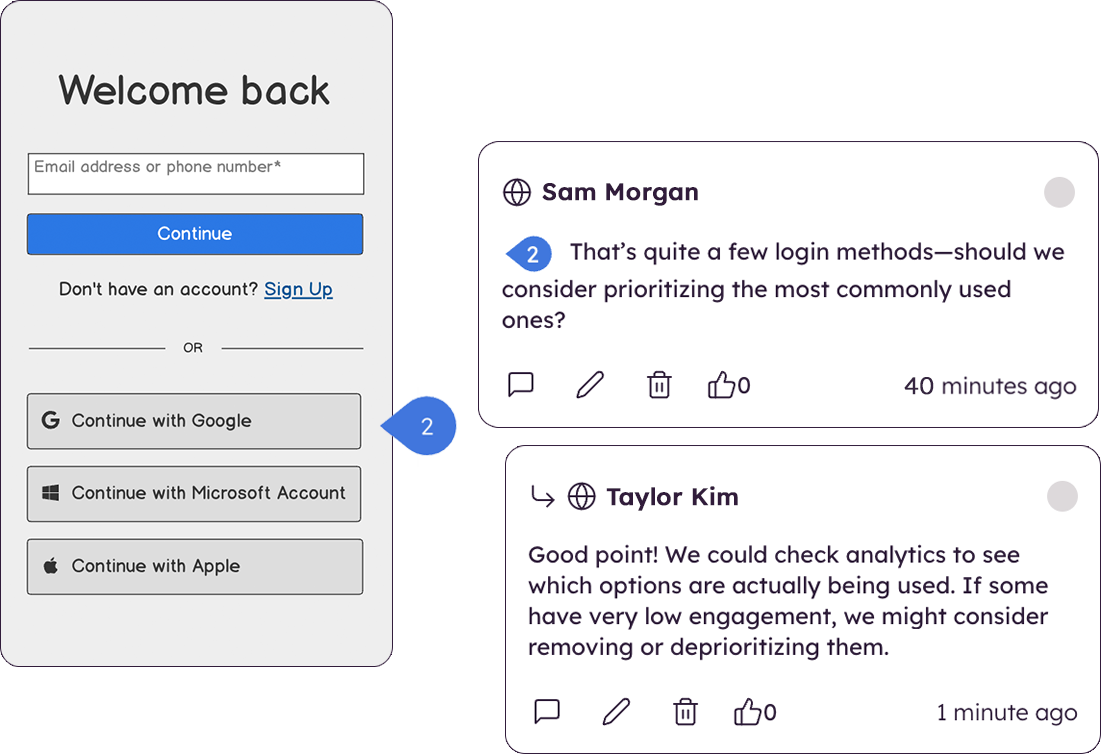
There are very limited collaborative functionalities. When it’s early in the design process, it’s often really helpful to have a number of people in the design to offer in-app feedback so the designer doesn’t have the burden of collecting feedback from many disparate sources in order to incorporate the feedback.
There are limited UI elements. As design evolves, there are more and more UI elements to consider, and many to stop using. Our Balsamiq wireframes would be a lot more effective in communicating design ideas to stakeholders if there was a wider range of UI elements to choose from.
A de minimis incentive was given to thank the reviewer for their time. The incentive was not used to bias or drive a particular response, nor was the incentive contingent on a positive endorsement. More Info
I have had some trouble saving complex diagrams and viewing them on the fly. On a handful of occasions, diagrams are unable to save, which means I either need to try to "save as" a separate diagram, or I am perpetually stuck trying to "load" recent changes. Overall, this means I always have a slight lingering fear that my diagrams aren't fully saved or recoverable. Support has been pretty responsive helping me to reload corrupted diagrams.
Adding Text, Notes, and Images can be a challenge. While laying out objects with simple text is a strength, adding formatted text and commentary can be a challenge. I often find my objects ghost-moving all over the screen and lost. I'd love a drag-and-drop way to load images in to diagrams. The process is a bit cumbersome with the file upload wizard.
Template environments - I struggled a bit to try to create a default starting point for my diagrams. I've tried to load common libraries and ignore others, those settings are often ignore upon reload. I'd love to use the same 10 objects and ignore the rest, I am not able (yet) to create this scenario, though there may be more to learn.
Searching, Indexing, Retrieving my diagrams. As part of an enterprise plan, I find there are too many clicks required to a) find/search for my diagrams and b) save diagrams into my Gliffy folder. In our implementation I can see all folders for all of my colleagues, and need to drill down a bit before I get to my folder, where I can actually search my documents in a list. I'd prefer a more intuitive way to land on my diagrams and to organize them (e.g., by customer) so that I can access them more quickly.
A de minimis incentive was given to thank the reviewer for their time. The incentive was not used to bias or drive a particular response, nor was the incentive contingent on a positive endorsement. More Info
When navigating through swim lanes, the user must be careful between switching from the point to the connection features as it can be difficult to remember which mode you’re in.
When drawing “decision points,” it can be difficult to type words like “yes” or “no” between the connection lines.
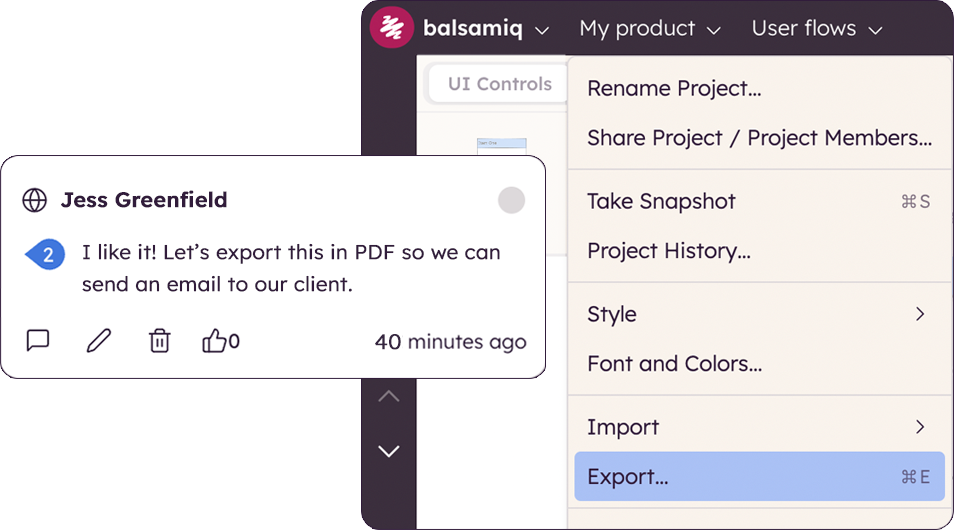
The exporting options aren’t ideal. They are hard to create in PDF format.
A de minimis incentive was given to thank the reviewer for their time. The incentive was not used to bias or drive a particular response, nor was the incentive contingent on a positive endorsement. More Info
I'm not sure how else we would be able to complete our work without Balsamiq or another similar tool. All of my experience with Balsamiq has been positive and they continue to develop new features so that my job gets easier. I would be very surprised if we didn't renew Balsamiq
A de minimis incentive was given to thank the reviewer for their time. The incentive was not used to bias or drive a particular response, nor was the incentive contingent on a positive endorsement. More Info
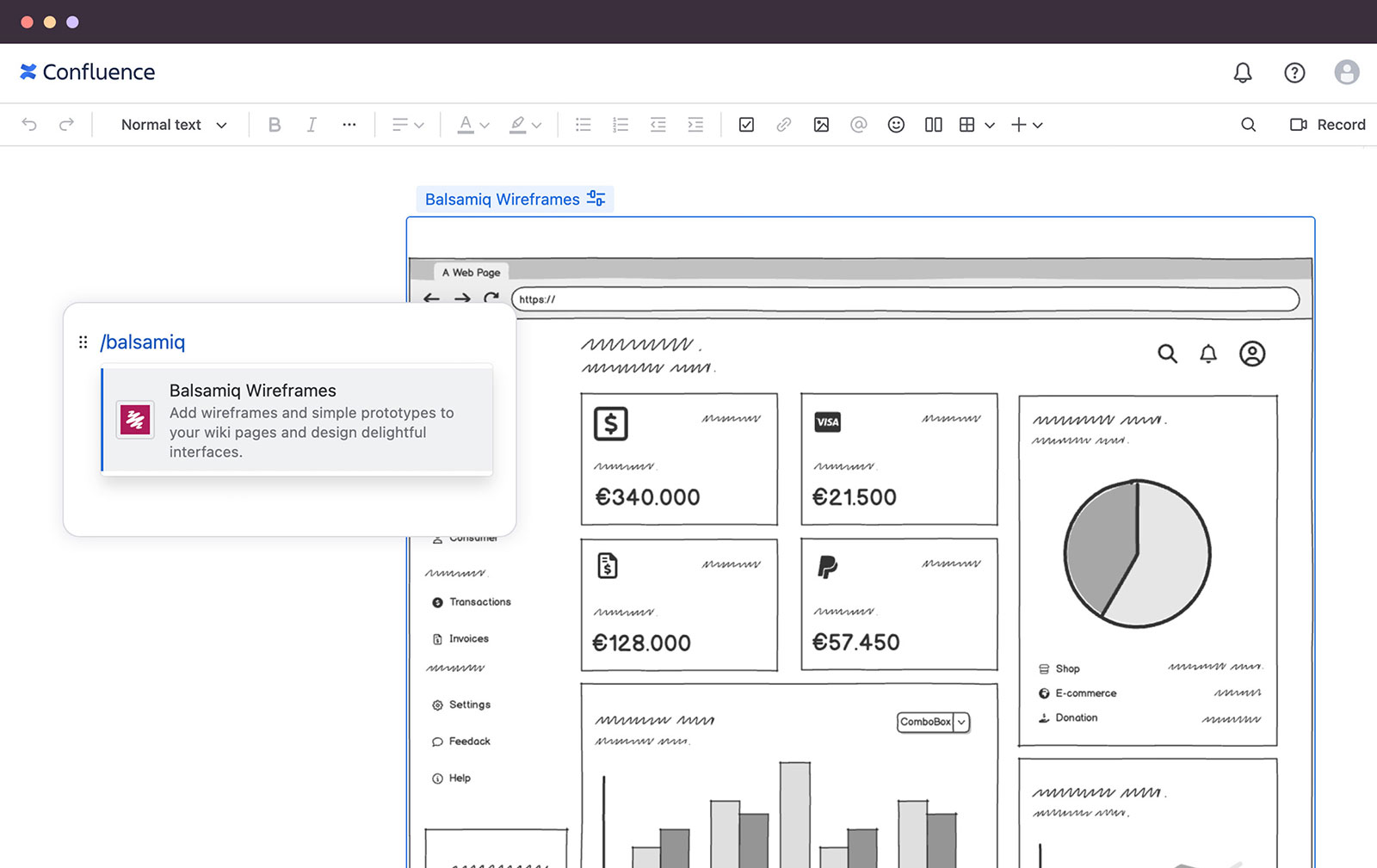
Because of its great versatility and ease of use. From diagramming to roadmpas and even user interface wireframes. Once a draft or first version is done we like to use the Confluence integration so we can collaborate and have one single source of truth
A de minimis incentive was given to thank the reviewer for their time. The incentive was not used to bias or drive a particular response, nor was the incentive contingent on a positive endorsement. More Info
We use Microsoft Visio to keep our diagrams updated and to that end we will need the subscription to keep using the software. Otherwise we will be left with PDF versions of the diagrams.
A de minimis incentive was given to thank the reviewer for their time. The incentive was not used to bias or drive a particular response, nor was the incentive contingent on a positive endorsement. More Info
Very intuitive and easy to understand. It only takes minutes to get the hang of it and get back to work. For new analysts (like, brand new, fresh out of school) it's not difficult and they need minimal to no hand-holding. The training content that is embedded is easy to find and use.
A de minimis incentive was given to thank the reviewer for their time. The incentive was not used to bias or drive a particular response, nor was the incentive contingent on a positive endorsement. More Info
I based my assessment on aggregated user feedback and reviews from platforms like G2 and Software Advice. Many users highlight the simplicity and versatility of Gliffy’s interface, which makes it accessible for both beginners and professionals. Features like drag-and-drop functionality, a variety of templates, and integration options (e.g., Atlassian tools) contribute to its high rating.However, it doesn’t score a perfect 10 because some users report performance issues with complex diagrams, limited advanced features compared to competitors, and occasional difficulties with collaboration features. Balancing these strengths and weaknesses lands Gliffy in the 8-9 range for usability
A de minimis incentive was given to thank the reviewer for their time. The incentive was not used to bias or drive a particular response, nor was the incentive contingent on a positive endorsement. More Info
I have always struggled with some basics, such as connection points, object alignment, font consistency, arranging layers and their order (bring forward, send backward), and managing overlap. I usually need to create an initial rough draft and then do a separate cleanup pass to bring the diagram up to my quality standards. If I skip that step, the result generally does not look very good. And once a diagram becomes busy or the file gets large, Visio has been unstable for me in the past, including occasional crashes that caused non-recoverable edits.
A de minimis incentive was given to thank the reviewer for their time. The incentive was not used to bias or drive a particular response, nor was the incentive contingent on a positive endorsement. More Info
A de minimis incentive was given to thank the reviewer for their time. The incentive was not used to bias or drive a particular response, nor was the incentive contingent on a positive endorsement. More Info
Overall, I feel that Microsoft's support is weak. They are now such a behemoth that their model of putting documentation online for their users to sift through is totally outgrown. Given the amount of money you pay for these licenses, Microsoft should provide easy one-on-one support for their products via email or chat. The idea of paying their rates for support incidents is ridiculous. If you have an enormous amount of time on your hands, use their support websites and you will eventually find a solution most of the time.
A de minimis incentive was given to thank the reviewer for their time. The incentive was not used to bias or drive a particular response, nor was the incentive contingent on a positive endorsement. More Info
Creating digital wireframes in Photoshop is a nightmare. Photoshop was not really designed for this purpose. It doesn't have good collaboration options and it doesn't allow pattern libraries, which are essential for consistency and efficiency. We use UXPin and Axure for some time, but found that these platforms were a bit bloated. Balsamiq is much simpler than any of these options. It's a perfect wireframing platform for non-designers or for designers that want to focus on content and element-placement prior to design
A de minimis incentive was given to thank the reviewer for their time. The incentive was not used to bias or drive a particular response, nor was the incentive contingent on a positive endorsement. More Info
Gliffy is easier to use together with Confluence since it provides an integration where you can edit an image directly on the page. Visio and PowerPoint is better drawing tools but we have moved away from them since there isn’t a good way to keep track of the original file of the vector/bitmap included in the Confluence page.
A de minimis incentive was given to thank the reviewer for their time. The incentive was not used to bias or drive a particular response, nor was the incentive contingent on a positive endorsement. More Info
Even though it’s a more expensive solution, Vizio is built for the enterprise. Therefore, it integrates perfectly with our existing Microsoft stack, and quite frankly, because it’s such a more mature product, it provides exactly the functionality we need and expect.
A de minimis incentive was given to thank the reviewer for their time. The incentive was not used to bias or drive a particular response, nor was the incentive contingent on a positive endorsement. More Info
The product works very well for showing product owners and developers design ideas for purposes of discussion, debate and refinement.
The products also works very well for specifying new designs for developers. This is best done in a series of screens that show various screen states and user interactions.
I also use the products to document bugs in software products and websites we have developed. This includes outlining and documenting bugs and changes to user interactions and refinements to the usability of completed interfaces and user experiences.
A de minimis incentive was given to thank the reviewer for their time. The incentive was not used to bias or drive a particular response, nor was the incentive contingent on a positive endorsement. More Info
Gliffy had a positive ROI on our initial efforts in getting team members to map out their workflows, provide them in confluence through its integration and get them distributed to our organization. The ease of use was a huge success for adoption.
Gliffy did seem to have unfriendly costs. Even as a customer for years that signs year-long contracts the price needle did not move much. Enterprise-wide software is expected to have discounts at a bulk buy within the industry.
Gliffy for the first time provided a tool for us to put our thoughts in a shareable format. It paved the way for increased organization and getting to buy into pre-existing processes.
A de minimis incentive was given to thank the reviewer for their time. The incentive was not used to bias or drive a particular response, nor was the incentive contingent on a positive endorsement. More Info
Reduces the amount of time I need to create process flow diagrams. In the past I would use Powerpoint or Word which required a lot more effort and time and never looked as good. Visio just takes that headache away.
Only negative is that I personally believe it should always have been part and parcel of the Office suite, thus giving more users the opportunity to use it rather than specifically having to justify its separate purchase within our organisation. Different now with Office 365 of course!
A de minimis incentive was given to thank the reviewer for their time. The incentive was not used to bias or drive a particular response, nor was the incentive contingent on a positive endorsement. More Info