
Chose Balsamiq
Balsamiq vs. Lucid Visual Collaboration Suite vs. Progress MOVEit
Balsamiq vs. Lucid Visual Collaboration Suite vs. Progress MOVEit
| Product | Rating | Most Used By | Product Summary | Starting Price |
|---|---|---|---|---|
 Balsamiq | N/A | Balsamiq is a wireframing tool that helps lean product teams turn early ideas into clear, actionable direction. The tool helps product managers, founders, and engineers worldwide share concepts, reduce rework, and build better products. | $12 per month (up to 2 projects) | |
 Lucid Visual Collaboration Suite | N/A | The Lucid Visual Collaboration Suite empowers teams to ideate, plan, design, build, and launch game-changing solutions from a shared infinite canvas. | $0 per month | |
 Progress MOVEit | Enterprise companies (1,001+ employees) | Progress MOVEit provides a Managed File Transfer (MFT) solution to securely exchange files between applications, internal teams, external customers and business partners. By centralizing file transfer operations, MOVEit improves visibility, control and governance across enterprise data movement. MOVEit supports policy-driven automation for recurring file transfers without requiring advanced programming, while reporting and audit logging provide documented visibility into… | N/A |
| Balsamiq | Lucid Visual Collaboration Suite | Progress MOVEit | ||||||||||||||||||||||
|---|---|---|---|---|---|---|---|---|---|---|---|---|---|---|---|---|---|---|---|---|---|---|---|---|
| Editions & Modules | No answers on this topic |
| No answers on this topic | |||||||||||||||||||||
| Offerings |
| |||||||||||||||||||||||
| Entry-level Setup Fee | No setup fee | Optional | Optional | |||||||||||||||||||||
| Additional Details | Pay per project, not per user | — | — | |||||||||||||||||||||
| More Pricing Information | ||||||||||||||||||||||||
| Balsamiq | Lucid Visual Collaboration Suite | Progress MOVEit | |
|---|---|---|---|
| Considered Multiple Products | Balsamiq | Lucid Visual Collaboration Suite  Jess Hutton UX and Knowledge Management Specialist Chose Lucid Visual Collaboration Suite  Christopher Ory Lead Designer Chose Lucid Visual Collaboration Suite I feel Lucidchart is more intuitive. I also feel like when I have tried using Visio in the past it felt less versatile, but I could be wrong. Lucidchart is also what I have always used and Visio doesnt add enough value for me to learn a new program.  Albert Ellenich Sr. Experience Designer Chose Lucid Visual Collaboration Suite Lucidchart is designed to do one thing in my opinion, design charts of connected shapes. Other apps can do the same but are often tied to a desktop app and bloated with other illustration features I do not need. I like that is Lucidchart is limited in features to those specific … |  Progress MOVEit No answer on this topic |
| Balsamiq | Lucid Visual Collaboration Suite | Progress MOVEit | |
|---|---|---|---|
| Small Businesses |  OmniGraffle Score 9.8 out of 10 | No answers on this topic |  DataMotion Score 9.5 out of 10 |
| Medium-sized Companies | OmniGraffle Score 9.8 out of 10 |  Microsoft Visio Score 7.8 out of 10 | DataMotion Score 9.5 out of 10 |
| Enterprises | OmniGraffle Score 9.8 out of 10 |  Miro Score 9.0 out of 10 |  Fortra's GoAnywhere MFT Score 7.6 out of 10 |
| All Alternatives | View all alternatives | View all alternatives | View all alternatives |
| Balsamiq | Lucid Visual Collaboration Suite | Progress MOVEit | |
|---|---|---|---|
| Likelihood to Recommend | 8.5 (31 ratings) | 9.1 (1162 ratings) | 9.0 (7 ratings) |
| Likelihood to Renew | 10.0 (2 ratings) | 9.1 (5 ratings) | - (0 ratings) |
| Usability | 8.0 (1 ratings) | 8.8 (1131 ratings) | - (0 ratings) |
| Availability | - (0 ratings) | 9.1 (1 ratings) | - (0 ratings) |
| Performance | - (0 ratings) | 9.1 (1 ratings) | - (0 ratings) |
| Support Rating | 5.0 (1 ratings) | 8.6 (887 ratings) | - (0 ratings) |
| Implementation Rating | - (0 ratings) | 9.1 (1 ratings) | - (0 ratings) |
| Configurability | - (0 ratings) | 9.1 (1 ratings) | - (0 ratings) |
| Ease of integration | - (0 ratings) | 9.1 (1 ratings) | - (0 ratings) |
| Product Scalability | - (0 ratings) | 9.1 (1 ratings) | - (0 ratings) |
| Vendor post-sale | - (0 ratings) | 9.1 (1 ratings) | - (0 ratings) |
| Vendor pre-sale | - (0 ratings) | 9.1 (1 ratings) | - (0 ratings) |
| Balsamiq | Lucid Visual Collaboration Suite | Progress MOVEit | |
|---|---|---|---|
| Likelihood to Recommend | Balsamiq
 Ming Hon Solutions Architect | Lucid Software
| Progress Software
|
| Pros | Balsamiq
| Lucid Software
 Marko Prokic Incident Response Expert | Progress Software
|
| Cons | Balsamiq
| Lucid Software
 Greg Rellaford Account Manager and Retention Specialist | Progress Software
 Brian Munn Network Services Manager |
| Likelihood to Renew | Balsamiq
 Tracy Walton Product Owner | Lucid Software No answers on this topic | Progress Software No answers on this topic |
| Usability | Balsamiq
| Lucid Software
| Progress Software No answers on this topic |
| Support Rating | Balsamiq
| Lucid Software
 Sourabh Nandi Sales Operations | Progress Software No answers on this topic |
| Alternatives Considered | Balsamiq
 Elizabeth Remaklus Senior Business Analyst | Lucid Software
 Joseph Terry Business Platform Owner | Progress Software
|
| Return on Investment | Balsamiq
| Lucid Software
 Trevor London Senior Analytics Engineer | Progress Software
 Cristian Bodnarasec Senior Software Development Manager |
| ScreenShots | Balsamiq Screenshots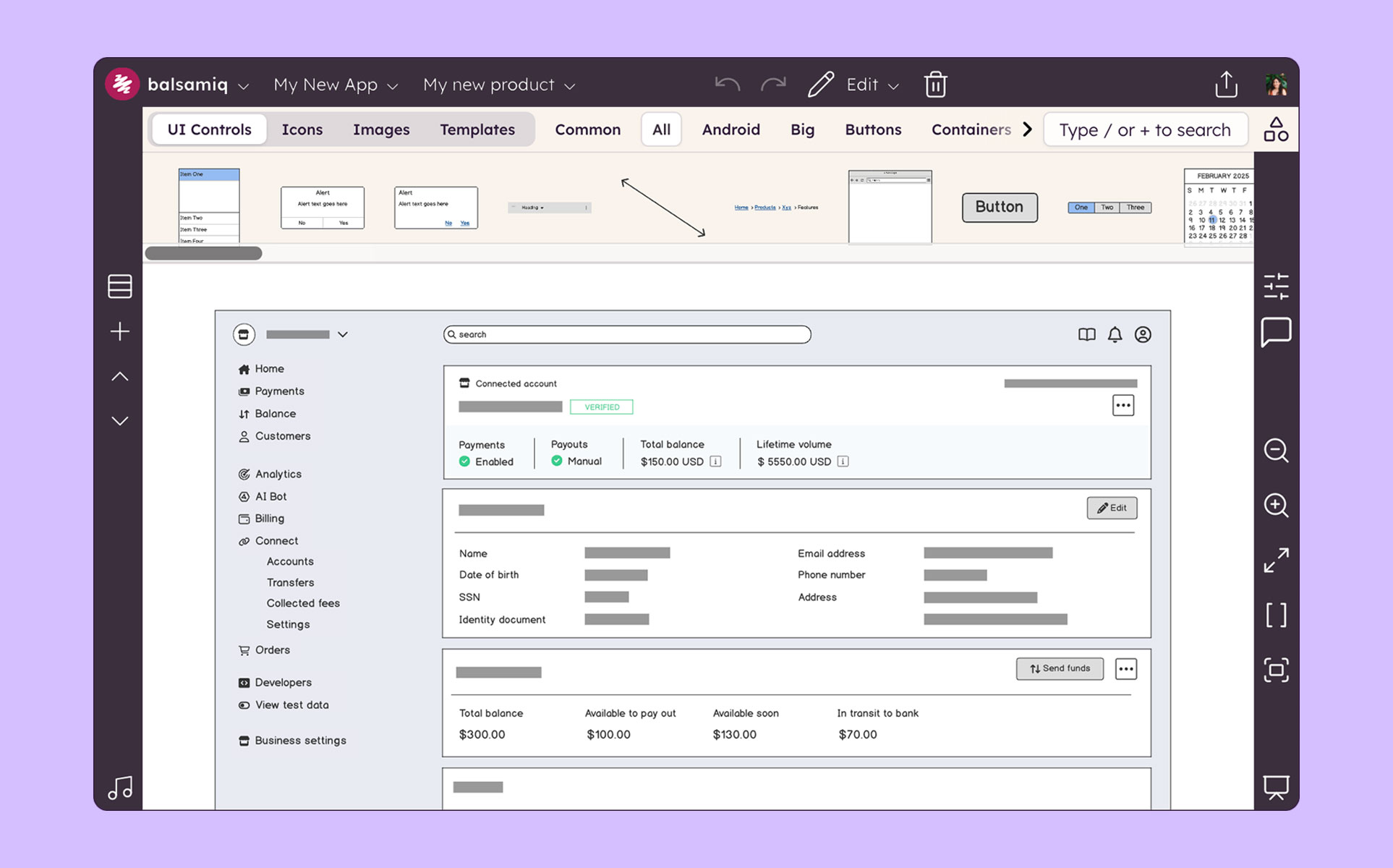 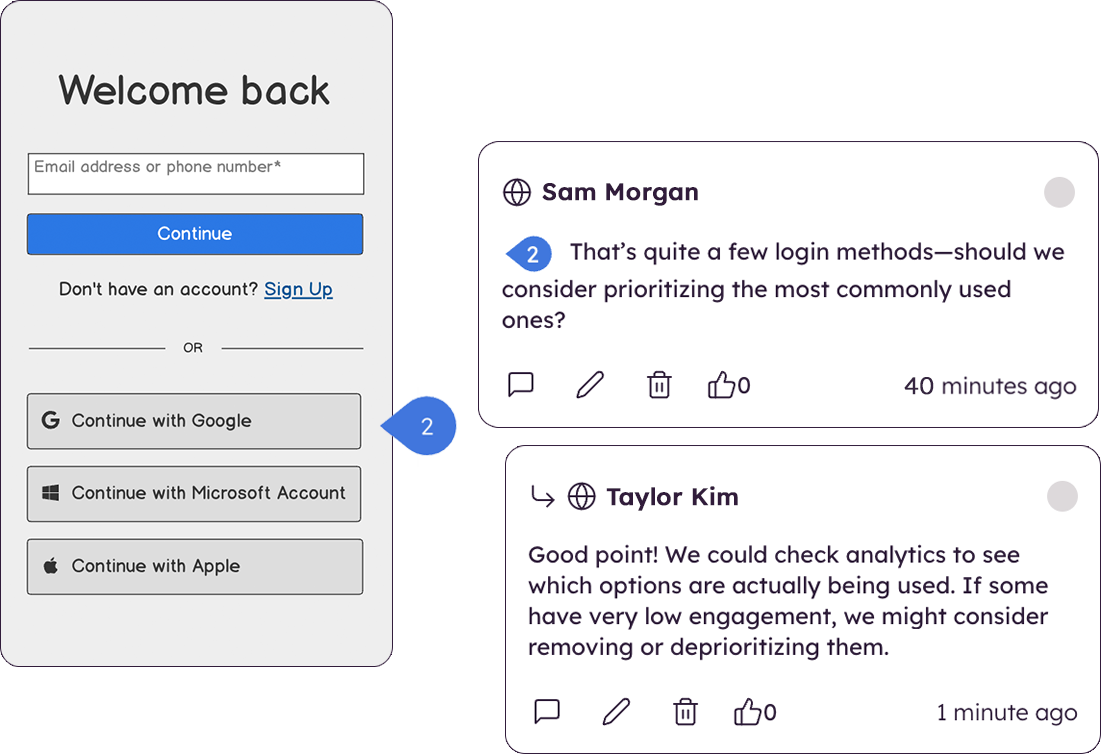 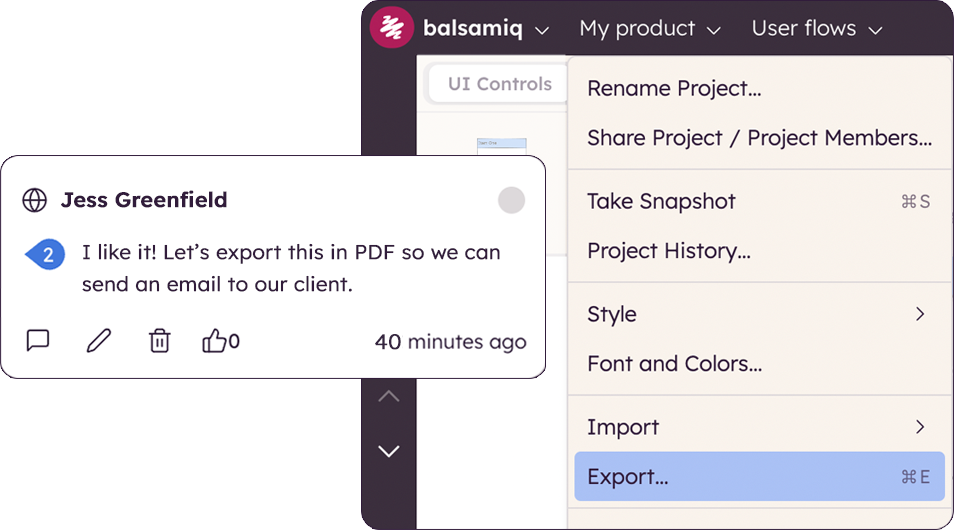 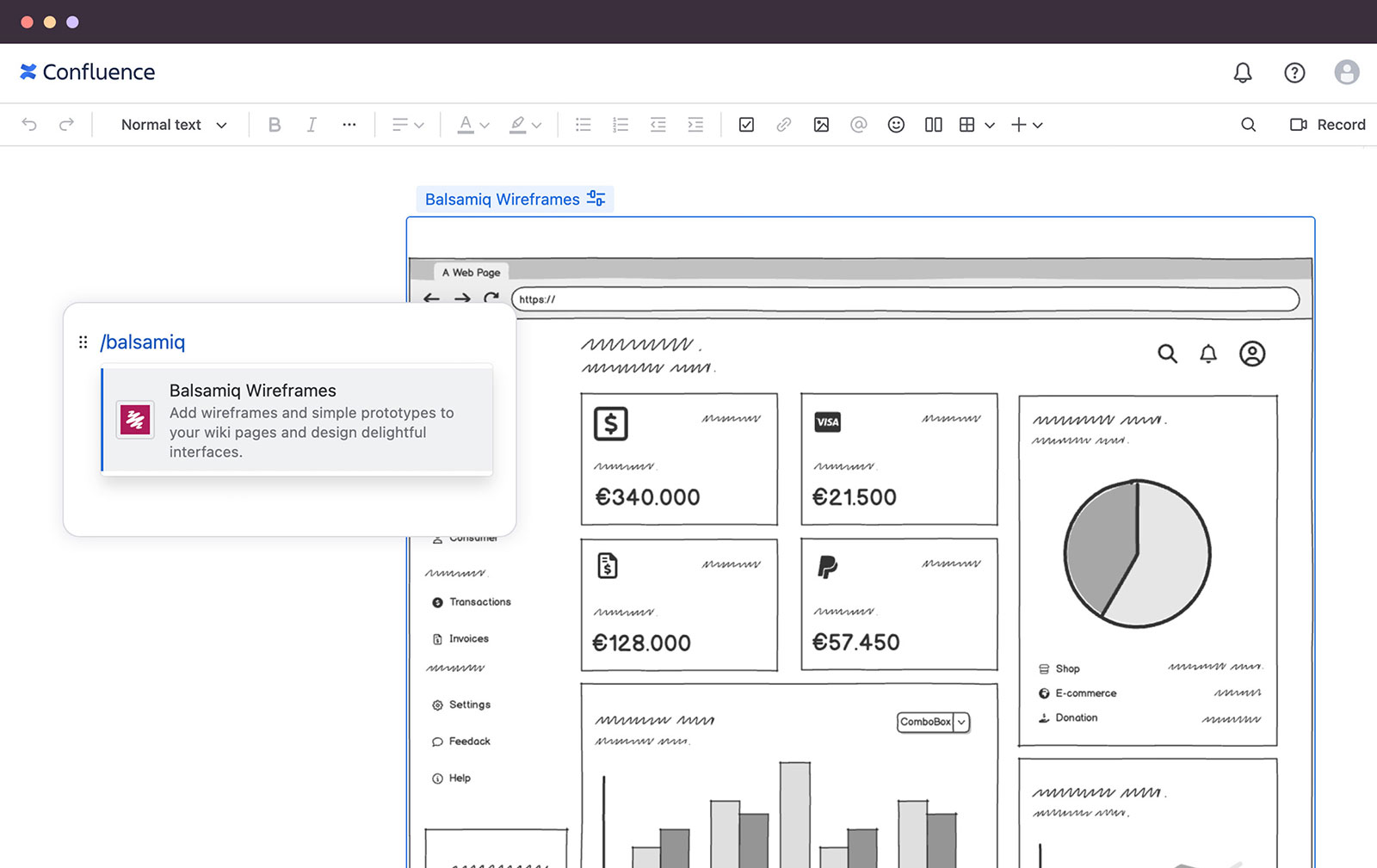 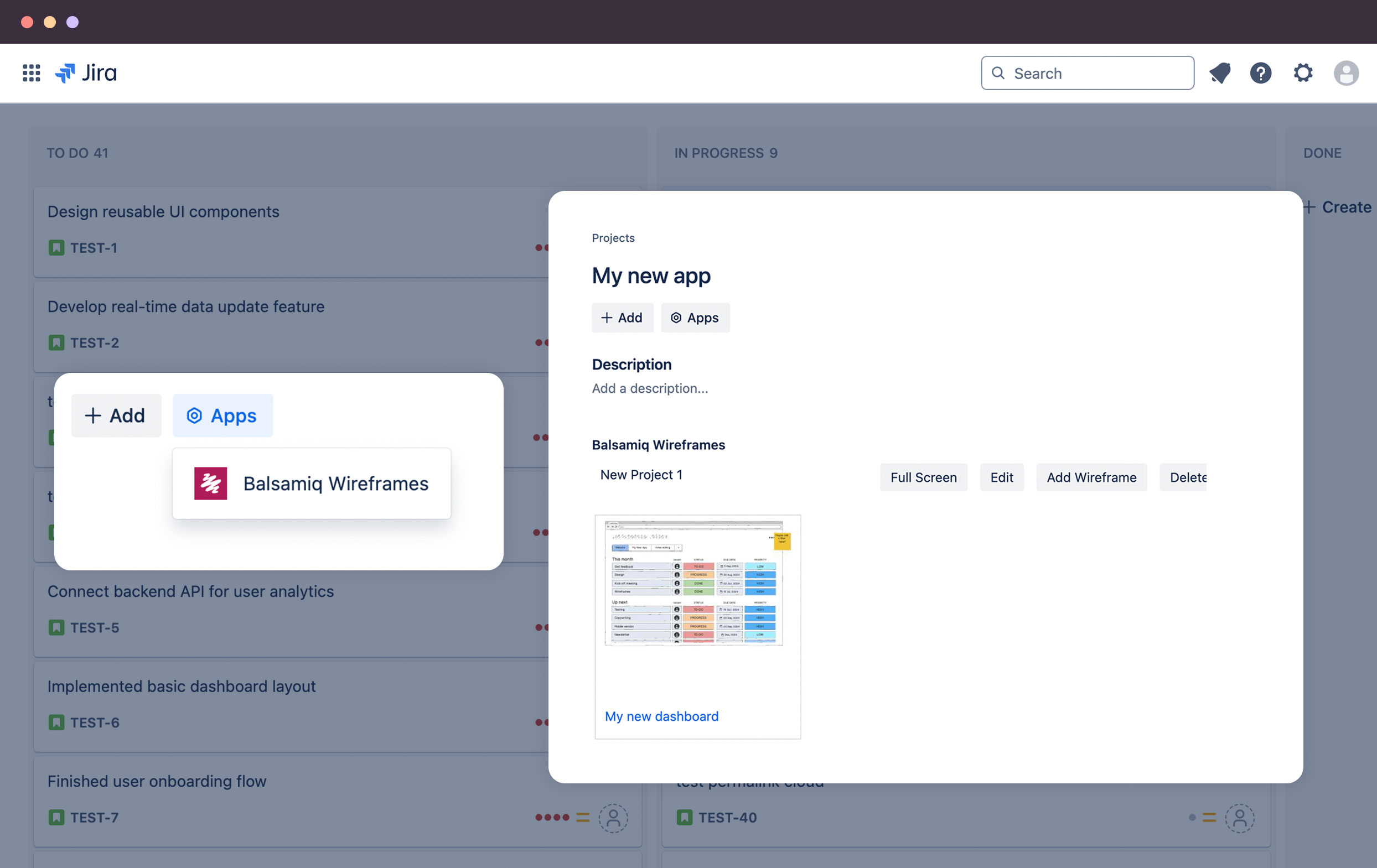 | Lucid Visual Collaboration Suite Screenshots   | Progress MOVEit Screenshots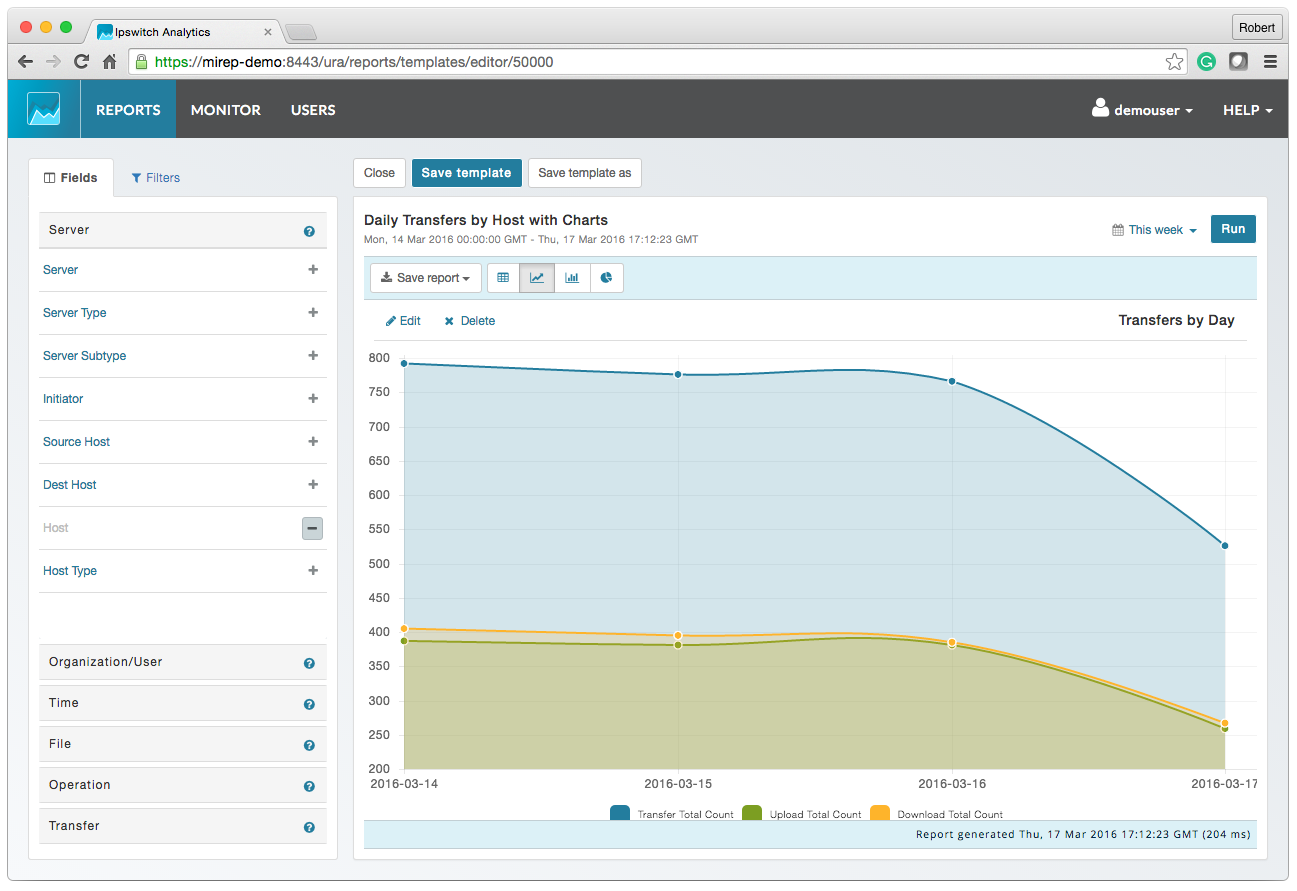 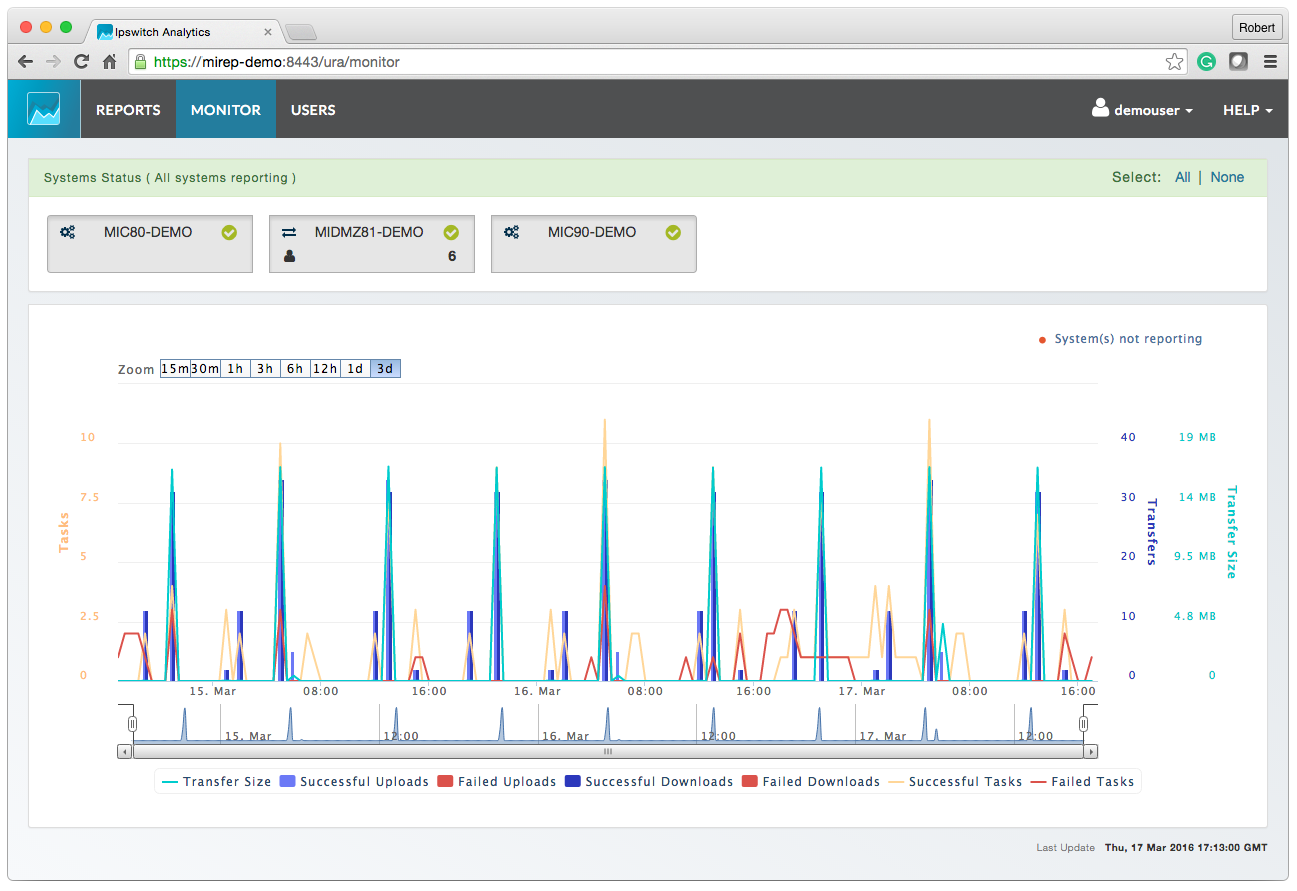 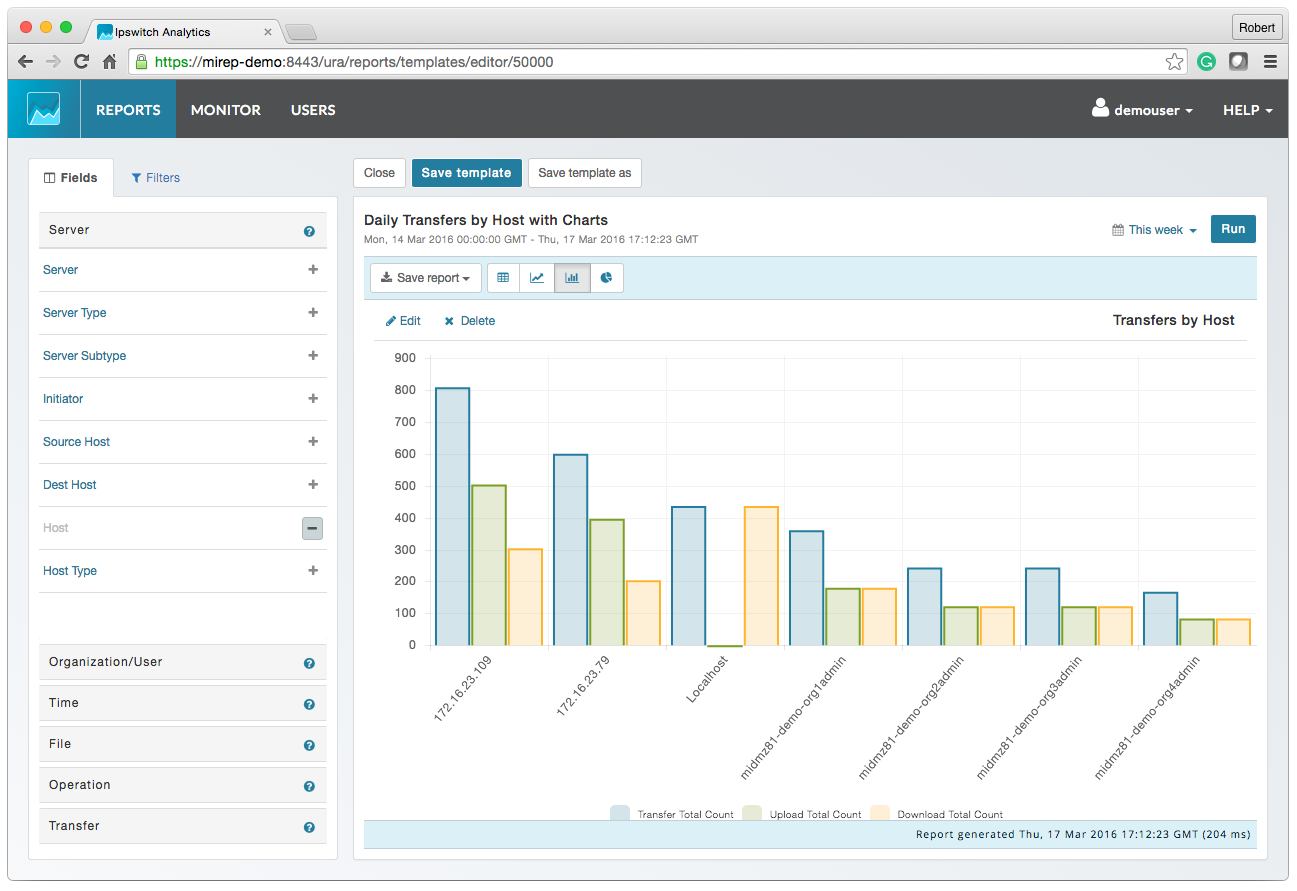 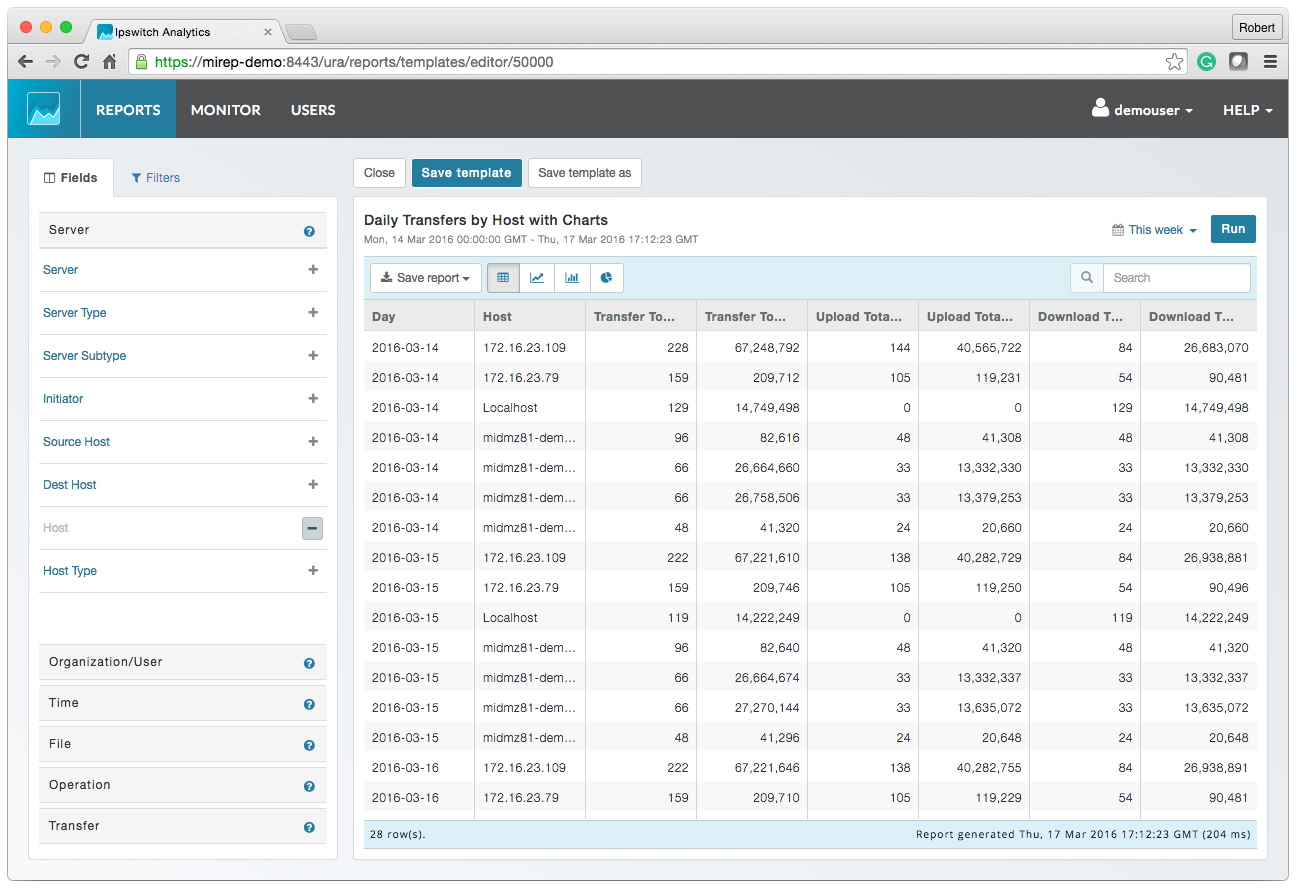   |