
Jason Xu
Founder
Chose BoldSign®, by Syncfusion®
BoldSign keeps digital signing simple and easy. DocuSign is bloated and incredibly expensive and too complex for signing documents required by a small business like mine.

| Product | Rating | Most Used By | Product Summary | Starting Price |
|---|---|---|---|---|
 BoldSign®, by Syncfusion® | N/A | BoldSign is an e-signature platform that enables users to send documents out for legally binding signatures. Boasting users in over 120 countries by more than 50,000 customers, BoldSign offers a solution that works for companies of any size—from startups to global enterprises. The platform offers a range of features, including bulk send options, localization settings for time zones and automatic translation, and an API to integrate BoldSign e-signature functionality into an organization's… | $0 per month 1 sender | |
 Box | N/A | Box is an online Intelligent Content Management solution that caters to individual users as well as businesses. | $7 per month per user (3 minimum) |
| BoldSign®, by Syncfusion® | Box | |||||||||||||||
|---|---|---|---|---|---|---|---|---|---|---|---|---|---|---|---|---|
| Editions & Modules |
|
| ||||||||||||||
| Offerings |
| |||||||||||||||
| Entry-level Setup Fee | No setup fee | Optional | ||||||||||||||
| Additional Details | Monthly and annual options available. In addition to BoldSign's web app options, API plans are also offered. A free sandbox is available that allows you to integrate BoldSign into an application in a testing environment. A discount is available for annual billing. | A discount is available for annual pricing. | ||||||||||||||
| More Pricing Information | ||||||||||||||||
| BoldSign®, by Syncfusion® | Box | |
|---|---|---|
| Considered Both Products |  BoldSign®, by Syncfusion® Jason Xu Founder Chose BoldSign®, by Syncfusion® BoldSign keeps digital signing simple and easy. DocuSign is bloated and incredibly expensive and too complex for signing documents required by a small business like mine.  Andre Carman Attorney/Owner Chose BoldSign®, by Syncfusion® I think it is just as easy to use, but it is a lot more cost-effective. I also like BoldSign, by Syncfusion® has my company logo.  Jeannie Werthman Commercial Property Manager Chose BoldSign®, by Syncfusion® Much more user friendly. Easy to see what to do! (Intuitive interface).  Elkin Edgardo Gómez García General Manager Chose BoldSign®, by Syncfusion® They all have similar features, but BoldSign stands out for its simplicity and ease of use. Adobe has a business model where they are sending you ads while you are using the system and the truth is that it tends to be a bit annoying and distracting at times. I didn't like the … |  Box  Cameron Markell Nolan Content Manager Chose Box I believe that anyone with exposure to software like Dropbox or Google Drive will have an easier transition when attempting to use Box. Where Box could improve is having a refresh of the UI/UX design. With an improvement to the design, Box can be more responsive and widely …  Ragul Kumar Research Executive II Chose Box Box is more professional when comparing other alternatives  Leon Prather II, CTS Manager of Digital Services Chose Box Box is nowhere as deep as Google Drive due to the breadth of Google's ecosystem, but it is a self-contained mini-DAM that most will find works really well. The added bonus of built in Gmail sharing is a nice addition.  Innsu (Daniel) Kim Sr. Engineer Chose Box Less space and features  Ehud Lehavi Quality Assurance Associate Chose Box Exactly the same. Works just as fine and smooth!  Pjeter Gjergjaj Senior Network Engineer Chose Box They are kind of the same. And both of them do their job as promised. But for company and project wise I think that Box slightly wins for some points. Which [makes him] win over Google Drive (don't forget that google drive is very easy to use and has a lot [of] nice features …  Lochan Kalicharan Desktop Support Specialist Chose Box Among many other solutions box has been vetted by our security professionals and deemed to be the best solution for our particular organization. This lends to many of box's security features that still allow for collaboration and secure file sharing.  Alan Bloxham Project Manager Chose Box We selected Box when our clients were specifically requesting us to use that app.  Bhawnish Kumar Implementation Engineer Chose Box Box has cheap storage pricing and so is preferred by small organizations, and easy to use app and sync make it a good product to use. Cross platform file sharing and editing over the cloud is one of the best features it has.  James Dean Senior Software Engineer Chose Box It gives different bands to give access to others to see documents which [helps] us to maintain confidential information easily and do what need. The best alternative to other cloud storage because of uploading and sharing the document.  Elena Heyl Global Head of Data Science Chose Box For us switching to Box [was] a big move. It saves us from big problems and troubles which we were already facing while using the other software. Those use a lot of effort and have zero results in terms of results. Box has been a great find for us.  Juliane Steudel Head Of New Business Chose Box Compared to all the listed alternatives I would give Box a good rating, because regardless of all the things normally associated with data, Box is always protecting all types of data with great efficiency and full responsibility.  Grace Wachina Software Architect Chose Box We have definitely come a long way to finally reach Box. It is undoubtedly a powerful and secure tool that is embedded with many modern features. Moreover, we wanted a platform that has more features and involves less cost. Altogether, it successfully stored many problems …  Marcus Jones Finance Assistant Chose Box I prefer Box over all of these alternatives because I find Box to be a lot more user-friendly and intuitive. Box has a lot more integrations as compared to the previous alternatives I used in my company. Moreover, this tool has led to an improvement in risk mitigation because …  Bianca Oviedo Associate Software Engineer Chose Box This platform was a recent selection but before switching to Box we used Hiver, MS
SharePoint, Dropbox, and Asana. We moved to Box because of many reasons like
cost factors, usability factors, support team rating, and much more. With my |
| BoldSign®, by Syncfusion® | Box | ||||||||||||||||||||||||||||||||||||||||||
|---|---|---|---|---|---|---|---|---|---|---|---|---|---|---|---|---|---|---|---|---|---|---|---|---|---|---|---|---|---|---|---|---|---|---|---|---|---|---|---|---|---|---|---|
| Enterprise Content Management |
|
| BoldSign®, by Syncfusion® | Box | |
|---|---|---|
| Small Businesses |  Foxit eSign Score 9.2 out of 10 |  Square 9 Softworks Score 9.3 out of 10 |
| Medium-sized Companies |  MSB Docs Score 9.4 out of 10 |  MediaValet Score 8.8 out of 10 |
| Enterprises |  DocuSign Score 8.7 out of 10 | MediaValet Score 8.8 out of 10 |
| All Alternatives | View all alternatives | View all alternatives |
| BoldSign®, by Syncfusion® | Box | |
|---|---|---|
| Likelihood to Recommend | 10.0 (0 ratings) | 8.2 (0 ratings) |
| Likelihood to Renew | 7.3 (0 ratings) | 8.0 (0 ratings) |
| Usability | 10.0 (0 ratings) | 8.2 (0 ratings) |
| Availability | 7.3 (0 ratings) | 10.0 (0 ratings) |
| Performance | 7.3 (0 ratings) | 9.1 (0 ratings) |
| Support Rating | 8.7 (0 ratings) | 8.5 (0 ratings) |
| In-Person Training | - (0 ratings) | 10.0 (0 ratings) |
| Online Training | - (0 ratings) | 10.0 (0 ratings) |
| Implementation Rating | 7.3 (0 ratings) | 10.0 (0 ratings) |
| Configurability | 7.3 (0 ratings) | 10.0 (0 ratings) |
| Ease of integration | - (0 ratings) | 10.0 (0 ratings) |
| Product Scalability | 7.3 (0 ratings) | 10.0 (0 ratings) |
| Vendor post-sale | 7.3 (0 ratings) | 10.0 (0 ratings) |
| Vendor pre-sale | 8.2 (0 ratings) | 10.0 (0 ratings) |
| BoldSign®, by Syncfusion® | Box | |
|---|---|---|
| Likelihood to Recommend |
Jason Xu Founder |
Pjeter Gjergjaj Senior Network Engineer |
| Pros |
Jason Xu Founder |
james dean Senior Software Engineer |
| Cons |
|
|
| Likelihood to Renew |
|
 Michael Thomas Lead Web Developer |
| Usability |
|
 burt smith Graphic Design Specialist |
| Reliability and Availability |
|
|
| Performance |
|
 Tyler Grudowski Product Development Engineer |
| Support Rating |
|
|
| In-Person Training | No answers on this topic |
|
| Online Training | No answers on this topic |
|
| Implementation Rating |
|
|
| Alternatives Considered |
|
|
| Scalability |
|
|
| Return on Investment |
|
|
| ScreenShots | BoldSign®, by Syncfusion® Screenshots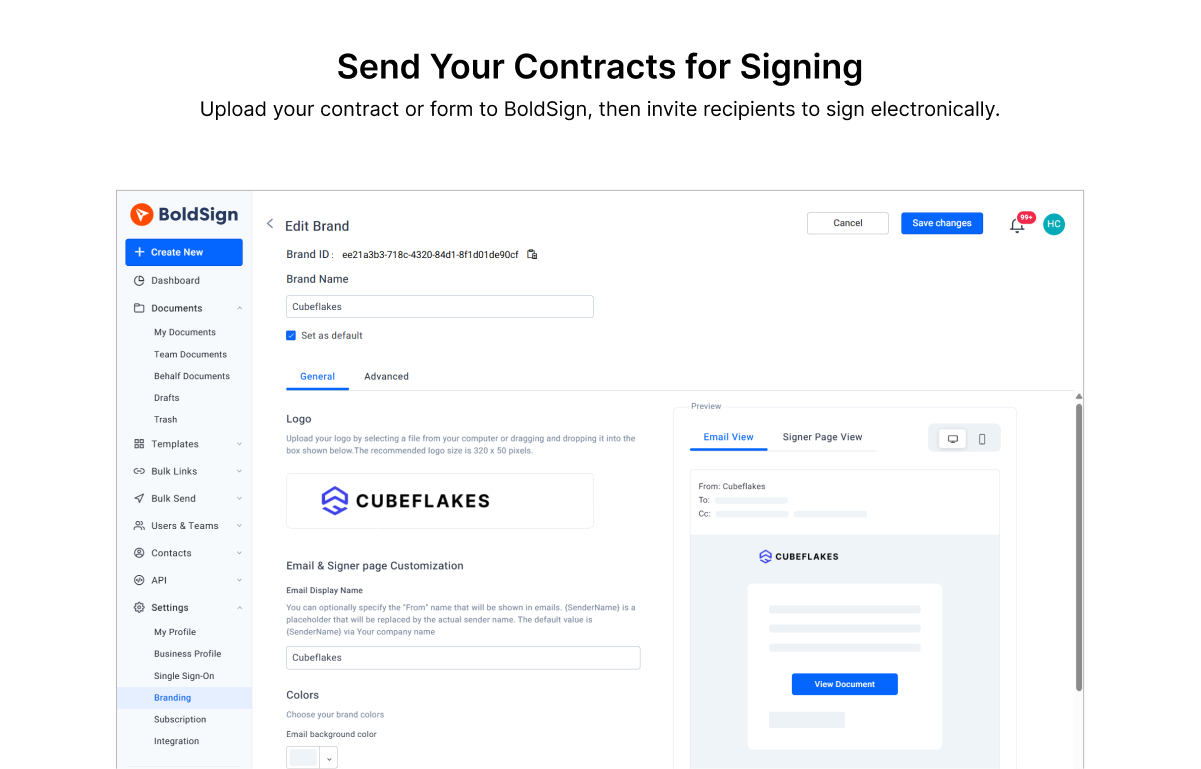 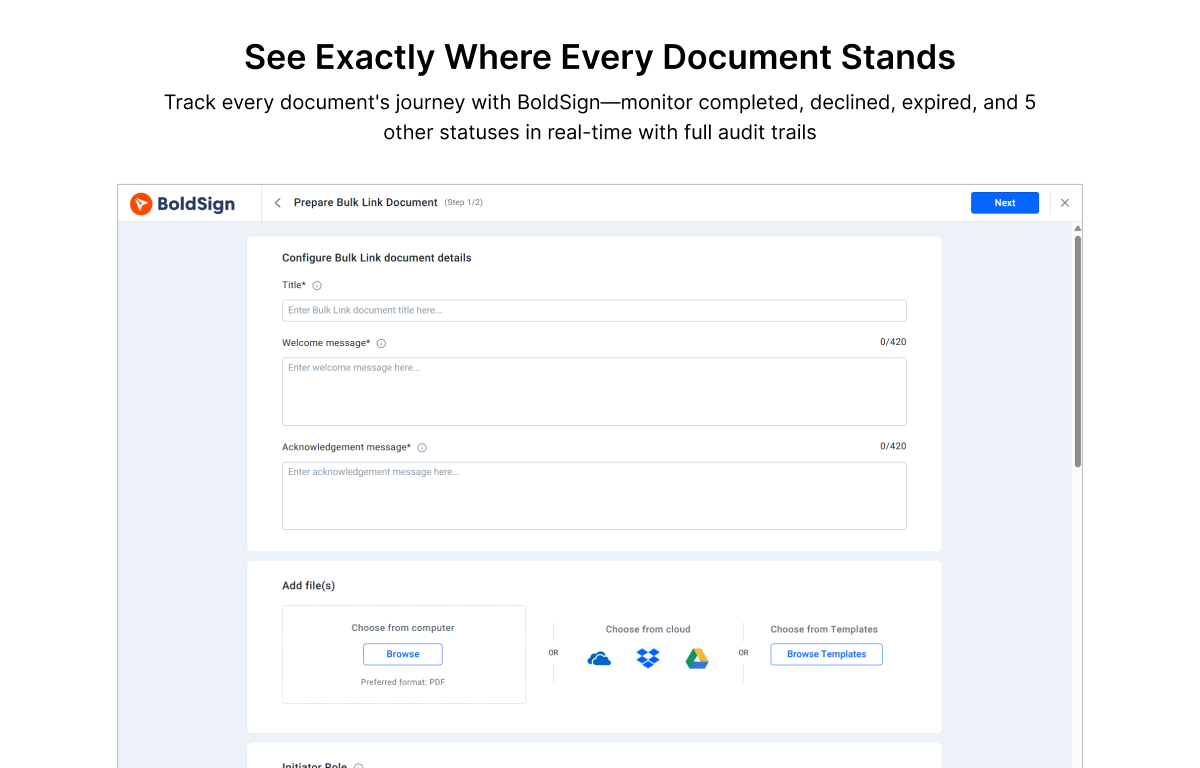 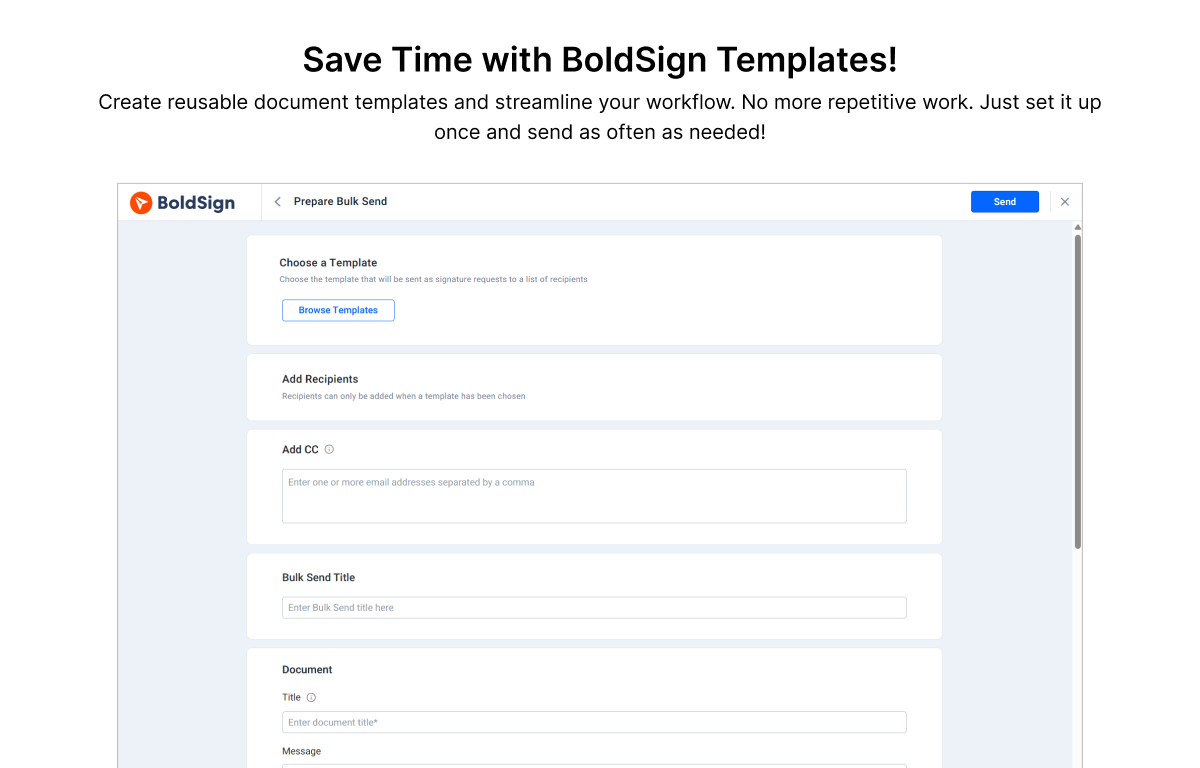 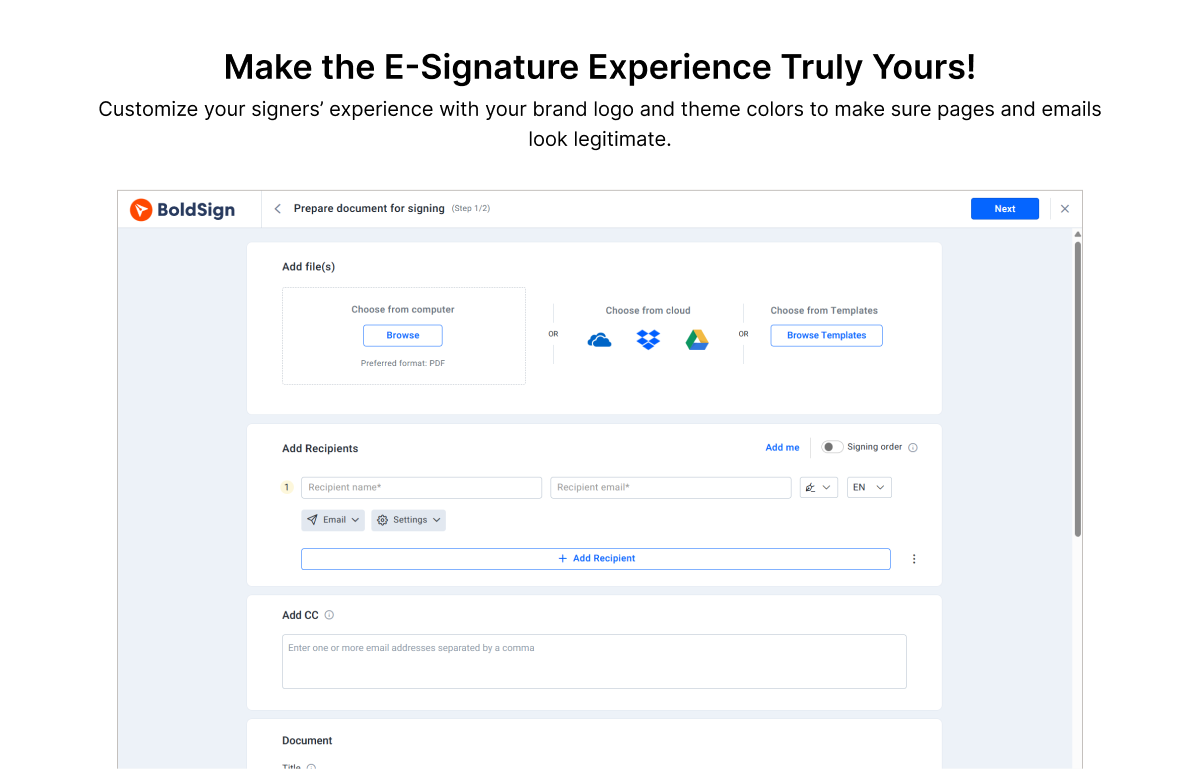 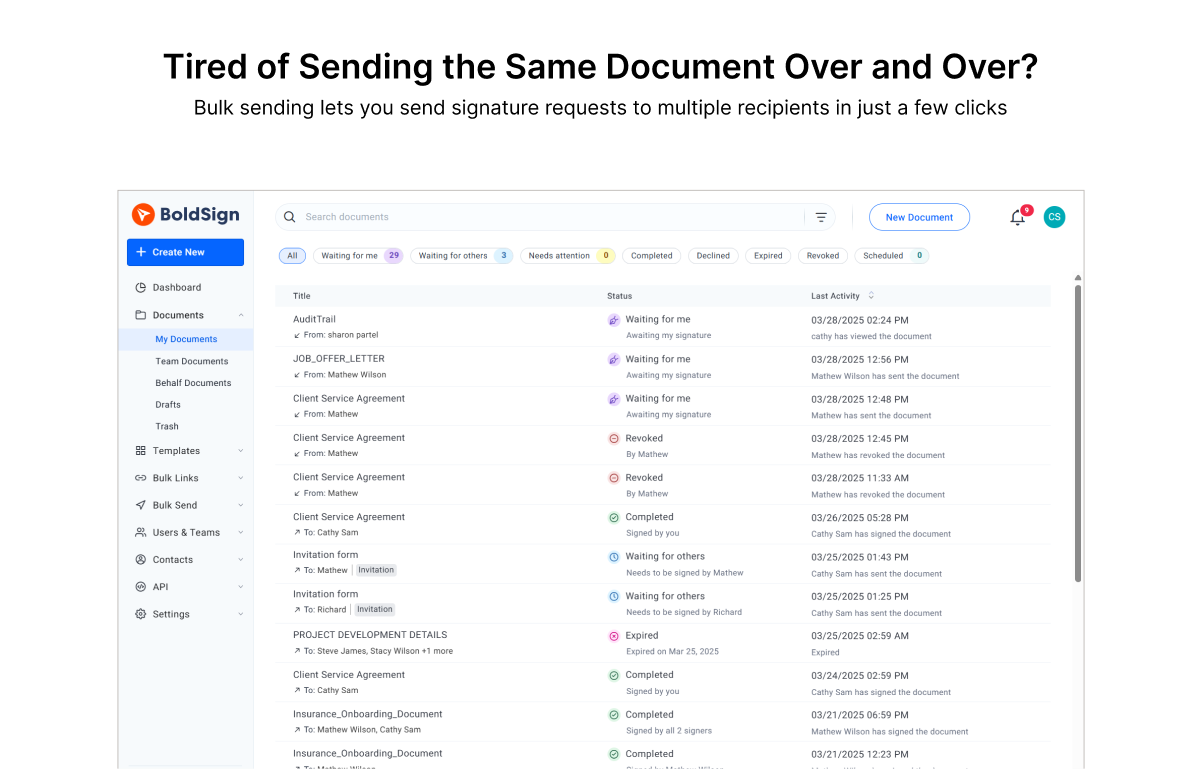 | Box Screenshots      |