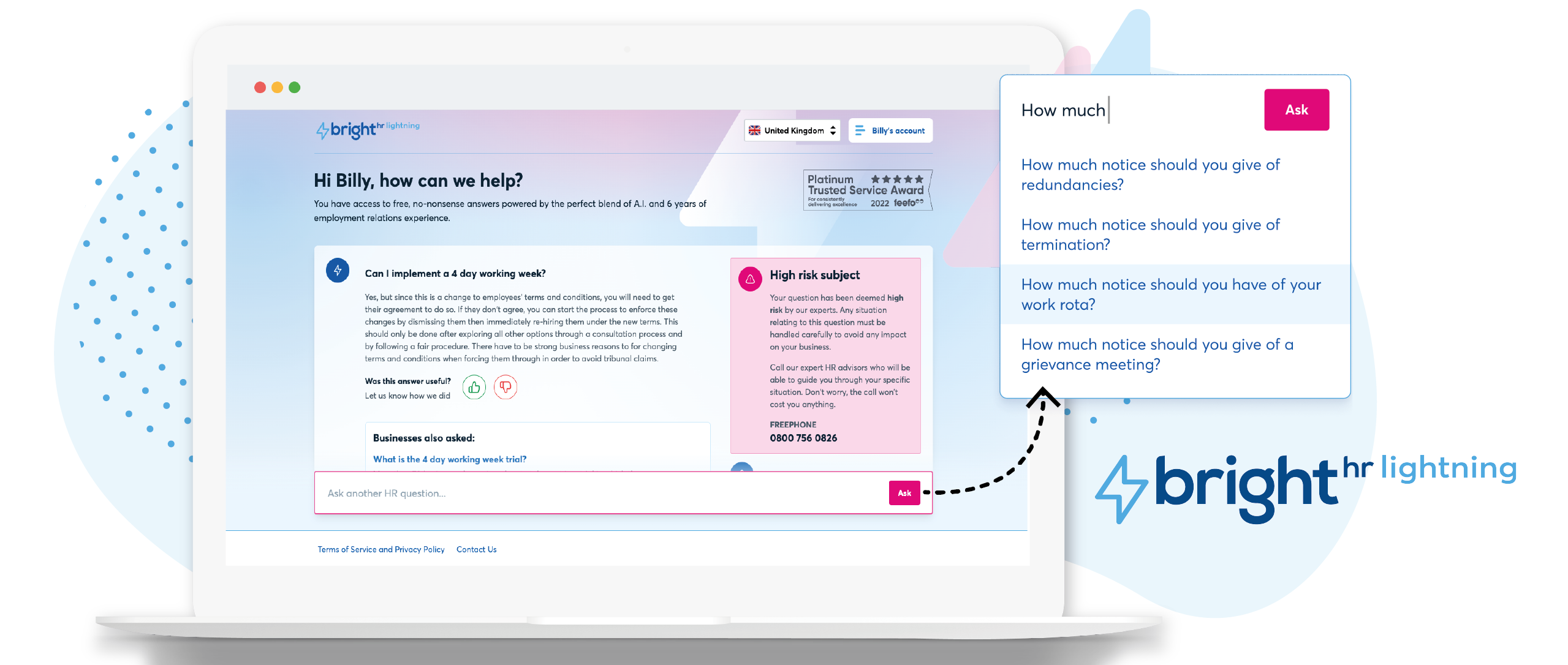
British company BrightHR offers a human resources platform which helps replace paper documents with edocuments and contains features for managing employee scheduling and ROTA, sick leave and tardiness, vacation and holiday shift planning, as well as providing employment law legal advice.
$4.50
Jobber
Score 8.6 out of 10
N/A
Jobber is field service management software from the company of the same name in Edmonton, Alberta.
$39
per month 1 user
Pricing
BrightHR
Jobber
Editions & Modules
No answers on this topic
Core
$39
per month 1 user
Connect (individual)
$119
per month 1 user
Connect
$169
per month up to 5 users
Grow (individual)
$199
per month 1 user
Grow
$349
per month up to 10 users
Plus
$599
per month Up to 15 users
Offerings
Pricing Offerings
BrightHR
Jobber
Free Trial
No
Yes
Free/Freemium Version
Yes
No
Premium Consulting/Integration Services
Yes
No
Entry-level Setup Fee
No setup fee
No setup fee
Additional Details
Prices start at £4.50 (per employee/per month)
Discount available for annual pricing.
More Pricing Information
Community Pulse
BrightHR
Jobber
Features
BrightHR
Jobber
Human Resource Management
Comparison of Human Resource Management features of Product A and Product B
BrightHR
7.0
37 Ratings
15% below category average
Jobber
-
Ratings
Employment history
7.031 Ratings
00 Ratings
Job profiles and administration
7.730 Ratings
00 Ratings
Workflow for transfers, promotions, pay raises, etc.
7.218 Ratings
00 Ratings
Organization and location management
6.129 Ratings
00 Ratings
Compliance data (COBRA, OSHA, etc.)
6.916 Ratings
00 Ratings
Payroll Management
Comparison of Payroll Management features of Product A and Product B
BrightHR
7.4
14 Ratings
9% below category average
Jobber
-
Ratings
Pay calculation
7.412 Ratings
00 Ratings
Support for external payroll vendors
6.78 Ratings
00 Ratings
Salary revision and increment management
8.09 Ratings
00 Ratings
Reimbursement management
7.58 Ratings
00 Ratings
Leave and Attendance Management
Comparison of Leave and Attendance Management features of Product A and Product B
BrightHR
7.1
49 Ratings
14% below category average
Jobber
-
Ratings
Approval workflow
6.447 Ratings
00 Ratings
Balance details
7.442 Ratings
00 Ratings
Annual carry-forward and encashment
7.525 Ratings
00 Ratings
Employee Self Service
Comparison of Employee Self Service features of Product A and Product B
BrightHR
8.1
48 Ratings
1% below category average
Jobber
-
Ratings
View and generate pay and benefit information
7.316 Ratings
00 Ratings
Update personal information
8.246 Ratings
00 Ratings
View company policy documentation
9.045 Ratings
00 Ratings
HR Reporting
Comparison of HR Reporting features of Product A and Product B
BrightHR
6.9
22 Ratings
9% below category average
Jobber
-
Ratings
Pre-built reports
6.922 Ratings
00 Ratings
Onboarding
Comparison of Onboarding features of Product A and Product B
BrightHR
7.2
15 Ratings
10% below category average
Jobber
-
Ratings
New hire portal
7.013 Ratings
00 Ratings
Manager tracking tools
7.412 Ratings
00 Ratings
Performance Management
Comparison of Performance Management features of Product A and Product B
BrightHR
7.3
18 Ratings
8% below category average
Jobber
-
Ratings
Review reminders
7.518 Ratings
00 Ratings
Multiple review frequency
7.115 Ratings
00 Ratings
Recruiting / ATS
Comparison of Recruiting / ATS features of Product A and Product B
I feel Bright HR is well suited to most small/medium sized businesses where they have a 'straight' forward resource set up. For larger businesses or for complex businesses similar to ourselves, where we operate 24 hours per day, rotational shift patterns, ambulatory staff, locums etc...we have to 'fudge' the way we use the information sometimes to make it work for us.
The cost of Jobber is not suitable for a startup - even our company size is hard pressed to squeeze in other areas of business to afford the cost. Zenmaid or other maid-forward services may be better suited since Jobber seems to focus it's offerings on one-off as opposed to recurring services like ours. For business who do in-person estimates like ours, the streamlined estimate feature which causes increased conversion rates makes it worth the cost - as we anecdotally gain more business this way. However, if we switch to an online booking / instant booking model as opposed to in-person estimates, we may not require this feature. Zenmaid has a "gamified" residential booking page that was extremely high converting for us - we received sometimes 30+ inquiries per day due to the ease of use - MANY more completed inquiries than we receive now - but they didn't have a quoting and deposit collection tool - so here we are. If we used their instant booking feature we would have stayed due to the scheduling tool, gap finder, prevention of double booking employees, and cleaning service focus, as well as significantly reduced pricing.
Notifications for requests should be optional based on individual employees. For example an admin won’t necessarily want every staff members leave requests by email and push notification. The settings only currently allow for notifications for everyone or no one. Being assigned as a manager may not allow data viewing required of wider staff.
Toil should automatically be accrued into a balance if the employees clocked in time amounts to more than the target hours. It shouldn’t have to be calculated and requested.
When reviewing hours worked for the week, the history calculation should take into account approved leave and sickness etc. I have a staff members target of 37 hours, but if their hours show 29 hours worked then I have to work out why they worked less. It should account for this if the absence is approved.
For us, sometimes doesn't save the data, just gone, especially terrible if you have a data interruption since it has zero offline capability.
I think the price is way high now, made the mistake of 'upgrading' and cannot go back.
In my experience, way too easy to create a duplicate entry of anything, then near impossible to clean up, unless you notice it immediately.
I found no merge functionality. Same client has two entries? Too bad.
In my experience, does not work with Xero accounting software, took a long time to figure that out especially since they advertise it and that was why we chose both of them, for the supposed integration. For us, Quickbooks was also a pain.
In my experience, the app is unusable, must use the web version on a mobile device.
In my experience, the integrated payment processing cannot accept debit in Canada, only credit cards.
It's not entirely my decision - we are members of a 'community' of veterinary practices who have signed up to the contract with pensinusla and have bright hr as part of that contract however, I am usually involved in the tender process as I am one of the biggest users of both bright hr and the services from peninsula
Great modern interface and mostly intuitive but feels like it needs a bit more functionality or improvement to be truly intuitive. For example, you get a notification that you have an overtime request, you click it and it doesn't take you to the page where you can authorize the request and when you do navigate to the right place and action the request, you still have to go back to notifications and mark the request as complete and remove it.
Jobber is an easy-to-use and friendly software designed for efficiency. Its interface is well-organized, ensuring that each section is intuitive and accessible. Users can navigate smoothly through tasks, making project management simpler. Overall, Jobber enhances productivity and streamlines operations, making it a valuable tool for various projects.
The team are proactive, having an advocacy team is just amazing and a great way to really understand their product roadmap and have input into useful features or feedback
There is hardly an app that covers it all while staying simple and wrapping up the process. From the filing of the request, everything goes smoothly following a natural progression. Reports are insightful, give you an instant overview and easy to understand. In addition, you can easily track any information from those on clients to expense tracking.
it was fairly easy to do but timely as i had to enter everything from scratch - i didn't at the time realise how important it was to set up the variable or fixed working pattern correctly given future changes as this is very tricky once it has been set up and i wished i had been aware that sometimes you can't make future changes without deleting the whole profile and starting again
I chose BrightHR as it offered a one-stop platform for HR management for which we have dedicated UK and ROI HR specialists who not only give HR advice but also write policies and handbooks, etc. They are a one-stop-shop, which was very important as when I signed the contract I did not have an HR person in my team and they were essentially my back office. Also, by signing up, I got access to Bright Safe too; which is great as again it's a one-stop-shop for Health and Safety in the workplace. So I can roll out toolbox talks, training, and accident management.
Square only allows for scheduling to one person. And my team couldn’t see their schedules. As a cleaning company, I need to let cleaners know what their pay is without them seeing what I’m charging. That’s game changer about Kobber.