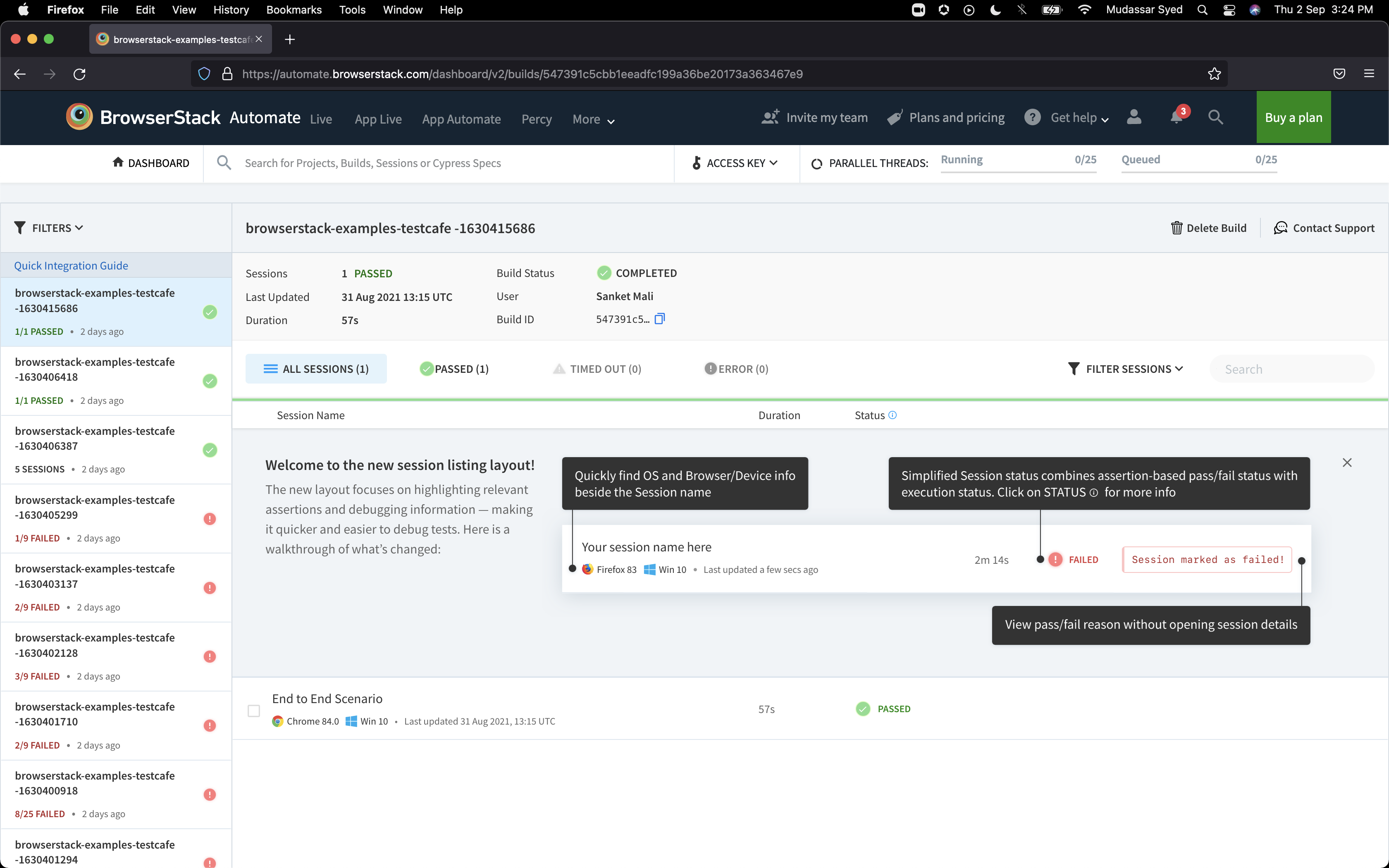
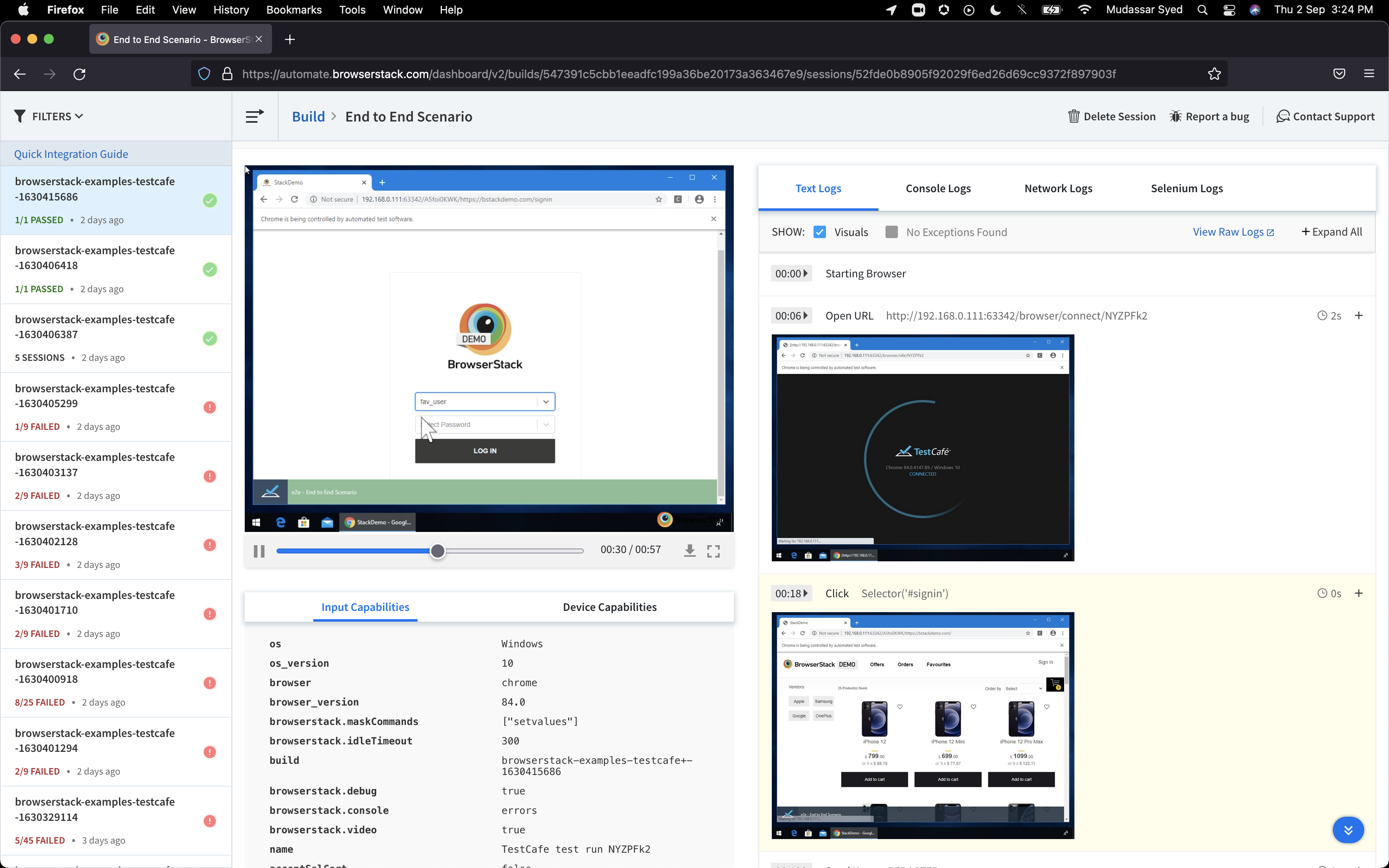
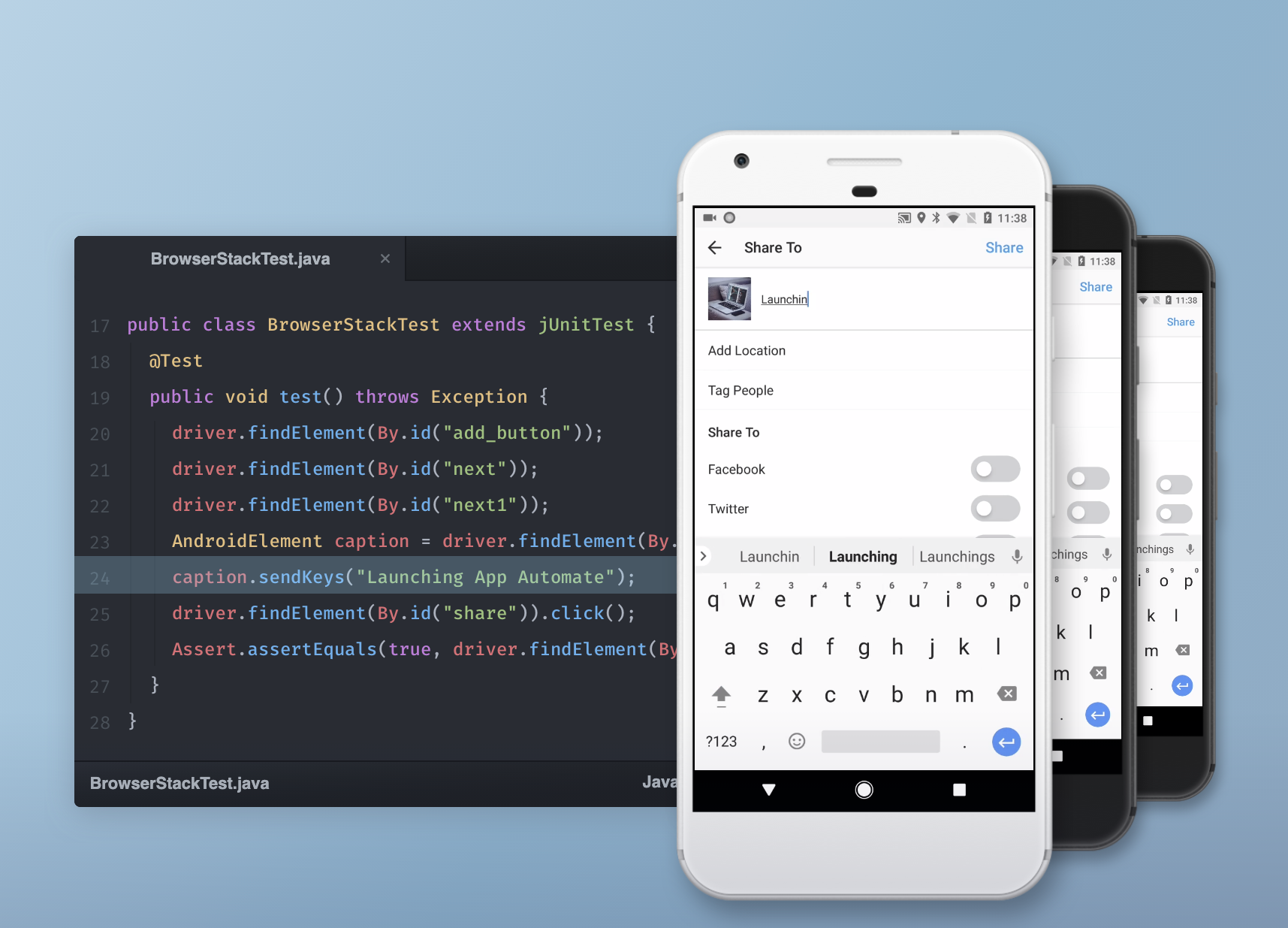
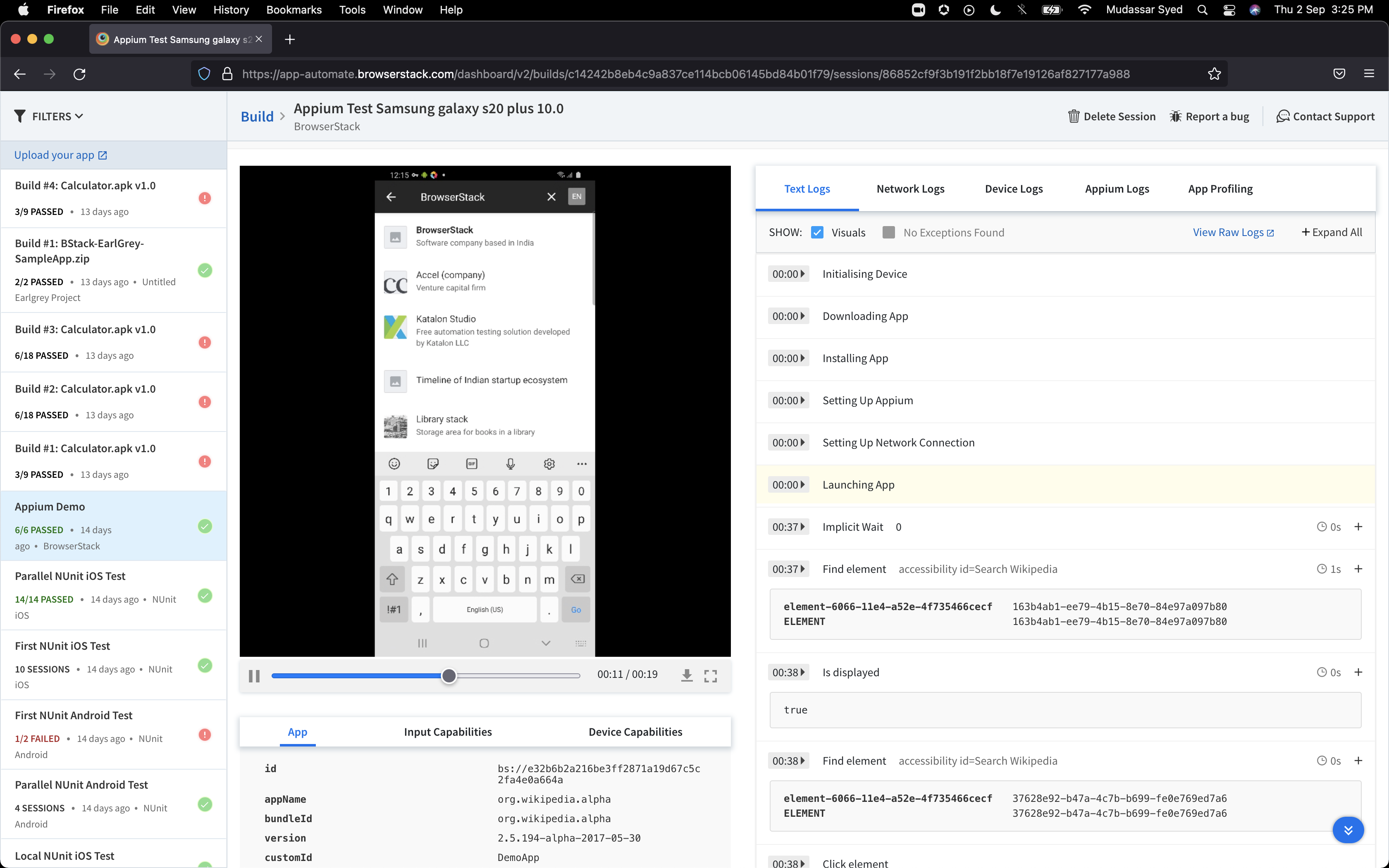
BrowserStack is a test platform built for developers and QAs to expand test coverage, scale and optimize testing with cross-browser, real device cloud, accessibility, visual testing, test management, and test observability. BrowserStack states it currently powers over a billion tests a year for customers who include Amazon, Paypal, Well Fargo Bank, Nvidia, MongoDB, Pfizer, GE, Discovery, React JS, Apache, JQuery and several others rely on BrowserStack to test their web and mobile apps.
$0
per month Unlimited users and 5000 free screenshots
Perforce P4
Score 7.4 out of 10
N/A
Perforce P4 (formerly Helix Core) is the company's version control and peer code review solution. Perforce offers add-on products for code review for free, and Git support products.
N/A
Selenium
Score 8.3 out of 10
N/A
Selenium is open source software for browser automation, primarily used for functional, load, or performance testing of applications.
N/A
Pricing
BrowserStack
Perforce P4
Selenium
Editions & Modules
Percy - Free
$0
per month Unlimited users and 5000 free screenshots
App Percy - Free
$0
per month 5000 free screenshots and 100 minutes of infrastructure
The main factor contributing to the adoption of BrowserStack over the others we tested is its ease of adaptation. This tool doesn't require much training to adapt. Onboarding is faster, and UAECases testing is very fast, as it includes parallel testing automation capabilities.
Chrome DevTools is free, but it takes a lot of time to manually switch devices/models, etc. And it doesn't let you switch to another system or browser (of course). When we did use it more, we'd also have to find other Chrome extensions to make up for things it didn't have built …
We used LambdaTest, but ultimately it didn't work for us because it put us in a queue when we kicked off a testing job instead of starting immediately. Our continuous integration process is managed by Microsoft Azure DevOps, and the pipeline agents it provides have a 60-minute …
It had all of the features we needed. The user interface is clean and accessible. AWS Device Farm was clunky, slow, and hard to use AND offered very little automation options / APIs.
We really needed a solution that could become part of an automated testing pipeline and …
BrowserStack is simpler and more user friendly than Sauce Labs and can be easily learned by any individual who is new to it and does not require much efforts. Also, BrowserStack is more trusted by the clients that we offer services to, and is always considered the best option …
BrowserStack is much compact and faster compared to katalon studio for mobile testing and supporting a lot of emulators compared to katalon.The licensing cost is also better compared to katalon and the user base of BrowserStack is high with official documentation well in place …
BrowserStack is often favored for its broader device coverage, ease of use, and strong local testing, while Sauce Labs shines with deeper analytics (video, network capture), AI-driven features, and robust performance for large-scale automation, especially for mobile/desktop …
well is a better option for doing testing. I used only Snagit for simple things in documentation, but usinga browser is more complete for the process of doing a large number of test cases. Snagit can crash your system with a lot of pictures, but a browser doesn't do it …
I actually tried BitBar back when they were still called CrossBrowserTesting. They offered a free trial when Browserstack got hacked in 2014. I wasn't a huge fan of their service vs Browserstack, mainly because the UI was less intuitive. I ultimately ended up going back to …
BrowserStack provided similar features at a lower cost than any other platform. All features surpass those of our competitors. Support from the BrowserStack team is awesome.
I chose BrowserStack over Playwright because it was far more simpler to test test cases, builds were already set up and was just right because our web application was not as complex as others. We also used it because of the text and image validation which is what we really …
In my opinion, Perforce Helix Core is on a top level of irritation and anti-user experience. In my experience, I can't do simple things like 1 word file edits, while I have never been confused when using something based on Git.
Git is great, I love Git. But it's not great for dealing with binary assets, even when using git LFS. Locking is not as simple as on perforce. Git presents some problems on using for non-tech people it can get overwhelming and tech people have to come by and help.
New users of Perforce Helix can be up and running in less than thirty minutes. It is easy to use, but also very powerful. Bitbucket is slow, prone to outages, and (for large teams) requires a team of dedicated administrators. I've had request for information from Bitbucket that …
My last two jobs used SmartSVN but it required a paid license to use regardless of the number of users. The initial setup for Perforce was much more difficult than SmartSVN. There is a lot of parity between the two software packages even though the terminology can be different. …
Perforce has a better built native visual client that is much simpler to use than Git's. It has a lot of optimizations in the workflow that can execute common patterns during a usual workday. Perforce also has an easier to understand method of presenting merge conflicts and …
Perforce is internally hosted, which makes it quite a bit faster. I found it easier to use that GitHub and Bitbucket, at least in terms of checking out files and creating changelists. GitHub and Bitbucket are much better for smaller teams, as they are cloud hosted, making …
Today's web based software makes them easier to integrate into a development process. Jira with integrated BitBucket as the versioning tool, is ahead of the competition. However for large organizations, Perforce is still a very good choice. GitHub can be used as free tool, but …
Perforce is similar to SVN but the SVN has better command line support. Git surpasses both SVN and Perforce because of its flexibility with multiple branches and code review.
Perforce has more features than SVN. However even the simpler tasks in SVN require a degree more technical aptitude with Perforce. Git offers most of the same features, however most of these are only really supported via the command-line in Git, where as most tasks can be …
The excel integration was key for using Selenium. I needed to be able to pull excel reports and use SQL, so I needed to find a program that would work with Excel natively. Selenium allowed me to reuse some of my existing SQL code and add a level of automation that I was not …
When we compared Selenium to Saucelabs, [we found that] both have their own set of advantages but [preferred] Selenium [in the end]. [With] Selenium we have a uniform setup in place to test both the framework and grid which makes it preferable over Saucelabs. [The] test …
At the time of adoption, there were not many other alternatives that were even close to being competitive when it comes to browser testing. As far as I know now to this day, there is still little competition to Selenium for what it does. Any other browser-based testing still …
Customers are always spending less cost on tools and prefer open-source tools which leverage all applications Can be tailored your framework in selenium according to application Moreover CI/CD pipeline is easy in selenium compared to other tools Can be built custom test …
The main Selenium usage is in the security field. Selenium drives the web application and let ZAP test some piece of software and UI in order to find security issues. Is Jenkins in charge to run it and manage reports? For the reporting, we tried many solutions, including …
Open sourced and free: Multiple language support: The community: Wide plugin support: Easy installation and intuitive usage: Cross-browser support: Remote testing: Multiple testing and parallel testing execution:
The main reason I prefer Selenium is because it has a fairly common user community and because it is open source, it works on many platforms (Windows, Linux, IOS) without any problems. In addition, it gives us a lot of options for writing functional tests. For errors that we …
Since it is an open-source testing tool, there is no licensing cost involved. Selenium is a cross-platform tool that supports cross-browser testing. To manage and report test cases Selenium can be easily integrated with frameworks like JUnit, TestNG.
We have looked at other options, but none are open source like Selenium and easily plug able into different web applications. Selenium does not cost anything, and although you don't get support for it, there are many technical forums our there that provide troubleshooting if …
The first obvious thing is Selenium, an open-source tool, and it has a wide-open community for support. Well, on the other hand, Silk Test is a paid tool. With the combination of different tools in the market, we can build a solution for Web and Mobile based automation using …
UFT is a paid tool from microfocus and able to automated alomsts all platforms but there is Fee for licensed versions software. TOSCA is also a paid tool from Tricentis which does not require coding skills from tester and implements mode based automation. where as selenium is …
TestComplete is more like an enterprise automation testing tool, that consists of many built-in functions. The license is rather expensive https://smartbear.com/product/testcomplete/pricing/. TestComplete's user community is not as large as Selenium user. Smartbear's …
We use both the products in our work. Mostly we avoid Selenium because we have replaced that half of the work with RPA, which works faster than Selenium and with less brainstorming. Some of our work can only be done with Selenium, while some of our work can work faster with RPA.
All alternatives are not listed here (like QTP), but Selenium beats all of them because it's free, there are tons of guides and tutorials on the internet, and there are lots of extra libraries that use Selenium.
We were considering HP QTP against Selenium. but we chose Selenium because of the following reasons: 1. Selenium is more widely used and has more online support community
Ghost Inspector, a cloud-based automated web app testing tool, used for recording and playback, a lot like Selenium IDE. Ghost Inspector provides Google Chrome and Firefox plugins to record browser actions and allows users to save the tests on their cloud platform. It allows …
As per my experience, BrowserStack is more suited for those organizations that have a remote work culture and also for those who need multiple device testing. Also, it is beneficial for those organizations that do not want to spend more on physical devices, as the devices update frequently in the market. It is not appropriate for those organizations which have lesser need of multi- device testing as the subscription model may not be feasible for them. Also a small organization with less number of employees would not opt for BrowserStack as it would be costlier for them.
For large-scale codebases with fixed and regular releases that do not follow a continuous delivery paradigm, Perforce is certainly well suited. In projects that are small and distinctly separated from other discrete (though potentially dependent) units, the benefits of the Perforce tool may not be as clear of a victor over other systems.
When you have to test the UI and how it behaves when certain actions are performed, you need something that can automate the browsers. This is where Selenium comes to the rescue. If you have to test APIs and not the frontend (UI), I would recommend going with other libraries that support HTTP Requests. Selenium is good only when you have no choice but to run the steps on a browser.
I wish it didn't time out so quickly. I often move back and forth between my native Mac OS system and browsers to BrowserStack for Windows browsers and it often times out so I have to start over.
I am not sure why, but when I've been testing in BrowserStack for a long period of time - maybe over a couple of hours, it sometimes gets buggy and unresponsive or slow to respond. It makes it hard to tell if I'm experiencing an issue with the site I'm testing or if it's an issue with BrowserStack.
If I'm wishing for the moon and stars, I'd ask for the ability to use BrowserStack to also test with JAWS screen reader. But I'm happy having NVDA.
Recognize Adobe Flash and MS Silver Light elements without additional help
Detect and locate Java applets ingredients
Having the "Wait-till-Displayed" or "Wait-till-Present" as a built in Web Driver function instead of requirement for writing loops and defining expliccit wait, visiblewait, invisiblewait, etc.
It's simply a must-have tool. As a designer, I have to ensure my work is at least functional in older browsers. I also have to ensure that, when I design for mobile devices, any differences between platforms aren't problematic. BrowserStack allows me to test my work in a fraction of the time, with a whole lot more accuracy.
We have a need to consolidate into a single package, and have such a large variety of technical proficiency among our users that Perforce seems less suitable. Many would like to remain using it, however, even those who use Perforce are the minority, and are often limited to our development teams.
We love this product mainly because of its high customization abilities and the ease of use. Moreover, its free and can be learned easily through online communities and videos. The tests are more consistent and reliable as compared to Manual tests. It has enabled us to test a large number of features all in one go, which would have impossible through manual tests. The reports generated at the end of the tests are really helpful for the QA and the development teams to get a fair view of the application.
So many options that it can be a little overwhelming, but the core functions are easy to find and use and it's usually not too hard to figure things out for the more complex tasks. Very easy to boot up a device and a specific browser from the dashboard to begin a manual website test.
With Perforce Helix, you can use it via the command line, via P4V, or any of the other APIs included with the product. It is extremely easy for new users to get up and running. Users of Perforce Helix only have to pull in the files of interest to them. Also, Perforce is very easy to script and integrate into your CI/CD pipeline. Streams allows you to have pinpoint control of your workflow, and P4Search is the absolute best--I wish Perforce (the company) would talk more about this. It is absolutely fabulous!
For those who are unfamiliar with coding, there is a bit of a learning curve. There is plenty of helpful documentation and resources but it can take a little time to get the software up and running. Once you get the hang of how Selenium works, and what it can do, you realize how many things you can use it for, and how many processes you can automate.
I rated BrowserStack's availability a 10 because it is consistently reliable, with minimal to no downtime or unplanned outages. The platform is accessible whenever needed, ensuring uninterrupted testing. Its robust infrastructure and proactive monitoring ensure a seamless experience, allowing us to meet deadlines without delays caused by availability issues and all
In our large environment, Perforce is rarely "down". We have regular maintenance windows and from time to time Perforce can feel a little slow, but its always available. Tech support has always worked with our engineers and IT department to make sure that any real performance or stability issues are addressed quickly.
The tests are fast considering the fact that they're Appium tests. I've seen tests reliably pass or fail when they're supposed to, with next to zero issues on the BrowserStack side of things. Tests launch only seconds after I kick off them off from my CLI.
I've not had much direct interaction with the BrowserStack support team. The help and community are great and we've not run into any issue that has really required us to reach out. I guess having a stable and easy to use system means you may never need to contact support.
I had two representatives from Perforce contact me after downloading it but never responded when I had questions. I also had a difficult time finding good training material for getting started. There is a lot of available support material when running into issues, though, because of how many large companies use it.
The Selenium app has a pretty fat community of users. For the problems we are experiencing, we are primarily receiving support from these communities. In addition, there is widespread service support. Instant support is given to the problems we experience when we need Online support. We and our team are happy to provide this support, especially before important deployment processes
Yes, it was online training on meet, and trainer looks like skilled and technical strong, he has covered end to end all the features and he has answers all the queries. because of this trainings we are able to implement it by our own in the organization, thank you for support and training.
It was a quick training from the support of browserstack, it was nice and easy to understand, thanks again for the support given by the team. and regularly I used to receive mails for training from support for any new feature they launch, I was able to spread same training to all my team and dev.
I rated the implementation satisfaction an 8 because while it went smoothly overall, there were some challenges during the initial learning phase and integration with existing tools. Key insights include the importance of providing sufficient training upfront and ensuring seamless integration with other systems to minimize disruptions and improve adoption speed.
This rating is related to setting up an environment from an existing Perforce repository. Initial setup of Perforce as the repository for the company was done by a separate team long prior to my inception.
We did everything we needed to use it. Now we can execute our tests on different operational systems and browsers running few tests simultaneously. We also implemented Appium framework to execute our tests on mobile devices, such as iPhones, iPads, Android phones and tablets. We use SauceLabs for our test execution and Jenkins for continuous integration.
We used LambdaTest, but ultimately it didn't work for us because it put us in a queue when we kicked off a testing job instead of starting immediately. Our continuous integration process is managed by Microsoft Azure DevOps, and the pipeline agents it provides have a 60-minute timeout. We need immediate tests instead of flipping a coin, which could cause a false positive failure due to timeouts.
New users of Perforce Helix can be up and running in less than thirty minutes. It is easy to use, but also very powerful. Bitbucket is slow, prone to outages, and (for large teams) requires a team of dedicated administrators. I've had request for information from Bitbucket that requires hours to pull together that would take me less than 30 seconds in Perforce Helix. Large file storage in Bitbucket is clunky and requires you to jump through too many hoops. It's not even something you have to think about with Perforce Helix, as you are only limited by your OS. Perforce Helix is very easy to use even for non-developers. I wouldn't dare ask a non-developer to store their documentation in Bitbucket.
At the time of adoption, there were not many other alternatives that were even close to being competitive when it comes to browser testing. As far as I know now to this day, there is still little competition to Selenium for what it does. Any other browser-based testing still utilises Selenium to interact with the browser.
I may not be the best person to answer this as I am only using it for 1 department and at 1 site but will still try my best As far as Scalability for Devices for Mobile Automation is concerned, it gets a Solid 10, as the users can run cases on upto 10 device parallel and also have the best choices of devices to choose
Browserstack improved our internal confidence level when it came to signing off on testing
Browserstack improved the confidence level of our clients by decreasing the number of bugs found during PVT and providing an entry level opportunity for our clients to perform UAT using the same tools.
Generation of detailed finding reports helped in cost savings in regard to direct labor.
Quality Assurance technicians found value in repeating mundane duties that they perform daily. It saved mental energy due to the automation process.
The value was established in high volume usage in setting up meetings as well as new accounts with A/B testing. Also merely cleaning up old test documents by evaluating them and organization or deletion.