Capsule is a CRM solution for businesses of up to 1,000 employees. The vendor boasts over 10,000 businesses globally as customers, who choose it as the platform to deliver success across their sales and customer facing teams. Capsule is presented as easy to use and quick to adopt. It also integrates with a growing range of popular apps, including Google G Suite, QuickBooks, MailChimp and Zapier. A free trial is available, and paid plans are available from $18 per user, per month.
$18
per month per user
Recruit CRM
Score8.6 out of 10
N/A
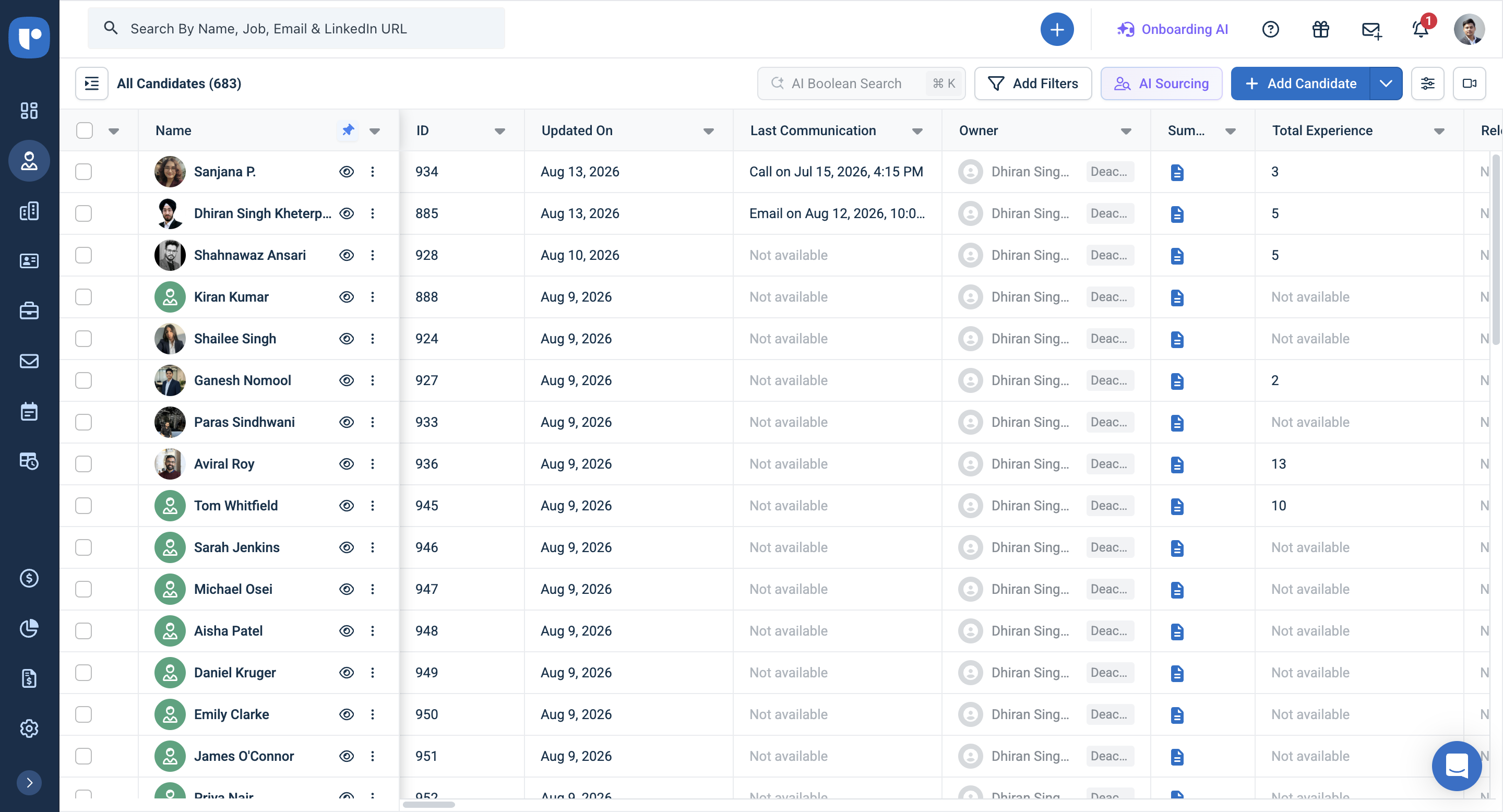
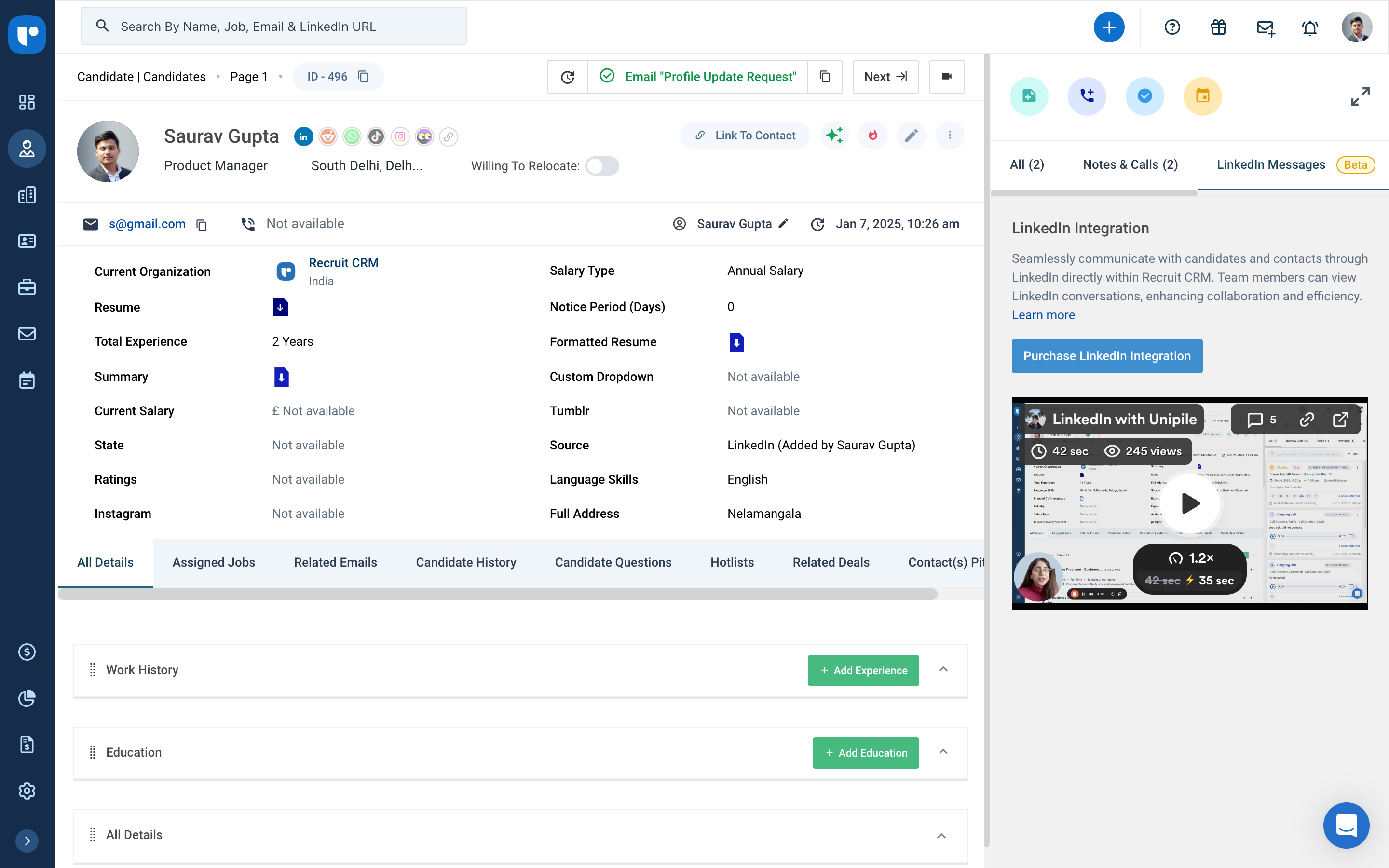
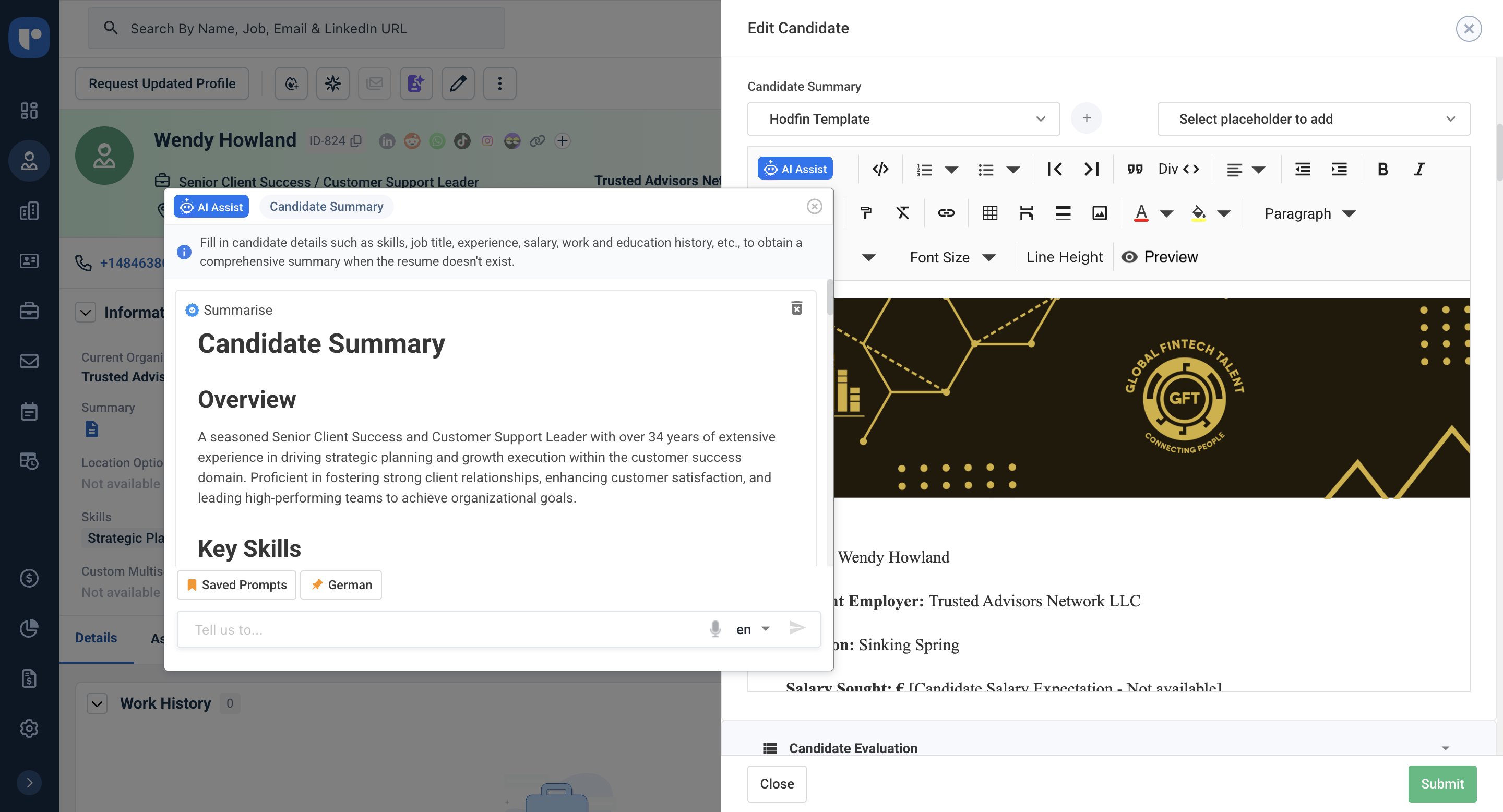
Recruit CRM is an applicant tracking system (ATS) and customer relationship management (CRM) platform for recruitment and staffing agencies. It centralizes candidate, client, job, email, and activity data so recruiters can manage sourcing, outreach, submissions, and placements from one system. Key Capabilities AI assistance: AI agents can parse resumes, prepare candidate shortlists and submissions, draft outreach, and format candidate…
$109
per month per user
Pricing
Capsule CRM
Recruit CRM
Editions & Modules
Professional
$18
per month per user
Teams
$36
per month per user
Enterprise
$54
per month per user
Pro
$109
per month per user
Business
$125
per month per user
Business
$159
per month per user
Enterprise
$259
per month per user
Offerings
Pricing Offerings
Capsule CRM
Recruit CRM
Free Trial
Yes
Yes
Free/Freemium Version
Yes
Yes
Premium Consulting/Integration Services
No
Yes
Entry-level Setup Fee
No setup fee
No setup fee
Additional Details
—
Recruit CRM offers publicly listed pricing. Plans are priced per user and billed monthly or annually, with annual billing saving up to 20 percent. A free trial is available so teams can explore the platform before choosing a plan.
There are three plans, Pro, Business, and Enterprise, plus Enterprise features such as workflow automation, job multiposting, data enrichment, LinkedIn messaging integration, advanced analytics, and Recruit Craft. Several Enterprise features are included by default on the Enterprise plan.
It is difficult to beat the simplicity of use and design of Capsule CRM. Add to the fact that they offer the best free plan which is great to sign up our clients with so that they can see how valuable having a CRM is. Getting newbies to use CRM with ease helps us with our CRM projects and to sign up more clients seamlessly. Hence, it is perfect place to start with for a small business. Based on feedback from clients, who already have some premium apps to manage their sales and work orders, it can get tricky to integrate them with Capsule CRM and hence it's not that favourable in the complex IT solution use case for specific clients. Support is through messages only and it can get a bit frustating if one is in a hurry to get the setup done. It's preferred to take your time and raise support tickets as and when necessary.
A de minimis incentive was given to thank the reviewer for their time. The incentive was not used to bias or drive a particular response, nor was the incentive contingent on a positive endorsement. More Info
Another way to describe your CRM experience is to show your skills and abilities in using CRM software and tools. For example, you can mention the specific CRM platforms or systems that you have used or are familiar with, such as Salesforce, HubSpot, Zoho, or Microsoft Dynamics.Highlight both technical and transferable skills. Showcase your ability to collaborate with and contribute to a team in addition to your capabilities in CRM applications. This way, the interviewer can see how your skills are assets to their organization. Highlight any special certifications in CRM software you haveTalent Shortage.Attracting the Right Candidates.Targeting Passive Candidates.Engaging with Qualified Candidates.Reducing Time-to-hire.Building a Strong Employer Brand.Creating an Efficient Recruiting Process.Eliminating Bias in Hiring.
A de minimis incentive was given to thank the reviewer for their time. The incentive was not used to bias or drive a particular response, nor was the incentive contingent on a positive endorsement. More Info
Capsule is very easy to use. You can just jump in and learn as you go. There are advantages to really learning the ins and outs, but for those who aren't sold on a CRM to begin with it's good for just getting them started. It is what you make of it--you can use the most basic features or really dive in to the many functionalities.
The UI is clean and intuitive. We don't get easily overwhelmed while using it.
Capsule has a very robust contact management system. It allows for the generation of very specific lists within existing contacts, which is good if the user has to keep track of thousands of individuals and companies. There is a tagging feature that is great for further organizing contacts.
I like that there is a simple workflow option. I encourage the sales guys to make use of this "Tracks" feature, and they often do (but if they don't, it's not the end of the world, which is nice). It provides custom sets of tasks that are created as soon as you start an opportunity or a case.
Capsule has a LOT of integrations, which is great if you're looking to expand what you do with your CRM. We got Capsule just to keep track of the sales pipeline, but now that everyone's on board with the concept of a CRM (they weren't sold at first!) we can look into implementing more robust programs that can "talk to" Capsule.
Its integration with Mail chimp is not smooth. Also, it does not allow to list contacts alphabetically which is a great downside of this tool. It does not contain some essential marketing features.
It needs to improve the user interface and make it more productive especially on the calendar view.
The contact sorting is quite disappointing. It would be nice if it allows users to set screen filters.
A de minimis incentive was given to thank the reviewer for their time. The incentive was not used to bias or drive a particular response, nor was the incentive contingent on a positive endorsement. More Info
As a well-rounded business tool, Capsule CRM is an excellent choice. It fulfills our requirements and aids in the operation of our business. One of the most effective tools for managing our business solutions and supply chains is adding this tool to our system to see the fantastic results of effective management. Capsule CRM could try and see what they're offering to get the best results.
There is always room for improvement and I believe RCRM is a great system that is adapting to what it's users want and need. The system suits our needs and is a huge improvement from our previous system. I can't say enough good things about the customer service. They have great follow up and always get back to me within the same day. If there is ever an unknown, there is a timeline given for follow up and a promise to get it resolved. They always come through. It's important to have a team behind your software that listens and adapts.
A de minimis incentive was given to thank the reviewer for their time. The incentive was not used to bias or drive a particular response, nor was the incentive contingent on a positive endorsement. More Info
Capsule CRM is the best application in allocating the problems and reasons for any project drawback. Your solution will be there within seconds. It controls business empowerment with its authentic approach and we can use this application without any problem. Our employees are on a single platform and we can decide and implement things at once. There is no need to wait for any meeting, as everything is just a click away. Our promotions are technical and easy to understand for clients and they can communicate well to deliver their ideas.
A de minimis incentive was given to thank the reviewer for their time. The incentive was not used to bias or drive a particular response, nor was the incentive contingent on a positive endorsement. More Info
Again, the customer service team is awesome. They always respond in the same day and have resolved any issue I have ever had. They have made improvements to the system on a weekly basis, always improving for their users. There is a forum where you can leave your feature suggestions and vote on ones left by other users. The reps will jump on a call or screen share with you if you need to be walked through anything. They go above and beyond.
A de minimis incentive was given to thank the reviewer for their time. The incentive was not used to bias or drive a particular response, nor was the incentive contingent on a positive endorsement. More Info
We chose Capsule CRM over Zoho CRM due to the various modules that it would take for Zoho CRM to work for our firm. Additional Zoho modules would have been needed (Zoho CRM and Projects) to make it work for us which in turn requires additional management. With Capsule CRM, there was only one app that needed to be integrated within our app ecosystem
A de minimis incentive was given to thank the reviewer for their time. The incentive was not used to bias or drive a particular response, nor was the incentive contingent on a positive endorsement. More Info
We evaluated about 3-5 different vendors. The low barrier to entry made it an easy target to test out. Forcing an upfront annual fee was not in our interest without extensively testing the product. We also had a very basic requirement - an easy way to intake a large number of candidates and move them through a recruitment process. We didn't need anything else special at the time and recruit CRM was the most straightforward application that would provide us with a solution.
A de minimis incentive was given to thank the reviewer for their time. The incentive was not used to bias or drive a particular response, nor was the incentive contingent on a positive endorsement. More Info
A de minimis incentive was given to thank the reviewer for their time. The incentive was not used to bias or drive a particular response, nor was the incentive contingent on a positive endorsement. More Info
A de minimis incentive was given to thank the reviewer for their time. The incentive was not used to bias or drive a particular response, nor was the incentive contingent on a positive endorsement. More Info