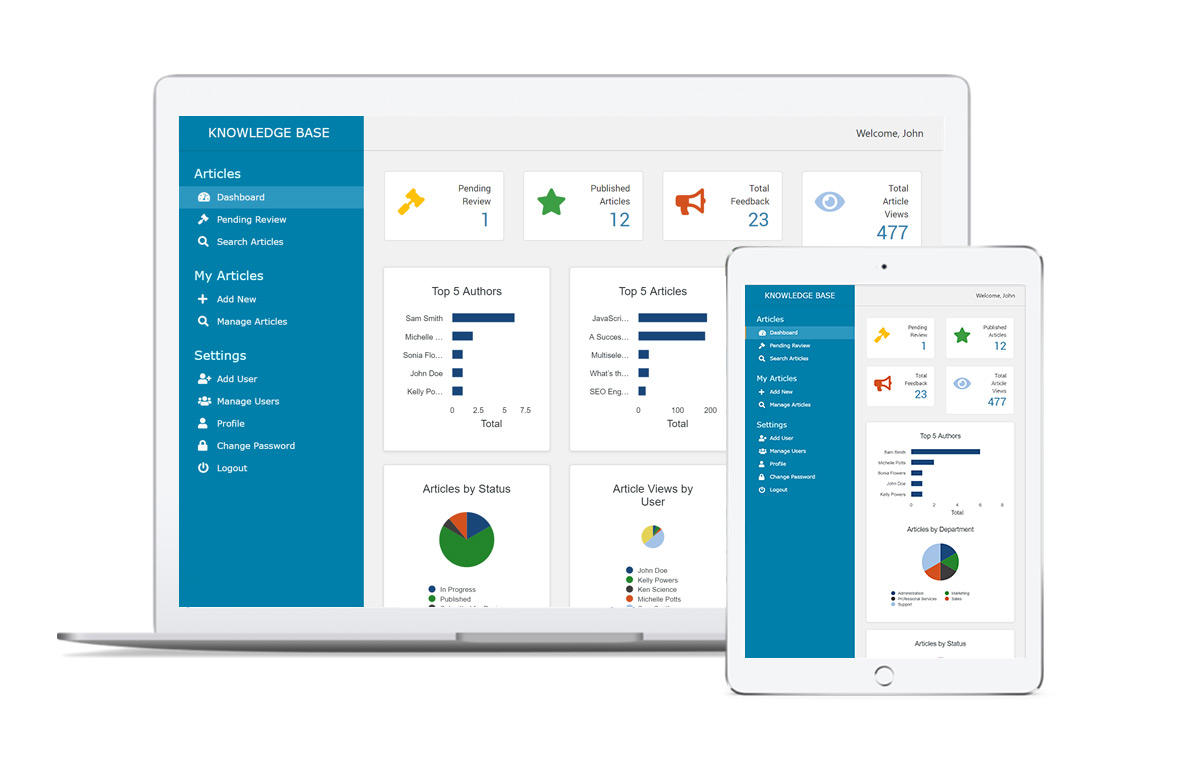
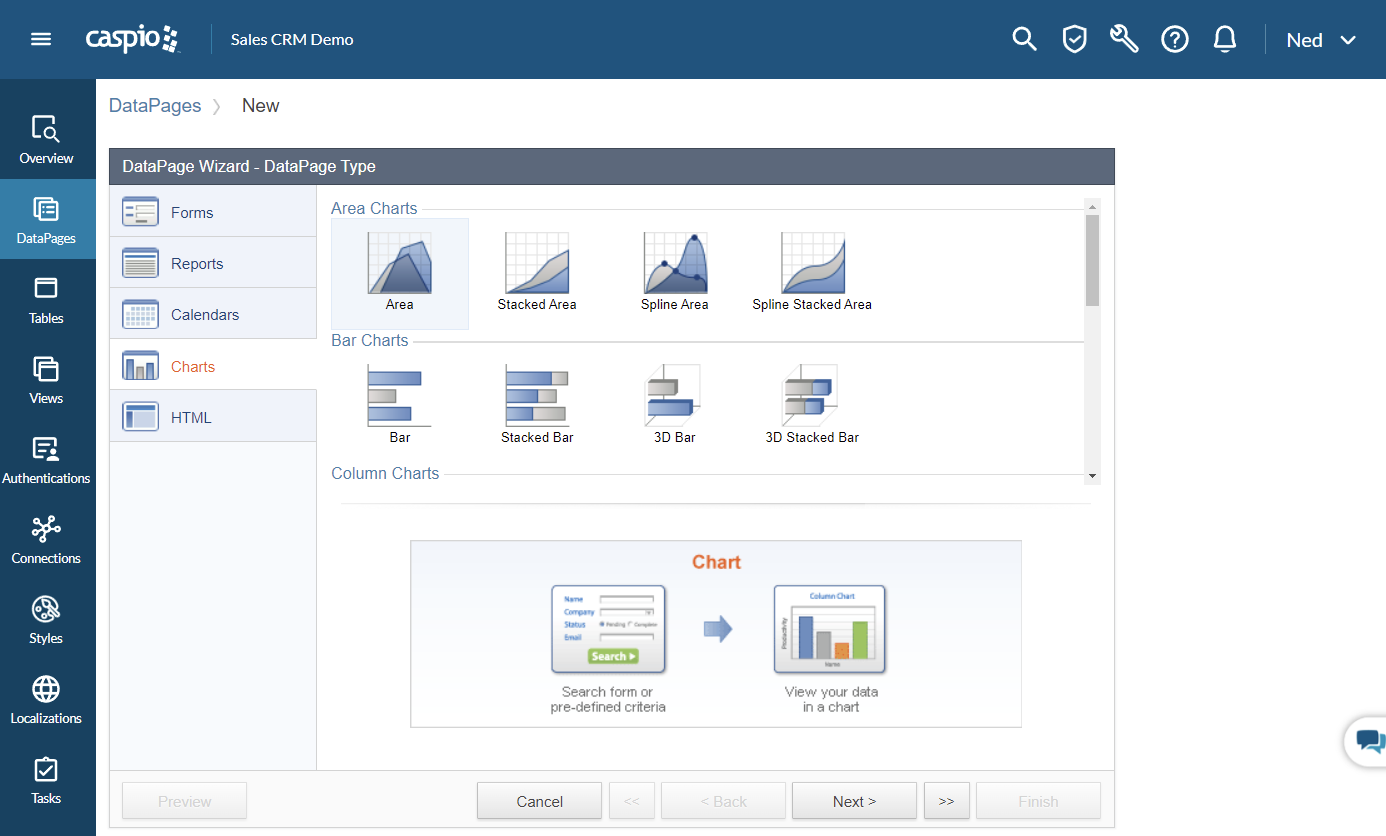
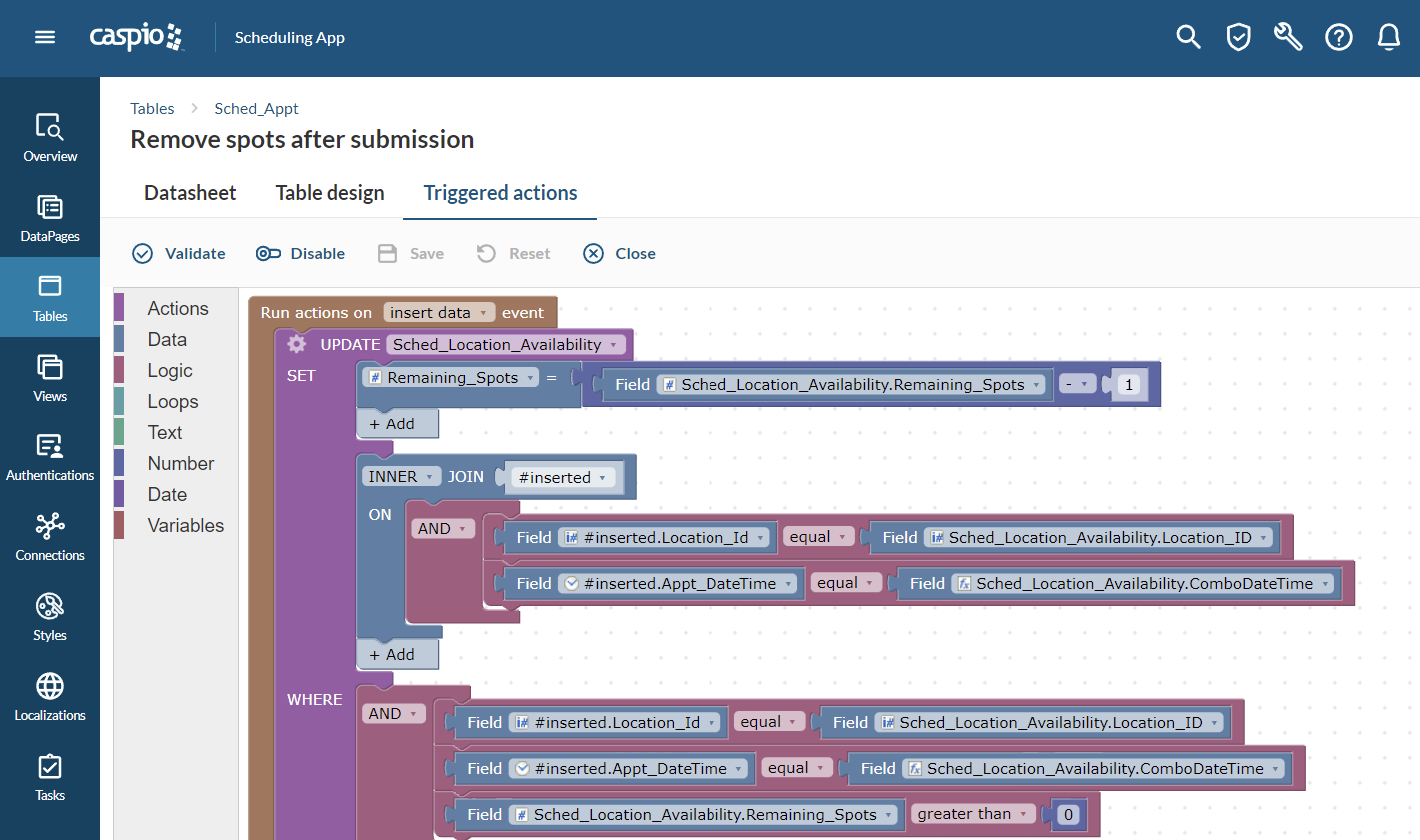
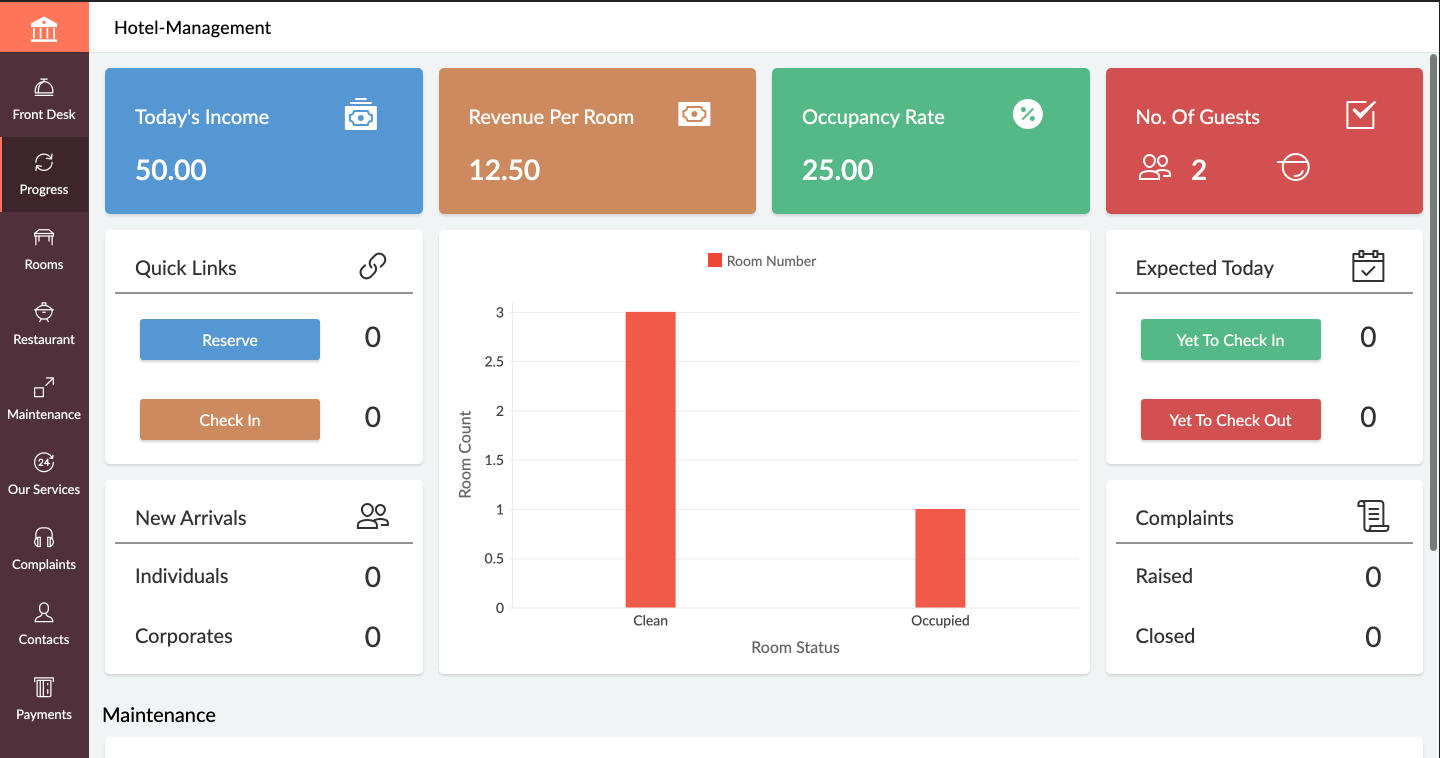
Caspio is a solution providing the infrastructure, tools and support that allows users to create customized online databases, applications, reports, forms, and charts/graphs. The point-and-click interface requires no coding experience and apps can be integrated into any website, blog, intranet or content management system.
$100
per month
Visual Studio
Score 8.8 out of 10
N/A
Visual Studio (now in the 2022 edition) is a 64-bit IDE that makes it easier to work with bigger projects and complex workloads, boasting a fluid and responsive experience for users. The IDE features IntelliCode, its automatic code completion tools that understand code context and that can complete up to a whole line at once to drive accurate and confident coding.
$45
per month
Zoho Creator
Score 8.2 out of 10
Mid-Size Companies (51-1,000 employees)
Zoho Creator is a low-code application development platform for building enterprise-class applications that run on mobile, tablet, and web. It is designed to allow users to create custom forms, configure workflows, build pages, and deploy apps quickly.
$12
per month per user
Pricing
Caspio
Microsoft Visual Studio
Zoho Creator
Editions & Modules
LITE
$100
per month
PLUS
$300
per month
BUSINESS
$600
per month
ENTERPRISE
Contact Us
per month
Professional
$45.00
per month
Enterprise
$250.00
per month
Standard
$12
per month per user
Professional
$30
per month per user
Enterprise
$37
per month per user
Offerings
Pricing Offerings
Caspio
Visual Studio
Zoho Creator
Free Trial
Yes
No
Yes
Free/Freemium Version
No
Yes
Yes
Premium Consulting/Integration Services
Yes
No
Yes
Entry-level Setup Fee
Optional
No setup fee
Optional
Additional Details
> All plans include unlimited users.
> Caspio offers a 10% discount to non-profits, NGOs, and customers in qualifying countries.
> Compliance plans support strict regulatory requirements: HIPAA; FERPA; PCI DSS Level 1; VPAT 2.0/Section 508; GDPR; EU-US Privacy Shield; SOC 2 Type II; ISO 9001, 27001; CSA Star Level 1, 2 & 3; 3D Secure 2.
> Project consultations for planning and customization, in-depth online help, how-to videos and instructor-led training.
> Pricing plans designed for teams of all sizes. Discount for annual pricing.
—
Add-ons:
Customer Portal: $100/month onwards
Premium Support : 20% of license fees
Enterprise support: 25% of license fees
Contact forms are incredibly easy to build and customize, as are most other kinds of more involved forms. Forms allow html input and can be designed in a number of ways. It's helpful if you know some HTML. JavaScript knowledge can add advanced options, but is not necessary for the most common uses. The company used to call itself "No-Code," but has changed to say "Low Code," which is much more accurate.
When working with base C# code for desktop and web projects, then Microsoft Visual Studio is ideal as it provides the libraries and interfaces needed to quickly create, test and deploy solutions. It is when slightly more complex scenarios are required that issues can arise. The built-in integration for things like PowerBI Paginated Reports and dashboards is far from ideal.
If you are using some application of Zoho and want some more functionality into it, Use Zoho creator to develop a separate app as per requirement and integrate it with your Zoho App. Small organization can use creator to make apps but it can be used for small range of storage, For Large organization , it may be not feasible.
Caspio is an online database platform. It allows one to create multiple tables and views to be stored via the web. Tables can be configured to not only hold data but also to hold files like Word docs and images.
Caspio is great at creating online forms and reports. It allows the user to create forms to capture, update data, whether it's password protected or just a simple form.
As a database platform, one can create online tables and forms linking multiple tables and views to each other. I would say it is the Microsoft Access of the online platforms.
The system is very easy. Wizards allow one to create forms, tables, and datapages. Since the platform is online, you may access your database anywhere.
In C6, the new setup of permissions is not logical. Admins now have access to every application rather than specific applications, which impacts data confidentiality.
In C6, the new feature for having multiple environments is very limited as it does not work for ZOHO Creator applications that are linked to other Zoho Creator applications in the same workspace - which is not logical at all.
In C6, the revised permissions for Developers do not allow the developer to assign permissions to users or to publish forms, reports, pages, etc....which again is not logical.
We are committed to Caspio Bridge. We could migrate to another product, but we would not be able to do so quickly. I estimate that we would need about a year (maybe more) to convert all of our forms and processes if we were to switch to some other product
VS is the best and is required for building Microsoft applications. The quality and usefulness of the product far out-weight the licensing costs associated with it.
Today Zoho Creator is included in our current plan from Zoho One, but if it was needed to pay apart it should be done because the software we created became very important for our team. The use of Zoho Creator contributes to endorse the Zoho One subscription year after year.
I love the overall usability of Microsoft Visual Studio. I’ve been using this IDE for more than 20 years, and I’ve seen it evolve by leaps and bounds. Today, with AI and code-suggestion/completion features, developers no longer need to remember countless libraries, methods, or language syntax, or invest a huge amount of programming effort to complete a project. It truly offers everything a developer needs to program, debug, test, and deploy in a single IDE.
Its quite easy if one has the need, interest and passion to build applications and solutions through low-code. One example would be, that my finance head who has absolutely nothing to do with tech and apps, is now able to create apps and manage Zoho Creator all by himself. So its all about the interest and how much time we put to learn the tool. Having said that, its quite easy to learn the tool and create anything that's within our scope of knowledge.
In an earlier comment, I mentioned Zoho's excellent uptime. I have been using the system for over 6 years, and have experienced only momentary outages, and of those, only a hand full over the years. It is extremely reliable
We do not integrate Zoho with other systems at this time, but rarely are searches, database exports, record edits or creation tasks ever slow enough to notice. It is quite usable
I've had some instances where my team and I discovered a bug in Caspio. We alerted the company, and the bug was fixed in the next regular update of the software. The few times that I've had to contact support, it was a pretty good experience. They're not terribly quick to respond and take action, but they don't ignore you, either.
There are many resources available supporting Visual Studio IDE. Microsoft whitepapers, forum posts, and online Visual Studio documentation. There are countless demonstration videos available, as well. If users are having issues, they can call Microsoft Support, but depending on the company's agreement with Microsoft, the number of included support calls will vary from organization to organization. I've found that Microsoft support calls can be hit or miss depending on who you get, but they can usually get you with the right support person for your issue.
I recommend Zoho Creator very often. A lot of companies go big earlier than they need to and spend way too much on SalesForce & Marketo. I worked for a small company with some limited budget that pivoted to sell it's product to the Enterprise. Zoho Creator was incredibly easy to set up, intuitive to use, and contains all the most essential features that most users need and seek in SalesForce. We integrated with MailChimp & Unbounce and were able to be incredibly useful in acquiring leads, nurturing them, and tracking pipeline in Zoho Creator. Our small sales team found it very easy to use and loved it.
IT is very complicated to understand all the functions that the environment has if you are not familiar with this type of development environments. It is important to select a good in-person training to achieve to understand all the possibilities and the capacity of the application. In this case, you will be able to develop a lot type of different applications.
If you are not accustomed to develop in this type of development environments it would be complicated to follow all the parts of the course because if the course does not include a great tour with all the concepts to develop you will not have the option to understand all the functions.
Even if it is a easy to use platform, it got some issues on the implementation that could easily handle by IT teams. In our scenario this team don't exist anymore, and the business/marketing team had their expectations that it was quickier to be implemented. So, consider a professional help on this implementation could be cost more (of cource) but it would be helpful to manage the issues and expectations.
GroupHigh is so frustrating to use. It is constantly changing the way you can search for bloggers, and we can never find exactly what we are looking for
I personally feel Visual Studio IDE has [a] better interface and [is more] user friendly than other IDEs. It has better code maintainability and intellisense. Its inbuilt team foundation server help coders to check on their code then and go. Better nugget package management, quality testing and gives features to extract TRX file as result of testing which includes all the summary of each test case.
Zoho Creator stands out for its balance of affordability, ease of use, and powerful customization options. While it may not offer the same level of enterprise-scale features as platforms like OutSystems or Mendix, it provides a robust solution that meets the needs of many businesses, especially those looking for an integrated, cost-effective low-code platform with strong support for both simple and complex applications.
Zoho is incredibly versatile. Much thought was put in to the way the platform functions. I've yet to face a situation where Zoho would not be able to do what I needed. That being said, because of its power, it can also be a bit intimidating technically. Simple needs are simple. More complex needs are ... more complex! Overall, it's a powerful, robust platform
Using the integration between Visual Studio and our source control service, the cost of re-work and losing code is drastically reduced.
Paid versions of Visual Studio enable developers to be so much more productive than hacked-together open source solutions that it's hard to imagine developing in Windows without it.
When combined with support subscriptions and the vast array of free online help options available, Visual Studio saves our developers time by keeping them coding and testing, not wasting their time trying to guess their way out of problems or spend endless hours online hoping to find answers.
With using Zoho Creator we are able to build apps that we may otherwise pay a pretty penny for. We may risk some features we could get from a 3rd party app but the fact that the data we do collect can easily syn with our CRM and Accounting systems makes up for this.
Negatively speaking, it takes time to fine tune and really craft your application. I am not a coder, nor do I have a coding background, so patience is key as you design and build out your application.