Chrome Remote Desktop from Google is a cross-platform remote administration and remote desktop tool that requires the Chrome browser and an extension. It is free to use.
$0
ManageEngine Mobile Device Manager Plus
Score9.5 out of 10
N/A
The ManageEngine Mobile Device Manager Plus application is an enterprise mobile device management (MDM) solution.
$64
per month (50 devices)
Pricing
Chrome Remote Desktop
ManageEngine Mobile Device Manager Plus
Editions & Modules
No answers on this topic
Mobile Device Manager Plus - Cloud
$64
per month 50 devices
Mobile Device Manager Plus - On-Premise
$495
per year 50 devices
Offerings
Pricing Offerings
Chrome Remote Desktop
ManageEngine Mobile Device Manager Plus
Free Trial
No
No
Free/Freemium Version
Yes
No
Premium Consulting/Integration Services
No
No
Entry-level Setup Fee
No setup fee
No setup fee
Additional Details
—
Pricing for higher volumes available online at ManageEngine's official pricing page.
It is well suited in cases where your company/organization is looking for a low/no cost remote desktop solution, or is looking for something that can be used by most anyone right away. Most organizations don't want things to be too complex, especially with a remote desktop solution, which is generally not very complex software to begin with. It would be less appropriate in cases where the company/organization has already purchased licensing for a commercial product, and/or has been heavily using a commercial product for some time.
A de minimis incentive was given to thank the reviewer for their time. The incentive was not used to bias or drive a particular response, nor was the incentive contingent on a positive endorsement. More Info
An amazing solution for an organisation of up to 25 devices as they offer a free subscription. You could use this to trial the product at your organisation. The perfect fit for any size of organisation with the software being simple enough for non-technical staff to be able to deploy and manage devices.
Unlike Microsoft's Remote Desktop, this program is the same across platforms, which is helpful for users.
This program also allows direct control over the desktop (like TeamViewer) and doesn't give you a simulated log on (like Remote Desktop). This is advantageous for seeing exactly what's on the screen but can make it a little laggy.
The interface is very nice and clear once it's set up. It's obvious which computer is which and it's just a couple of clicks from opening the program to a connection.
A de minimis incentive was given to thank the reviewer for their time. The incentive was not used to bias or drive a particular response, nor was the incentive contingent on a positive endorsement. More Info
Geo tracking: once the mobile app is installed, the phone checks in to our cloud management console and we can ping the location of the device easily.
Lost/stolen device: when a device is lost or stolen, we can make the phone make a sounds to help in finding it or perform a complete wipe to remove any sensitive data.
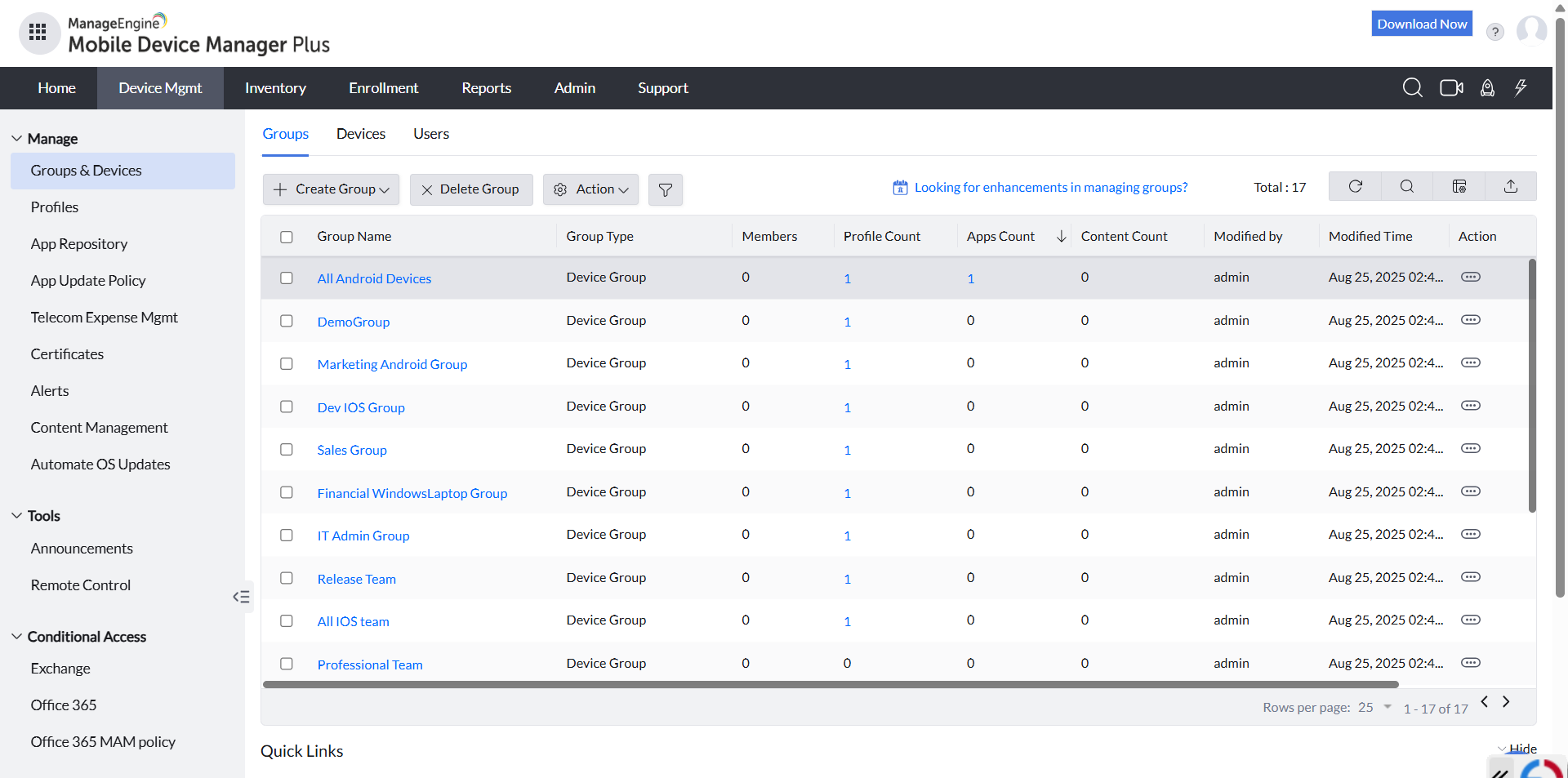
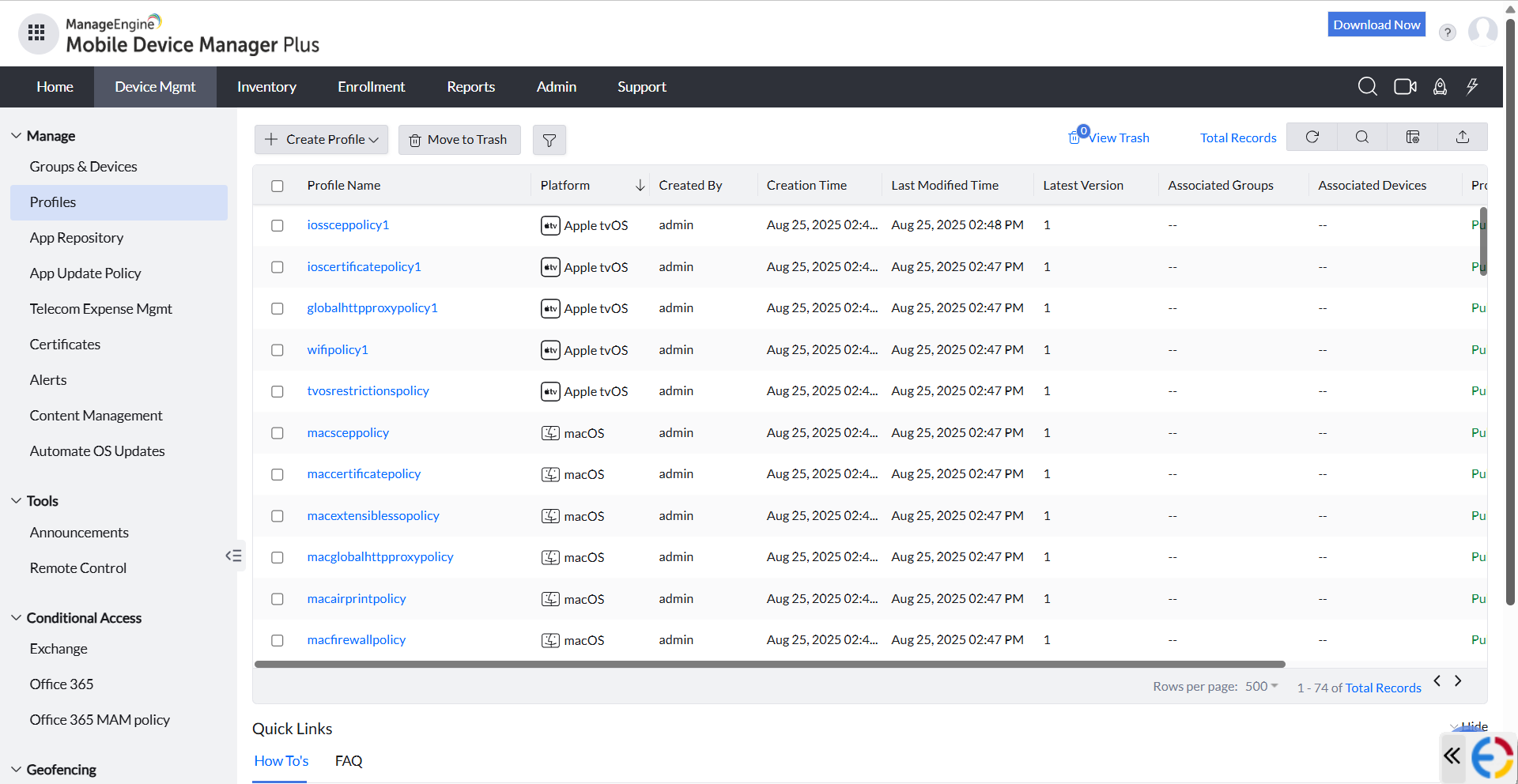
App management: they make it easy to add mobile apps that can automatically be pushed out to all of the managed devices. It is easy to control what apps you want to have immediately installed, apps you want to make available, or apps you want to block.
A de minimis incentive was given to thank the reviewer for their time. The incentive was not used to bias or drive a particular response, nor was the incentive contingent on a positive endorsement. More Info
A de minimis incentive was given to thank the reviewer for their time. The incentive was not used to bias or drive a particular response, nor was the incentive contingent on a positive endorsement. More Info
Documents are sorted by some random order by default, users need to manually select "sort by A-Z", and even by doing so, coming out of documents and back in will reset the order to the random one. Would be amazing if A-Z was default, or if I could find out what this default order was to edit the files accordingly.
Playing audio files from the app is approached as if it was a video: if you come out of the app or lock the screen, the audio will stop. Would be great if it could act like music apps and keep playing with locked screen.
A de minimis incentive was given to thank the reviewer for their time. The incentive was not used to bias or drive a particular response, nor was the incentive contingent on a positive endorsement. More Info
A very easy lightweight tool that is completely scalable and deployed via google admin platform. The tool is free to use and works extremely well with the chrome devices we currently have deployed. Any organization using chrome or google suites should look into this tool as it's much easier to use then other remote software in the market
A de minimis incentive was given to thank the reviewer for their time. The incentive was not used to bias or drive a particular response, nor was the incentive contingent on a positive endorsement. More Info
A de minimis incentive was given to thank the reviewer for their time. The incentive was not used to bias or drive a particular response, nor was the incentive contingent on a positive endorsement. More Info
Just a great product that has saved countless hours of commute to work and given the flexibility to be able to work from anywhere, whether at home or when away on holiday overseas. I love that it is a free product and is just as great as its competitors' products. It has also allowed me to prepare for work for the following day.
A de minimis incentive was given to thank the reviewer for their time. The incentive was not used to bias or drive a particular response, nor was the incentive contingent on a positive endorsement. More Info
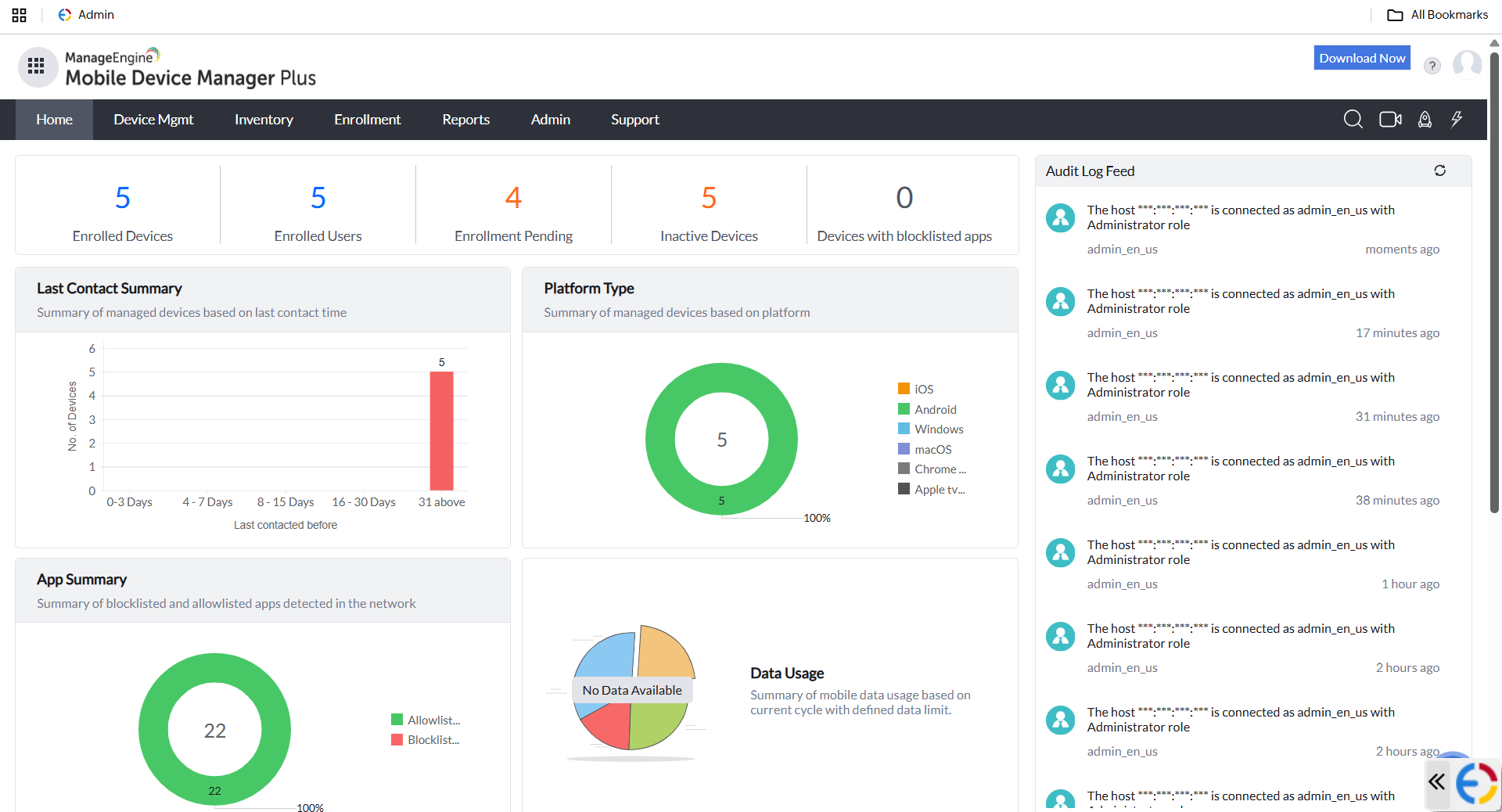
Overall, I like using MDM as the GUI is greatly easier to use. The navigation is very simple, as you can find your way using multiple routes. I like how the opening dashboard shows devices and users, so you can see your numbers grow or shrink.
A de minimis incentive was given to thank the reviewer for their time. The incentive was not used to bias or drive a particular response, nor was the incentive contingent on a positive endorsement. More Info
The only support I ever accessed were help files and web tutorials. I never tried to access personal support, mostly because I don't believe much of it is available. As a free service, my expectations for support are pretty low; that said, Chrome Remote Desktop is easy enough to configure and troubleshoot even with limited technical knowledge.
A de minimis incentive was given to thank the reviewer for their time. The incentive was not used to bias or drive a particular response, nor was the incentive contingent on a positive endorsement. More Info
A de minimis incentive was given to thank the reviewer for their time. The incentive was not used to bias or drive a particular response, nor was the incentive contingent on a positive endorsement. More Info
Chrome Remote Desktop seems to be a an easy to use and efficient program. Such as TeamViewer, however TeamViewer offers more program features such as able to control a device's function (shutting down, restarting, audio input, cmd etc). With those added program features I believe Chrome Remote Desktop can almost be up to par with TeamViewer.
A de minimis incentive was given to thank the reviewer for their time. The incentive was not used to bias or drive a particular response, nor was the incentive contingent on a positive endorsement. TR verified that a representative sample of customers was invited. More Info
After exploring some MDM system, we choose ManageEngine Mobile Device Manager Plus as the out-of-the-box features and functionalities meet our business needs, reasonable license cost, reputable company, and provide good supports.
A de minimis incentive was given to thank the reviewer for their time. The incentive was not used to bias or drive a particular response, nor was the incentive contingent on a positive endorsement. More Info