Chose Emburse Chrome River
I don't have any previous experience with similar products.

| Product | Rating | Most Used By | Product Summary | Starting Price |
|---|---|---|---|---|
 Emburse Chrome River | N/A | Chrome River EXPENSE is expense management software, from Chrome River Technologies in Los Angeles, California. | N/A | |
 Paycom | N/A | Paycom is an automated HCM platform, built on a single database that eliminates redundant data entry through automation. A payroll and HR software solution, Paycom is used by organizations of all sizes to access employee data without navigating multiple systems. | N/A |
| Emburse Chrome River | Paycom | |||||||||||||||
|---|---|---|---|---|---|---|---|---|---|---|---|---|---|---|---|---|
| Editions & Modules | No answers on this topic | No answers on this topic | ||||||||||||||
| Offerings |
| |||||||||||||||
| Entry-level Setup Fee | No setup fee | No setup fee | ||||||||||||||
| Additional Details | We offer three cost-effective, subscription-based pricing models: A transaction-based model, priced according to expense report volume A submitter-based model, priced according to an average number of monthly submitters An enterprise-level model that includes unlimited expense reports. Pricing for this model is based on total employee headcount Feel free to contact us to discuss the best one for your organization. | — | ||||||||||||||
| More Pricing Information | ||||||||||||||||
| Emburse Chrome River | Paycom | |
|---|---|---|
| Considered Both Products |  Emburse Chrome River  Philip Barnett Travel Reporting & System Administrator Chose Emburse Chrome River The user interface and features surpass the experience and similar features of other products because of the following. Good customer support to also make the program better. Also, a good interface to navigate the expense creation process.  Jordan Kerr, CPA Director of Finance/Controller Chose Emburse Chrome River The 3 biggest reasons we went with Chrome River were: The dynamic workflow capabilities of Chrome River compared to other systems. We have 30-45 budget owners who need to review/approve based on the budget codes they oversee. Most other systems just allowed for a …  Jose Romero Area Director of Marketing and Business Development Chose Emburse Chrome River It's the [industry-leading] software for Enterprise level organizations with [large-scale] teams and financial responsibilities. The software has the most robust set of tools and pays for itself with the amount of time it saves. Many newer alternatives have sprouted up but I …  Danielle Bulla Accounts Payable and Financial Services Coordinator Chose Emburse Chrome River I think Chrome River is much more intuitive and user-friendly. Also, I love the ease of pulling data and diving into analytics with Chrome River. The system is very dynamic and changes in real-time. As far as Concur goes, I had a lot of difficulty and redundant motions when …  Athena Gazikas Senior Expense Administrator Chose Emburse Chrome River We shopped Rydoo and another online expense reimbursement platform but ultimately chose Emburse Certify for our needs. Emburse Certify was more customizable for our organizations needs. This was our first time using an online expense platform. Previously, as recently as 2018, …  Jacob Kletzli Accountant Chose Emburse Chrome River Expense Track, better since approvals are in the app. The export still isn't as good.  Stephen Townsend, CPA Director Of Finance Chose Emburse Chrome River We initially tried implementing Concur, but they provided no dedicated resources to our implementation and ended up initially implementing the wrong version and we finally scrapped the project.  Sofia Franciscus Account Manager - Technical Sales Chose Emburse Chrome River At the bottom. It's worse than an excel spread sheet. It is the worst.  Scott Howell Director, Technology & Information Services Chose Emburse Chrome River Emburse Chrome River has a nicer interface and was easier to implement than Concur. |  Paycom |
| Emburse Chrome River | Paycom | ||||||||||||||||||||||||
|---|---|---|---|---|---|---|---|---|---|---|---|---|---|---|---|---|---|---|---|---|---|---|---|---|---|
| Expense Management |
| ||||||||||||||||||||||||
| Payment Management |
| ||||||||||||||||||||||||
| Human Resource Management |
| ||||||||||||||||||||||||
| Payroll Management |
| ||||||||||||||||||||||||
| Leave and Attendance Management |
| ||||||||||||||||||||||||
| Employee Self Service |
| ||||||||||||||||||||||||
| Asset Management |
| ||||||||||||||||||||||||
| HR Reporting |
| ||||||||||||||||||||||||
| Onboarding |
| ||||||||||||||||||||||||
| Performance and Goals |
| ||||||||||||||||||||||||
| Performance Management |
| ||||||||||||||||||||||||
| Succession Planning |
| ||||||||||||||||||||||||
| Recruiting / ATS |
|
| Emburse Chrome River | Paycom | |
|---|---|---|
| Small Businesses |  Dext Score 9.6 out of 10 |  Dayforce Powerpay Score 9.2 out of 10 |
| Medium-sized Companies |  BILL Spend & Expense Score 8.9 out of 10 |  Paypro Workforce Management Score 9.1 out of 10 |
| Enterprises |  Webexpenses Score 8.7 out of 10 |  PeopleStrong Score 10.0 out of 10 |
| All Alternatives | View all alternatives | View all alternatives |
| Emburse Chrome River | Paycom | |
|---|---|---|
| Likelihood to Recommend | 7.2 (0 ratings) | 8.7 (0 ratings) |
| Likelihood to Renew | 9.8 (0 ratings) | 9.0 (0 ratings) |
| Usability | 8.0 (0 ratings) | 9.0 (0 ratings) |
| Availability | 10.0 (0 ratings) | 9.5 (0 ratings) |
| Performance | 9.0 (0 ratings) | 9.0 (0 ratings) |
| Support Rating | 9.0 (0 ratings) | 8.9 (0 ratings) |
| In-Person Training | - (0 ratings) | 10.0 (0 ratings) |
| Online Training | 9.0 (0 ratings) | 7.8 (0 ratings) |
| Implementation Rating | 9.8 (0 ratings) | 6.6 (0 ratings) |
| Configurability | 8.0 (0 ratings) | 8.0 (0 ratings) |
| Ease of integration | 6.0 (0 ratings) | 8.5 (0 ratings) |
| Product Scalability | 8.0 (0 ratings) | 7.6 (0 ratings) |
| Vendor post-sale | 10.0 (0 ratings) | 9.0 (0 ratings) |
| Vendor pre-sale | 10.0 (0 ratings) | 9.0 (0 ratings) |
| Emburse Chrome River | Paycom | |
|---|---|---|
| Likelihood to Recommend |
|
|
| Pros |
|
|
| Cons |
|
|
| Likelihood to Renew |
 Lorrie Black Sr., Business Analyst |
 Lori Ellingson Payroll & Benefits administrator |
| Usability |
|
|
| Reliability and Availability |
 Robert Ferrandino Controller |
 Elizabeth Garvin HR & Accounting Manager |
| Performance |
Robert Ferrandino Controller |
|
| Support Rating |
Jose Romero Area Director of Marketing and Business Development |
|
| In-Person Training | No answers on this topic |
|
| Online Training |
Robert Ferrandino Controller |
|
| Implementation Rating |
Robert Ferrandino Controller |
 Samuel Rodriguez Payroll Specialist |
| Alternatives Considered |
|
|
| Scalability |
Robert Ferrandino Controller |
Elizabeth Garvin HR & Accounting Manager |
| Return on Investment |
Athena Gazikas Senior Expense Administrator |
|
| ScreenShots | Emburse Chrome River Screenshots  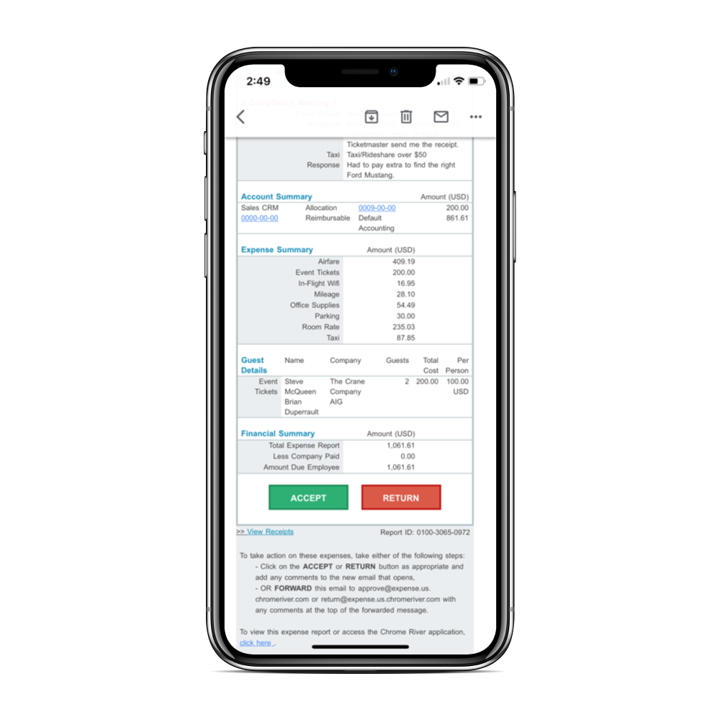 | Paycom Screenshots 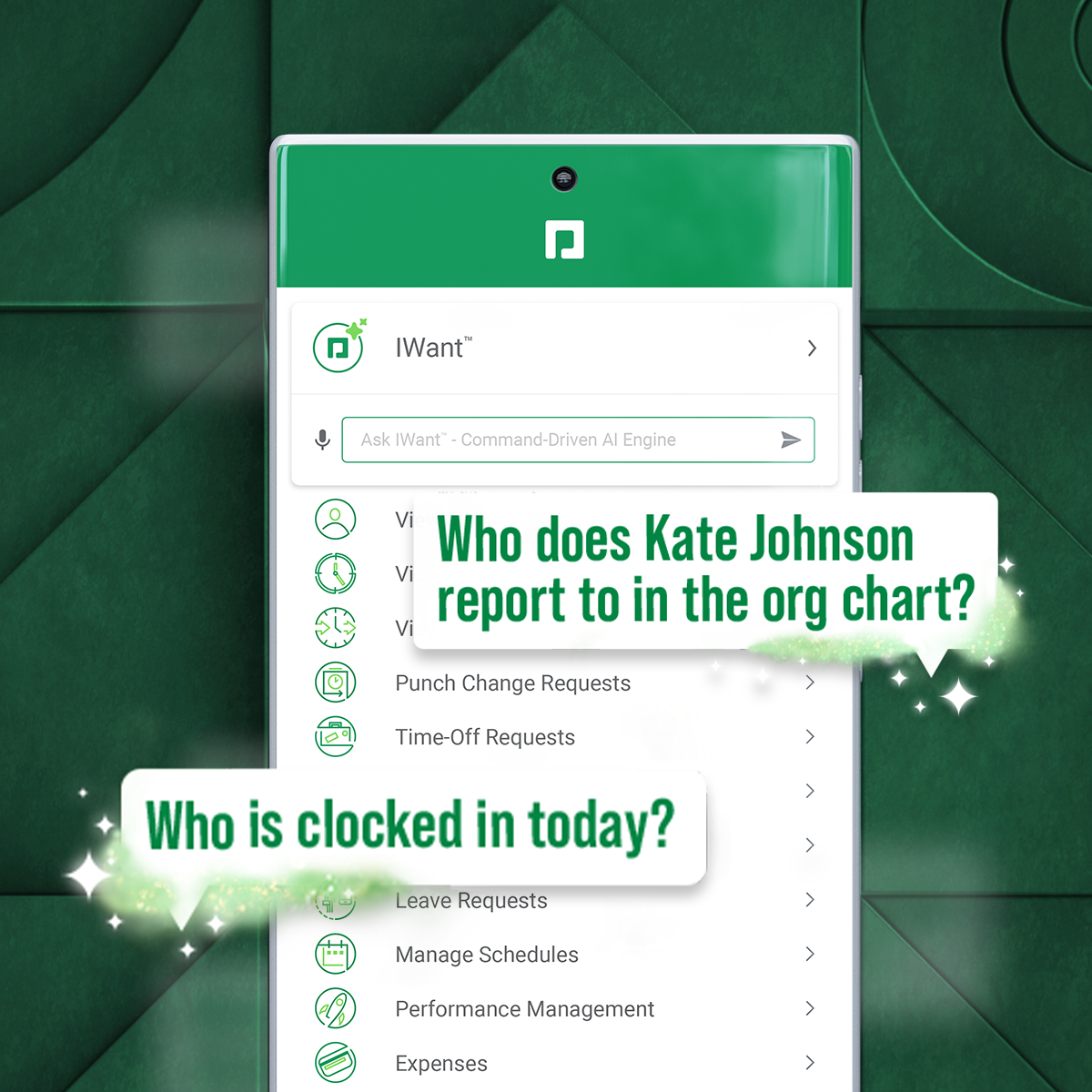  |