Cisco offers Meraki Systems Manager (SM), an enterprise mobility management platform supporting the monitoring, provisioning and securing of mobile devices across an enterprise network.
N/A
ManageEngine Endpoint Central
Score9 out of 10
N/A
Desktop Central from ManageEngine is a client desktop management with patching, remote control, and configuration.
It is very helpful if you need to restrict the apps a student or employee can have on their device. I had teachers using Netflix on the iPads before I brought them under management. Restricting them will make you unpopular with some of your employees, however, I advise them the device is being provided for business use and, therefore we have the right and responsibility to manage it.
A de minimis incentive was given to thank the reviewer for their time. The incentive was not used to bias or drive a particular response, nor was the incentive contingent on a positive endorsement. TR verified that a representative sample of customers was invited. More Info
For small businesses, it is also free, which, for what it offers, is really helpful. It works better than similar products, such as SCCM, both within and outside the internal network. I do not see scenarios in which it could be less appropriate.
A de minimis incentive was given to thank the reviewer for their time. The incentive was not used to bias or drive a particular response, nor was the incentive contingent on a positive endorsement. TR verified that a representative sample of customers was invited. More Info
We set alerts when a devices gets low on disk space. That is automatic and creates a ticket in ME SDP. We are then able to Add space to a VM Desktop, and then go thru ManageEngine Endpoint Central to extend the drives so the entire process can be done without interruption to the end user.
Using the patch scans we can easily see what patches have been installed for all manufacturers not just Microsoft, without having to physically go to the device. It also allows us to choose which patches we want to push out and automate the process so we can be hands off, freeing up out time for other things.
Remote access to devices. This allows us to remotely make changes, not just via remote control but also make registry changes and clean up space without going to the device and without interruption to the end user.
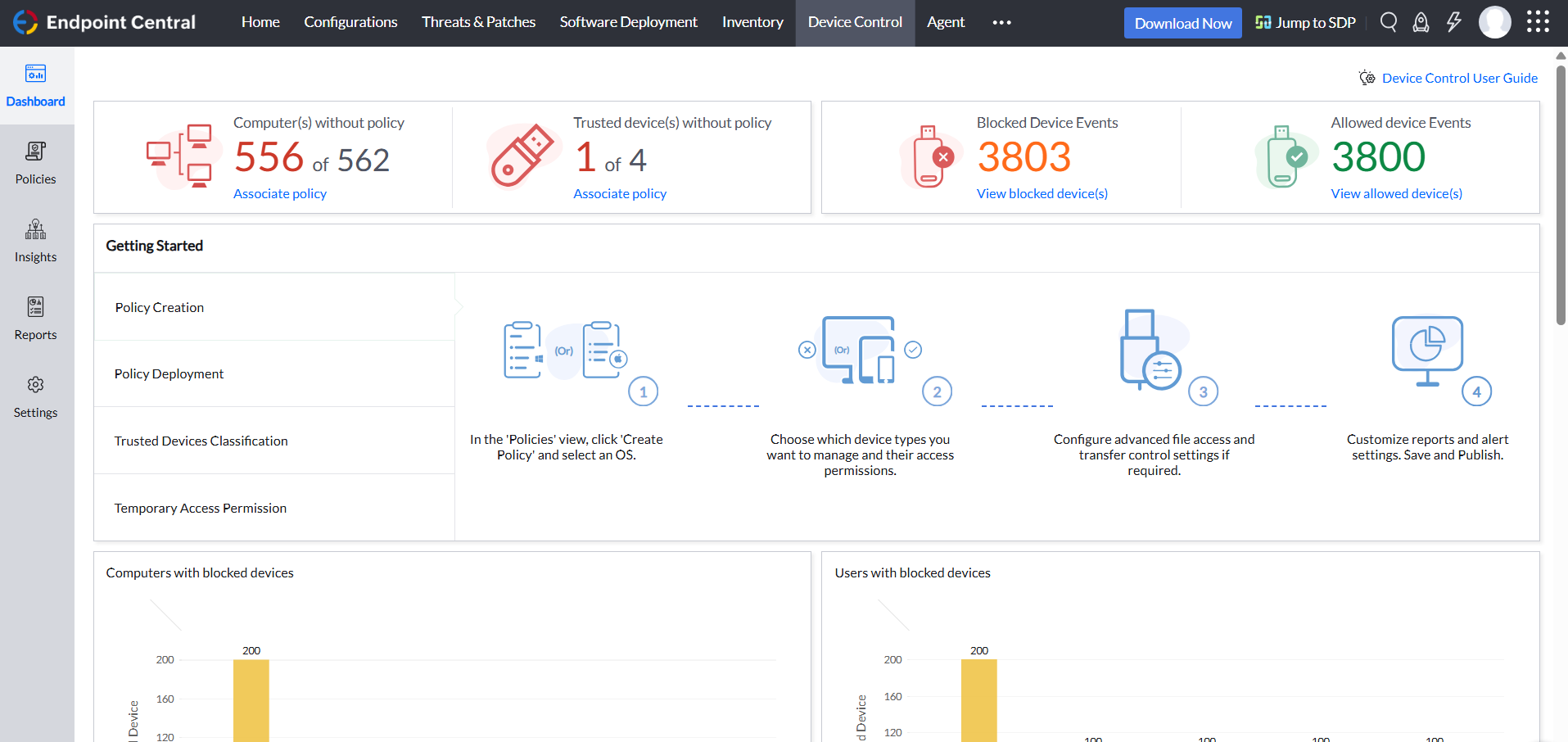
Alerts. We have set up to get email alerts when new hardware is plugged into any computers. This lets us know if someone is bringing in un-authorized equipment (thumb drives, hubs, etc) to better manage what is/is not on our network.
A de minimis incentive was given to thank the reviewer for their time. The incentive was not used to bias or drive a particular response, nor was the incentive contingent on a positive endorsement. TR verified that a representative sample of customers was invited. More Info
Limited ability for "command line" functions. For example, we had a laptop that was stolen and showed to be online, but we could not wipe it. We were able to access a command prompt, but it would not accept DISKPART or FORMAT commands to try and make the PC unusable.
The GPS location is not terribly accurate and frequently it "guesses" location based off of an IP address rather than actually activating the GPS on the device. This makes tracking lost/stolen devices very difficult.
Difficulty getting devices to correctly show their status in the dashboard. For example, I can have a PC that is online and connected to the Internet, but shows to be offline in the dashboard. Only after refreshing many times would it indicate that the PC was actually online, thus allowing me to administer it.
A de minimis incentive was given to thank the reviewer for their time. The incentive was not used to bias or drive a particular response, nor was the incentive contingent on a positive endorsement. More Info
A de minimis incentive was given to thank the reviewer for their time. The incentive was not used to bias or drive a particular response, nor was the incentive contingent on a positive endorsement. More Info
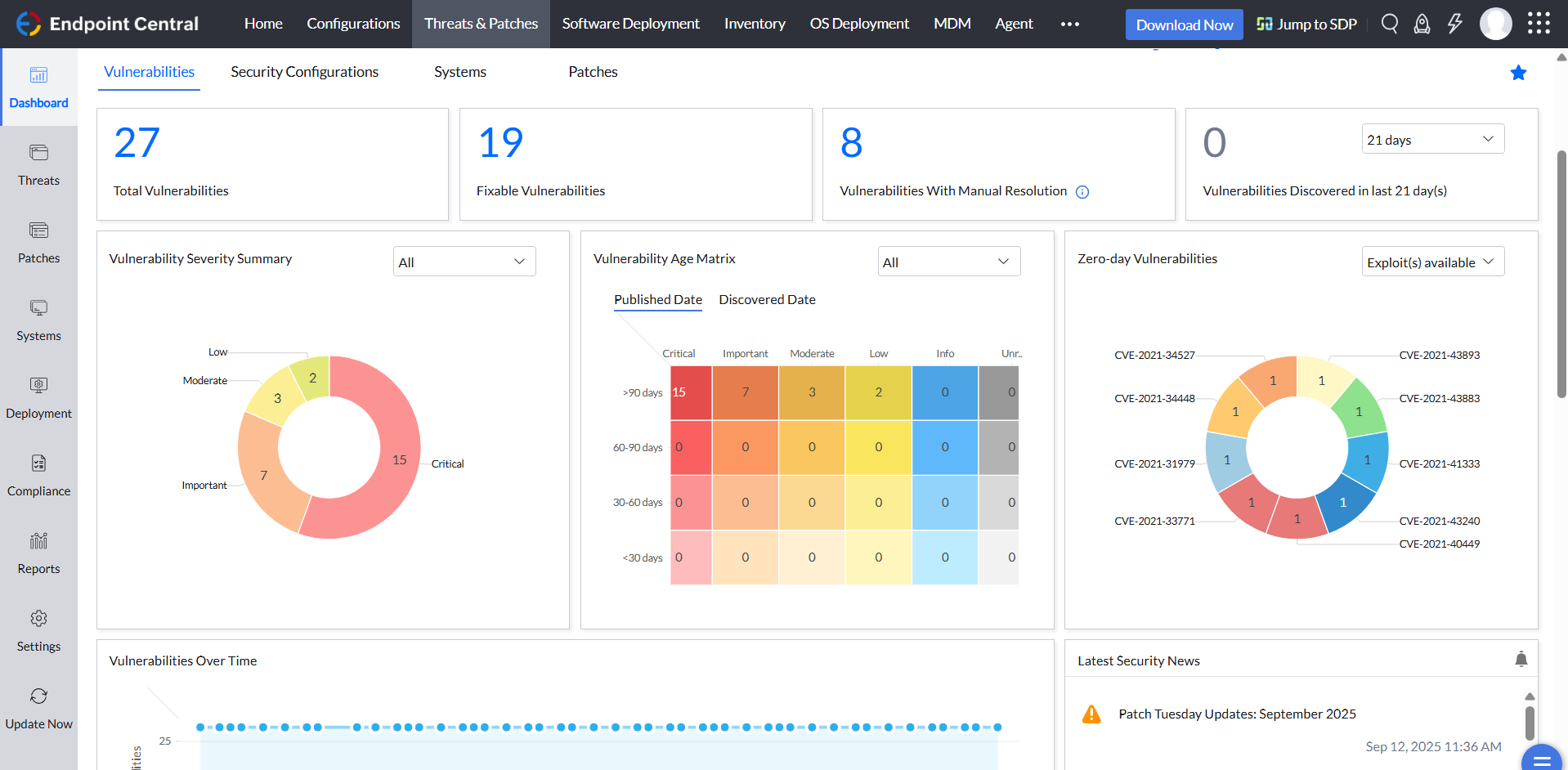
ManageEngine is considered an excellent product due to its comprehensive suite of solutions for IT management, with ManageEngine Endpoint Central specifically excelling in endpoint management. The platform stands out for its user-friendly interface, robust features, and versatility in addressing diverse IT needs. It offers organizations a centralized solution for endpoint security, patch management, software deployment, and asset management
It has is easy to use overall and is very powerful. The learning curve for the system is very small and I have found it easy to train members of our team to use it. It can fit any size organization and the support is excellent. The ROI is well worth it. If you have a multiplatform ecosystem, this tool is near perfect.
A de minimis incentive was given to thank the reviewer for their time. The incentive was not used to bias or drive a particular response, nor was the incentive contingent on a positive endorsement. More Info
Not using WNS to communicate with the endpoint console is a big plus. We now use Workspace One, and WNS can be really annoying at times. After deployment, it cleans itself, which is important for us because our current solution leaves the package on the computer and requires maintenance. The remotely script command is a lifesaver.
A de minimis incentive was given to thank the reviewer for their time. The incentive was not used to bias or drive a particular response, nor was the incentive contingent on a positive endorsement. More Info
We have found that Cisco Meraki has always had very good customer support. In the rare case, when we have needed assistance they have always been quick to respond and solve the issue.
A de minimis incentive was given to thank the reviewer for their time. The incentive was not used to bias or drive a particular response, nor was the incentive contingent on a positive endorsement. More Info
The immediate chat support is great and very helpful. However, if you need escalated support or have a deeper need that the chat tool can't help with, you will experience significant wait times and slow responses. The time zone difference becomes painful to the point of often just giving up.
It seems that the services offered with the purchase change from what is covered to what is an additional cost. Somethings I thought we had ended up requiring an additional purchase if we wanted to continue using the feature.
A de minimis incentive was given to thank the reviewer for their time. The incentive was not used to bias or drive a particular response, nor was the incentive contingent on a positive endorsement. More Info
The only product I have used that is similar is Apple Configurator. While a powerful solution, it requires physical access to the devices which is not always possible, especially on a large site. Meraki is able to achieve many of the same functions as the Apple configurator but without ever needing to physically access the device, other than initial setup and registration.
A de minimis incentive was given to thank the reviewer for their time. The incentive was not used to bias or drive a particular response, nor was the incentive contingent on a positive endorsement. More Info
I was not a part of the initial selection process, but I understand the issue was related to cost per endpoint. As a user of the other solutions I would say that the other solutions do have other strengths that ManageEngine is missing. The remote access tools are superior but at the end of the day you get what you pay for.
A de minimis incentive was given to thank the reviewer for their time. The incentive was not used to bias or drive a particular response, nor was the incentive contingent on a positive endorsement. More Info
It’s scalable up to a point and will scale well from small to a medium business, however, as a business grows and policies get more mature or detailed, you might have to later upgrade to a more appropriate enterprise solution such as MaaS360 or AirWatch. This solution however, will last quite a long tome for a growing business.
A de minimis incentive was given to thank the reviewer for their time. The incentive was not used to bias or drive a particular response, nor was the incentive contingent on a positive endorsement. TR verified that a representative sample of customers was invited. More Info
Our immediate take away has been a savings of thousands a year in MDM fees. We were paying around $3.00 a device with our previous MDM and our average with Meraki is about $1.88 per device. That while providing far more functionality than our previous provider.
A de minimis incentive was given to thank the reviewer for their time. The incentive was not used to bias or drive a particular response, nor was the incentive contingent on a positive endorsement. More Info
A de minimis incentive was given to thank the reviewer for their time. The incentive was not used to bias or drive a particular response, nor was the incentive contingent on a positive endorsement. TR verified that a representative sample of customers was invited. More Info