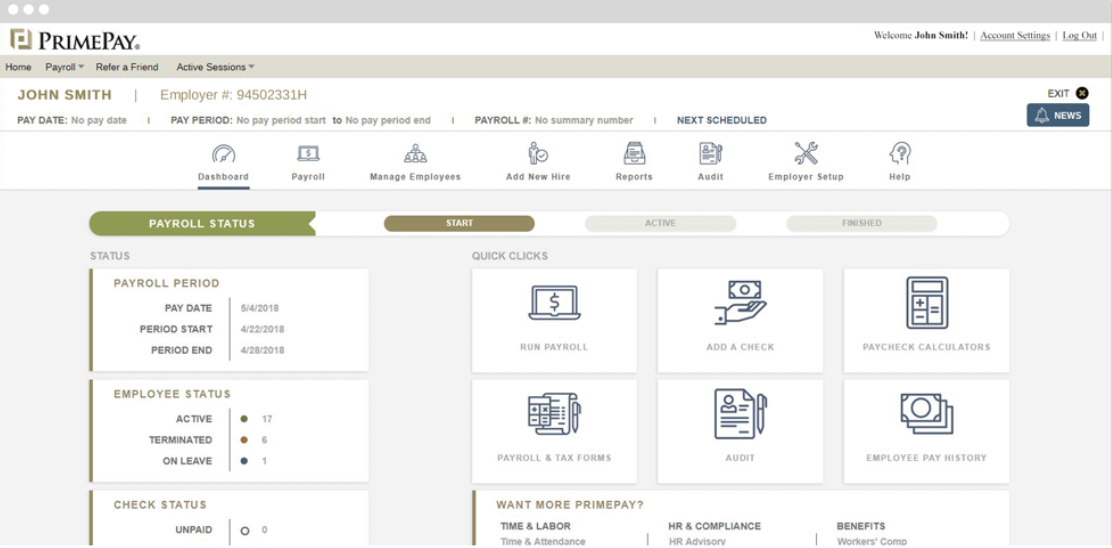
PrimePay is an HR management software that provides employers with tools to use from recruiting to onboarding to offboarding. PrimePay offers support for applicant tracking, payroll, benefits administration, and time tracking to streamline several HR processes.
N/A
UKG Ready
Score8.2 out of 10
N/A
The UKG Ready® software suite is a centralized HCM solution designed for small to mid-sized businesses. It automates and streamlines HR, payroll, benefits, time, talent, and scheduling processes. UKG Ready's suite of tools offer actionable insights while helping to ensure compliance. Using AI, it draws on work, people, and culture data to boost efficiency and productivity. For example, UKG Ready streamlines core HR functions by centralizing…
N/A
Pricing
CoAd
UKG Ready
Editions & Modules
No answers on this topic
No answers on this topic
Offerings
Pricing Offerings
CoAd
UKG Ready
Free Trial
No
No
Free/Freemium Version
No
No
Premium Consulting/Integration Services
No
Yes
Entry-level Setup Fee
No setup fee
Required
Additional Details
Pricing is available online for their time clock service only. For all other services or for companies with more than 150 employees, reach out to the vendor for a custom quote.
syncHR is designed for mid to large size companies, typically 200-2000 employees. Any organization that has a strong reporting need and/or a complicated payroll process could benefit from the unique features built into the platform
UKG is great for storing personal information and is easy to use for clocking in and out. And you can easily find the next payday at the bottom, your calendar with requested time off, and the available hrs. UKG is less user-friendly and more difficult when editing your personal information, like your phone number, and requesting time off is a little confusing to me.
A de minimis incentive was given to thank the reviewer for their time. The incentive was not used to bias or drive a particular response, nor was the incentive contingent on a positive endorsement. More Info
Automated retroactive change processing and mid-period rate changes – completely automated with no manual intervention needed - If you ever need to give someone a merit increase and make it retroactive or if an employee is entitled to enroll in health benefits on their first day employment but has 30 days to enroll, syncHR will automatically handles these retro changes.
A single application designed from the ground up that gives equal weight to HR, payroll, and benefit functions - syncHR is designed as a true unified solution with no back-end mainframes or separate front-ends vs backends. Everything is processed real-time in the cloud which has eliminated all discrepancies.
Customer Service - syncHR provides a designated account manager as your single point of contact. Since the The StaffWell Group is a 24/7 business, I needed a company that was available when I needed them. syncHR delivered with 24/7 emergency support.
Event-driven employee self service - Other systems we have used rely on employees to make the correct choices as to what is required when completing an employee initiated transaction. With syncHR, the system always directs the employee to the next step reducing both errors and calls to our support staff. I believe this is also the reason why we had a 40% increase in the adoption of ESS.
Dynamic Security & Workflows - syncHR has no static pages which allows security and workflows to be updated automatically whenever a change is made. This has virtually eliminated the time and effort required from HR to manually update workflows to the correct personnel.
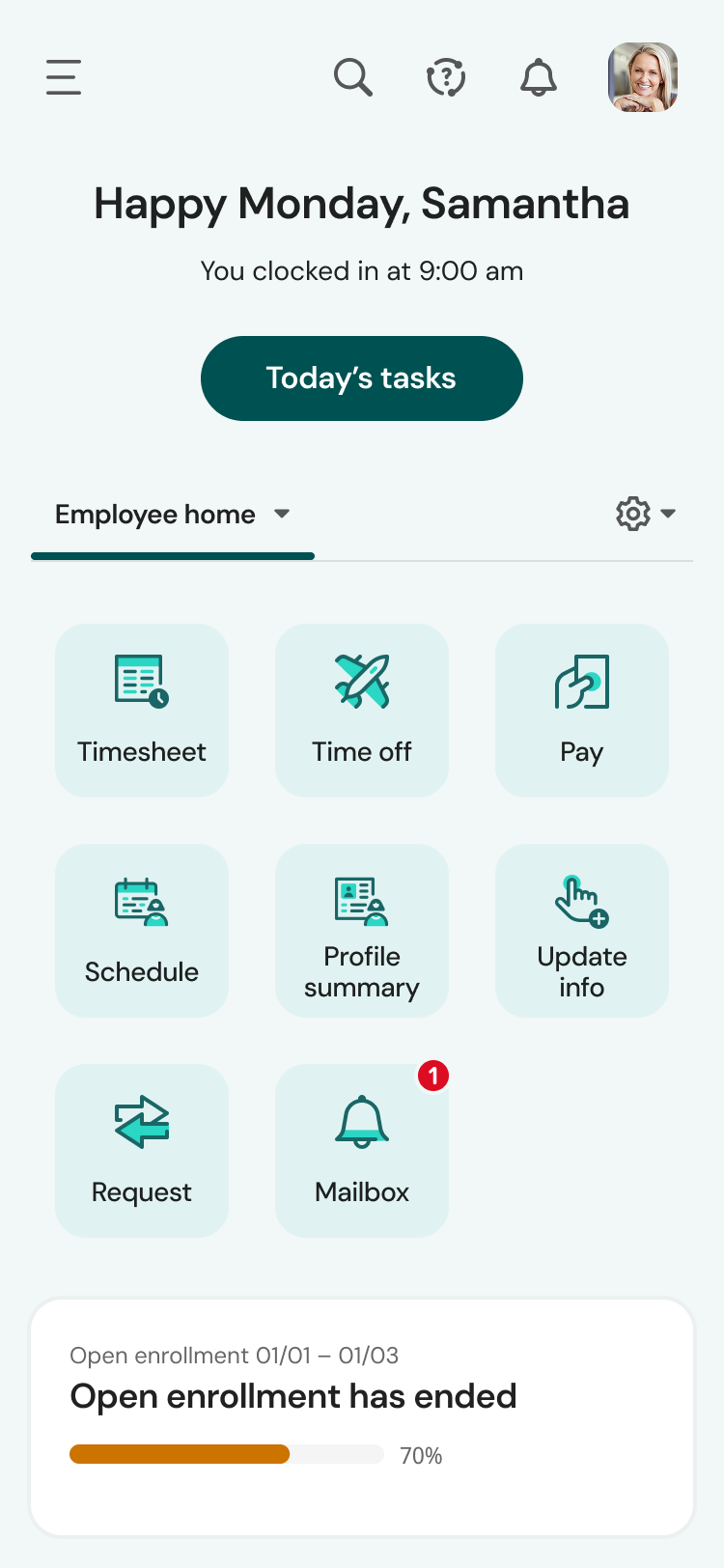
The mobile app experience is terrific. Once the employees figured out the navigation, they now prefer the app over the web version. The app mirrors the web version, although the navigation is somewhat compressed due to the mobile view. Other than that, the tools in the app work exactly as the web.
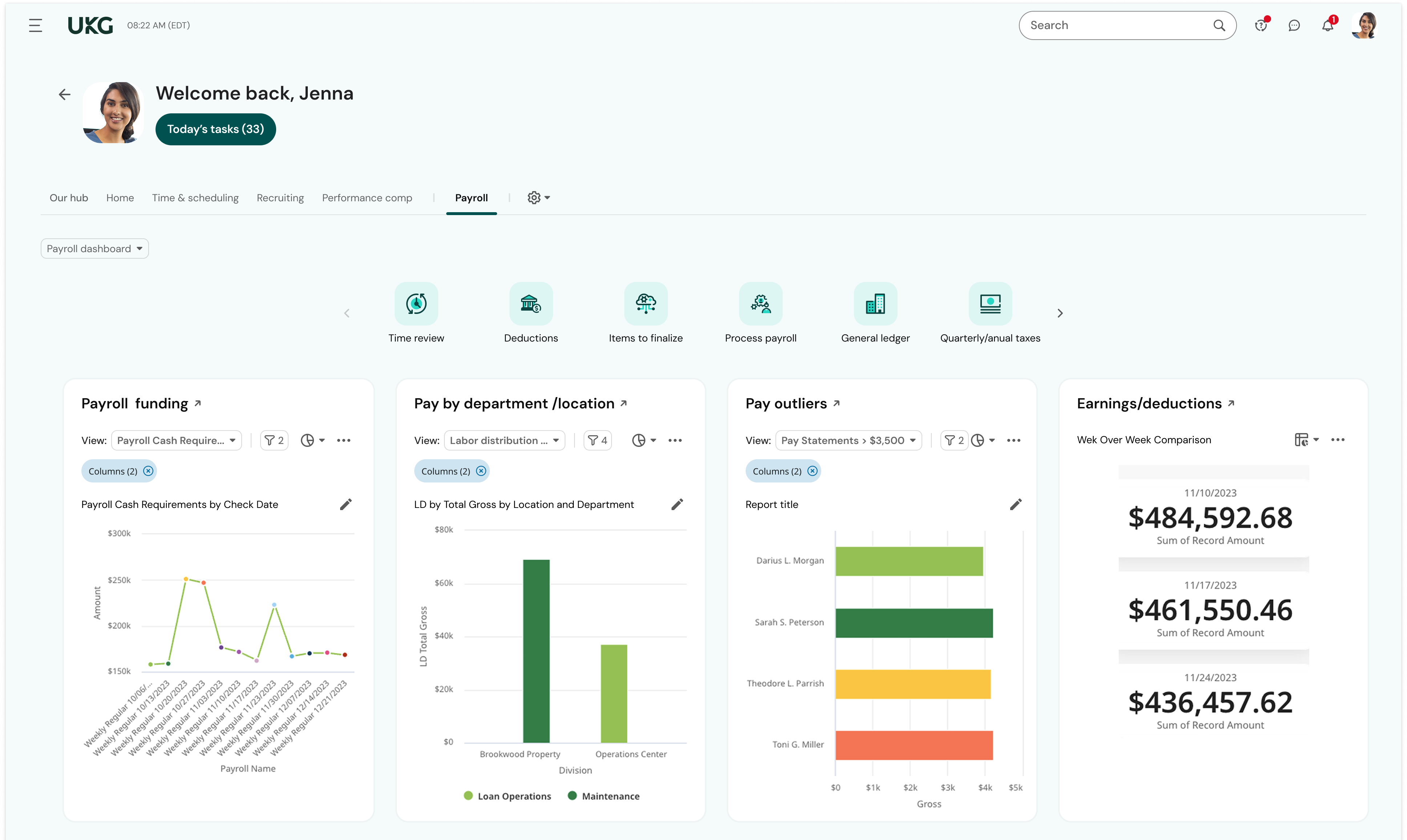
Reporting - there hasn't been a time when I couldn't run a report on the information I needed. And the reports dashboard is very robust - my most important reports were already built in the system. I saved so much time because I didn't have to cobble together the data from multiple reports or contact support to build the report for me.
Community page - I log into UKG's Community page daily. I learn so much from experienced UKG users and the UKG moderators are quick to provide answers and best practices. When I have a question about how to use a feature in UKG Ready, my first stop is the Community - I almost always find what I need without the need to submit a ticket/case or call Support. When I can't find what I need using Community, I can trust that Support will be responsive and helpful. For example, I needed help learning how our onboarding process was configured and submitted a case for assistance. The representative scheduled multiple meetings with me to help me not only navigate the onboarding setup but also to teach me how to revise the associated workflows and test the changes. I was also able to ensure our onboarding was set up correctly as well as modify it as needed.
Employee Self-Service - Once employees were trained to find their HR Actions tool, they quickly adapted to submitting their requests through UKG Ready rather than asking for help from an admin. Now, they readily submit change requests to update their direct deposit, address, and withholding. Sure, they still need a little help from time to time, but employees are initiating these changes without the need for payroll or HR to chase down signatures or paperwork.
A de minimis incentive was given to thank the reviewer for their time. The incentive was not used to bias or drive a particular response, nor was the incentive contingent on a positive endorsement. More Info
Learning Management System- syncHR currently does not offer an LMS system. They only track and report training dates, licenses and certifications.
Although syncHR is a global solution it is somewhat limited to tracking employee headcount, HR documents, paperless on boarding and benefit information. There is no international payroll option like the one they provide for domestic employees. Although the system can handle multiple languages and currencies, I would like to see a global payroll option.
Succession Planning - syncHR provides little functionality for succession planning. The system can track budgets vs actuals, goals and ratings but does not offer a true succession planning module
Learning and training is poor and has not provided our team with a way to approach our problems in a cost-effective and meaningful way
Consistent glitches in some areas result in errors that persist through multiple payrolls despite a thorough review of all settings
Reports don't live in the same place, multiple types of reports exist in multiple places with little explanation of the difference. We often build custom reports only to have them disappear or have to spend a long time trying to find them.
A de minimis incentive was given to thank the reviewer for their time. The incentive was not used to bias or drive a particular response, nor was the incentive contingent on a positive endorsement. TR verified that a representative sample of customers was invited. More Info
We plan to renew our support and use of UKG Ready each year unless it becomes unavailable or the district seeks another vendor. As of now, there are no plans to changes vendors. The district staff is now familiar with using UKG. Another vendor will need to meet the same expectations we have come to enjoy with using UKG
A de minimis incentive was given to thank the reviewer for their time. The incentive was not used to bias or drive a particular response, nor was the incentive contingent on a positive endorsement. TR verified that a representative sample of customers was invited. More Info
Overall the system is very easy to navigate but more importantly my employees find it so easy to use. The percentage of employees who now use ESS went up by 40%
We have been very happy with the product. Occasionally, there are things we run into that do not seem so clear, yet the customer service provided by UKG community and service cases is unparalleled. Their specialists have been great to take the time to walk us through how to properly set up open enrollment and we appreciate the written follow up from the service cases so we can save the instructions.
A de minimis incentive was given to thank the reviewer for their time. The incentive was not used to bias or drive a particular response, nor was the incentive contingent on a positive endorsement. More Info
The system seems very stable. Being hosted in the cloud, we are vulnerable to internet speeds and busy times. The system has been down a couple times over the 3 months we have been live, but Kronos resolved the issues very quickly. To have access from a desktop, tablet, time clock, or phone app is one of the best features....users have almost NO REASON they can't clock in.
A de minimis incentive was given to thank the reviewer for their time. The incentive was not used to bias or drive a particular response, nor was the incentive contingent on a positive endorsement. TR verified that a representative sample of customers was invited. More Info
We were always told that Kronos was the best, but there are reports that we got out of ADP and other payroll providers that we cannot get out of Kronos. One example is a report of Productive/Non-productive hours by department. We also need the dollar amount associated with the hours. This is information that is required on our cost report and we were told that that report is unavailable. It is very frustrating when I can't get what I need.
A de minimis incentive was given to thank the reviewer for their time. The incentive was not used to bias or drive a particular response, nor was the incentive contingent on a positive endorsement. TR verified that a representative sample of customers was invited. More Info
Whenever we need support our designated account manager is there to provide answers for us. If she doesn't have or know the answer, additional support is provided via a service matter expert in that field. Support hours are 24/7
If I was only rating support itself that would be a 10. Every support case I have entered has been addressed efficiently and with the desired result. On the implementation and transition to support there were multiple issues that those doing the implementation or transition could not answer or workflows and various settings left undone only to be discovered later. We implemented 3 different modules and the expertise we got for each one varied widely.
A de minimis incentive was given to thank the reviewer for their time. The incentive was not used to bias or drive a particular response, nor was the incentive contingent on a positive endorsement. TR verified that a representative sample of customers was invited. More Info
Our in-person training was a hybrid. Live online training with an instructor. They were very knowledgeable of the product & the area they were training on. I asked several specific questions and if they didn't know the answer immediately they followed up after class.
A de minimis incentive was given to thank the reviewer for their time. The incentive was not used to bias or drive a particular response, nor was the incentive contingent on a positive endorsement. TR verified that a representative sample of customers was invited. More Info
Pretty good online training, you have many how to options and can watch them several times. It can be hard at times to dig through the amount of data online but can usually find what you are looking for. Also you can download documentation for setting up the profiles and policies.
A de minimis incentive was given to thank the reviewer for their time. The incentive was not used to bias or drive a particular response, nor was the incentive contingent on a positive endorsement. TR verified that a representative sample of customers was invited. More Info
During the first few weeks of implementation it is important to have all key members participate in meetings. Finance, HR, Payroll and Benefits should be involved from the early stages to ensure that the solution is designed to meet your specific requirements. Since syncHR personalizes their solution for each company a few wrong steps early on regarding the design we wanted caused us to spend extra time later. The more info you provide syncHR upfront the better they can take all of your rules and needs into account from day one. In our case, finance did not get involved right away and therefore some of the items that we needed for our GL needed to be re-done. SyncHR was very accommodating though as they spent extra time with us to update some of the allocations so that finance got what they needed
Make sure the people who are doing the build have extensive knowledge on employment law and asking the right questions. I would bet that the people who helped with our builds did not read any of our employment contracts or ordinances; and when I asked questions about how other companies handled certain basic dictates from federal employment laws, they didn't have any idea what FMLA, FLSA, etc were.
A de minimis incentive was given to thank the reviewer for their time. The incentive was not used to bias or drive a particular response, nor was the incentive contingent on a positive endorsement. TR verified that a representative sample of customers was invited. More Info
As I mentioned I have used UltiPro, ADP, Ceridian as well as several others and none of them seem to offer half of the functionality and service that syncHR provides. Although we had some problems from time to time, I hold companies in high regard by how they resolve these problems. It's a comfort knowing that my HCM provider truly cares about me and my business so if for no other reason than this, I feel syncHR is far and away the best system I have used. The system works as advertised which is all I could ask for
UKG is much easier to use and customize for our business needs. I enjoy that the time piece is directly connected with the payroll function. This is something that we didn't see when working with Paylocity. There was a manual time data upload that we needed to process into the Payroll function to process payroll. UKG has this setup and it's just a click of a button, so simple!
A de minimis incentive was given to thank the reviewer for their time. The incentive was not used to bias or drive a particular response, nor was the incentive contingent on a positive endorsement. TR verified that a representative sample of customers was invited. More Info
A de minimis incentive was given to thank the reviewer for their time. The incentive was not used to bias or drive a particular response, nor was the incentive contingent on a positive endorsement. TR verified that a representative sample of customers was invited. More Info
Due to complexity of our payroll, it would typically take us almost 3 full days to verify hours and perform retro changes before actually running payroll. With so many retroactive changes and manual calculations it was a time consuming and error prone process. With syncHR, the accuracy of payroll has increased tremendously and the amount of time we now spend preparing to process payroll decreased to less than 4 hours per week. All approved time seamlessly moves from the T&A module into payroll and all retro transactions are automatically processed.
When I initially selected syncHR I was a little hesitant because I never heard of them before and was concerned about their viability as a company and customer service. Several years later I'm happy to say that syncHR has provided better support than any of the better know competitors ever did.
Although no system is ever perfect, overall syncHR has exceeded most of my expectations. The sales and implementation process was wonderful, the salesperson was responsive and did not oversell what the system could do.
Training & Implementation - syncHR spent a considerable amount of time learning my business rules in order to build the system to meet my requirements. Training was provided on all aspects of the system until my team felt comfortable enough to handle things on their own. I never felt as though we had a set number of hours of training or that our questions, no matter how redundant or simple were a bother to them.
A de minimis incentive was given to thank the reviewer for their time. The incentive was not used to bias or drive a particular response, nor was the incentive contingent on a positive endorsement. More Info