Copper is a customer relationship management (CRM) built as an integration into Google Apps.
$12
per month per user
Kintone
Score9.7 out of 10
N/A
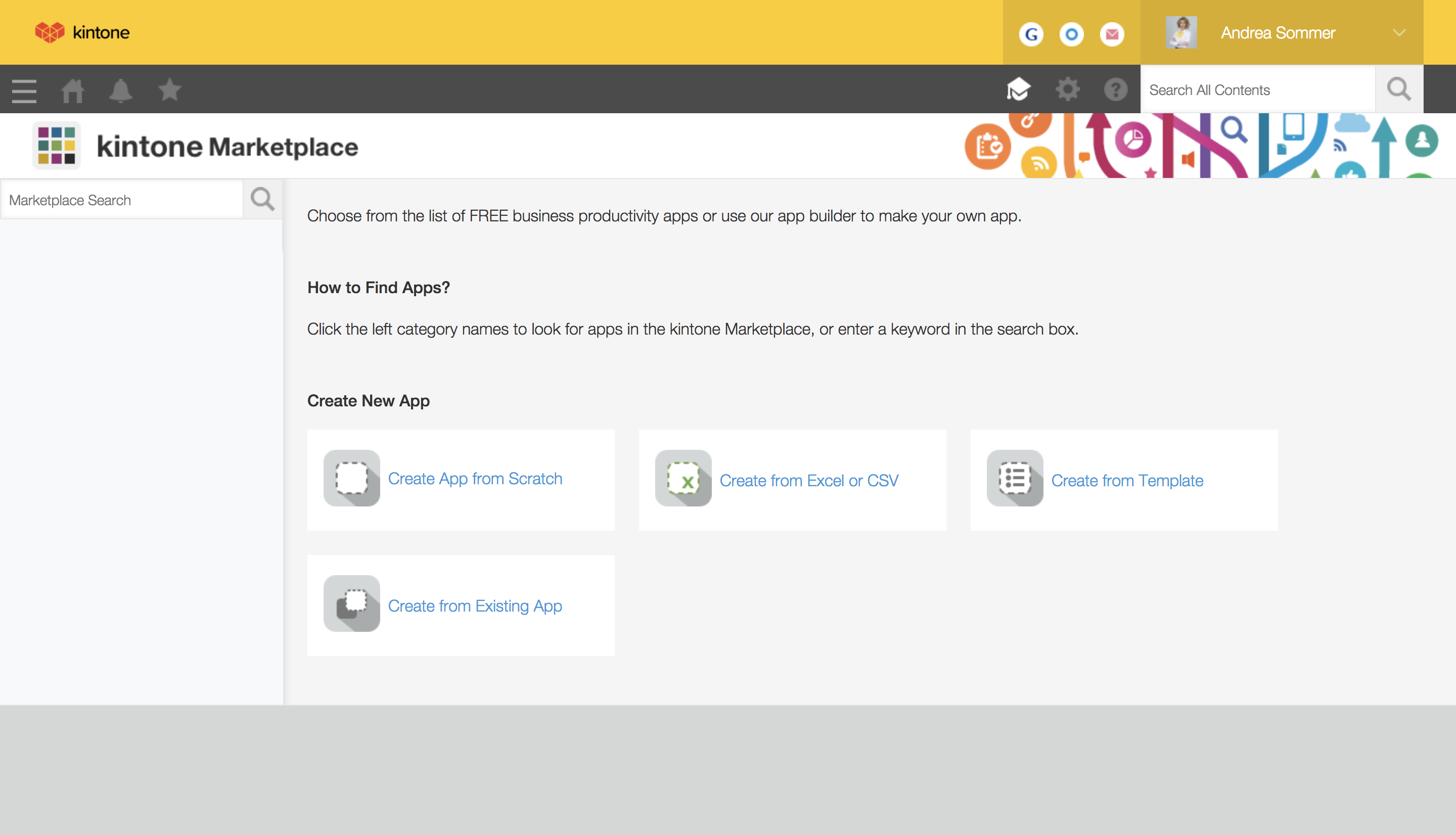
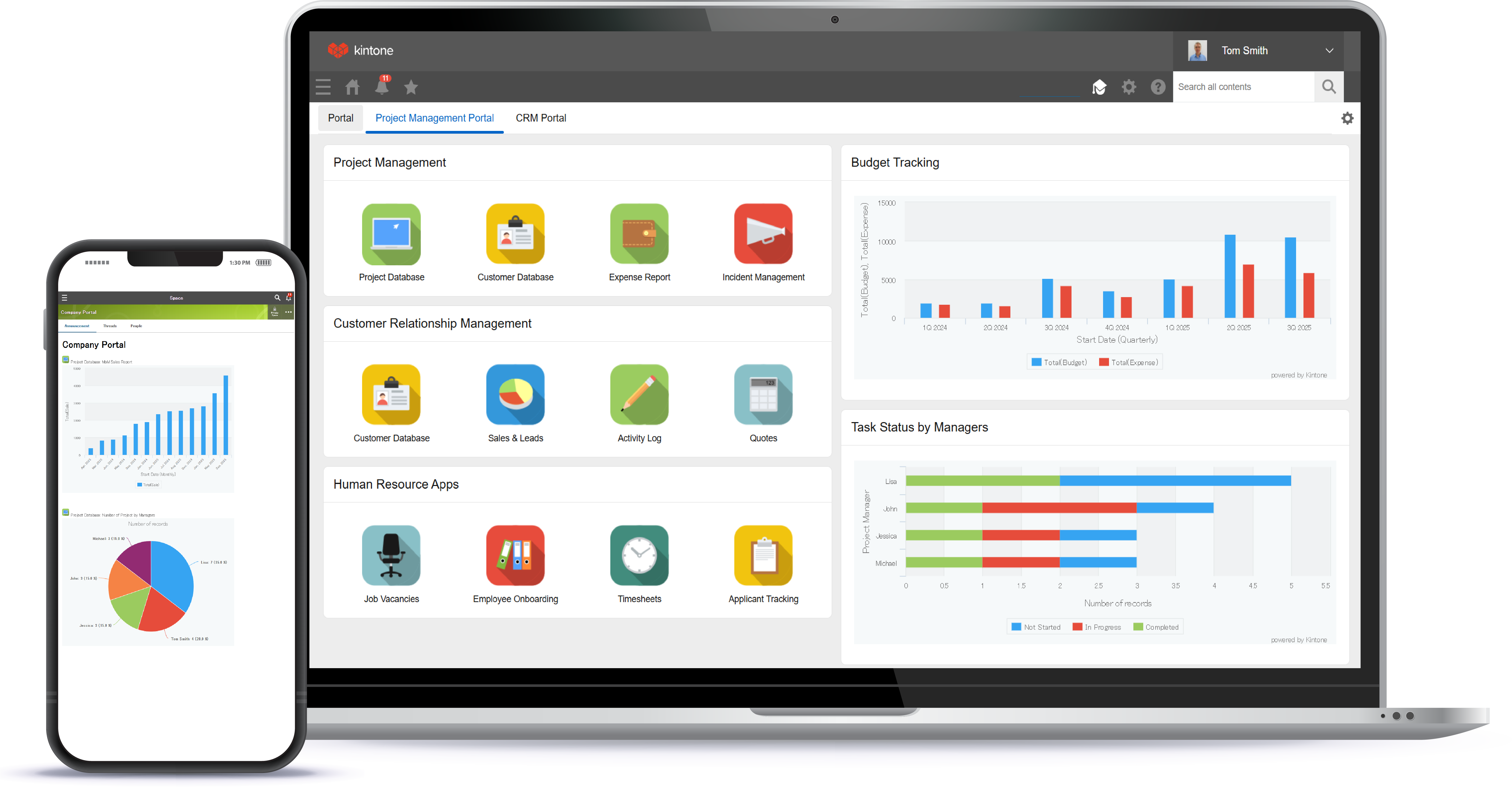
Kintone is a customizable digital workplace platform used to manage data, tasks, and communication. The no-code drag-and-drop interface can be used to create custom applications.
$120
per month for 5 users (minimum)
Pricing
Copper
Kintone
Editions & Modules
Starter - Paid Annually
$9.00
per month per user
Basic - Paid Annually
$23.00
per month per user
Professional - Paid Annually
$59.00
per month per user
Business - Paid Annually
$99.00
per month per user
Professional Subscription
$24
per month per user
Offerings
Pricing Offerings
Copper
Kintone
Free Trial
Yes
Yes
Free/Freemium Version
No
No
Premium Consulting/Integration Services
No
Yes
Entry-level Setup Fee
No setup fee
Optional
Additional Details
Up to 15% discount for annual pricing.
Minimum requirement of 5 users. Kintone offers a free prototype to build with using existing process.
If you need to track contract expiration dates of your clients or your prospects that you're trying to sell - Copper is your tool. If you want to track specific products, solutions, vendors, etc. Copper can do it. I use it to track many brands of IT products and services with the use of custom fields to track which prospects/clients have any number of these items. Rather than taking notes, I can select the product from a drop down list that I created VERY EASILY within Copper.
I recommend Kintone for companies that need the ability to customize standalone applications or to provide a 'hub' to employees as a jumping-off point. I also recommend Kintone for any company that is drowning in spreadsheets, or is using 10 apps for 10 different purposes - you can consolidate everything into one place. Kintone, I think, needs a larger team for customization as your company grows. If you are a small office of 20 people, using it out of the box will likely be just fine for your needs. If you're working with 200 people out of an office, it'd likely be good to have someone with a bit of CSS, Java, and API experience in order to maximize what you get out of it - though you won't need that if you're keeping it simple.
A de minimis incentive was given to thank the reviewer for their time. The incentive was not used to bias or drive a particular response, nor was the incentive contingent on a positive endorsement. TR verified that a representative sample of customers was invited. More Info
Allows for contacts to be synced and organized directly from Gmail.
Gives a flexible style and customizable settings to match our company's specific needs.
Does a great job of helping us keep track of projects. We easily created a customized "Status" field with several status options that help us update the many phases of our project.
A de minimis incentive was given to thank the reviewer for their time. The incentive was not used to bias or drive a particular response, nor was the incentive contingent on a positive endorsement. More Info
A de minimis incentive was given to thank the reviewer for their time. The incentive was not used to bias or drive a particular response, nor was the incentive contingent on a positive endorsement. More Info
Window change: for mobile - when you tap on a card from a pipeline it takes you to the lead’s basic info. I wish it would immediately just open all activities so I can quick see notes
I usually use Copper on the go. When you open the Copper app, it immediately opens a collab window. I wish it had some sort of easy dashboard….plus a notes area. I open Copper on mobile to quickly search for someone’s name or to take quick notes from a sales meeting
A de minimis incentive was given to thank the reviewer for their time. The incentive was not used to bias or drive a particular response, nor was the incentive contingent on a positive endorsement. TR verified that a representative sample of customers was invited. More Info
A de minimis incentive was given to thank the reviewer for their time. The incentive was not used to bias or drive a particular response, nor was the incentive contingent on a positive endorsement. More Info
We have been quite happy with our use of Kintone thus far. We looked at several options before choosing Kintone and believe it had the best value and best features, while allowing for complete customization, rather than being locked into preformatted apps that may not address exactly what we need or be more than what we need.
A de minimis incentive was given to thank the reviewer for their time. The incentive was not used to bias or drive a particular response, nor was the incentive contingent on a positive endorsement. TR verified that a representative sample of customers was invited. More Info
Copper is simple to use and it's simple to figure out the additional functionality you may need or want to use. There are a lot of support articles and the support itself is great. But it's also fairly simple to figure out on your own. It integrates easily with Google Workspace as well.
A de minimis incentive was given to thank the reviewer for their time. The incentive was not used to bias or drive a particular response, nor was the incentive contingent on a positive endorsement. More Info
I love everything bout it. I love that if there is something I don't feel is working well enough, we are able to change it. The ONLY thing I would say is that if you were able to make it so every time I click on anything in the website/app it stayed in the same page, that would be great, but I don' think it is possible and I think this is due to using so many external APIs
A de minimis incentive was given to thank the reviewer for their time. The incentive was not used to bias or drive a particular response, nor was the incentive contingent on a positive endorsement. TR verified that a representative sample of customers was invited. More Info
A de minimis incentive was given to thank the reviewer for their time. The incentive was not used to bias or drive a particular response, nor was the incentive contingent on a positive endorsement. TR verified that a representative sample of customers was invited. More Info
A de minimis incentive was given to thank the reviewer for their time. The incentive was not used to bias or drive a particular response, nor was the incentive contingent on a positive endorsement. TR verified that a representative sample of customers was invited. More Info
There have been a few times when I contacted the "help desk" or "support team" and they just told me to watch a video or join a seminar to learn what I am looking to do. I would have expected someone to take a few minutes and literally walk me through the steps one by one until either I figured it out or accomplished the goal of my request.
I am very happy with Kintone and support it fully. I think that it is a great place for any company that wants to create a platform for better management. It is easy to use and pretty affordable. It is straightforward and has many tools that can be used by anyone. There are many helpful tutorials available too to guide users
A de minimis incentive was given to thank the reviewer for their time. The incentive was not used to bias or drive a particular response, nor was the incentive contingent on a positive endorsement. More Info
A de minimis incentive was given to thank the reviewer for their time. The incentive was not used to bias or drive a particular response, nor was the incentive contingent on a positive endorsement. TR verified that a representative sample of customers was invited. More Info
Everyone has their own tastes of things and way they want to work. Asking them to adapt to the changes with the new tools or apps is always difficult. We would want to start with a very small but best example within the organization, which in our case was that the employees will not be bothered by the bosses by being asked to find the documents, status of the progresses, or major things/requests/projects.
A de minimis incentive was given to thank the reviewer for their time. The incentive was not used to bias or drive a particular response, nor was the incentive contingent on a positive endorsement. More Info
We selected Copper over these other CRMs mainly because of its ability to integrate with Google Workspace. Members of our team have used Salesforce in the past and found it to be a nightmare to work with/on. Candidly, Copper doesn't fill all of our needs so we supplement that with the use of Asana.
A de minimis incentive was given to thank the reviewer for their time. The incentive was not used to bias or drive a particular response, nor was the incentive contingent on a positive endorsement. More Info
Kintone is the easiest product to create from and the cost is the lowest I believe. In addition, reconfigurability and extendability are great. If you look for a low code tool, you can try Kintone. But as same as another low code tool, don't expect too much.
A de minimis incentive was given to thank the reviewer for their time. The incentive was not used to bias or drive a particular response, nor was the incentive contingent on a positive endorsement. More Info
A de minimis incentive was given to thank the reviewer for their time. The incentive was not used to bias or drive a particular response, nor was the incentive contingent on a positive endorsement. TR verified that a representative sample of customers was invited. More Info
A de minimis incentive was given to thank the reviewer for their time. The incentive was not used to bias or drive a particular response, nor was the incentive contingent on a positive endorsement. TR verified that a representative sample of customers was invited. More Info
A de minimis incentive was given to thank the reviewer for their time. The incentive was not used to bias or drive a particular response, nor was the incentive contingent on a positive endorsement. TR verified that a representative sample of customers was invited. More Info
A de minimis incentive was given to thank the reviewer for their time. The incentive was not used to bias or drive a particular response, nor was the incentive contingent on a positive endorsement. More Info
A de minimis incentive was given to thank the reviewer for their time. The incentive was not used to bias or drive a particular response, nor was the incentive contingent on a positive endorsement. More Info