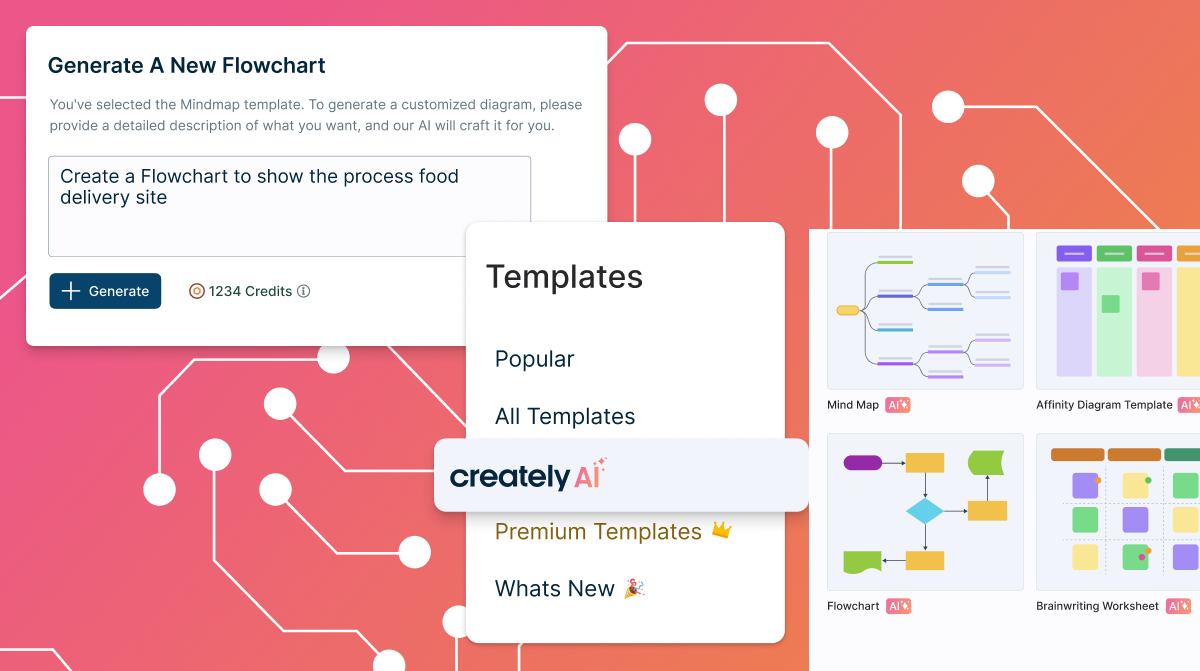
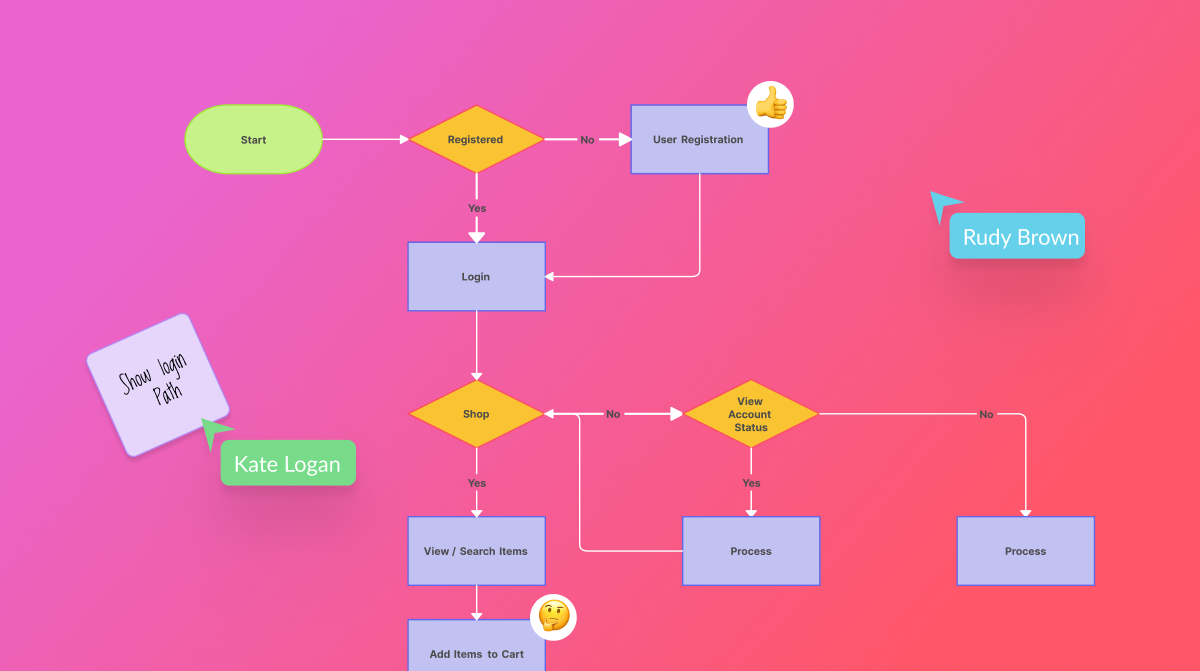
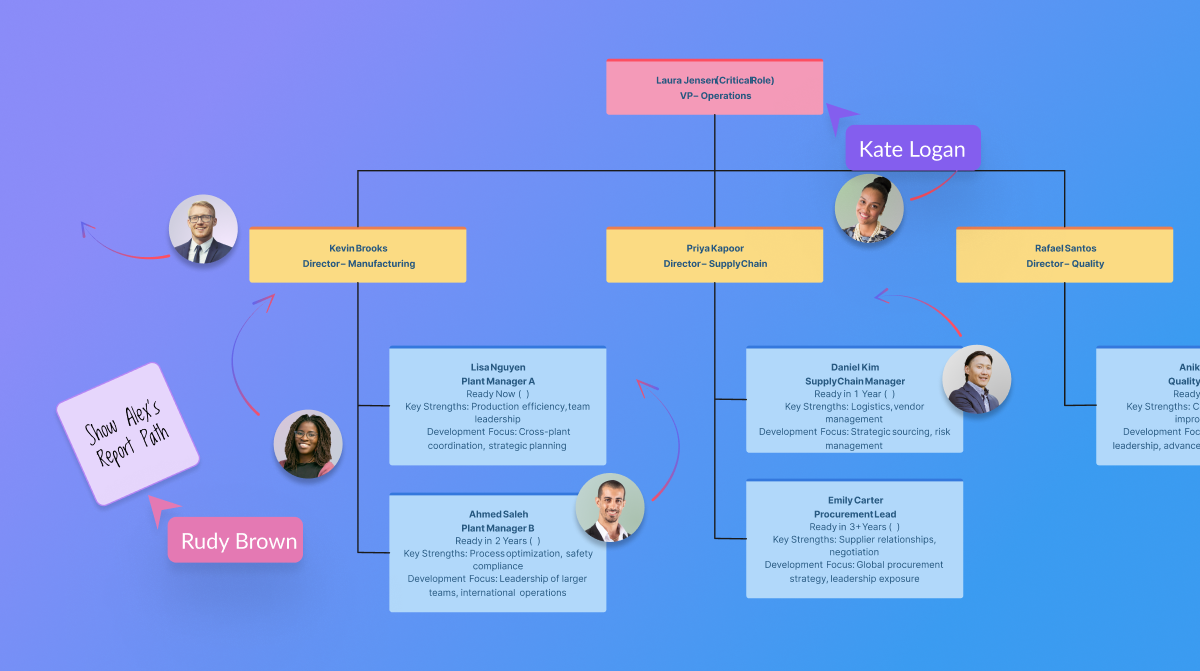
Creately is a visual collaboration platform that supports genograms, flowcharts, org charts, mind maps, and UML diagrams. Featuring template-based AI diagram generation, Creately boasts speed and accuracy in visual planning.
$8
per month (single user)
Gliffy
Score 6.0 out of 10
N/A
Gliffy is an online diagramming tool with collaboration features from the San Francisco company of the same name, offering standalone versions of Gliffy and integrated versions for Jira and Confluence.
$6
per month
Microsoft Visio
Score 7.7 out of 10
N/A
Microsoft offers Visio, a diagramming tool for building flowcharts, diagrams (e.g. network diagrams), org charts and floor plans, available online as a subscription and also in enterprise level packages (e.g. Visio Professional).
$5
per month per user
Pricing
Creately
Gliffy
Microsoft Visio
Editions & Modules
Creately Personal
$8
per month
Creately Team
$8
per month per user
Creately Team
$60
per year per user
Creately Personal
$60
per year
Creately Business
$149
per month Unlimited Users
Creately Business
$1,068
per year Unlimited Users
Professional
$6
per month
Visio Plan 1
$5.00
per month per user
Visio Plan 2
$15.00
per month per user
Visio Standard 2024
$309.99
one-time fee On-premises diagramming solution, licensed for one PC
Visio Professional 2024
$579.99
one-time fee On-premises diagramming solution, licensed for one PC
Offerings
Pricing Offerings
Creately
Gliffy
Microsoft Visio
Free Trial
Yes
No
No
Free/Freemium Version
Yes
No
Yes
Premium Consulting/Integration Services
Yes
No
No
Entry-level Setup Fee
No setup fee
No setup fee
No setup fee
Additional Details
Discounted prices for non profits, educational institutes, and charities.
For Enterprise pricing, please reach out.
—
More Pricing Information
Community Pulse
Creately
Gliffy
Microsoft Visio
Considered Multiple Products
Creately
Verified User
Manager
Chose Creately
Creately's folder system is a novel feature that beats its competitors. It helps keep everything organized. In addition, there are many more customization possibilities, especially in the shapes and in the library of templates and drawings. It has an intelligent drawing …
It really all comes down to ease of use. The way you can make diagrams and how Gliffy integrates with Confluence is very important for our way of working.
Gliffy is easier to use together with Confluence since it provides an integration where you can edit an image directly on the page. Visio and PowerPoint is better drawing tools but we have moved away from them since there isn’t a good way to keep track of the original file of …
The Gliffy platform supports only web whereas Lucidchart and Zoho Creator both support web, iPhone App and Android App. Gliffy is geared toward SMB and MSB whereas their competitors also market to freelancers and Enterprise customers providing solutions for each. Gliffy only …
Visio has been the standard of what I have considered to be the go-to diagramming product. Gliffy holds its own and while I haven't used Visio for a while I don't know where there would be substantial advantages to using Visio over Gliffy. The functionality is comparable and I …
Visio is much more expensive than Gliffy. If Visio was included in Office365 I'd likely give it a shot, but I don't see that happening soon. Again, if you're an expert maybe you have a reason for using Visio instead of Gliffy. Other than that or a scenario in which someone is …
Comparable. Not quite as slick but it accomplishes the core functionality just as well. At least with the version I've used, they're not mutually compatible, but it's not too tough to recreate Visio content in Gliffy.
Chose it for the ease of use, the professionalism of the exported visuals, and the quick and easy learning curve. I personally use Adobe Illustrator for some of the more complex graphics needed, as I've been using that platform for years; but training contractors and clients …
Visio has a larger number of templates. More versatile. There are many ready-made elements. More reliable. It is better integrated with other software products, both from the Microsoft ecosystem and with other ecosystems. More convenient to learn. There are much more …
Microsoft Visio, with a plethora of templates, shapes, layouts, and designs, Visio is a paradise for your visual modeling requirements. Lucidchart advertises itself as a Visio alternative and boasts of being used by the teams at Cisco, Harvard University, Accenture, and more. …
It is a very complete tool, although it is not compatible with multiple devices. You can export your diagrams and share with different media or document management systems.
Creately sells itself as software specializing in a wide variety of areas, which is true in some cases. Visualizing and creating marketing processes, research, user flows, and general flowcharts is an extremely powerful tool. However, in other areas, such as Human Resources, UI/UX prototyping, and Wireframe design, it leaves a little to be desired compared to the competition.
Gliffy is user-friendly, with a drag-and-drop interface that makes it easy to create clear and visually appealing diagrams without steep learning curves. It’s perfect for creating straightforward, quick wireframes. Gliffy lacks features for detailed UI/UX wireframing and prototyping compared to specialized tools like Figma, Sketch, or Adobe XD.
Visio is by far and away the best tool that I have used to do Value Stream Mapping sessions with the warehouse I support. It has all of the shapes needed built in to be able to represent all areas of the processes. I also like how you are able to make the drawing as big as needed and when printing it out of Visio you have the ability to use the necessary paper size. The biggest complaint that I have with the software if how it can be cumbersome for non-Visio users (that is, people without a license in the orgnaization) to interact with the Visio Map. We normally have to dedicate one Visio SME to be able to make the changes that Process SME's find since they do not have access to the software.
First it's important to point out that Gliffy has priced itself incredibly well for small to medium sized businesses. Most other similar solutions are so expensive that organizations will avoid getting workflow software overall. Gliffy can take pride in knowing they're helping small business operate better.
Gliffy is incredibly easy to use for a first time user. I rarely have to train someone on how to use it. It's a lot of fun to see people get excited about systems and processes when using Gliffy. If you need to get up and running quickly I can't think of a better solution for workflow visualization.
I also like using Gliffy for mindmapping. I'm sure some mindmapping experts can tell me how I'm doing that incorrectly, but it just works for me. This points to the ease with which Gliffy allows you to get your thoughts down quickly and easily.
Microsoft Visio is excellent for organizing thought processes related to our more complex research.
The diagrams created with Microsoft Visio are ideal for graphically displaying the internal organization of work and research groups through flow diagrams.
Microsoft Visio is a great tool for managing our students' activities by creating flowcharts that help us graphically visualize the steps of their group work.
I have had some trouble saving complex diagrams and viewing them on the fly. On a handful of occasions, diagrams are unable to save, which means I either need to try to "save as" a separate diagram, or I am perpetually stuck trying to "load" recent changes. Overall, this means I always have a slight lingering fear that my diagrams aren't fully saved or recoverable. Support has been pretty responsive helping me to reload corrupted diagrams.
Adding Text, Notes, and Images can be a challenge. While laying out objects with simple text is a strength, adding formatted text and commentary can be a challenge. I often find my objects ghost-moving all over the screen and lost. I'd love a drag-and-drop way to load images in to diagrams. The process is a bit cumbersome with the file upload wizard.
Template environments - I struggled a bit to try to create a default starting point for my diagrams. I've tried to load common libraries and ignore others, those settings are often ignore upon reload. I'd love to use the same 10 objects and ignore the rest, I am not able (yet) to create this scenario, though there may be more to learn.
Searching, Indexing, Retrieving my diagrams. As part of an enterprise plan, I find there are too many clicks required to a) find/search for my diagrams and b) save diagrams into my Gliffy folder. In our implementation I can see all folders for all of my colleagues, and need to drill down a bit before I get to my folder, where I can actually search my documents in a list. I'd prefer a more intuitive way to land on my diagrams and to organize them (e.g., by customer) so that I can access them more quickly.
When navigating through swim lanes, the user must be careful between switching from the point to the connection features as it can be difficult to remember which mode you’re in.
When drawing “decision points,” it can be difficult to type words like “yes” or “no” between the connection lines.
The exporting options aren’t ideal. They are hard to create in PDF format.
Because of its great versatility and ease of use. From diagramming to roadmpas and even user interface wireframes. Once a draft or first version is done we like to use the Confluence integration so we can collaborate and have one single source of truth
We use Microsoft Visio to keep our diagrams updated and to that end we will need the subscription to keep using the software. Otherwise we will be left with PDF versions of the diagrams.
I based my assessment on aggregated user feedback and reviews from platforms like G2 and Software Advice. Many users highlight the simplicity and versatility of Gliffy’s interface, which makes it accessible for both beginners and professionals. Features like drag-and-drop functionality, a variety of templates, and integration options (e.g., Atlassian tools) contribute to its high rating.However, it doesn’t score a perfect 10 because some users report performance issues with complex diagrams, limited advanced features compared to competitors, and occasional difficulties with collaboration features. Balancing these strengths and weaknesses lands Gliffy in the 8-9 range for usability
I have always struggled with some basics, such as connection points, object alignment, font consistency, arranging layers and their order (bring forward, send backward), and managing overlap. I usually need to create an initial rough draft and then do a separate cleanup pass to bring the diagram up to my quality standards. If I skip that step, the result generally does not look very good. And once a diagram becomes busy or the file gets large, Visio has been unstable for me in the past, including occasional crashes that caused non-recoverable edits.
Overall, I feel that Microsoft's support is weak. They are now such a behemoth that their model of putting documentation online for their users to sift through is totally outgrown. Given the amount of money you pay for these licenses, Microsoft should provide easy one-on-one support for their products via email or chat. The idea of paying their rates for support incidents is ridiculous. If you have an enormous amount of time on your hands, use their support websites and you will eventually find a solution most of the time.
Gliffy is easier to use together with Confluence since it provides an integration where you can edit an image directly on the page. Visio and PowerPoint is better drawing tools but we have moved away from them since there isn’t a good way to keep track of the original file of the vector/bitmap included in the Confluence page.
Even though it’s a more expensive solution, Vizio is built for the enterprise. Therefore, it integrates perfectly with our existing Microsoft stack, and quite frankly, because it’s such a more mature product, it provides exactly the functionality we need and expect.
Gliffy had a positive ROI on our initial efforts in getting team members to map out their workflows, provide them in confluence through its integration and get them distributed to our organization. The ease of use was a huge success for adoption.
Gliffy did seem to have unfriendly costs. Even as a customer for years that signs year-long contracts the price needle did not move much. Enterprise-wide software is expected to have discounts at a bulk buy within the industry.
Gliffy for the first time provided a tool for us to put our thoughts in a shareable format. It paved the way for increased organization and getting to buy into pre-existing processes.
Reduces the amount of time I need to create process flow diagrams. In the past I would use Powerpoint or Word which required a lot more effort and time and never looked as good. Visio just takes that headache away.
Only negative is that I personally believe it should always have been part and parcel of the Office suite, thus giving more users the opportunity to use it rather than specifically having to justify its separate purchase within our organisation. Different now with Office 365 of course!