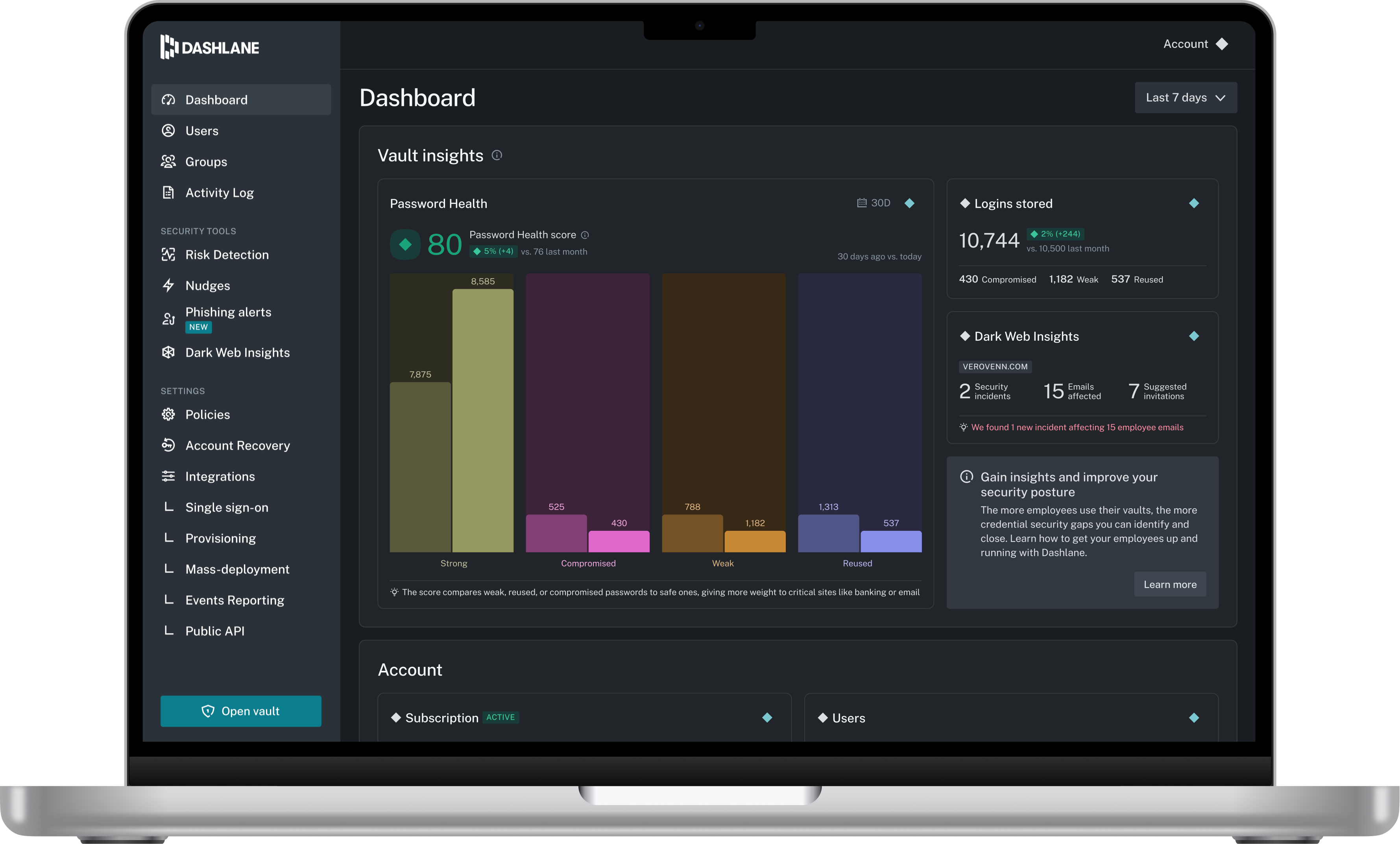
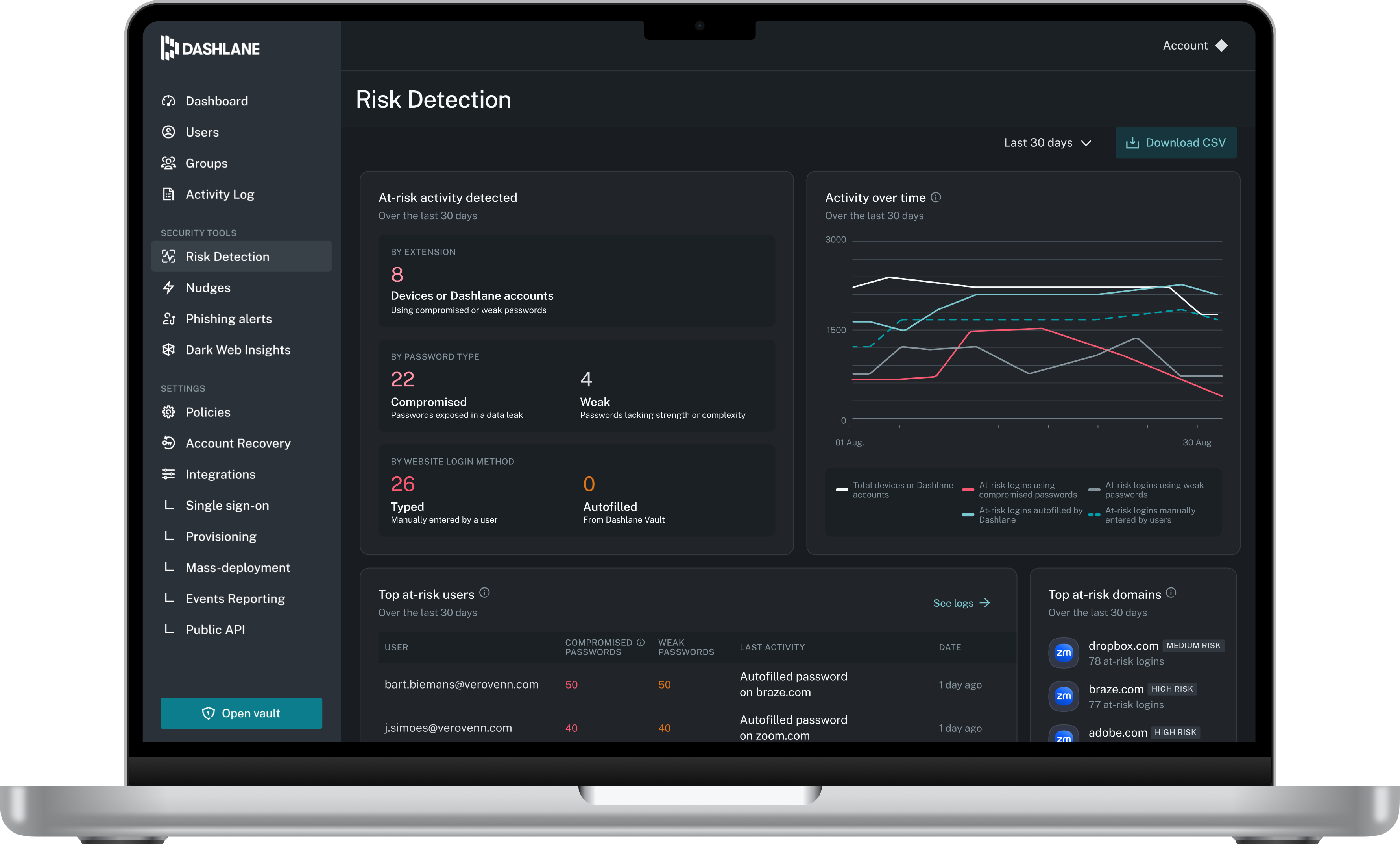
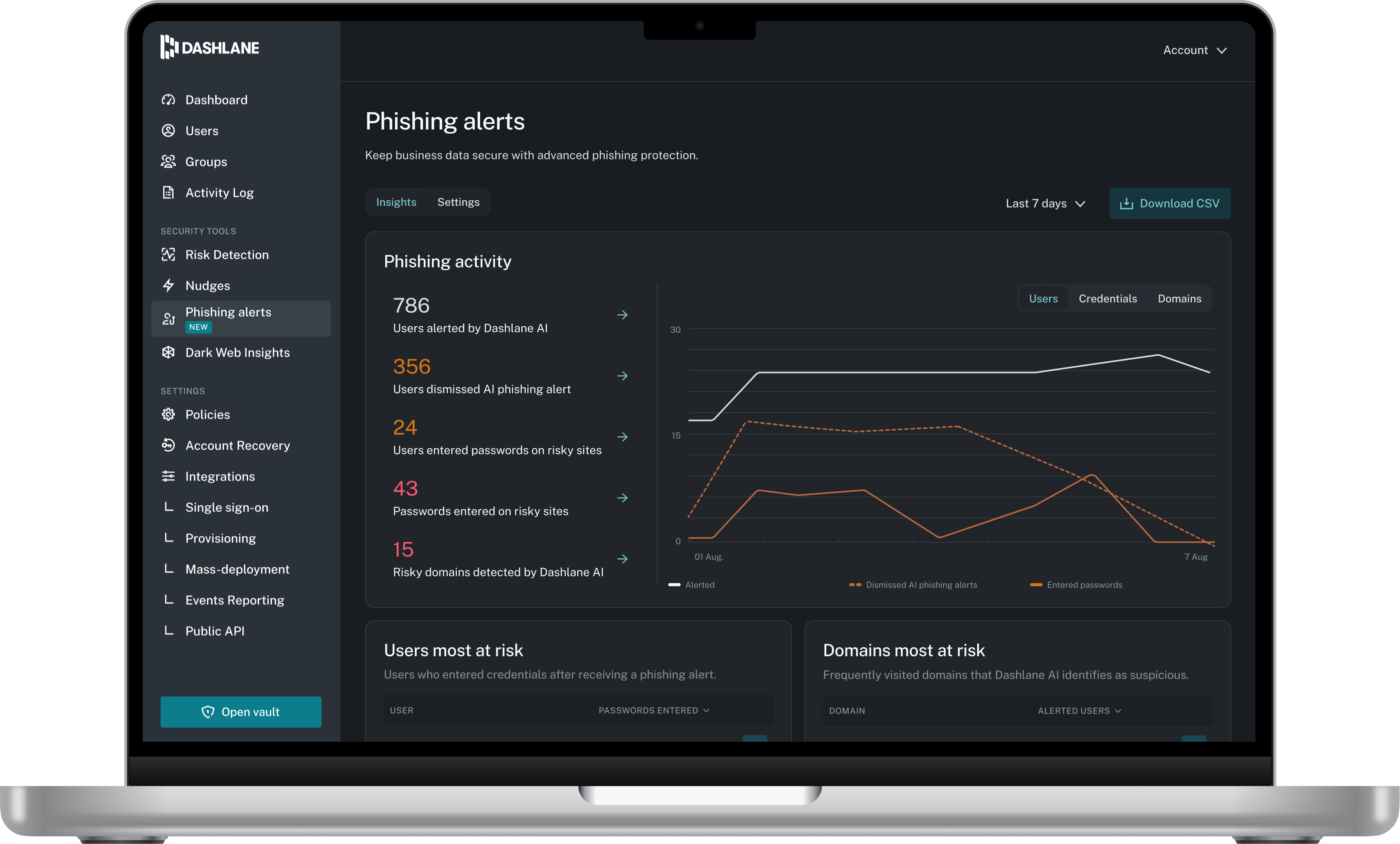
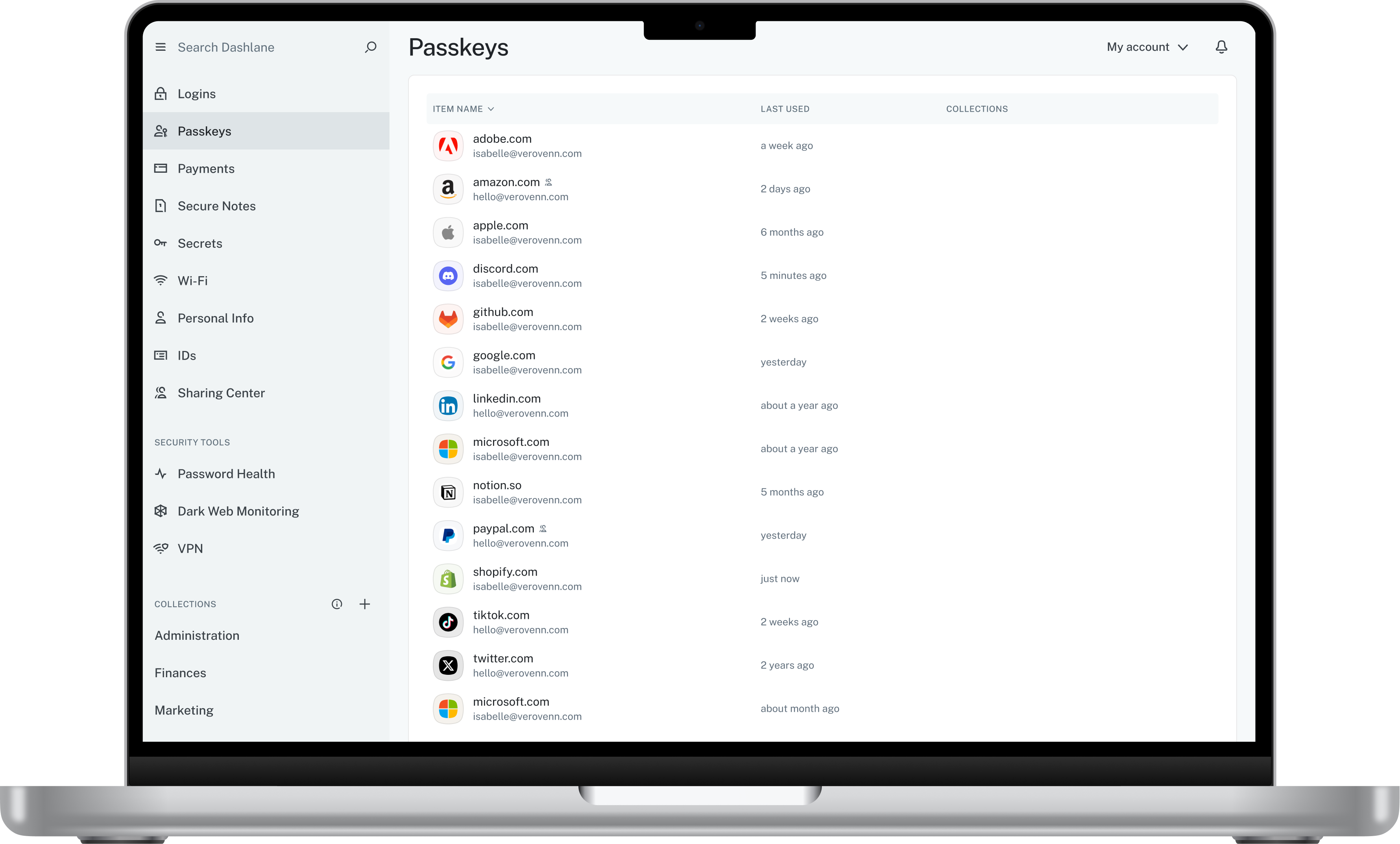
Dashlane is a credential manager that secures every credential, every user, and every employee device to proactively protect against breaches. Brands worldwide can use Dashlane to stay ahead of evolving threats.
$8
per month (billed annually) per seat
Keeper
Score 6.5 out of 10
N/A
Keeper's password security and management platform boasts millions of people and thousands of businesses as users, who manage, secure and enforce strong passwords across all employee logins, applications and sites. Employees can access Keeper natively on all mobile operating systems, desktops and browsers. Keeper enables businesses to auto-generate high-strength passwords, protect sensitive files in an encrypted digital vault, securely share records with teams and integrate with SSO, LDAP and…
$2
per month per user
LoginRadius
Score 10.0 out of 10
Mid-Size Companies (51-1,000 employees)
LoginRadius is a customer identity platform that helps companies deliver a streamlined login process while protecting digital accounts and complying with data privacy regulations. The vendor says LoginRadius serves over 3,000 businesses with a monthly reach of 700 million users worldwide. Key platform features include registration services, adaptive security, integration with third-party applications, and customer insights. The vendor says it has been named an industry leader in customer…
N/A
Pricing
Dashlane Password Manager
Keeper
LoginRadius
Editions & Modules
Business
$8
per month (billed annually) per seat
Omnix™
Contact Sales
per year for organizations of 100+
Keeper Business Starter
$2.00
per month per user
Keeper Enterprise
Contact Keeper for pricing
No answers on this topic
Offerings
Pricing Offerings
Dashlane Password Manager
Keeper
LoginRadius
Free Trial
Yes
Yes
Yes
Free/Freemium Version
Yes
No
No
Premium Consulting/Integration Services
No
No
No
Entry-level Setup Fee
No setup fee
No setup fee
Optional
Additional Details
—
—
Pricing is dependent on various factors including usage, configuration options and customization.
By far, Dashlane offers better security protocols and has a better interface that combines ease of use with security. We found the price and security to be the deciding factors in our choice to explore Dashlane beyond the trial usage. My CEO speaks highly of your product and …
Dashlane was a stronger product than Passportal, and it had the sharing capabilities that Passportal didn't. LastPass is better software, in my opinion, and I use it for my personal password storage. I like that Lastpass organizes logins based on the type of website (ex. …
Better useability, ability to share notes and codes, easy to toggle between organisation and personal logins, ability to share to other users and revoke that access as needed, able to get updates on password health and how many passwords other people are storing, user friendly …
It has been quite some time since we selected Dashlane, but it was a combination of features and price - it offered the greatest value with user sharing and cross-platform capabilities.
It's been a long time, so I don't remember. Secure safe seemed to focus a bit more on storing documents... Dashlane Password Manager is much more powerful as to securely collaborating credentials.
Dashlane supports full business-/enterprise-level credential management: Admin dashboards, group/team management, policy enforcement, SSO/identity-provider integration, etc. Dashlane offers features such as dark-web monitoring, secure digital wallet, built-in VPN (in some …
The usability for Dashlane was better than the other options we tested before making our decision. Specifically, Dashlane makes sharing passwords and updating shared passwords very simple.
As previously mentioned, NetworkChuck on YouTube played a big part in my final decision. The security concerns of what I used at previous employers (LastPass) left a really bad taste in my mouth.
I use Proton Pass in my personal life as part of the Proton suite of products, and it's a fantastic, lightweight, and robust service. I personally prefer supporting a solid, privacy, freedom focused company with my personal money, but as far as comparing goes, I'd say Dashlane …
I chose Dashlane Password Manager over Lastpass due to cost and their prior history of data breaches. I felt more comfortable with Dashlane Password Manager hoping I wouldn't have to deal with downtime or stolen credentials. Dashlane Password Manager to me felt more compact and …
We can get a discount on Dashlane Password Manager through TechSoup, so cost was the deciding factor, as all other elements were about equal for us in our evaluation.
I do not recall the other products I tested. I believe Keeper provided a free trial that allowed me to verify that it met my needs before I was required to purchase. I also found their support team to be responsive when I experienced some problems. The cliche, "If it ain't …
I do not have any direct experience with LastPass, but I did assess them before deciding on Keeper. I believe the reason I went with Keeper over LastPass at the time was Keeper's enterprise solution was a lot more solid and featured SSO which I do not believe was offered by …
I tried different Android services for password managing but all of them have many different features that are not useful and just distract you - Keeper is simple and easy to use with only needed features included.
I have used the Apple cloud, but if you forget your password into that, once again, you’re at the mercy of calling customer service. With Keeper, you can use the thumbprint option to log on, and there’s any of your needed passwords. It’s fast and simple, and you don’t have to …
My husband recommended Keeper to me about 3 years ago when I complained about never being able to remember my passwords. I have never used any other product. Why would I? I found the best vault, so there's no need to change! As they say, "if it ain't broke, don't fix it!"
I read a lot of reviews before buying Keeper even though it has an annual renewal. When it came down to it, it beat the rest, although when I bought it did not have document and photo storage. After enquiring at the help desk I was told it was in the pipeline and in the next …
I am a true believer in the Keeper app and know, with confidence, that if you use it and take advantage of all its functions you'll find it to be a tool that helps you live life easier every day.
Adminsitrative Team Support, North America Operations Team
Chose Keeper
Keeper fit with my usage. I felt Keeper was more in tune with my daily activities. In my opinion, it was easier to use and access. Dash did offer other options but those were not important to me at all. From the beginning, Keeper has always been a great partner in the way I use …
Dashlane Password Manager works really well for situations where we need to share access to client portals or government filing sites, since multiple people can log in without ever seeing the actual password and we can cut off access right away when it’s no longer needed. It is also great for onboarding and offboarding since new hires or interns can get the logins they need quickly and we don’t have to pass around spreadsheets. Another strong use case is meeting compliance expectations because it shows clients we are serious about security and password hygiene. Where it’s less useful is in environments that already use single sign-on since that already centralizes access and makes Dashlane Password Manager feel redundant. It can also be a little frustrating if you rely heavily on mobile since the autofill doesn’t always work smoothly across different apps.
It is great for the management of passwords across organizational departments or specific cross-functional teams. The sharing feature is well suited to this. It may get harder to administer effectively (i.e., feel like you are in control) when there are many, many groups. Also, if there are groups or departments with high staff turnover, the administration efforts may get more difficult, and the chances that someone may have access to something they shouldn't increases.
LoginRadius provides a highly customizable solution within the CIAM industry, serving a diverse global market with a substantial number of satisfied customers effectively utilizing this solution.It is completely customisable as per the customer requirement and use case. Perfect pricing model.
It took me a while to discover I could change the settings in the Keeper app so it stays open for some minutes while I am working on my phone or tablet. Once I found the settings, it became far more efficient to use.
Dashlane Password Manager is great for the price. Some feature sets of competitors are lacking, but I'm happy with what we get for the spend. We are a small enough company that I can walk people through the steps, and it isn't something that comes up enough to complain about. Password generation, storage and use are all great.
It's just easy to use, plain and simple. It has the complexity and user-interface that gives you confidence in its build but the ease-of-use that keep things from getting too complicated. A huge plus when you have to onboard new members of the team or summer interns when you need them to step in and make orders on your behalf.
We've had no issues with Dashlane. I can't speak to their customer service because I have not personally needed to contact them. I guess that speaks about their product if we've not had any issues to reach out about. Great for supporting data/information on multiple platforms that are shared among team members.
Dashlane was a stronger product than Passportal, and it had the sharing capabilities that Passportal didn't. LastPass is better software, in my opinion, and I use it for my personal password storage. I like that Lastpass organizes logins based on the type of website (ex. shopping, banking, etc. ), and it also has an authentication app, so it has you verify logins from your phone for an extra layer of security, which Dashlane does not
I do not recall the other products I tested. I believe Keeper provided a free trial that allowed me to verify that it met my needs before I was required to purchase. I also found their support team to be responsive when I experienced some problems. The cliche, "If it ain't broke don't fix it" fits well in this case. I am able to create and use online profiles safe in the knowledge that my passwords cannot be easily hacked and my data is safe.
On LoginRadius have almost all the features we were looking for. Their dashboard is very impressive and very easy to use and configure. My experience with LoginRadius was superb, their support and implementation team is very proactive and bring all recommendations on the table before we could think of it. We were also surprised to see how beautifully they migrated our existing user base into their system flawlessly.
Our cybersecurity posture has drastically been improved since the adoption of Dashlane. Cybersecurity insurance looks very favorably on those that utilize password managers
Hundreds of hours of IT Admin time has been saved by not needing to reset passwords nearly as much at the user level.
User productivity is substantially improved when time is spent working and not resetting passwords over and over.
Keeper is a great product to have, positively impacting end-users to be safer with their password while providing ease of management.
It will cost you $29,99 per year for unlimited devices, password storage, cloud backups, sharing and 24/7 support, which we found is quite a good bargain!
The Zero Knowledge feature is quite great for every enterprise since the fact that only you have your master password means that nothing can force the company to turn over your passwords, and a distraught employee can't weasel into your stored data.