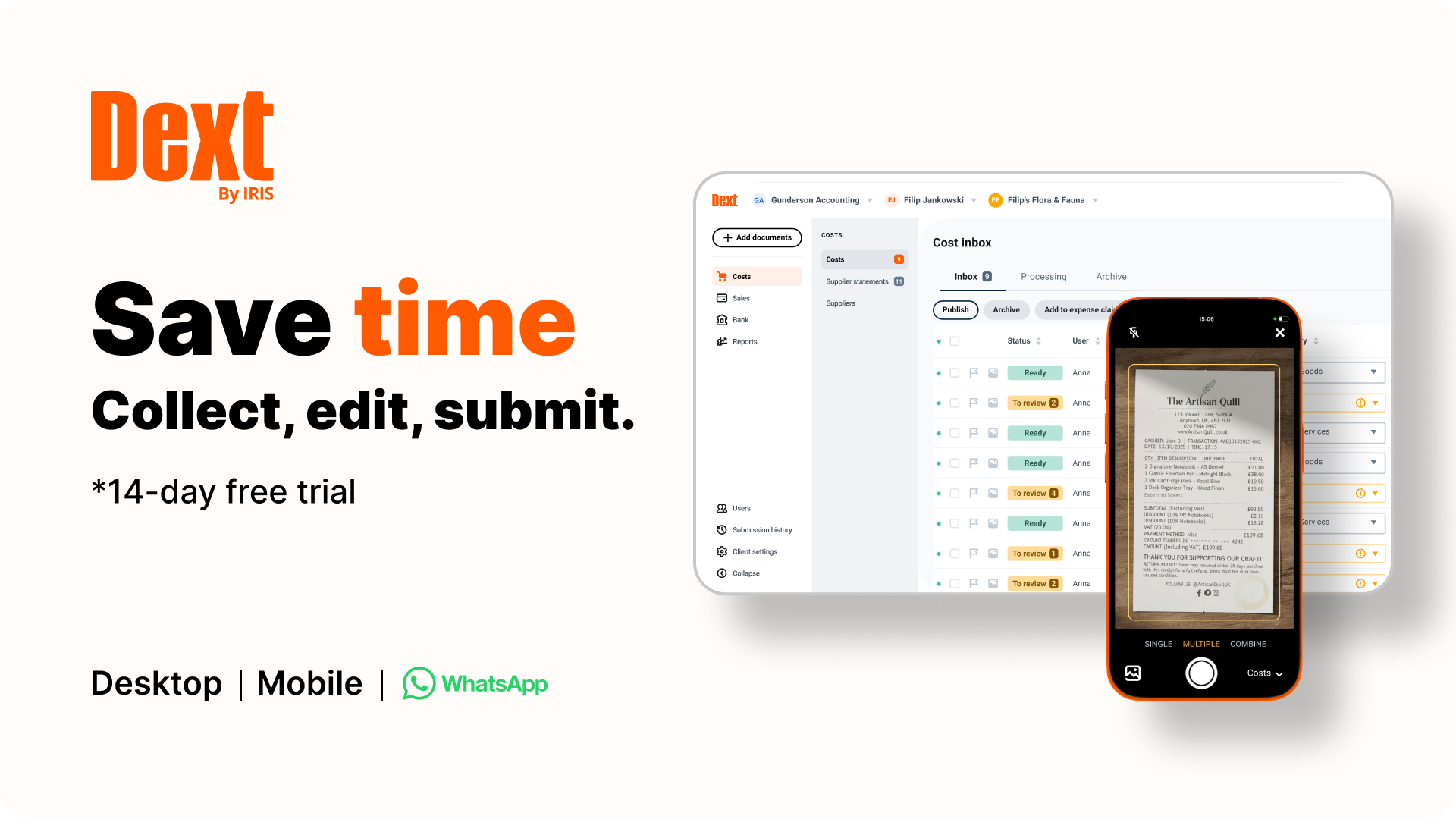
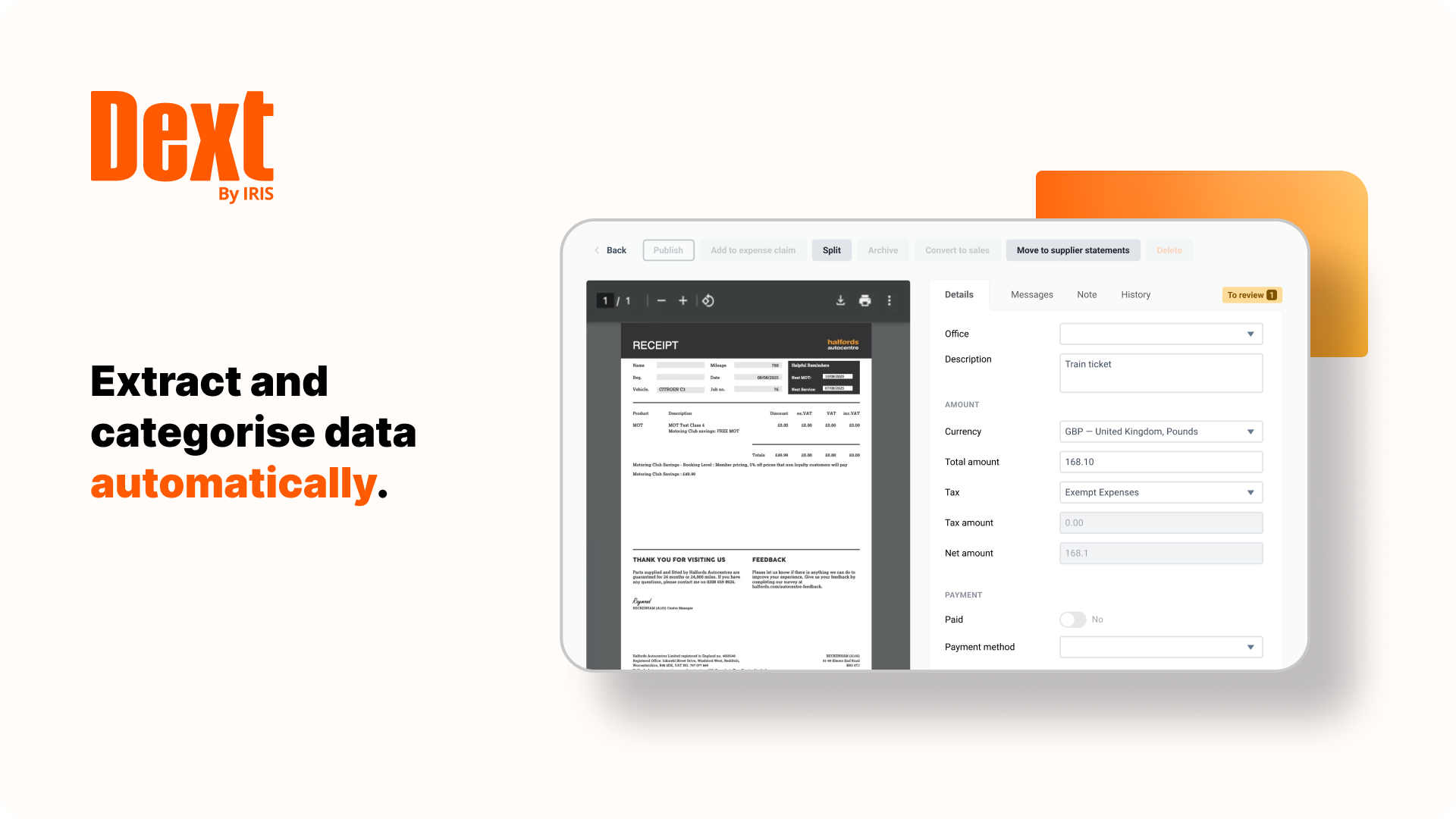
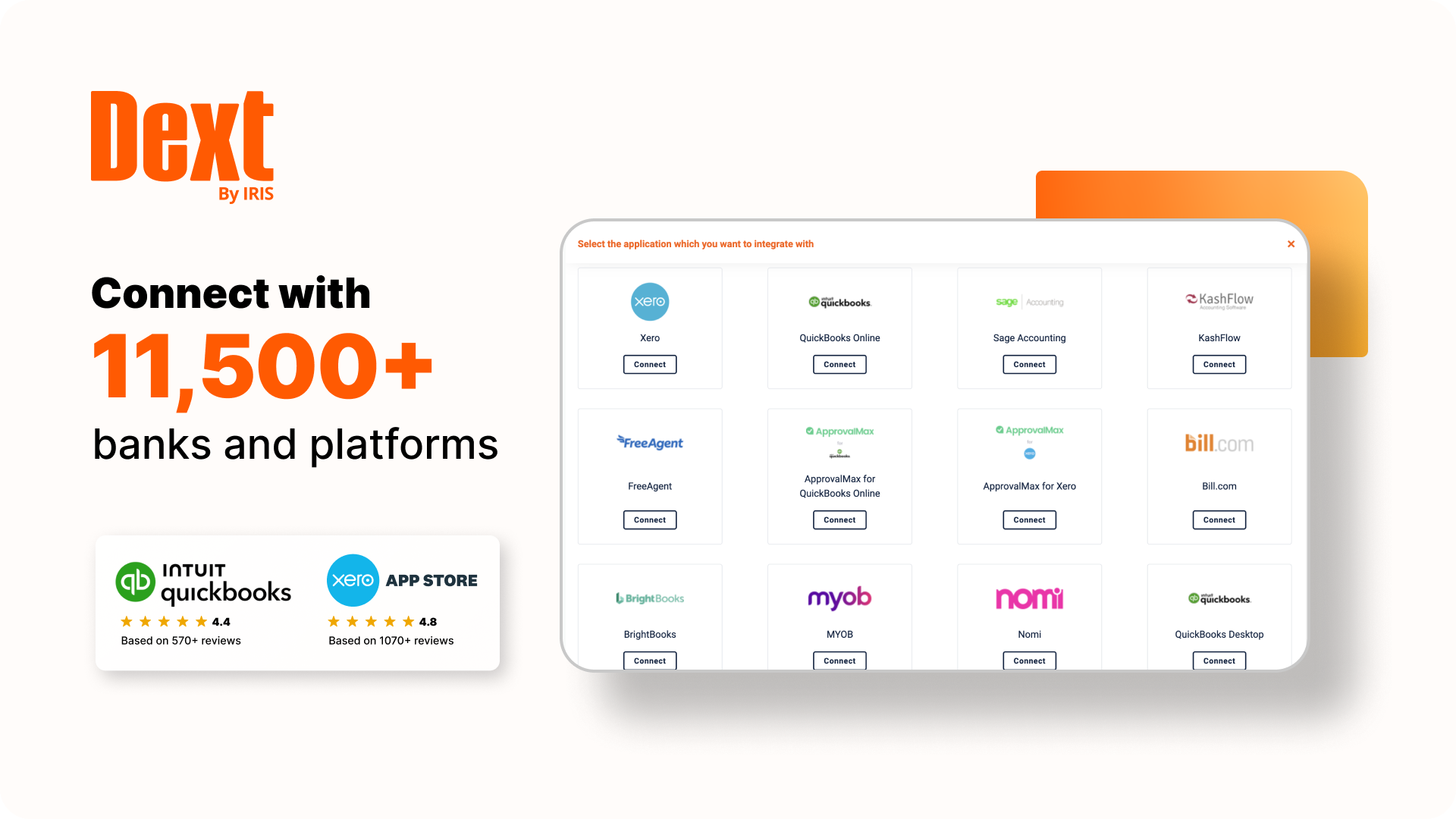
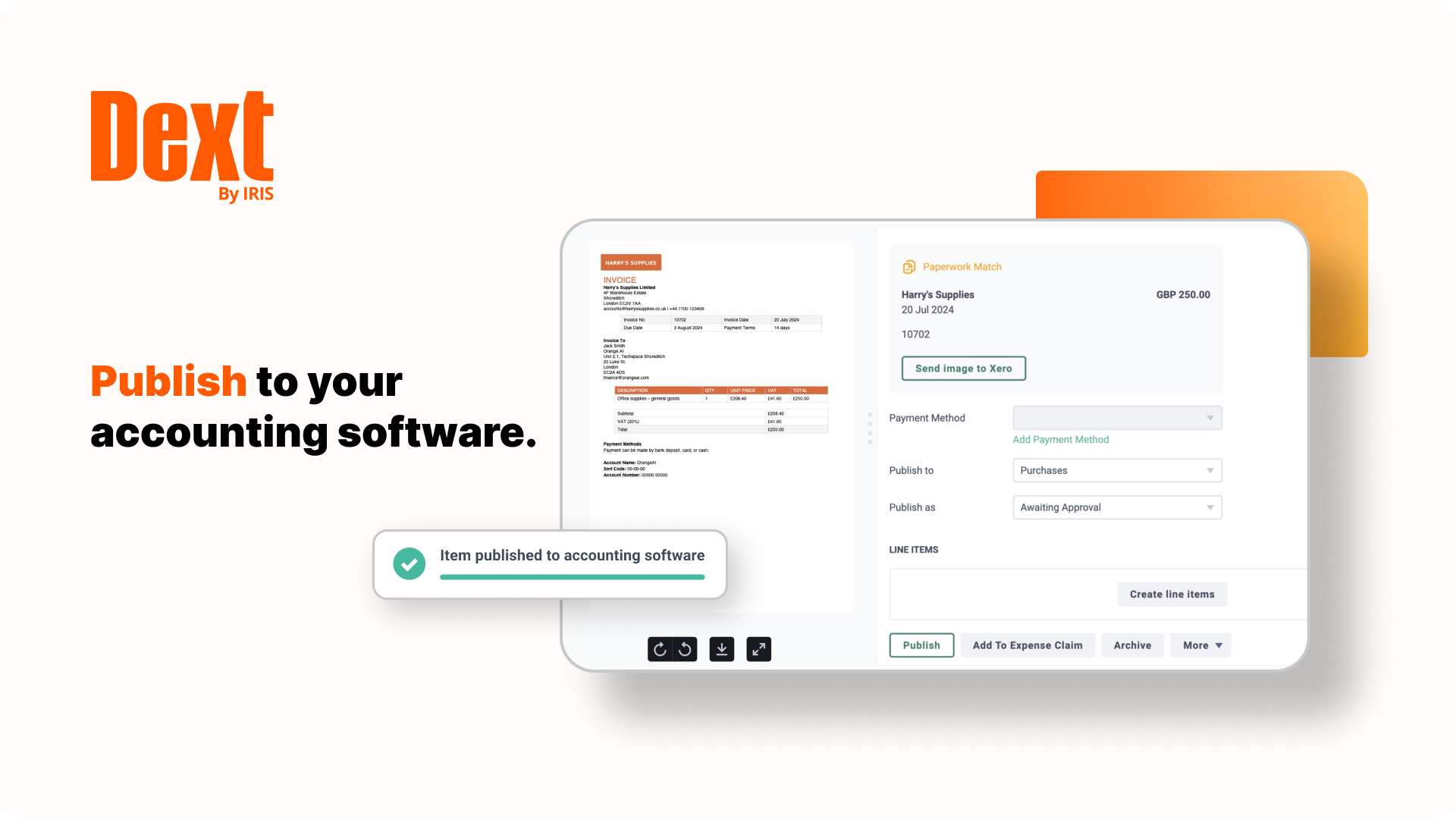
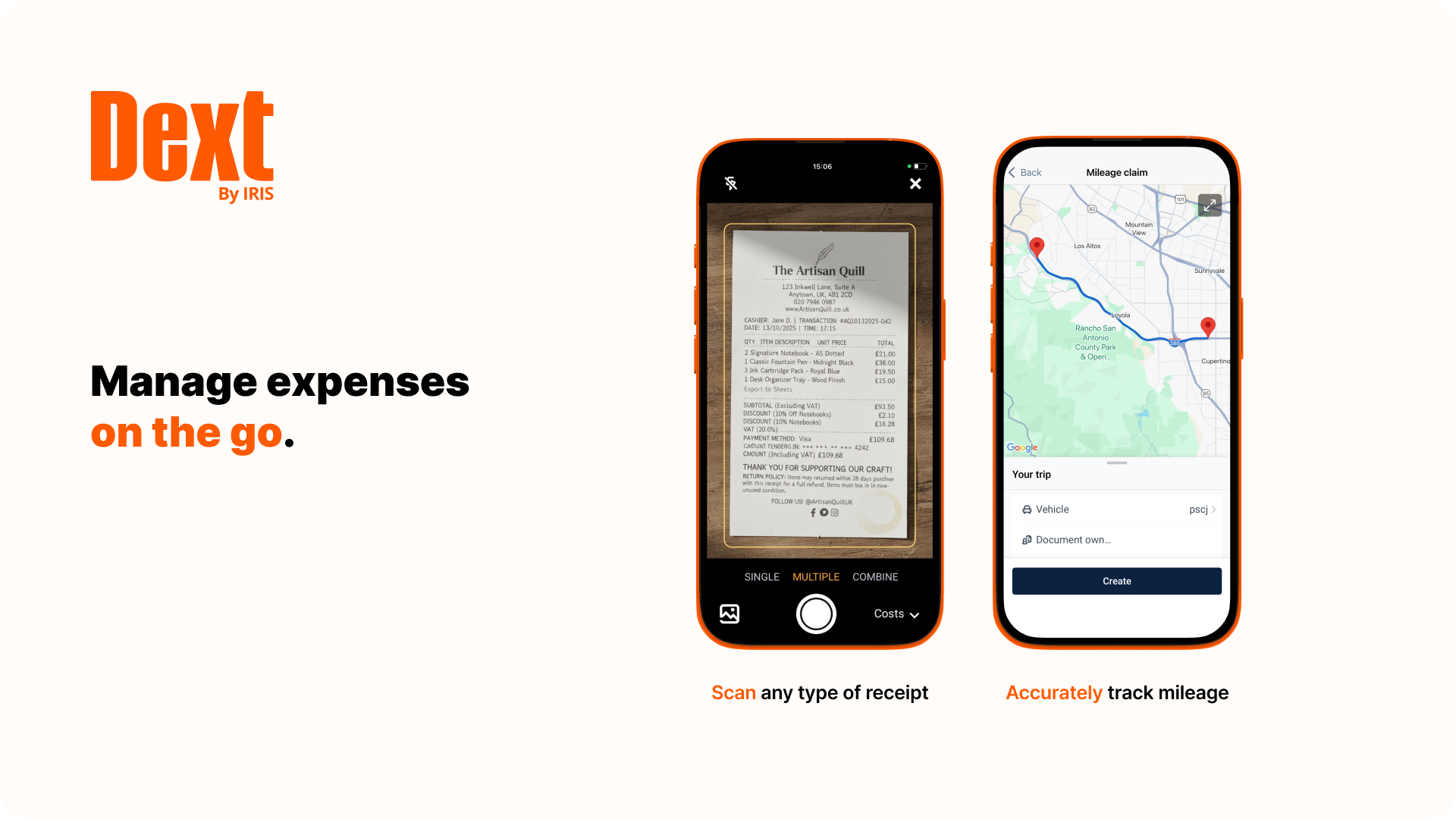
Dext is a bookkeeping automation platform now from IRIS (acquired December 2024) that eliminates much of the manual work associated to accounting processes.
$32
per month for 5 users (minimum) and 250 documents per month
Zoho Expense
Score 8.9 out of 10
N/A
Zoho Expense is online expense reporting software, tailor-made for businesses worldwide to automate expense report creation, streamline approvals and make swift reimbursements.
$5
per month per user
Pricing
Dext
Zoho Expense
Editions & Modules
Dext Essential (Pricing for practices)
$23.92
per month per client (10 minimum, for accounting & bookkeeping firms)
Dext Advanced (Pricing for practices)
$25.64
per month per client (10 minimum, for accounting & bookkeeping firms)
It is great for accounting firms. Easy to add and administer client accounts. Easy to integrate with QuickBooks Online. Easy for clients to capture and submit receipts on the go. It is hard to use for manual data entry, and if your clients frequently have very long receipts the Dext Mobile app does not work well as it compresses the image to the point where it is completely illegible. It does not seem to be designed for business owners to use directly rather than using it through their accounting firm.
easy of use for the end users as well as to manage. The option to add new categories (expenses) and have the end users use them immediately is wonderful. The ease of creating a new user as well as customer support has been great. The customer support while having issues has been quick to resolve any issues
Receipt Bank does a stellar job of extracting information from photos of receipts and bills. I'd say 95% of the time the information pulled is correct, so very rarely do I have to correct an amount or date.
One feature I really enjoy is not only the syncing with Quickbooks Online, but the fact that it also pushes the image to Quickbooks Online as an attachment! This means that for every expense/bill processed through Receipt Bank, an image of it is available inside of the transaction inside of Quickbooks Online. This makes researching a breeze.
Receipt Bank makes it very simple for users to add documents to the platform. Each company receives a dedicated Receipt Bank email address, which they can email to and upload documents, or users can use the phone apps (which are really easy to use), or they can upload documents from their computer. Training our clients to use it really can't be any easier!
Receipt Bank Practice Platform has many great features. As they develop the platform I would like to see a rigorous review of all features so as not to add too many and overwhelm my team.
Having the flexibility to pick and choose from a suite of features and implement the ones that best suit my practice. A tailor made Receipt Bank Practice Platform. this would allow my practice to grow into the features rather than be overwhelmed by too many.
Dext is the best way for us to manage our business expenses. Physical and PDF receipts/invoices will be around for a while, but the move to eInvoicing is very good and we look forward to Dext adding this feature
Dext Prepare's usability is great, it has lots of functions and you can scan any type of document, including hard copy handwritten documents. It is not very accurate but it is handwritten!! Apart from it, you can use multiple functions like one page at a time, multiple, in bulk. You can send emails with multiple attachments and one of the greatest function is the mobile application capabilities.
Ease of use for the simple basic options. I wish the there was an option for reimbursement to be marked separately. Example for all corporate credit expense reports with $0 reimbursements still have to be marked as reimbursed in order to be removed from pending reimbursement section. For the cost the features offer benefits
When I think I have broken the platform the help guys and girls are simply fantastic. They take time to understand the problem and usually resolve the issue on the spot. I have not had to wait more than an hour to get anything resolved - be that an issue I have created or a fault in my understanding of the program. Can't rate their support I have received to date highly enough.
The only reason I give Zoho a 9 is because of the issue with the Chart of Accounts skewing every time I export/import. I believe this is due to the fact that I use sub-accounts and Zoho cannot differentiate. Still hoping. :)
Dext is much easier to use than Hubdoc. You can approve documents in batches whereas in Hubdoc you need to review each document separately. Once Dext is set up properly, there is little need to review every document.
Hubdoc does have the ability to save documents to an external site, like Google docs as a backup.
We selected (switched) to Zoho Expense because it had similar features at a lower price and we were able to receive a discount through our partner relationship with another software company. We have considered moving from Zoho Expense to something else recently due to continued issues with being able to accurately import credit card charges and organize them correctly be team member. Creating some confusion among users.
I am a single operator Bookkeeping business and run a very profitable business because DEXT provides me a very efficient process to capture critical data without the need for additional manpower.
The information DEXT captures, stores and reports helps me plan an present relevant information to the client to support pricing increases at client reviews
The information DEXT contains helps me present business insights to the client thereby assisting in their business aspirations which helps deepen client relationships