Egnyte vs. Solutions2Share Teams Manager

Overview
ProductRatingMost Used ByProduct SummaryStarting Price
Egnyte
Score 9.4 out of 10
N/A
Egnyte provides a unified content security and governance solution for collaboration, data security, compliance, and threat detection for multicloud businesses. More than 16,000 organizations trust Egnyte to reduce risks and IT complexity, prevent ransomware and IP theft, and boost employee productivity on any app, any cloud, anywhere.
$25
per month
Teams Manager
Score 8.0 out of 10
N/A
IT administrators can keep control of their Microsoft 365 environment with Teams Manager. Teams Manager is used to prevent the uncontrolled creation of Teams and Groups and automate governance processes. Key Features: • Governance Dashboard and Reports – provides an overview of the M365 environment (inactive or ownerless teams, teams with guests etc.) • Provisioning of new teams & SharePoint sites – with channels,…N/A
Pricing
EgnyteSolutions2Share Teams Manager
Editions & Modules
Team (1-10 employees)
$10
per employee/per month
Business (10-100 employees)
$20
per employee/per month
Enterprise (50+ employees)
Contact sales team
No answers on this topic
Offerings
Pricing Offerings
EgnyteTeams Manager
Free Trial
YesYes
Free/Freemium Version
NoNo
Premium Consulting/Integration Services
NoYes
Entry-level Setup FeeNo setup feeOptional
Additional Details
More Pricing Information
Community Pulse
EgnyteSolutions2Share Teams Manager
Best Alternatives
EgnyteSolutions2Share Teams Manager
Small Businesses
Square 9 Softworks
Square 9 Softworks
Score 9.7 out of 10

No answers on this topic

Medium-sized Companies
MediaValet
MediaValet
Score 9.0 out of 10

No answers on this topic

Enterprises
MediaValet
MediaValet
Score 9.0 out of 10
SailPoint Identity Security Cloud
Score 7.4 out of 10
All AlternativesView all alternativesView all alternatives
User Ratings
EgnyteSolutions2Share Teams Manager
Likelihood to Recommend
10.0
(42 ratings)
8.0
(10 ratings)
Likelihood to Renew
10.0
(6 ratings)
-
(0 ratings)
Usability
10.0
(7 ratings)
8.0
(1 ratings)
Performance
8.8
(3 ratings)
-
(0 ratings)
Support Rating
7.7
(4 ratings)
-
(0 ratings)
User Testimonials
EgnyteSolutions2Share Teams Manager
Likelihood to Recommend
Egnyte
Egynte is best suited for companies that SharePoint is not the best fit for. This includes managers unfamiliar with SharePoint specifically, and those really looking for a replacement for a file server in the more traditional Windows sense. SharePoint has more or less done away with any management that resembles Active Directory or File Explorer. Egnyte's web portal is incredibly straightforward. I would say Egnyte is less suited for companies that have licensing access to SharePoint already and do not have a ton of files or granular sharing and security needs
Read full review
Solutions2Share
It's well suited if you or your organization performs tasks incorporating other Microsoft programs such as OneNote or Planner. Teams Manager allows for easy management of that software usage; if you do not use any of those, I'm not sure if there is much advantage in using it to manage workflow.
Read full review
Pros
Egnyte
  • Sharing files externally with passwords, link expiration and granular control of permissions
  • File syncing across end-user devices using a client installed onto the computer for seamless integration for end-users as if they had mapped a drive directly to their machine
  • Implements 2FA for secure access
Read full review
Solutions2Share
  • Handles different teams and teams members
  • Giving them permissions as per their job profile and necessity
  • Seeing the projects' progress through one platform
Read full review
Cons
Egnyte
  • The main drawback of the system that it is lacking in managing the uploading of large or huge files, even though the large files can be easily downloadable but the upload takes a lot of time.
  • While uploading the system sometimes starts lagging and the file after sometimes needs to upload again.
  • Egnyte is lacking in syncing multiple platforms at the same time. It gives access to one platform at a time which somehow hinders the work while migrating a large amount of data.
Read full review
Solutions2Share
  • user interface can be enhanced to seperate the color coding for different channels
  • It would be great to receive notifications in Outlook for Shifts and be able to approve/deny requests and schedule changes there while it's synced with the Outlook calendar.
Read full review
Likelihood to Renew
Egnyte
We found that usage of Egnyte in our supported clients, with sufficient bandwidth, provided all the features and stability we required. The billing setup was fair and the support provided was ample for end users and well as our in house admins. There was a concern about high usage clients but this was taken into account during the vetting process.
Read full review
Solutions2Share
No answers on this topic
Usability
Egnyte
Really easy to use the interface. The web browser is very intuitive and I have not had any notable issues with this. It's easy to work on documents as a team, and the only issues we have to tend to come with Apple apps and downloading large files to WebEdit. It's very similar to the filing systems that come on Apple and Windows devices so not a steep learning curve.
Read full review
Solutions2Share
It is a well-designed and polished application on Teams. Most of its issues stem from Teams UI and UX, which could be improved further. However, if you can fit the team manager to your needs, it can become a very powerful tool to manage data flow.
Read full review
Performance
Egnyte
Egnyte works very well across all platforms and as an add-on to other programs. Load time is close to nothing. Reports can be made in no time as well. All in all no performance issues. We can see that it depends on the local network connection. If you're running with fiber there won't be any issues.
Read full review
Solutions2Share
No answers on this topic
Support Rating
Egnyte
I never had to reach out to customer support for Egnyte. I don't know any coworkers who have had to reach out to Egnyte for support either. As far as I am concerned, the support team is doing a good job since I have not had to reach out to them.
Read full review
Solutions2Share
No answers on this topic
Alternatives Considered
Egnyte
At the time when this was implemented (over 5 years ago and still in production), there were issues with syncing and reliability that Egnyte did not have, and have continued to impress with. Other providers have improved a lot and Egnyte is fairly costly, but switching costs would be high to move away from it to similar solutions.
Read full review
Solutions2Share
We still use it for our one-off situations, but mostly stick to Teams as it is much more user-friendly and allows better sharing capabilities through virtual meetings. Skype is not as easily customized, so it's a no-brainer to use Microsoft Teams and Team Manager for all of our instant messaging and virtual meeting needs.
Read full review
Return on Investment
Egnyte
  • Allows us to easily communicate important data securely with other offices (not just sending via email)
  • It allows everyone in our office to be working on the same information at the same time
  • It meshes so well with salesforce that I can't really picture what our practice would look like if we didn't have the combination.
Read full review
Solutions2Share
  • Positive in regards to easy access to quick answers through instant messaging
  • Positive in that the Managers have a secure place to go to retrieve sensitive information.
  • Negative in that we do not fully utilize the tool.
Read full review
ScreenShots

Teams Manager Screenshots

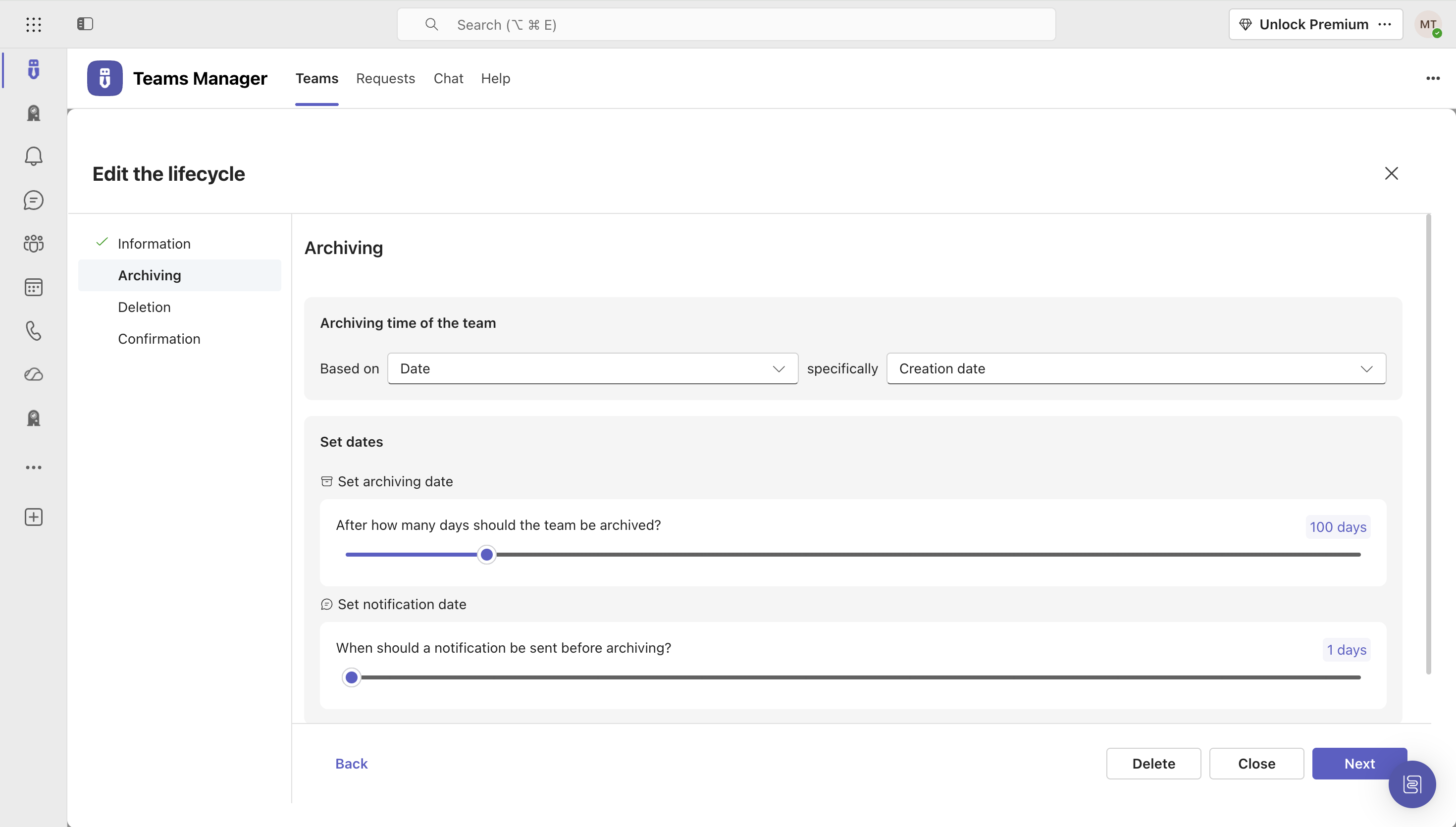
Screenshot of Governance Dashboard and Reports – for an overview of Microsoft 365 environmentsScreenshot of Automated request and approval process for new teams, M365 groups and SharePoint sitesScreenshot of Templates and provisioning for teams and SharePoint Sites (with channels, tabs, apps, folders, Planner with tasks, OneNote with content and more)Screenshot of Lifecycles for teams: inactive or obsolete teams can automatically be archived or even deleted after a specified period of timeScreenshot of Naming conventions for teams, OneNotes and Planners: rules for uniform, relevant names with predefined prefixes and suffixesScreenshot of Mobile view for all functionalities