Flywire vs. OneSpan Sign

Overview
ProductRatingMost Used ByProduct SummaryStarting Price
Flywire
Score 9.1 out of 10
N/A
The Flywire global payment network enables secure transactions for businesses, organizations, and payers worldwide. The solution leverages vertical-specific software and payments technology to embed within existing A/R workflows for clients across industries.N/A
OneSpan Sign
Score 9.4 out of 10
Enterprise companies (1,001+ employees)
OneSpan Sign (formerly eSignLive) is an e-signature solution for secure document signing processes that enables organizations to digitize business processes and eliminate costly paper and inconvenient “wet” signatures.
$240
per year per user
Pricing
FlywireOneSpan Sign
Editions & Modules
No answers on this topic
Free Trial
$0
Free for 30 Days
Professionnal
$20
Per User per Month
Enterprise
Call for Pricing
Enterprise
Call for pricing
Contract
Offerings
Pricing Offerings
FlywireOneSpan Sign
Free Trial
NoYes
Free/Freemium Version
NoNo
Premium Consulting/Integration Services
NoYes
Entry-level Setup FeeNo setup feeNo setup fee
Additional Details
More Pricing Information
Community Pulse
FlywireOneSpan Sign
Best Alternatives
FlywireOneSpan Sign
Small Businesses
Apple Pay
Apple Pay
Score 8.8 out of 10
Foxit eSign
Foxit eSign
Score 9.3 out of 10
Medium-sized Companies
Apple Pay
Apple Pay
Score 8.8 out of 10
MSB Docs
MSB Docs
Score 9.4 out of 10
Enterprises
Adyen
Adyen
Score 8.6 out of 10
DocuSign
DocuSign
Score 8.7 out of 10
All AlternativesView all alternativesView all alternatives
User Ratings
FlywireOneSpan Sign
Likelihood to Recommend
8.0
(5 ratings)
10.0
(38 ratings)
Likelihood to Renew
-
(0 ratings)
8.0
(8 ratings)
Usability
-
(0 ratings)
10.0
(2 ratings)
Support Rating
-
(0 ratings)
7.9
(3 ratings)
Online Training
-
(0 ratings)
9.1
(1 ratings)
User Testimonials
FlywireOneSpan Sign
Likelihood to Recommend
Flywire
Many of our international students studying at our institution are financially supported by their parents in their homeland. In other words, they rely on their families for payment of their class fees. So, Flywire makes international payments convenient by making payment by visiting our college website and finding the Flywire payment option. Some prefer this method over credit card payments or by wiring money to the student's bank account in the U.S., which creates a whole additional step in making payments.
Read full review
OneSpan
OneSpan Sign is suited to many professional business situations. It is well used by the legal, security and compliance teams as well as many people within the financial functions. A lot of businesses have become very agile, and require a paperless environment to working. There are some companies and businesses who would prefer paper documents to be signed, which would not work as well as the paperless versions. I would use it in many different scenarios where I would prefer to have a paperless transaction
Read full review
Pros
Flywire
  • Online payment capture is huge! And it's secured.
  • Contracts get signed extremely fast using Sertifi.
  • You receive an email notification once the customer signs, to know the transaction is complete.
  • You also receive a notification when the customer 'views' the agreement.
Read full review
OneSpan
  • One can set up a workflow in which one can specify the order in which signatures have to be done.
  • Customer service is great and always ready to go the extra mile.
  • Pricing is very transparent, and there are no hidden charges.
Read full review
Cons
Flywire
  • Still needs improvement in setting permissions for who in the organization can see full credit card numbers.
  • Could use additional backup material for disputes with credit card companies.
Read full review
OneSpan
  • Search capabilities can be improved by a great extent. We still can't search documents by name of the signatory
  • Pricing seems a bit high when compared with other players in the market
  • Data importing and exporting capabilities can be improved drastically
Read full review
Likelihood to Renew
Flywire
No answers on this topic
OneSpan
I don't see any reasons to change as their solution covers all my need for now. I could make even more integrations but that might be something that I will do down the road. I'm used to working with the interface and my data is all there as well.
Read full review
Usability
Flywire
No answers on this topic
OneSpan
Easy to use design and tool
Read full review
Support Rating
Flywire
No answers on this topic
OneSpan
The product is so well designed and built that we rarely need to reach out to customer service. But we have reached out to them in case of downtime, and we have always gotten a satisfactory response. We never had to follow up, as customer service executives were very responsible.
Read full review
Alternatives Considered
Flywire
PandaDoc, DocuSign. Honestly they all seem to work for what we were looking for, but Sertifi was a good price and an easy implementation, our use case was probably too basic to really find holes in any of the products in the space because they all seemed to be able to handle the basics that we needed.
Read full review
OneSpan
My experience with OneSpan in the customer service has been very positive. However, since my experience with OneSpan is much more recent, most of my technical experience with OneSpan includes technical areas that were not available in other products at the time I was working with other products.
Read full review
Return on Investment
Flywire
  • Great feedback from end clients - prior to Sertifi, we were manually creating PDFs and documents as well as mailing them for signature. This new process has increased our return time incredibly!
  • Prior to Salesforce, potential recipients were sending emails in as requests that were being tracked in an Excel spreadsheet. Now we have the process automated where they can submit everything online, a document get auto-generated and auto-sent out 10 days later. We've saved SO much time because of this newfound efficiency!
Read full review
OneSpan
  • It has done what we got it for. It has made it much easier for our advisers to do business with clients in remote areas.
  • It has significantly reduced the time that it used to take to open a new account.
Read full review
ScreenShots

OneSpan Sign Screenshots

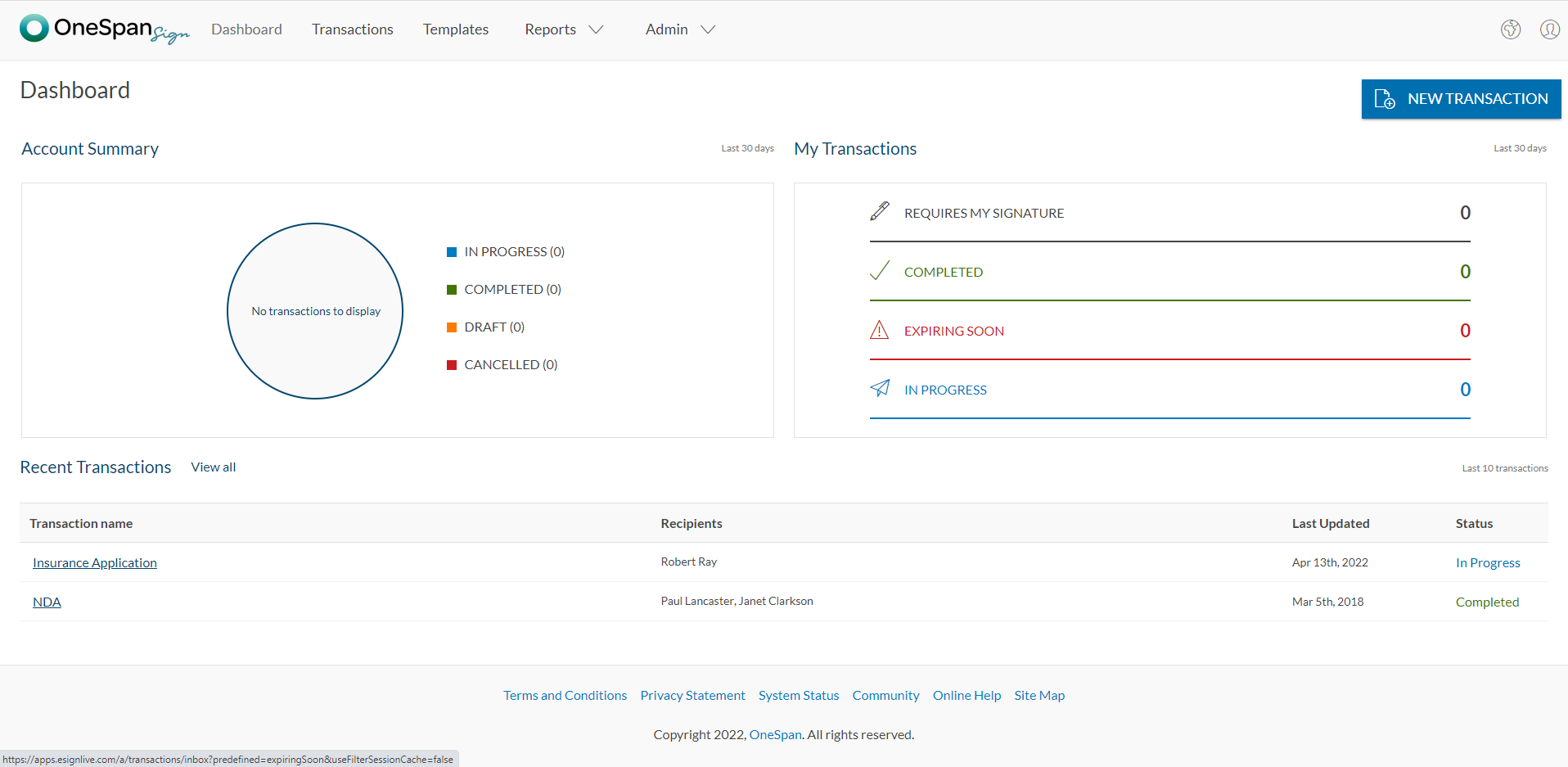
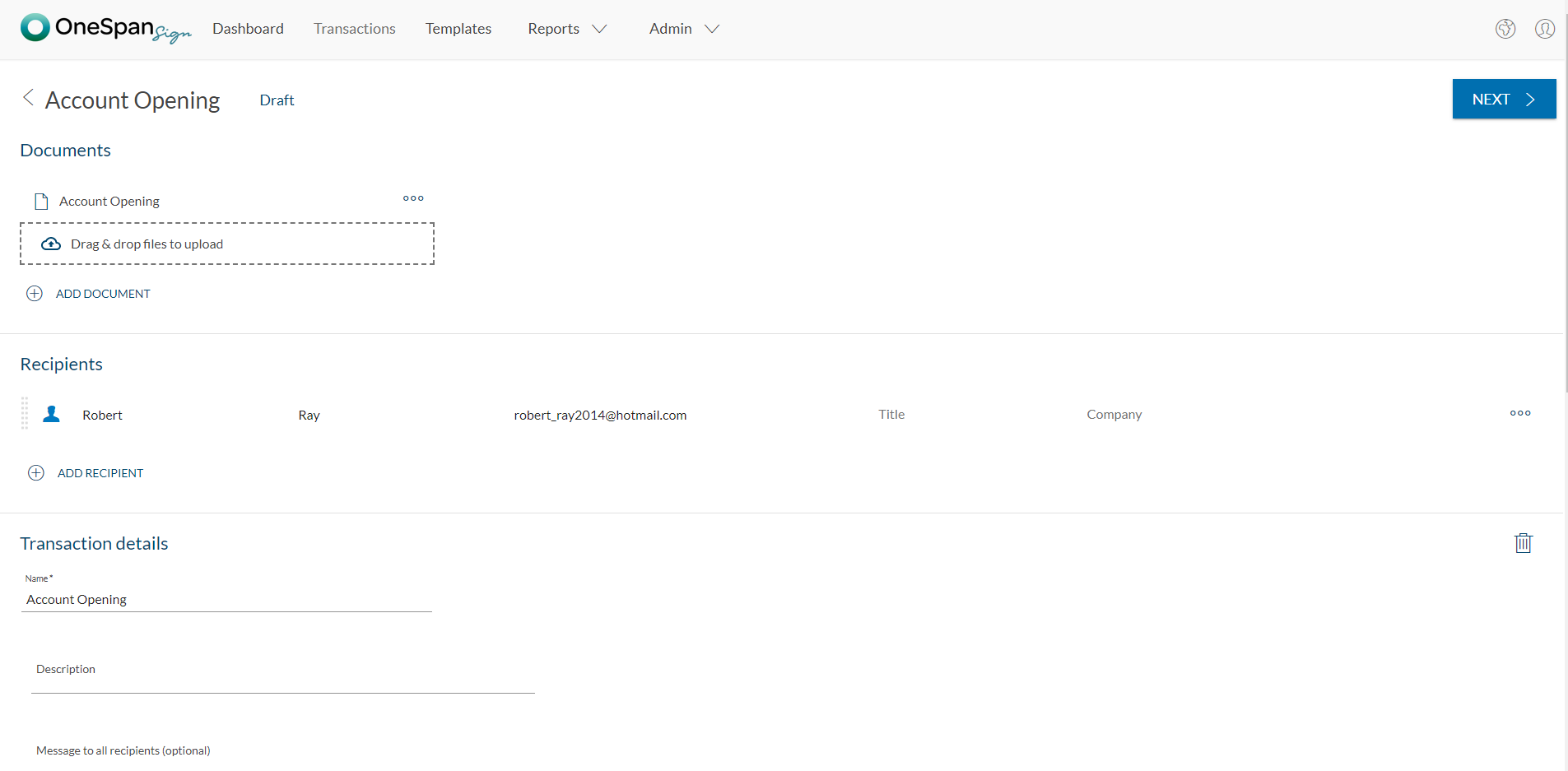
Screenshot of User initiates the e-signature process by clicking 'New Transaction'.Screenshot of The user adds the necessary documents and signers to the transaction. Additional options like signer authentication & identification, in-person signing, reminders & notifications, and more are available in OneSpan Sign.Screenshot of Add signature blocks to desired locations on your document for your recipients to sign. Simply drag-and-drop the signature blocks into the document. Click the ‘Send to Sign’ button to route your document for signing.Screenshot of The signer can click-to-sign to complete the signing of the account opening application.Screenshot of The signing process is intuitive and easy for your signers. OneSpan Sign offers an optimized signing experience so your signers can sign anywhere, anytime, and across multiple devices.