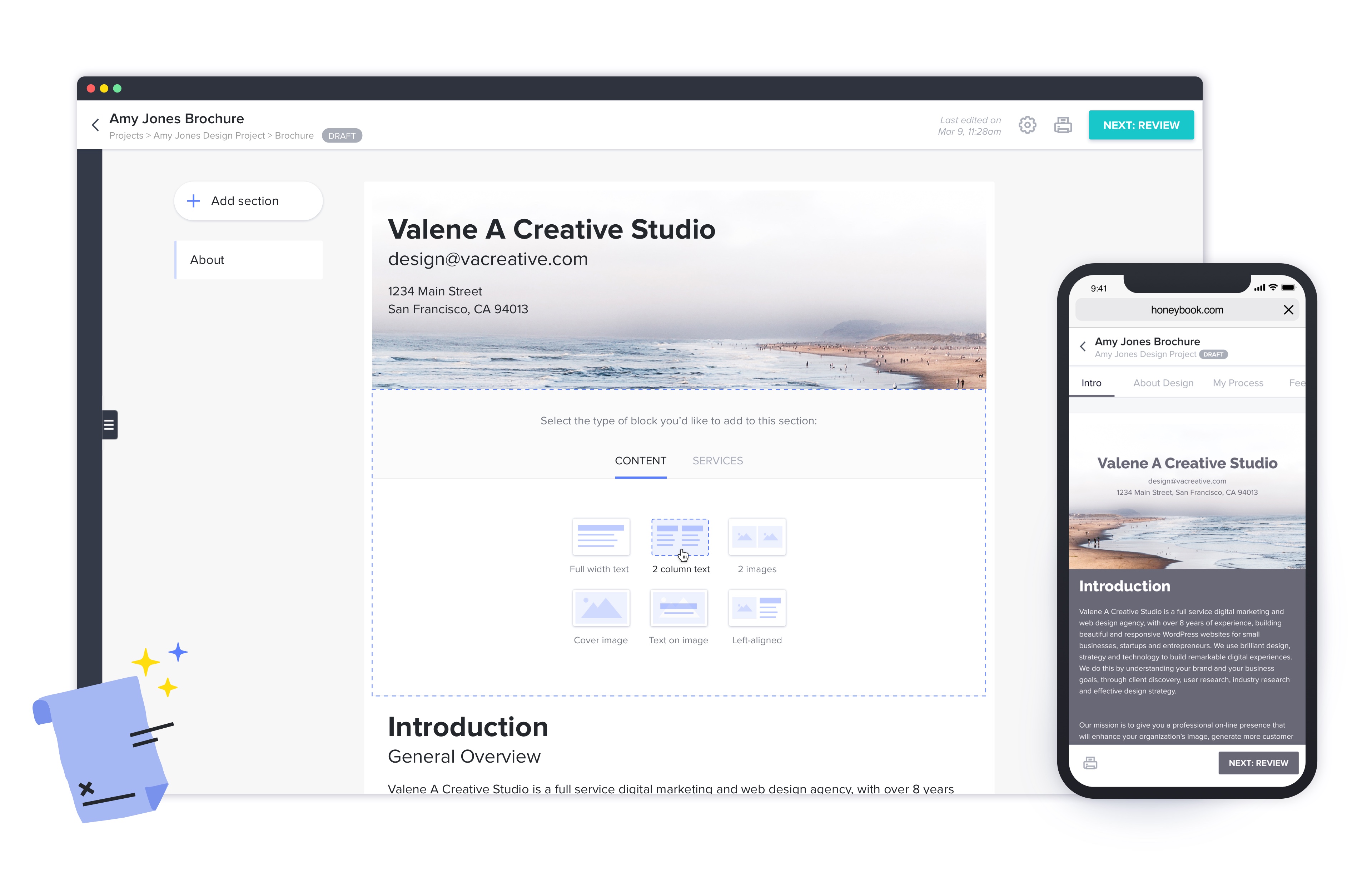
HoneyBook aims to help creative entrepreneurs and freelancers book more clients, manage projects and get paid all in one place. With HoneyBook, users can automate busy work and stay on top of to-dos, saving time and money, while growing a business. HoneyBook is designed to emulate a personal assistant. The vendor states that small business owners and freelancer customers have tripled their bookings and saved multiple hours a day using HoneyBook. They further state that a variety of small…
$36
per month
OneSpan Sign
Score9.6 out of 10
Enterprise companies (1,001+ employees)
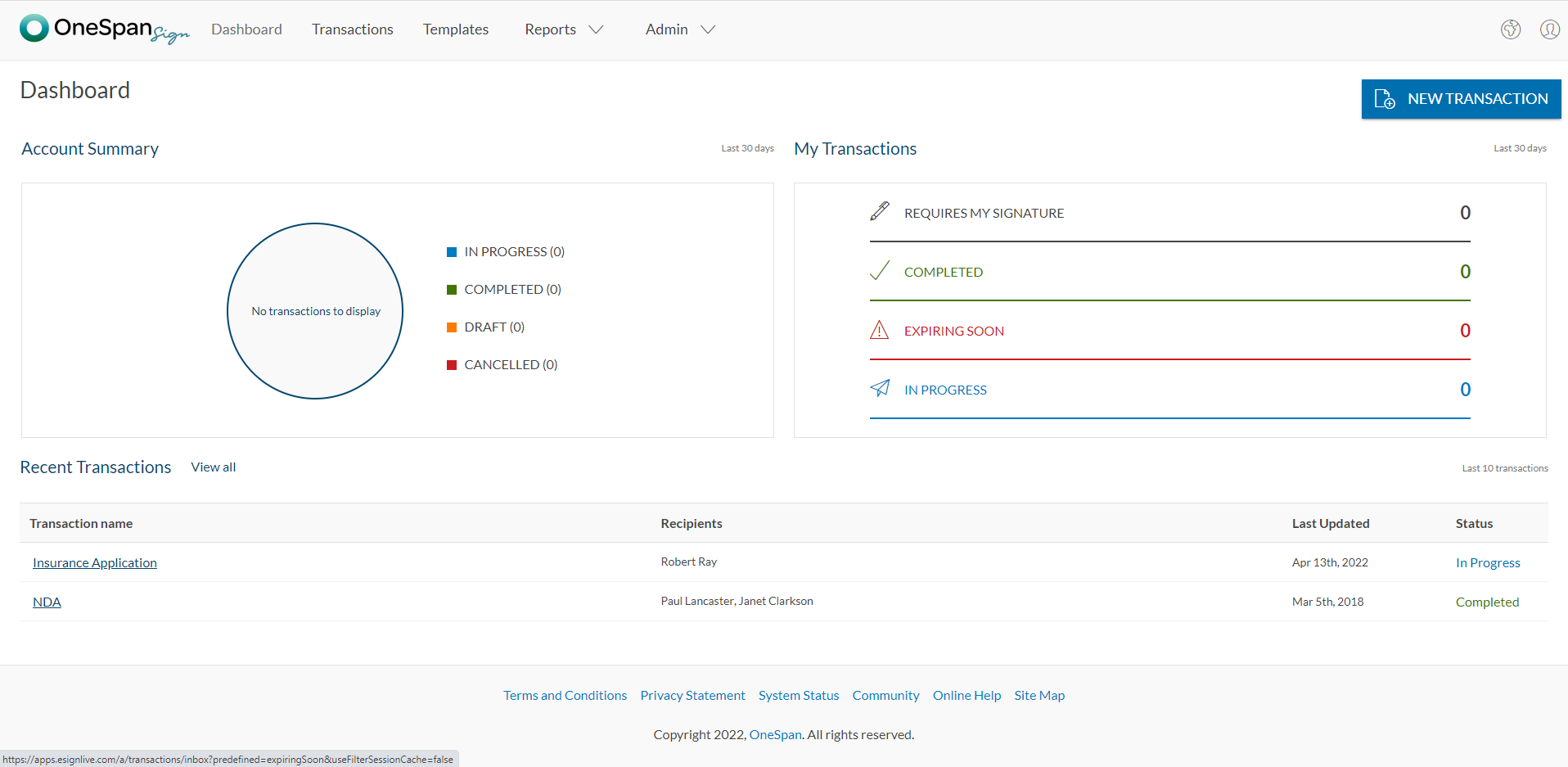
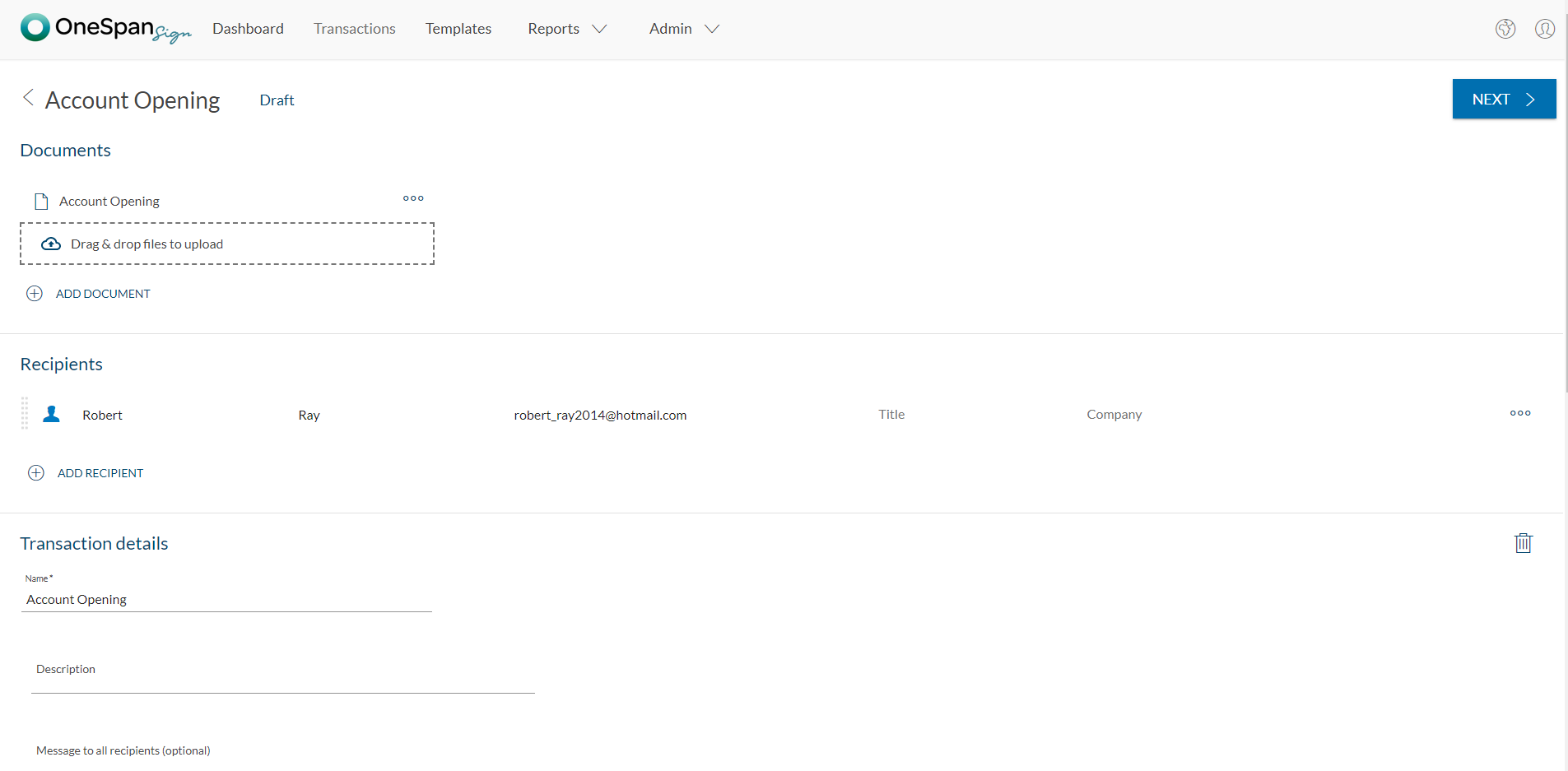
OneSpan Sign (formerly eSignLive) is an e-signature solution for secure document signing processes that enables organizations to digitize business processes and eliminate costly paper and inconvenient “wet” signatures.
I would recommend Honeybook to other coaches, consultants, and small business owners. It may not be appropriate for a large team's use, but works for the size of organization I currently own and manage. It also integrates with QuickBooks and makes financial data management fairly seamless.
A de minimis incentive was given to thank the reviewer for their time. The incentive was not used to bias or drive a particular response, nor was the incentive contingent on a positive endorsement. More Info
OneSpan Sign is suited to many professional business situations. It is well used by the legal, security and compliance teams as well as many people within the financial functions. A lot of businesses have become very agile, and require a paperless environment to working. There are some companies and businesses who would prefer paper documents to be signed, which would not work as well as the paperless versions. I would use it in many different scenarios where I would prefer to have a paperless transaction
A de minimis incentive was given to thank the reviewer for their time. The incentive was not used to bias or drive a particular response, nor was the incentive contingent on a positive endorsement. More Info
HoneyBook offers incredible resources to train users how to best use their system. It's informative and eye-opening to watch one of their training sessions.
I love how easy HoneyBook makes it to create highly professional materials that are beautiful. Its brochures and selling materials are stellar and I'm able to streamline the process without feeling like I actually have to sell my capabilities.
I'm thrilled with the billing system and how simple it is to automate. I love that I can see how my customers have engaged with the bills.
The app helps me feel connected to my leads and data while I'm away from my computer.
A de minimis incentive was given to thank the reviewer for their time. The incentive was not used to bias or drive a particular response, nor was the incentive contingent on a positive endorsement. More Info
The online scheduling tool does not work with different time zones very well. It doesn't automatically adjust to my clients' timezones and it doesn't even have many international time zones as an option! I had 3 clients in a row schedule meetings at the wrong time when I first started using HoneyBook's scheduler. I had to switch to Calendly because HoneyBook's scheduling tool was causing me to lose business.
The transaction fees for instant deposits are expensive.
[I believe} many of the features on HoneyBook are half-baked. It's marketed as an all-in-one business management platform, but I'm still using Calendly, Google Drive, Typeform, Clockify, and ClickUp because HoneyBook's equivalent features aren't as sophisticated or as easy to use.
The notes section for client projects does not have much space or allow for any custom formatting such as hyperlinks, bold text, highlighted text, etc. Tools such as Teamwork, Pipedrive, Asana, and ClickUp do a much better job at displaying this type of information.
A de minimis incentive was given to thank the reviewer for their time. The incentive was not used to bias or drive a particular response, nor was the incentive contingent on a positive endorsement. More Info
Since I do not use ALL the functionality in HoneyBook, I have wondered if the plan I am on is too much. That is why I rated a 9 rather than 10. I have definitely considered downgrading but not leaving HoneyBook.
I don't see any reasons to change as their solution covers all my need for now. I could make even more integrations but that might be something that I will do down the road. I'm used to working with the interface and my data is all there as well.
This is now a copy-paste response since this platform is asking me to answer every single question. It is such a negative experience with Honeybook that they even upset me while I'm trying to warn others of all the horrible pitfalls in working with the platform.
A de minimis incentive was given to thank the reviewer for their time. The incentive was not used to bias or drive a particular response, nor was the incentive contingent on a positive endorsement. More Info
They have ALWAYS been amazing when I needed any type of service or help. Their concierge service is also amazing vs other services I have used in the past. I have confidence when I ask for help - both through Chat or even on their Facebook group that I will get an answer quickly.
A de minimis incentive was given to thank the reviewer for their time. The incentive was not used to bias or drive a particular response, nor was the incentive contingent on a positive endorsement. More Info
The product is so well designed and built that we rarely need to reach out to customer service. But we have reached out to them in case of downtime, and we have always gotten a satisfactory response. We never had to follow up, as customer service executives were very responsible.
Honeybook and Dubsado have a lot of similarities. I'd say the only big difference is that Dubsado still has more advanced workflow capabilities. Dubsado also is much harder to set up. Honeybook is simpler and easier to use right from the start.
A de minimis incentive was given to thank the reviewer for their time. The incentive was not used to bias or drive a particular response, nor was the incentive contingent on a positive endorsement. More Info
My experience with OneSpan in the customer service has been very positive. However, since my experience with OneSpan is much more recent, most of my technical experience with OneSpan includes technical areas that were not available in other products at the time I was working with other products.
A de minimis incentive was given to thank the reviewer for their time. The incentive was not used to bias or drive a particular response, nor was the incentive contingent on a positive endorsement. More Info
HoneyBook was very cost effective which was great for ROI!
HoneyBook was easy to use which made for a quick employee on-boarding for new team members.
HoneyBook had some features that were not available on the platform that are considered standard for any other CRM such as data pull, platform integrations, and customization options.
A de minimis incentive was given to thank the reviewer for their time. The incentive was not used to bias or drive a particular response, nor was the incentive contingent on a positive endorsement. More Info
A de minimis incentive was given to thank the reviewer for their time. The incentive was not used to bias or drive a particular response, nor was the incentive contingent on a positive endorsement. More Info