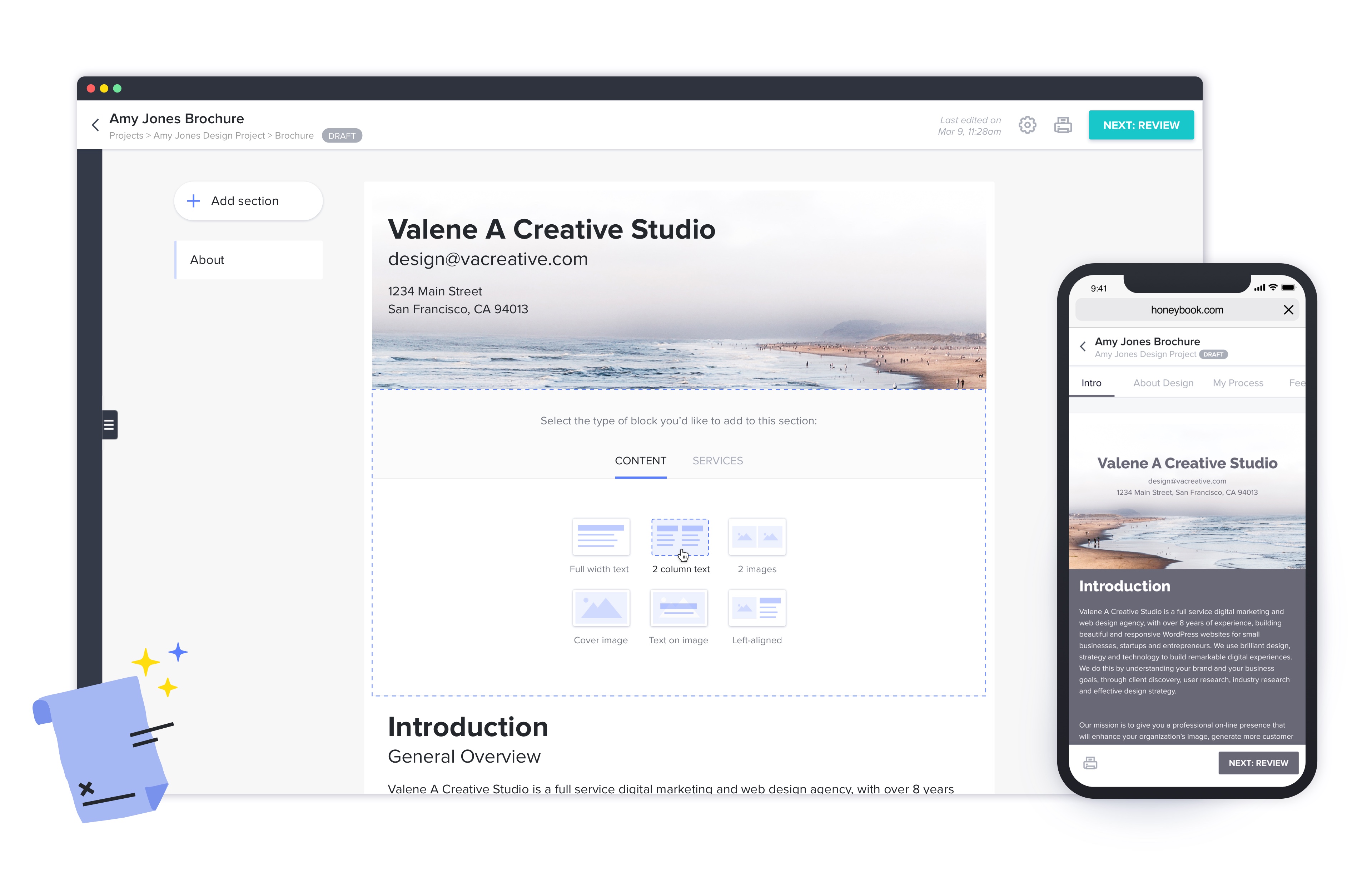
HoneyBook aims to help creative entrepreneurs and freelancers book more clients, manage projects and get paid all in one place. With HoneyBook, users can automate busy work and stay on top of to-dos, saving time and money, while growing a business. HoneyBook is designed to emulate a personal assistant. The vendor states that small business owners and freelancer customers have tripled their bookings and saved multiple hours a day using HoneyBook. They further state that a variety of small…
$36
per month
Ontraport
Score7.5 out of 10
N/A
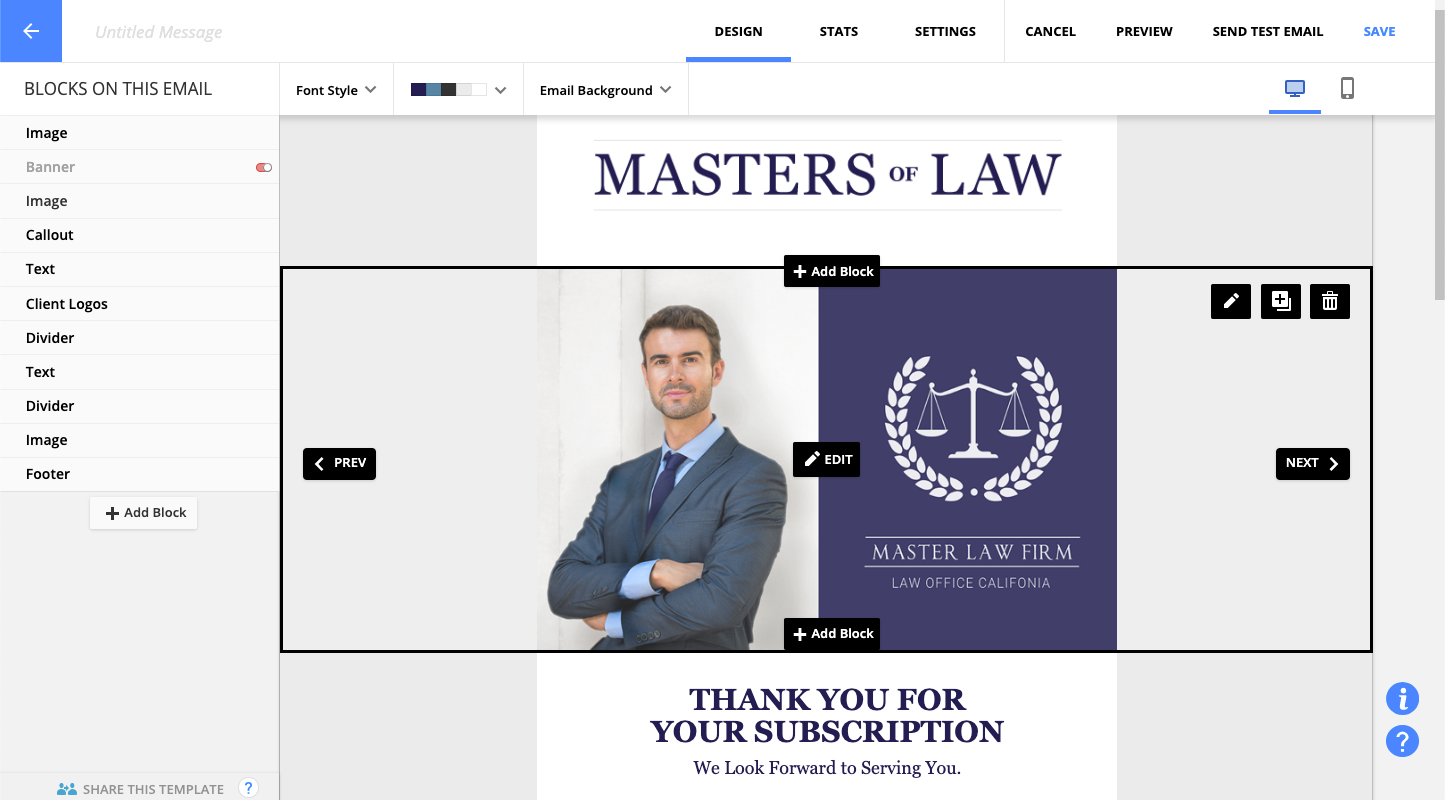
ONTRAPORT offers customer relations management services that help with content management (creating and hosting webpages), lead tracking, traditional marketing approaches (e-mail, SMS, social media, direct mail), managing online payments, and workflow automation.
$29
per month
Pricing
HoneyBook
Ontraport
Editions & Modules
Starter
$36
per month
Unlimited Plan - Monthly
$39
Month
Essentials
$59
per month
Premium
$129
per month
No answers on this topic
Offerings
Pricing Offerings
HoneyBook
Ontraport
Free Trial
Yes
Yes
Free/Freemium Version
No
No
Premium Consulting/Integration Services
No
Yes
Entry-level Setup Fee
No setup fee
Optional
Additional Details
2 months free with annual billing.
Ontraport offers a variety of plans to choose from based on the features needed. Pricing adjusts with the number of contacts in the database and users in the account. Monthly or annual plans are available, and all plans start with a 14-day free trial.
Ontraport offers a Done-With-You Setup and Training Package for getting set up in the account quickly. Users can also access a free video library with step-by-step instructions on getting started and using every feature of the platform.
I would recommend Honeybook to other coaches, consultants, and small business owners. It may not be appropriate for a large team's use, but works for the size of organization I currently own and manage. It also integrates with QuickBooks and makes financial data management fairly seamless.
A de minimis incentive was given to thank the reviewer for their time. The incentive was not used to bias or drive a particular response, nor was the incentive contingent on a positive endorsement. More Info
Here are some cases where Ontraport is well suited : - When writing emails, you can easily access to preview, manage the changes and go back to what you did before - When using automations, if there's an error, you can go back to a previous version of it. There are also some super tools that allows to see where a clients is on an automation without having to go through the all automation. It is less appropriate when you are several colleague that are addressing an issue on an email/automation as it doesn't allows you to be multiple person on the item.
A de minimis incentive was given to thank the reviewer for their time. The incentive was not used to bias or drive a particular response, nor was the incentive contingent on a positive endorsement. More Info
HoneyBook offers incredible resources to train users how to best use their system. It's informative and eye-opening to watch one of their training sessions.
I love how easy HoneyBook makes it to create highly professional materials that are beautiful. Its brochures and selling materials are stellar and I'm able to streamline the process without feeling like I actually have to sell my capabilities.
I'm thrilled with the billing system and how simple it is to automate. I love that I can see how my customers have engaged with the bills.
The app helps me feel connected to my leads and data while I'm away from my computer.
A de minimis incentive was given to thank the reviewer for their time. The incentive was not used to bias or drive a particular response, nor was the incentive contingent on a positive endorsement. More Info
A de minimis incentive was given to thank the reviewer for their time. The incentive was not used to bias or drive a particular response, nor was the incentive contingent on a positive endorsement. More Info
The online scheduling tool does not work with different time zones very well. It doesn't automatically adjust to my clients' timezones and it doesn't even have many international time zones as an option! I had 3 clients in a row schedule meetings at the wrong time when I first started using HoneyBook's scheduler. I had to switch to Calendly because HoneyBook's scheduling tool was causing me to lose business.
The transaction fees for instant deposits are expensive.
[I believe} many of the features on HoneyBook are half-baked. It's marketed as an all-in-one business management platform, but I'm still using Calendly, Google Drive, Typeform, Clockify, and ClickUp because HoneyBook's equivalent features aren't as sophisticated or as easy to use.
The notes section for client projects does not have much space or allow for any custom formatting such as hyperlinks, bold text, highlighted text, etc. Tools such as Teamwork, Pipedrive, Asana, and ClickUp do a much better job at displaying this type of information.
A de minimis incentive was given to thank the reviewer for their time. The incentive was not used to bias or drive a particular response, nor was the incentive contingent on a positive endorsement. More Info
A de minimis incentive was given to thank the reviewer for their time. The incentive was not used to bias or drive a particular response, nor was the incentive contingent on a positive endorsement. More Info
Since I do not use ALL the functionality in HoneyBook, I have wondered if the plan I am on is too much. That is why I rated a 9 rather than 10. I have definitely considered downgrading but not leaving HoneyBook.
My client was already using Ontraport and had a decent investment in the tool. As soon as we turn around the revenue situation with my client's products, we will be ditching OAP immediately, despite the significant re-implementation cost we are going to face moving to a new system. I am part of a high-end, professional marketing group, and the overwhelming sentiment with these other professionals is that one should run away from this as fast as humanly possible. I thought their words were just ungrounded opinion, and I deeply regret that I did not heed them more closely before sinking still more time and effort into OAP.
This is now a copy-paste response since this platform is asking me to answer every single question. It is such a negative experience with Honeybook that they even upset me while I'm trying to warn others of all the horrible pitfalls in working with the platform.
The software is just easy to use. The UI is fairly intuitive. The help system is pretty good. I find it is pretty quick to get my work completed and if I don't document my things well, I can always figure out how I did something when I need to make changes. When I have a problem the tech support is easy to deal with and when things need to get escalated they are resolved quickly.
Most of the time OP runs fine. But I've had to submit more support tickets this year do to messages, seq.'s or rules not running correctly. Also experienced slow response times moving in and around OP.
They have ALWAYS been amazing when I needed any type of service or help. Their concierge service is also amazing vs other services I have used in the past. I have confidence when I ask for help - both through Chat or even on their Facebook group that I will get an answer quickly.
A de minimis incentive was given to thank the reviewer for their time. The incentive was not used to bias or drive a particular response, nor was the incentive contingent on a positive endorsement. More Info
The techs are reasonably savvy, highly courteous and want to do right by their customers. Unfortunately, the product they are supporting is so deeply flawed that there's only so much they can do when your legitimate business requirements are simply not supported.
Honeybook and Dubsado have a lot of similarities. I'd say the only big difference is that Dubsado still has more advanced workflow capabilities. Dubsado also is much harder to set up. Honeybook is simpler and easier to use right from the start.
A de minimis incentive was given to thank the reviewer for their time. The incentive was not used to bias or drive a particular response, nor was the incentive contingent on a positive endorsement. More Info
Task management was the main thing that separated ONTRAPORT for me. Keeping things accountable. As well, I felt the campaign builder was slicker, and that the contact management was more robust. Custom fields are very customizable.
HoneyBook was very cost effective which was great for ROI!
HoneyBook was easy to use which made for a quick employee on-boarding for new team members.
HoneyBook had some features that were not available on the platform that are considered standard for any other CRM such as data pull, platform integrations, and customization options.
A de minimis incentive was given to thank the reviewer for their time. The incentive was not used to bias or drive a particular response, nor was the incentive contingent on a positive endorsement. More Info
We are providing better customer service as a direct result of Ontraport. We can track where all of our customers are, what pages/sites/modules they are visiting with ease and tailor our communication accordingly.
Our marketing funnel has become vastly improved, meaning that our ROI for marketing has gone up. Sales this April are double what they were last year.
Our team works better together because we all have a better idea of what the other needs and when. The tasks that we can assign in Ontraport mean nothing gets missed, creating a better customer and employee experience.