IBM Cloud Code Engine is a fully managed, serverless platform that unifies the deployment of containers and applications including web apps, microservices, event-driven functions, or batch jobs. This serverless compute service aims to remove the burden of building, deploying, and managing workloads in Kubernetes so users can focus on writing code and not on the infrastructure that is needed to host it. With IBM Cloud Code Engine users can run any workload…
N/A
SolarWinds Server & Application Monitor
Score 7.8 out of 10
N/A
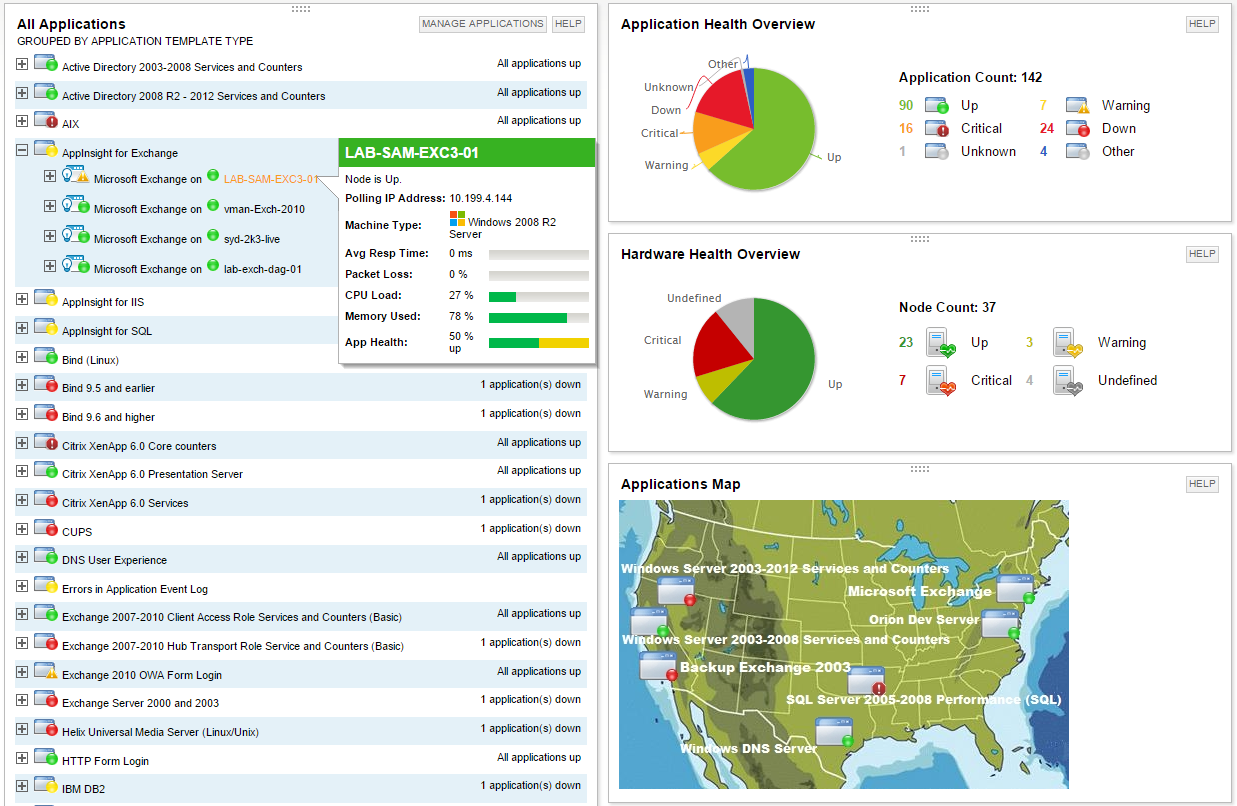
SolarWinds Server & Application Monitor (SAM) delivers application and server monitoring capabilities. SAM allows for self-service for easy setup, 1200+ monitoring templates, and customization options, as well as integrate with other SolarWinds products.
N/A
Splunk Observability Cloud
Score 8.4 out of 10
N/A
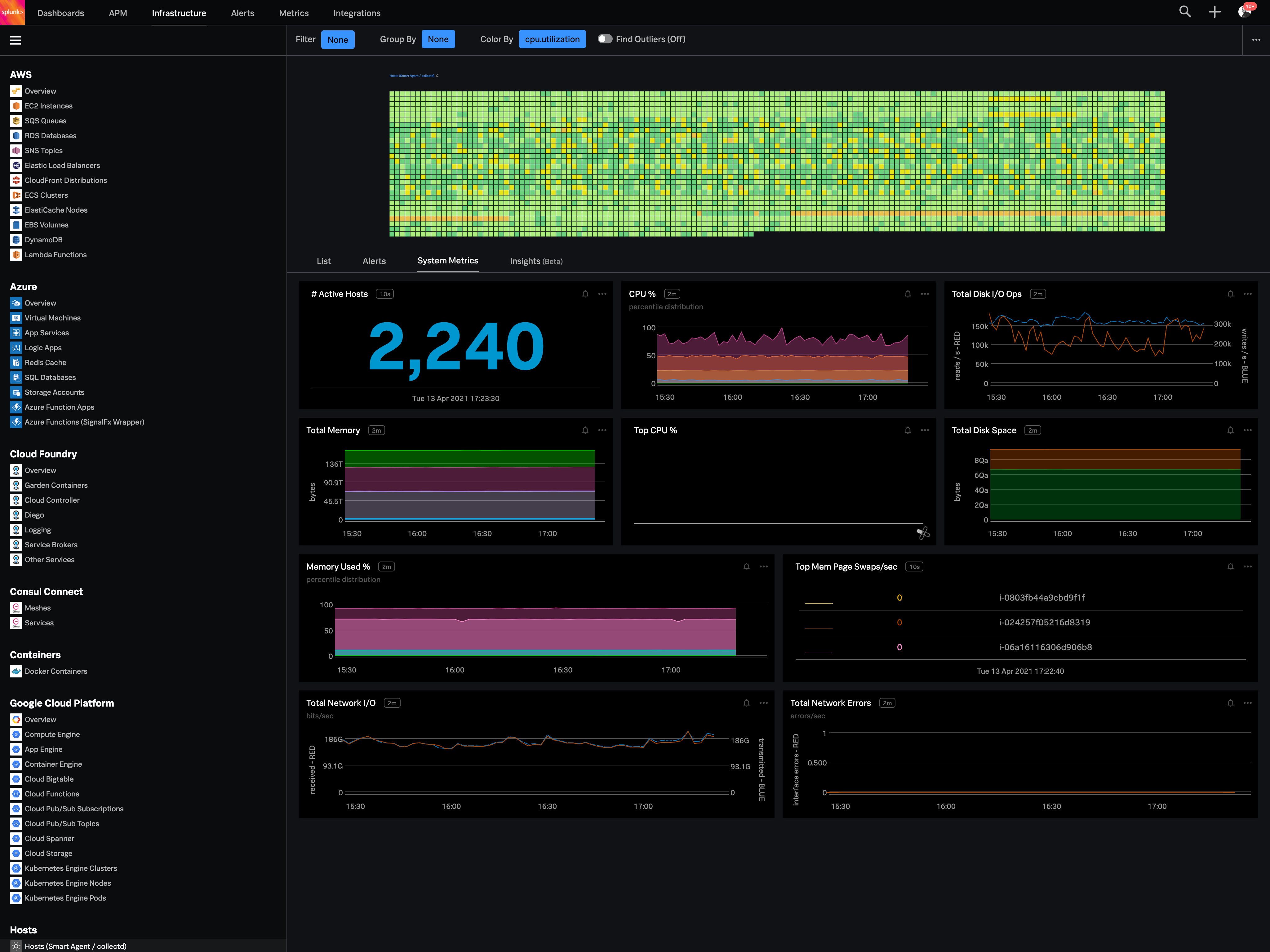
Splunk Observability Cloud aims to enable operational agility and better customer experience through real-time AI-driven streaming analytics allowing accurate alerts in seconds. It is designed to shorten MTTD and MTTR by providing real-time visibility into cloud infrastructure and services.
It would be a good solution for running serverless applications. Because infrastructure setup and maintenance expenses can be avoided, the investment will pay for itself. The time to value is short, allowing IT to respond to business demands quickly. It aided us in customizing security as well as operating a personal project using to autoscale up and down approach. Also, because there isn't much hassle, items can be pushed into production as soon as possible. Simply push a container, create an application, and you're ready to go. But, It is less suited when you have a static machine or need to keep data in some way and do not want to utilize network storage or a database.
It is a well-suited software for monitoring and surveillance of your deployed nodes. The error-readability and filter options for filtering out logs and errors could be improved. But overall, it has a good UI design, is user-friendly, and is very easy to learn and access for new users.
Its great if you need real-time visibility across complex or regulated environments. Also strong for hybrid or multi-cloud setups where uptime, observability and fast IR are required. It’s probably overkill for smaller teams or environments that don’t have constant changes or compliance reporting needs. It's expensive and has a steep learning curve. Also, in my opinion, do not get yourself into a consumption based model. Costs can certainly get out of control quickly.
The first one is its Kubernetes container monitoring.
I really like this features because as we know how much K8s is vast and to manually monitor each part of the Kubernetes it takes so much time but Splunk Observability Cloud makes it easier. And even once we integrate K8s with Splunk Observability Cloud it gives us some prebuilt dashboards which gives holistic view of our Cluster and its nodes, pods, etc.
The dashbaord feature of Splunk Observability Cloud, it gives us full flexibility to customize our dashboard with a wide range of predefined chart types.
Now it also supports OTEL, which is a plus point for observability. As now everyone is moving towards Otel and in current market there are only few tools who supports OTEL based integrations, Splunk Observability Cloud is one out of them.
the pricing structure is complicated, and the servers are expensive. I really think they should offer better pricing options and support for more languages
sometimes the servers go down, and they take too long to respond to support tickets
uploading documents is slow since I have to do it one by one, making the process much longer than it should be
You can use table-like functionality to generate dashboards, but these queries are heavy on the system.
It could be easier to give insight into what type of line parsing is used for specific documents in a company-managed environment and/or show ways to gain the insights needed.
I would like to see ways to anonymize specific data for shared reports without pre-formatting this in a dashboard on which reports could be based.
We are heavily invested in Solarwinds products for a reason. They are generally easy to setup and run with, requiring only some interfacing with support or help articles on rare occasions. They do what we bought them to do and we can't ask for more.
Good: Stable system with low error rate Easy to use for simple use cases Bad: UI is not very clear for complex usage Mobile view (when logged in from phone) is bad No library for .net
Consumers can purchase individual components as well as unlocking new bundles with special features and services including the extensive data management governance capabilities of the Automation range. Kubernetes containerizing for effective service implementation and an agile, flexible multi-cloud data program help both utilization expansion and deployment to be improved by this architecture.
SolarWinds Server & Application Monitor is quite easy to use and super versatile. It allows you to do just about anything you can through premade templates or through scripting. You can use an agent on the servers if you want to, or you can monitor through WMI or SNMP credentials. You can customize thresholds for alerting quickly, and you can configure alerts to be as complex or as simple as you want.
When there is an issue, it’s a win if one can easily identify the root cause. To do the same, it should allow the user to dig deep with multiple data points and compare the data and identify the anomaly. In this use case, it’s good to drive from Splunk 011y.
The graphical interface and the performance of the database leave a little to be desired, they could be better explored.Some functionality and screens do not work well depending on the browser used. The integrations never had any problems or caused crashes in other systems.
I think there was only a couple times I had to open a support case for SAM and one time they got multiple engineers on the phone to get a better idea what I was trying to monitor and was able to point me in the best direction to monitor that system.
What impresses me most about IBM Cloud Code Engine is the container workload management capability and the Cloud services and dataflow monitoring functionalities. Data security and network security control via IBM Cloud Code Engine is quite excellent and very responsive data integration functions and the first deployment is not very technical.
Nagios requires far more manual work to configure than SolarWinds does, though that also encourages customization and perfect-fit solutions. Nagios also requires far, far fewer resources to run than SolarWinds: SolarWinds wants great gobs of memory and disk, while Nagios is refreshingly humble. Nagios starts working from the first minute, too, whereas SolarWinds needs lots of set-up time.
Splunk Infrastructure Monitoring provides far superior options for anybody using a complex hybrid multi-cloud environment and allows both your SOC and NOC to work together on the same data while driving their own insights. We found other products are still in the old world view of servers and agents residing together within a single data centre, but modern apps are no longer like this.