IBM Cognos is a full-featured business intelligence suite by IBM, designed for larger deployments. It comprises Query Studio, Reporting Studio, Analysis Studio and Event Studio, and Cognos Administration along with tools for Microsoft Office integration, full-text search, and dashboards.
$11.25
per month per user
Strategy Analytics
Score 8.4 out of 10
N/A
MicroStrategy Analytics is an enterprise business analytics and mobility platform. Key features include automatic big data analysis and reporting, data discovery and visualization, digital security credentials, and support for mobile devices.
N/A
SAP Crystal
Score 7.4 out of 10
N/A
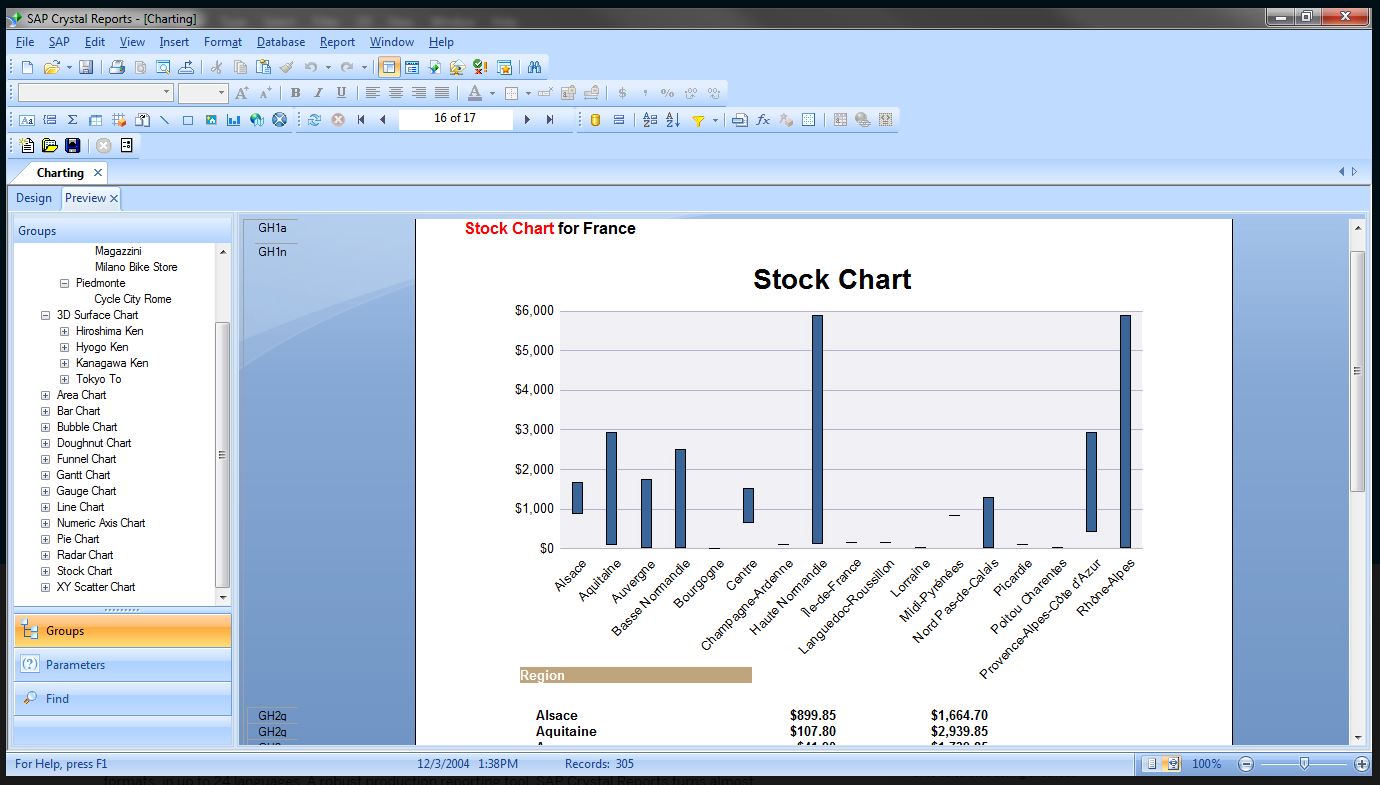
SAP Crystal is an analytics and reporting software solution for SMBs. SAP Crystal comprises Crystal Reports for pixel-perfect reporting, and SAP Crystal Server for automated distribution and self-service access to reports, dashboards and data exploration.
$295
per single user license
Pricing
IBM Cognos Analytics
Strategy Analytics
SAP Crystal
Editions & Modules
On Demand - Standard
USD 11.25
per month per user
On Demand - Premium
USD 44.90
per month per user
No answers on this topic
Upgrade Version to SAP Crystal Reports 2020
$295
per single user license
SAP Crystal Reports 2020 64-Bit
$495
per single user license
SAP Crystal Reports 2016 32-Bit
$495
per single user license
SAP Crystal Server 2020 1 NUL
$869
per user license + first year maintenance to be added
SAP Crystal Server 2020 5 CAL
$8,744
5 concurrent users + first year maintenance to be added
Offerings
Pricing Offerings
IBM Cognos Analytics
Strategy Analytics
SAP Crystal
Free Trial
Yes
No
Yes
Free/Freemium Version
No
No
Yes
Premium Consulting/Integration Services
Yes
No
Yes
Entry-level Setup Fee
Optional
No setup fee
Optional
Additional Details
—
Must contact sales team for pricing information.
* SAP Crystal Reports 2020 Viewer allows you to view static data within a SAP Crystal Reports file.
* SAP Crystal Reports 2020 - Full version allows you to create powerful, richly formatted, and dynamic reports from virtually any data source, delivered in dozens of formats, in up to 28 languages. If you already have an older version of Crystal Reports, buy a license for SAP Crystal Reports 2020 - Upgrade at a discounted, upgrade price.
* SAP Crystal Server 2020, 1 NUL includes 1 license of: SAP Crystal Reports 2020 - SAP Crystal Server 2020.
* As an add-on to SAP Crystal Server 2020 1 NUL, SAP Crystal Server 2020 5 CAL allows you to support a wider, intermittent audience of end users, up to five logged on at the same time.
In my opinion, MicroStrategy has a better product architecture. As a reporting and analysis platform, MicroStrategy allows developers to build reports and dashboards using an integrated development tool for all capabilities. It also has a more powerful and easy to use …
IBM Cognos Analytics is our legacy BI solution. It hadn't stacked up well against its modern contemporaries. We are thinking of replacing it with Microsoft BI.
We have alot of resources already invested in Cognos and it would be a humongous effort to migrate. CA is more inline with Power BI and Tableau now that there are dashboarding capabilities.
IBM Cognos Analytics with Watson is an enterprise ready tool and could provide end to end functionality expected from a BI tool. Provides integration with custom applications as well as provides not just high end visualizations that Tableau or PowerBI provides but also the very …
Cost wise, the above products are less expensive and offer tons more upfront, but you will pay for it on the back end. They have vendor limitations and their support mechanism was inline for what we wanted.
We used to use Crystal Reports but transitioned our reports to Cognos when Crystal was no longer supported in conjunction with PeopleSoft. Crystal is a more flexible report-building tool for unique needs, but Cognos has better prompts and is a better server-style report …
Cognos is a more stable tool, which is integrated to many others. It has a lot of experience in the market. Your support is very good. Many facilities in Argentina
There are a number of reporting systems, but these other systems are really data visualization systems that lack the ability deliver information through an enterprise on their own. IBM Cognos is well suited to be the delivery system for an enterprise's analytics and the …
IBM Cognos stood out presumably because of the target market - we have been doing it in telco market so IBM Cognos could be a good fit due to its powerful capacity to establish the reports and data sets.
I didn't select IBM Cognos, I only used it in situations where it had already been selected. Cognos was better for a long time than most of the traditional BI vendors. And their modeling is still second to none.
IBM Cognos shines when it comes to setting up slow changing historical reports that need to be delivered on a predefined schedule to a predetermined set of recipients.
Verified User
Project Manager
Chose IBM Cognos Analytics
I did not select IBM Cognos by choice. It was the report designer that was integrated into our Enterprise Asset Management system. In order to create custom reports for our users, this was they system we needed to use. If I were to have the option of using Crystal Reports …
I myself have been exposed to Microstrategy, Business Objects, and Microsoft BI. While I do find strenghts in all of these tools, one area I do believe that IBM Cognos has distinct advantages when deployed in an environment where integration with other IBM products (AIX, DB2, …
Tableau is probably MicroStrategy Analytic's biggest competitor I've noticed over time, and I'm not sure why. Tableau only covers visualizations independently for each business user, which then creates the issues of every employee creating their own version of the data, and …
Manager, Business Intelligence and Reporting Services
Chose Strategy Analytics
As a whole Microstrategy is good in more areas than the others are great in specific ones. It is probably not #1 in any particular category of BI Tool evaluations, but they are #2 or #3 in more categories than the all of the other tools we have evaluated. We selected …
I have only used SSRS 2012 and MicroStrategy 9.4.1 as reporting tools. SSRS is not as fully featured as MicroStrategy and does not have the same level of quality in the delivery of expert reports. MicroStrategy meets many more needs out of the box and allows for many more …
Oracle OBIEE, IBM Cognos, QlikView - better integrated, single metadata, broader functionality
SAP Crystal
Verified User
Consultant
Chose SAP Crystal
SAP Crystal Reports contains all the reporting capabilities of the above peer technologies. There is not a single capability of the above tools which is not available in Crystal report. But Crystal being an offering SAP fares and performs best for SAP integrated source systems. …
Verified User
Director
Chose SAP Crystal
I tried using Cognos, but I found trhat I prefered Crystal Reports because it does not require you to set up a meta data layer before setting up your reports. That is a real time saver for me.
I found Crystal much more flexible and easier to use for report building than Cognos. Crystal's menu system is similar to Microsoft Word and Excel, so it instantly seemed familiar. I had to do much more hunting in Cognos to modify the properties and formatting of a report. …
They are really two different beasts, Crystal Reports in its stand-alone form is meant for desktop reporting, although the same report can be pushed up to the web or to the enterprise with SAP's more expensive products. As far as I know, Cognos starts at the enterprise level …
Crystal Reports fits a niche for us in standard reporting. We don't use it for creating dashboards or interactive data analysis. That's where Tableau excels. For on-demand reports, we prefer Microsoft Reporting Service and Analysis Services. Crystal Report is very good when it …
Unfortunately, report-writing is just another thing I do, Crystal Reports is all I have used and I can't compare & contrast it to other reporting packages. Our organization uses Cognos and the skill-sets are not interchangeable. But it does indicate that the choice of report …
Crystal Reports is far and away the easiest reporting engine that I have used to date. There is less of a learning curve than with IBM Cognos. To me, Cognos is a bear when it comes to designing the report, however, it is very powerful once the reports are created and made …
Features
IBM Cognos Analytics
Strategy Analytics
SAP Crystal
BI Standard Reporting
Comparison of BI Standard Reporting features of Product A and Product B
IBM Cognos Analytics
7.6
131 Ratings
7% below category average
Strategy Analytics
10.0
26 Ratings
20% above category average
SAP Crystal
7.8
124 Ratings
5% below category average
Pixel Perfect reports
7.5121 Ratings
10.023 Ratings
8.0113 Ratings
Customizable dashboards
7.8127 Ratings
10.023 Ratings
7.0100 Ratings
Report Formatting Templates
7.5123 Ratings
10.024 Ratings
8.4117 Ratings
Ad-hoc Reporting
Comparison of Ad-hoc Reporting features of Product A and Product B
IBM Cognos Analytics
7.5
131 Ratings
7% below category average
Strategy Analytics
10.0
24 Ratings
22% above category average
SAP Crystal
8.3
136 Ratings
3% above category average
Drill-down analysis
6.9128 Ratings
10.022 Ratings
9.0117 Ratings
Formatting capabilities
7.7130 Ratings
10.024 Ratings
8.7135 Ratings
Integration with R or other statistical packages
7.493 Ratings
10.016 Ratings
7.064 Ratings
Report sharing and collaboration
8.2124 Ratings
10.023 Ratings
8.7120 Ratings
Report Output and Scheduling
Comparison of Report Output and Scheduling features of Product A and Product B
IBM Cognos Analytics
8.2
129 Ratings
0% below category average
Strategy Analytics
10.0
23 Ratings
20% above category average
SAP Crystal
8.8
136 Ratings
7% above category average
Publish to Web
8.327 Ratings
10.022 Ratings
9.091 Ratings
Publish to PDF
7.7123 Ratings
10.023 Ratings
9.3133 Ratings
Report Versioning
8.626 Ratings
10.020 Ratings
8.094 Ratings
Report Delivery Scheduling
8.3125 Ratings
10.022 Ratings
9.097 Ratings
Delivery to Remote Servers
8.112 Ratings
10.05 Ratings
8.554 Ratings
Data Discovery and Visualization
Comparison of Data Discovery and Visualization features of Product A and Product B
Well suited: Financial reporting - It can handle complex, pixel perfect, muti-page reports with scheduled delivery to stakeholders (like sales report by region on quarterly periodicity) Operational dashboard across departments - It can combine multiple data sources (ERP, CRM, excels etc) with filters, and embedded AI insights Less appropriate: Live dashboards - As stated earlier as well, IBM Cognos Analytics doesn't suit well for live dashboards or event driven data. For ex: live web traffic data or IOT device data, etc Data science - Although IBM Cognos Analytics is great tool for data exploration but it should not be used as a substitute for Python or R, which has edge over advanced modelling and stats based workflows like predictive modelling or clustering
MSTR is great for any organization that is looking for a way to deliver complicated data in an uncomplicated way. From business teams to marketing and finance, several departments benefit from using MSTR to keep track of KPIs enabling teams to make optimizations along the way. MSTR provides great visual representations of data enabling team members to distill thousands of data points into easily digestible charts and graphs
Generation of templated reports is the strong suit of SAP Crystal. Allows users to change formats in templates bases on requirement with minimal effort. Automated report delivery requires the user to be aware of sql which cannot be expected from all users. Should support more document export formats and improve the UI for SAP B1 Users
They sell the product well, and make promises you will actually believe
"checks the box" for most features a company would need. Doesn't actually deliver them though
They answer the phone in a timely manner. Can't answer your questions or provide support, but the queue time isn't bad
They have online documentation. It's not up to date, and likely doesn't reflect the version of software you are using, but hey... they can point to it.
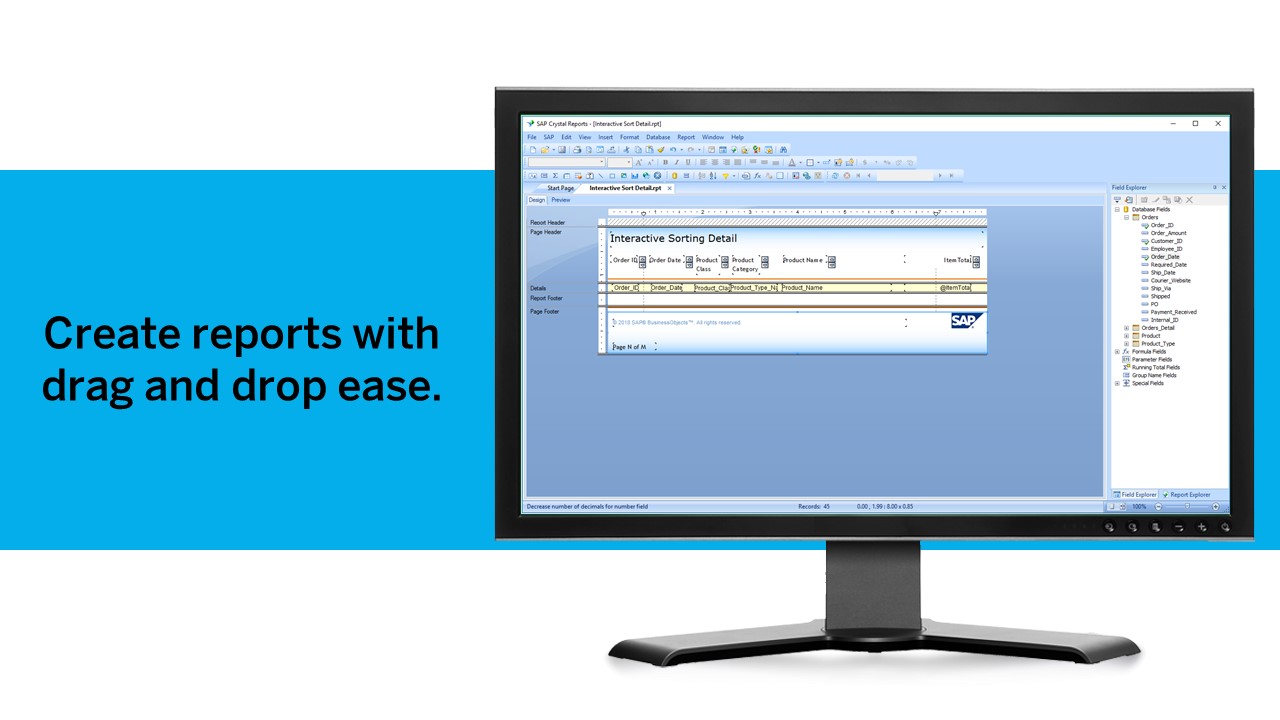
Crystal Reports allows us to create a consistent template for all of our reports.
Crystal Reports and Server allows us to house a repository for all of our reports to make them easy to find and update when necessary.
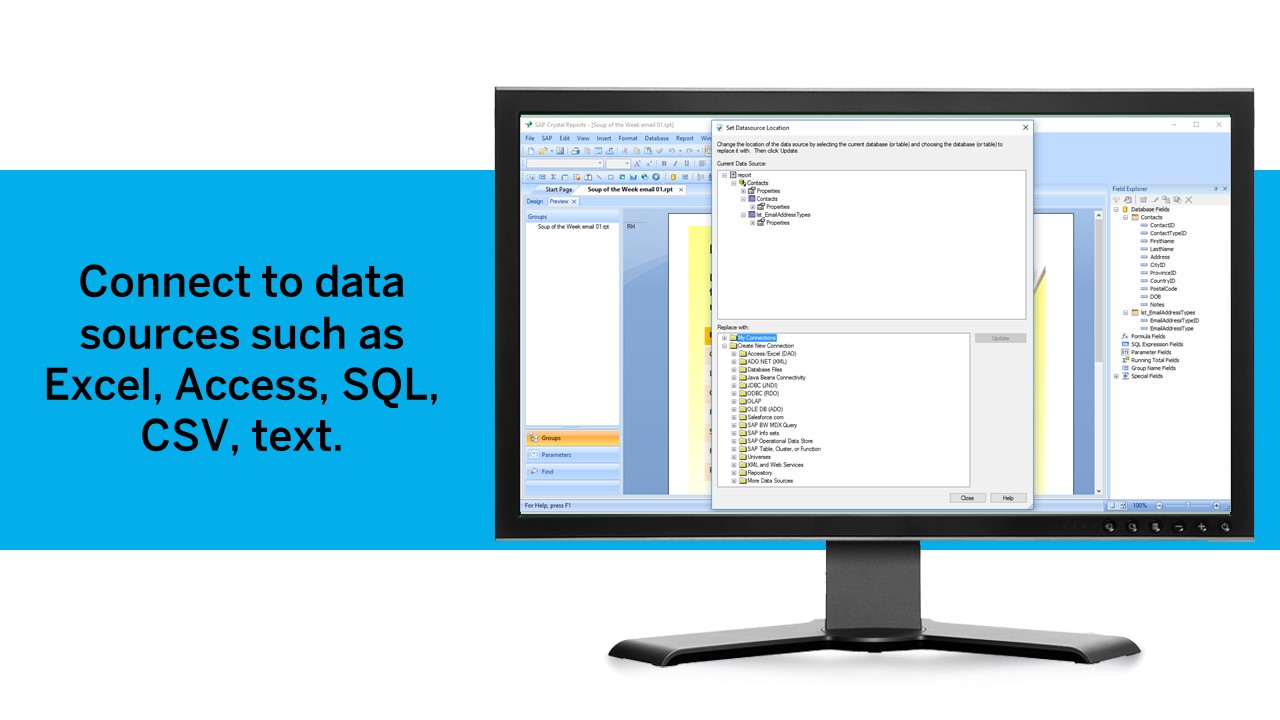
Crystal Reports can connect to a wide variety of data sources.
Crystal Reports can be a little daunting when first implementing. There are a lot of nuances in learning how to truly master this software and it can be frustrating at times.
IBM Cognos Analytics enables customer data segmentation, which is essential for marketing, improving and streamlining purchasing behavior and preferences. This helps companies create more targeted and effective marketing campaigns.
Our clients Through data analysis, we can identify and observe trends in the behavior of other clients, allowing us to anticipate needs and adjust strategies to avoid consequences.
For an existing solution, renewing licenses does provide a good return on investment. Additionally, while rolling out scorecards and dashboards with little adhoc capabilities, to end users, cognos is very easily scalable. It also allows to create a solution that has a mix of OLAP and relational data-sources, which is a limitation with other tools. Synchronizing with existing security setup is easy too.
I would always choose to renew MicroStrategy as long as they lead the market in features, functionality and price. The support of MicroStrategy is timely and professional, I frequently get answers to my questions within 24 hours and normally have solutions within 48 hours. Training available for MicroStrategy completely covers everything required to be able to expertly use MicroStrategy and understand data warehousing.
We have been using this product for so many years and it has truly become a cornerstone to our business processes when it comes to developing and distributing information via reports. We currently have over 500 reports developed to date over about 30 systems and that will continue to grow as user needs change.
We have a strong user base (3500 users) that are highly utilizing this tool. Basic users are able to consume content within the applied security model. We have a set of advanced users that really push the limits of Cognos with Report and Query Studio. These users have created a lot of personal content and stored it in 'My Reports'. Users enjoy this flexibility.
The standard grid reporting could look more like the styling and object used for the Import and Visual Insight products. In addition, object properties almost seem to be hidden when first using the product. It's as if they are asking the engineers to only use the presets we make available...and, these presets are 10+ years old. On the positive side, Microstrategy seems to be the only product, not named Cognos, which can scale to Big Data. The product is "hackable" via the SDK or tricking the Intelligence Server to do uncommon things. The Microstrategy development team also seems to be very involved with their OEM partners; especially when it comes to features and enhancements. A large majority of the improvements we suggested have made it into the product or on the roadmap for future enhancements. Only suckas fall for the shiny objects from most other vendors; Microstrategy is really the only choice for Enterprise BI.
Crystal is very robust, but not always easy to use. It create wonderful looking reports, and so deserves a high rating. However, I have to take a couple of points off for the simple fact that I cannot hand it to a user and expect them to be able to do development with it.
Reports can typically be viewed through any browser that can access the server, so the availability is ultimately up to what the company utilizing it is comfortable with allowing, though report development tends to be more picky about browsers and settings as mentioned above. It also has an optional iPad app and general mobile browsing support, but dashboards lack the mobile compatibility. What keeps it from getting a higher score is the desktop tools that are vital to the development process. The compatibility with only Windows when the server has a wide range of compatibility can be a real sore point for a company that outfits its employees exclusively with Mac or Linux machines. Of course, if they are planning on outsourcing the development anyways, it's a rather moot point
I've never had an issue with MicroStrategy not being available due to MicroStrategy application malfunction. It is very robust and only failures I've seen were due to user error or the platform the machine running the service failed some how.
Overall no major complaints but it doesn't handle DMR (Dimensionally Modeled for Relational) very well. DMR modelling is a capability that IBM Cognos Framework Manager provides allowing you to specify dimensional information for relational metadata and allows for OLAP-style queries. However, the capability is not very efficient and, for example, if I'm using only 2 columns on a 20-column model, the software is not smart enough to exclude 18 columns and the query side gets progressively larger and larger until it's effectively unusable.
Being able to customize the performance based on the business need is extremely powerful. Proper configuration and understanding of the usage pattern is key, if the technical ability of the architect is not at top level, then the product will not be configured correctly which will lead to poor performance.
Why is their web application not working as fast as you think it should? They never know, and it is always a a bunch of shots in the dark to find out. Trying to download software from them is like trying to find a book at the library before computers were invented.
Good user community. Support team is available if you are under AMC. You get decent support after raising the support ticket. If it is product bug they will inform you and let you know which patch will resolve the same.
The support community can be difficult to navigate. I've also run into issues with my login. The SAP system has a bizarre mechanism for validating users that requires users to have what is called an S-ID. A basic ID may not give you access to all the features in the portal. The limitation may include not being able to perform a simple task like downloading patches and updates. This isn't a big deal for single user license but for teams it can be a pain.
Onsite training provided by IBM Cognos was effective and as expected. They did not perform training with our data which was a bit difficult for our end-users.
The online courses they offer are thorough and presented in such a way that someone who isn't already familiar with the general design methodologies used in this field will be capable of making a good design. The training environments are provided as a fully self contained virtual machine with everything needed already to create the environments. We've had some persisting issues with the environments becoming unavailable, but support has been responsive when these issues arise and straightening them out for us
I have attended many trainings offered by MicroStrategy; both distance and in-person training. I earned my CRD (Certified Report Developer) certification via the online training. I found the training to be well organized and concise. Overall I will definitely continue to increase my knowledge with MicroStrategy via the online training offering.
Make sure that any custom tables that you have, are built into your metadata packages. You can still access them via SQL queries in Cognos, but it is much easier to have them as a part of the available metadata packages.
Just like any other implementation: When designing the differing reports, get end users' input, make sure to design the reports so that they display the information that the company requires, in the best and clearest way possible.
Test, test, test, revise when needed, and, particularly, do sufficient training so users are comfortable using Crystal Reports!
Power BI is stronger for quick ad-hoc analysis and dashboards, but IBM Cognos Analytics is better when consistency, precision, and mass distribution matter. Tableau is best for interactive analysis, while IBM Cognos Analytics is better for standardized, repeatable enterprise reporting. Sigma shines for customizable dashboards and drill-down analysis while IBM Cognos Analytics holds an edge in data discovery and visualization.
Tableau is probably MicroStrategy Analytic's biggest competitor I've noticed over time, and I'm not sure why. Tableau only covers visualizations independently for each business user, which then creates the issues of every employee creating their own version of the data, and then you have 20 versions of the truth. A enterprise data warehouse and MicroStrategy's Visual Insight is a better method.
Crystal reports is useful in case we want to import data from data base . We can write queries in it but Google Charts require to be implemented in our application using code so crystal reports is better than Google Charts.
The Cognos architecture is well suited for scalability. However, the architecture must be designed with scalability in mind from day one of the implementation. We recently upgraded from 10.1 to 10.2.1 and took the opportunity to revamp our architecture. It is now poised for future growth and scalability.
This software is extremely scaleable, one can add more core servers which performs as a load balancing. The configurations available to manage usage patterns and daily activity are as high a caliber as any other enterprise level software. This product can be installed on both a windows and unix platform allow for integration on a budget.
MicroStrategy was helpful for reducing the amount of time we needed to spend number crunching large data sets, and in doing so, allowed me as the primary users to spend more time gleaning insights from the data that in turn informed our leadership team to make strategic decisions.
By creating numerous canned reports available to all members of the team through email distribution or basic access to the platform, we were able to reduce the time I spent showing people how to pull the data in Microsoft Excel by nearly 40% .
We ended up needing to make many changes to the way our DMP was feeding data into MicroStrategy due to incorrect reporting that caused complications in accounting and finance.
It is a decent buy for specific departments in terms of reporting capabilities but updates and cost (frequent) demands are higher with the benefits offered.
So long as the requirements are not ever changing, with scheduling functionality, it's a handsome tool.