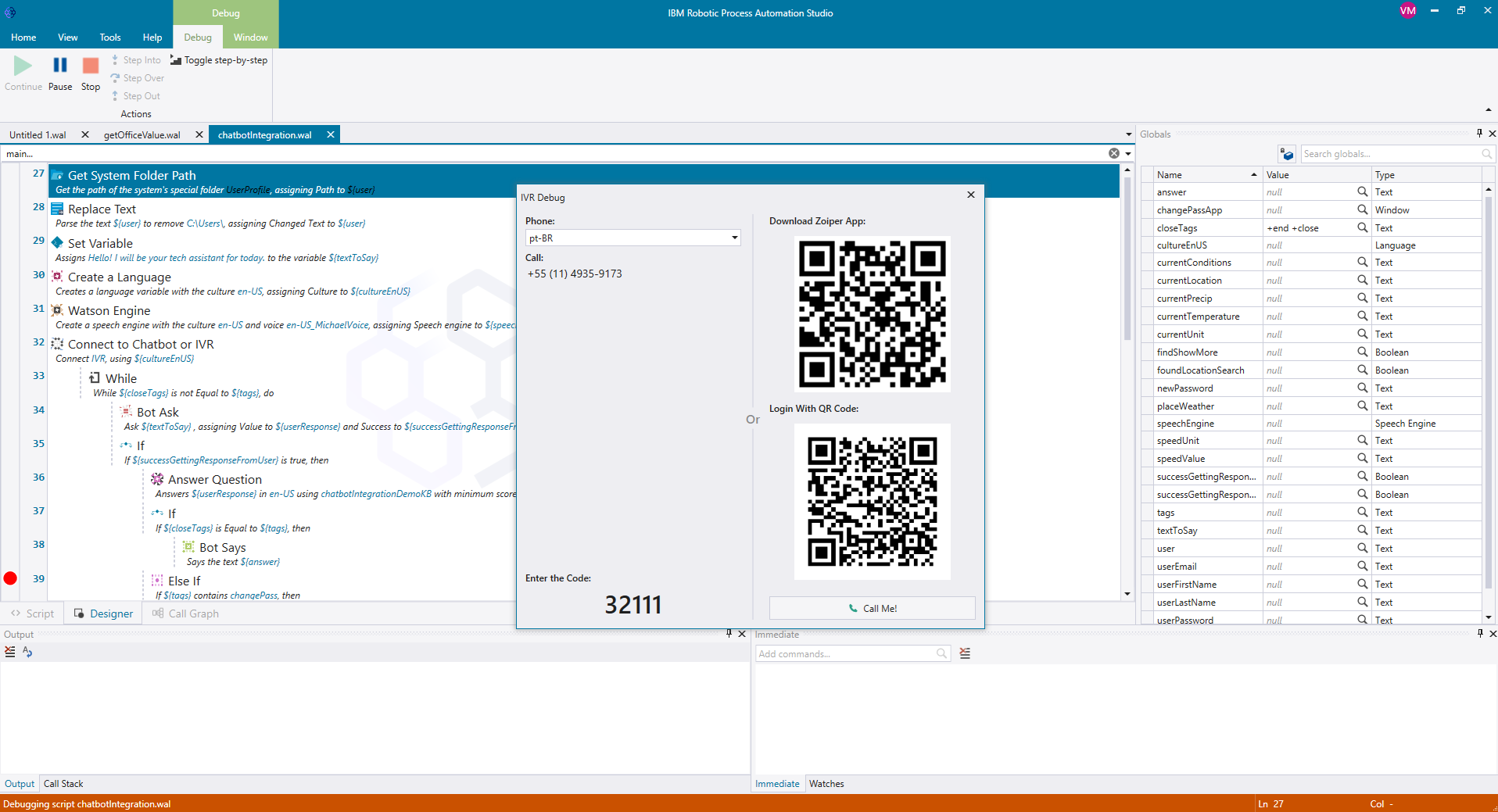
IBM Robotic Process Automation with Automation Anywhere is a robotic process automation solution combining business process management tools from IBM with Automation Anywhere's bots and automation capabilities.
$840
per month
Projector PSA
Score1.1 out of 10
N/A
Projector's cloud-based Professional Services Automation (PSA) software helps project-based services organizations track time and expenses, invoice clients, schedule resources, and manage projects. Its three modules span a more comprehensive set of uses than typical project management software. The Accounting module helps the user track time and expenses and manage invoices and billing. Also it syncs with the company's accounting systems as a sub-ledger. The Resource Scheduling module matches…
$15
per user
Pricing
IBM Robotic Process Automation
Projector PSA
Editions & Modules
IBM RPA On premises
Platform starter pack, starting at USD 840.00 per month
per month
IBM RPA Software as a service (SaaS)
Platform starter pack, starting at USD 840.00 per month
While it can be applied to various scenarios, its suitability can depend on the specific requirements of a given task or process. Here are some scenarios where IBM RPA is well-suited and scenarios where it may be less appropriate: Well suited: 1.Data Entry and Data Migration: RPA can efficiently automate data entry tasks, such as copying information from one system to another or migrating data between databases, reducing the risk of human error 2. Report Generation: RPA can generate routine reports by extracting data from various sources, formatting it, and delivering the reports to the relevant stakeholders, saving time and effort. 3. Email and Message Handling: RPA can help manage and categorize emails and messages, such as routing customer inquiries to the right department or processing routine email requests.Less suited for: 1. Cases where there is High Variability: RPA may struggle with tasks that have a high degree of variability, where each case is unique and difficult to standardize. 2. For Complex Decision-Making: RPA is rule-based and not designed for complex decision-making processes. It cannot replace the judgment and decision-making capabilities of humans. 3.Tasks Requiring Creativity: RPA is not suitable for tasks that require creativity, innovation, or problem-solving skills, as it operates based on predefined rules and logic.
We think Projector PSA is a great tool to track and manage people in a professional service environment like management consulting. This system is easy to set up, easy to understand and should easily suit the needs of smaller and medium sized firms. It may be less appropriate for firms that rely very heavily on project management through another system (like MS Project) or firms that rely very heavily on a sales pipeline tracking system. While still very much possible to use, you would (I believe) have to do some re-keying between systems
It was programmed to navigate to the web page requiring reCAPTCHA verification, locate the reCAPTCHA challenge, and generate a screenshot or other data to present to a user for manual input.
It was programmed to extract employee data from emails or forms, update the employee record in Workday, and send automated notifications.
A de minimis incentive was given to thank the reviewer for their time. The incentive was not used to bias or drive a particular response, nor was the incentive contingent on a positive endorsement. More Info
Projector is a very well designed tool for project management. It has allowed us to eliminate a number of auxiliary tools for project timelines and WBS for the vast majority of our projects.
Time and expense entry is intuitive and quick for our staff.
Our forecasting and resource management capability has improved greatly with Projector and allows us to grow our team efficiently with minimal additional administrative burden.
Reporting is extremely robust. It does require some time to really get a handle on the full functionality of the reporting tool, but once you do, you can get almost any kind of report you want out of the system!
Security and data privacy: IBM RPA may not have the strongest security features, which can leave sensitive data vulnerable to breaches or hacking.
Scalability: IBM RPA may not scale well to accommodate larger businesses and more complex processes, which can lead to performance issues and increased costs.
Customization: IBM RPA may not provide as much customization options as some users would like, making it difficult to tailor the software to specific business needs.
A de minimis incentive was given to thank the reviewer for their time. The incentive was not used to bias or drive a particular response, nor was the incentive contingent on a positive endorsement. More Info
Release management process needs to be improved. Currently no facility is provided to test the impact of new releases in a sand-box. This introduces business risk if there are interfaces into Projector PSA as part of it's use in the business.
By implementing IBM Robotic Process Automation, we realized that they are digital robots with a great impact on our manual tasks, generating good automation capabilities that are beneficial to the entire company.
A de minimis incentive was given to thank the reviewer for their time. The incentive was not used to bias or drive a particular response, nor was the incentive contingent on a positive endorsement. More Info
We have been using this tool for a year now and find our use of it continually evolves and broadens. We are also very excited about the overhaul that's under way and feel many of the improvements being put in place will help make us that much more effective and efficient. The Projector team is also very responsive and collaborative in terms of user feedback and improvement suggestions, which helps us know they will work hard to help us get what we need out of the tool.
IBM RPA is a very powerful tool, it has almost all the features that are necessary to build, implement and manage highly functional robots. The learning curve is very fast, so excellent skills are acquired. It is not necessary to have strong programming knowledge because its use is very easy. It is just drag and drop commands. By adding rules and logic, wonderful robots can be achieved.
IBM has done a great job with enablement for the product. There is documentation for use-cases, development videos for beginners, and a community forum that has proven useful for getting started with the application. Although the resources cannot solve every problem a developer comes across, they have been very beneficial to our technical team.
A de minimis incentive was given to thank the reviewer for their time. The incentive was not used to bias or drive a particular response, nor was the incentive contingent on a positive endorsement. More Info
I am main developer of the this implementation. I have faced many chanllenges in implementation as IBM RPA not provided direct commands to automate Excel. I enjoyed in finding solution and best approach for the implementation
A de minimis incentive was given to thank the reviewer for their time. The incentive was not used to bias or drive a particular response, nor was the incentive contingent on a positive endorsement. More Info
I've always had excellent service and had no trouble communicating. It has aided in my understanding of how I can continue to use the bots. Reading peer assessments reveals that while IBM RPA demands a substantial initial financial commitment, it justifies its cost, unlike Blue Prism RPA, which does not.
A de minimis incentive was given to thank the reviewer for their time. The incentive was not used to bias or drive a particular response, nor was the incentive contingent on a positive endorsement. More Info
We did pursue Quick Arrow another tool that was similar. We found that be in inflexible in use. Projector allows a lot of flexibility in setup. Our organization has very specific business processes and we were able to set up Projector to work with those processes. Several other systems we tried were not as flexible in allowing set up to our needs.
IBM Robotic Process Automation has helped save on cost and time as it is able to automate tasks that are repetitive and routine tasks.
IBM Robotic Process Automation has helped us increase productivity. This is because it is able to perform tasks with a high degree of accuracy and speed.
It has enhanced compliance as it is able to automate compliance-related tasks. This has helped us improve our reputation.
A de minimis incentive was given to thank the reviewer for their time. The incentive was not used to bias or drive a particular response, nor was the incentive contingent on a positive endorsement. More Info
Even in the small time that I stayed to see Projector PSA reporting I saw ROI projections become more realistic. There was real data to analyze that proved we were spending way too much and charging way too less on some projects.
Although employees were not used at entering their hours, this single reporting improved operations management and validated employees concerns that more people were needed to manage workload
Project proposals were more realistic because they were driven by real data.
Decision making overall for the department became more efficient and effective
A de minimis incentive was given to thank the reviewer for their time. The incentive was not used to bias or drive a particular response, nor was the incentive contingent on a positive endorsement. More Info