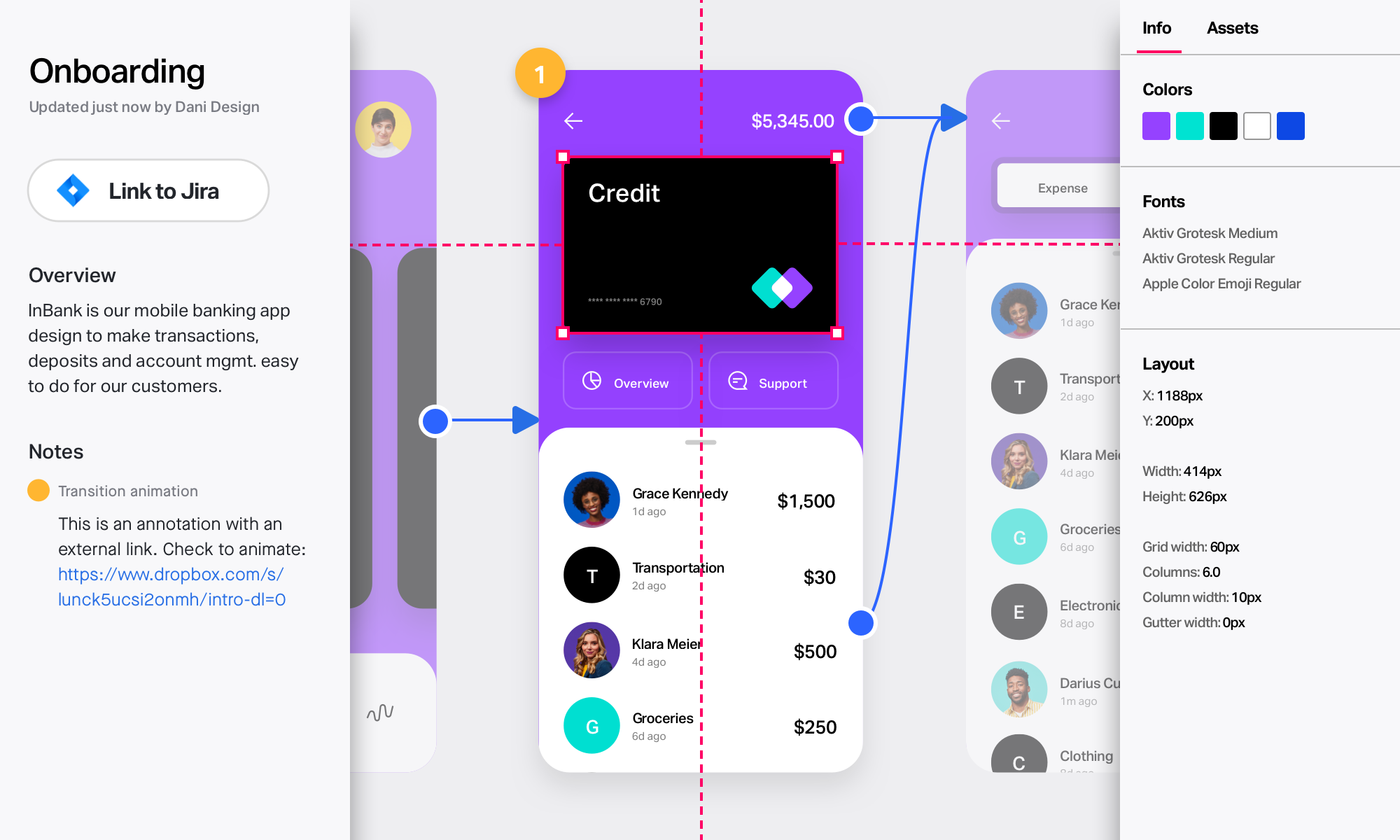
InVision is a collaborative design and prototyping platform with features such as freehand drafting mode and interactive mockups, collaboration, idea management, user testing, and integration with Slack and other collaboration tools. According to the vendor, 1 million designers are using the free version.
$0
Marvel
Score 9.0 out of 10
N/A
Marvel is a prototyping and wireframing app.
N/A
UXPin
Score 7.9 out of 10
N/A
UXPin is a UX design platform with wireframing, prototyping and interactive mockup features.
UXPin and Pidoco are more standalone where you can prototype AND wireframe in the same tool. InvisionApp is only for prototyping but it has the flexibility of working with your final design files or your wireframe files.
InVision is a great tool to use and well worth the price. However, if you're looking for some variety, UXPin and Figma are worth looking into too. While UXPin may be a tad simplistic in the design ability, Figma is a great competitor to InVision. Both tools are worth looking …
Compared to other tools, InVision is a very solid tool with a great reputation and prototyping functionalities to back it up. InVision was the first prototyping tool we purchased, and it’s served us really well. However, more and more design tools are now also providing …
InVision is super easy to learn and deploy compared to other tools. In fact other tools are following InVision and trying to match InVision. InVision support is tremendous even for a free license, you get a full support within a few hours. Special thanks to all those support …
I decided to switch to Zeplin and Principle after using InVision. The whole workflow becomes bit faster and simpler. I will upload all design files into Zeplin and share them with our developers. At the same time, I use Principle to create dynamic animation/transition between …
We started using Marvel for rapid prototyping and the two are fairly analogous. In the end team and enterprise functionality drove the switch from one tool to the other. Another tool we had used is Axure, and for truly advanced, data driven prototyping, it's still the tool to …
Axure is expensive, and there's a much bigger then you get with InVision. I also feel like the finished prototype just never looks as nice. I do still use Balsamiq on occasion, that's the best option when you want to create something quickly, to communicate a simple idea. …
Marvel is also a good prototyping tool. I have experimented these two tools for my prototyping work, and both seemed very good to me. Maybe for some people Marvel may have and easy to lean dashboard and features, but I love to use InVision. I don't really find any major …
Marvel has replaces InVision for me in terms of quick prototyping for high-fidelity mockups. There is a greater variety of interactions, especially between screens, and overall it seems to just have a sleeker feels. I still use Principle over Marvel for more detailed …
Marvel creates prototypes much faster than InVision. Both tools use global hotspots---a global hotspot is a linked area which is visible on multiple screens. Marvel has a better UX for setting up new hotspots. Marvel asks only necessary questions, does not interrupt the flow, …
Verified User
Strategist
Chose Marvel
Ultimately, InVision was just a better fit for our company's needs. It's probably faster to create prototypes using Marvel, but InVision's collaboration features (comments, notes, etc.) are much more robust, which was helpful for our large team spread across multiple …
Marvel isn’t the most robust prototyping tool, but its simplicity is what makes the tool rise to the top when it comes to creating quick, simple prototypes to elicit feedback on designs and iterate upon them. While tools like InVision and Axure provide many tools to make more …
In some works, I prefer to use InVision than Marvel for high fidelity prototypes, as there is a wide variety of interactions and micro-interactions available, but still, I use marvel a lot for quick prototyping. It also uses Figma a lot for high-fidelity prototypes. The …
Quick to prototype, easy to share, multiple devices, fully responsive breakpoints, export CSS, publishing from the tool, Photoshop integration. Has a fairly easy to use interface when compared to InVision and quite easy to integrate with other tools and collaboration solutions …
The first thing I’ll say is the learning curve is way lighter on UXPin. Also UXPin updates their app, and performance routinely and adds new features based on community needs.
It’s the first web-based tool that outputs code rendered in the browser from a design created in a …
Verified User
Professional
Chose UXPin
There are definitely pros to these other tools, but UXPin gains a significant edge by providing tools to perform several significant steps of the design workflow in one place. For instance, we could wireframe in Lucidchart, prototype in Marvel, then manually perform user …
Between UXPin and Balsamiq, I think UXPin gives you better control over the designs and iterations. UXPin seems to continuously iterate on their own product to make it better. I like how UXPin fits in nicely with my workflow.
InVision is well suited for design reviews and immersing yourself in the experience of an app-to-be. As a Product Manager, it's difficult to take abstract concepts, user pain points, and business needs, and produce a vision for an app without a visual aid to communicate a vision. InVIsion offers PMs, designers, and developers the opportunity to sketch a vision, communicate about it with inline commenting, and shareable with other stakeholders.
Marvel is a very strong tool in scenarios where designers seek to quickly create simple prototypes on their desktops using a simple, intuitive interface. It offers “just enough” functionality to create somewhat realistic designs to present to stakeholders and other designers. However, there’s a limit to how “realistic” those designs can be, given that Marvel has somewhat limited functionality around animations. Marvel is not a strong option for those who want to create very complex prototypes with many animations, or for those who want to edit prototypes on their tablet or phone. Marvel is a jewel for simplicity but starts to be difficult to use when creating complicated designs. For creating more complicated prototypes, I would recommend a more robust tool, such as Axure.
UXPin is an excellent resource for creating website and app flows and to better help our clients understand how their websites and apps will function. It also gives them a visual reference and some real-life application. It can be difficult for clients to truly understand how a website or an app flows from one page or screen to another via a phone call or web conference. UXPin helps us to illustrate these flows in a hands-on, visual format. UXPin also helps our clients understand the purpose of a sitemap. We used to send our clients a sitemap in an outline format. While many understood that the top-level items on the outline were the main navigation of their website and other items were child pages, several did not. We have found that using UXPin to show the main level navigation, how in-page navigation and child pages (drop-down menus from the main navigation) work has been an integral step in getting approval on sitemaps.
Smart elements are super nice because they allow me to create complicated features that will appear on every page. When the client wants to change something it is very easy to do so in one place.
Working on grid is important to me. Having the ability to change and manipulate that grid in UXPin is just what I need.
There are tons of add on features like Font Awesome icons and prebuilt stuff that not only looks great, but also just lets me get ideas across fast without committing to what the final design is going to look like.
I love the ability to edit things if I want. I can control several details, but it's not too overwhelming. They include various font options from Google fonts as well. You can design as much or as little as you want. The interface doesn't get in the way. It's there if you want it but has a simplicity that is nice.
Having a link on a live webpage is a necessity. As soon as you make changes, they are live. No more worrying about which is the latest version.
I'm a photoshop user so it has a few keyboard commands that are familiar like hold 'alt', click and drag to duplicate is nice!
I really miss being able to duplicate, make a copy of the prototype I'm working on. Sometimes, I want to make a comparison with detail changes and without being able to duplicate it is difficult.
Compared to other similar services, I feel the animations could be more fluid and smoother.
It could have more free sophisticated icons and images.
No search and replace for fonts (missing or just to replace).
Tool is built for design/dev teams but does not integrate content teams in well.
If you are not careful you can get lost in designing interactions when you should be just creating building blocks - don’t over animate!!!
There is currently no “scrub” or click-drag interaction which limits touch capability testing/concepts.
Editing adaptive versions of designs is very time consuming, edits to not ripple through from master viewport size. All updates are manual, even when creating an adaptive version.
When a library item is updated, it can revert changes you have made unknowingly.
Video integration is limited to online video host aggregators such as IMGR, YouTube, and Vimeo.
Not a ton of info for a designer on how to use the expressions effectively.
Prototypes with a lot of interactions can get slow, especially on computers with a lot of security software. It’s best to work with UXPin to figure out what is blocking APIs, and JS.
We'll definitely continue to use UXPin. Right now it provides us with everything we need in order to deliver quality projects to our clients. If at any point in time, UXPin doesn't provide us with what we need, we'll start vetting other software out there that may be similar. My guess is that UXPin will continue to make updates and improvements so we'll likely stick with it for quite some time.
Easy for prototyping, sharing for comments and review changes with version. lags a bit when the design is heavy and large design models learning curve is shorter so saves time with new stakeholders responsiveness could be better and auto modeling can be introduced Not much advance features that can be used
I didn't need to contact InVision support, as I've never needed it. They have an intuitive UI, and most of the questions are answered in their help portal or in tutorials online. Since many people use it, there a great resources available on for example YouTube. No problems so far with InVision.
As far as I know, my teams have only had to use the UXPin support once. The experience went really well. We just needed a bit of assistance with using the Documentation feature. UXPin's support was quick and helped my team in a matter of minutes. We will definitely reach out to their support without hesitation in the future.
We only tested out using Adobe XD for similar uses and found it to be more challenging to fit within our processes. It didn't have as robust a set of capabilities as InVision and wasn't as easy to use enterprise wide. I recall also having issues with working with Sketch.
Ultimately, InVision was just a better fit for our company's needs. It's probably faster to create prototypes using Marvel, but InVision's collaboration features (comments, notes, etc.) are much more robust, which was helpful for our large team spread across multiple continents. InVision also offers more advanced features, and Marvel felt a little too limited for our overall business needs.
Adobe XD is so much more than UXPin, with Adobe Cloud you can easily share designs as well. We used Adobe XD before changing to UXPin. At first UXPin seems so advanced and helpful, but don't get fooled. You're heavily limited in the long run, and after all the training and implementation of UXPin (both app-wise for IT but also training designers etc) it is not worth your time.
InVision helps our team better and more professionally portray the value and the work we do as designers, leading to more company buy-in in supporting and funding our work. In the past, we would create PowerPoints with screenshots to portray a user workflow that we would share out to stakeholders. Once we began to use this app, where stakeholders could click through and comment as though they were “real” users, stakeholders began to better understand our work, designs, and workflows. This has led to more productive conversations that, in turn, lead to more effective end products that have more consistently served our business goals in tangible ways.
InVision helps us save production time, effort, and cost, as we are able to solve design issues early in the process by having clickable prototypes to show to internal stakeholders and external users. It’s, understandably, difficult for people to provide effective feedback on screenshots. Using the clickable prototypes we created in InVision, we are able to get more effective feedback to solve user workflow issues before we spend time and money developing problematic designs (and later having to redesign them).
It’s easier to market designs to potential buyers with clickable prototypes than with screenshots. With these prototypes, we’ve been able to sell more digital products before product release dates, which has helped to secure many contracts and new business relationships that continue to this day.
Saving money by using one tool for lo-fi wireframing, high fidelity wireframing, prototyping, and user testing, rather than four separate tools.
The ability to create and use team libraries enables us to create visually consistent designs with less effort than creating every single design from scratch, which allows us to save considerable time (and therefore money!)
In-platform collaboration saves our team a lot of time and energy. With everything in one place (wireframes, prototypes, user feedback, collaboration comments), we can all be on the same page about the design workflow and pinpoint discussion points that are based on up-to-date designs.