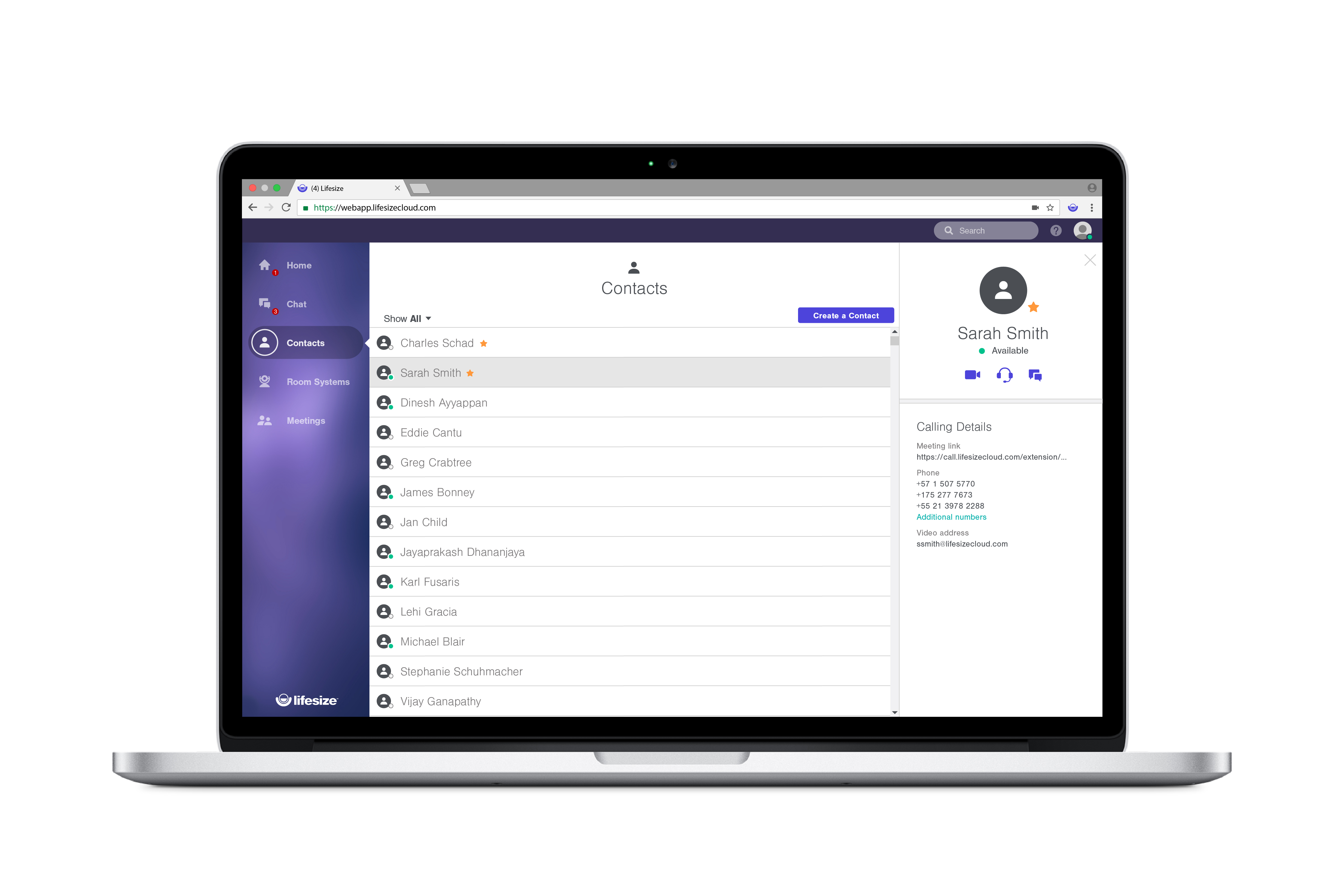
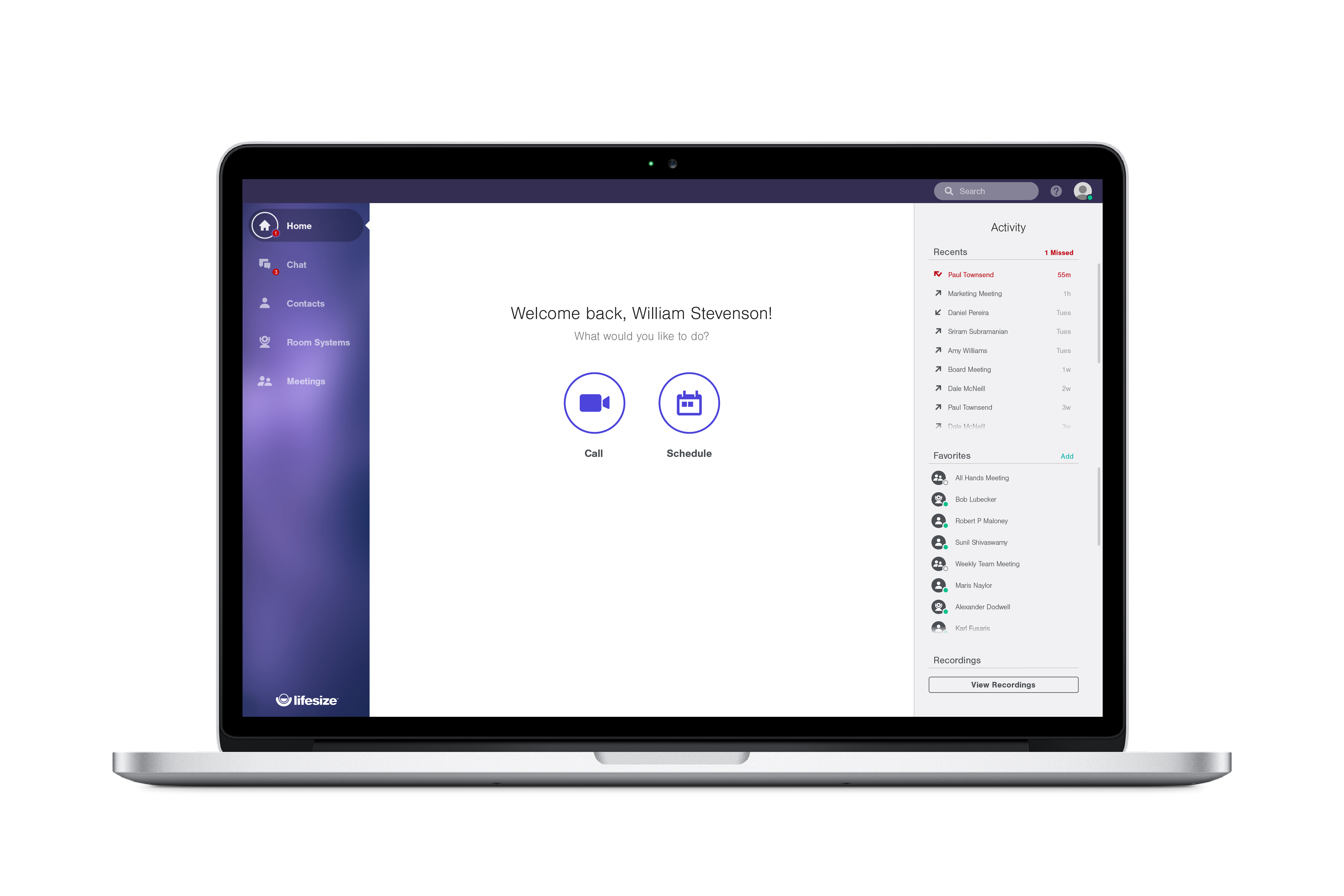
Lifesize is a web conferencing platform focused on making video conferencing systems and video conferencing apps work well together, while still being easy-to-use. Their platform incorporates web conferencing software with meeting room devices and wireless screen sharing.
$12.95
Call for pricing
WorkHub Connect
Score8.6 out of 10
N/A
WorkHub Connect is a team conferencing platform that enables internal team members and external contacts to communicate efficiently through one-click chat, audio, and video calls. The platform also includes screen-sharing and recording capabilities. To make internal and external communications easier, WorkHub Connect features an interactive Team Wall that displays live headshots of employees at regular intervals. This feature helps manage office presence more…
$1
per month per user
Pricing
Lifesize Video Conferencing
WorkHub Connect
Editions & Modules
Enterprise
$12.95 per user/month
Call for pricing
Plus
$14.95 per user/month
Call for pricing
Standard
$16.95 per user/month
Call for pricing
No answers on this topic
Offerings
Pricing Offerings
Lifesize Video Conferencing
WorkHub Connect
Free Trial
Yes
Yes
Free/Freemium Version
Yes
No
Premium Consulting/Integration Services
No
Yes
Entry-level Setup Fee
No setup fee
Required
Additional Details
With every plan, you get the collaboration features you use everyday, at no additional cost:
• Unlimited video conferences
• Downloadable desktop and mobile apps
• Secure encryption set by default
• Unlimited meeting duration
• Free, browser-based web app
• Two-way and group chat with popular chat integrations
• Centralized, name-based directory
• Online reporting and account management
• Email and calendar scheduling
Lifesize Video Conferencing is a real-time meeting and video conferencing solution that works simply and immediately with features that fit our needs. I recommend it because it is professional, easy to configure, with maximum security, and where collaboration and teamwork are essential. possible, increasing workflow and productivity, to increase communication and efficiency in projects, it offers positive results and a pleasant experience for all.
WorkHub Connect gives an excellent experience to communicate with your co workers. Its design is quite different from other such products but I like it (others may disagree with me). In my personal opinion, its thread section should be improved. Users usually get lost when they click on the thread and the screen becomes abruptly zoomed in. But it is not a permanent thing.
A de minimis incentive was given to thank the reviewer for their time. The incentive was not used to bias or drive a particular response, nor was the incentive contingent on a positive endorsement. More Info
A de minimis incentive was given to thank the reviewer for their time. The incentive was not used to bias or drive a particular response, nor was the incentive contingent on a positive endorsement. More Info
Other than the HIPAA compliance, we have no compelling reason to retain LifeSize when we can already pay for similar services included with our UCaaS service. Our UCaaS vendor, Fuze, includes video conferencing with the VoIP services via single, integrated client software package. Additional limitations include minimal implementation assistance, training service, training materials and assistance driving internal adoption. Issues with slow speed for desktop sharing and audio quality make the technical aspects of Lifesize inferior to competitors.
A de minimis incentive was given to thank the reviewer for their time. The incentive was not used to bias or drive a particular response, nor was the incentive contingent on a positive endorsement. More Info
Overall experience with Lifesize Video Conferencing has been great. While it serves it's basic purpose of allowing smooth video/audio meetings of people located at different places with option of screen sharing/chatting/ recording, what add to it's pros are it's accessibility from various platforms, flexibility to switch to a listen only mode in case of network issues and ease of operation.
A de minimis incentive was given to thank the reviewer for their time. The incentive was not used to bias or drive a particular response, nor was the incentive contingent on a positive endorsement. More Info
Since we are an educational institution we not only have scheduled classes which must be available, but we have staff members in a variety of areas ranging from recruiting and admissions to advancement and the President's office who need to connect with students, alumni and other interest groups, often at odd hours. I have not, since using Lifesize had anyone complain of not being able to connect
A de minimis incentive was given to thank the reviewer for their time. The incentive was not used to bias or drive a particular response, nor was the incentive contingent on a positive endorsement. More Info
Lifesize is an amazing platform for VC. However, it is a costly solution for any scaling startup. However, implementation and user acceptability was fairly easy and worth the additional spend. Quality has always been on point and support has always taken care of us. Our account manager also ensured a seamless transition process for Google Hangouts. Will go with this solution again at any other organization.
A de minimis incentive was given to thank the reviewer for their time. The incentive was not used to bias or drive a particular response, nor was the incentive contingent on a positive endorsement. More Info
Support has been decent throughout our use of Lifesize Video Conferencing. There were times we needed to make changes, customizations and additions to the application which took a little longer than expected. Overall the support team for Lifesize was very responsive to our requests. When we experienced issues with the application they were resolved to our expectations.
A de minimis incentive was given to thank the reviewer for their time. The incentive was not used to bias or drive a particular response, nor was the incentive contingent on a positive endorsement. More Info
Sensus was really helpful in the initial setup and training of our technical Support Team. Sensus gave us training on site so that it would be our own equipment that was set up. Then the in house tech team took over to train other users who would be using the system. When needed the Sensus and Lifesize tech support were really helpful in trouble shooting or guiding us through any difficulty.
A de minimis incentive was given to thank the reviewer for their time. The incentive was not used to bias or drive a particular response, nor was the incentive contingent on a positive endorsement. More Info
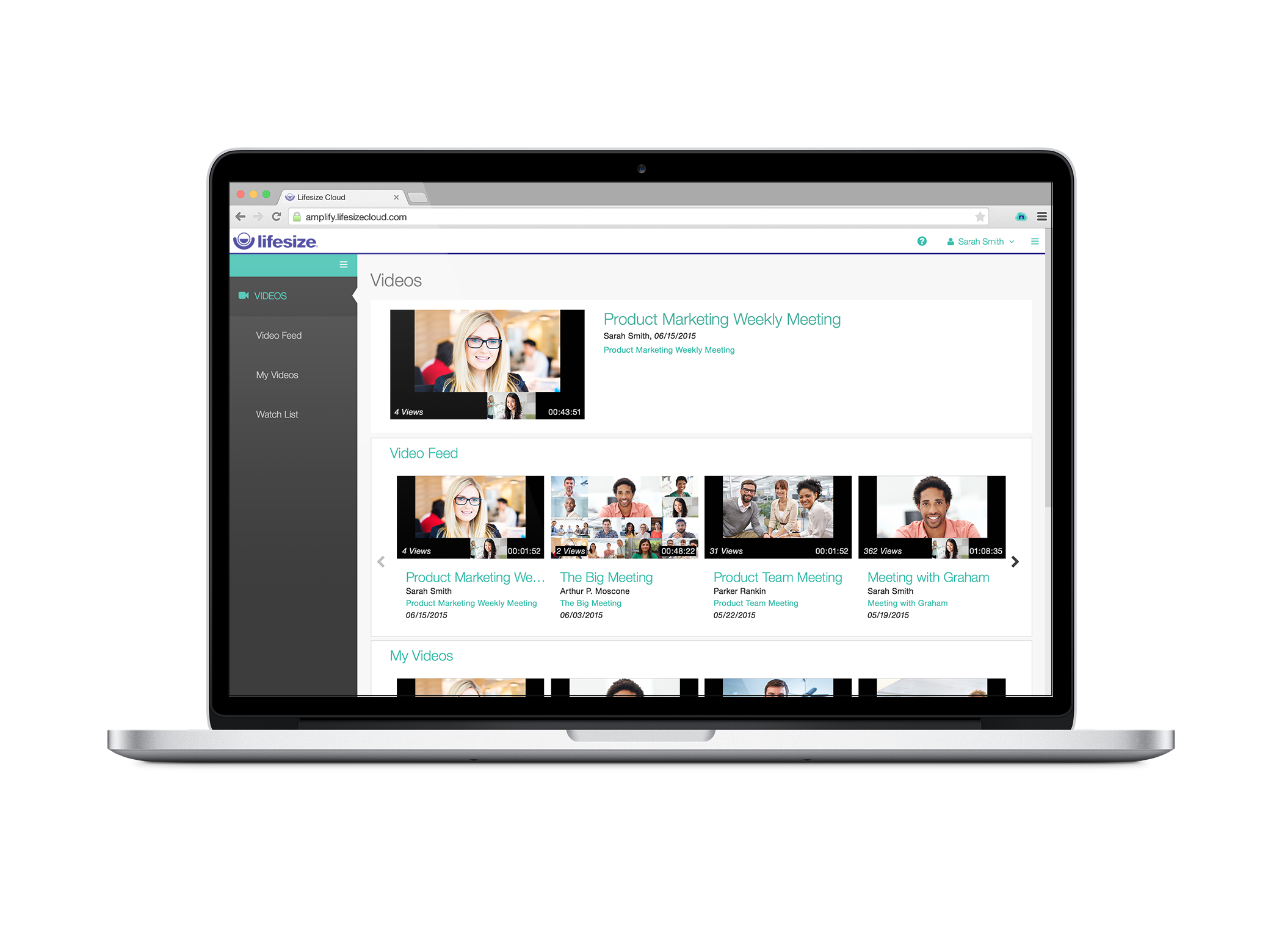
I gave this rating because Lifesize's website offers multiple quality videos that shows you exactly how the software works. The videos are divided into different categories which makes searching for a video fairly simple! If for some reason you have a question not answered in one of the how-tos you can always contact support. Excellent product, excellent service!
A de minimis incentive was given to thank the reviewer for their time. The incentive was not used to bias or drive a particular response, nor was the incentive contingent on a positive endorsement. More Info
Great for companies that need to accomplish multiple things at once while at different places. From our experience, broadcasting news is most favorable considering the level of excellence you get with the product plus the affordability. It can be used both privately amongst employees, or shared publicly through covering events
A de minimis incentive was given to thank the reviewer for their time. The incentive was not used to bias or drive a particular response, nor was the incentive contingent on a positive endorsement. TR verified that a representative sample of customers was invited. More Info
When compared to Zoom, one of the massive benefits that Lifesize brings is total peace of mind with security. Call encryption is part of the core in Lifesize and not an optional feature as in Zoom. I don't know about you, but every conversation can contain private and confidential information, so protecting me, my team, and my customers is totally covered with Lifesize! When compared with other providers, the quality of the video and lip sync on Lifesize is simply flawless. With the ability to deliver a call at 4k ultra high definition at 60 frames per second, the platform is simply awesome! Zoom is only 720p and the data share is only 5 frames per second. Zoom is simply substandard when compared to Lifesize. We often speak with clients who are using Teams or Skype for Business, but when you compare the video and audio quality with that achieved by Lifesize, they simply do not match up. If you want excellent quality video and ultra-sharp audio, then Lifesize is the only way to go!
With Microsoft Teams, your staff can work remotely on various devices and freely collaborate with their partners and customers. You can add tasks, personnel, or locations quickly and easily.
With LifeSize Cloud, it's very easy to simply add another Icon to your system and join it to your cloud. You can easily and instantly create meetings and add users both in your organization and out without any difficulty. The cooperation between the Icons and cloud users running on their laptops makes it easy to scale this out to your entire company, including joint venture without difficulty.
A de minimis incentive was given to thank the reviewer for their time. The incentive was not used to bias or drive a particular response, nor was the incentive contingent on a positive endorsement. More Info
Training users on how to use the software is quick and easy.
Calling abroad saves a good chunk of money for both the end user and company.
Does save on travel as remote users are able to have a similar experience as the people attending the meetings and no need to travel to the other locations for meetings.
A de minimis incentive was given to thank the reviewer for their time. The incentive was not used to bias or drive a particular response, nor was the incentive contingent on a positive endorsement. TR verified that a representative sample of customers was invited. More Info