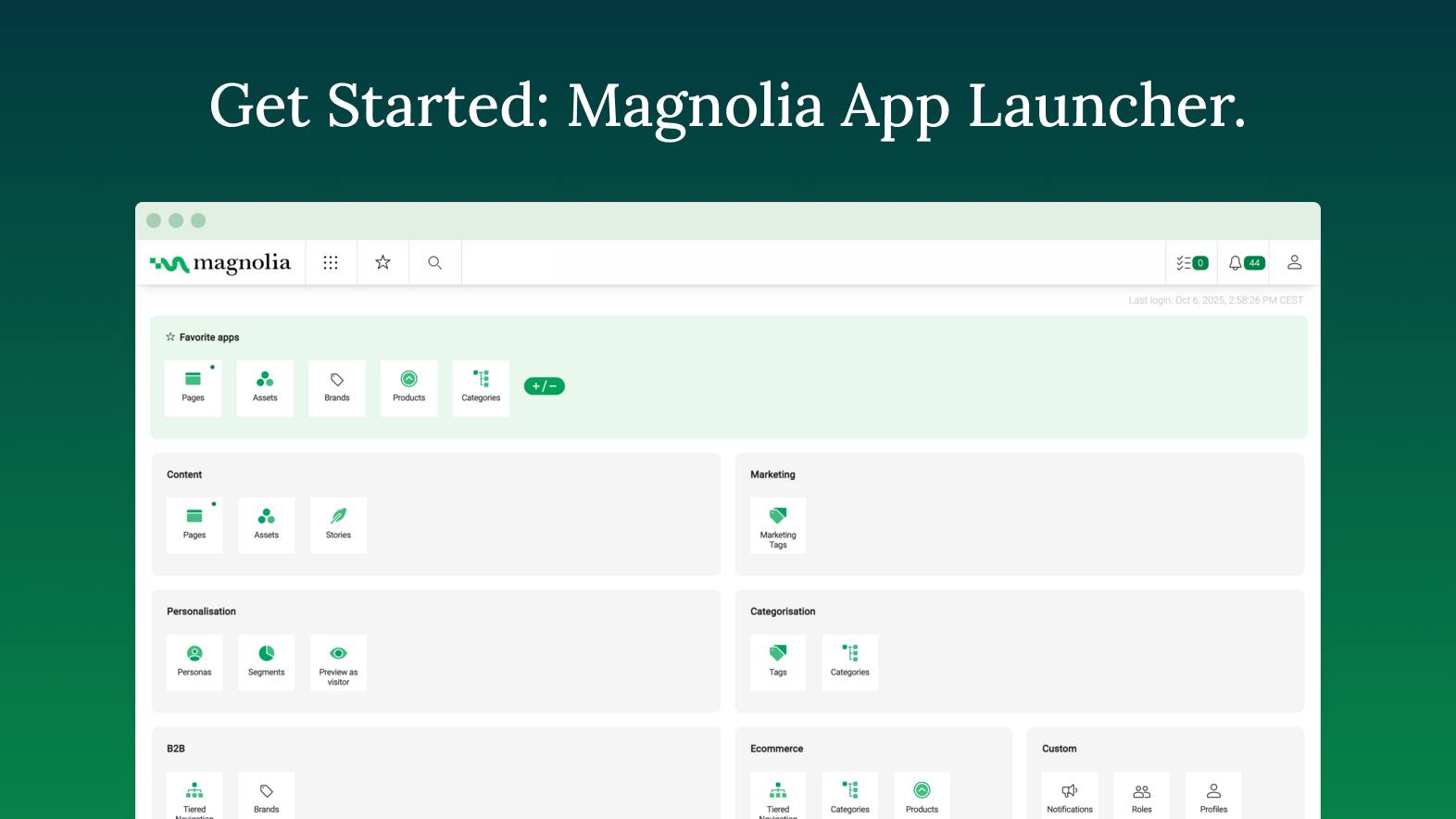
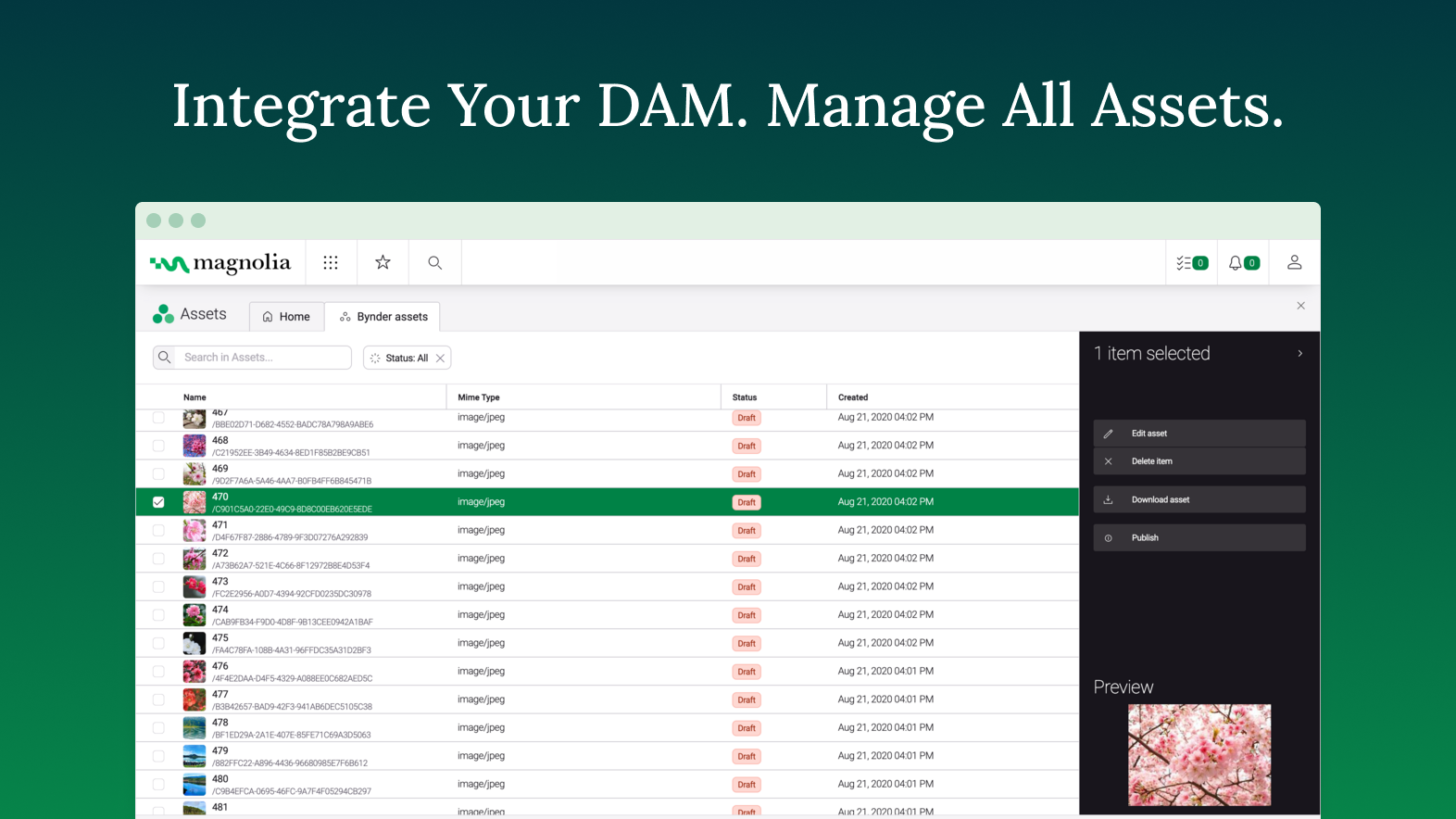
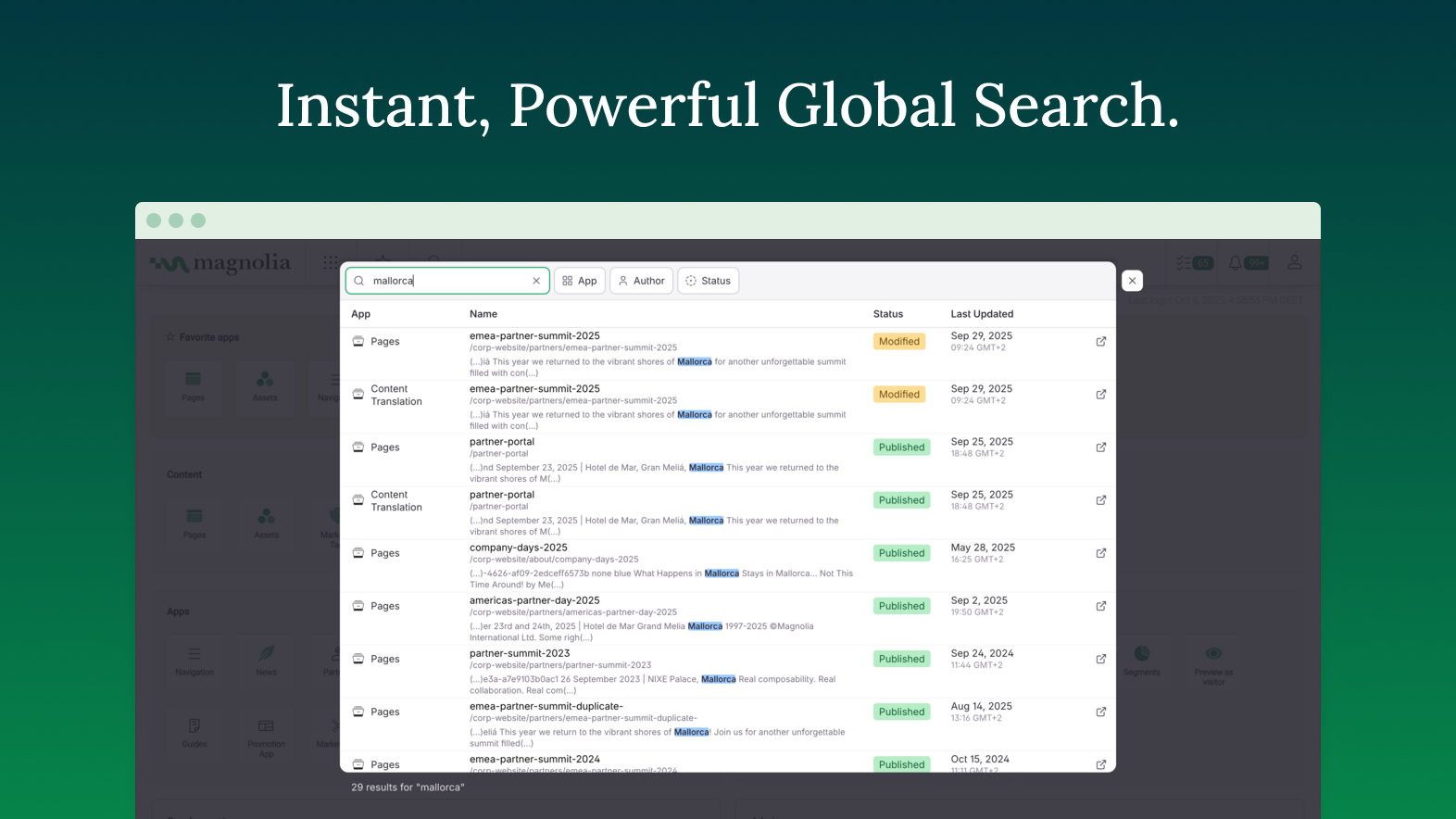
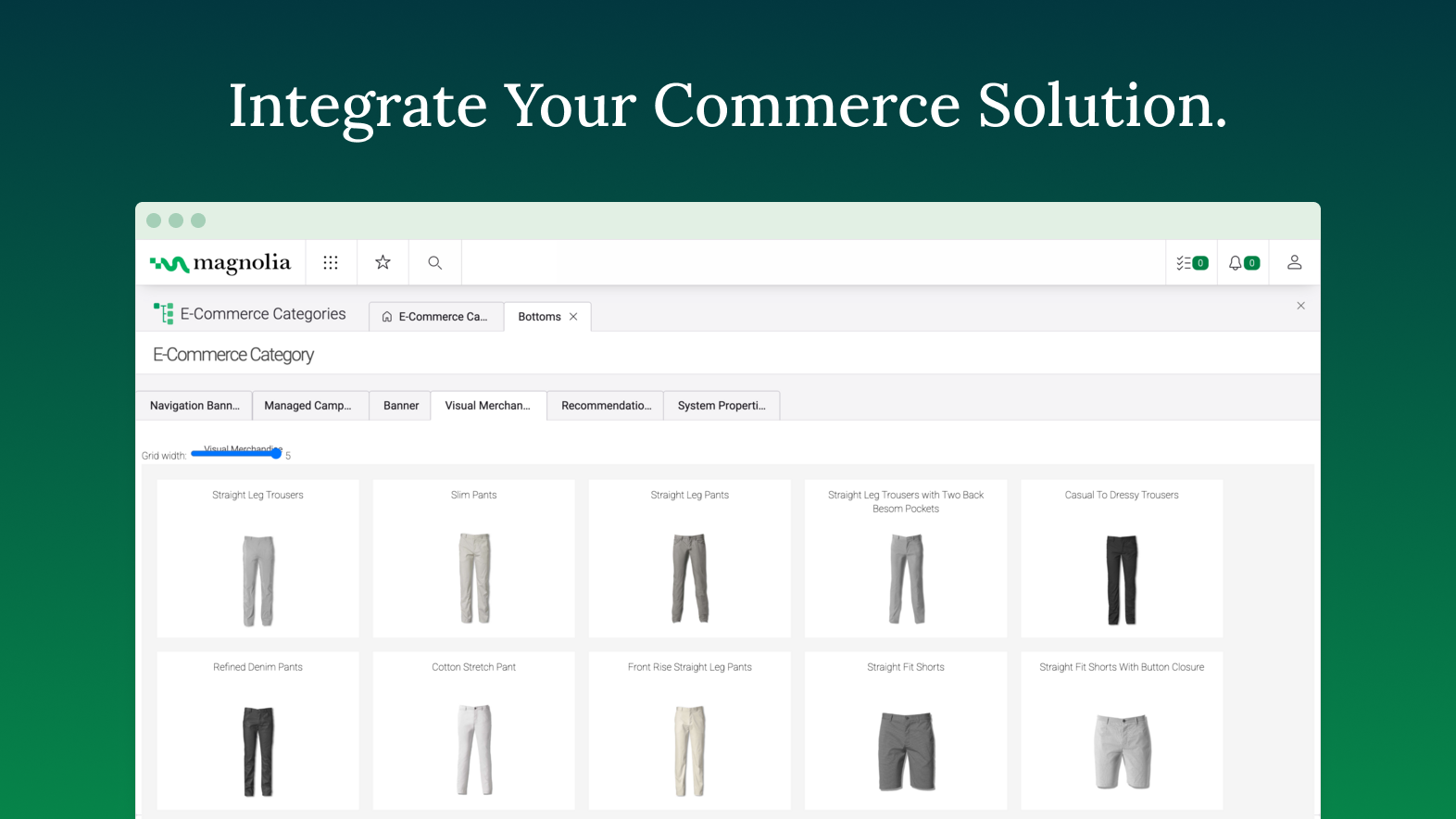
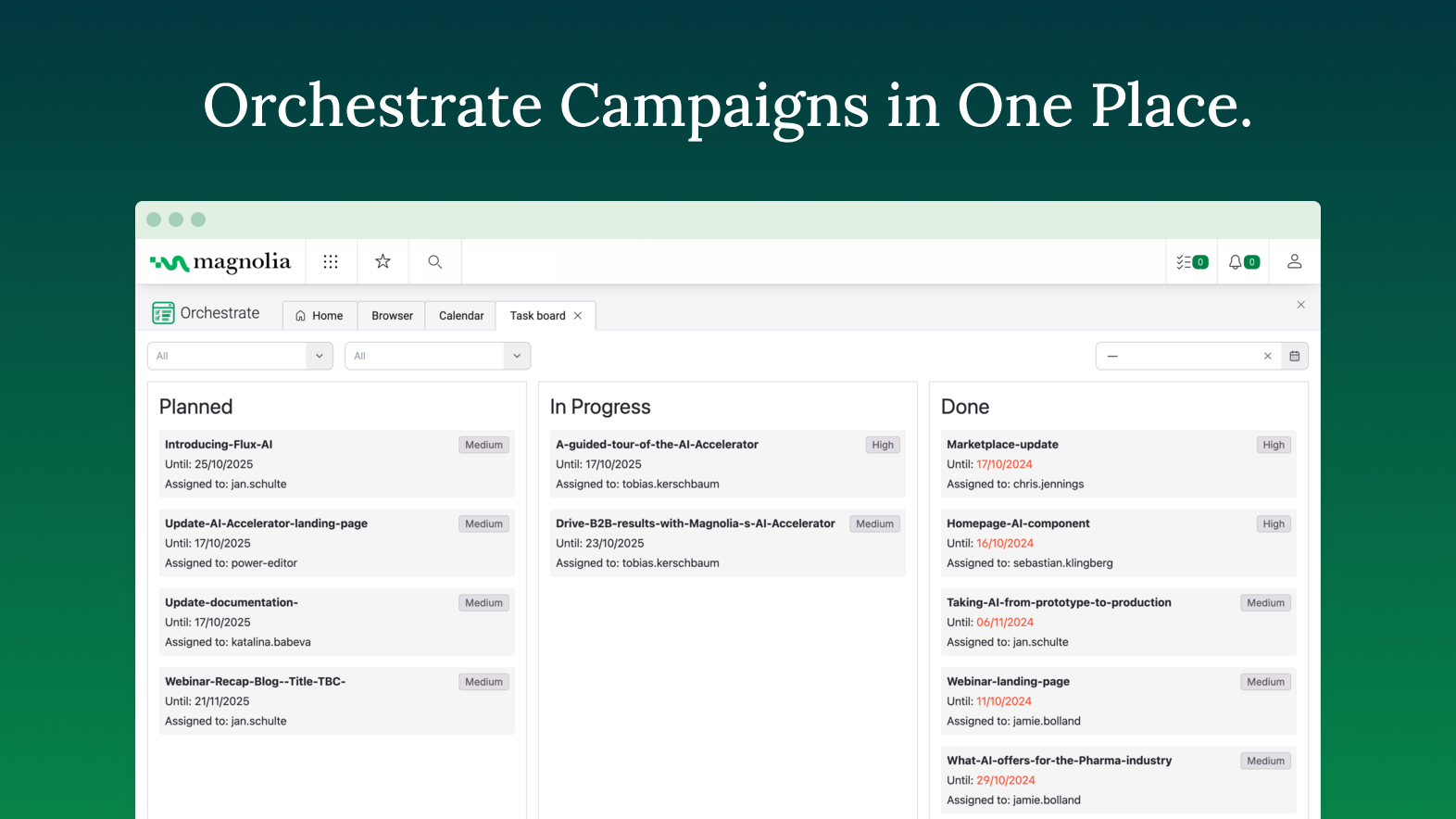
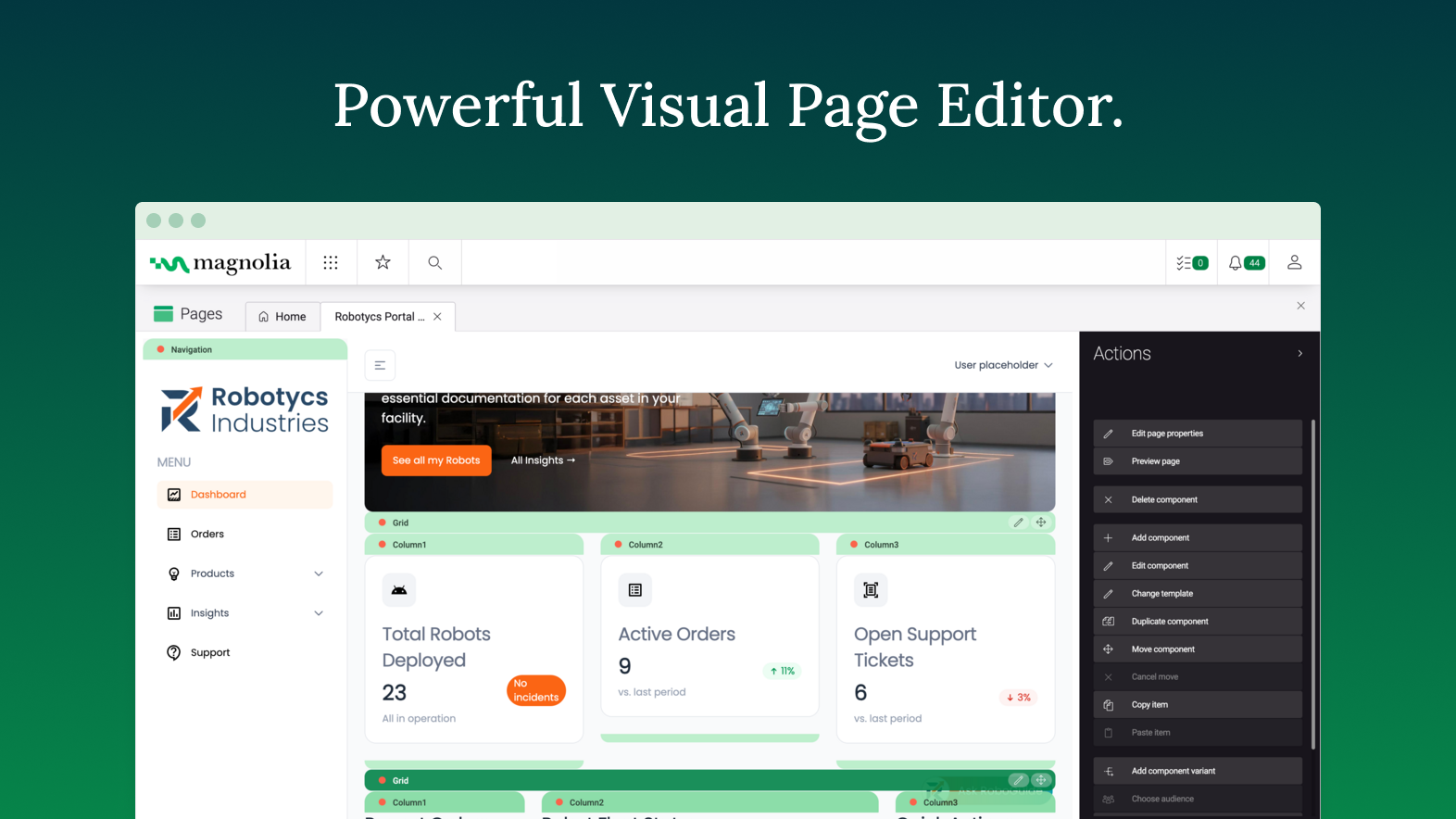
Founded in Switzerland in 1997, Magnolia is a CMS used to build composable digital experiences. Magnolia helps create fully integrated customer experiences and speeds up digital delivery of content. Magnolia boasts 480 enterprise customers, thousands of Community Edition deployments, and more than 200 certified Magnolia Partners around the world. They further state that their enterprise customers include Sanofi, Generali, the Atlassian, The New York Times, Harley Davidson, and Union…
$3,500
per month
Mouseflow
Score7.7 out of 10
N/A
Mouseflow is a behavior analytics tool used by more than 190.000 digital marketing, UX, Product, Startups and Enterprise clients to optimize their website experiences. With Mouseflow, the user can: Find out what happens between visitors' clicks through watching video recordings of their sessions. Build 6 types of heatmaps for pages automatically to understand what is getting their attention. Set up funnels to watch where and why visitors drop. Use form…
$39
per month
Pricing
Magnolia
Mouseflow
Editions & Modules
DX Core
$3500
per month
DX Cloud
$6000
per month
Starter
$39
per month
Growth
$129
per month
Business
$259
per month
Pro
$499
per month
Offerings
Pricing Offerings
Magnolia
Mouseflow
Free Trial
Yes
Yes
Free/Freemium Version
No
Yes
Premium Consulting/Integration Services
Yes
No
Entry-level Setup Fee
No setup fee
No setup fee
Additional Details
—
There is a discount applied to the price if a customer commits to an annual payment plan.
Magnolia is a very capable DXP, that provides client with lots of flexibility in composing its own stack. While the core of the platform is a content management system, the open architecture of Magnolia DXP allows it to connect to any platform, allowing client to extend the capabilities. One scenario would be a centralized content hub - where through a single platform, content authors can choose which channel to distribute what content. For example, long form content for consumers viewing on a laptop, short form content for those using a mobile browser. This allow the client to personalized the experience based on channels. Another scenarios would be leveraging on GenAI - using Magnolia's built-in connector to ChatGPT. If that is not the service that one desire, you can always connect to another AI service such as Google Gemini. With GenAI, connected, content author can use AI as co-pilot to help them scale up their content production.
Mouseflow is a great when you're working in a busy product development or conversion optimisation environment, and want to understand exactly how customers are interacting with your site or app so you can respond. It's a capable tool that offers some great insight at a fraction of the cost of competitors like SessionCam or ClickTale. It has occasional problems in captures that its competitors suffer from less often, but if you're looking for a general understanding of usage then this is a great tool. It doesn't have built-in integrations with all A/B testing tools, but it does have a built-in Google Tag Manager tag so its very easy to set up without assistance. If you've got the budget to select reliability over cost, then you may choose to opt for a more mature, enterprise offering. But if your budget is limited, or you're just looking to prove the value of session recording as a concept, then Mouseflow will more than do the job.
A de minimis incentive was given to thank the reviewer for their time. The incentive was not used to bias or drive a particular response, nor was the incentive contingent on a positive endorsement. More Info
Speed of development - time to delivery from zero to MVP was excellent
Ease of use - the authoring experience is very easy to build and train
PAAS/SAAS - the managed service platform removed the traditional overhead of running in-house technologies, meaning we could focus on value add, with less time spent keeping the lights on.
Mouseflow does a great job creating wonderful Heat Maps. These allow you to really see how people are interacting with a page. Great data if you want to create better flow in your pages.
The User Session Recordings are also especially useful and when used in conjunction with the heat maps you can really get a feel and a look at how a page is working. This lets you see where people get stuck, elements that might be distracting, etc.
In the area of the heat maps Mouseflow can handle A/B testing which I think is priceless.
Another advantage to Mouseflow is that unlike many of these types of tools Mouseflow integrates with most Web platforms, well beyond WordPress.
A de minimis incentive was given to thank the reviewer for their time. The incentive was not used to bias or drive a particular response, nor was the incentive contingent on a positive endorsement. More Info
The documentation provides samples that are often out of context, and difficult to know where the provided example code should be implemented. More tutorials providing the full project or step-by-step instructions on how to implement subject material would help greatly. Baeldung is a resource I would consider the gold standard in how this is done in other spaces.
The use of JCR and Nodes makes object serialization/deserialization painful. Jackson compatibility or similar would be a welcome enhancement to the developer experience. Maybe leveraging code-gen from light modules to build model classes when possible could help accomplish this.
Modifying the home layout from light modules is frustrating. It seems that any configuration overrides made merge with the default rather than overwriting, which makes for a difficult combination of guess-and-check while referencing the documentation to see what should be in each row/column when making changes.
Including "mark all as read" or "delete all" in the notifications app would be a great quality of life improvement. It seems that by default, users have to individually select messages and operate them.
A de minimis incentive was given to thank the reviewer for their time. The incentive was not used to bias or drive a particular response, nor was the incentive contingent on a positive endorsement. More Info
A de minimis incentive was given to thank the reviewer for their time. The incentive was not used to bias or drive a particular response, nor was the incentive contingent on a positive endorsement. More Info
We've shown it to a number of users both clients and our own team and despite initial apprehensions, they "get it" very quickly. It's intuitive and friendly and quick to perform daily tasks. We once had a client tell us "Using Magnolia makes me smile" which says it all for us.
A de minimis incentive was given to thank the reviewer for their time. The incentive was not used to bias or drive a particular response, nor was the incentive contingent on a positive endorsement. TR verified that a representative sample of customers was invited. More Info
Mouseflow is pretty easy to use. You need to be a core technical person to implement it on your site. Mouseflow provided us a tracking code that need to be installed on the website, and if do not have the knowledge of how to work on the backend of the website, you will not be able to install it. Here you will need the help of a technical person who has a good knowledge of your website platform to install the code on the website. There are also videos available giving insight on how to use the Mouseflow platform. I personally haven't faced any problem while using Mouseflow. Just login to this tool and a dashboard will open in front of you.
I gave [it] 7/10 only because of the loading time of pages. Otherwise, I think it deserves an 8. Normally this is not an issue per [se] but considering the rating matrix and as I have been asked to honestly write about it. Yes, the page loading times could be improved.
You always get an answer based on your SLA. But you always get a solution. That's the successfactor in this case. To often i was frustrated about people in a company without even a clue what there product is about or how to solve a problem. Magnolia's Support Team does a very good job and try to help you in most of the cases
This is an area where Mouseflow is quite strong. Not only is the support good but they also have some very good training on the use of the product. There is a nicely laid out section of videos that not only cover the use of the tools functions but also how to use the data that Mouseflow produces. They are doing well in the support area.
A de minimis incentive was given to thank the reviewer for their time. The incentive was not used to bias or drive a particular response, nor was the incentive contingent on a positive endorsement. More Info
I've used several CMSs like AEM and EpiServer, and comparatively, they all excel at different things. Magnolia is the best to develop for/against. Episerver has the best/most fluid UI in terms of content editing, and the overall admin experience AEM is just all around sucks.
A de minimis incentive was given to thank the reviewer for their time. The incentive was not used to bias or drive a particular response, nor was the incentive contingent on a positive endorsement. More Info
Mouseflow is a supplement to Google Analytics and improves on some Analytics functions. Mouseflow adds qualitative data to the quantitative data that Analytics provides to help marketers better understand their website visitors
A de minimis incentive was given to thank the reviewer for their time. The incentive was not used to bias or drive a particular response, nor was the incentive contingent on a positive endorsement. More Info
Magnolia has brought about positive impacts. For instance, we need not outsource web design and marketing services because thanks to this software, we can handle most work inhouse
The software is affordable with no compromises on capabilities and therefore it is gives us value for money.
A de minimis incentive was given to thank the reviewer for their time. The incentive was not used to bias or drive a particular response, nor was the incentive contingent on a positive endorsement. More Info
MouseFlow makes a positive impact on our future marketing decisions. We recently had a change in formula for a product and added a variety of ways for people to read about the changes via our website. Mouseflow allowed us to see which method was effective in communicating our message. We were able to replicate the style on other digital platforms.
Mouseflow allows us to save time we would normally spend in developing a website. For example, before building a new website I will spend a couple of weeks analyzing user data via mouseflow. I can clearly see what features are not currently working and where we are loosing people in the current process. This cuts down website revisions by about 10%
A de minimis incentive was given to thank the reviewer for their time. The incentive was not used to bias or drive a particular response, nor was the incentive contingent on a positive endorsement. More Info