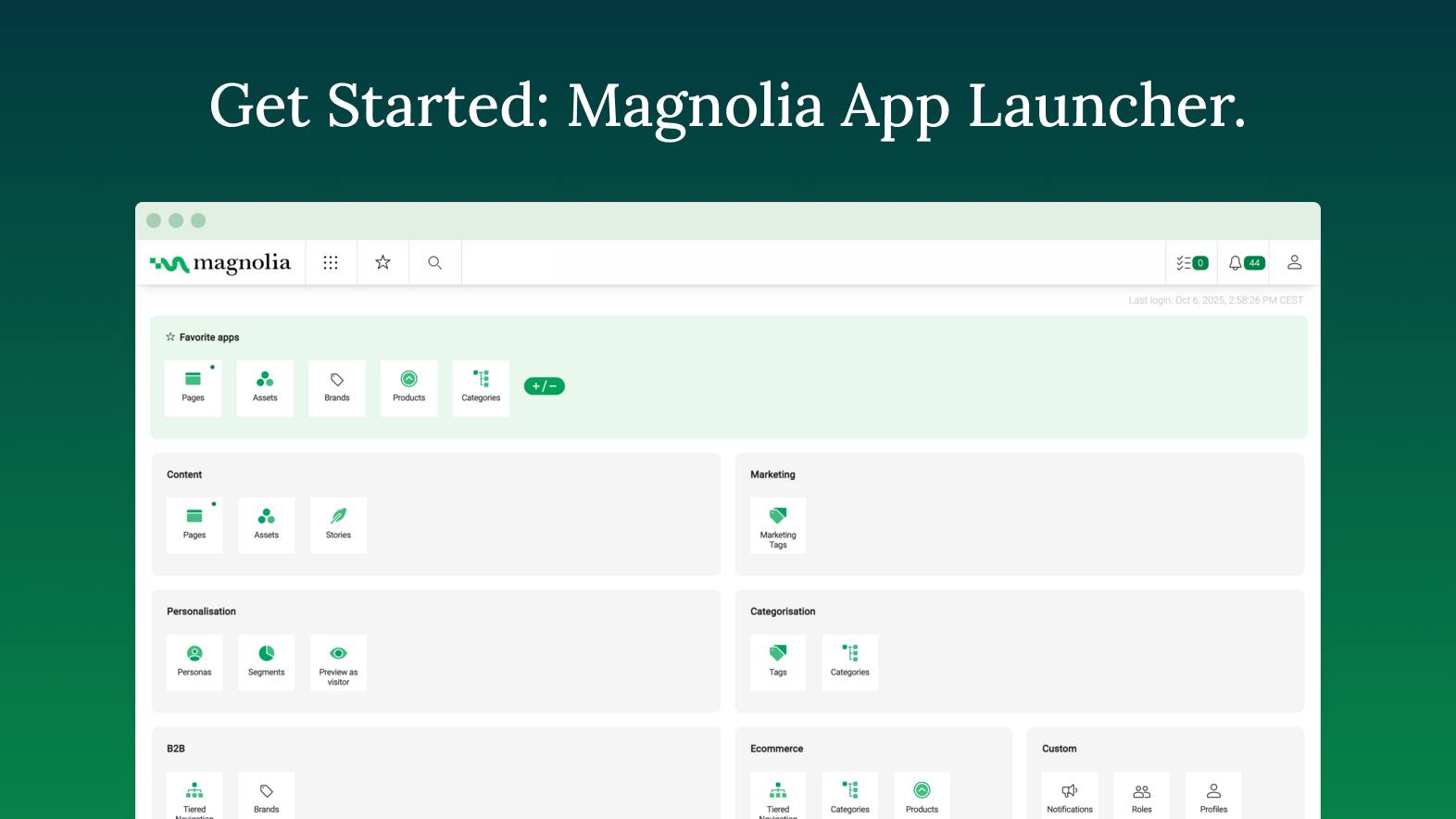
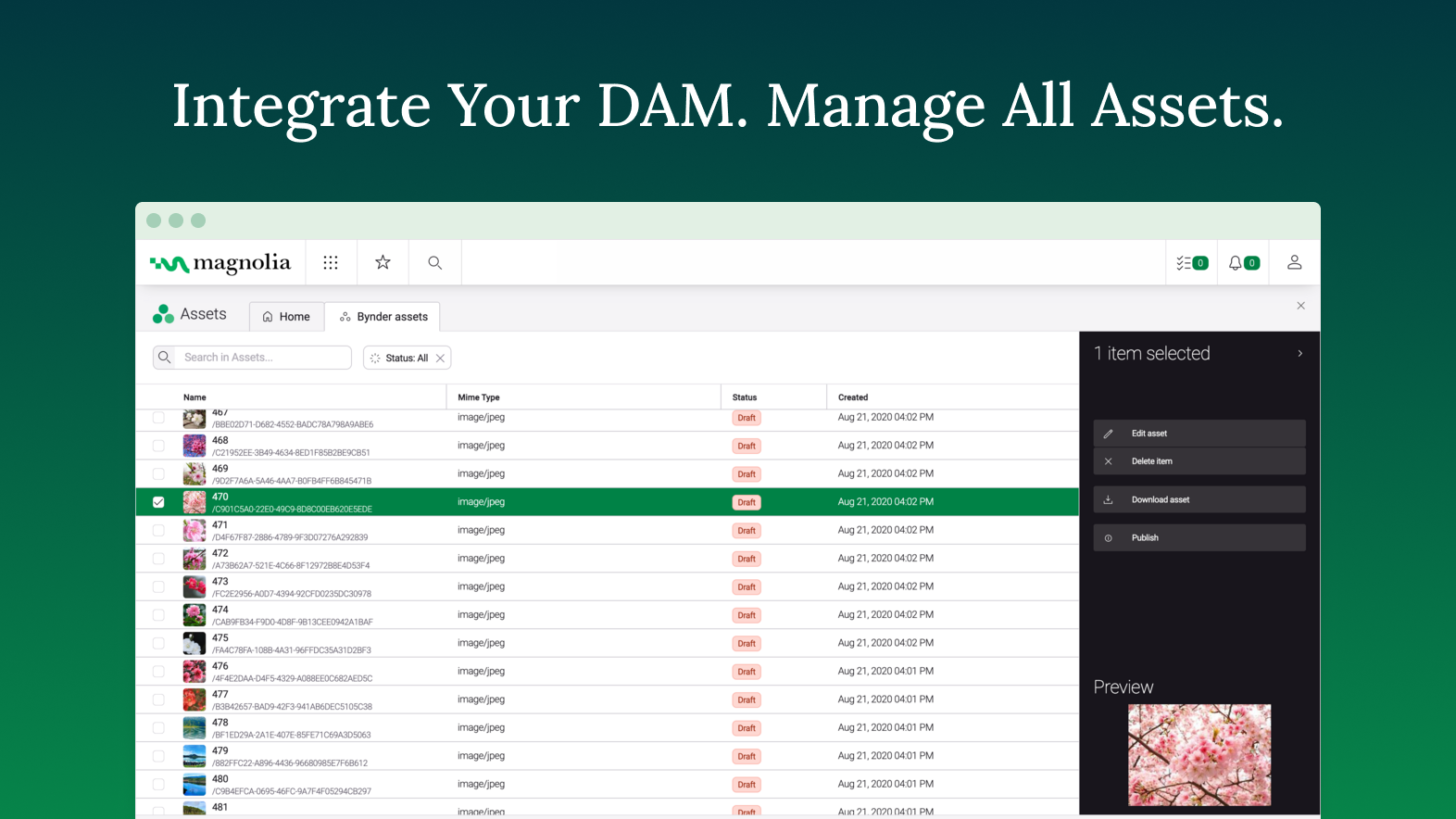
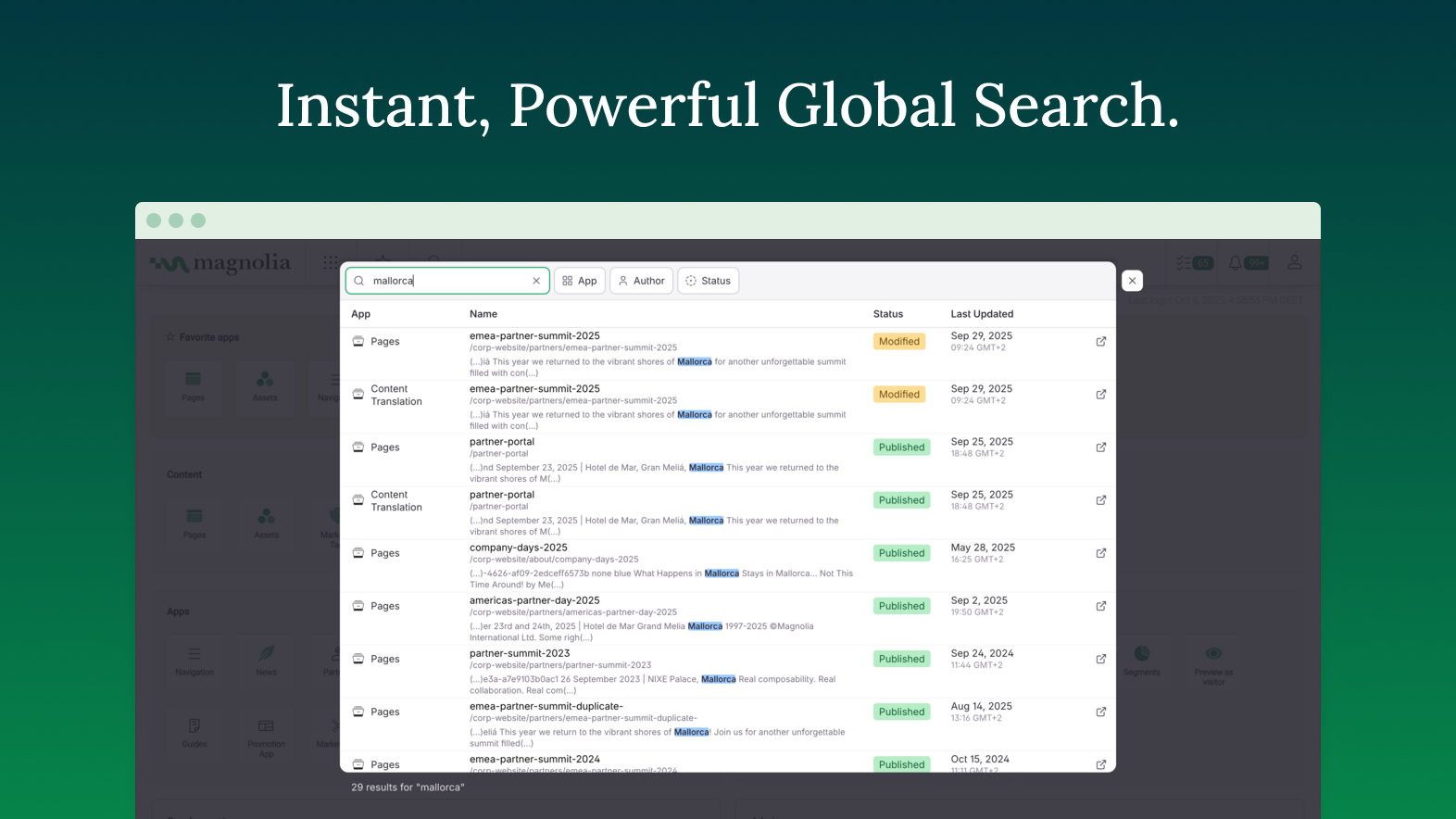
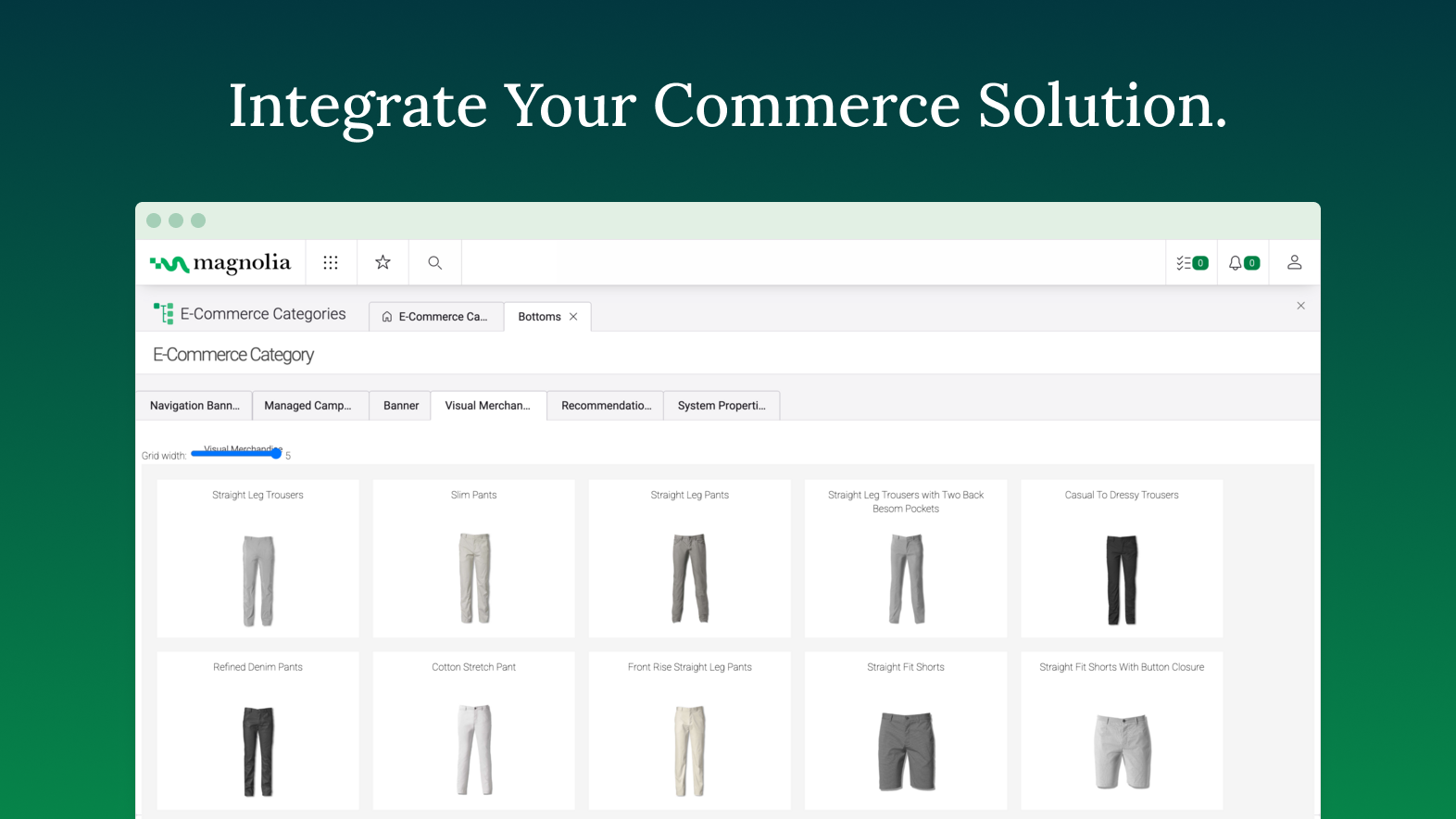
Founded in Switzerland in 1997, Magnolia is a CMS used to build composable digital experiences. Magnolia helps create fully integrated customer experiences and speeds up digital delivery of content. Magnolia boasts 480 enterprise customers, thousands of Community Edition deployments, and more than 200 certified Magnolia Partners around the world. They further state that their enterprise customers include Sanofi, Generali, the Atlassian, The New York Times, Harley Davidson, and Union…
$3,500
per month
Salesforce CMS
Score 8.3 out of 10
N/A
Salesforce Marketing Cloud Personalization (formerly Salesforce CMS) is a hybrid CMS allowing users to author content once and deliver it anywhere, in or out of Salesforce. Users create content, define content access, and define channels so they can share content and limit access to appropriate contributors. For an experience built with Salesforce, users can choose from two of the company's “what-you-see-is-what-you-get” (WYSIWYG) tools: Experience Builder and Commerce Page Designer. If the user…
N/A
Terminalfour Digital Engagement and Web Development Platform
Score 7.8 out of 10
Enterprise companies (1,001+ employees)
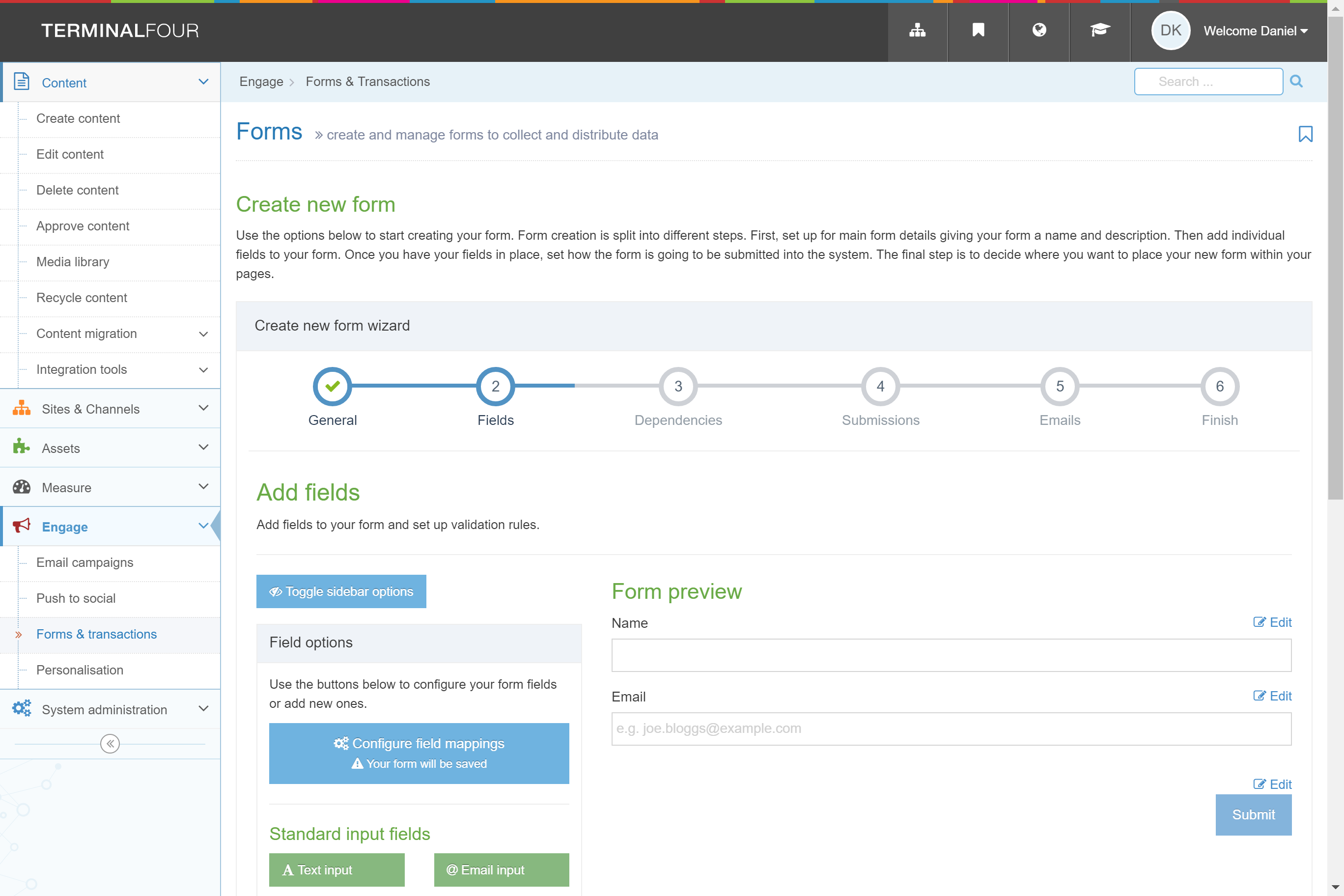
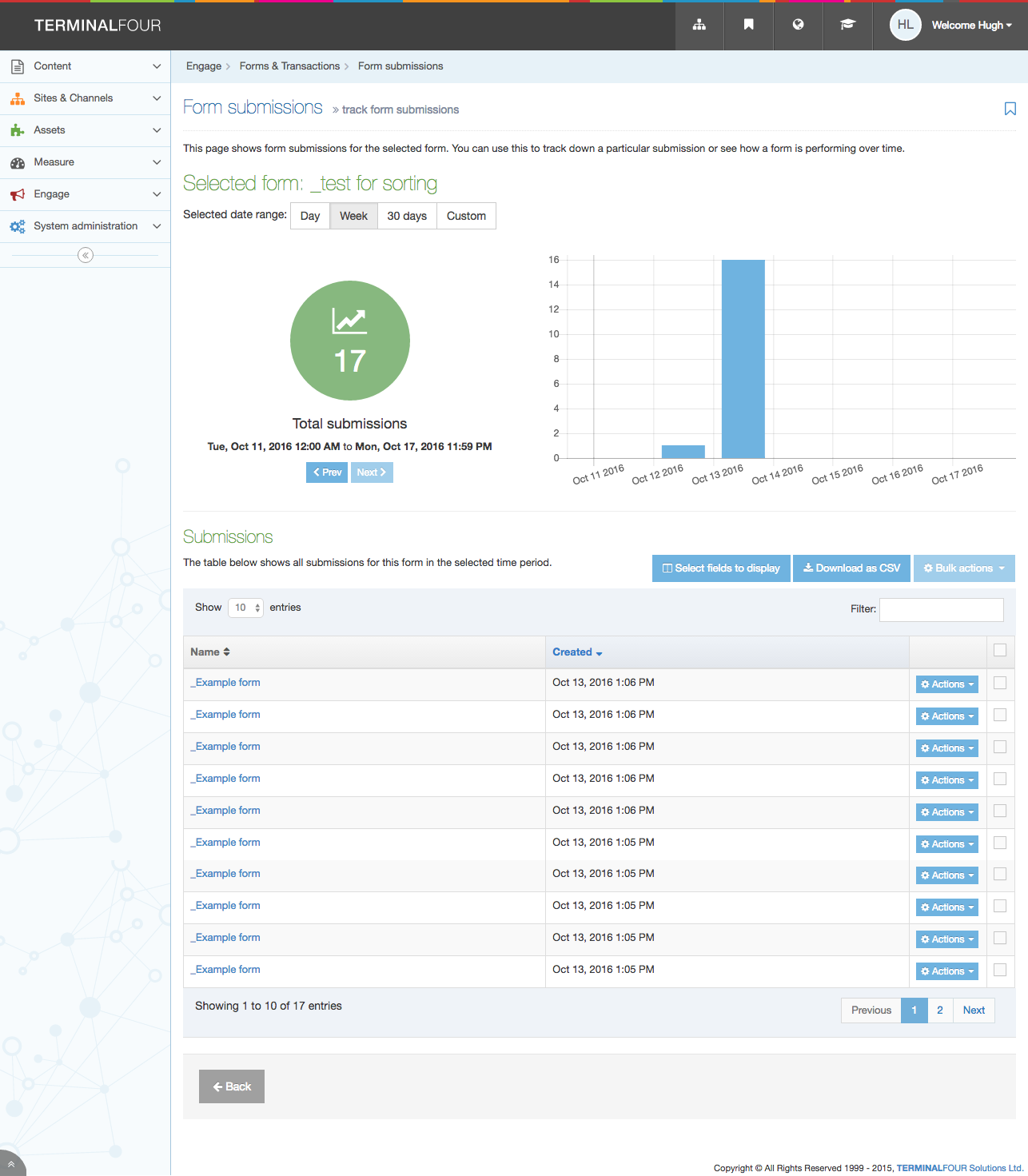
TerminalFour Site Manager is the principal product from the global software company of the same name, a content management system available for local-hosting or cloud-based, primarily targeted at educational institutions, government and international bodies, but also retail and financial services organizations.
N/A
Pricing
Magnolia
Salesforce CMS
Terminalfour Digital Engagement and Web Development Platform
Editions & Modules
DX Core
$3500
per month
DX Cloud
$6000
per month
No answers on this topic
No answers on this topic
Offerings
Pricing Offerings
Magnolia
Salesforce CMS
Terminalfour Digital Engagement and Web Development Platform
Free Trial
Yes
No
No
Free/Freemium Version
No
No
No
Premium Consulting/Integration Services
Yes
No
Yes
Entry-level Setup Fee
No setup fee
No setup fee
$15,000 organisation per year
Additional Details
—
—
Generally the initial cost is between $15,000 to $100,000 with ongoing support and hosting subsequent years.
More Pricing Information
Community Pulse
Magnolia
Salesforce CMS
Terminalfour Digital Engagement and Web Development Platform
Features
Magnolia
Salesforce CMS
Terminalfour Digital Engagement and Web Development Platform
Security
Comparison of Security features of Product A and Product B
Magnolia
8.0
69 Ratings
3% below category average
Salesforce CMS
8.9
59 Ratings
8% above category average
Terminalfour Digital Engagement and Web Development Platform
8.5
2 Ratings
3% above category average
Role-based user permissions
8.069 Ratings
8.959 Ratings
8.52 Ratings
Platform & Infrastructure
Comparison of Platform & Infrastructure features of Product A and Product B
Magnolia
8.0
68 Ratings
3% above category average
Salesforce CMS
8.4
54 Ratings
8% above category average
Terminalfour Digital Engagement and Web Development Platform
5.0
1 Ratings
43% below category average
API
8.561 Ratings
8.453 Ratings
6.01 Ratings
Internationalization / multi-language
7.661 Ratings
8.544 Ratings
4.01 Ratings
Web Content Creation
Comparison of Web Content Creation features of Product A and Product B
Magnolia
8.0
74 Ratings
3% above category average
Salesforce CMS
7.8
53 Ratings
0% above category average
Terminalfour Digital Engagement and Web Development Platform
7.0
2 Ratings
11% below category average
WYSIWYG editor
8.565 Ratings
7.934 Ratings
8.52 Ratings
Code quality / cleanliness
8.465 Ratings
8.145 Ratings
8.02 Ratings
Admin section
8.070 Ratings
7.945 Ratings
8.02 Ratings
Page templates
8.972 Ratings
7.949 Ratings
8.52 Ratings
Library of website themes
7.01 Ratings
7.138 Ratings
6.01 Ratings
Mobile optimization / responsive design
8.563 Ratings
7.645 Ratings
4.01 Ratings
Publishing workflow
7.573 Ratings
8.045 Ratings
8.02 Ratings
Form generator
7.058 Ratings
7.944 Ratings
5.01 Ratings
Web Content Management
Comparison of Web Content Management features of Product A and Product B
Magnolia
7.5
69 Ratings
1% above category average
Salesforce CMS
7.9
48 Ratings
6% above category average
Terminalfour Digital Engagement and Web Development Platform
6.7
2 Ratings
11% below category average
Content taxonomy
7.663 Ratings
8.040 Ratings
7.42 Ratings
SEO support
7.163 Ratings
7.837 Ratings
7.01 Ratings
Bulk management
7.757 Ratings
8.339 Ratings
5.01 Ratings
Availability / breadth of extensions
8.062 Ratings
8.042 Ratings
6.01 Ratings
Community / comment management
6.951 Ratings
7.643 Ratings
7.92 Ratings
Best Alternatives
Magnolia
Salesforce CMS
Terminalfour Digital Engagement and Web Development Platform
Terminalfour Digital Engagement and Web Development Platform
Likelihood to Recommend
Magnolia
Magnolia is a very capable DXP, that provides client with lots of flexibility in composing its own stack. While the core of the platform is a content management system, the open architecture of Magnolia DXP allows it to connect to any platform, allowing client to extend the capabilities. One scenario would be a centralized content hub - where through a single platform, content authors can choose which channel to distribute what content. For example, long form content for consumers viewing on a laptop, short form content for those using a mobile browser. This allow the client to personalized the experience based on channels. Another scenarios would be leveraging on GenAI - using Magnolia's built-in connector to ChatGPT. If that is not the service that one desire, you can always connect to another AI service such as Google Gemini. With GenAI, connected, content author can use AI as co-pilot to help them scale up their content production.
When managing a team of 30 or more technician the tools available for a scheduler are incredible. The system sync's quickly so all schedulers can be looking at the same Gantt and see what changes have been made or need to be made. If you have too small of a team this service would be overkill especially given the cost.
It's an extremely flexible solution. It can be a nightmare to work with if not properly planned out or fantastic if well thought out. If you have a team and an application owner with a plan it's a great option.
Speed of development - time to delivery from zero to MVP was excellent
Ease of use - the authoring experience is very easy to build and train
PAAS/SAAS - the managed service platform removed the traditional overhead of running in-house technologies, meaning we could focus on value add, with less time spent keeping the lights on.
The documentation provides samples that are often out of context, and difficult to know where the provided example code should be implemented. More tutorials providing the full project or step-by-step instructions on how to implement subject material would help greatly. Baeldung is a resource I would consider the gold standard in how this is done in other spaces.
The use of JCR and Nodes makes object serialization/deserialization painful. Jackson compatibility or similar would be a welcome enhancement to the developer experience. Maybe leveraging code-gen from light modules to build model classes when possible could help accomplish this.
Modifying the home layout from light modules is frustrating. It seems that any configuration overrides made merge with the default rather than overwriting, which makes for a difficult combination of guess-and-check while referencing the documentation to see what should be in each row/column when making changes.
Including "mark all as read" or "delete all" in the notifications app would be a great quality of life improvement. It seems that by default, users have to individually select messages and operate them.
It will be too difficult to change to a different software. We are fully integrated, and if things are not working well, it would be way worse to try to move to a different platform.
We've shown it to a number of users both clients and our own team and despite initial apprehensions, they "get it" very quickly. It's intuitive and friendly and quick to perform daily tasks. We once had a client tell us "Using Magnolia makes me smile" which says it all for us.
Strengths: - Intuitive for Salesforce Users – If you’re already working within the Salesforce ecosystem, the Salesforce CMS is easy to navigate, with a clean UI, drag-and-drop content management, and reusable assets for quick updates. - Seamless Integration – Since it connects natively with Experience Cloud, Marketing Cloud, and CRM, it allows for efficient multi-channel content distribution without needing extra third-party tools. - AI-Powered Personalization – The ability to deliver dynamic content based on user profiles and engagement data is a huge plus, making content delivery more relevant and impactful. Challenges: - Learning Curve for New Users – If you're not already familiar with Salesforce, the interface can feel overwhelming, requiring training to fully leverage all features. - Limited Customization & Workflow Automation – While it works well for structured content, advanced approval workflows and deep editorial customization are limited compared to enterprise CMS platforms like Adobe Experience Manager. - Media & Design Limitations – Salesforce CMS is not as robust for managing rich media-heavy content, which can be frustrating for teams needing more flexibility in multimedia presentation.
I gave [it] 7/10 only because of the loading time of pages. Otherwise, I think it deserves an 8. Normally this is not an issue per [se] but considering the rating matrix and as I have been asked to honestly write about it. Yes, the page loading times could be improved.
You always get an answer based on your SLA. But you always get a solution. That's the successfactor in this case. To often i was frustrated about people in a company without even a clue what there product is about or how to solve a problem. Magnolia's Support Team does a very good job and try to help you in most of the cases
I've never really had to contact support. It's at the point where we have people in the organization that are our specific go-to inhouse support teams for Salesforce. Again, that goes back to what I said about there being a point where just too much is added to Salesforce that you have to hire someone to be the go-to person of Salesforce. There is only so much their support team can do for you. I wouldn't expect Salesforce Support to have any sort of understanding of the weird issues I deal with!
I've used several CMSs like AEM and EpiServer, and comparatively, they all excel at different things. Magnolia is the best to develop for/against. Episerver has the best/most fluid UI in terms of content editing, and the overall admin experience AEM is just all around sucks.
As our business heavily relies on Sales Cloud, Service Cloud, and Marketing Cloud, we need a CMS that works natively with our existing Salesforce Data. Other platforms would require third-party connectors or custom API development, making integration more complex and expensive. Salesforce allows us to manage content once and distribute it across multiple touchpoints. It also delivers personalized marketing content based on CRM data.
Magnolia has brought about positive impacts. For instance, we need not outsource web design and marketing services because thanks to this software, we can handle most work inhouse
The software is affordable with no compromises on capabilities and therefore it is gives us value for money.
It allows me to keep a close eye on all of my performance metrics through the Dashboard Reporting, ie what my sales pipeline looks like, how much it's changed in the last 60 days, new opportunities created in the last 7 days, # of emails sent for the week, etc. The ease of the design and output make it really easy to check my progress throughout the day to find where I have holes and am falling short on my personal and work goals. It's resulted in greater transparency with my Mgmt Team and shorter 1-on-1 mtgs with my boss as he can see exactly where I am at all times (to be fair, I'm a senior sales rep, so he pretty much lets me do my job completely unfettered), but it does prove that I am continually producing which recently resulted in a raise I didn't even ask for.
The SF repository is so detailed that I don't have to spend tons of time finding frequently used websites attached to a client or see what all interactions with the company look like. Even though I don't use SF for my bulk emails and email sequences, SF provides me with an email to use in the bcc of these emails which links everything back to SF. I find that extremely helpful. This really impacts my efficiency and I can honestly say that once I started using all the functionality of data management, it saved me about 20% of my time/week that I could then allocate towards other revenue-generating tasks like prospecting and account management. The more time I have for those, the better. My year-over-year on accounts 1 year and older just grew by 17% this last year.
Happier internal customers because changes are much easier than they used to be and we can often empower them to make their own changes to their websites.
For our application owner it's become a huge project that consumes all of his time. Not ideal but it's working for now. Knowledge sharing the more intricate pieces can be really difficult.