Microsoft Viva Engage, formerly Yammer, is used for private communication within organizations or between organizational members and pre-designated groups.
$24
per year per user
Nconnect
Score 8.5 out of 10
N/A
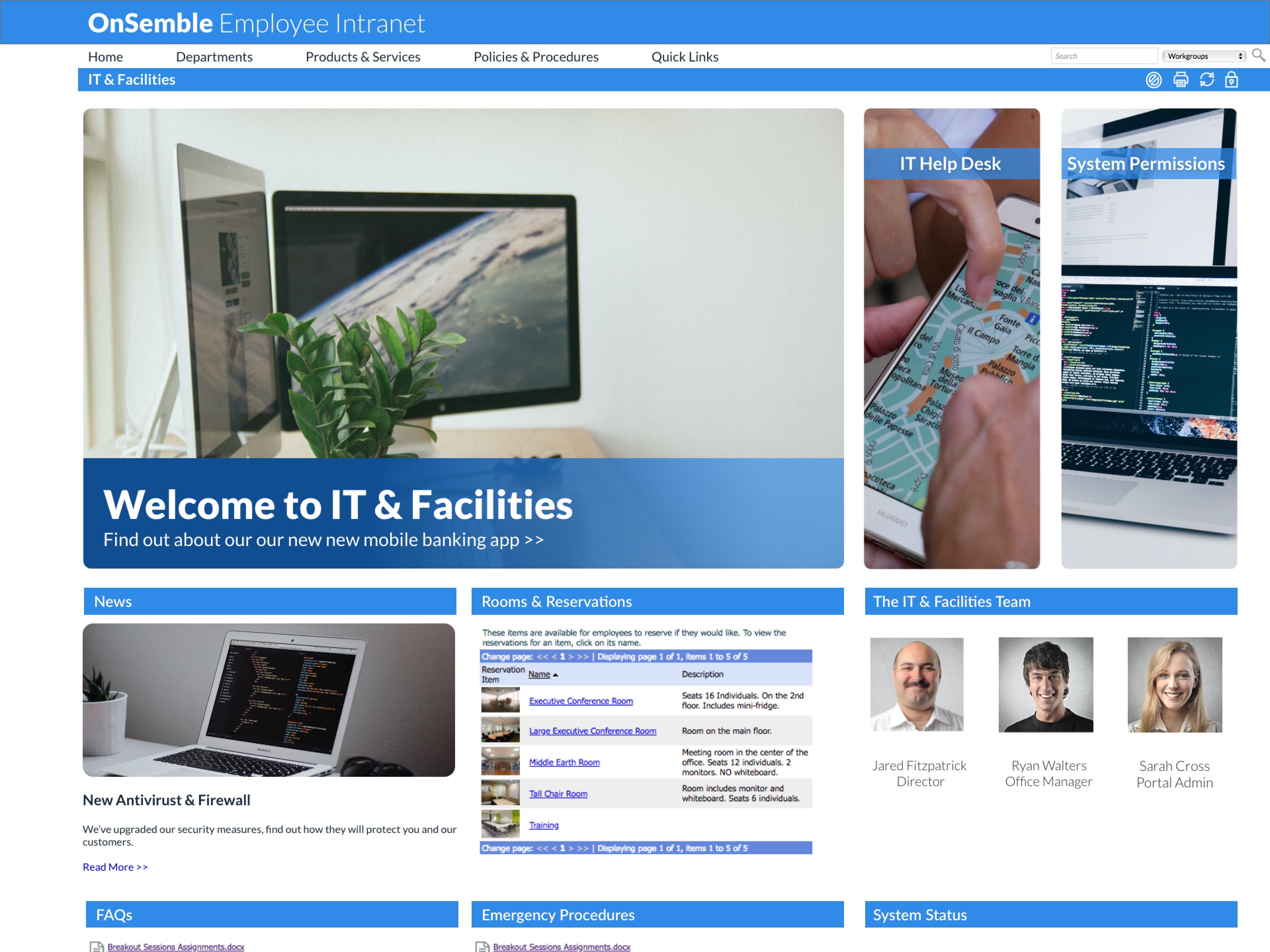
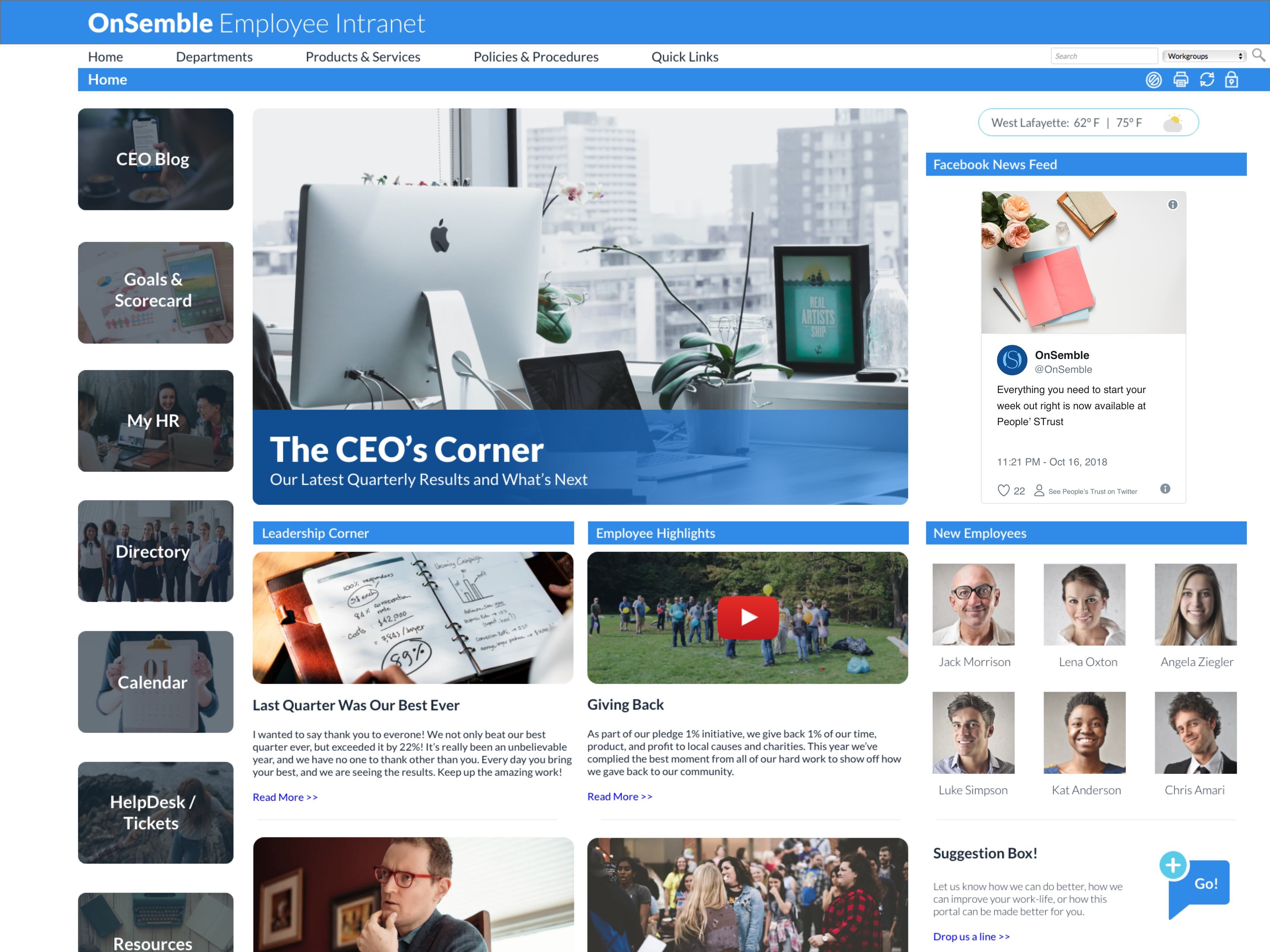
Nconnect (formerly OnSemble Intranet) is an mployee intranet that keeps everyone connected, a digital workplace to make employees feel valued. It is designed to keep remote teams engaged, and acts as the culture champion for the organization.
N/A
Netlify CMS
Score 9.0 out of 10
N/A
Netlify CMS is an open source Git-based CMS for static site generators. it runs 100% in a browser.
N/A
Pricing
Microsoft Viva Engage
Nconnect
Netlify CMS
Editions & Modules
Microsoft Viva Employee Communications and Communities
$24
per year per user
Microsoft Viva Suite
$144
per year per user
No answers on this topic
No answers on this topic
Offerings
Pricing Offerings
Microsoft Viva Engage
Nconnect
Netlify CMS
Free Trial
No
No
No
Free/Freemium Version
No
No
Yes
Premium Consulting/Integration Services
No
Yes
No
Entry-level Setup Fee
No setup fee
Optional
No setup fee
Additional Details
Microsoft Viva Engage is also available in some Microsoft 365 packages.
—
—
More Pricing Information
Community Pulse
Microsoft Viva Engage
Nconnect
Netlify CMS
Features
Microsoft Viva Engage
Nconnect
Netlify CMS
Project Management
Comparison of Project Management features of Product A and Product B
Microsoft Viva Engage
8.3
46 Ratings
7% above category average
Nconnect
-
Ratings
Netlify CMS
-
Ratings
Task Management
8.728 Ratings
00 Ratings
00 Ratings
Gantt Charts
8.515 Ratings
00 Ratings
00 Ratings
Scheduling
7.923 Ratings
00 Ratings
00 Ratings
Workflow Automation
7.523 Ratings
00 Ratings
00 Ratings
Mobile Access
8.843 Ratings
00 Ratings
00 Ratings
Search
8.143 Ratings
00 Ratings
00 Ratings
Visual planning tools
8.326 Ratings
00 Ratings
00 Ratings
Communication
Comparison of Communication features of Product A and Product B
Microsoft Viva Engage
8.5
49 Ratings
6% above category average
Nconnect
-
Ratings
Netlify CMS
-
Ratings
Chat
9.344 Ratings
00 Ratings
00 Ratings
Notifications
8.449 Ratings
00 Ratings
00 Ratings
Discussions
9.648 Ratings
00 Ratings
00 Ratings
Surveys
9.238 Ratings
00 Ratings
00 Ratings
Internal knowledgebase
9.338 Ratings
00 Ratings
00 Ratings
Integrates with GoToMeeting
7.314 Ratings
00 Ratings
00 Ratings
Integrates with Gmail and Google Hangouts
6.713 Ratings
00 Ratings
00 Ratings
Integrates with Outlook
8.632 Ratings
00 Ratings
00 Ratings
File Sharing & Management
Comparison of File Sharing & Management features of Product A and Product B
Microsoft Viva Engage
8.7
42 Ratings
8% above category average
Nconnect
-
Ratings
Netlify CMS
-
Ratings
Versioning
9.728 Ratings
00 Ratings
00 Ratings
Video files
8.936 Ratings
00 Ratings
00 Ratings
Audio files
8.734 Ratings
00 Ratings
00 Ratings
Document collaboration
8.235 Ratings
00 Ratings
00 Ratings
Access control
8.335 Ratings
00 Ratings
00 Ratings
Advanced security features
8.333 Ratings
00 Ratings
00 Ratings
Integrates with Google Drive
8.014 Ratings
00 Ratings
00 Ratings
Device sync
9.328 Ratings
00 Ratings
00 Ratings
Platform & Infrastructure
Comparison of Platform & Infrastructure features of Product A and Product B
Microsoft Viva Engage
-
Ratings
Nconnect
-
Ratings
Netlify CMS
6.0
1 Ratings
25% below category average
API
00 Ratings
00 Ratings
6.01 Ratings
Web Content Creation
Comparison of Web Content Creation features of Product A and Product B
Microsoft Viva Engage
-
Ratings
Nconnect
-
Ratings
Netlify CMS
6.1
1 Ratings
24% below category average
WYSIWYG editor
00 Ratings
00 Ratings
9.01 Ratings
Code quality / cleanliness
00 Ratings
00 Ratings
9.01 Ratings
Admin section
00 Ratings
00 Ratings
7.01 Ratings
Page templates
00 Ratings
00 Ratings
3.01 Ratings
Library of website themes
00 Ratings
00 Ratings
1.01 Ratings
Mobile optimization / responsive design
00 Ratings
00 Ratings
5.01 Ratings
Publishing workflow
00 Ratings
00 Ratings
9.01 Ratings
Web Content Management
Comparison of Web Content Management features of Product A and Product B
Yammer is great when you have a company culture that encourages friendly collaboration and communication. It can be a great supplement (but certainly not a substitute) for bonding and sharing ideas and thoughts. Certain channels can be really successful, too, like a channel where people can post dog pictures or something fun like that!
OnSemble is solving a lot of problems that our organization had prior to its implementation:
We can track communication readership.
We can engage with our fellow teammates through chats and recognition.
We have a central location for all job-related links.
We are just now delving into adding departmental pages so folks can communicate within their teams.
I'm not sure of a scenario where OnSemble wouldn't be appropriate - if you have a company that needs to centralize communication, documentation, and share ideas, it's an excellent choice.
Netlify CMS is well suited when you have very less frequent updates to your content, maybe once a day and very few people need to access your data. You can connect it to Netlify, GitHub, or any platform and have multiple people access it and do as many updates as you wish, but the process is not well-defined and you need to build your own system for that. It is well suited for projects you need to pull off with very low cost, it is essentially free as the software is open source and free to use, and all you need to do is set up your schema correctly and find a deployment pipeline where you can build your static site/API to redeploy whenever the content changes. I personally used a GitHub Login -> Netlify CMS -> next app consumer of content -> GitHub pipelines to run next SSG -> GitHub Pages to deploy the built static site. It might not be appropriate for large teams where users themselves need no-code tools to modify the schema of the content.
Although the social enterprise network works very well, there is room for some slight improvement - such as the ability to attract users. By being part of the Microsoft Office Suite, it is offered as an "add-on" and many overlook it and see it as unnecessary at first. It would be smart for Microsoft to sell it as its own product so it could gather more popularity as a "social network".
Giving an option to filter results could be better as well as giving an option to turn off the "recent activity" bar on the home page.
Microsoft is dedicated to continual improvement on Yammer. They realize the value that Yammer brings to the table with their clients. In the short time that we have had Yammer implemented, we are just now beginning to see the strong impact it has on becoming more effective and efficient around collaboration.
Overall easy to use and intuitive, although limited in the possibility to personalize layout and look & feel of a site. Some functionalities are not easy to use, like document editing, but some others are quick and effective (posts and tagging above all). Performance and responsiveness of the Yammer site is typically acceptable, in my experience.
As a user: it's pretty intuitive and the only thing holding a user back from getting everything out of it is a lack of curiosity. As an admin: it's not super intuitive. The training and the setup process are crucial to be able to use and maintain the portal, and we still sometimes have questions.
We have never had to use the support for Yammer. The tool works well and we have not come across any bugs. User Interface is simple and easy to use, similar to other forum type products, thereby removing the need for any extensive training. Team members are invited in and immediately are able to start using the tool.
I have always been pleased with my experiences with OnSemble's Support team. First, they have a great library of articles to help me study and guide for many of my questions. But when I cannot quite comprehend, or I "run into the wall", I can be assured that I'll be contacted quickly with a pleasant voice to work through whatever my question/issue may be. Kudos to OnSemble Support!
Our team briefly used Salesforce.com's Chatter product before switching over to Yammer in 2012. While Chatter is essentially the same product as Yammer, it left much to be desired. Chatter's design was (and remains) clunky and difficult to navigate. Yammer is a simple, easy-to-use product that offers similar functionality as Salesforce's Chatter.
We really can't compare it to full-fledged CMS software, like WordPress, which has a lot of community and support with widgets, plugins, and whatnot. It's not built for that, but you can compare it to Contentful, Ghost, Strapi, etc., which provide similar functionality to a headless CMS with custom schema options, but even among them, it still lacks a lot of functionality, ease of use, and support. But Netlify CMS pros would be of the opinion that compared to other platforms where most schemas need to use their own tools and frameworks, it's very cost-effective. Something new called TinaCMS has come up to compete with Netlify CMS by covering most of its shortcomings, but it's something new being built by the same team that built Forestry CMS and comes with many modern features, yet currently only supports NextJS SSG.
My company is pleased with the positive impact Yammer has created departmentally and on an individual basis with work flow efficiency.
Adversely, most old and new employees are more familiar with SharePoint, causing the company to pay for training for all current and incoming employees.
As Yammer becomes more widely used, the need for training may diminish, which is where we will see our return on investment, as the product clearly provides a more effective form of file sharing and communication between employees and their department.