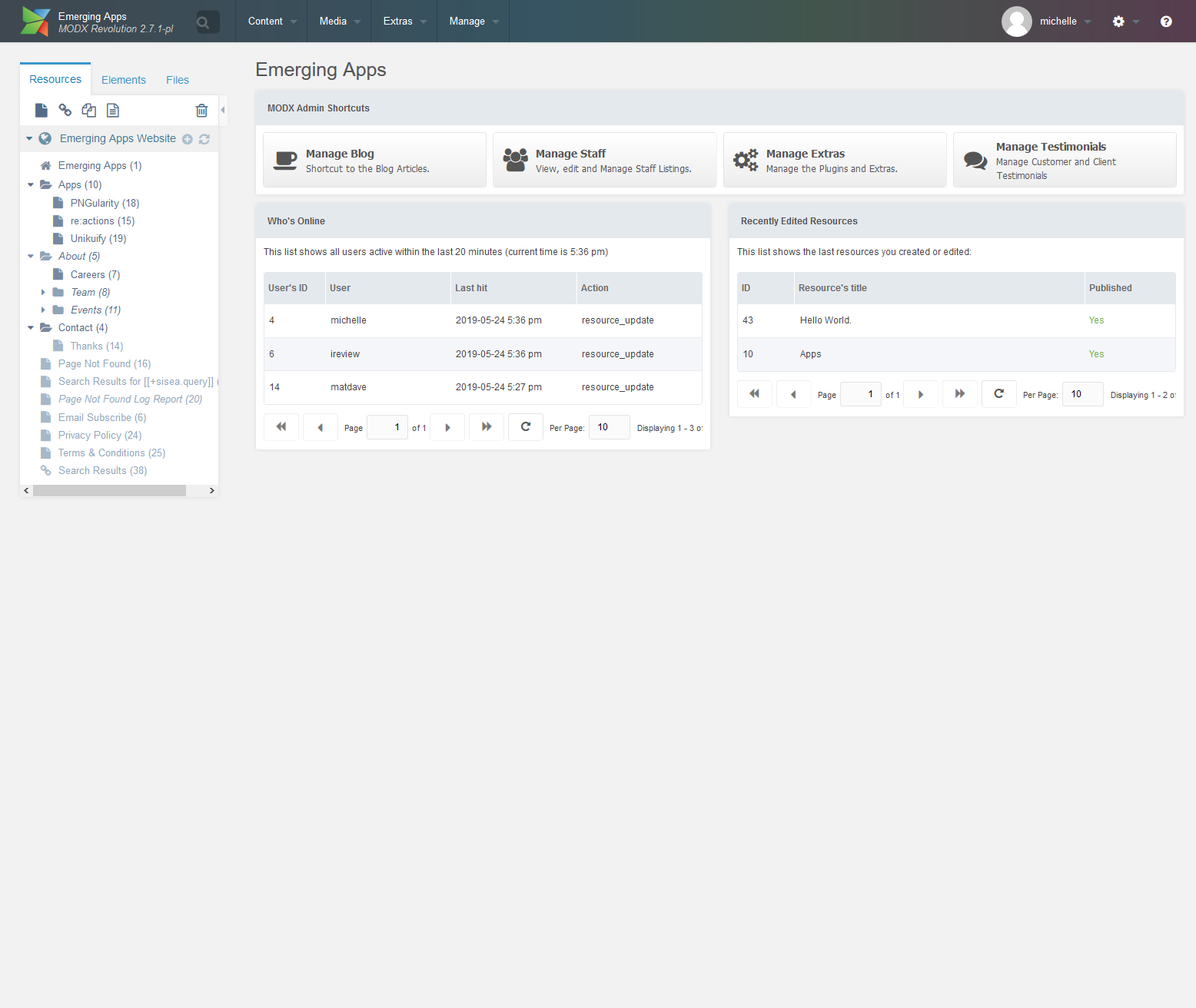
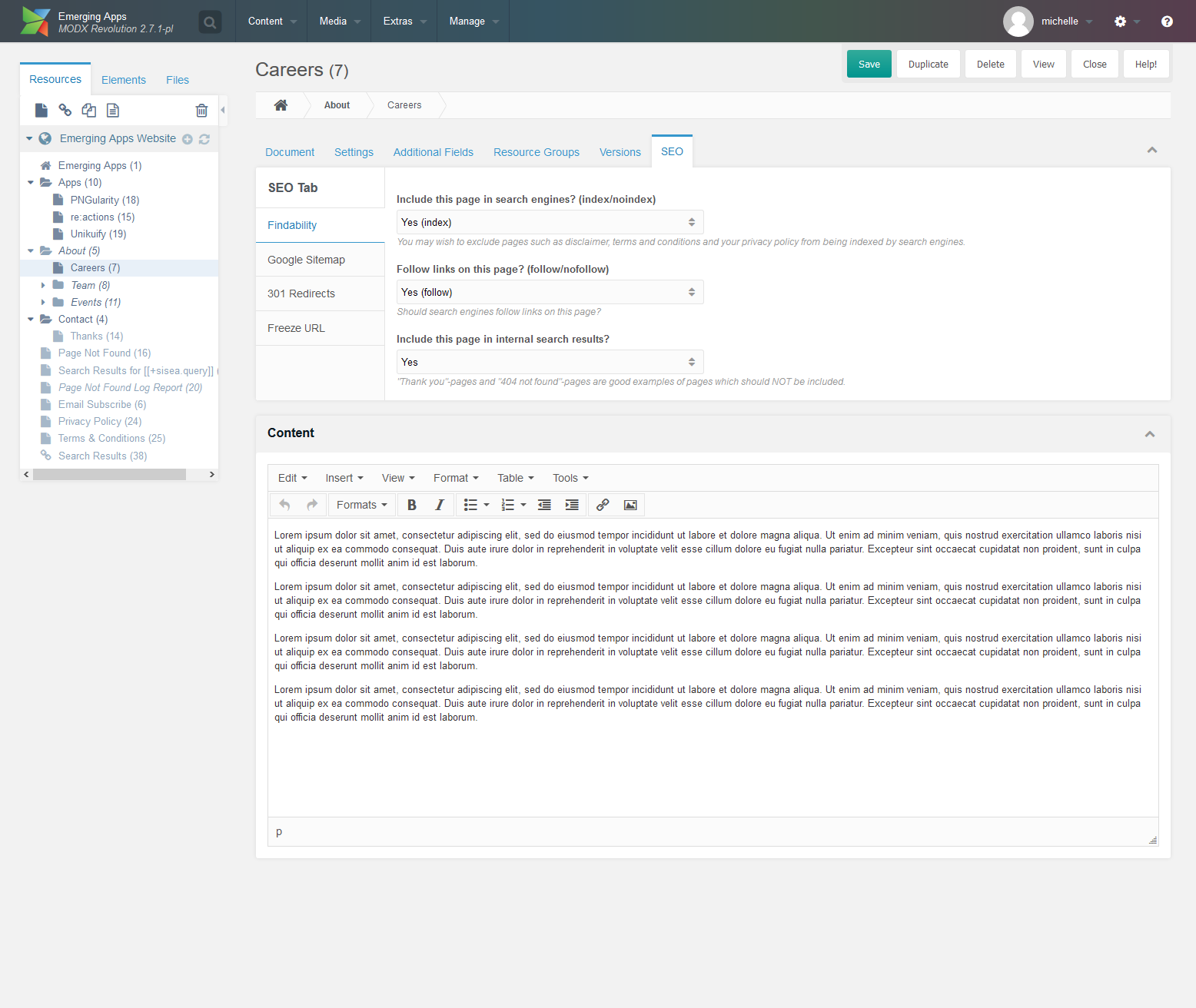
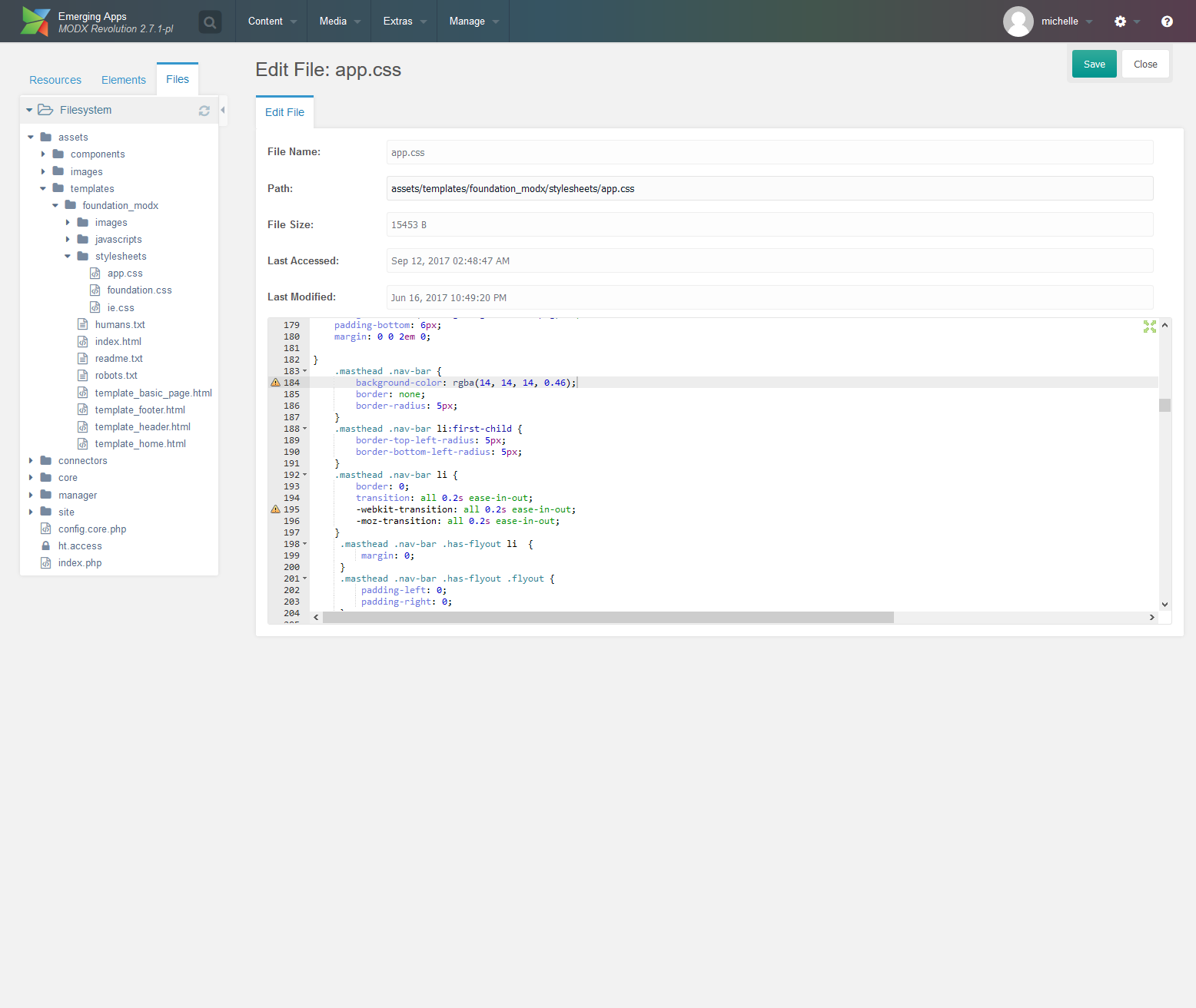
The MODX Digital Experience Platform provides everything you need to build, host, and maintain amazing websites your way. The vendor says that with MODX CMS and cloud hosting, users have complete control over their creative vision and the experiences they deliver, without restriction or compromise. They can focus more on building great digital experiences, and less on hosting and maintaining. If you ever need help, MODX Professionals are available worldwide and direct support from…
$39
per month
Salesforce CMS
Score 8.3 out of 10
N/A
Salesforce Marketing Cloud Personalization (formerly Salesforce CMS) is a hybrid CMS allowing users to author content once and deliver it anywhere, in or out of Salesforce. Users create content, define content access, and define channels so they can share content and limit access to appropriate contributors. For an experience built with Salesforce, users can choose from two of the company's “what-you-see-is-what-you-get” (WYSIWYG) tools: Experience Builder and Commerce Page Designer. If the user…
N/A
Pricing
MODX
Salesforce CMS
Editions & Modules
Free
$0
Base
$39
per month
Pro
$99
per month
Business
$349
per month
No answers on this topic
Offerings
Pricing Offerings
MODX
Salesforce CMS
Free Trial
Yes
No
Free/Freemium Version
Yes
No
Premium Consulting/Integration Services
Yes
No
Entry-level Setup Fee
Optional
No setup fee
Additional Details
PAYMENT FORMS
MODX Cloud accepts major credit cards and PayPal for your hosting subscription. We can only accept check (cheque) payments on the Enterprise Plan, annually.
CANCELLATION
You may cancel your MODX Cloud account at any time. Before you cancel you'll be reminded to backup and remove all your live websites and then follow the instructions for cancellation. If you cancel within the first month, we'll provide you with a full refund.
REFUNDS
If you cancel within the first month, we'll provide you with a full refund. All other cancellations will be effective at the end of your current billing period. We do not provide refunds for remaining days or months on monthly or annual billing.
—
More Pricing Information
Community Pulse
MODX
Salesforce CMS
Features
MODX
Salesforce CMS
Security
Comparison of Security features of Product A and Product B
MODX
9.9
3 Ratings
19% above category average
Salesforce CMS
8.9
59 Ratings
8% above category average
Role-based user permissions
9.93 Ratings
8.959 Ratings
Platform & Infrastructure
Comparison of Platform & Infrastructure features of Product A and Product B
MODX
8.0
3 Ratings
3% above category average
Salesforce CMS
8.4
54 Ratings
8% above category average
API
6.13 Ratings
8.453 Ratings
Internationalization / multi-language
9.92 Ratings
8.544 Ratings
Web Content Creation
Comparison of Web Content Creation features of Product A and Product B
MODX
9.4
3 Ratings
19% above category average
Salesforce CMS
7.8
53 Ratings
0% above category average
WYSIWYG editor
9.83 Ratings
7.934 Ratings
Code quality / cleanliness
9.93 Ratings
8.145 Ratings
Admin section
8.93 Ratings
7.945 Ratings
Page templates
9.93 Ratings
7.949 Ratings
Library of website themes
7.03 Ratings
7.138 Ratings
Mobile optimization / responsive design
9.93 Ratings
7.645 Ratings
Publishing workflow
9.93 Ratings
8.045 Ratings
Form generator
9.93 Ratings
7.944 Ratings
Web Content Management
Comparison of Web Content Management features of Product A and Product B
[MODX is well suited for] all websites, from blogs to corporate sites. It is fast scalable and really good. A small site can be build really fast, and a large site can be made extremely scalable. A website redesign is easy to implement with a new template, without having to redo the content. It got great user groups and users and back-office access can be completely customized.
While ecommerce is possible with some really good plugins I would only use MODX with ecommerce for sites where ecommerce is not the primary role. For pure ecommerce sites rather use a dedicated system like e.g. PrestaShop (i would say the same thing with other ecommerce plugins e.g. WP woo commerce don't do it unless its a site add on.)
When managing a team of 30 or more technician the tools available for a scheduler are incredible. The system sync's quickly so all schedulers can be looking at the same Gantt and see what changes have been made or need to be made. If you have too small of a team this service would be overkill especially given the cost.
It is the CMS we use the most, not because we know it well but because we literally tried many of other CMS and this one did it for us.
However having said we really do not like the one shoe fits all approach. E..g for eCommerce we usually use PrestaShop etc. if a specialized CMS can do a task rather use that.
It will be too difficult to change to a different software. We are fully integrated, and if things are not working well, it would be way worse to try to move to a different platform.
Strengths: - Intuitive for Salesforce Users – If you’re already working within the Salesforce ecosystem, the Salesforce CMS is easy to navigate, with a clean UI, drag-and-drop content management, and reusable assets for quick updates. - Seamless Integration – Since it connects natively with Experience Cloud, Marketing Cloud, and CRM, it allows for efficient multi-channel content distribution without needing extra third-party tools. - AI-Powered Personalization – The ability to deliver dynamic content based on user profiles and engagement data is a huge plus, making content delivery more relevant and impactful. Challenges: - Learning Curve for New Users – If you're not already familiar with Salesforce, the interface can feel overwhelming, requiring training to fully leverage all features. - Limited Customization & Workflow Automation – While it works well for structured content, advanced approval workflows and deep editorial customization are limited compared to enterprise CMS platforms like Adobe Experience Manager. - Media & Design Limitations – Salesforce CMS is not as robust for managing rich media-heavy content, which can be frustrating for teams needing more flexibility in multimedia presentation.
I've never really had to contact support. It's at the point where we have people in the organization that are our specific go-to inhouse support teams for Salesforce. Again, that goes back to what I said about there being a point where just too much is added to Salesforce that you have to hire someone to be the go-to person of Salesforce. There is only so much their support team can do for you. I wouldn't expect Salesforce Support to have any sort of understanding of the weird issues I deal with!
The other company that we looked into was WordPress and all of the features that it offered our organization. What MODX offered to us from development to everyday use just made more sense for our organization as a whole. WordPress is still a great CMS platform, just not exactly what we were looking for.
As our business heavily relies on Sales Cloud, Service Cloud, and Marketing Cloud, we need a CMS that works natively with our existing Salesforce Data. Other platforms would require third-party connectors or custom API development, making integration more complex and expensive. Salesforce allows us to manage content once and distribute it across multiple touchpoints. It also delivers personalized marketing content based on CRM data.
Very scalable. e.g. in the [MODX] manager you can manage multiple websites at once without having to login else where. it is very convenient and this way resources and be easily managed and shared.
It allows me to keep a close eye on all of my performance metrics through the Dashboard Reporting, ie what my sales pipeline looks like, how much it's changed in the last 60 days, new opportunities created in the last 7 days, # of emails sent for the week, etc. The ease of the design and output make it really easy to check my progress throughout the day to find where I have holes and am falling short on my personal and work goals. It's resulted in greater transparency with my Mgmt Team and shorter 1-on-1 mtgs with my boss as he can see exactly where I am at all times (to be fair, I'm a senior sales rep, so he pretty much lets me do my job completely unfettered), but it does prove that I am continually producing which recently resulted in a raise I didn't even ask for.
The SF repository is so detailed that I don't have to spend tons of time finding frequently used websites attached to a client or see what all interactions with the company look like. Even though I don't use SF for my bulk emails and email sequences, SF provides me with an email to use in the bcc of these emails which links everything back to SF. I find that extremely helpful. This really impacts my efficiency and I can honestly say that once I started using all the functionality of data management, it saved me about 20% of my time/week that I could then allocate towards other revenue-generating tasks like prospecting and account management. The more time I have for those, the better. My year-over-year on accounts 1 year and older just grew by 17% this last year.