Notion aims to present users with an all-in-one workspace — for notes, tasks, wikis, and databases, from Notion Labs in San Francisco.
$5
per month per user
Zoho Tables
Score8.2 out of 10
N/A
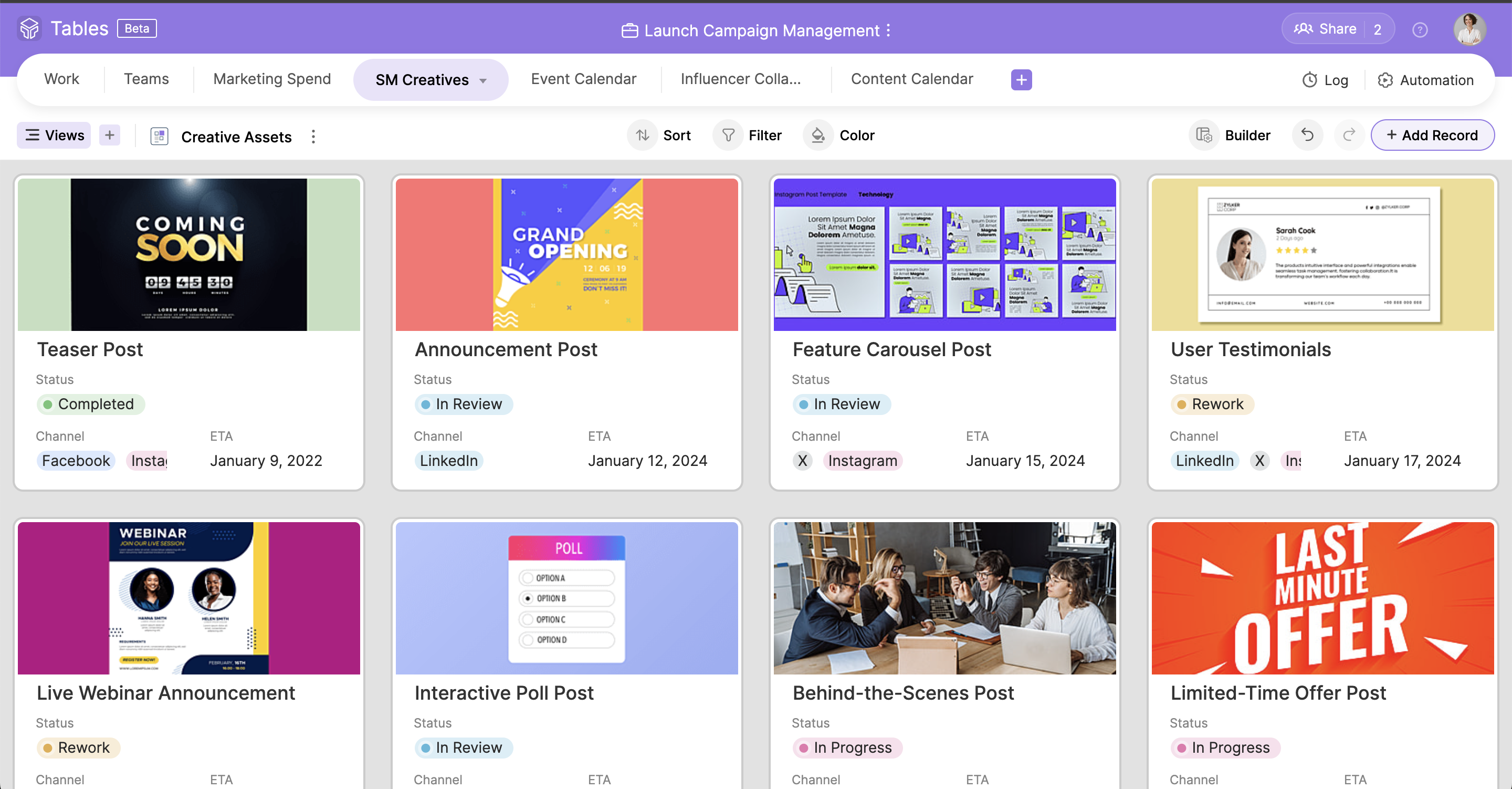
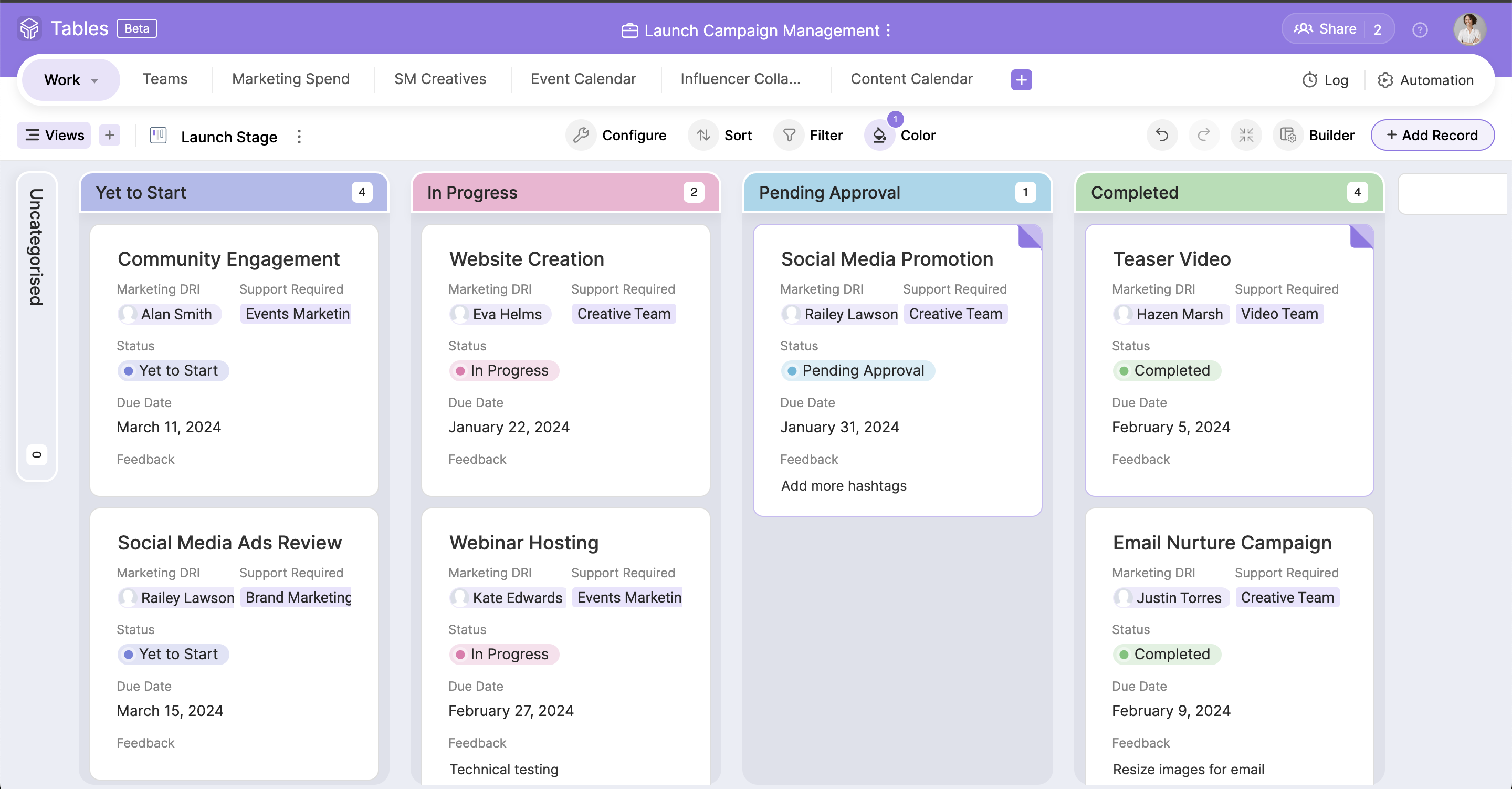
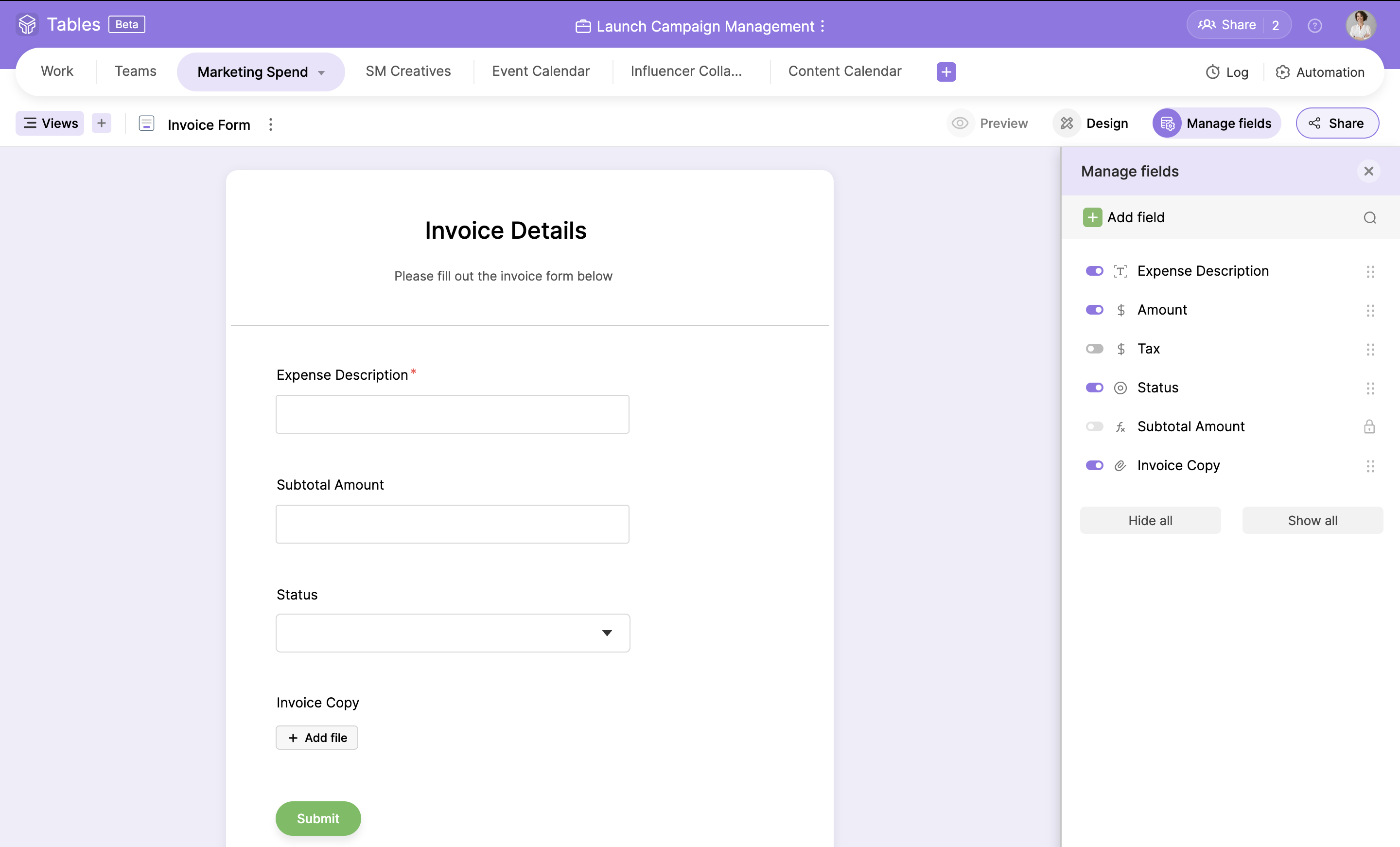
Zoho Tables is a no-code spreadsheet-and-database hybrid, combining familiar spreadsheet workflows with the advanced capabilities of a relational database. With five distinct views—Grid, Gallery, Kanban, Calendar, and Form—Zoho Tables allows users to visualize data in the way that best suits the task. It can also be used to build interactive dashboards to bring key metrics together, monitor progress, and gain valuable insights at a glance. Beyond…
If you want a customizable solution that can be adapted for just about any scenario, I recommend using Notion. If you need a solution that's easy to share with people outside your organization, Notion is great and allows individual or team permission-setting. If you want a turnkey solution, Notion might not be the best since it requires a fair bit of set-up. There are templates that can be purchased to handle this, but I haven't found them very helpful.
A de minimis incentive was given to thank the reviewer for their time. The incentive was not used to bias or drive a particular response, nor was the incentive contingent on a positive endorsement. More Info
Zoho Tables has been great! I have outlined many of my descriptions in my previous answers. It works great for many things, and could do with just a bit more refinement in the ability to customize what it can turn into. However, the best part of Zoho Tables is the simplicity of its original "blank" state. With the right pre-made User-defined automations for primary zoho apps such as projects and CRM, this would become our commonly used tool as a central hub for all our operations.
A de minimis incentive was given to thank the reviewer for their time. The incentive was not used to bias or drive a particular response, nor was the incentive contingent on a positive endorsement. More Info
A de minimis incentive was given to thank the reviewer for their time. The incentive was not used to bias or drive a particular response, nor was the incentive contingent on a positive endorsement. More Info
I use Notion on my personal tablet, and unlike on the computer, I have a lot of difficulty editing backgrounds, GIFs, and page dividers. It's not as user-friendly, and often the elements end up cut off or misaligned, which is frustrating.
While the current calendar feature is helpful, I'd love to see more customization options. The Google Calendar style isn't always ideal, especially for tasks without specific times or for ongoing projects that require daily maintenance.
It would be fantastic to have more flexibility in customizing Notion pages. For example, I'd love to create planners with the freedom to add illustration boxes, stickers, or GIFs without being restricted to a fixed layout.
A de minimis incentive was given to thank the reviewer for their time. The incentive was not used to bias or drive a particular response, nor was the incentive contingent on a positive endorsement. More Info
Ability to create subgroups in a simple fashion in the Zoho Tables. That allows for drop downs. Does not change the formatting of any cells unless specifically addressed by user. But a light column is added at the start of the table with a button to dropdown each row.
Ability to fill a cell with color without reason or specific selection of field options, add an option for a simple color bucket fill.
It would be great to have an efficient way of updating tasks, projects, etc all on one table easily set up by the user! (Ie. When column "Next Action" equals "Add Task to Project 1" without using deluge)
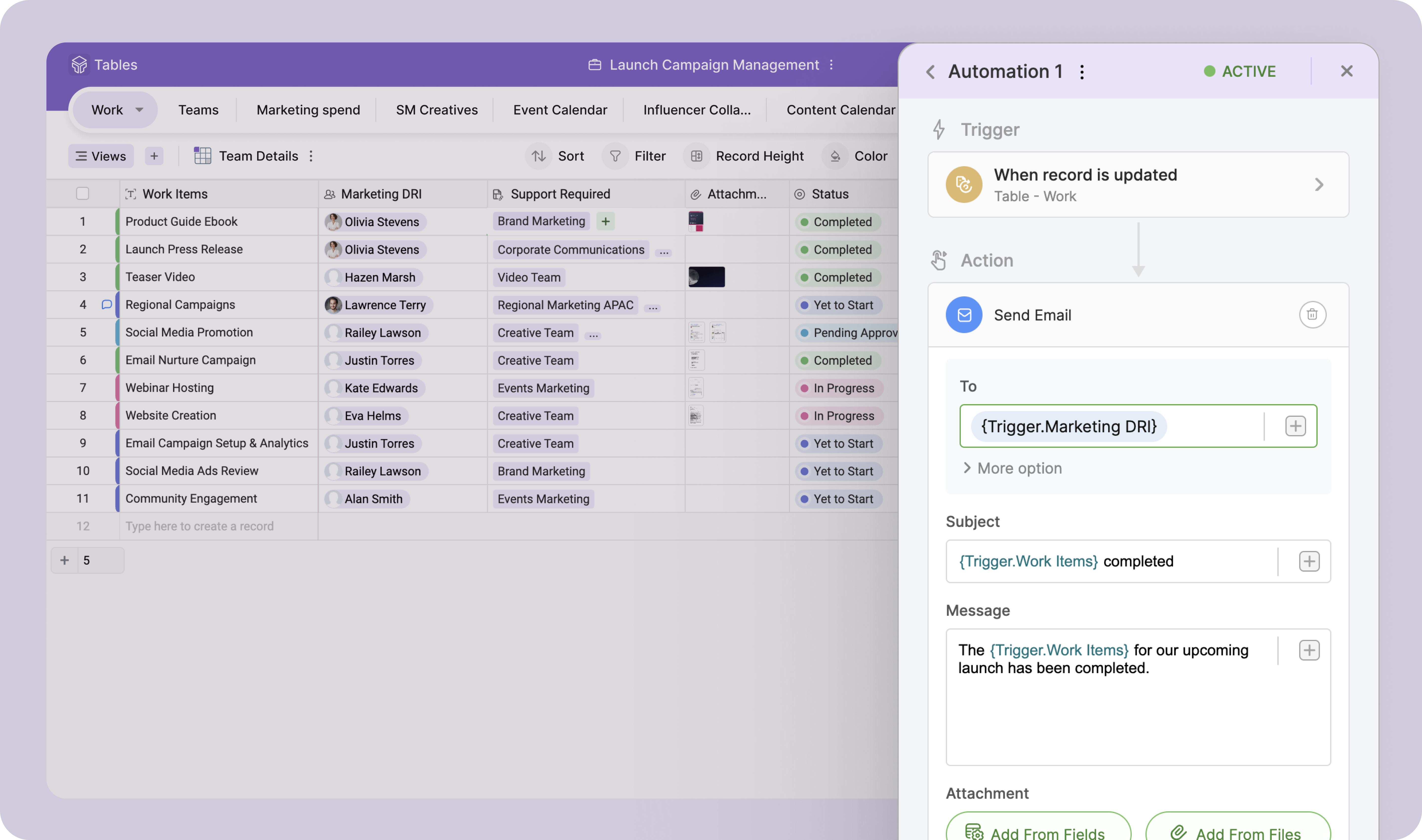
The best pre-made automations for Zoho Tables would be with all {} being user defined selections:
- Update {Selected Task Field} on {Task} when {Column}...
- When {Row} on table is created or edited: Add {Column} as a Task on {Project} in {Task List} then map {Related Table Columns} to {Project Columns}
A de minimis incentive was given to thank the reviewer for their time. The incentive was not used to bias or drive a particular response, nor was the incentive contingent on a positive endorsement. More Info
Very easy to use (I learned how to use everything on my own) and I was able to set up an entire ecosystem without any courses or other tools. I often say that Notion is like Lego for adults, because there we can use all the available tools to create a multitude of things, from funnels to projects with calculated deadlines and tags.
A de minimis incentive was given to thank the reviewer for their time. The incentive was not used to bias or drive a particular response, nor was the incentive contingent on a positive endorsement. More Info
Simple to use and as a Zoho user, for over a year, I had no issues whatsoever implementing tables almost within minutes to replace Airtable and other databases that were being used as intermediaries, without the automation. Highly recommend (note: in very early stages of testing)
A de minimis incentive was given to thank the reviewer for their time. The incentive was not used to bias or drive a particular response, nor was the incentive contingent on a positive endorsement. More Info
The company uses both Notion and Trello within the company. Notion is more for North America employees while Trello is used between Operation team overseas and in North America. Sometimes it's a preference of how the tools look like for project management. I would say both Notion and Trello are nice tools and serves our needs.
A de minimis incentive was given to thank the reviewer for their time. The incentive was not used to bias or drive a particular response, nor was the incentive contingent on a positive endorsement. More Info
Zoho Projects is great for it's intended use to track and manage projects, and the CRM is also great for it's intended use. However, when you are managing operations, everything essentially "ties" together when you are needing to make next decisions. This really comes into play for meetings, and to do lists, etc. Sometimes, all of the detail does not matter when you are trying to operate efficiently. For example, during a meeting, many times we will review KPIs (comes from CRM but in Analytics), then projects, and then general topics. At all points throughout the meeting, tasks are coming up which need to be added, etc. All range vastly resulting in a lot of different places. With Zoho Tables, I am basically working on a blank canvas of cells that can pull data from where I need it too and the more user friendly the ability to set up automations and workflows to be a central hub/home base type tool, the better it would be!
A de minimis incentive was given to thank the reviewer for their time. The incentive was not used to bias or drive a particular response, nor was the incentive contingent on a positive endorsement. More Info
I have not had much ROI on this specific tool just yet. But I do foresee the ability to streamline a lot of our operations as we are beginning to scale.