Azuqua was a tool that helped users integrate their SaaS applications and build custom automations. It was acquired by Okta in late 2019, and is now part of Okta Workflows. Okta Workflows leverages Azuqua’s workflow orchestration engine and application integrations to automate complex identity-centric processes such as user onboarding and offboarding. The product is available as part of the Okta Lifecycle Management…
N/A
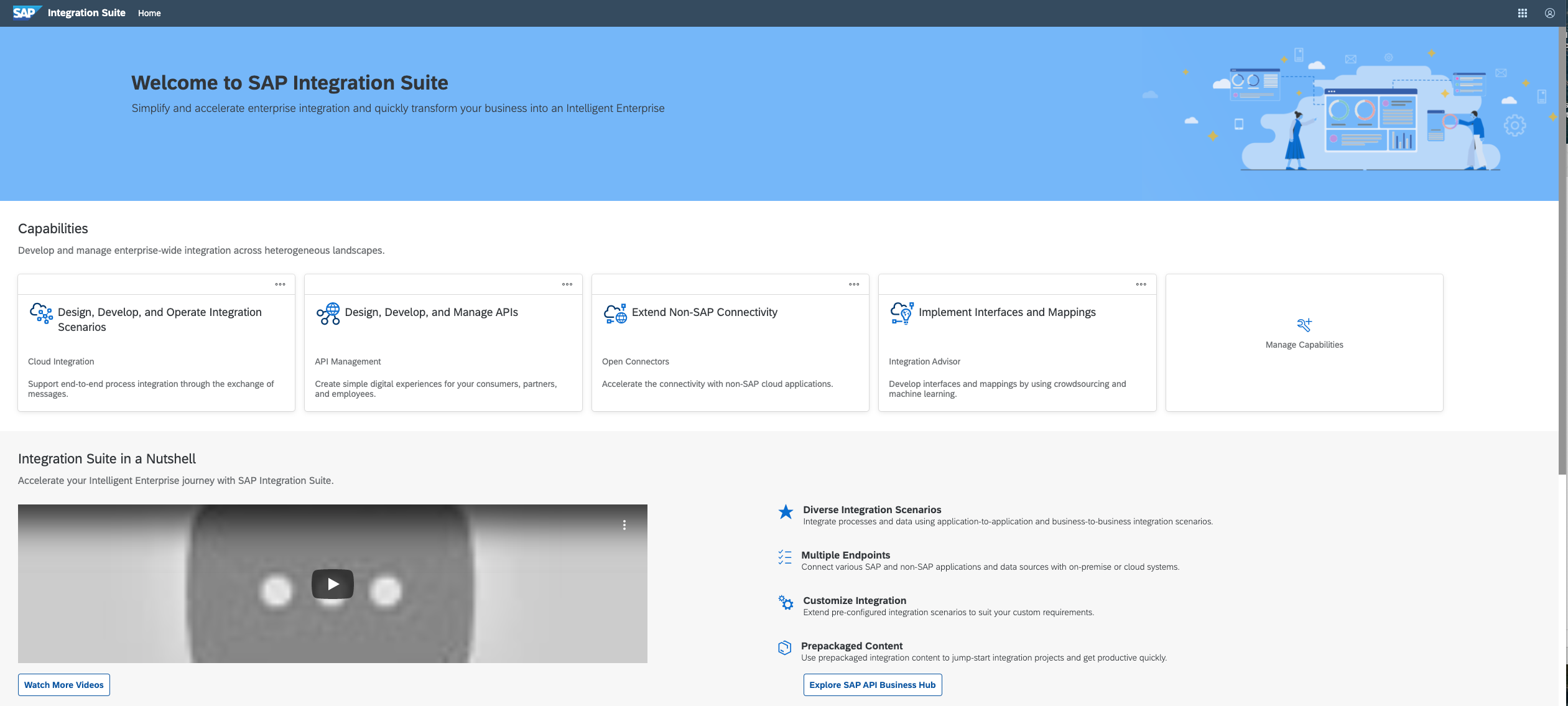
SAP Integration Suite
Score 8.5 out of 10
N/A
SAP Integration Suite is a modern, secure integration platform as a service (iPaaS) that connects applications, data, processes, and AI agents across SAP and non‑SAP environments.
$11,199
per year
Zoho Flow
Score 9.7 out of 10
N/A
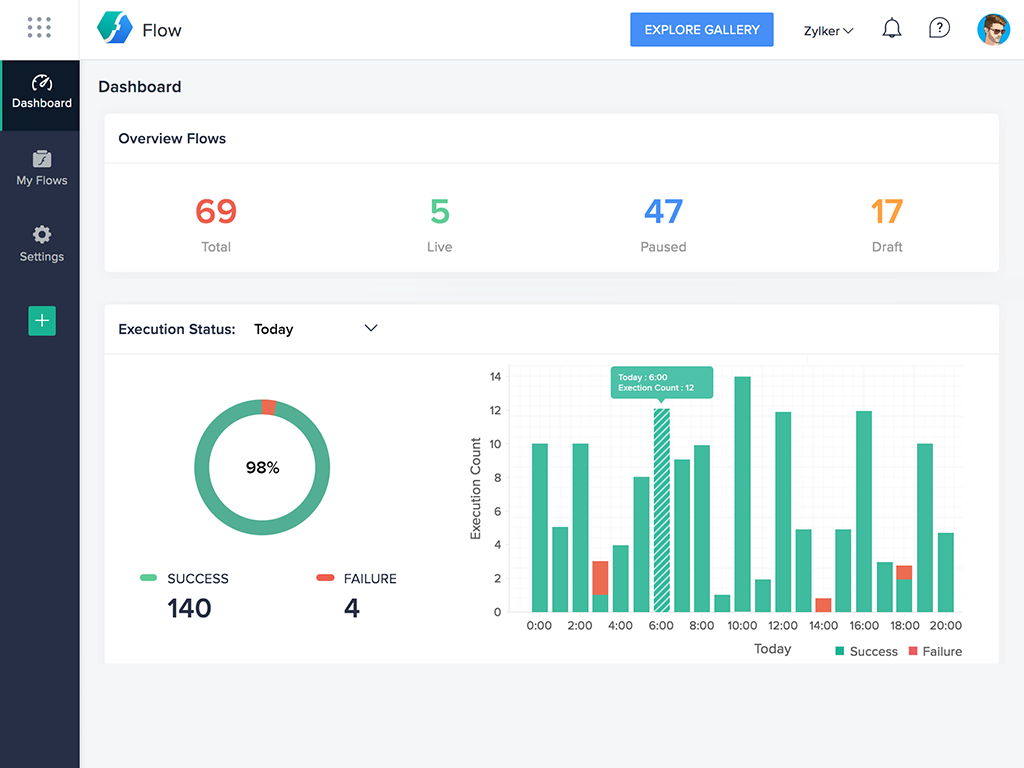
Zoho Flow allows the user to integrate business apps to automate a workflow.
$29
per month (for 5k tasks per month)
Pricing
Okta Workflows
SAP Integration Suite
Zoho Flow
Editions & Modules
No answers on this topic
No answers on this topic
Standard
starting at $29
per month starting with 5k tasks per month
Professional
starting at $49
per month starting with 10k tasks per month
Offerings
Pricing Offerings
Okta Workflows
SAP Integration Suite
Zoho Flow
Free Trial
No
Yes
Yes
Free/Freemium Version
No
No
Yes
Premium Consulting/Integration Services
No
No
Yes
Entry-level Setup Fee
Optional
No setup fee
Optional
Additional Details
—
Access to free tier services does not expire while there is an active Pay-As-You-Go or CPEA account with SAP. Once a free tier service limit has been reached users have the option to update from a free to a paid service plan in the same account.
Discount available for annual pricing. Higher monthly task volume available.
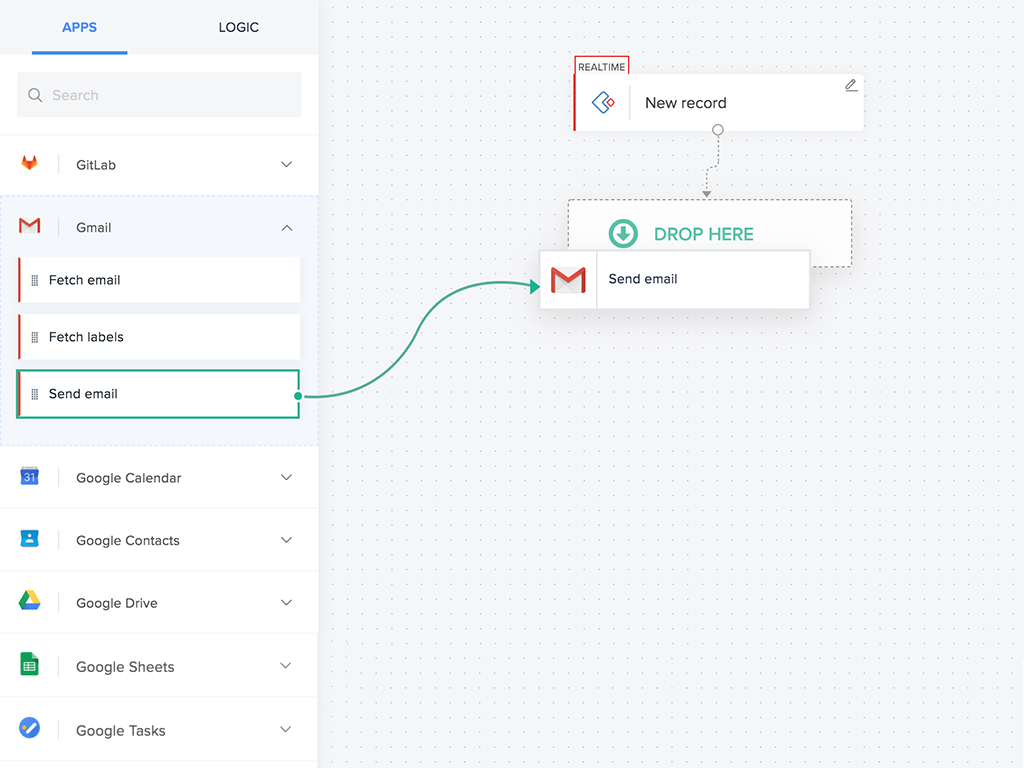
Azuqua is well suited to connect data based systems or to add an extra level of automation to Smartsheet without requiring the control center. It is also well suited for people who don't have in depth understandings of programming. The UI is mostly visual with click and drag systems instead of requiring manually entered variables.
Good at: 1. Integrations with in SAP applications, especially with event based triggers 2. Can be integrated very well with other BTP services to attain Batch processing and store credentials 3. Supports many authentication models Improvements: 1. No version history available compared to as it is available in S4HANA 2. Need a lot of improvement in git hub connections
For small—to medium-sized connections between different applications, Zoho Flow is quick and easy to set up and test. However, as a Flow becomes more complicated with multiple connections and decisions, it becomes more difficult to track errors and faults and manage changes. Some of this is due to the history not being detailed enough, and some is just the UI, where you can't zoom in and out and clearly see connecting lines for flows.
The concept of reduced code to simplify use by less technical teams lowers the barriers to integration and allows teams to collaborate with ideas and concepts much easier
The ability to review simply any error cases simplifies the old approaches of debugging and reviewing large and complex logs
While not strictly part of the platform the support team's efforts to assist, to help clarify issues and then (where necessary) to resolve bugs was a large benefit and a key driver to extend the platform's footprint.
The lack of connection/card documentation. Every card does have a section with details, but they are sometimes lacking.
The help center and community also need some structuring work. Every single connection/app should have a section with detailed documentation regarding its triggers and actions.
The FLO history section needs to be more refined. It sometimes does not load and choosing the date doesn't actually show execution results from that particular day.
Provide more pre-built integrations to use within SuccessFactors or other modules instead of everything having to be custom built
Support is unable to provide advice on custom builds so you often have to engage a 3rd party partner
Works best when you have the functional and technical teams working together. Otherwise, the system is too technical for a functional user to create integration and a technical user not always understand the functional perspective
It is in place, our system integrators are familiar with it, and it fits into the ecosystem. A better user interface, flow build and debugging experience would see it grow, many technical staff do not enjoy using it for this reason, however it is quite capable and powerful behind this one shortcoming.
The system is working as it should, keeping our programs safe from outside hackers. Helping us keep our passwords safe, convenient and already ready to get us logged into the program securely and quickly. Verification that only authorized users are able to access our company's programs. Okta Workflows (Azuqua) is a very good system that has helped our company greatly.
The user interface is messy and not intuitive. It has a steep learning curve, and flows developed around are easy to make a mess with layout and can be difficult to follow. The debugging is also quite difficult, it takes some time to figure out how to follow the flow and examine data. Error handling is also difficult and not intuitive, it is better to let some errors leak and monitor through ALM.
Flow can accomplish almost anything you want to do. It's imperfect, but it could be with just a few more features and better error management/visibility. For someone who's not a developer, this is a no-brainer. Having used other products in the past, like Zapier, this is as easy to use, if not even easier.
The support for SAP Integration Suite is satisfactory. We leverage SAP support through our manage services partner. So far, we have not had many major issues. One concern, to make our rating a ten, would be turnaround time on high priority incidents. SAP Integration Suite drives our key business functions forward. Without a reasonable service level agreement on turnaround, we sometimes find us running into issues running pay, etc.
I've reached out to the support team several times with assistance requests in Zoho Flow. Each time the team has answered my questions promptly and accurately. And because we are mainly integrating other Zoho apps their teams are perfectly positioned to solve our problems.
I had to use the Automate tool for funneling image assets in bulk (tens of thousands) from FTPs into various destinations on an eCommerce platform. The user interface was quite harsh in comparison to Azuqua. Far more text/code line driven.
Before deploying SAP Integration Suite, we assessed Oracle Financial Services Analytics and IBM Risk Analytics. While Oracle had proved its mettle in the exceptional database support and IBM in presenting risk model tools, SAP Integration Suite overwhelmed others by being effortlessly integrated with our existing banking framework.
I've used Zapier and both programs are similar. Zapier has deeper integrations or more apps to integrate with but considering Flow's association with other Zoho apps this does it for us!