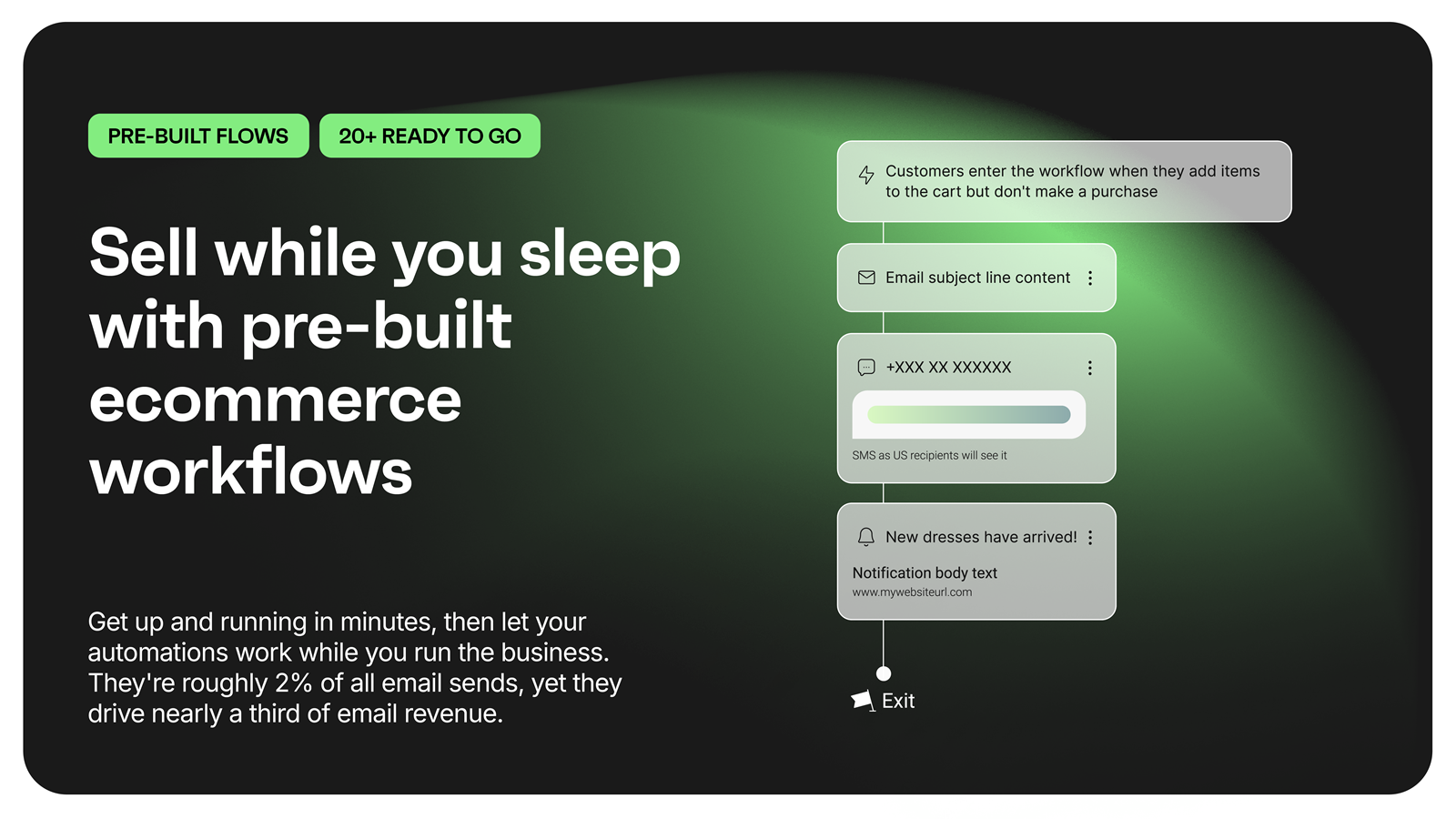
Omnisend is an email and SMS marketing platform with features made to help ecommerce stores grow their audience and sales. It features one-click integration with major ecommerce platforms, pre-made automation and email templates, and 24/7/365 live customer support.
$16
per month 500 contacts, 6,000 emails / month
ReachMail
Score9.9 out of 10
N/A
ReachMail focuses on assisting email marketers in achieving delivery success, and present their services a a guide in the ever-changing world of marketing and transactional email. ReachMail includes tools like optimized time-of-day sending, integrated list hygiene and expert support.
$9
per month
Pricing
Omnisend
ReachMail
Editions & Modules
Free plan
$0
Standard plan
$16
per month
Pro plan
$59
per month
Basic
$9.00
per month
Prro
$29.00
per month
Offerings
Pricing Offerings
Omnisend
ReachMail
Free Trial
No
No
Free/Freemium Version
Yes
No
Premium Consulting/Integration Services
No
No
Entry-level Setup Fee
Required
No setup fee
Additional Details
Omnisend offers three pricing plans: Free, Standard and Pro.
The Free plan is used to explore all of Omnisend's features (emails, SMS, push notifications, popups, segmentation, analytics, etc), send up to 500 emails and push notifications, plus 60 SMS per month at no cost.
The standard plan starts at $16 per month and includes everything in Free, unlimited web push notifications, a customer success manager and 24/7 support.
From $59 per month, the Pro plan can be used to send unlimited emails and push notifications, get advanced reporting features, a dedicated Customer Success Manager, and priority 24/7 support. It also includes free SMS credits equal to the price of the Pro plan selected.
It's kind of an automation workflow, but for example you can set up a popup to appear at a specific time on a specific product page and offer the visitor something. The visitor then signs up and then (after you've set up your automation sequence) that visitor gets a specific welcome page based on the popup they signed up through, and then a specific order confirmation email and everything else flows from that specific popup. That's great because it's allowed us to sort of fine-tune our offerings to get our visitors' emails in the first place and offer, for example, someone browsing a product page for 3 minutes something different than someone staying 20 seconds on the homepage and then leaving.
The free Reachmail account (which I have used for several small organizations) is a good tool where there are limited or zero email marketing dollars, a contact audience of up to 5,000 subscribers, and a max of 15,000 monthly emails. The pricing levels are really reasonable for volume requirements, including custom plans for infrequent mailings. If there are constraints (time and/or design experience) that require a large choice of ready-made contemporary templates without graphic or font modifications, then this probably isn't a good email marketing tool.
A de minimis incentive was given to thank the reviewer for their time. The incentive was not used to bias or drive a particular response, nor was the incentive contingent on a positive endorsement. More Info
Newsletter campaigns - the content editor is the usual one you see on email marketing apps, but it works so smoothly and well. Of course, there's Product Picker that allows you to just pick a product from your store and it goes straight into your newsletter--no need to add images or descriptions. Really easy.
Popups are great because they look amazing right out of the box. It's all pre-filled so if you don't like looking at a blank screen, you can just adapt the wording and it's there. voila!
Automation really is nice and it's the bulk of what we're doing now. It's like second level ecommerce marketing I guess, because you really see after some time how having automated steps can really save you time and make you a lot more money. Omnisend's automations are really good and intuitive and was really easy to learn and implement.
I have a $10 account, but customer support treat me like a princess. They even added a feature to one page to remedy a problem I was having with that page. They care about their customers.
ReachMail Features (or at least, these are the ones I know they have): WYSIWYG Email Editor, Template Management, Mobile Optimized Emails, Dynamic Content, Subscribe/Unsubscribe, Mailing List Management, Drip Campaigns, Auto-Responders, Image Library, A/B Testing, Customer Surveys, CAN SPAM Compliance, Reporting/Analytics.
These folks know what they’re doing. I can’t speak highly enough about ReachMail.
A de minimis incentive was given to thank the reviewer for their time. The incentive was not used to bias or drive a particular response, nor was the incentive contingent on a positive endorsement. More Info
Initial setup wasn't firing right, support issue was handled pretty quickly and easily.
It does not go back and put previous orders/customers into the automation. It will only work with go-forward customers from the time you install the product. (At least that's what the outcome of our support inquiry told us...).
Would like to see more sample templates and campaigns.
A de minimis incentive was given to thank the reviewer for their time. The incentive was not used to bias or drive a particular response, nor was the incentive contingent on a positive endorsement. More Info
There are no batch report downloads. When I have multiple variations and waves in a campaign, I have to download reports individually. I'd like for a way to download one report of all sends during a certain time period, or given another set of parameters.
It would save a lot of time if we had the ability to upload multiple images or assets at once.
There's only a two-level "tree" of organization of lists and suppression lists. It would be great if we had the abililty to nest lists into better categories, rather than having to scroll through one giant list of suppressions or deployment lists. Something like a 2015 folder, then inside that a Business Unit folder, then inside that, a Campaign folder, etc. This would make things much easier to find.
A de minimis incentive was given to thank the reviewer for their time. The incentive was not used to bias or drive a particular response, nor was the incentive contingent on a positive endorsement. More Info
A de minimis incentive was given to thank the reviewer for their time. The incentive was not used to bias or drive a particular response, nor was the incentive contingent on a positive endorsement. More Info
Support is weird. They ask you to keep everything in one thread, but they can't see your replies if they forward it to tech, and things easily get lost. Also tech support is HORRIBLE, they just seem snobby, and give horrible advice liek to test things on a live version vs staging
We can create marketing campaigns that can span across multiple channels so that we can reach more customers regardless of the platform they are using. The system combines multiple channels into a single workflow for maximum engagement. Comes with various features that make it easy to personalize messages based on the customer's journey.
A de minimis incentive was given to thank the reviewer for their time. The incentive was not used to bias or drive a particular response, nor was the incentive contingent on a positive endorsement. More Info
In my opinion, ReachMail is a good competitor to Mailchimp, probably has more features though and analytics to help organize information. There are also a lot more third party integrations that have helped us compared to other apps that we've tried before, but ReachMail has been the most useful, for me personally and my team
A de minimis incentive was given to thank the reviewer for their time. The incentive was not used to bias or drive a particular response, nor was the incentive contingent on a positive endorsement. More Info
A de minimis incentive was given to thank the reviewer for their time. The incentive was not used to bias or drive a particular response, nor was the incentive contingent on a positive endorsement. More Info
None. I signed up for a pay account so only had to spend a dollar for the first month. Even that was a waste as I simply can't send emails out with their forced unsubscribe header. If it was the typical CAN-SPAM footer it would be fine, but it just looks awful.
A de minimis incentive was given to thank the reviewer for their time. The incentive was not used to bias or drive a particular response, nor was the incentive contingent on a positive endorsement. More Info