TrustRadius: an HG Insights company

Save this comparison

Save this comparison

Add Product

Recommended Comparisons

    Overview
    ProductRatingMost Used ByProduct SummaryStarting Price

    OneSpan Sign

    Score9.6 out of 10
    Enterprise companies (1,001+ employees)
    OneSpan Sign (formerly eSignLive) is an e-signature solution for secure document signing processes that enables organizations to digitize business processes and eliminate costly paper and inconvenient “wet” signatures.

    $240

    per year per user

    RMail

    Score10 out of 10
    N/ARMail is RPost’s software-as-a-service solution that enables business users to track and prove email delivery and encrypt sensitive emails. Available as a MS Outlook add-in and for other popular software platforms, RMail works with any email address without any customization required. RMail provides users with a Registered Receipt email record proving delivery status, time of delivery, and exact content.

    $7

    per month

    Pricing
    OneSpan SignRMail
    Editions & Modules
    Free Trial
    $0
    Free for 30 Days
    Professionnal
    $20
    Per User per Month
    Enterprise
    Call for Pricing
    Enterprise
    Call for pricing
    Contract
    RMail Personal
    $7.00
    per user, per month
    RMail Standard
    $15.00
    per user, per month
    Shared Volume
    Varies by Plan
    for 5 or more users
    Offerings
    Pricing Offerings
    OneSpan SignRMail
    Free Trial
    YesYes
    Free/Freemium Version
    NoNo
    Premium Consulting/Integration Services
    YesYes
    Entry-level Setup FeeNo setup feeNo setup fee
    Additional Details——
    More Pricing Information
    Best Alternatives
    OneSpan SignRMail
    Small Businesses
    BoldSign, by Syncfusion
    Score10 out of 10
    Paubox Email Suite
    Score9 out of 10
    Medium-sized Companies
    MSB Docs
    Score9.4 out of 10
    OpenText Core Email Encryption
    Score9.6 out of 10
    Enterprises
    DocuSign
    Score8.7 out of 10
    DataMotion
    Score9.6 out of 10
    All AlternativesView all alternativesView all alternatives
    User Ratings
    OneSpan SignRMail
    Likelihood to Recommend
    10.0
    (38 ratings)
    10.0
    (7 ratings)
    Likelihood to Renew
    8.0
    (8 ratings)
    9.1
    (2 ratings)
    Usability
    10.0
    (2 ratings)
    9.1
    (2 ratings)
    Performance
    -
    (0 ratings)
    9.1
    (1 ratings)
    Support Rating
    7.9
    (3 ratings)
    9.1
    (1 ratings)
    Online Training
    9.1
    (1 ratings)
    -
    (0 ratings)
    Implementation Rating
    -
    (0 ratings)
    6.4
    (2 ratings)
    User Testimonials
    OneSpan SignRMail
    Likelihood to Recommend
    OneSpan
    OneSpan Sign is suited to many professional business situations. It is well used by the legal, security and compliance teams as well as many people within the financial functions. A lot of businesses have become very agile, and require a paperless environment to working. There are some companies and businesses who would prefer paper documents to be signed, which would not work as well as the paperless versions. I would use it in many different scenarios where I would prefer to have a paperless transaction
    Incentivized
    Read full review
    RPost
    RMail is great for sending emails with information that is sensitive but that the recipient is not going to put a lot of work into retrieving. I do psychological evaluations for criminal courts and I use it to send reports to courts and attorneys. I need to use something compatible with HIPAA privacy rules, which courts and attorneys are typically not as concerned about. If they had to use a password or go to an outside web address to retrieve the email, they wouldn't do it. It's also common for an attorney to say they didn't get an email, but I always know if they did or not, and I have clear documentation of it, which is important in legal cases.
    Read full review
    Pros
    OneSpan
    • One can set up a workflow in which one can specify the order in which signatures have to be done.
    • Customer service is great and always ready to go the extra mile.
    • Pricing is very transparent, and there are no hidden charges.
    Read full review
    RPost
    • Read receipts tell you the time a message was actually opened
    • The electronic signature feature is nice, and usually not included with these types of services
    • Many times, a recipient doesn't need a password to open their email. RMail leverages TLS technology in most cases
    • Recipients do have the option of creating an account, but generally they don't need to
    • Outlook integration is very easy to set up
    • Gmail integration within Chrome is pretty amazing
    Read full review
    Cons
    OneSpan
    • Search capabilities can be improved by a great extent. We still can't search documents by name of the signatory
    • Pricing seems a bit high when compared with other players in the market
    • Data importing and exporting capabilities can be improved drastically
    Read full review
    RPost
    • Program plug-in crashes on occasion.
    • Issues can arise if your computer's clock is not synced to RMail's time servers.
    • Setup was initially tedious (but has gotten much better since 2019).
    Incentivized
    Read full review
    Likelihood to Renew
    OneSpan
    I don't see any reasons to change as their solution covers all my need for now. I could make even more integrations but that might be something that I will do down the road. I'm used to working with the interface and my data is all there as well.
    Read full review
    RPost
    I don't think RPost has any competition, at least none that I can use. I think that once registered email becomes widely accepted (someday soon?), it will be indispensable for anyone in business, and RPost is the leading vendor (maybe the only vendor).
    Read full review
    Usability
    OneSpan
    Easy to use design and tool
    Incentivized
    Read full review
    RPost
    It is as simple as downloading a plug-in or installing a chrome extension, then you click a button to use it. The interface is straightforward.
    Read full review
    Performance
    OneSpan
    No answers on this topic
    RPost
    Works well routinely without problems.
    Read full review
    Support Rating
    OneSpan
    The product is so well designed and built that we rarely need to reach out to customer service. But we have reached out to them in case of downtime, and we have always gotten a satisfactory response. We never had to follow up, as customer service executives were very responsible.
    Read full review
    RPost
    Support is easy to access via email or phone. They also reach out to you periodically with new features, but they aren't intrusive about it. I usually appreciate it when I get an email from RMail, which is not very often.
    Read full review
    Implementation Rating
    OneSpan
    No answers on this topic
    RPost
    Works great.
    Read full review
    Alternatives Considered
    OneSpan
    My experience with OneSpan in the customer service has been very positive. However, since my experience with OneSpan is much more recent, most of my technical experience with OneSpan includes technical areas that were not available in other products at the time I was working with other products.
    Incentivized
    Read full review
    RPost
    RMail is really useful when wanting to send important encrypted information, and have control of what happens on the other end. It also comes with a complete set of features that help in any other way you can imagine. I've been through other products, and nothing compares to it.
    Read full review
    Return on Investment
    OneSpan
    • It has done what we got it for. It has made it much easier for our advisers to do business with clients in remote areas.
    • It has significantly reduced the time that it used to take to open a new account.
    Incentivized
    Read full review
    RPost
    • There's not much ROI, because we don't get it much cheaper than the list price.
    • However, being able to offer this service strengthens our service offerings.
    Read full review
    ScreenShots

    OneSpan Sign Screenshots

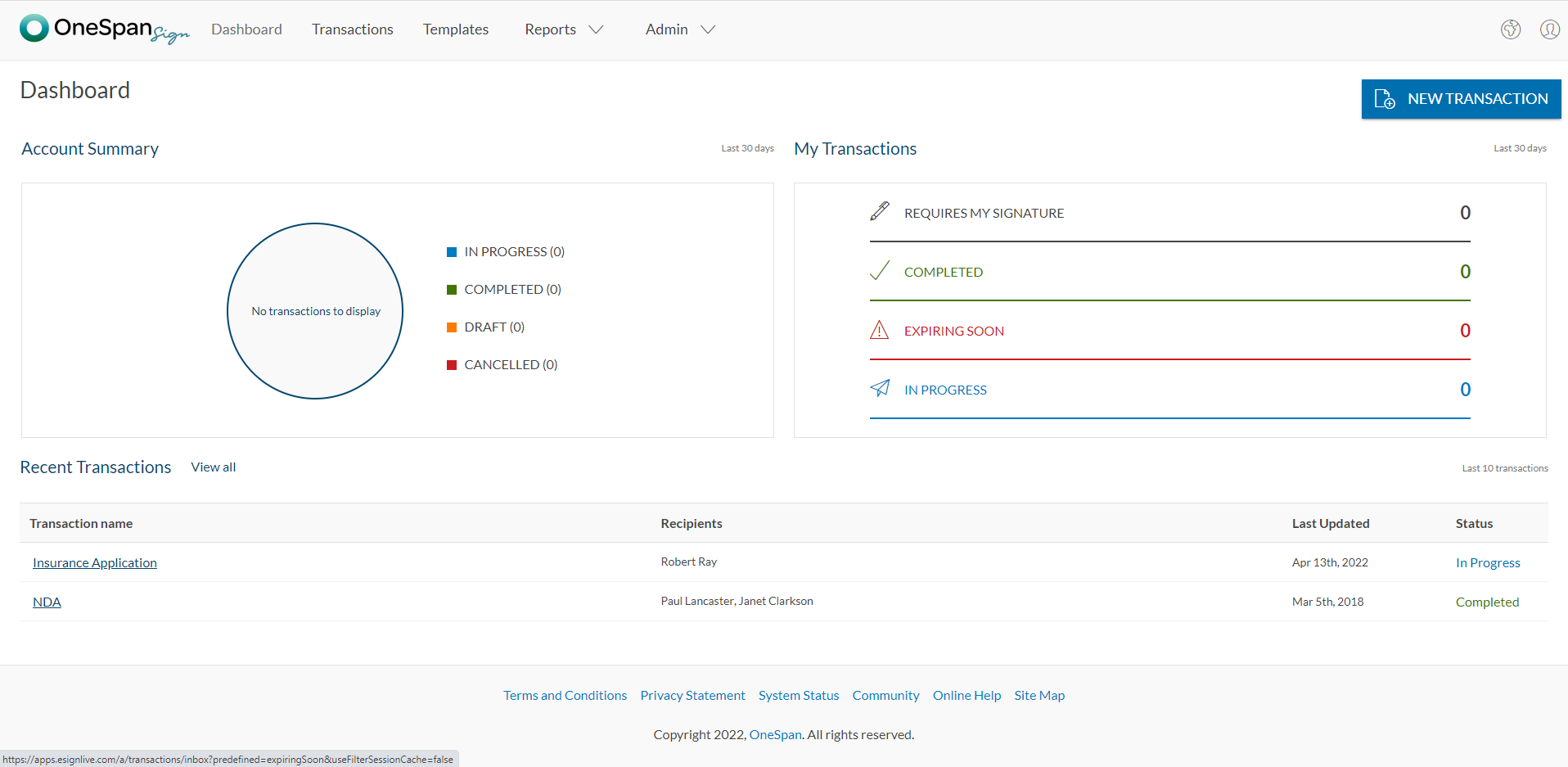
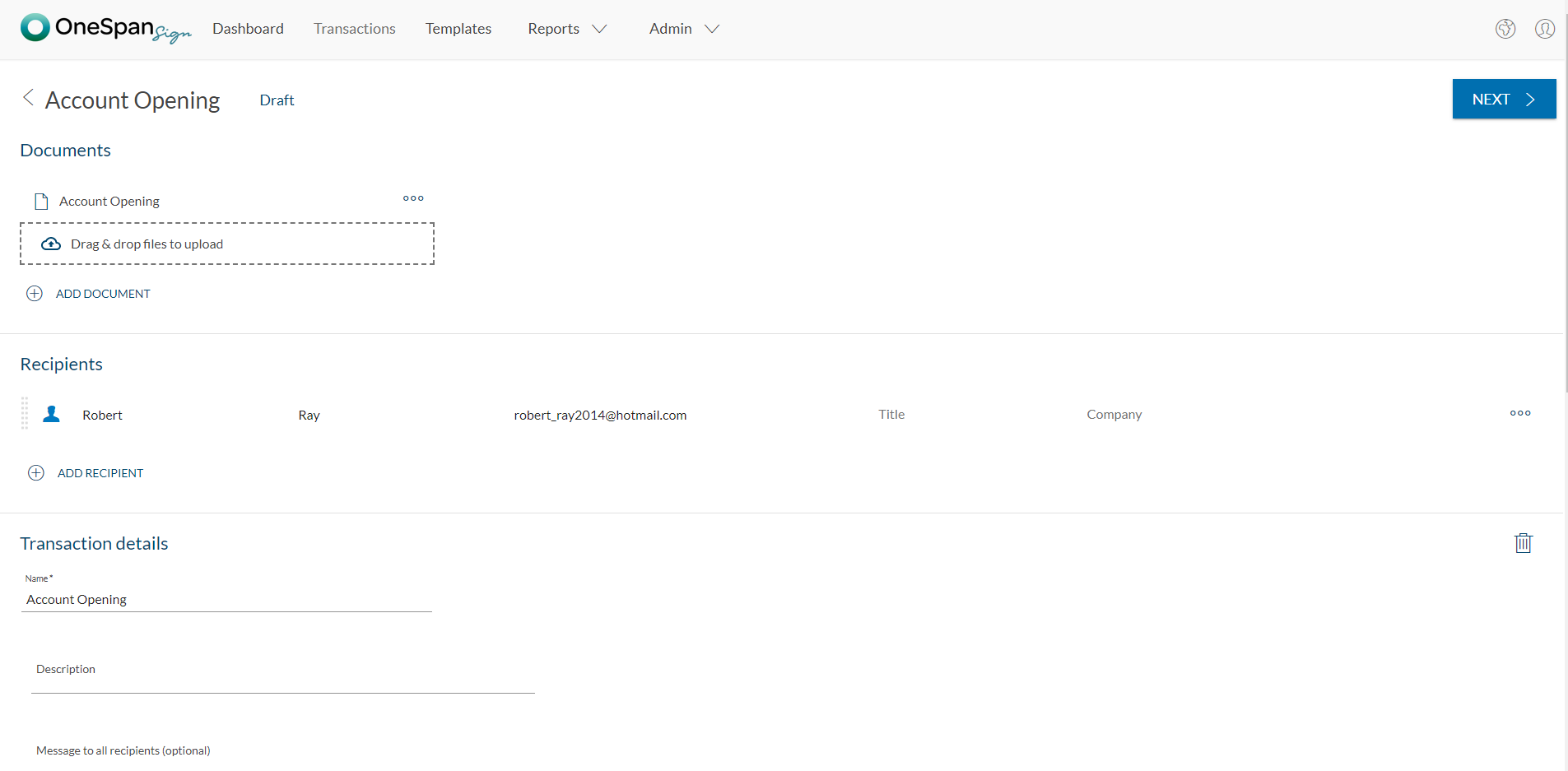
    Screenshot of User initiates the e-signature process by clicking 'New Transaction'.Screenshot of The user adds the necessary documents and signers to the transaction. Additional options like signer authentication & identification, in-person signing, reminders & notifications, and more are available in OneSpan Sign.Screenshot of Add signature blocks to desired locations on your document for your recipients to sign. Simply drag-and-drop the signature blocks into the document. Click the ‘Send to Sign’ button to route your document for signing.Screenshot of The signer can click-to-sign to complete the signing of the account opening application.Screenshot of The signing process is intuitive and easy for your signers. OneSpan Sign offers an optimized signing experience so your signers can sign anywhere, anytime, and across multiple devices.

    RMail Screenshots

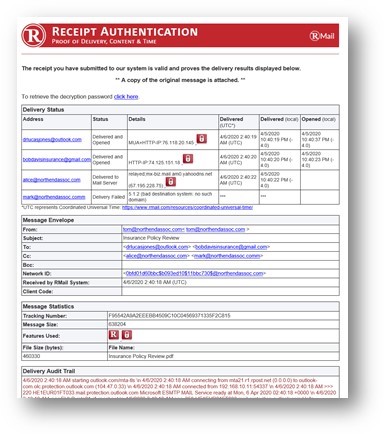
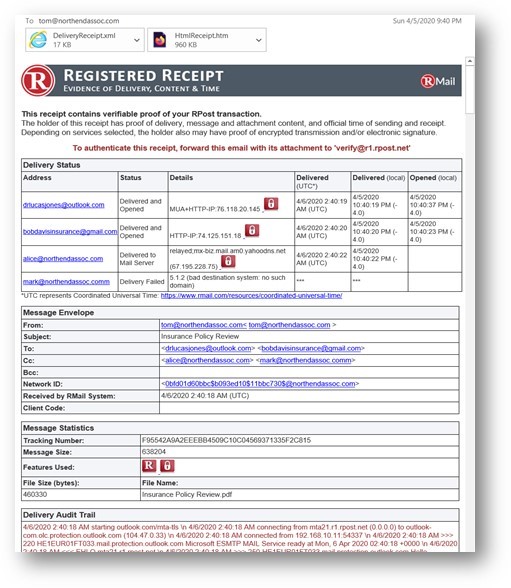
    Screenshot of EMail encryptionScreenshot of Encrypted EmailScreenshot of Large File SharingScreenshot of Receipt AuthenticationScreenshot of Registered ReceiptScreenshot of SideNote