Optimizely Feature Experimentation unites feature flagging, A/B testing, and built-in collaboration—so marketers can release, experiment, and optimize with confidence in one platform.
N/A
Unbounce
Score8.3 out of 10
Mid-Size Companies (51-1,000 employees)
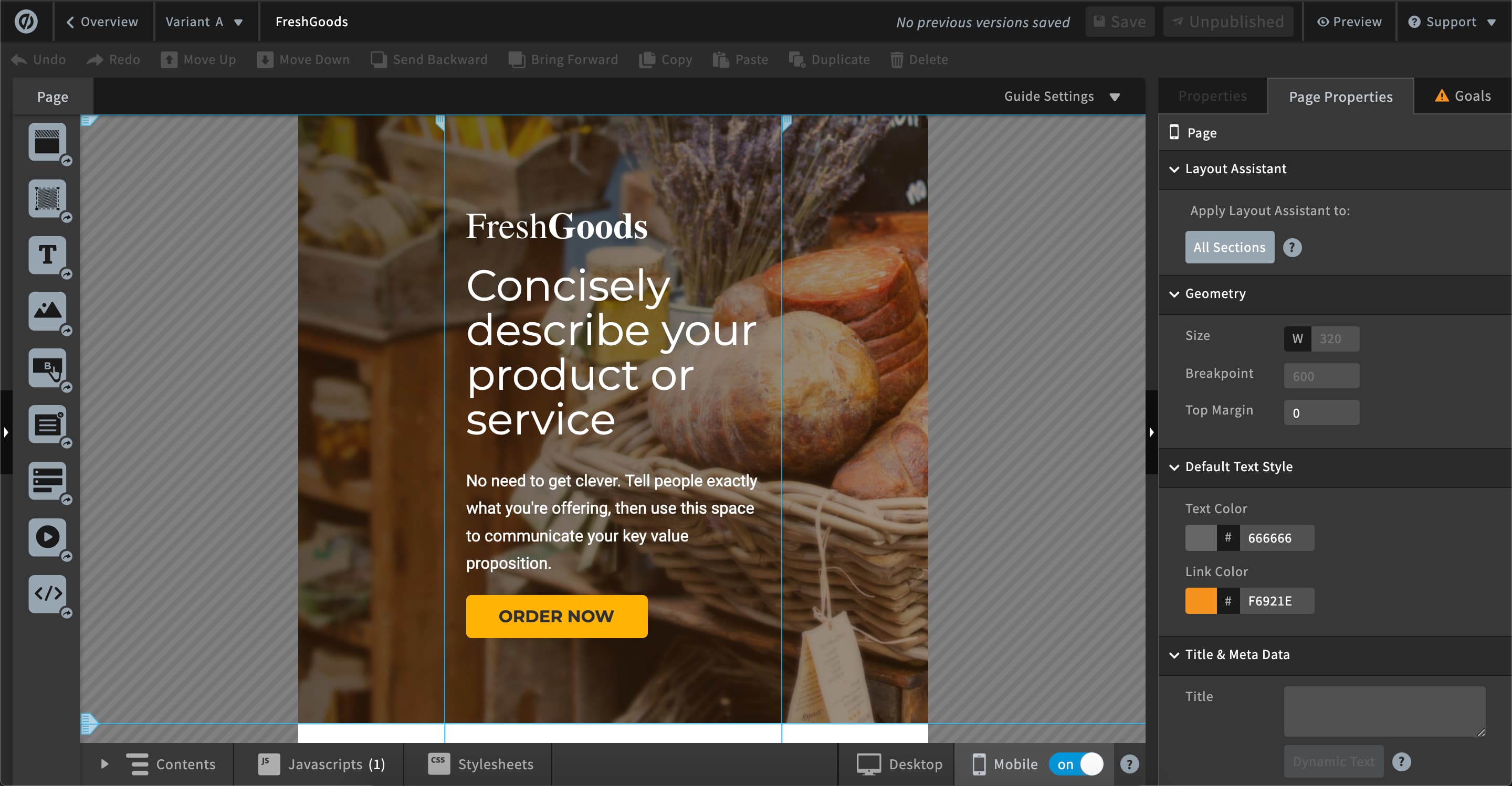
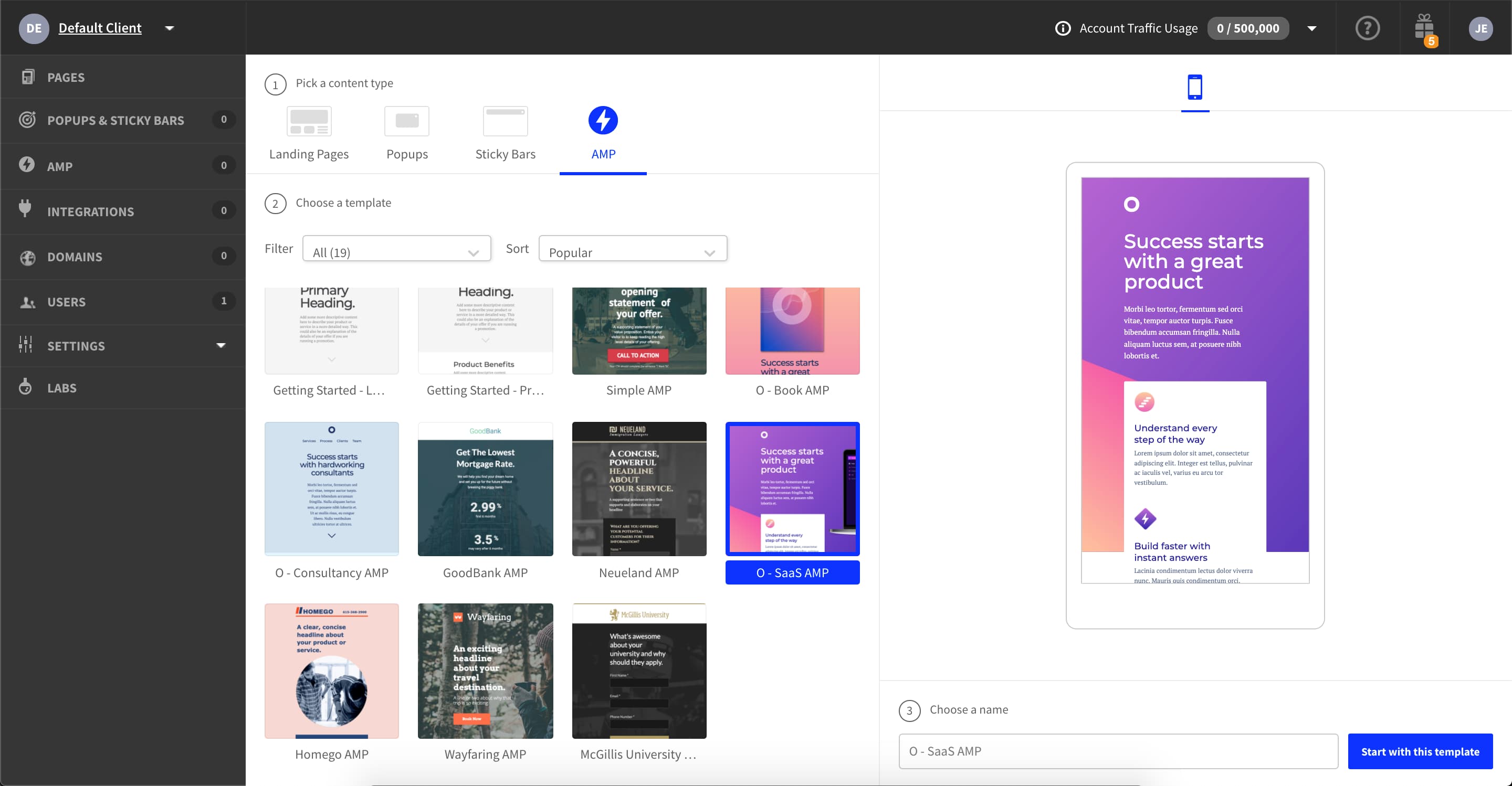
Unbounce is a landing page builder for marketers. Marketers can use the drag and drop platform to create customized, responsive landing pages for their marketing campaigns.
$99
per month
Pricing
Optimizely Feature Experimentation
Unbounce
Editions & Modules
No answers on this topic
Build
$99
per month
Experiment
$149
per month
Optimize
$249
per month
Agency
Contact Sales
Offerings
Pricing Offerings
Optimizely Feature Experimentation
Unbounce
Free Trial
No
Yes
Free/Freemium Version
Yes
No
Premium Consulting/Integration Services
Yes
Yes
Entry-level Setup Fee
Required
Optional
Additional Details
—
All plans include: Unlimited conversions, Unlimited subdomains, 1000+ integrations, Built-in AI copywriting, and Customer support. Discount available for annual pricing.
Based on my experience with Optimizely Feature Experimentation, I can highlight several scenarios where it excels and a few where it may be less suitable. Well-suited scenarios: - Multi-Channel product launches - Complex A/B testing and feature flag management - Gradual rollout and risk mitigation Less suited scenarios: - Simple A/B tests (their Web Experimentation product is probably better for that) - Non-technical team usage -
A de minimis incentive was given to thank the reviewer for their time. The incentive was not used to bias or drive a particular response, nor was the incentive contingent on a positive endorsement. More Info
As I am using this platform for a long time, I believe I am happy with the services I am getting from this outstanding software. It has made my landing page experience better than ever without any coding knowledge to apply. It has upgraded my business in a positive direction and I believe I am using this software for many years to come.
A de minimis incentive was given to thank the reviewer for their time. The incentive was not used to bias or drive a particular response, nor was the incentive contingent on a positive endorsement. More Info
It is easy to use any of our product owners, marketers, developers can set up experiments and roll them out with some developer support. So the key thing there is this front end UI easy to use and maybe this will come later, but the new features such as Opal and the analytics or database centric engine is something we're interested in as well.
A de minimis incentive was given to thank the reviewer for their time. The incentive was not used to bias or drive a particular response, nor was the incentive contingent on a positive endorsement. More Info
AB testing is simple to set up. Clone a page make your changes and pit one or more against each other. Set the number of views and you're told the winner once the test is done. Simple
Tracking code is easy to add. Follow the straightforward instructions in the back end
Easy to add multiple domains to your account. So you can use the landing pages you build on numerous sites if you so desire
A de minimis incentive was given to thank the reviewer for their time. The incentive was not used to bias or drive a particular response, nor was the incentive contingent on a positive endorsement. More Info
Would be nice to able to switch variants between say an MVT to a 50:50 if one of the variants is not performing very well quickly and effectively so can still use the standardised report
Interface can feel very bare bones/not very many graphs or visuals, which other providers have to make it a bit more engaging
Doesn't show easily what each variant that is live looks like, so can be hard to remember what is actually being shown in each test
A de minimis incentive was given to thank the reviewer for their time. The incentive was not used to bias or drive a particular response, nor was the incentive contingent on a positive endorsement. More Info
One of the cons of Unbouncewas the learning curve. We are very familiar now with the ends and outs but in the beginning, it would have been super helpful to have some sore of learning up front.
The pricing structure is not great for our particular organization. We will never need unlimited page views but we do often need more landing pages we make it work but the pricing model could be improved.
The reporting could be a little better. We supplement with some of our own trackings but for the most part, the reporting from Unbounce is a basic level understanding of how the page is performing.
A de minimis incentive was given to thank the reviewer for their time. The incentive was not used to bias or drive a particular response, nor was the incentive contingent on a positive endorsement. More Info
A de minimis incentive was given to thank the reviewer for their time. The incentive was not used to bias or drive a particular response, nor was the incentive contingent on a positive endorsement. More Info
The nonprofit discount makes it so affordable that my client was happy to continue their subscription all year round. They have used it to build landing pages to capture expressions of interest for their next recruitment window. It hasn't quite produced the sort of results we were hoping for, but I'm not sure that's Unbounce's fault.
A de minimis incentive was given to thank the reviewer for their time. The incentive was not used to bias or drive a particular response, nor was the incentive contingent on a positive endorsement. More Info
Easy to navigate the UI. Once you know how to use it, it is very easy to run experiments. And when the experiment is setup, the SDK code variables are generated and available for developers to use immediately so they can quickly build the experiment code
A de minimis incentive was given to thank the reviewer for their time. The incentive was not used to bias or drive a particular response, nor was the incentive contingent on a positive endorsement. TR verified that a representative sample of customers was invited. More Info
Unbounce made it easy for my team to build landing pages for website and email. We gained valuable A/B testing insights and gathered information from visitors effectively converting them to leads. The Editor is straight forward and I was able to learn to use it on my own without instruction. CRM integration was easy and consistently worked.
A de minimis incentive was given to thank the reviewer for their time. The incentive was not used to bias or drive a particular response, nor was the incentive contingent on a positive endorsement. More Info
Unbounce customer support is very strong. We have been able to connect with them via email and telephone mediums. They are very knowledgeable and can effectively help resolve difficult problems that are slowing us down. Overall Unbounce customer support is very professional. Our wait times have always been small or at least reasonable.
A de minimis incentive was given to thank the reviewer for their time. The incentive was not used to bias or drive a particular response, nor was the incentive contingent on a positive endorsement. More Info
A de minimis incentive was given to thank the reviewer for their time. The incentive was not used to bias or drive a particular response, nor was the incentive contingent on a positive endorsement. More Info
Choose a subdomain that is appropriate for multiple types of pages. You don't want to have to keep changing it. Think about using Google Tag Manager to manage your Google Analytics code and event tracking. Build one landing page to completion. Then make a copy of it if you need to create variant pages.
A de minimis incentive was given to thank the reviewer for their time. The incentive was not used to bias or drive a particular response, nor was the incentive contingent on a positive endorsement. More Info
When Google Optimize goes off we searched for a tool where you can be sure to get a good GA4 implementation and easy to use for IT team and product team. Optimizely Feature Experimentation seems to have a good balance between pricing and capabilities. If you are searching for an experimentation tool and personalization all in one... then maybe these comparison change and Optimizely turns to expensive. In the same way... if you want a server side solution. For us, it will be a challenge in the following years
A de minimis incentive was given to thank the reviewer for their time. The incentive was not used to bias or drive a particular response, nor was the incentive contingent on a positive endorsement. More Info
Despite my review for unbounce being not the greatest review or score in the world, when stacked up against its two biggest competitors, I'd prefer Unbounce over Leadpages and Instapage. Leadpages drag and drop editor, integrations, and overall UI/UX is 10x worse than unbounce and unbounce really leads in the category of nice templates and quickness to a production landing page with much better options and integrations.
A de minimis incentive was given to thank the reviewer for their time. The incentive was not used to bias or drive a particular response, nor was the incentive contingent on a positive endorsement. More Info
A de minimis incentive was given to thank the reviewer for their time. The incentive was not used to bias or drive a particular response, nor was the incentive contingent on a positive endorsement. TR verified that a representative sample of customers was invited. More Info
We have improved various metrics throughout the course of our experimentation program with Optimizely and therefore sharing numbers is tricky. Essentially we only implement versions of the product that perform the best in terms of CVR, revenue/visitor, ATV, average order value, average basket size and so forth dependent on the north star we are trying to move with each release.
A de minimis incentive was given to thank the reviewer for their time. The incentive was not used to bias or drive a particular response, nor was the incentive contingent on a positive endorsement. More Info
Unbounce has positively impacted PPC Director's ability to provide clientele with the service of building informative, relevant, and high-converting landing pages. For instance, the traceable effectiveness of landing pages built by PPC Director in Unbounce remains directly correlated to long-term client retention.
A de minimis incentive was given to thank the reviewer for their time. The incentive was not used to bias or drive a particular response, nor was the incentive contingent on a positive endorsement. More Info