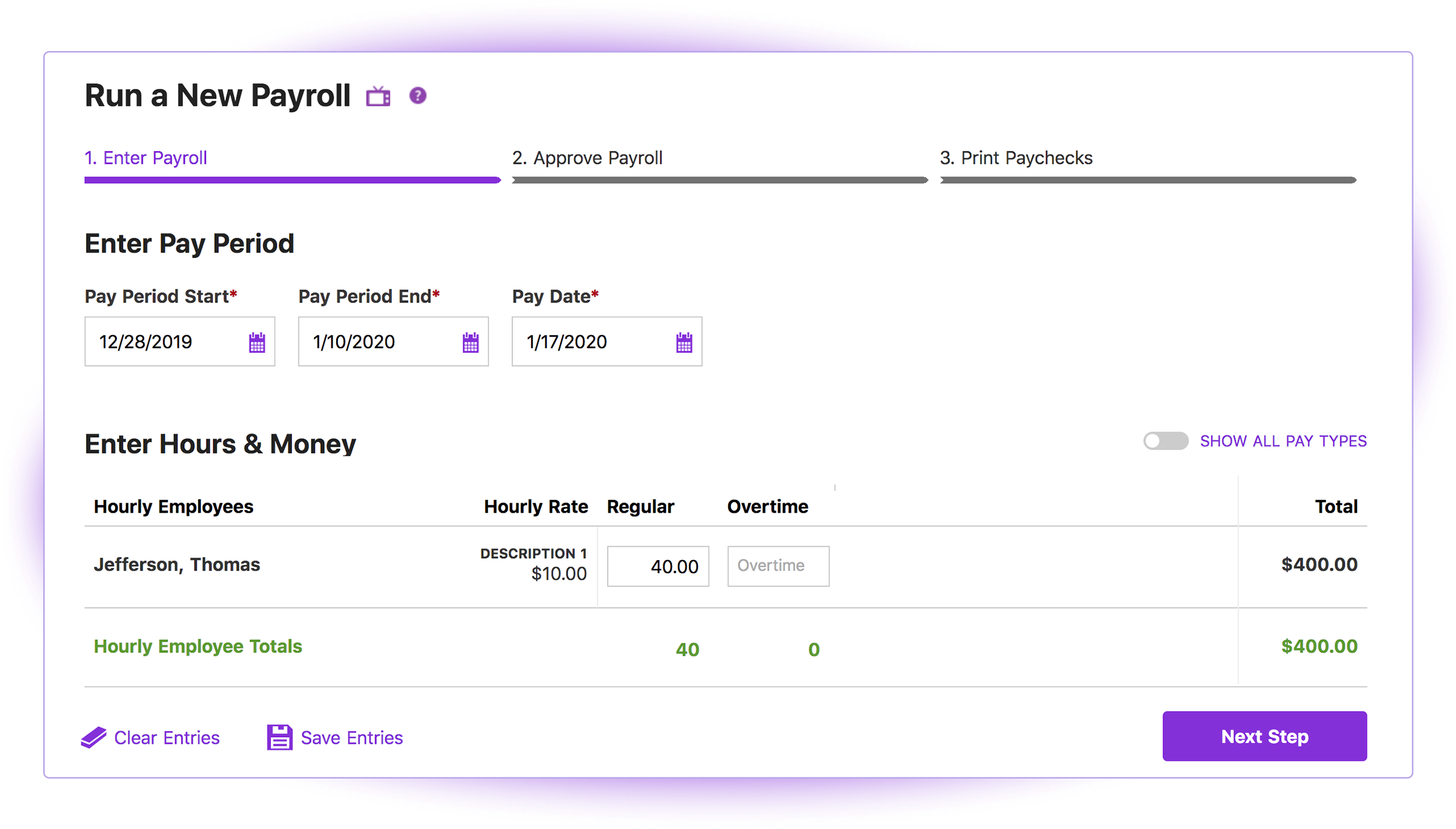
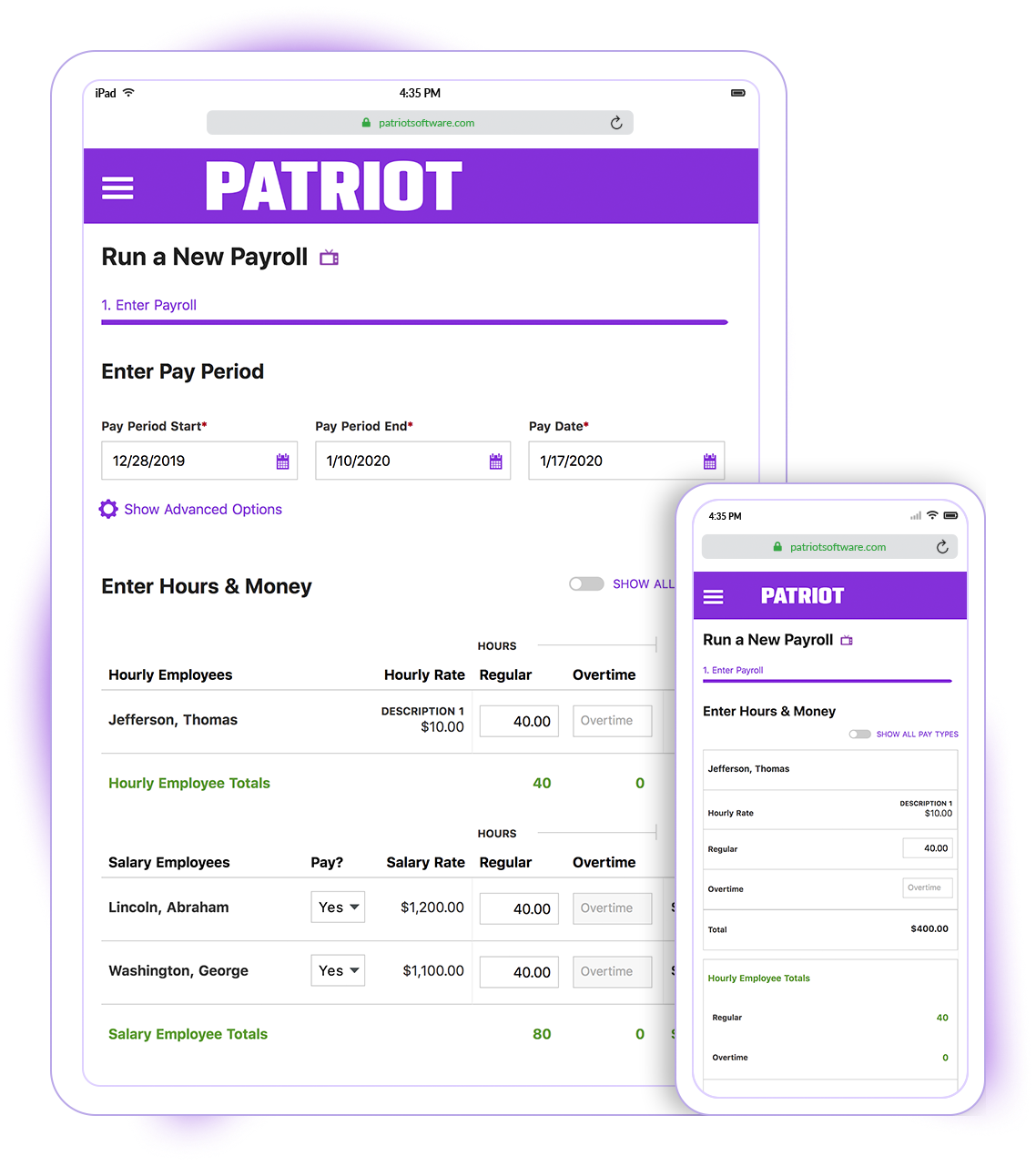
Patriot Software headquartered in Canton, Ohio offers Patriot PAY, their benefits administration and payroll software.
$17
per month
QuickBooks Time
Score8.8 out of 10
N/A
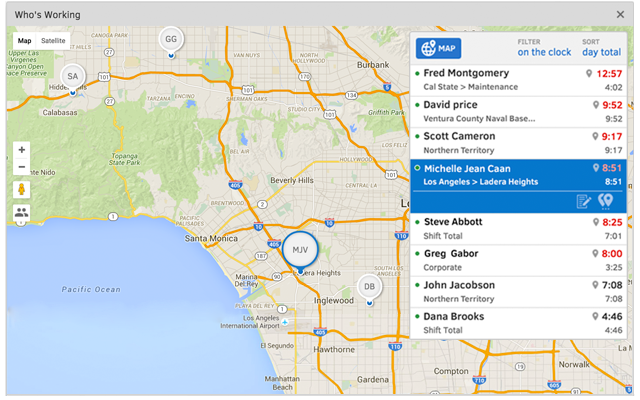
QuickBooks Time (formerly TSheets) is a cloud-based time tracking and scheduling app that allows employees to clock in and out from the job site with the devices they’ve already got in their pockets. The vendor aims to help companies replace paper timesheets with accurate, electronic time data as well as make payroll and invoicing faster and less costly. QuickBooks Time also accurately tracks time and GPS points (even without cell or internet service) then automatically syncs when back…
$0
1 user, unlimited projects
Pricing
Patriot Payroll
QuickBooks Time
Editions & Modules
Basic Payroll
$17/mo + $4 per employee/contractor
Accounting Basic
$20/mo (unlimited use)
Accounting Premium
$30/mo (unlimited use)
Full Service Payroll
$37/mo + $4 per employee/contractor
Free
$0
1 user, unlimited projects
Premium
$8
per user/month + $20 base fee/month (paid annually)
Elite
$10
per user/month + $40 base fee/month (paid annually)
Offerings
Pricing Offerings
Patriot Payroll
QuickBooks Time
Free Trial
Yes
Yes
Free/Freemium Version
No
Yes
Premium Consulting/Integration Services
No
No
Entry-level Setup Fee
No setup fee
No setup fee
Additional Details
Patriot Software has two payroll options to choose from: Basic Payroll, and Full Service payroll software. Both start with a simple three-step payroll process. With the Full Service Payroll, Patriot will collect, deposit, and file federal, state, and local payroll taxes on the customer's behalf; end-of-the-year payroll tax filing is included at no extra charge.
Print W2s on 8 x 1/2 x 11 plain white office paper to hand to employees, or post to the free employee portal. Also, Patriot Software offers free direct deposit.
Patriot PAY is well-suited to a company that has a 10-day window between the end of the pay period and the payday. The company size makes very little difference and it is easy to use for any company. It is also very progressive in development and improvement. If a company has a small window for turn-around, but fairly consistent payroll amounts (such as a lot of salary workers), Patriot PAY might also be a good fit for them.
Companies with tight turn-around times or payrolls that vary significantly in direct deposit amounts might have difficulty using Patriot PAY.
A de minimis incentive was given to thank the reviewer for their time. The incentive was not used to bias or drive a particular response, nor was the incentive contingent on a positive endorsement. More Info
It would be very useful for certain remote jobs that require a high level of presence, as in the case of web development, or remote maintenance sessions, so that when reviewing the work data it is possible to ensure that there will be no failures. By being able to include files in the management, from the equipment tab, it is possible to fully control the hours in which each change in these files were made.
A de minimis incentive was given to thank the reviewer for their time. The incentive was not used to bias or drive a particular response, nor was the incentive contingent on a positive endorsement. More Info
It is simple, intuitive and straightforward in its design. Someone with little experience with roles in human resources roles, bookkeeping or payroll can quickly learn how to set-up the software and run payroll regularly by reading through the support portion of the site, or by contacting the helpful staff at Patriot. Patriot staff have walked me through issues or guided me on the phone as I learned how to use a function of the software.
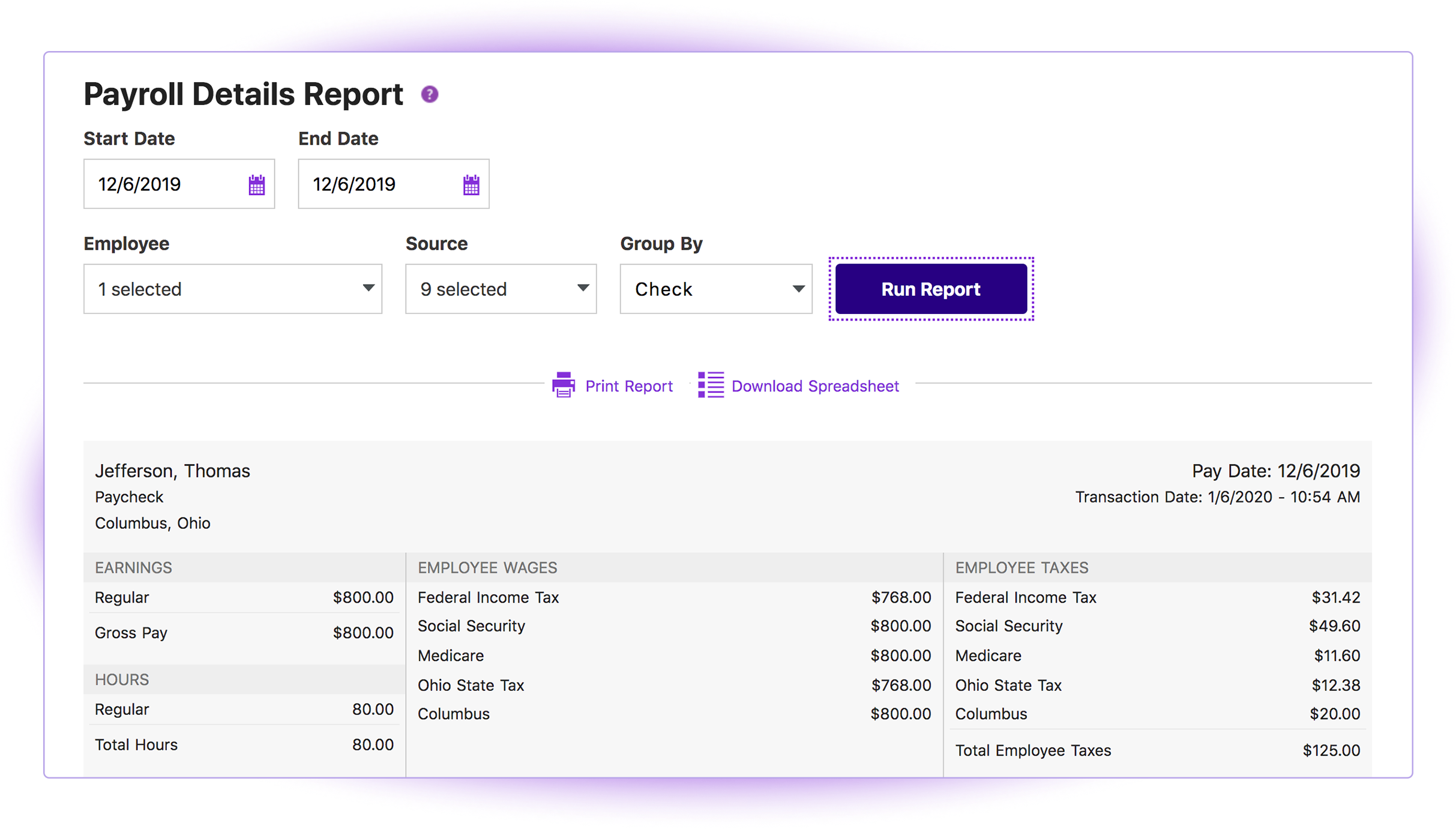
Patriot provides comprehensive quarterly tax filing records, including 941s, state unemployment compensation tax payments, state employer's tax and local employer's tax filings. You can also generate payroll or tax deposit reports over a specific time period or per employee.
The support and FAQ pages available on Patriot are very practical and written in an easy to understand manner. Using the information provided there, I was able to properly set up new employees according to local and state filing requirements.
A de minimis incentive was given to thank the reviewer for their time. The incentive was not used to bias or drive a particular response, nor was the incentive contingent on a positive endorsement. More Info
Support (their help desk team is incredibly helpful and always quick to respond).
Ease of access and use (the app is user-friendly an intuitive, and the desktop version is equally as approachable).
Manager functionality (it's useful to be able to clock employees in and out at multiple events on the same day by sorting them into different groups by manager/event).
A de minimis incentive was given to thank the reviewer for their time. The incentive was not used to bias or drive a particular response, nor was the incentive contingent on a positive endorsement. More Info
Connecting with outside software - we have an issue of Patriot not recognizing donors when connected to other websites when all the information is the same minus a middle initial
Giving an error page when something small is off. Instead of giving an easy to fix error notification, Patriot brings the user to an error page and they have to reenter everything.
Fixing dates easily. If a date is entered incorrectly, 8/13/21 instead of 2021, an error pop up appears but the user has to click enter/okay many times or refresh the page in order to fix this issue.
Enter vs Tab key - Patriot loves the tab key but if the user clicks enter instead, many times it brings them to the home page.
A de minimis incentive was given to thank the reviewer for their time. The incentive was not used to bias or drive a particular response, nor was the incentive contingent on a positive endorsement. More Info
The desktop version of the TSheets schedule does not have a search feature. This makes it challenging to find things you are looking for without extra work
The app can be a bit buggy. Though it is a great app, there are many reasons that the app will stop syncing and can cause problems with staff scheduling
A de minimis incentive was given to thank the reviewer for their time. The incentive was not used to bias or drive a particular response, nor was the incentive contingent on a positive endorsement. More Info
A de minimis incentive was given to thank the reviewer for their time. The incentive was not used to bias or drive a particular response, nor was the incentive contingent on a positive endorsement. More Info
TSheets tech support people, like Shawn Sommer, from Tsheets. She has been instrumental, after terminating the person in charge of TSheets I was left with a learning curve too high to climb but after 10 mins of her instructions I was able to make payroll in no time. She cleared all errors that nobody had fixed before. TSheets is not a vendor for me, TSheets is my partner in business. Thank you TSheets.
I think it is great once things are setup as for general user looking to look for simple things like a copy of a paystub or a current pay rate for an employee. However, to find specialized things like a state withholding number or payroll integration settings those do require a bit more digging to find or possibly a call to customer service for help.
A de minimis incentive was given to thank the reviewer for their time. The incentive was not used to bias or drive a particular response, nor was the incentive contingent on a positive endorsement. More Info
Our employees find TSheets easy to use and spend minimal time at reporting hours using it. As an administrator and user of the TSheets "data and information" I am extremely positive on the functionality and reporting that it has provided me. From its ease of set-up to training to reporting, TSheets has made us so much more efficient from an administration standpoint
A de minimis incentive was given to thank the reviewer for their time. The incentive was not used to bias or drive a particular response, nor was the incentive contingent on a positive endorsement. More Info
Generally speaking it is pretty good that when I need to call somebody up for a payroll question I can generally within five minutes get somebody on the phone and they can help me resolve the problem or specify where specifically I need to go or contact to find my answers. However, that being said, for my specific situation as a partner my assigned contact has not always been very responsive.
A de minimis incentive was given to thank the reviewer for their time. The incentive was not used to bias or drive a particular response, nor was the incentive contingent on a positive endorsement. More Info
I have never failed to have an issue resolved within minutes of contacting Support. Jen D recently assisted my with an export issue and I was back on track in less the 10 minutes. She was knowledgable and thought about the current and future contexts of the issue and assured there would be no recurrence next payroll.
A de minimis incentive was given to thank the reviewer for their time. The incentive was not used to bias or drive a particular response, nor was the incentive contingent on a positive endorsement. More Info
I briefly used Intuit Online Payroll, and it was expensive, had no support, and was very frustrating to use. I also used 3 local tax companies for payroll - they were extremely expensive and messed up all of the time. Their employee turnover was very annoying (and it seemed to happen every other month) and each employee did things differently. When I let one of my employees go, the last company paid them after termination (2 weeks of salary), and had to get into a legal battle because the employee would not give the money back.
A de minimis incentive was given to thank the reviewer for their time. The incentive was not used to bias or drive a particular response, nor was the incentive contingent on a positive endorsement. More Info
Besides Intuit Payroll (Sage), the only program I've used is WorkBrain through Menards, and it's more as a scheduling guideline for management, employees don't use it to punch in or out or record hours. However, WorkBrain does show scheduling and it matches with a punch clock to record those hours. Every other place I've used has used either punch clocks or handwritten time cards. I think the TSheets is modern, user-friendly, convenient, accessible, and cost-effective for the owners. It also streamlines payroll for the Accountant instead of manually entering all hours for multiple employees by hand into a software program like Sage.
A de minimis incentive was given to thank the reviewer for their time. The incentive was not used to bias or drive a particular response, nor was the incentive contingent on a positive endorsement. More Info
A de minimis incentive was given to thank the reviewer for their time. The incentive was not used to bias or drive a particular response, nor was the incentive contingent on a positive endorsement. More Info
A de minimis incentive was given to thank the reviewer for their time. The incentive was not used to bias or drive a particular response, nor was the incentive contingent on a positive endorsement. More Info