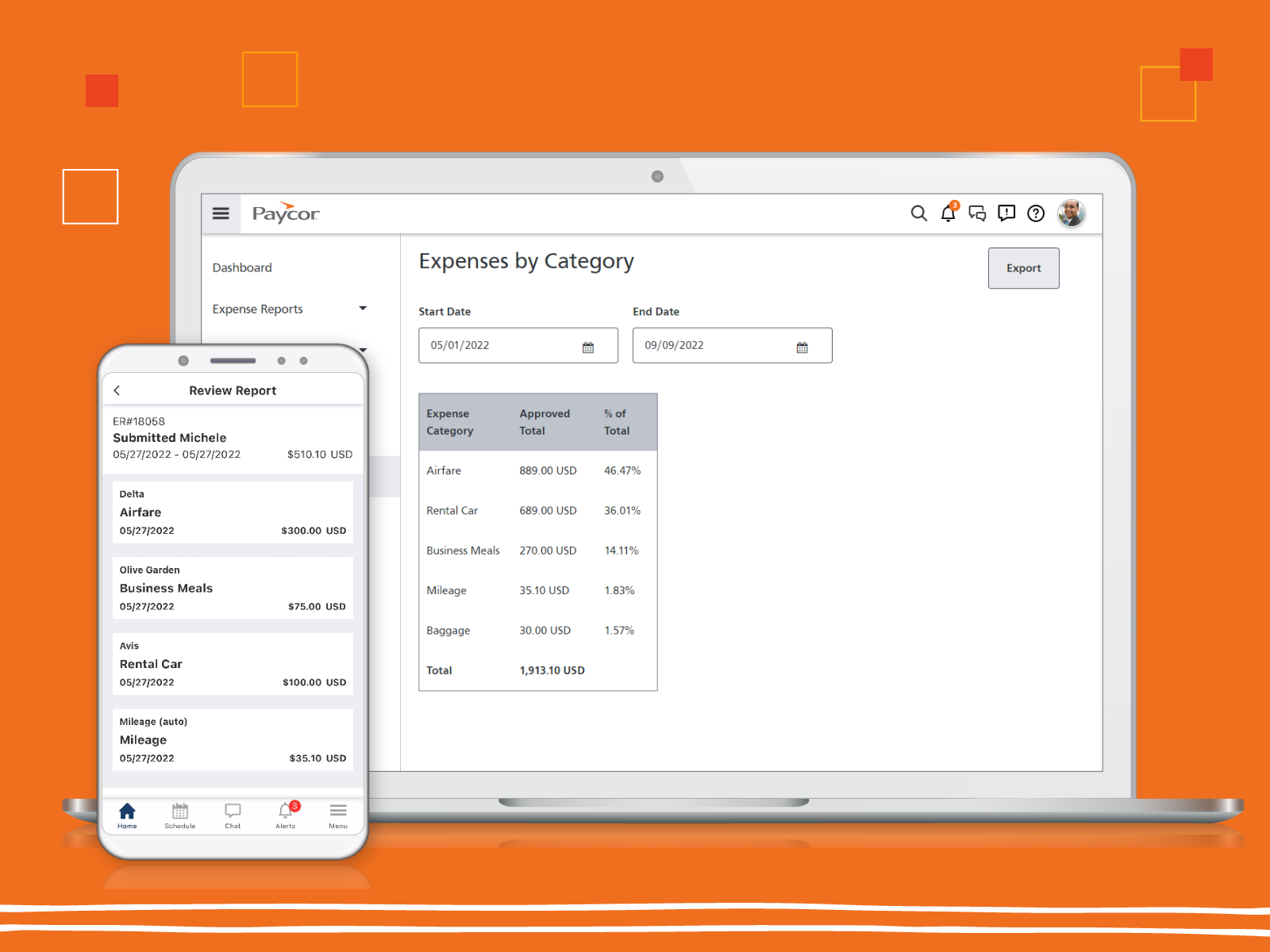
Paycor provides core HR functions scaled towards small and mid-sized businesses. Paycor offers an integrated benefits platform for interfacing directly with insurance carriers and an adaptable time management platform.
N/A
Proliant
Score8.8 out of 10
N/A
Proliant provides a cloud-based human capital management solution designed to simplify payroll and HR processes, improves accuracy, and ensures industry compliance. Proliant is an all-in-one solution for workforce and talent management across the entire employment life cycle. Specializing in payroll, Proliant helps users pay people accurately, on time, and without risk from the IRS, supporting tax filings, contractor payments, and unlimited payroll runs. Proliant also streamlines…
N/A
Pricing
Paycor
Proliant
Editions & Modules
No answers on this topic
No answers on this topic
Offerings
Pricing Offerings
Paycor
Proliant
Free Trial
Yes
No
Free/Freemium Version
No
No
Premium Consulting/Integration Services
Yes
No
Entry-level Setup Fee
Optional
No setup fee
Additional Details
Paycor's pricing for small, mid, and enterprise companies varies based on product bundle and company size. Because Paycor HR software is built to help businesses scale and grow, plans are based on the mix of HR products needed, and company size. Payroll is at the core of Paycor's offering, and their products are sold as a part of their payroll and HR platform.
A de minimis incentive was given to thank the reviewer for their time. The incentive was not used to bias or drive a particular response, nor was the incentive contingent on a positive endorsement. TR verified that a representative sample of customers was invited. More Info
Proliant
Verified User
Chose Proliant
As far as functionality and performance under the standard, but pricing, they are the best!
A de minimis incentive was given to thank the reviewer for their time. The incentive was not used to bias or drive a particular response, nor was the incentive contingent on a positive endorsement. More Info
Verified User
Chose Proliant
I think Proliant provides the best customer service out of any platform I have used. There are, however, some areas where there could be improvement. It is difficult to enter Holidays, and the add or remove PTO. The ease of connection with the Benefits Portal is a plus as well …
A de minimis incentive was given to thank the reviewer for their time. The incentive was not used to bias or drive a particular response, nor was the incentive contingent on a positive endorsement. TR verified that a representative sample of customers was invited. More Info
Paycor has been a blessing overall for our company, but some tickets have sat, and while communication has happened, it takes longer than we'd like, which makes us feel deprioritized. The webinar that discussed what is coming down the line for Paycor, including integration into accounting systems, was so exciting. I also feel the trust being shown in Paycor is justified, and that they are best in the industry at staying on top of security.
Overall, I would generally recommend Proliant to a colleague as I think the system and structure has great bones and is generally very easy to use. However, if a colleague was needing a system with a robust reporting system or access to immediate support, I would be less likely to recommend the system.
A de minimis incentive was given to thank the reviewer for their time. The incentive was not used to bias or drive a particular response, nor was the incentive contingent on a positive endorsement. More Info
A de minimis incentive was given to thank the reviewer for their time. The incentive was not used to bias or drive a particular response, nor was the incentive contingent on a positive endorsement. TR verified that a representative sample of customers was invited. More Info
A de minimis incentive was given to thank the reviewer for their time. The incentive was not used to bias or drive a particular response, nor was the incentive contingent on a positive endorsement. More Info
The backend implementation is extremely complex and requires too much trial and error
The implementation team is stretched thin and when onboarding new customers, they fall behind
Their hours of operations need to be longer to cover an earlier start and later start. Also, in my experience, their support representatives are not well trained nor do they understand the product well.
A de minimis incentive was given to thank the reviewer for their time. The incentive was not used to bias or drive a particular response, nor was the incentive contingent on a positive endorsement. More Info
Reporting is limited to data that is pulled by pay period--not by date worked, so if trying to determine how much an employee earned during a quarter--you have to calculate this manually
Employee records are limited to admin only viewing--so managers can not see payrates, upload documents to employee files or update expiration dates to licenses, etc
User guides in the knowledge base are out of date and don't cover the recent updates to the system--or outline processes that are no defunct
Limited integrations with other HR platforms are available. Ex--outside ATS, candidate assessment tools
Price point is the biggest driving factor. Paycor has made some strides in the customer service area and we've seen enough improvements that renewing our contract has become more a reality than a pipe dream. The system functions well and our employees are familiar with how it works, so to make a change would be a huge lift for our team
A de minimis incentive was given to thank the reviewer for their time. The incentive was not used to bias or drive a particular response, nor was the incentive contingent on a positive endorsement. TR verified that a representative sample of customers was invited. More Info
Paycor’s ease of use is outstanding. I have trained multiple team members on how to use the system to fit their recruiting needs and they have all been shocked with how intuitive the system is. If there is ever a time when the system isn’t as straightforward then the knowledge base is a huge help in getting us the answers we need!
Proliant is pretty easy to maneuver and get used to. There are some things than can be tedious but nothing too difficult where you have to spend hours to get it to work. The payroll processing is pretty straightforward and that's the core reason why we use their software.
A de minimis incentive was given to thank the reviewer for their time. The incentive was not used to bias or drive a particular response, nor was the incentive contingent on a positive endorsement. More Info
I feel like Paycor is always up and running! If they are planning downtime, they communicate it clearly. Every once in a while, I get something that says the system isn't working but it is usually back up within the hour. I typically find by the time that the employees complain about it, that it is resolved within the system.
A de minimis incentive was given to thank the reviewer for their time. The incentive was not used to bias or drive a particular response, nor was the incentive contingent on a positive endorsement. TR verified that a representative sample of customers was invited. More Info
For the most part, everything moves super fast. There are a few sections (Expense Management) that sometimes take a bit to load correctly. Or if they are interesting, it takes a minute to talk to each other! But reports are quickly downloaded and available! Even data heavy reports run fairly fast!
A de minimis incentive was given to thank the reviewer for their time. The incentive was not used to bias or drive a particular response, nor was the incentive contingent on a positive endorsement. TR verified that a representative sample of customers was invited. More Info
I feel like support will transfer you back and forth between departments and put you on hold forever. I believe it is very difficult to see the status of an open ticket. During my experience, it feels like the client has to push all communication and request updates from support regularly.
A de minimis incentive was given to thank the reviewer for their time. The incentive was not used to bias or drive a particular response, nor was the incentive contingent on a positive endorsement. TR verified that a representative sample of customers was invited. More Info
The training was helpful and covered the basic functionality of the system, but it did not stand out as exceptional. The presenter was knowledgeable and answered questions appropriately, but much of the content felt focused on standard product features rather than our specific business processes and use cases. I would have liked to see more hands-on exercises, deeper workflow examples, and practical demonstrations tied to real-world scenarios. Overall, the training was good and provided value, but there is opportunity to make it more engaging, more customized to our organization, and more impactful for long-term user adoption.
A de minimis incentive was given to thank the reviewer for their time. The incentive was not used to bias or drive a particular response, nor was the incentive contingent on a positive endorsement. TR verified that a representative sample of customers was invited. More Info
The online training was adequate and covered the core functionality of the platform, but it felt similar to many standard software training libraries available today. The content was easy to access and generally well organized, but it lacked the depth, interactivity, and real-world application needed to make it particularly memorable or impactful. I would have liked to see more role-based learning paths, practical business scenarios, hands-on exercises, and guidance tailored to different user groups. Overall, the training met basic expectations and provided useful information, but it did not differentiate itself from typical web-based training programs offered by most HCM providers.
A de minimis incentive was given to thank the reviewer for their time. The incentive was not used to bias or drive a particular response, nor was the incentive contingent on a positive endorsement. TR verified that a representative sample of customers was invited. More Info
Implementation of any new software is going to be challenging, especially if you are maintaining an existing program concurrently. When it is time for dual-processing (both old and new software) prior to going live, be prepared to be stressed. But trust the process and it will be over soon.
A de minimis incentive was given to thank the reviewer for their time. The incentive was not used to bias or drive a particular response, nor was the incentive contingent on a positive endorsement. More Info
Overall, Paycor is a solid system that meets most of our needs. It offers a wide range of functionality and generally performs well. However, there are a few technical issues that create challenges, particularly within the onboarding module. From the few systems we have used, Paycor has the most potential
A de minimis incentive was given to thank the reviewer for their time. The incentive was not used to bias or drive a particular response, nor was the incentive contingent on a positive endorsement. TR verified that a representative sample of customers was invited. More Info
Proliant is the only payroll software I have used, and I don't plan on changing that anytime soon. It gives me everything I need in simple, easy-to-use software. If I have questions they have quality customer service. I get calls weekly to change to other payroll services, and I don't consider changing because there is no need to change - I have everything I need here. Proliant does exactly the job I am looking for it to do.
A de minimis incentive was given to thank the reviewer for their time. The incentive was not used to bias or drive a particular response, nor was the incentive contingent on a positive endorsement. More Info
I gave it a 10 because we only use it across one organization. However, it has allowed us to break it into multiple departments and layers of management. It is also easy for us to utilize across different locations but still under one master company. They have always provided us support when we decide to change something on an organizational level
A de minimis incentive was given to thank the reviewer for their time. The incentive was not used to bias or drive a particular response, nor was the incentive contingent on a positive endorsement. TR verified that a representative sample of customers was invited. More Info
We can process Payroll in a 25% of the time that we previously could.
Scheduling takes 2 or 3 times as much effort as it did before.
Onboarding allows employees to do self-service but comes with a lot of questions from team members so it is net the same amount of time at the end of the day.
A de minimis incentive was given to thank the reviewer for their time. The incentive was not used to bias or drive a particular response, nor was the incentive contingent on a positive endorsement. TR verified that a representative sample of customers was invited. More Info
i am not able to give this information because I don't believe our firm fully uses Proliant
I was just made aware of some of the benefits Proliant can offer through this survey
The only negative is that when the "pre-wire" requirement was activated this year, we were not told ahead of time and it caused a lot of confusion and delay when we tried to process the first partner payroll in January.