Schoology aims to combine as many parts of the learning process as possible into a single platform for K-12 students. By doing this they aim to simplify the learning experience for students, parents, and teachers.
N/A
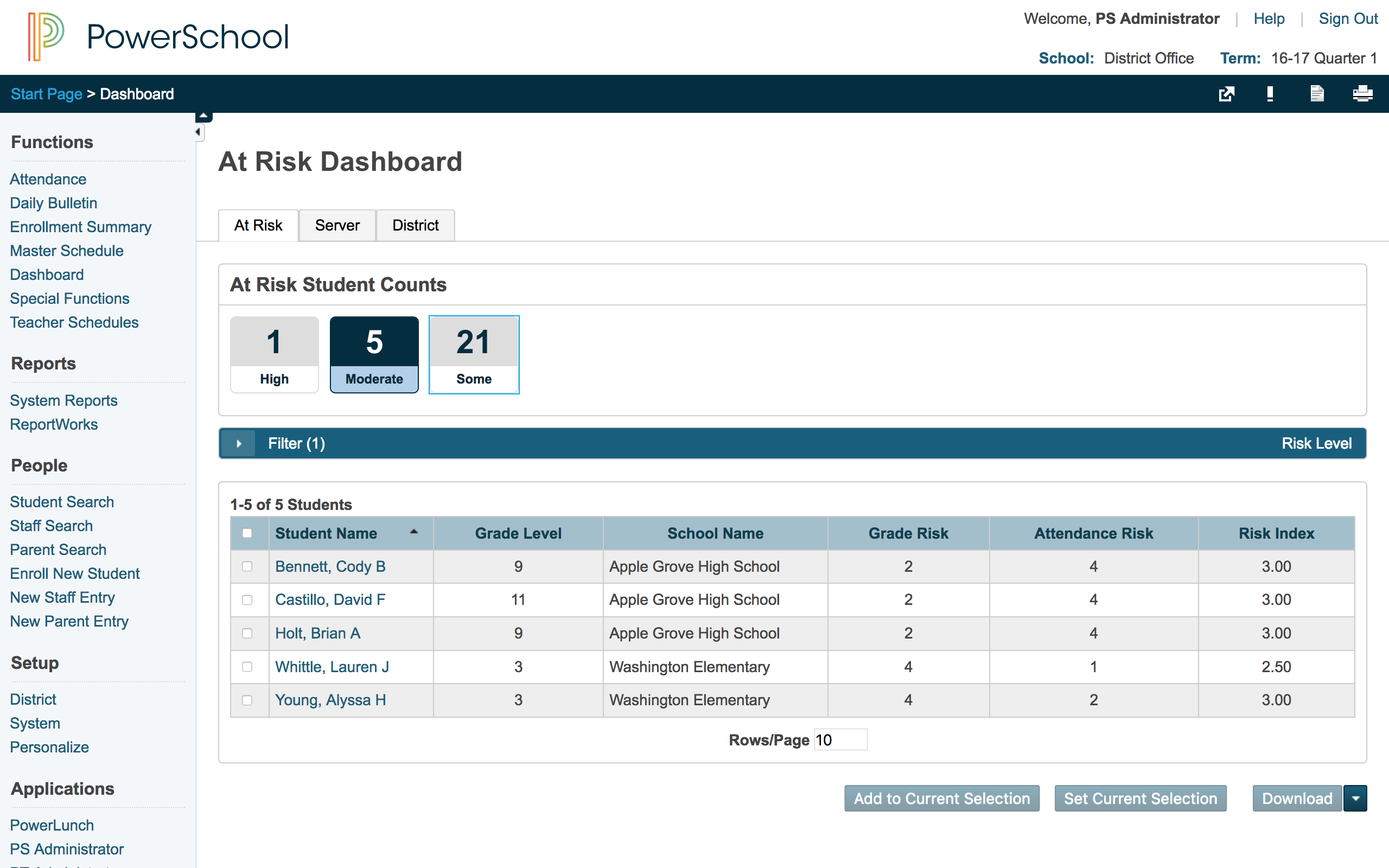
PowerSchool SIS
Score 7.1 out of 10
Mid-Size Companies (51-1,000 employees)
The PowerSchool Student
Information System covers administrative needs, such as scheduling, attendance,
reporting, data management, faculty management, emergency/medical and health
management, registration, and more for K-12 schools and districts. It is easy
to use and boasts an industry-leading gradebook, PowerTeacher Pro. Users enjoy
a fully web-based SIS that is flexible, configurable, and scalable with
real-time updates on any operating system, browser or device.
N/A
Pricing
Schoology Learning
PowerSchool Student Information System
Editions & Modules
Schoology Basic
Free
Schoology Enterprise
Contact sales team
No answers on this topic
Offerings
Pricing Offerings
Schoology Learning
PowerSchool SIS
Free Trial
No
No
Free/Freemium Version
Yes
No
Premium Consulting/Integration Services
No
No
Entry-level Setup Fee
No setup fee
No setup fee
Additional Details
Reach out to the vendor for pricing options based on your needs.
—
More Pricing Information
Community Pulse
Schoology Learning
PowerSchool Student Information System
Considered Both Products
Schoology Learning
Verified User
Administrator
Chose Schoology Learning
Schoology was selected by my district. I like Schoology thus far. However, it is limited because teachers need subscriptions to access and add their classes. I prefer to use Edmodo to connect my students with their global peers to communicate, collaborate, and create.
Schoology has far more options than any of the above three as far as communication, dissemination of information, and assignment and test updates and tracking. Moodle was fairly primitive in its design; Blackboard is a bit clunky in its use, and, while Google Classroom is …
Schoology surpasses the alternatives, in our situation, because it interfaces directly with our SIS (PowerSchool). This feature saves time for teachers and provides quick grading updates. Schoology also has a robust LTI interface that allows outside tools to be connected.
Schoology is easier and more robust then any other learning management system I have ever used. It is also available for free to teachers that has almost all of the features available. Blackboard was terribly user unfriendly. Canvas was too limited for me. Moodle was only …
We looked at several program and we liked Schoology the best. I have used Blackboard as a college instructor, so I didn't feel that it was appropriate for the K-12 platform. I also felt that Canvas was Blackboard like, so we didn't pick it either. Schoology reminds me of a …
Teachers have used different course management systems and learning management systems over the years. Our pilot went well and Schoology will be a great common tool for our school to use.
Schoology outperforms all other learning management system platforms. Its interface and platform are intuitive and easy to learn how to use. Plus, it has an abundance of features that make differentiation possible and powerful.
We used a different grade management system over 5 years ago that was efficient but not as user-friendly as Powerschool. I cannot remember the name of that application. Our school system has been using PowerSchool for over 5 years and so far it has served our purpose. Each year …
Each of the above products has great features, but PowerSchool has features that each of the above products has, all in one system. This means that you could more easily use JUST PowerSchool without needing extensions and other systems to supplement features. This is less …
Schoology does the job well enough, but there are enough areas of contention that make advanced use of the system unwieldy. District staff does not have easy reporting ability to determine adoption and use of the platform without having to export to another program for analysis. The reliability of the system is a huge pain point as we need to deliver the curriculum but cannot count on it being available when we need to use it.
PowerSchool Student Information System is a cool software that can be highly recommended to anyone who is living in the educational management space. It is proven that this software can reduce your manual workload massively if you use it right. Plus it is really worth the price you pay. Especially if you are in the administrative field, this software will help you to minimize manual efforts put into student registrations, staffing recruitment, and main resource management processes.
PowerSchool houses student or staff information that can be easily accessed by those teachers and administrators who need the information. This allows everyone to go to one place to access information.
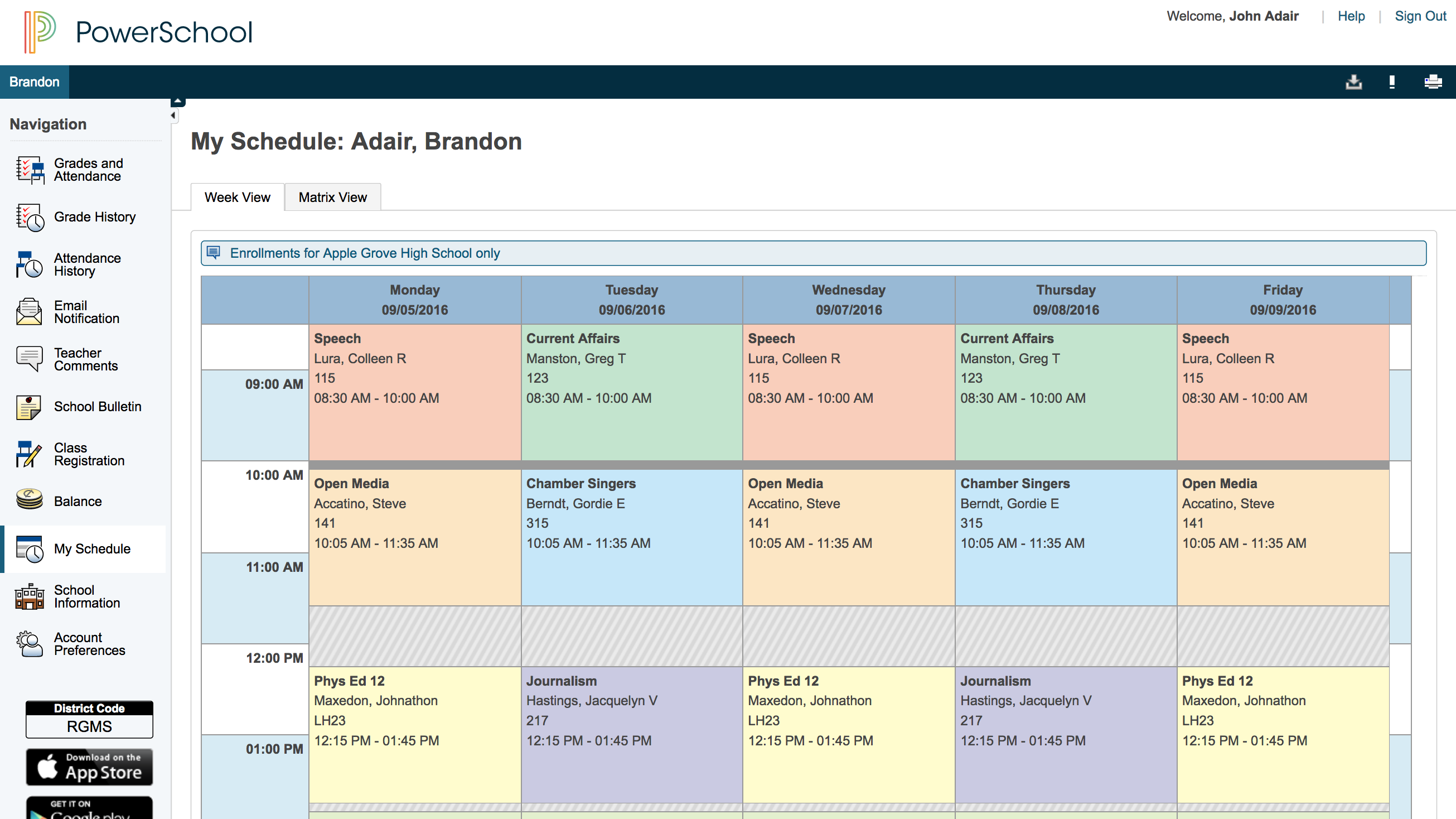
Parents can view their child's grades at any time with their protected login on a parent portal. This allows teachers to keep parents informed and involved in their child's progress at school. When everyone works together it increases our students' chance for success.
PowerSchool offers videos to train new users. When we have new employees, the videos can be accessed at any time the employee needs as opposed to them waiting for someone to help them.
While this product constantly seeks to make improvements, certain features need tweaking. As educators enroll in various courses, these course tend to accumulate. If the educator is not an administrator of the course, it is next to impossible to get out.
Switching from one course/group to another course/group takes several steps. Not always easy to find the course/group needed.
While we have taken time to re-evaluate our selected 1:1 devices, Schoology's impact on student learning is unquestioned. Students are able to connect with other learners, create and share products of their learning, and develop their digital fluency through their use of Schoology.
We would be starting over at square one if we did not continue our PowerSchool subscription. We do not have a program in a place that would take its place.
It's very easy to use Schoology. As with any LMS, it helps to learn some tips and tricks prior to getting started. But, each item is clearly indicated within the platform. If I want to add materials, it is right at the top of my screen. If I want to view the calendar, it is indicated to the right of my screen. Navigating a course and the platform is quite straightforward. Additionally, the benefit of Schoology's help center and user community makes asking and answering questions quick and easy.
Generally good, but issue self-reporting has become a problem. When there are issues, it can be 20 minutes to an hour before it gets noted on the status page
We have county-level support and district-level support, but their HELP page offers everything that is needed to answer questions and to find "how-to" information for staff. This includes video and written directions for every available feature. Schoology has also worked with our district to improve their product.
Overall, I have not had to use support for PowerSchool Student Information System because our school district gives us training in each area in which we will be utilizing PowerSchool Student Information System. In terms of in-user support, I feel that there is mild to moderate user support that is built into PowerSchool SIS.
Sit and get with very little hands-on time. 5 minutes to try out a feature/question type, etc. is not enough time. Once your training is done, there is no option for new employees to get that training without having to rebook and pay for the training again. If you pay for basic training, that should be available to a district to use in the future.
I have taught using both Edmodo and Google Classroom. While both were easier than Schoology was to get in the beginning, Schoology is infinitely more powerful than either of them was. I can do so much more, and differentiate so much easier using Schoology than I could with either of my previous LMSs.
I have heard good things for Infinite Campus and Skyward. I would [evaluate] each of them and see what fits your needs. Each has their strengths and weaknesses and so picking the right one for your needs is important. PowerSchool [Student Information System] does have some great features, but lacks some fundamental reports and functions to make it top notch.
We use it 5-12 so scalability is not an issue but sharing materials between departments including common assessments is difficult without paying for add-on features
It has created shortcuts for all staff members, saving us time.
In creating shortcuts and combining many different systems into one, it is saving our school money.
It has created a safety net for teachers because grades and student information is stored electronically, which means teachers not having to worry about losing or misplacing their grade books.