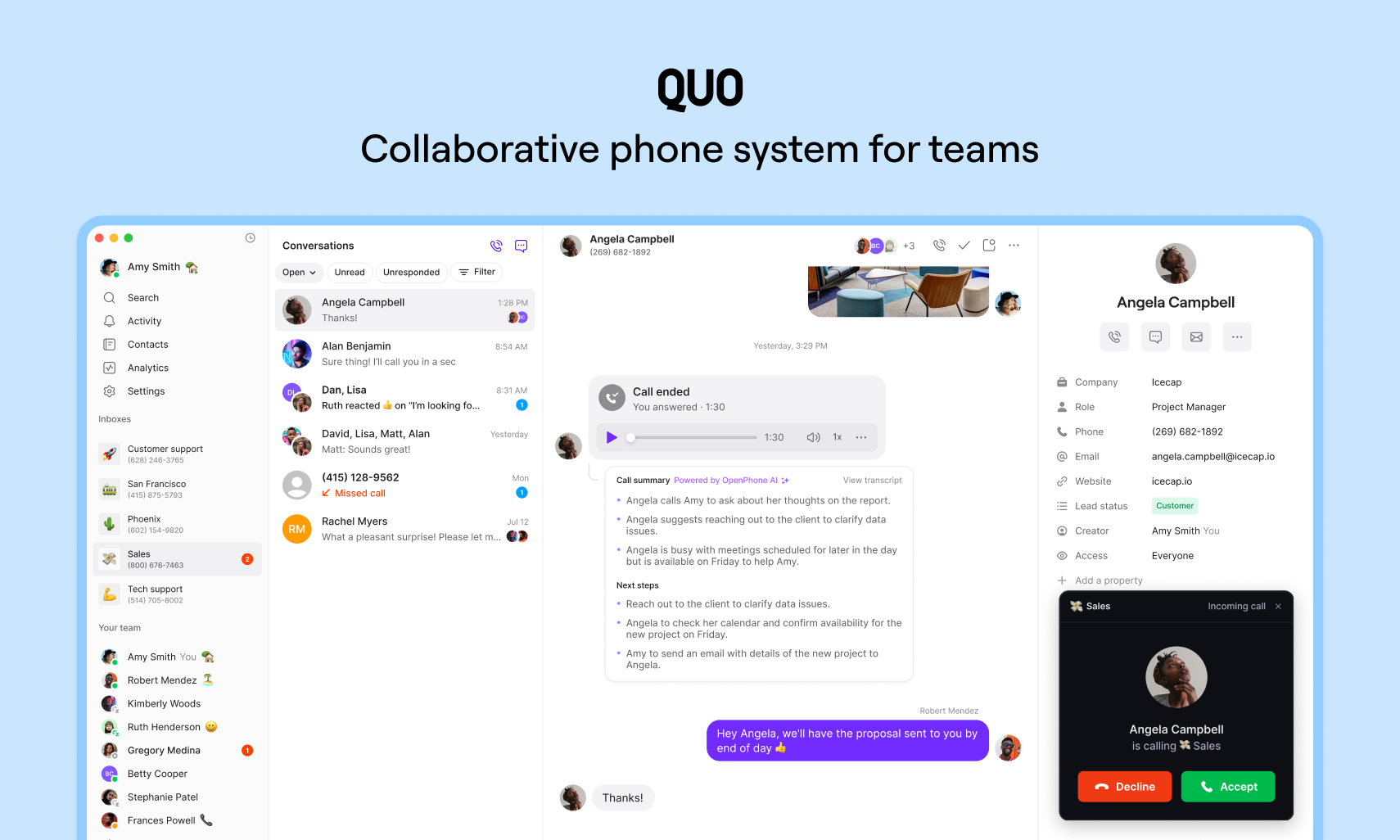
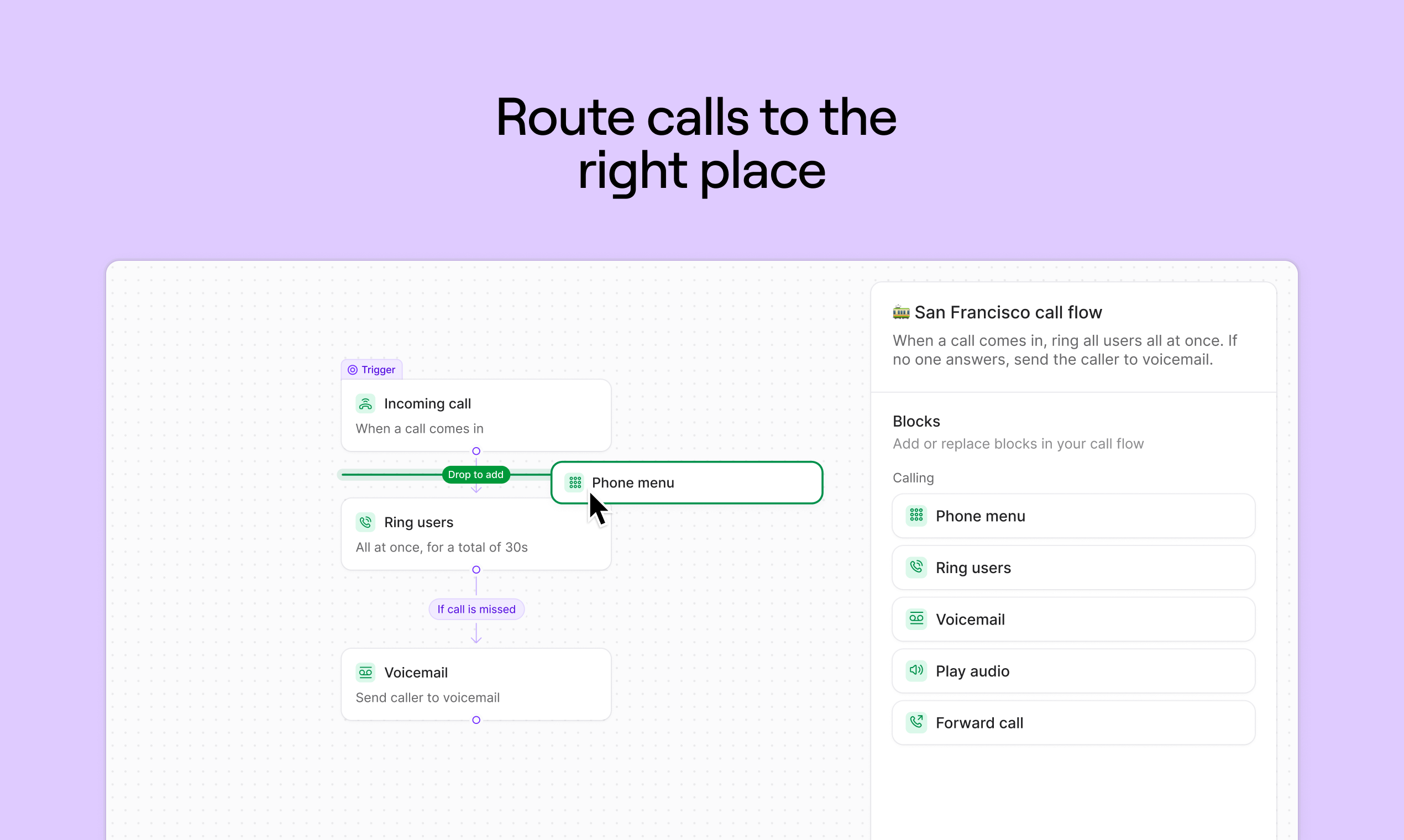
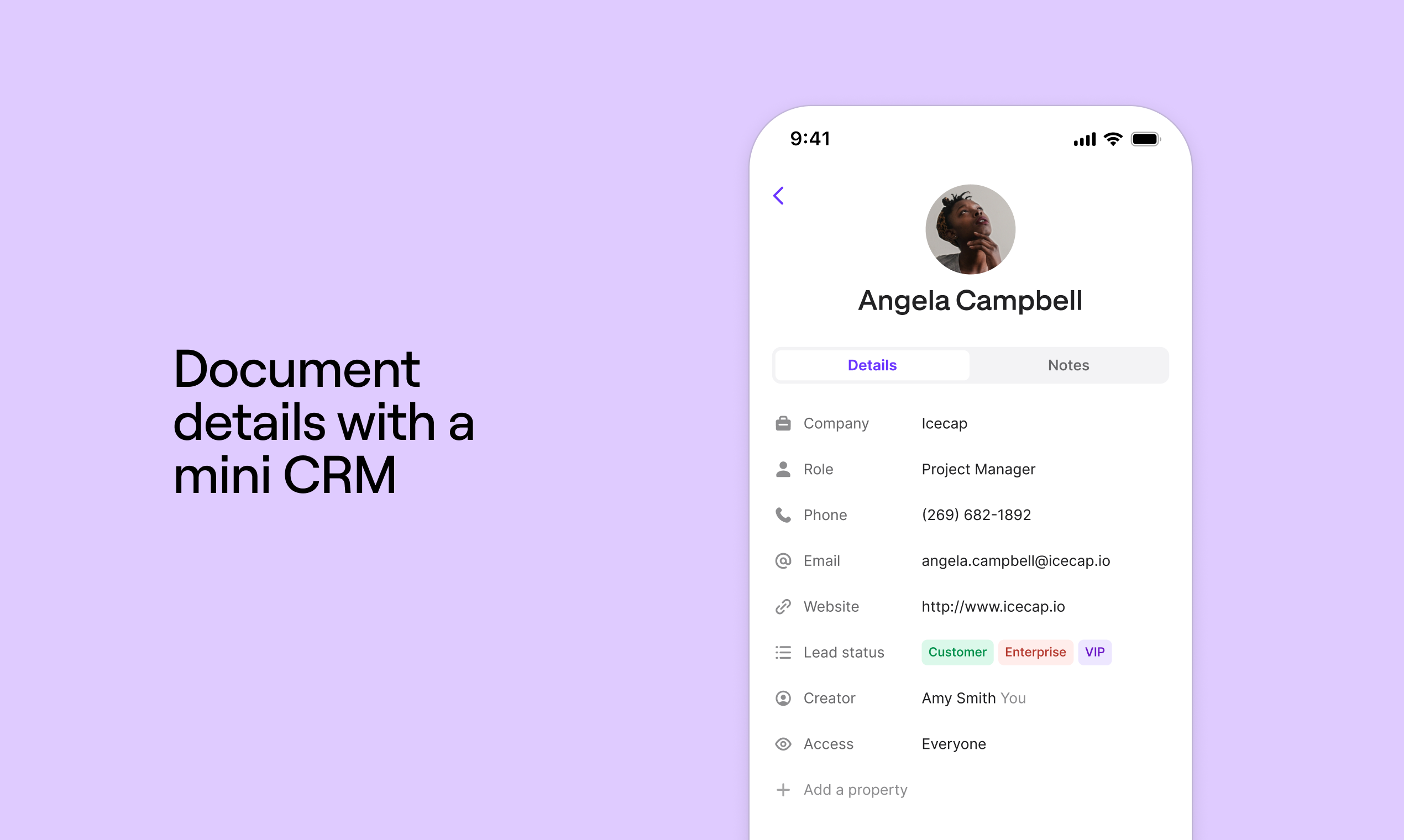
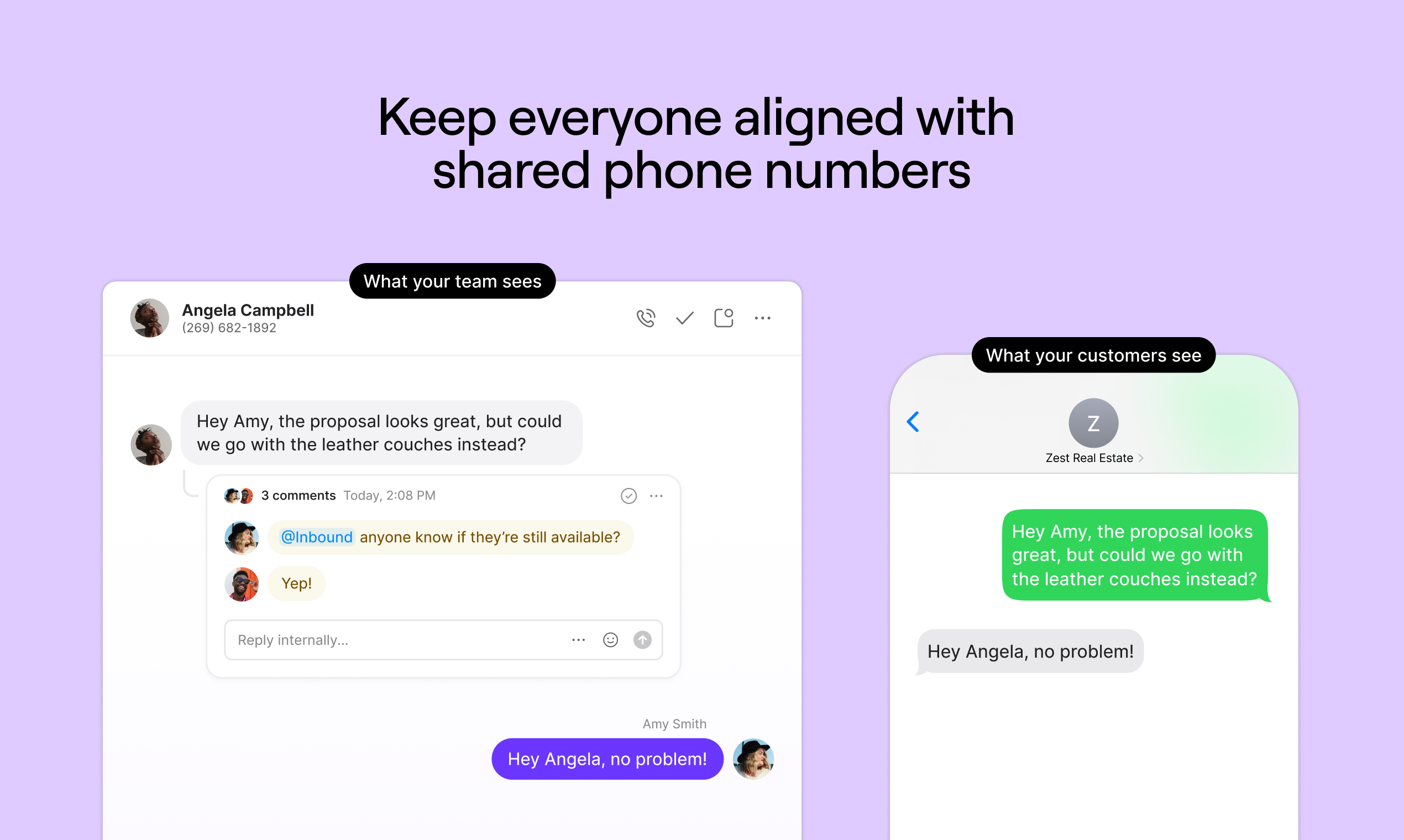
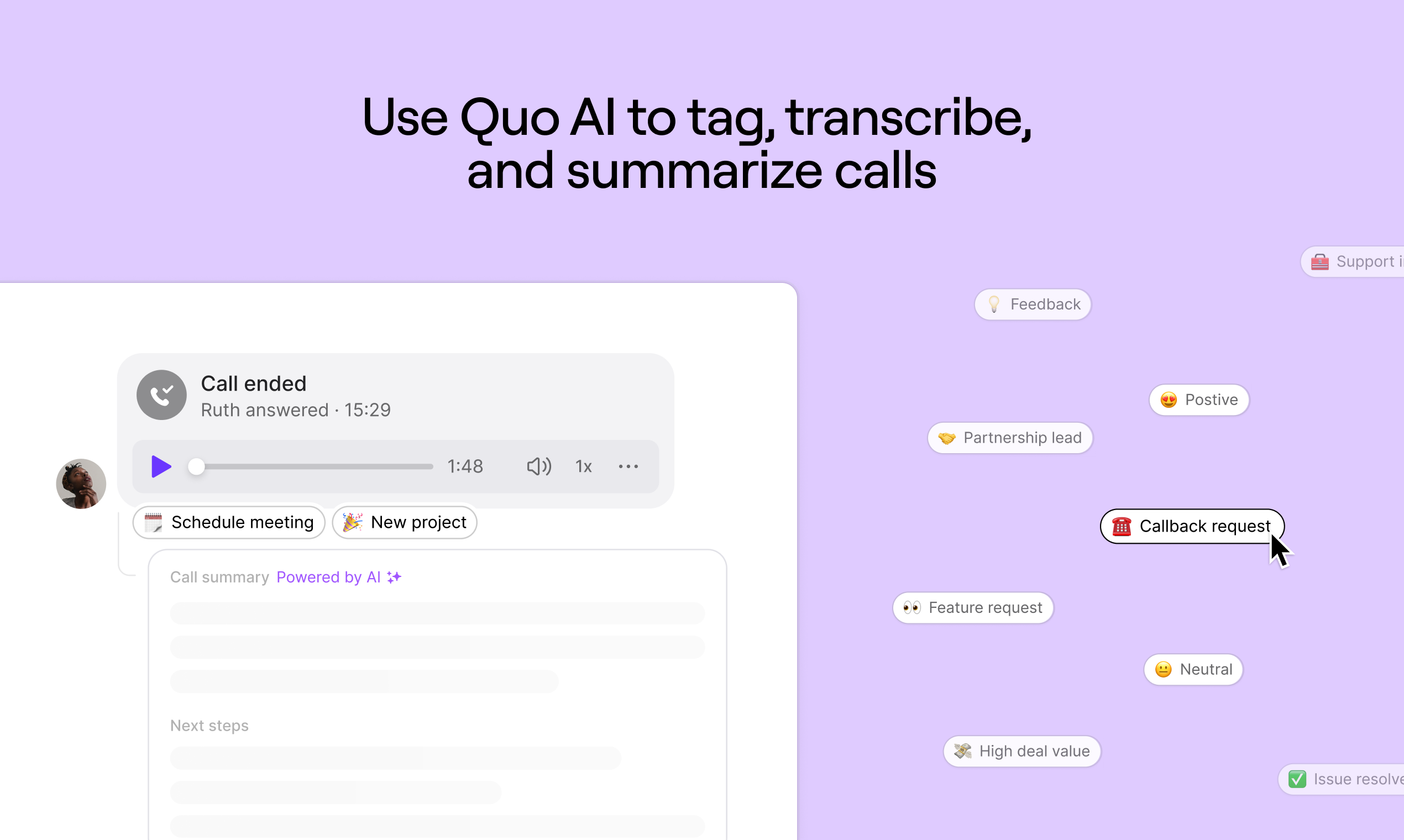
Quo (formerly OpenPhone) is a business phone and VoIP solution designed to help maintain work life balance. Features include incoming call identification, set business hours, contact ownership information to associate calls to teammembers, etc., to help organize call responding.
$19
per month per user
SalesCaptain
Score 9.0 out of 10
Small Businesses (1-50 employees)
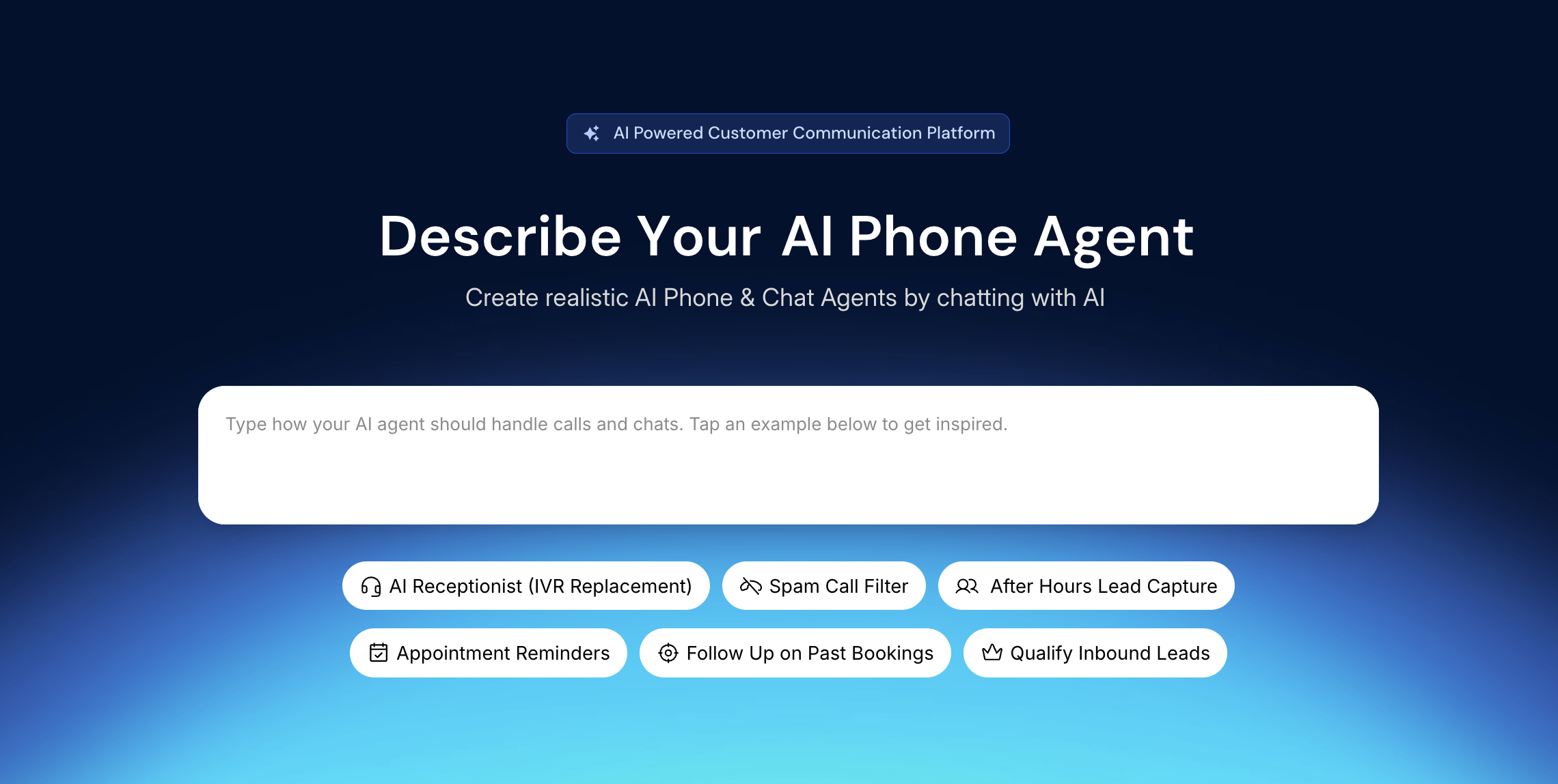
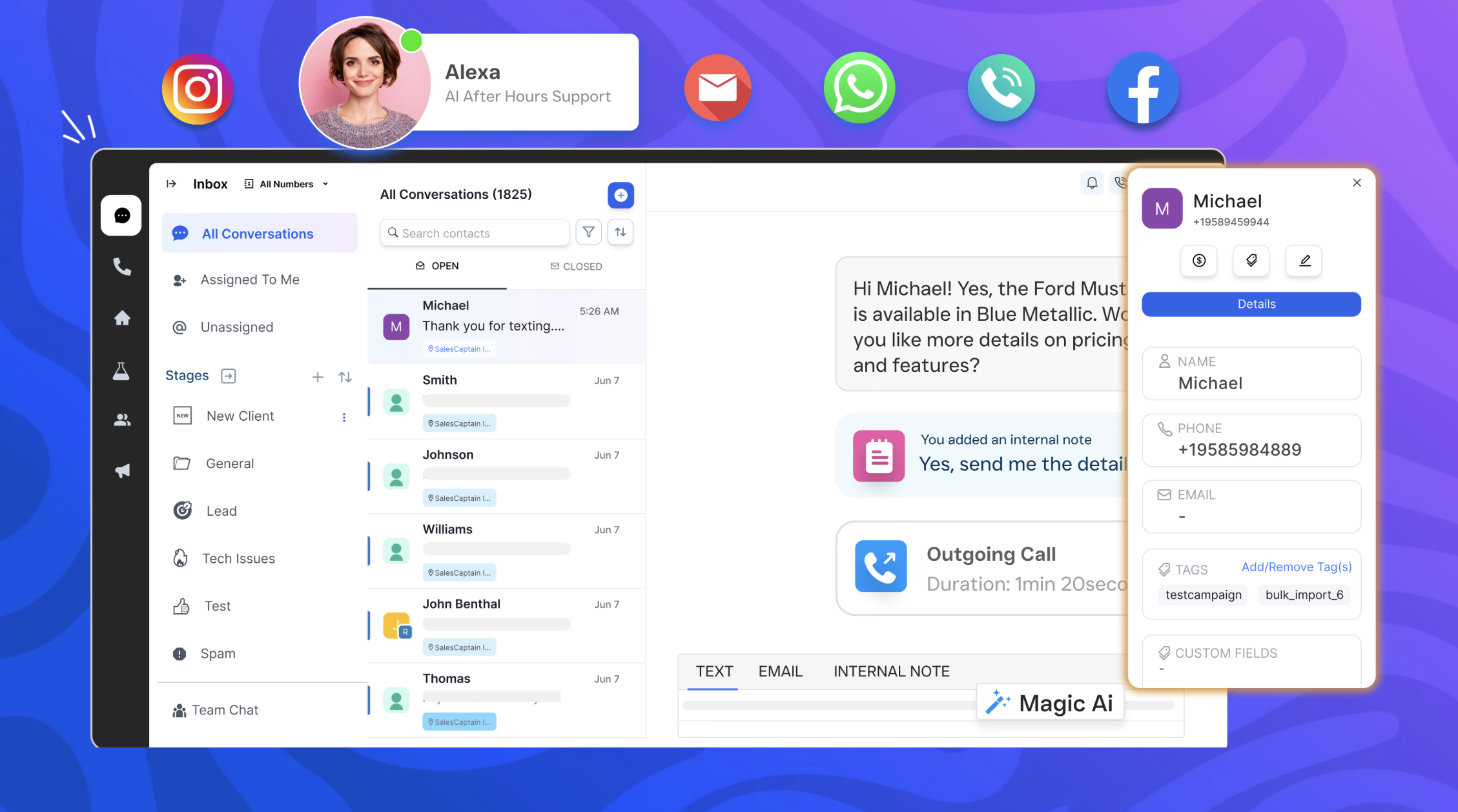
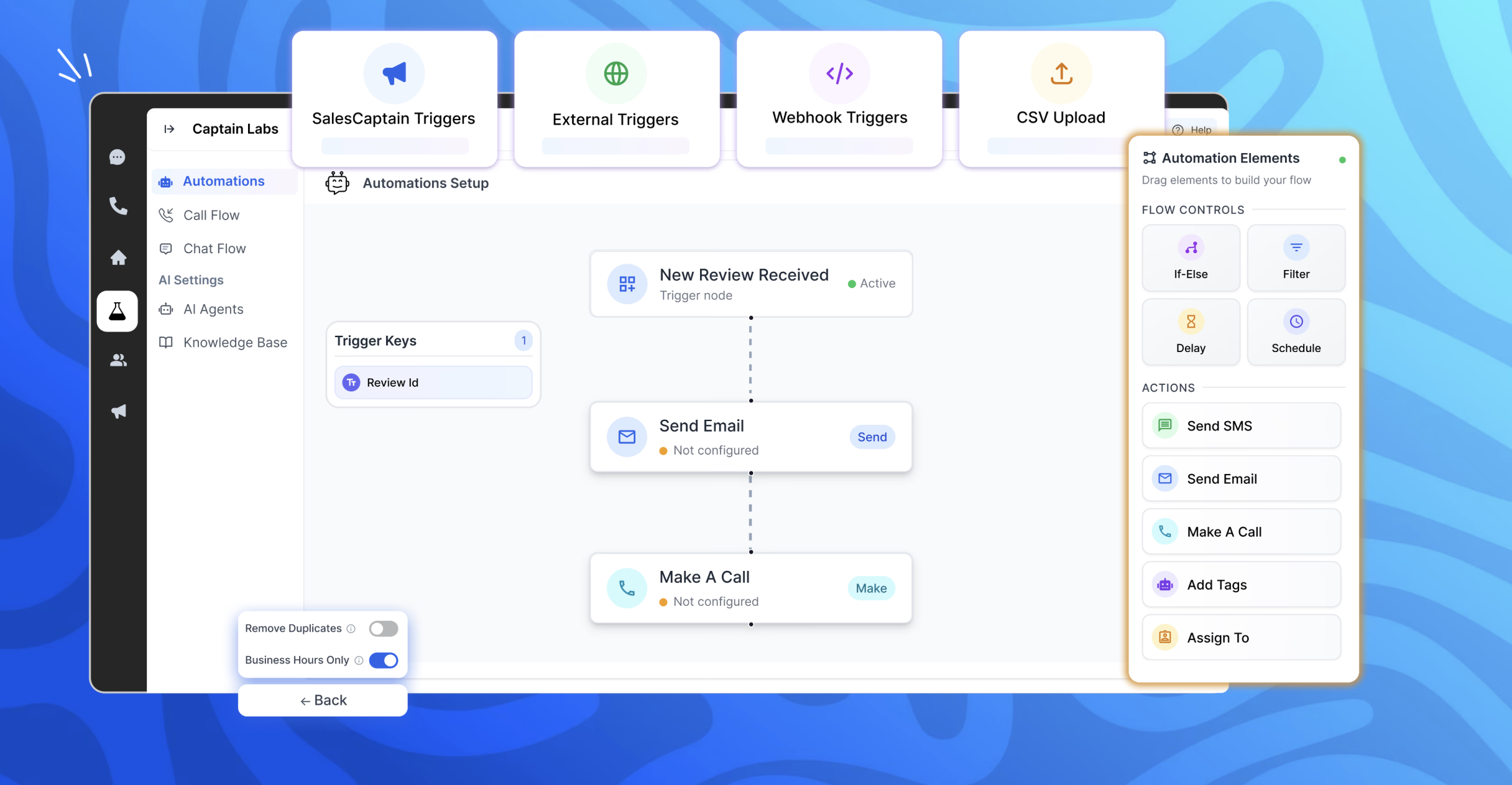
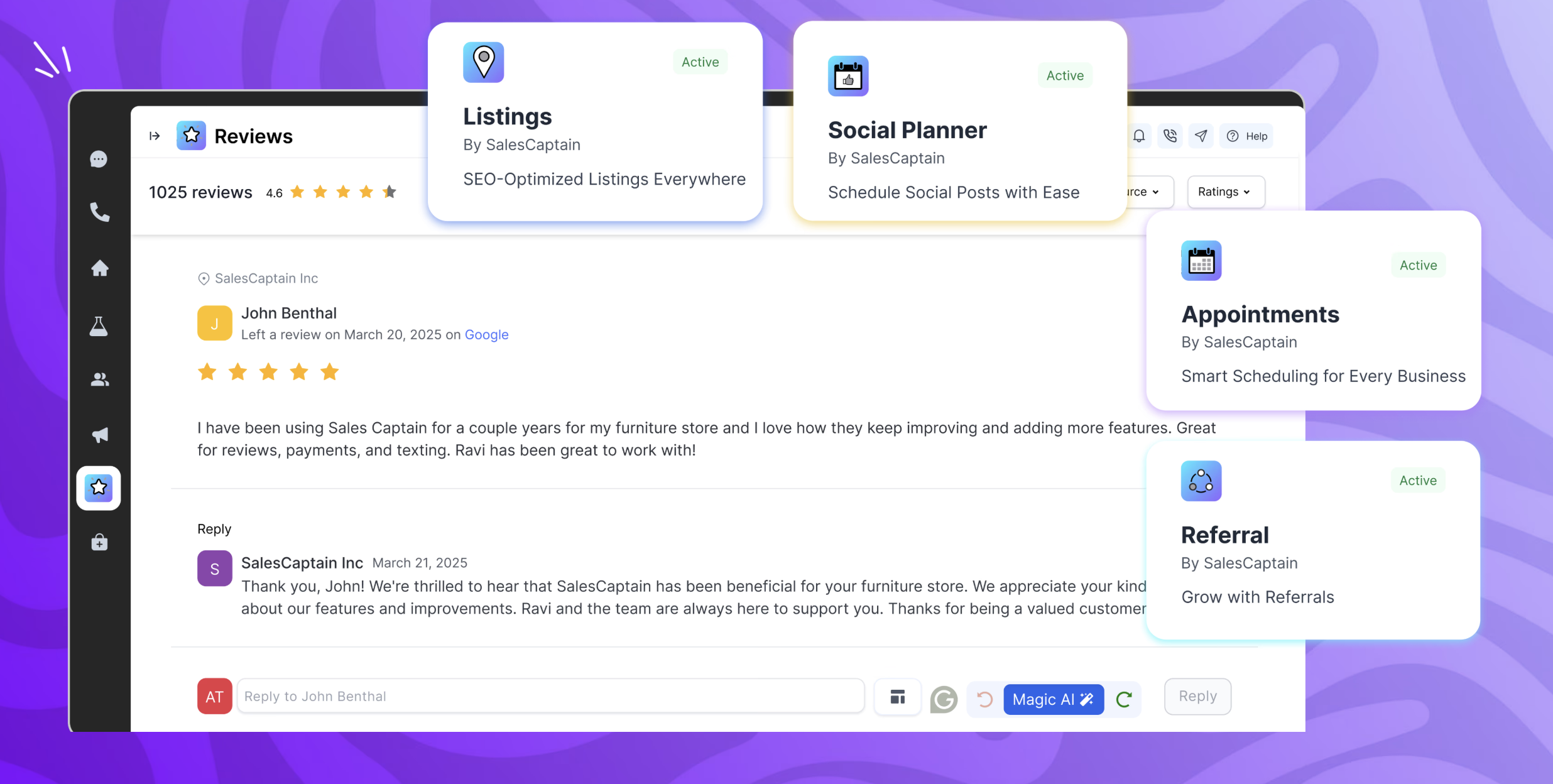
SalesCaptain is a communication platform with a chat based AI agent builder, designed for modern businesses. It unifies phone calls, texting, webchat, and social media messaging into a single collaborative inbox. SalesCaptain can be used to create AI-powered phone and text agents to handle calls, answer queries, route leads, filter spam, and automate tasks — without any technical expertise. SalesCaptain also includes a suite of built-in business apps for managing…
$159
per month per installation
Pricing
Quo
SalesCaptain
Editions & Modules
Starter
$19
per month per user
Business
$33
per month per user
Scale
$47
per month per user
Enterprise
Custom Pricing
Business Plan
$159
per month per installation
Enterprise Plan
300 onwards
per month per installation
Enterprise Plan
starting at $300
per month per installation
Offerings
Pricing Offerings
Quo
SalesCaptain
Free Trial
Yes
Yes
Free/Freemium Version
No
No
Premium Consulting/Integration Services
No
Yes
Entry-level Setup Fee
No setup fee
No setup fee
Additional Details
Discounts available for annual pricing.
—
More Pricing Information
Community Pulse
Quo
SalesCaptain
Features
Quo
SalesCaptain
Cloud PBX
Comparison of Cloud PBX features of Product A and Product B
Quo
5.7
5 Ratings
33% below category average
SalesCaptain
-
Ratings
Hosted PBX
4.54 Ratings
00 Ratings
Multi-level Interactive Voice Response (IVR)
4.55 Ratings
00 Ratings
User templates
8.04 Ratings
00 Ratings
Call reports
4.54 Ratings
00 Ratings
Directory of employee names
7.14 Ratings
00 Ratings
Call Management
Comparison of Call Management features of Product A and Product B
Quo
7.5
9 Ratings
9% below category average
SalesCaptain
-
Ratings
Answering rules
7.16 Ratings
00 Ratings
Call recording
7.18 Ratings
00 Ratings
Call park
7.15 Ratings
00 Ratings
Call screening
7.17 Ratings
00 Ratings
Message alerts
8.97 Ratings
00 Ratings
VoIP system collaboration
Comparison of VoIP system collaboration features of Product A and Product B
Quo
5.7
10 Ratings
33% below category average
SalesCaptain
-
Ratings
Video conferencing
4.52 Ratings
00 Ratings
Audio conferencing
4.55 Ratings
00 Ratings
Video screen sharing
5.01 Ratings
00 Ratings
Instant messaging
8.910 Ratings
00 Ratings
Mobile apps
Comparison of Mobile apps features of Product A and Product B
If you have more than 2 people in your organization, then this will save you so much time. Delegation is the key to starting a business. Even when you're a 1 person show, being able to present to your user base the differentiation of options for client communications is critical. As a founder, feeling compelled to be always on is something I strive not to be. OpenPhone gives you that flexibility. I have found it to be less appropriate in complex HIPPA compliant areas, but that is it. OpenPhone really does seem to suit an open array of use cases.
When several technicians are out in the field and the office is unable to respond to every call, SalesCaptain is particularly well suited for appliance service companies that manage a significant volume of calls and messages. We make extensive use of it for texting missed calls, gathering brief intake information, and keeping clients warm until we can set up a time. It’s also ideal for automated appointment confirmations/reminders, tech on the way updates, and post-service review requests, which reduces down on status-check calls and encourages repeat business. It is less suitable for really complicated diagnostic cases that necessitate a back-and-forth discussion with a senior technician, as well as edge cases where availability or pricing rely on on-site inspection, which are better managed by a human once the first data is obtained.
In my experience, App features are buggy and confusing, and they often don't match the descriptions and screenshots in their documentation. In fact, many of their help links go to 404 "page not found" errors. In my experience, there are frequent outages and quality issues. My customers prefer to talk to me on a different line, because they find it difficult to understand me on OpenPhone.
Because the daily workflow is simple, I would give usability an 8 out of 10. The shared inbox is easy to manage, chats are arranged by client, and once you understand the builder, setting up typical automations like missed-call texts, appointment reminders, and review requests is quick. The platform facilitates communication between techs and administrators and saves our office team a great deal of manual follow-up. I would prefer additional appliance-service templates and better contact/duplicate management to speed up onboarding and scalability. The primary reason it isn't a 10 is that certain sophisticated configuration more intricate routing, deeper reporting, and fine-tuning automations can require some understanding.
In my experience, their support feels like the opposite of support. They send you in circles, never directly answer questions, provide vague suggestions with unwanted platitudes, and they often take days between responses to provide that. For me, it's a frustrating experience that leaves you with a net loss of time and energy versus before you reached out to them. In my opinion, you definitely don't get "support".
OpenPhone has an easier user interface than Grasshopper. Years ago when I was using Grasshopper, I recall that their user interface looked antiquated and full of complications. They would also update the interface just as everyone was getting used to using it. OpenPhone has many more functions. Grasshopper's app did not offer basic functions such as in-app texting between team members, and its call transfer function was incredibly complicated to use. In my opinion, Grasshopper was an inferior service/product in almost every way.
We primarily assessed Podium and Birdeye for customer messaging and reputation management. Both are good at creating reviews and handling simple conversations, but we needed more end-to-end follow-up in our appliance service workflow. Specifically, we needed to convert missed calls into scheduled jobs, automatically gather service-intake information appliance type/brand, symptoms, address, preferred time, and run regular appointment reminders and post-job follow-ups from a single shared inbox. SalesCaptain is a better fit since it supports review requests and reputation procedures while being more adaptable for creating those appliance-specific automations and keeping the complete lead-to-job dialog in one location.
In my experience, Billing lacks transparency, and they have made billing errors (overcharging me) since I started using them. I think the "trust registration" is an insane ripoff charging around $20 for every attempt. Crazy.