Skype (the personal edition or Skype free) was a web meeting, video conferencing, and VoIP software, now superseded by Microsoft Teams' free edition and unsupported from May 2025.
$2.99
per month
Zimbra
Score6.9 out of 10
N/A
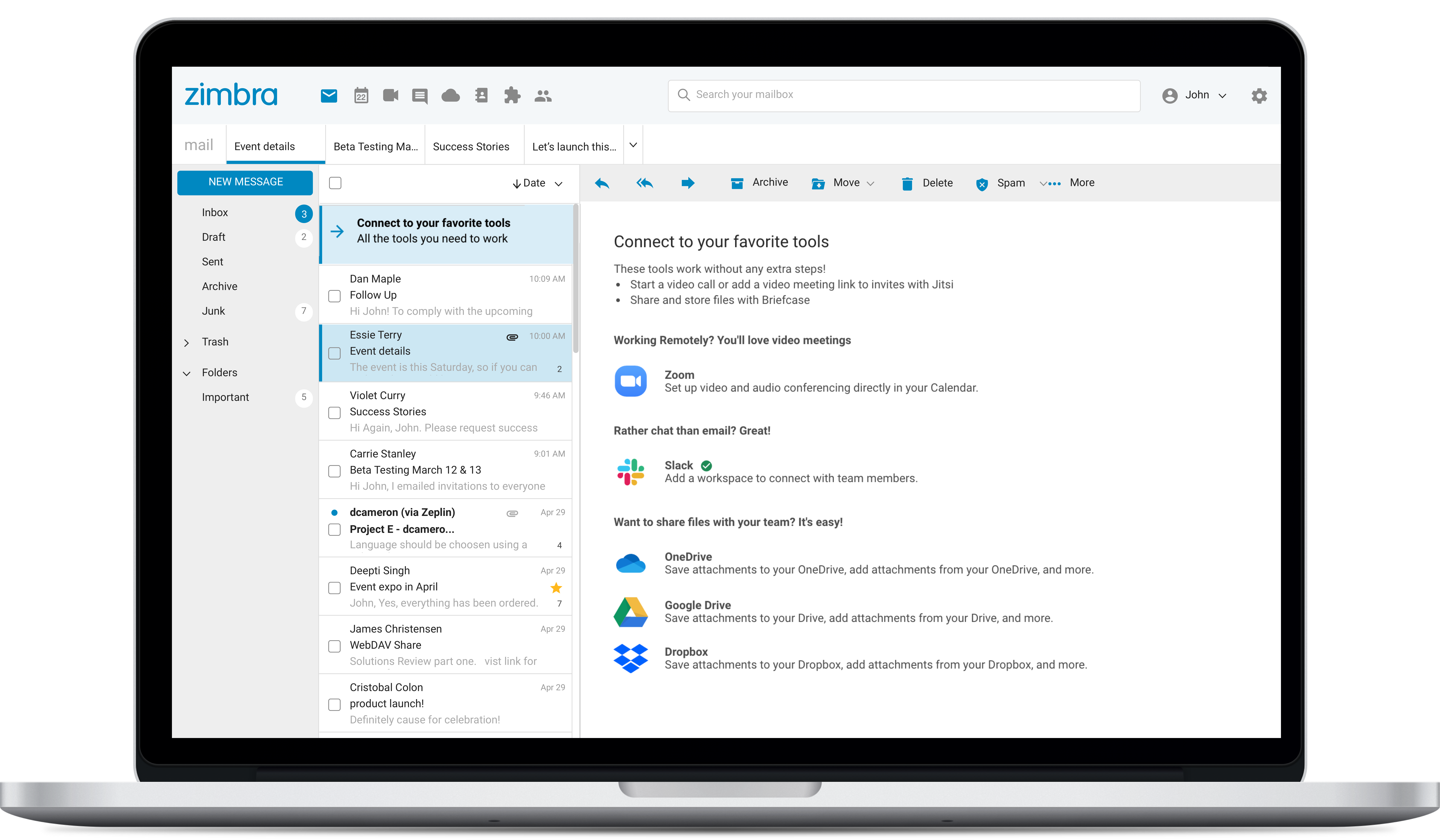
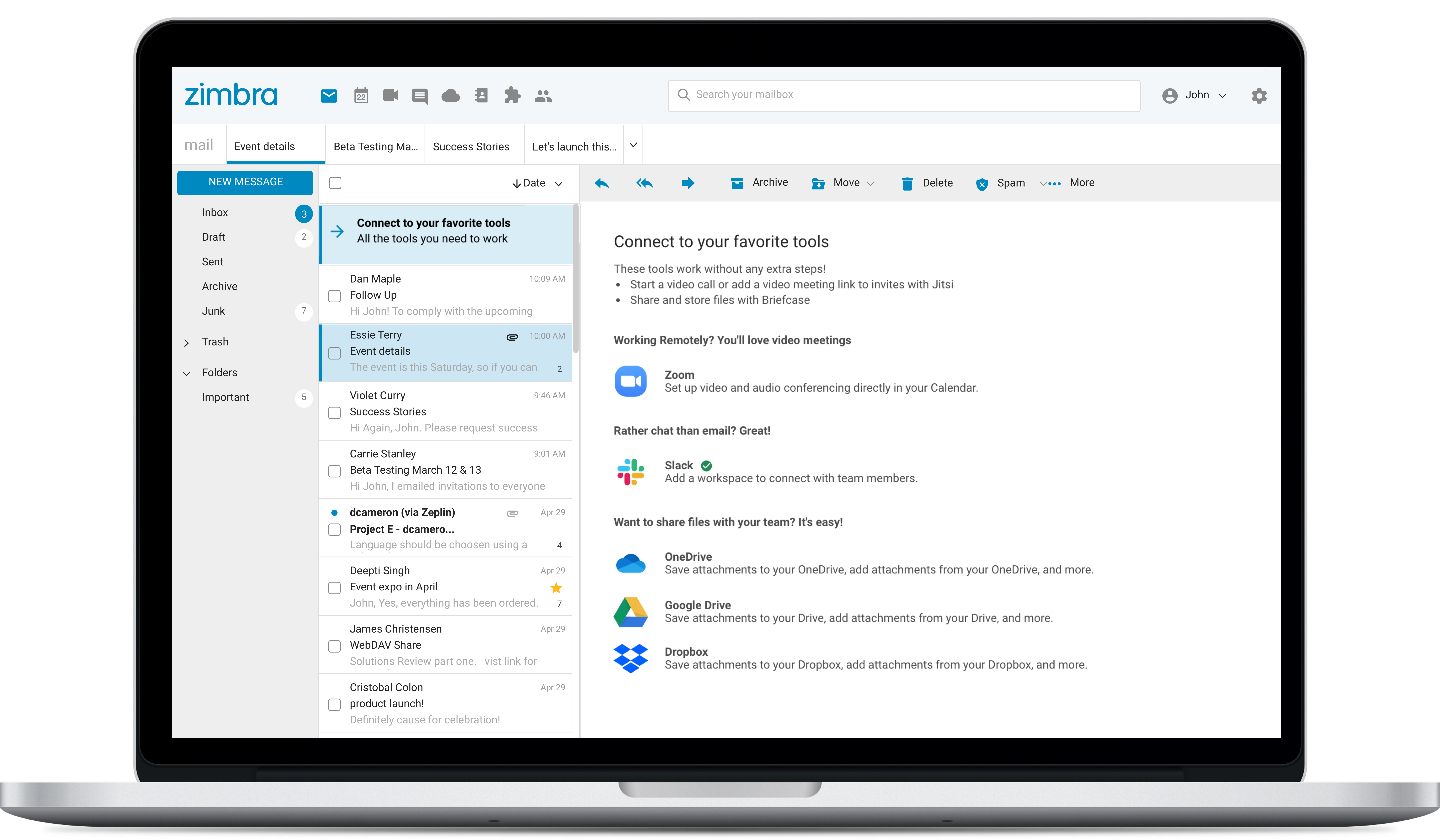
Zimbra is an email and collaboration platform and productivity suite that includes contacts, calendar, tasks, chat and file sharing, plus videoconferencing, document editing, and file storage.
Having interacted with a new replacement tool, Microsoft Teams, it is challenging to recommend Skype, as it lacks some essential features, such as being less equipped with the latest updates, and it is not platform-independent, causing issues on PCs and phones, as well as during calls that might hinder work.
A de minimis incentive was given to thank the reviewer for their time. The incentive was not used to bias or drive a particular response, nor was the incentive contingent on a positive endorsement. TR verified that a representative sample of customers was invited. More Info
Zimbra is great for an email system for a medium or large organization with appropriate IT staffing. The system is easy to use for end-users, and has a fantastic web interface. Unfortunately, it is overly complex, when considering staffing requirements and price, when compared with Office 365 or Google Apps for smaller organizations. For other education customers, it is hard to compete with Microsoft and Google providing their services for "Free" now though
A de minimis incentive was given to thank the reviewer for their time. The incentive was not used to bias or drive a particular response, nor was the incentive contingent on a positive endorsement. More Info
The instant chat function is great. Very straightforward, easy to use, easy to learn, no technical issues.
Video calls are pretty easy also, user friendly and a mostly stable connection with no issues.
Voice calls are easy also, eliminates the need for an external landline or the need to use your cell phone. Clear connections, not really any dropped calls.
A de minimis incentive was given to thank the reviewer for their time. The incentive was not used to bias or drive a particular response, nor was the incentive contingent on a positive endorsement. More Info
A de minimis incentive was given to thank the reviewer for their time. The incentive was not used to bias or drive a particular response, nor was the incentive contingent on a positive endorsement. More Info
Zimbra's mobile application leaves much to be desired; it is its weakest point.
This forces the use of third-party applications on smartphones, which only offer a more or less complete integration with the ActiveSync protocol.
Zimbra allows for an on-premise scenario, which is not for everyone, especially considering that the trend nowadays is to outsource email; in any case, it also offers this alternative.
The cost of Zimbra as a SaaS solution comes too close to that of more widely adopted competing options.
Zimbra lacks a robust integrated chat system, which its competitors offer.
A de minimis incentive was given to thank the reviewer for their time. The incentive was not used to bias or drive a particular response, nor was the incentive contingent on a positive endorsement. More Info
Skype is not as good as Facetime in terms of ease to glance at it and figure out how it works. I think that's a result of Skype trying to be too many things at once. A lot of the menu and UI could be streamlined, and I would jettison some of the additional functions that have been tacked on over the years to simplify. That being said, while some options are slightly hard to find, they all work flawlessly once found.
A de minimis incentive was given to thank the reviewer for their time. The incentive was not used to bias or drive a particular response, nor was the incentive contingent on a positive endorsement. More Info
The web usability of the solution is adequate, with all functions integrated into a single interface. However, it is important to note that in the desktop environment, it lacks its own application and relies on ActiveSync synchronization with reference solutions like Outlook or Thunderbird. Some features, such as the briefcase, will be excluded. The same happens on smartphones.It is also common for competing solutions to include integrated chat or video call tools, which Zimbra lacks. These shortcomings are among the most frequently requested by users.
A de minimis incentive was given to thank the reviewer for their time. The incentive was not used to bias or drive a particular response, nor was the incentive contingent on a positive endorsement. More Info
I am not aware of the current support level for Skype for business, as I have never used even though I have the product. However, the support for Skype's personal paid users is not where it could be. Users who pay for Skype features do not have a clear path to reach out to support. So, rating 6, can be better as soon as I need to use Skype for business support and get a good experience. I will say that I will renew Skype for Business subscription, which is a significant inconsistency on my end. The explanation is that Skype for Business comes bundled with Office for Business, with no additional cost, so why not.
A de minimis incentive was given to thank the reviewer for their time. The incentive was not used to bias or drive a particular response, nor was the incentive contingent on a positive endorsement. More Info
A de minimis incentive was given to thank the reviewer for their time. The incentive was not used to bias or drive a particular response, nor was the incentive contingent on a positive endorsement. More Info
Overall, we were satisfied with the implementation. We perhaps should have spent more time consulting with Zimbra or others regarding best practices but as we got to know the system better we were able to make changes relatively easily after the fact.
A de minimis incentive was given to thank the reviewer for their time. The incentive was not used to bias or drive a particular response, nor was the incentive contingent on a positive endorsement. More Info
We use Skype in combination with Grasshopper. While Grasshopper acts as a routing toll free number with extensions, if we are making calls directly, we do it through Skype. Skype's desktop and mobile apps are easier to use, and provide unlimited local calls at a flat, affordable rate. Allowing our team to use their existing mobile or desktop devices without additional hardware for business office phone calls is important, and Skype makes that possible
A de minimis incentive was given to thank the reviewer for their time. The incentive was not used to bias or drive a particular response, nor was the incentive contingent on a positive endorsement. More Info
Zimbra is a significantly cheaper option than one of the Microsoft solutions, such as Exchange. It is able to run in a free environment, as it is in the case of Linux. It offers the advantages of a powerful mail manager, such as indexed searches and the integration of contacts and notes, all in one platform. It is constantly updated and the operation of its connection in mobile equipment is remarkable and very efficient. Additionally, it is able to easily integrate with Outlook solutions with its connector, which brings all the benefits of Zimbra to the user under the interface known as "mail manager." So far, I have been using Zimbra for several years and I have not missed my previous work platforms.
A de minimis incentive was given to thank the reviewer for their time. The incentive was not used to bias or drive a particular response, nor was the incentive contingent on a positive endorsement. More Info
A de minimis incentive was given to thank the reviewer for their time. The incentive was not used to bias or drive a particular response, nor was the incentive contingent on a positive endorsement. More Info
Zimbra is a cheaper email service than other similar platforms and in my point of view offers better features, that's why the company migrated services to this platform several years ago and without a doubt, it has been the best investment.
Zimbra has a more user-friendly interface for employees, this has improved response times to external customers of the company.
The implementation of Zimbra in the company motivated the IT engineering department to make improvements in open source to adapt it to the needs of the company.
A de minimis incentive was given to thank the reviewer for their time. The incentive was not used to bias or drive a particular response, nor was the incentive contingent on a positive endorsement. More Info