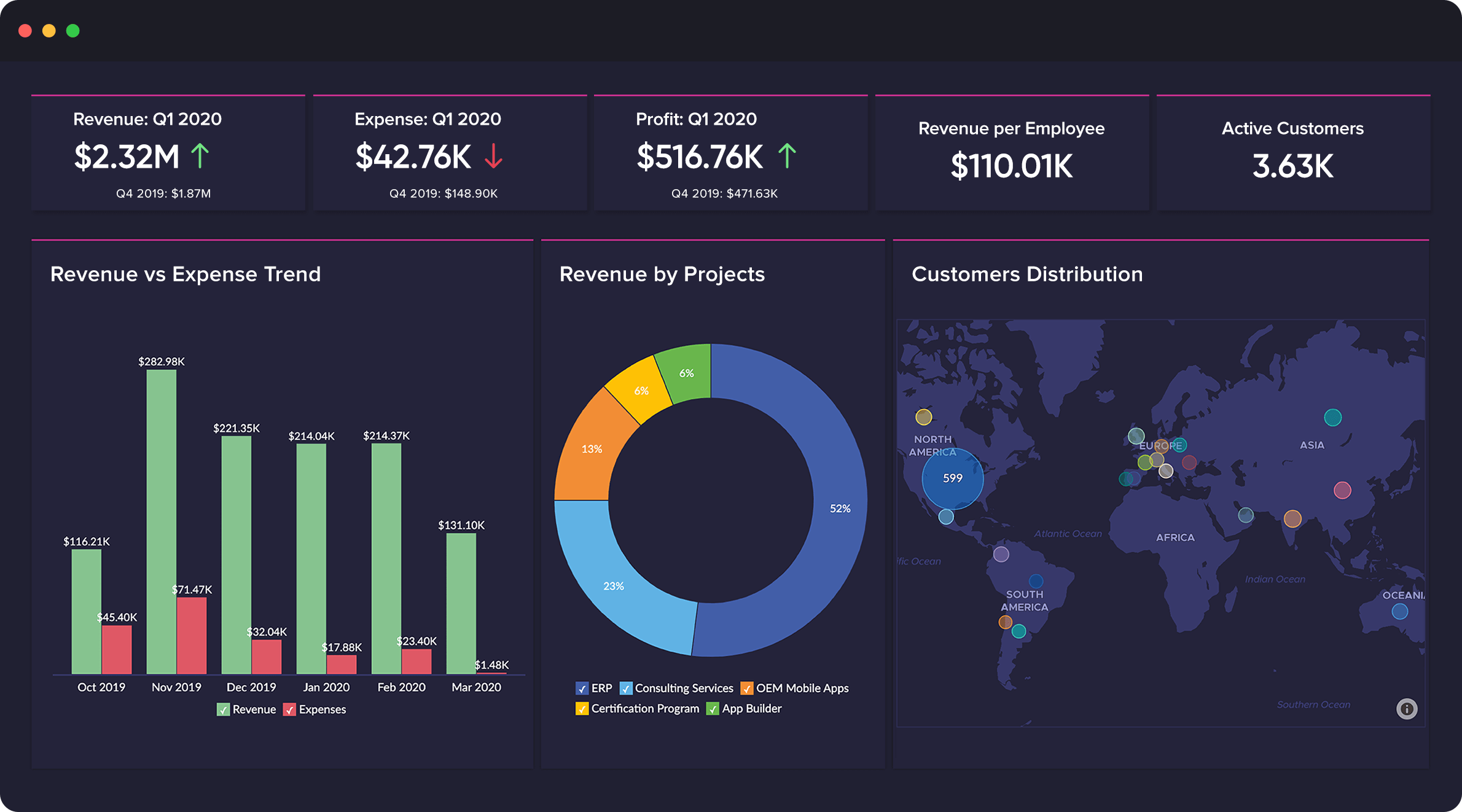
UiPath's agentic platform combines the company's Robotic Process Automation (RPA) solution for automating repetitive tasks with agentic automation. By unifying agentic AI, automation, BPM, and process intelligence, the platform gives organizations control to design, run, and optimize new agentic processes.
$25
per month (for 1 user with basic tier features)
Zoho Creator
Score7.7 out of 10
Mid-Size Companies (51-1,000 employees)
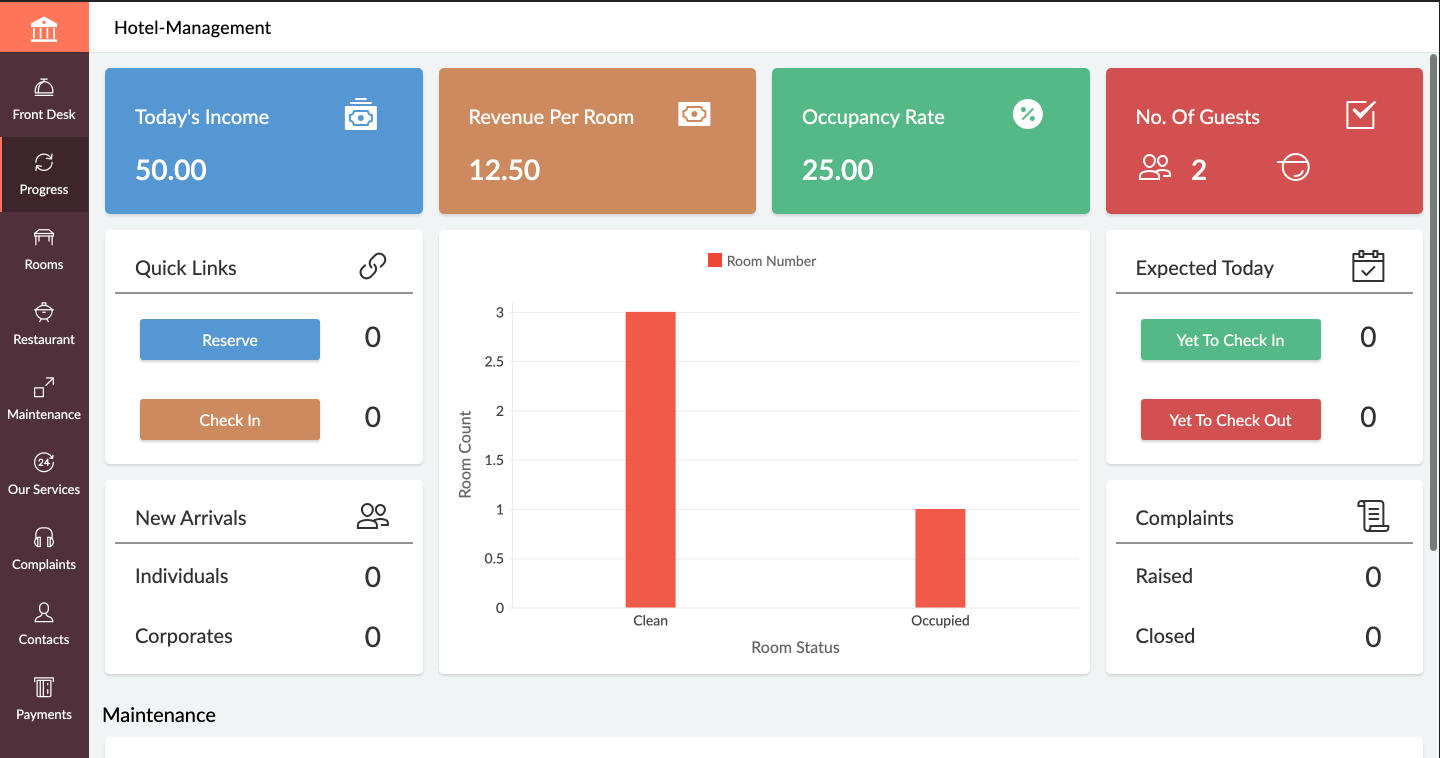
Zoho Creator is a low-code application development platform for building enterprise-class applications that run on mobile, tablet, and web. It is designed to allow users to create custom forms, configure workflows, build pages, and deploy apps quickly.
$12
per month per user
Pricing
UiPath Automation Platform
Zoho Creator
Editions & Modules
Automation Cloud Basic
$25
per month 1 user, 1 basic platform tier
Automation Cloud Enterprise
Contact Sales
Enterprise Medium Business
Contact Sales
Automation Cloud Standard
Contact Sales
Automation Cloud Basic
starting at $25
per month 1 user, 1 basic platform tier
Automation Suite
Contact Sales
Standard
$12
per month per user
Professional
$30
per month per user
Enterprise
$37
per month per user
Offerings
Pricing Offerings
UiPath Automation Platform
Zoho Creator
Free Trial
Yes
Yes
Free/Freemium Version
No
Yes
Premium Consulting/Integration Services
No
Yes
Entry-level Setup Fee
No setup fee
Optional
Additional Details
—
Add-ons:
Customer Portal: $100/month onwards
Premium Support : 20% of license fees
Enterprise support: 25% of license fees
UiPath Automation Platform is well-suited for automating repetitive and time-consuming tasks such as invoice processing, data entry, and report generation. By using UiPath Automation Platform, employees can focus on more strategic tasks, which leads to increased efficiency. Additionally, UiPath Automation Platform is highly effective at automating rule-based processes, such as financial processes like bank statement reconciliation, account payable, and account receivable processes that follow a set of predetermined rules.
If you are using some application of Zoho and want some more functionality into it, Use Zoho creator to develop a separate app as per requirement and integrate it with your Zoho App. Small organization can use creator to make apps but it can be used for small range of storage, For Large organization , it may be not feasible.
A de minimis incentive was given to thank the reviewer for their time. The incentive was not used to bias or drive a particular response, nor was the incentive contingent on a positive endorsement. TR verified that a representative sample of customers was invited. More Info
Any type of application can be automated (Desktop Application, Web Application and also applications reachable only via remote technologies such as Citrix, Remote Desktop and so on).
The writing of a process code takes place entirely through the use of objects. In the event that there were no objects capable of solving a particular problem, it is possible to use some languages of the .net platform such as: VB.net, C#.
It is easy to scale the solution by adding more robots to run a process in case the solution requires more performance in the future.
It can also be used by functional analysts to design the flow to be automated.
An academy is available online where basic and advanced courses can be taken. It is also possible to take a completely free basic certification.
A de minimis incentive was given to thank the reviewer for their time. The incentive was not used to bias or drive a particular response, nor was the incentive contingent on a positive endorsement. More Info
A de minimis incentive was given to thank the reviewer for their time. The incentive was not used to bias or drive a particular response, nor was the incentive contingent on a positive endorsement. More Info
As I mentioned, Excel automation is not very effective, there are a number of packages to add, but there is nothing as smooth as a good macro.
Working with selectors is certainly challenging and UiPath does a good job with that, but there is room for improvement since the interface could be smarter in selecting the right attributes and warn the user if something is not properly setup.
A de minimis incentive was given to thank the reviewer for their time. The incentive was not used to bias or drive a particular response, nor was the incentive contingent on a positive endorsement. More Info
In C6, the new setup of permissions is not logical. Admins now have access to every application rather than specific applications, which impacts data confidentiality.
In C6, the new feature for having multiple environments is very limited as it does not work for ZOHO Creator applications that are linked to other Zoho Creator applications in the same workspace - which is not logical at all.
In C6, the revised permissions for Developers do not allow the developer to assign permissions to users or to publish forms, reports, pages, etc....which again is not logical.
A de minimis incentive was given to thank the reviewer for their time. The incentive was not used to bias or drive a particular response, nor was the incentive contingent on a positive endorsement. More Info
This platform has so much potential and have been garnering a lot of attention by proving benefits in terms of saving operational and manpower costs. I am sure with minute efforts we were able to achieve our ROI and the same is the case with many of our customers whom we have been working around Digital Automation initiatives.
A de minimis incentive was given to thank the reviewer for their time. The incentive was not used to bias or drive a particular response, nor was the incentive contingent on a positive endorsement. TR verified that a representative sample of customers was invited. More Info
Today Zoho Creator is included in our current plan from Zoho One, but if it was needed to pay apart it should be done because the software we created became very important for our team. The use of Zoho Creator contributes to endorse the Zoho One subscription year after year.
A de minimis incentive was given to thank the reviewer for their time. The incentive was not used to bias or drive a particular response, nor was the incentive contingent on a positive endorsement. More Info
There are two main reasons with this rating 1. UiPath Automation Platform requires the old school type of Change Weather management, Which actually eats a lot of time to manage and roll out the recent changes. There is not something kind of CI/CD when you are developing the things With UiPath Automation Platform. 2. Very high development and maintenance cost, which actually decrease its usability.
A de minimis incentive was given to thank the reviewer for their time. The incentive was not used to bias or drive a particular response, nor was the incentive contingent on a positive endorsement. More Info
Its quite easy if one has the need, interest and passion to build applications and solutions through low-code. One example would be, that my finance head who has absolutely nothing to do with tech and apps, is now able to create apps and manage Zoho Creator all by himself. So its all about the interest and how much time we put to learn the tool. Having said that, its quite easy to learn the tool and create anything that's within our scope of knowledge.
A de minimis incentive was given to thank the reviewer for their time. The incentive was not used to bias or drive a particular response, nor was the incentive contingent on a positive endorsement. More Info
A de minimis incentive was given to thank the reviewer for their time. The incentive was not used to bias or drive a particular response, nor was the incentive contingent on a positive endorsement. More Info
In an earlier comment, I mentioned Zoho's excellent uptime. I have been using the system for over 6 years, and have experienced only momentary outages, and of those, only a hand full over the years. It is extremely reliable
A de minimis incentive was given to thank the reviewer for their time. The incentive was not used to bias or drive a particular response, nor was the incentive contingent on a positive endorsement. More Info
A de minimis incentive was given to thank the reviewer for their time. The incentive was not used to bias or drive a particular response, nor was the incentive contingent on a positive endorsement. More Info
We do not integrate Zoho with other systems at this time, but rarely are searches, database exports, record edits or creation tasks ever slow enough to notice. It is quite usable
A de minimis incentive was given to thank the reviewer for their time. The incentive was not used to bias or drive a particular response, nor was the incentive contingent on a positive endorsement. More Info
UiPath RPA has an exceptional studio interface. It has been a year and so since I am using UiPath RPA. Whether it is some my personal task to scrape information & links from the Journal or find a specific character string from multiple PDF collection using OCR, UiPath RPA has made its roots to our technological ecosystem
A de minimis incentive was given to thank the reviewer for their time. The incentive was not used to bias or drive a particular response, nor was the incentive contingent on a positive endorsement. More Info
I recommend Zoho Creator very often. A lot of companies go big earlier than they need to and spend way too much on SalesForce & Marketo. I worked for a small company with some limited budget that pivoted to sell it's product to the Enterprise. Zoho Creator was incredibly easy to set up, intuitive to use, and contains all the most essential features that most users need and seek in SalesForce. We integrated with MailChimp & Unbounce and were able to be incredibly useful in acquiring leads, nurturing them, and tracking pipeline in Zoho Creator. Our small sales team found it very easy to use and loved it.
A de minimis incentive was given to thank the reviewer for their time. The incentive was not used to bias or drive a particular response, nor was the incentive contingent on a positive endorsement. More Info
Video material supported by text. The training has evolved a lot in the past 3 years to become more attractive. Specific training tracks exist for the different roles in RPA development, where everyone is expected to learn basic development.
A de minimis incentive was given to thank the reviewer for their time. The incentive was not used to bias or drive a particular response, nor was the incentive contingent on a positive endorsement. More Info
A de minimis incentive was given to thank the reviewer for their time. The incentive was not used to bias or drive a particular response, nor was the incentive contingent on a positive endorsement. More Info
Even if it is a easy to use platform, it got some issues on the implementation that could easily handle by IT teams. In our scenario this team don't exist anymore, and the business/marketing team had their expectations that it was quickier to be implemented. So, consider a professional help on this implementation could be cost more (of cource) but it would be helpful to manage the issues and expectations.
A de minimis incentive was given to thank the reviewer for their time. The incentive was not used to bias or drive a particular response, nor was the incentive contingent on a positive endorsement. More Info
As compared to other products, we require programming knowledge and concepts to work but UiPath is for everyone. It provides us extensive event logging at various stages and effective exception handling for applications and business. It increases our agility and enhances the overall productivity further by using the source control SVC. The solution that we implemented is also very scalable in terms of incorporating new requirements.
The open source tools require lots of IT effort in order to set up and maintain over time. UiPath is like a complete package and customer service is also active in terms of solving issues arising while automating procession on a day to day basis.
Zoho Creator stands out for its balance of affordability, ease of use, and powerful customization options. While it may not offer the same level of enterprise-scale features as platforms like OutSystems or Mendix, it provides a robust solution that meets the needs of many businesses, especially those looking for an integrated, cost-effective low-code platform with strong support for both simple and complex applications.
A de minimis incentive was given to thank the reviewer for their time. The incentive was not used to bias or drive a particular response, nor was the incentive contingent on a positive endorsement. More Info
A de minimis incentive was given to thank the reviewer for their time. The incentive was not used to bias or drive a particular response, nor was the incentive contingent on a positive endorsement. More Info
Zoho is incredibly versatile. Much thought was put in to the way the platform functions. I've yet to face a situation where Zoho would not be able to do what I needed. That being said, because of its power, it can also be a bit intimidating technically. Simple needs are simple. More complex needs are ... more complex! Overall, it's a powerful, robust platform
A de minimis incentive was given to thank the reviewer for their time. The incentive was not used to bias or drive a particular response, nor was the incentive contingent on a positive endorsement. More Info
A de minimis incentive was given to thank the reviewer for their time. The incentive was not used to bias or drive a particular response, nor was the incentive contingent on a positive endorsement. More Info
With using Zoho Creator we are able to build apps that we may otherwise pay a pretty penny for. We may risk some features we could get from a 3rd party app but the fact that the data we do collect can easily syn with our CRM and Accounting systems makes up for this.
Negatively speaking, it takes time to fine tune and really craft your application. I am not a coder, nor do I have a coding background, so patience is key as you design and build out your application.
A de minimis incentive was given to thank the reviewer for their time. The incentive was not used to bias or drive a particular response, nor was the incentive contingent on a positive endorsement. More Info