Google Gemini is a natively multimodal agentic platform designed to synthesize and act upon data across text, image, audio, and video modalities. It serves as a centralized intelligence layer that integrates across the Google Workspace ecosystem and Android/ChromeOS platforms to perform autonomous, multi-step tasks.
N/A
ZoomMate
Score 8.5 out of 10
N/A
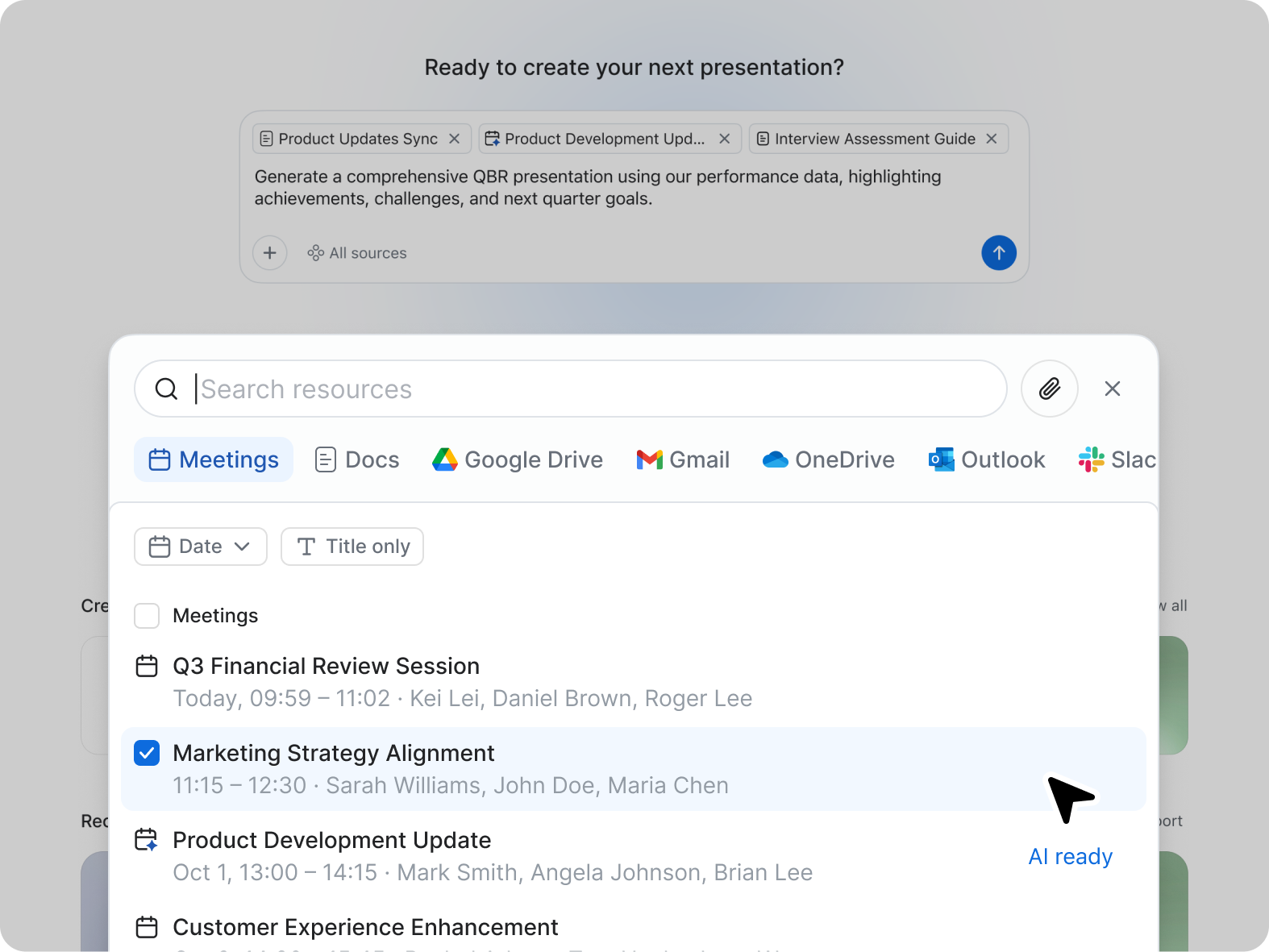
ZoomMate is Zoom’s next-generation "agentic" workspace, launched in June 2026 to transform how teams move from conversation to completion. Positioned as an "AI Teammate" or virtual "Chief of Staff," ZoomMate goes beyond standard chatbots by proactively executing tasks across a company's entire digital ecosystem.
Gemini is fantastic for receiving quick answers to questions where accuracy is not paramount. It is great for brainstorming ideas. It is also fantastic for analysing large swathes of unformatted data and finding correlations. Gemini can also transcribe handwriting and audio files making it excellent for formative assessment. It can also now create Google Slides which is great for lesson planning. Gemini is only as good as the prompts you provide it with though so you must remember to be exact with your prompts to get the best outputs.
While doing training and technical support to our users, we need to connect to their system, and we do not go physically. With Zoom Workplace, we can connect with them in the meeting, and they can share their screen, and we can access their screen, which is very easy to give training and support. With other software, you cannot do all these things at once.
AI - Powered productivity. With this feature, drafting messages, automating tasks, and summarizing meetings are easy, which boosts productivity.
It is an all-in-one collaboration tool. With Zoom Workplace, we can send messages, make calls, schedule meetings, and share documents. It offers all the collaboration features our team needs.
Makes scheduling easy thanks to Zoom Scheduler that is part of Zoom Workplace.
The tool ensures teams communicate securely which is a plus.
It comes with a mobile app for added convenience, and no one misses important updates.
I don't think there is any malfunction in their solution; it's extremely convenient to use, be it creating a meeting invite, adding people, sending any extra stuff to them. It's quick, and this is the only tool that works seamlessly even on Androids.
It's standard usability interface - no problems or challenges using it. I do prefer Claude still because of the different options/modes you can toggle on and off. I don't think Gemini has those options. It's a great daily companion for quick problem solving but not great for larger projects or conversations
It's really easy to use - the AI icon is everywhere all over the place in the Zoom client so it's easy to be able to leverage AI whenever you need it, and similarly in the meeting it's easy to find and to use. I don't have complaints here that I can think of
Gemini seems very simple to use, veyr similar to ChatGPT, I wish they did have a capability such as ChatGPT projects one, so one can separate topics easily, it's very customizable, where I believe it defeats the others is that, is already very simple to use all of Google ecosystem, such as Drive, docs, sheets and else
Compared to Microsoft Teams, Zoom AI Companion is a clear pioneer in this remote and virtual collaboration platform, leading the way. It is possible to have a remote meeting on both Microsoft Teams and Zoom AI Companion. But Zoom AI Companion provides more productivity and time savings to users. Zoom AI Companion continues to enhance its features to provide value to the product.
We've been able to significantly accelerate our quest production, enabling us to give many more youth a voice on our platform, and give the kids who play [...] many more windows into one another's worlds!
It's increased our fundraising capacity since grant applications require pulling together insights from funder meetings, advice from previous grantees, outside research, and testimonials from users. ZoomMate helps to synthesize and package it efficiently so we can do more.