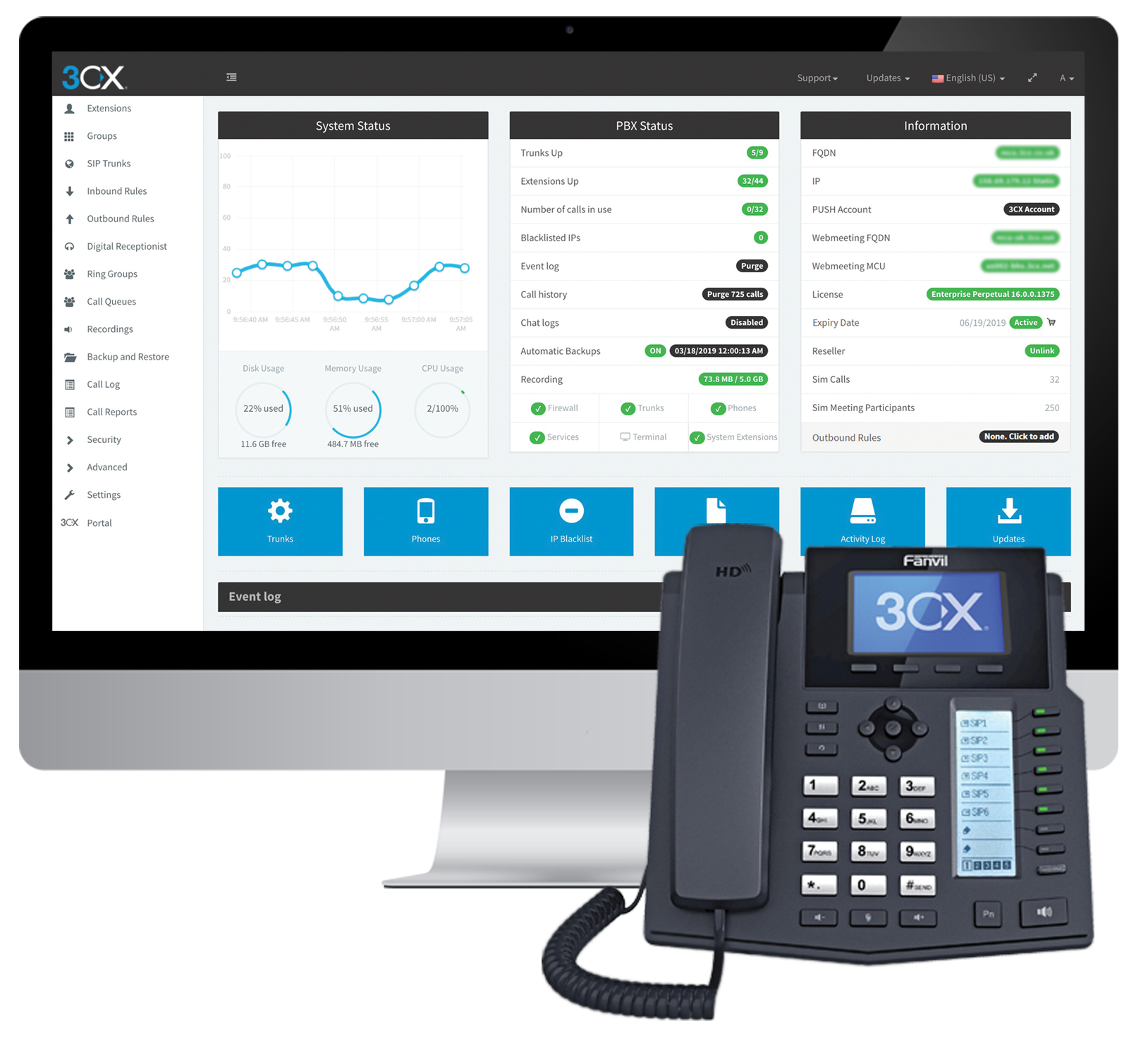
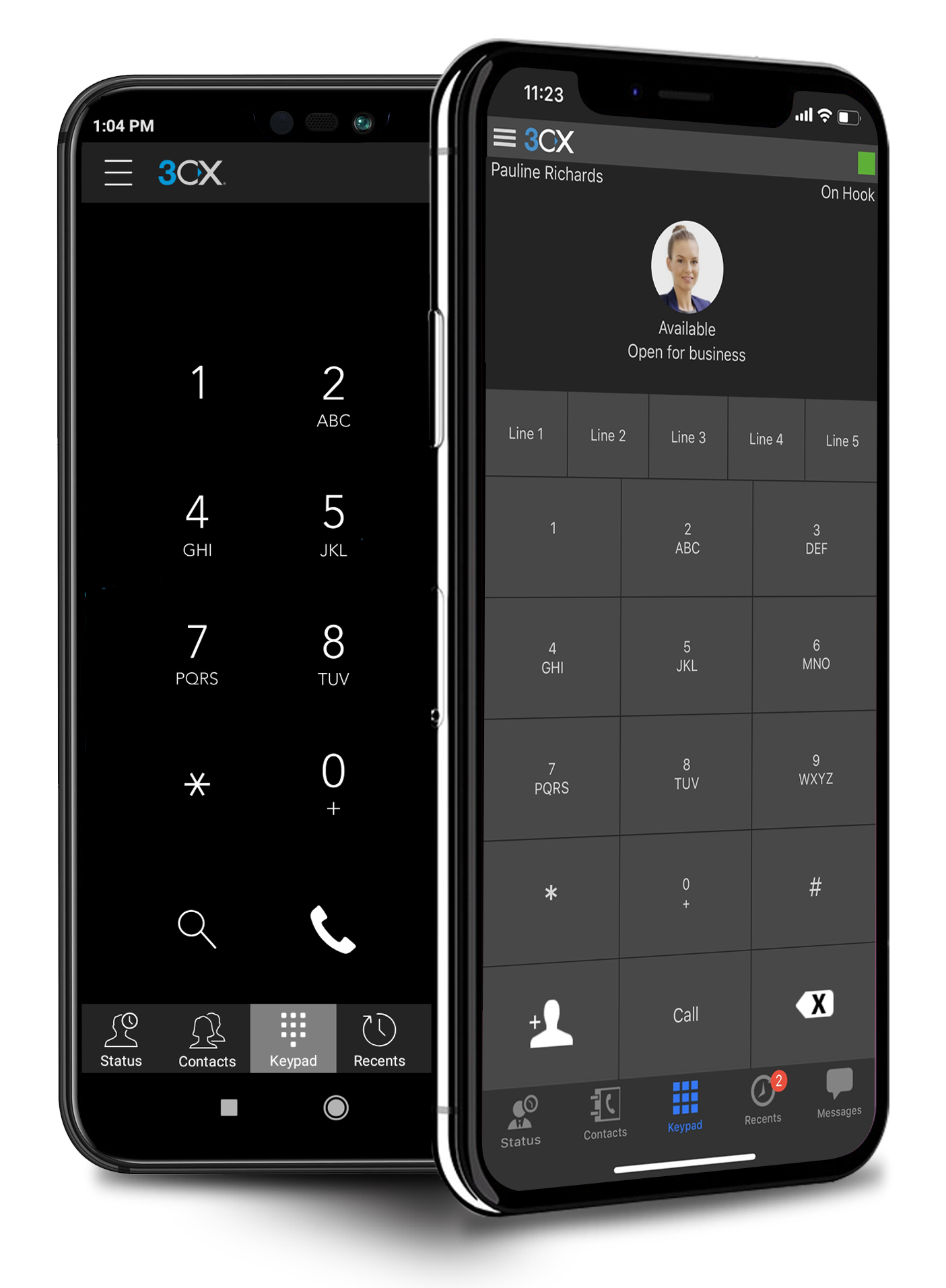
Cyprus based company 3CX offers an IP PBX phone system.
$1.08
per user/per month
Cisco Desk Series
Score 9.1 out of 10
N/A
A whiteboarding, videoconferencing and a second laptop display in one single device. The Cisco Desk Series delivers a collaboration experience to desks, in shared spaces, or small huddle spaces. Models include the Desk Pro, Desk, and Desk Mini. All Desk devices have advanced audio intelligence built in for distraction free meetings, a USB-C connection to pair devices wirelessly or dock a laptop.
$5,495
one-time fee **discounts available
Pricing
3CX
Cisco Desk Series
Editions & Modules
Pro
$1.08
per user/per month
Enterprise
$1.31
per user/per month
Standard
Free
No answers on this topic
Offerings
Pricing Offerings
3CX
Cisco Desk Series
Free Trial
Yes
No
Free/Freemium Version
Yes
No
Premium Consulting/Integration Services
Yes
No
Entry-level Setup Fee
Optional
No setup fee
Additional Details
Price displayed is based on 25 users.
3CX pricing is based on the number of simultaneous calls your business requires or in other words, how many calls your system needs to support at once. Unlike other PBX vendors there is no per extension cost.
In many scenarios decision is driven by budget and compared to other solutions at the time of purchase [3CX] was simply the cheapest solution for what it has to offer. If you are looking for integrations, extensibility, and advanced functionalities, this might not be a solution for you. At the time of use (and this may have changed by now), there was a lack of APIs, CLI commands, and similar so nothing could be automated with the system. There are ways of importing data through CSV but automation would solve us so much time and support calls if we were able to connect with other systems.
The Cisco Desk Series is phenomenal at joining any medium I need to, like Webex, Microsoft Teams, Zoom, or Google Meet. Its AI-powered video and audio features enhance clarity, reduce background noise, and frame participants naturally. Ideal for hybrid meetings and focused calls, it’s less suited for purely casual, non-professional use.
Simplicity: Using a single 3CX interface we can manage every phone and extension used throughout our company.
Flexibility: There are a wide variety of options to configure each extension and phone. Changing anything after the hardware is deployed is very easy.
Portability: Phones with 3CX can be easily moved or repurposed within an office or at remote locations, including users' homes. The mobile app allows users to use their office extension anywhere without exposing their cell number.
So the product, you can use WebEx conferences as well as Microsoft Teams conferences. This is very good because in the past it was only built for WebEx, WebEx platforms but since a couple of months it's certificated for Microsoft Teams as well because many clients and partners have changed their collaboration platform and team Microsoft Teams is the most common platform in the business world today.
The 3CX Phone System is only a five because while they provide set-up/how-to/Q and A documents to help your district or company get started, they do not offer support for free. The documents provided, though, are good enough for you to get you up and running. We also found a good source of help through a sip trunk provider, which was a 3CX reseller provider.
I have not had to use support yet as our use of Webex Desk Pro is so new, but all the questions that I have had have been answered with such promptness and clarity that it is clear Cisco has a passion about this device and about providing high quality in all that they do. Their support is top notch and you will never need to fear when reaching out to them.
The main differences between 8x8, Inc. and 3CX is pricing and ease of use in my opinion. The 3CX system uses annual based pricing plans based on of simultaneous calls your company needs, not the number of extensions/users and offers a free plan. 8x8, Inc. charges per extension with different plans. We currently have 19 extensions so the 3CX system makes more sense for us, however, if your company only has a few extensions you may want to throughly consider both options. In my experience, it was difficult to add new extensions and phones with 8x8 because at least at that time we had 8x8 I could not add anything on the web admin. I had to call a sales rep which took a lot more time. Also, if you didn't purchase a phone and/or headset directly from 8x8 at a usually higher price than Amazon for example then you would have to spend anywhere from 30 minutes to hours on the phone with 8x8 tech support to program the phone to work with the 8x8 system so adding a new extension could turn into a long ordeal. I can easily add new extensions on 3CX directly in the web cpanel. Granted, if you are actually adding a new phone number you would need to purchase that number from a company like ATT first before adding it to 3CX. The difference between a phone number and an extension would be a phone number allows a customer to call in directly using that number. The extension would require the customer to call the main business number then be transferred to the extension. 3CX provides a list of supported phone models on their website
We also have Zoom softphone that we use. We also have our Cisco IP communicators, which act as just a softphone of that desk phone, but we have Zoom, and we used to have Skype for Business. So those are the ones that we've dealt with in the past. I'd rather have Cisco over the other two. We already had the licenses for it, and we're already paying for it, so it's an added expense to use another company like Zoom before it was Skype for Business, now it's Teams. So we're AP for it, we have the licenses, let's use it. I like to save money. That's my motto.
3CX has a lot to offer for a very low cost as its business model is based on simultaneous calls and not per device. It's very cost effective and very affordable.
As the 3CX server does not require a high-performance server to run, with the Public Cloud option, it might allow even further savings.