Absolute Visibility is an adaptive endpoint security solution. It provides users with a persistent connection to all of their endpoints and the data they contain.
The vendor says, by maintaining a two-way connection with each device, users have the insight they need to assess risk and apply remote security measures so they can protect each endpoint and the sensitive data it contains. This insight is delivered through a cloud-based console that requires no additional IT…
N/A
Avast CloudCare
Score 10.0 out of 10
N/A
Avast's CloudCare was a cloud-based security platform for IT professionals used to monitor threats and deliver layered security services to multiple offices, networks, and devices. The product is reaching EOL and is no longer sold. Avast now offers the Avast Business Hub in its place.
N/A
LogMeIn Resolve
Score 9.0 out of 10
N/A
LogMeIn Resolve is an IT management and support solution designed to help organizations take control of their IT infrastructure. The platform combines features like remote monitoring, access, and support with tools such as ticketing, AI-assisted task automation, and patch management.
$29
per month
Pricing
Absolute Visibility
Avast CloudCare
LogMeIn Resolve
Editions & Modules
No answers on this topic
No answers on this topic
Starter
$29
per month
Growth
$55
per month
Advanced
$78
per month
Premium Endpoint Management
$78
per month
Complete
$94
per month
Offerings
Pricing Offerings
Absolute Visibility
Avast CloudCare
LogMeIn Resolve
Free Trial
Yes
No
Yes
Free/Freemium Version
No
No
No
Premium Consulting/Integration Services
No
No
No
Entry-level Setup Fee
Optional
No setup fee
No setup fee
Additional Details
—
—
Volume discounts are available. MDM is available as a standalone or as an add-on. Discount available for annual billing.
I have only used Absolute Data and Device Security (DDS). It was recommended by my Dell sales rep. After reviewing the product info, and loading a demo, it became clear that this is what was needed to add to our existing security to protect us from information loss due to a …
Avast CloudCare is less of a memory hog than several other vendors like Norton or Trend. The ease of deployment for 1 or 100 computers is so simple and straightforward.
We used to use Norton AV exclusively for all our business and home users, but it got to where it was using a lot of system resources and would slow down some computers. We selected Avast cloud care since it was a lighter weight program and provided great results as far as …
We choose LogMeIn Resolve because unlike AnyDesk it offers helpdesk ticketing, remote monitoring and support in one place and reduces the need of juggling multiple tools.
Although the SolarWinds help desk worked well for our help desk and inventory purposes, it did not provide remote access ability or remote execution of executable files or scripts. We were looking for a product that integrated all of these tasks in order to simplify our day to …
We decided to go with LogMeIn Resolve due to its UEM solution. It offered us various features like remote support, ticketing, remote monitoring, etc. in a single system. It also allowed us to manage many devices from a single, centralized point.
It is better in every way. Intuitively designed, great UI, easy to install and go live, great out of box training videos and features are constantly being improved and supported
LogMeIn Resolve represents a distilled and clean RMM and ticket management system. Autotask has a lot of great features that might be unnecessary for a smaller organization's internal use. Sometimes a team just needs to get in and have that higher overview without setting up a …
At the time that we tested and selected a remote access tool, GoTo was superior to the other options tested. Then came the issues with ctrl+key and shift+key combos which detracted from all of the things that made GoTo the best option. Until these are fixed GoTo will remain …
We traditionally utilize all related products to support our end users in a remote environment. This requires that we have access to their systems, typically monitored, via a screen share session where we can use built in functionality such as file sharing. This allows us to …
Go to offer all-in-one functionalities without compromising organizational security and policy. Go-to is versatile compared to other systems like JIRA and is suitable for medium organizations. It has all the support options required. Like web meetings, conversational ticketing, …
Avast CloudCare is great when it comes to ease of installation and GUI. Working inside the web portal is pretty self-intuitive. Some of the issues revolve around computers coming up missing from the portal or from computer jumping sites.
LogMeIn is well-suited for scenarios where remote support is needed. For example, a user submits a ticket about having an issue with Microsoft Word being unable to open documents on their PC. Since this is just a software issue on the device, LogMeIn is great for being able to fix the issue. Scenarios, I would say LogMeIn Resolve is not as well-suited for inventory management. But that's only because my organization has a proprietary system to manage assets.
I tracked a stolen computer all the way to Africa from USA and disabled it.
I set up geofences with alerts. As soon as a computer got a wifi connection outside of our fences it would email me its current location.
Absolute's persistent technology was helpful. -Even when a pawn shop would attempt to "wipe" a device before getting it online, as soon as it got online it notified me of the OS re-installation and current location. We could call authorities and they could recover the device for us. And they were happy it made their job easier and deterred the pawn shop from reselling stolen devices.
I do not know where I would consider this product to be deficient in functionality, difficult to use or any major changes that needed to be addressed.
I wish the pricing of this product was a little lower, but I do think it is well worth the cost and consideration, especially if you are using it on devices containing electronic medical records, personal health information or personal privacy information.
To us, it just works. and it is what our users are comfortable with. It covers all the remote issues that we as an IT department encounter. We have grown to like it and we also have grown to like the Citrix product family. We really can't find anything that would keep us from renewing.
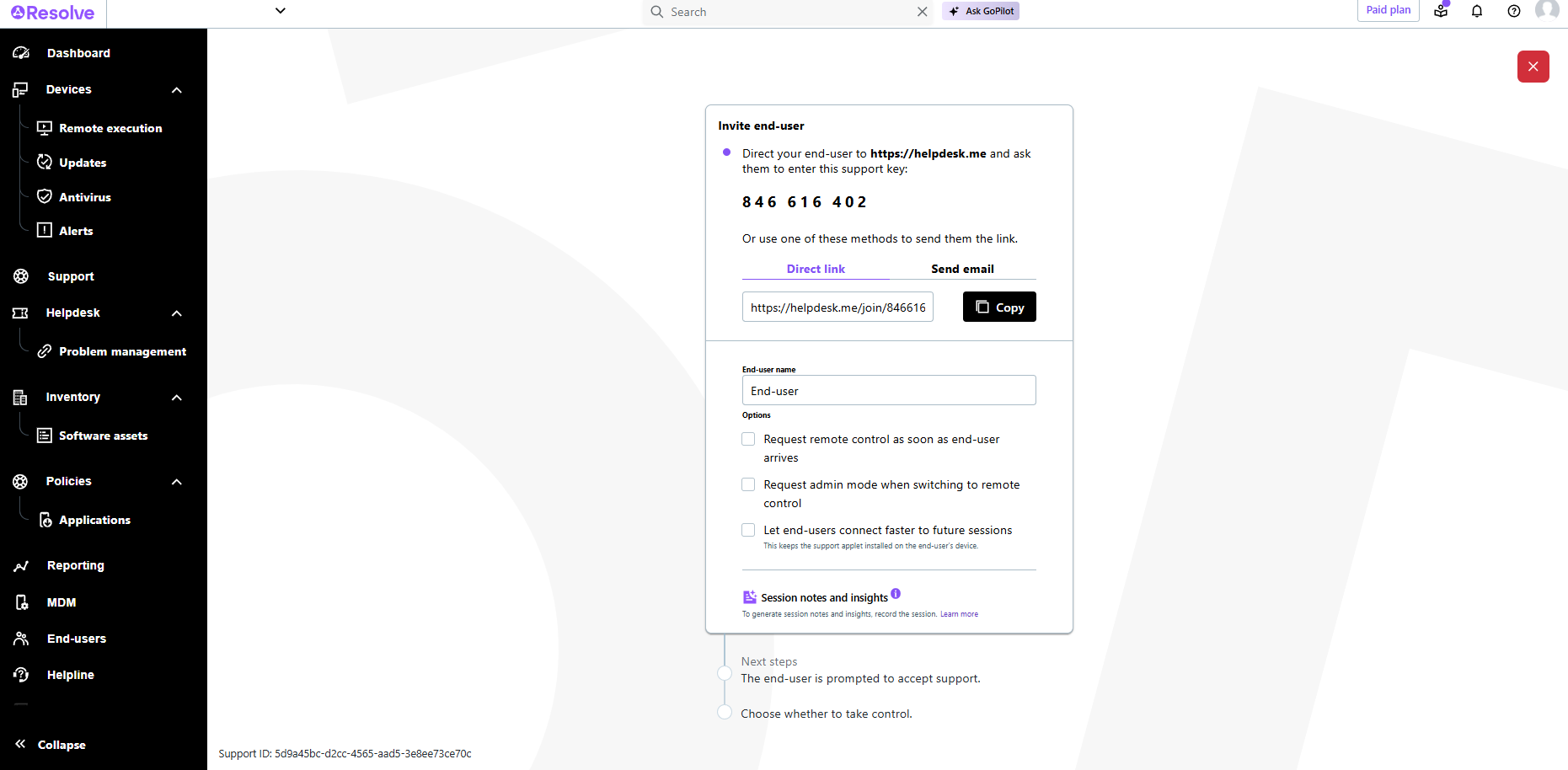
The interface is clean, intuitive, and easy to navigate. Common actions are easy to locate and exactly where I would expect them to be. Starting a remote session is quick and smooth, which reduces the time users need to wait before receiving support. I also appreciate the single-pane dashboard showing remote access, session details, and device information.
Usually available without a problem, although sometimes calls get dropped or users sit in empty meeting rooms while waiting for an admin to arrive, while the call is actually going on.
If you are connected to someone with proper bandwidth, there are no issues at all. With all things, if you connect to someone with dial-up (yes, it still exists), the performance is terrible.
The software runs well overall once installed. It is easy to use and very intuitive from both the technician standpoint and the customer standpoint. There are not a lot of problems or issues with the software, and it doesn't have a big effect on system resources once installed, or when running. It would not be a 10 since the cost of the licensing is one drawback
GoToAssist SeeIt was very easy to implement. As long as your techs have a basic understanding of most remote support tools they will be able to understand this product easily.
I have only used Absolute Data and Device Security (DDS). It was recommended by my Dell sales rep. After reviewing the product info, and loading a demo, it became clear that this is what was needed to add to our existing security to protect us from information loss due to a data breach on our portable devices. I presented this solution to the appropriate departments, and they agreed that this was something well worth the investment.
Although the SolarWinds help desk worked well for our help desk and inventory purposes, it did not provide remote access ability or remote execution of executable files or scripts. We were looking for a product that integrated all of these tasks in order to simplify our day to day IT functions.
I think that Absolute Data and Device Security (DDS) is well worth the investment to protect important data securely. Without it, a data breach could cost an astronomical amount of money and you many never be able to complete recover from it.
It also aids in recovery efforts for stolen devices and therefor reduces the financial cost of replacing the lost devices.
There is a free trial available that is well worth the time investment to see if Absolute Data and Device Security (DDS) might be a valuable tool to add to your existing security plans.
A positive ROI, the expansive remote abilities allow a minimum of 90% of our IT work without sending a technician to the location.
10% of our technicians travel to locations while 90% are home-based. (Office or Home).
We used to have multiple techs attending one customer location physically (brainstorming does happen during a fire). We are now able to send multiple technicians to the same call 'virtually' without the cost of actually sending them.