Chose Acumatica
We selected Acumatica because it is more configurable and more adaptable than Dynamics.

| Product | Rating | Most Used By | Product Summary | Starting Price |
|---|---|---|---|---|
 Acumatica | N/A | Acumatica delivers a set of cloud-based business software applications with dashboards, reporting tools, integrated document management, centralized security, and customization tools. | N/A | |
 Certinia FM Cloud | N/A | Certinia FM Cloud automates financial management on the Salesforce platform. The customer-centric software includes a general ledger, automated billing processes, and financial intelligence. | N/A | |
 Salesforce Maps | Small Businesses (1-50 employees) | Salesforce Maps (formerly MapAnything) helps users map their CRM data. Users can: View customer, prospect, employee, partner, & competitor locations Build routes, call lists, campaigns, & event invite lists directly from the map Map wins & losses and visualize team activities & performance Maps is Salesforce-integrated & was built on Force.com. According to the vendor, the software has 1400+ customers so far. Use cases include: Field… | $30 per user / month |
| Acumatica | Certinia FM Cloud | Salesforce Maps | ||||||||||||||||||||||
|---|---|---|---|---|---|---|---|---|---|---|---|---|---|---|---|---|---|---|---|---|---|---|---|---|
| Editions & Modules | No answers on this topic | No answers on this topic |
| |||||||||||||||||||||
| Offerings |
| |||||||||||||||||||||||
| Entry-level Setup Fee | No setup fee | Required | No setup fee | |||||||||||||||||||||
| Additional Details | Pricing is always consumption-based with no five-year lock-ins or termination penalties. The Acumatica ERP pricing structure allows adding casual users, suppliers, and customers without paying for additional licenses. The cost is based on the features and resources utilized, not on the number of users who access the system. An Acumatica partner works with users to understand specific requirements, determine the proper resources and modules for the company, and presents a price for the license. | Certinia Professional Services Cloud software follows a subscription-based pricing model that is typically structured according to the number of users and the level of features required. The software’s pricing may vary depending on the organization’s size and needs, with options to select modules or add-ons for additional functionality. Specific pricing details may require a consultation or quote from Certinia for tailored solutions. | — | |||||||||||||||||||||
| More Pricing Information | ||||||||||||||||||||||||
| Acumatica | Certinia FM Cloud | Salesforce Maps | |
|---|---|---|---|
| Considered Multiple Products |  Acumatica  Hardik Thacker Financial research analyst Chose Acumatica Acumatica excels well against other tools due to its rich set of capabilities like deep integrated project management, financial management, scalable unlimited users, robust real-time visibility and strong customisation, outperforming Odoo's variable modules and QuickBook's …  Darren Francis Chief Risk & Compliance Officer Chose Acumatica Acumatica beats them hands down. No comparison  Brian Flaten It Director Chose Acumatica The go live time is better in Acumatica. The developer learning path is better in Acumatica. The Acumatica community is so strong | Certinia FM Cloud  Lynne Taylor CAO (Chief Administrative Officer) Chose Certinia FM Cloud Outside CPA was strong proponent of Quickbooks and it was evaluated initially, but size of company, complexity of transactions, eventual move to Salesforce and need for multi-company and multicurrency ruled it out almost from the start. As the only accounting system built … | Salesforce Maps  Kurt Johansen DBA and Process Manager Chose Salesforce Maps Unknown other products out there. Was led to Maps by our SF rep. I made the mistake of trusting a salesperson for solutions. SF reps are pushed to sell the going product, not actually HELP their clients.  Edward Phillips Engagement Director Chose Salesforce Maps MapAnything is very easy to use but it appears that similar companies are too. Because of the new pricing structure, they are expensive. |
| Acumatica | Certinia FM Cloud | Salesforce Maps | |||||||||||||||||||||||||||||||
|---|---|---|---|---|---|---|---|---|---|---|---|---|---|---|---|---|---|---|---|---|---|---|---|---|---|---|---|---|---|---|---|---|---|
| Payroll Management |
| ||||||||||||||||||||||||||||||||
| Customization |
| ||||||||||||||||||||||||||||||||
| Security |
| ||||||||||||||||||||||||||||||||
| Reporting & Analytics |
| ||||||||||||||||||||||||||||||||
| General Ledger and Configurable Accounting |
| ||||||||||||||||||||||||||||||||
| Inventory Management |
| ||||||||||||||||||||||||||||||||
| Order Management |
| ||||||||||||||||||||||||||||||||
| Subledger and Financial Process |
| ||||||||||||||||||||||||||||||||
| Project Financial Management |
| ||||||||||||||||||||||||||||||||
| Project Execution Management |
| ||||||||||||||||||||||||||||||||
| Grants Management |
| ||||||||||||||||||||||||||||||||
| Procurement |
| ||||||||||||||||||||||||||||||||
| Risk Management |
| ||||||||||||||||||||||||||||||||
| Logistics |
| ||||||||||||||||||||||||||||||||
| Manufacturing |
| ||||||||||||||||||||||||||||||||
| Supply Chain |
| ||||||||||||||||||||||||||||||||
| Product Lifecycle Management |
|
| Acumatica | Certinia FM Cloud | Salesforce Maps | |
|---|---|---|---|
| Small Businesses |  Zoho One Score 9.3 out of 10 | Zoho One Score 9.3 out of 10 | No answers on this topic |
| Medium-sized Companies |  Infor VISUAL Score 7.3 out of 10 | Infor VISUAL Score 7.3 out of 10 | No answers on this topic |
| Enterprises |  24SevenOffice Score 9.0 out of 10 | 24SevenOffice Score 9.0 out of 10 | No answers on this topic |
| All Alternatives | View all alternatives | View all alternatives | View all alternatives |
| Acumatica | Certinia FM Cloud | Salesforce Maps | |
|---|---|---|---|
| Likelihood to Recommend | 8.8 (0 ratings) | 6.0 (0 ratings) | 10.0 (0 ratings) |
| Likelihood to Renew | 9.5 (0 ratings) | 10.0 (0 ratings) | - (0 ratings) |
| Usability | 8.2 (0 ratings) | 10.0 (0 ratings) | 10.0 (0 ratings) |
| Availability | 9.0 (0 ratings) | 10.0 (0 ratings) | - (0 ratings) |
| Performance | 7.7 (0 ratings) | 9.0 (0 ratings) | - (0 ratings) |
| Support Rating | 7.6 (0 ratings) | 10.0 (0 ratings) | 1.0 (0 ratings) |
| In-Person Training | 6.6 (0 ratings) | - (0 ratings) | - (0 ratings) |
| Online Training | 7.7 (0 ratings) | 10.0 (0 ratings) | - (0 ratings) |
| Implementation Rating | 6.9 (0 ratings) | 10.0 (0 ratings) | - (0 ratings) |
| Configurability | 7.6 (0 ratings) | - (0 ratings) | - (0 ratings) |
| Ease of integration | 7.1 (0 ratings) | - (0 ratings) | - (0 ratings) |
| Product Scalability | 8.0 (0 ratings) | - (0 ratings) | - (0 ratings) |
| Vendor post-sale | 5.2 (0 ratings) | - (0 ratings) | - (0 ratings) |
| Vendor pre-sale | 6.9 (0 ratings) | - (0 ratings) | - (0 ratings) |
| Acumatica | Certinia FM Cloud | Salesforce Maps | |
|---|---|---|---|
| Likelihood to Recommend |
|
|
|
| Pros |
|
|
|
| Cons |
|
|
|
| Likelihood to Renew |
|
Lynne Taylor CAO (Chief Administrative Officer) | No answers on this topic |
| Usability |
|
Lynne Taylor CAO (Chief Administrative Officer) |
Kurt Johansen DBA and Process Manager |
| Reliability and Availability |
 DANYEL SULLIVAN-MARRERO, CPA, MBA Controller |
Lynne Taylor CAO (Chief Administrative Officer) | No answers on this topic |
| Performance |
|
Lynne Taylor CAO (Chief Administrative Officer) | No answers on this topic |
| Support Rating |
|
Lynne Taylor CAO (Chief Administrative Officer) |
Kurt Johansen DBA and Process Manager |
| In-Person Training |
DANYEL SULLIVAN-MARRERO, CPA, MBA Controller | No answers on this topic | No answers on this topic |
| Online Training |
 Julie Weber Director of Finance & Accounting |
Lynne Taylor CAO (Chief Administrative Officer) | No answers on this topic |
| Implementation Rating |
 Scott Rutkowski, CLP CIO (Chief Information Officer) |
Lynne Taylor CAO (Chief Administrative Officer) | No answers on this topic |
| Alternatives Considered |
Hardik Thacker Financial research analyst |
|
Kurt Johansen DBA and Process Manager |
| Scalability |
DANYEL SULLIVAN-MARRERO, CPA, MBA Controller | No answers on this topic | No answers on this topic |
| Return on Investment |
|
|
Edward Phillips Engagement Director |
| ScreenShots | Acumatica Screenshots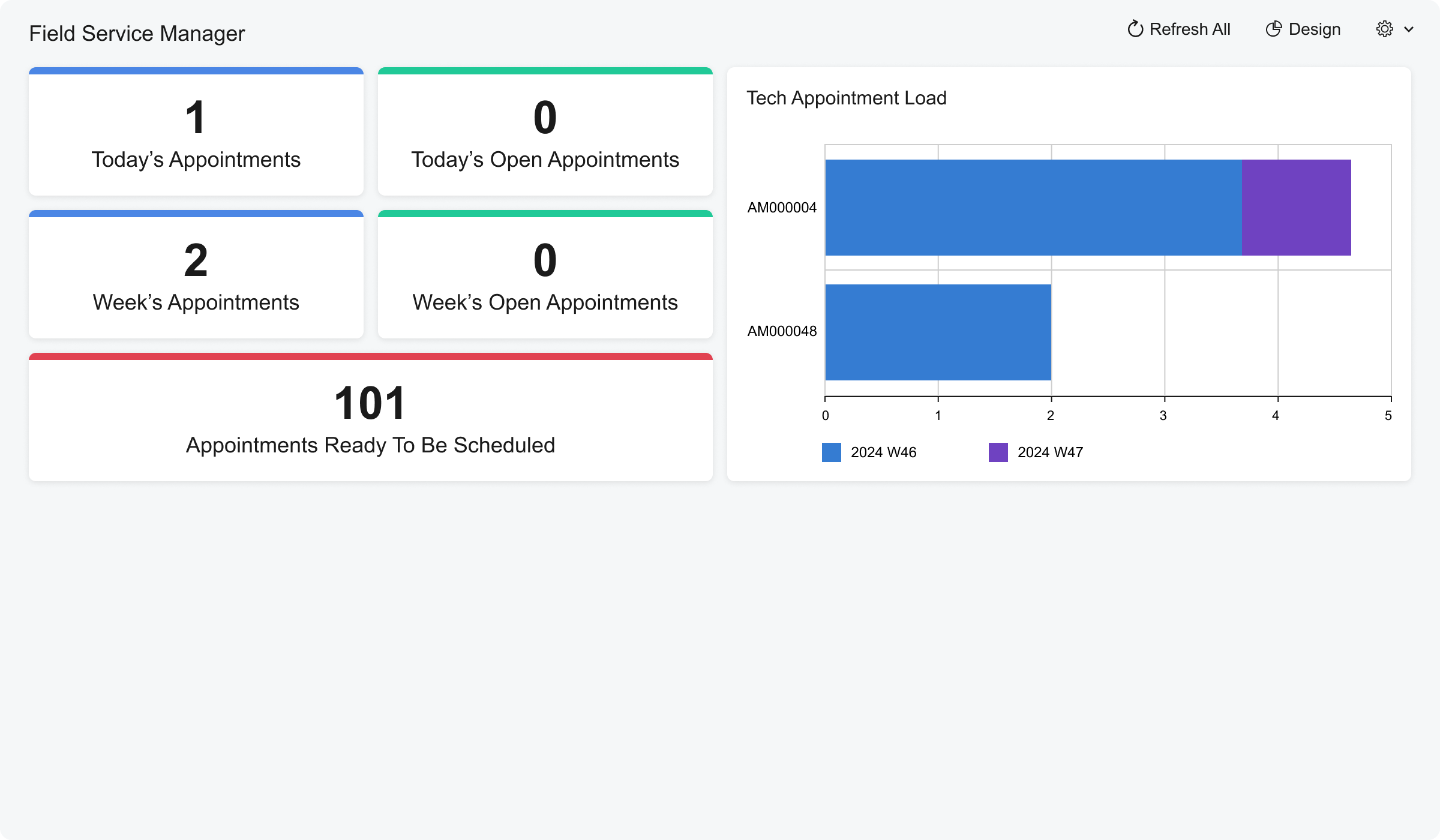 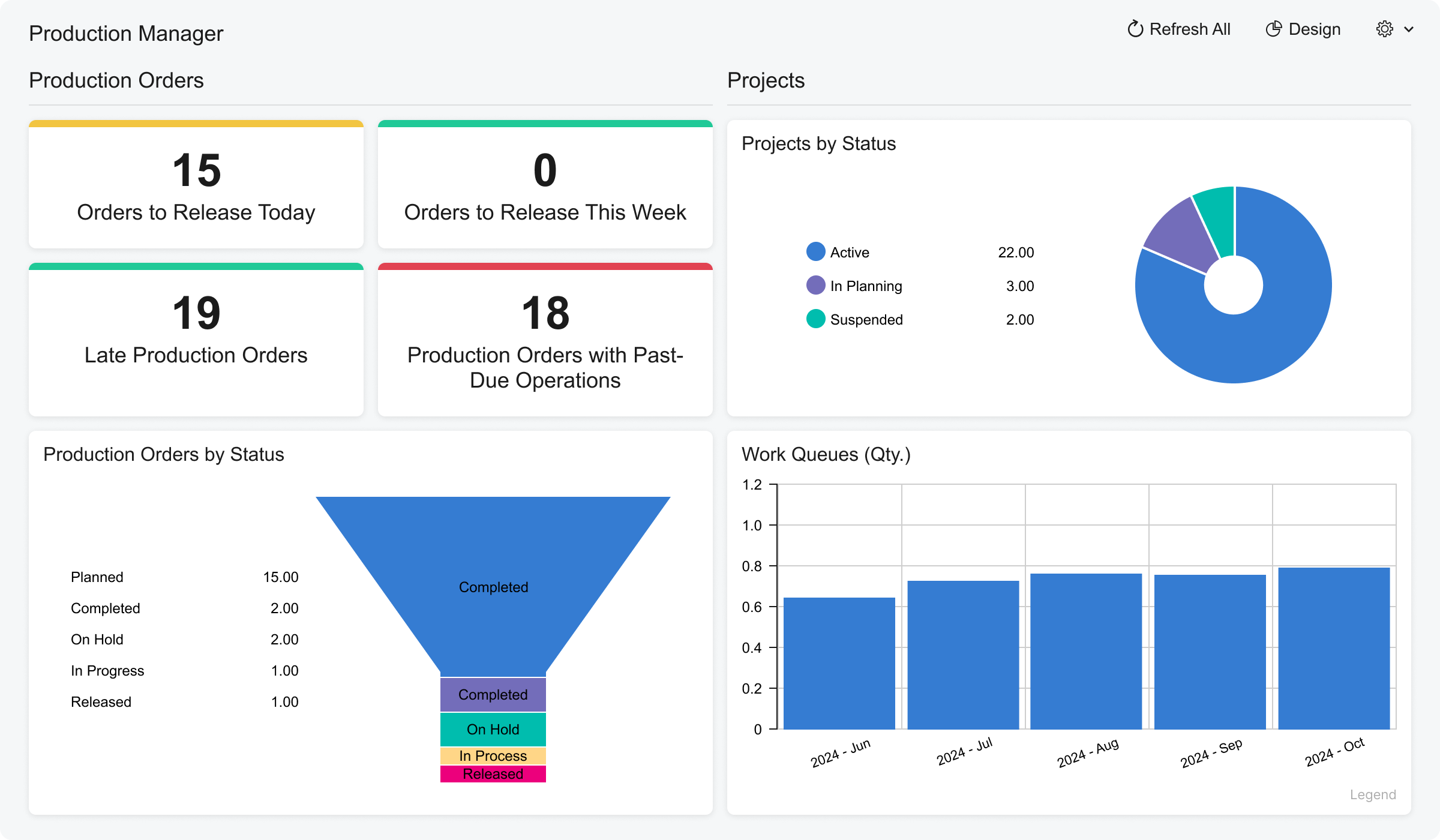 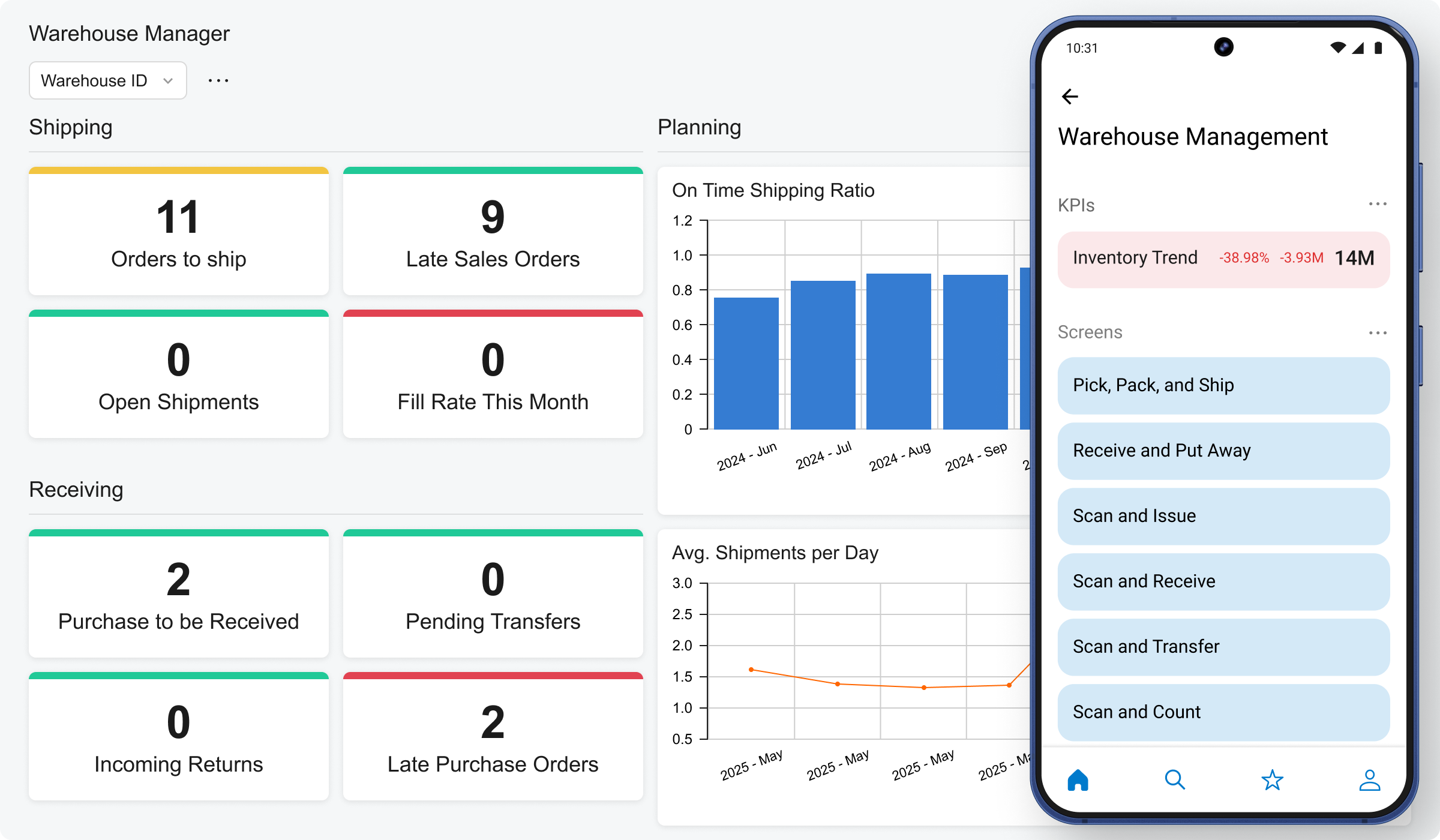 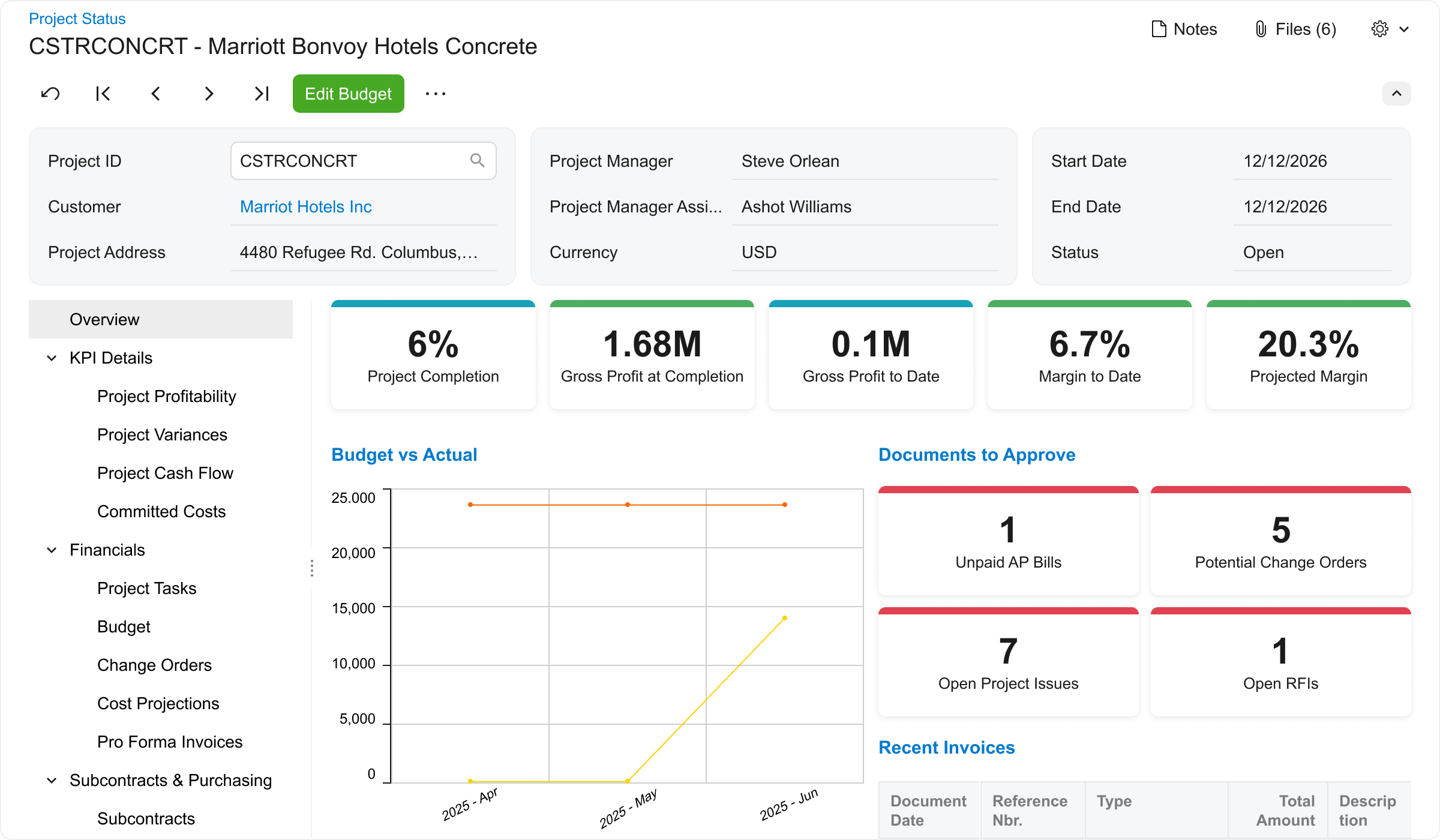   |