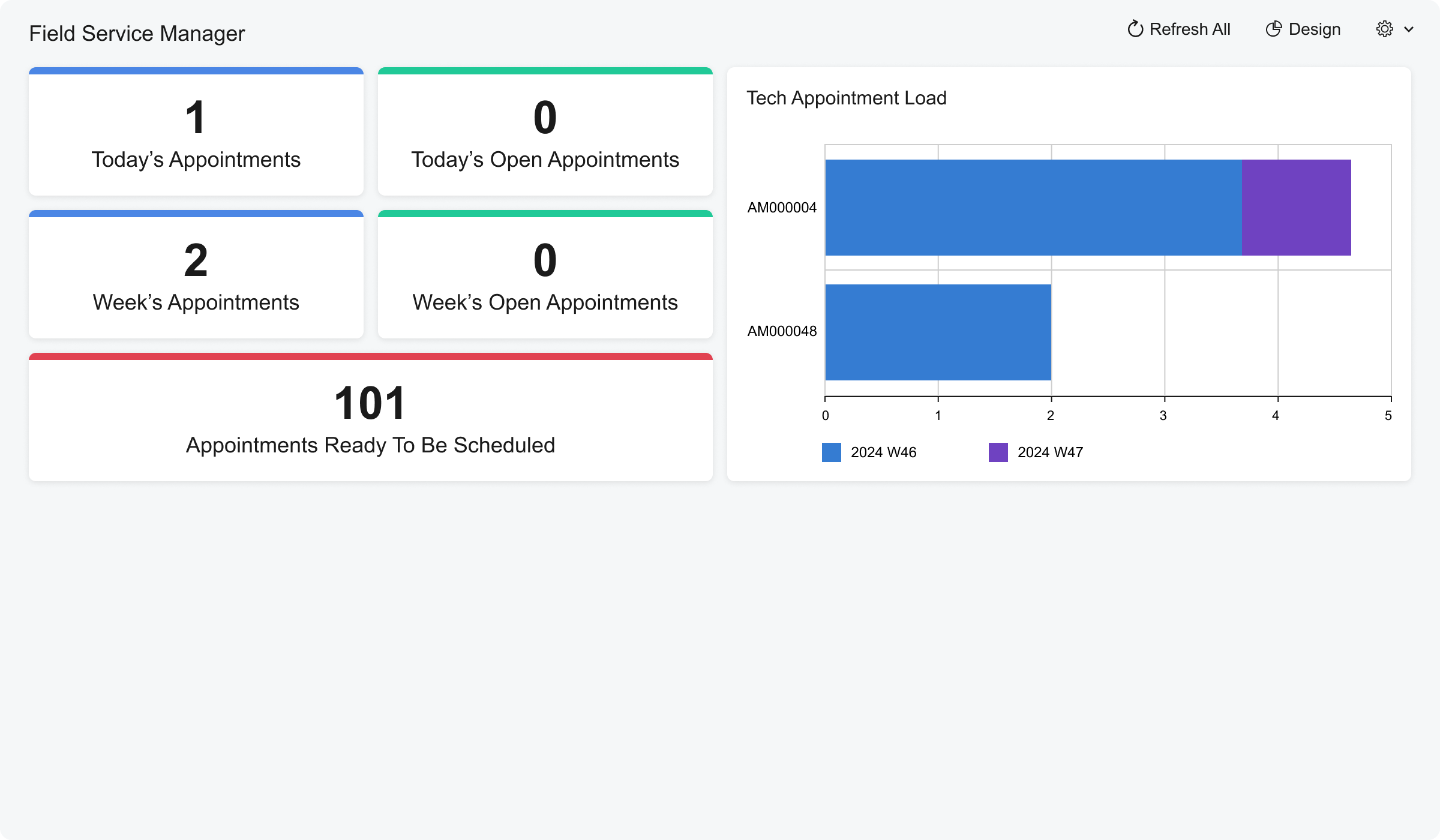
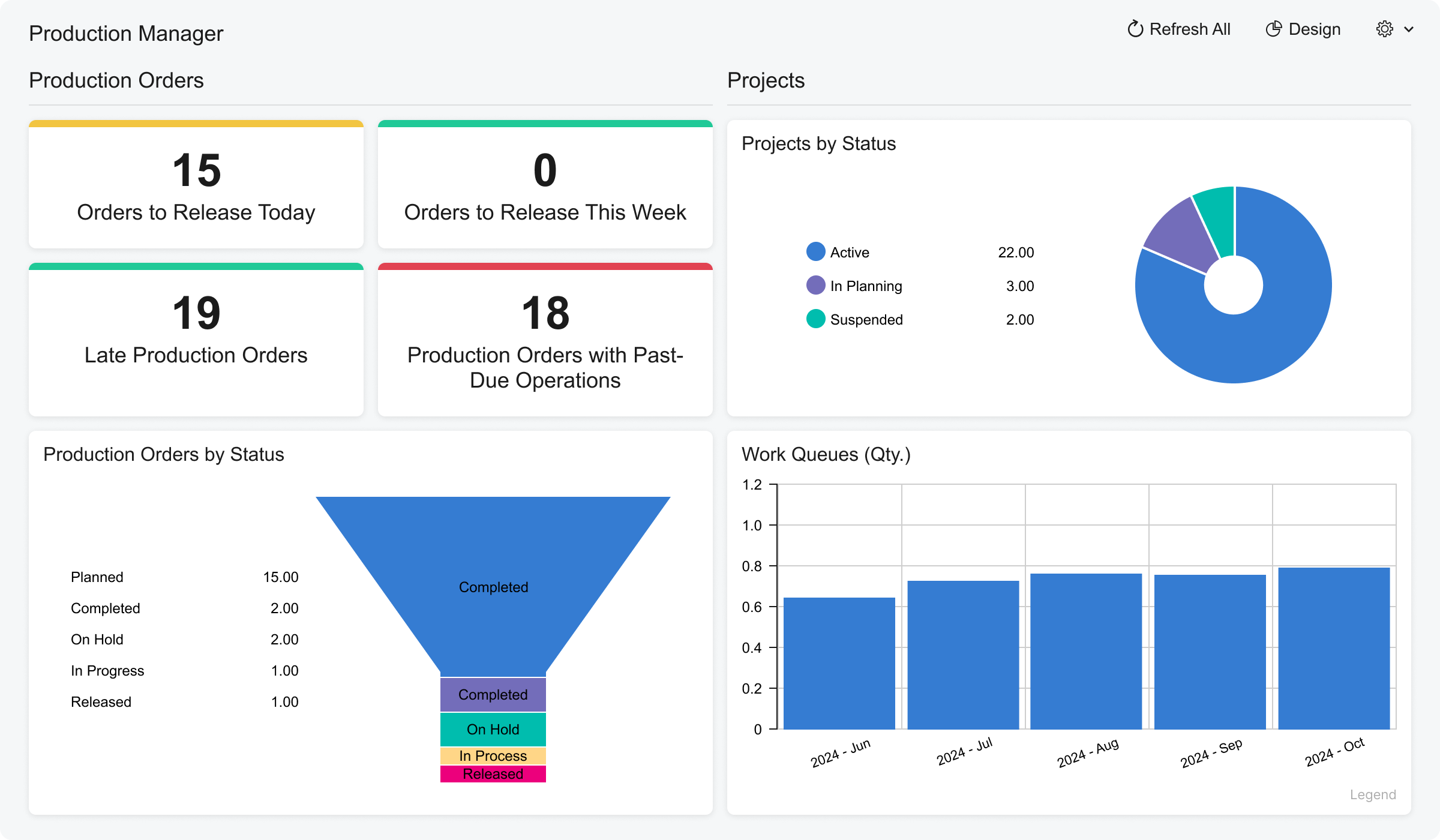
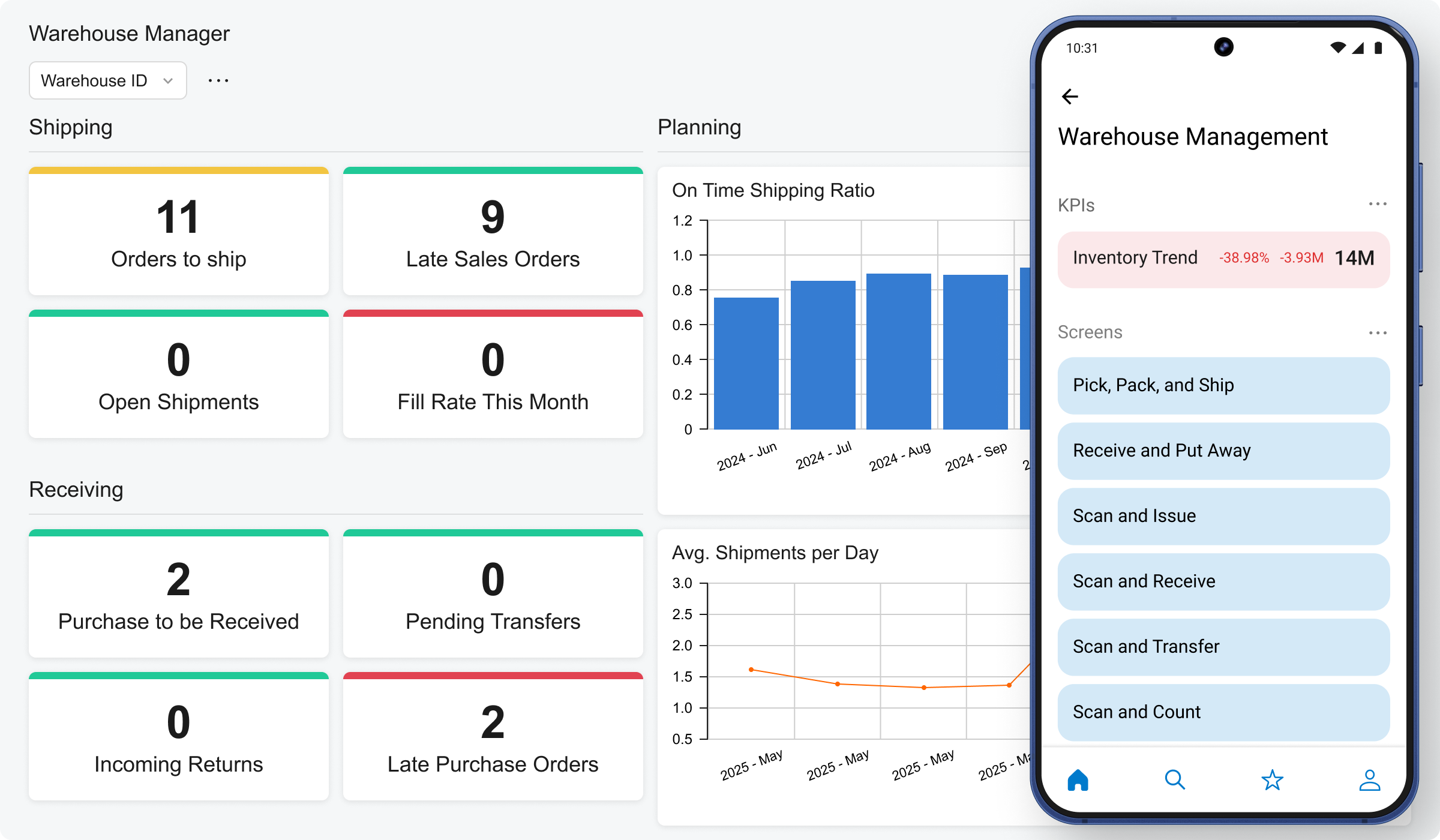
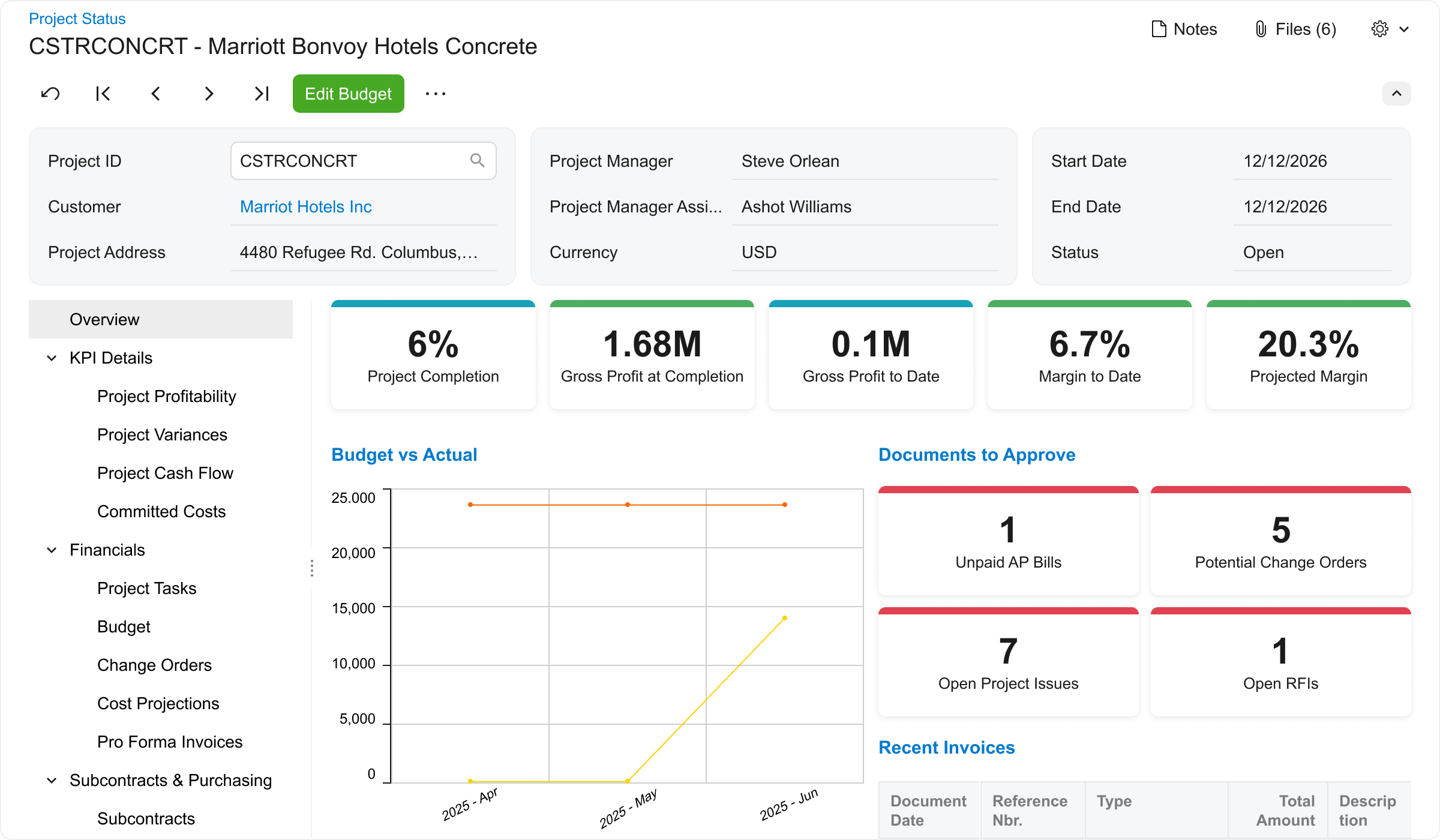
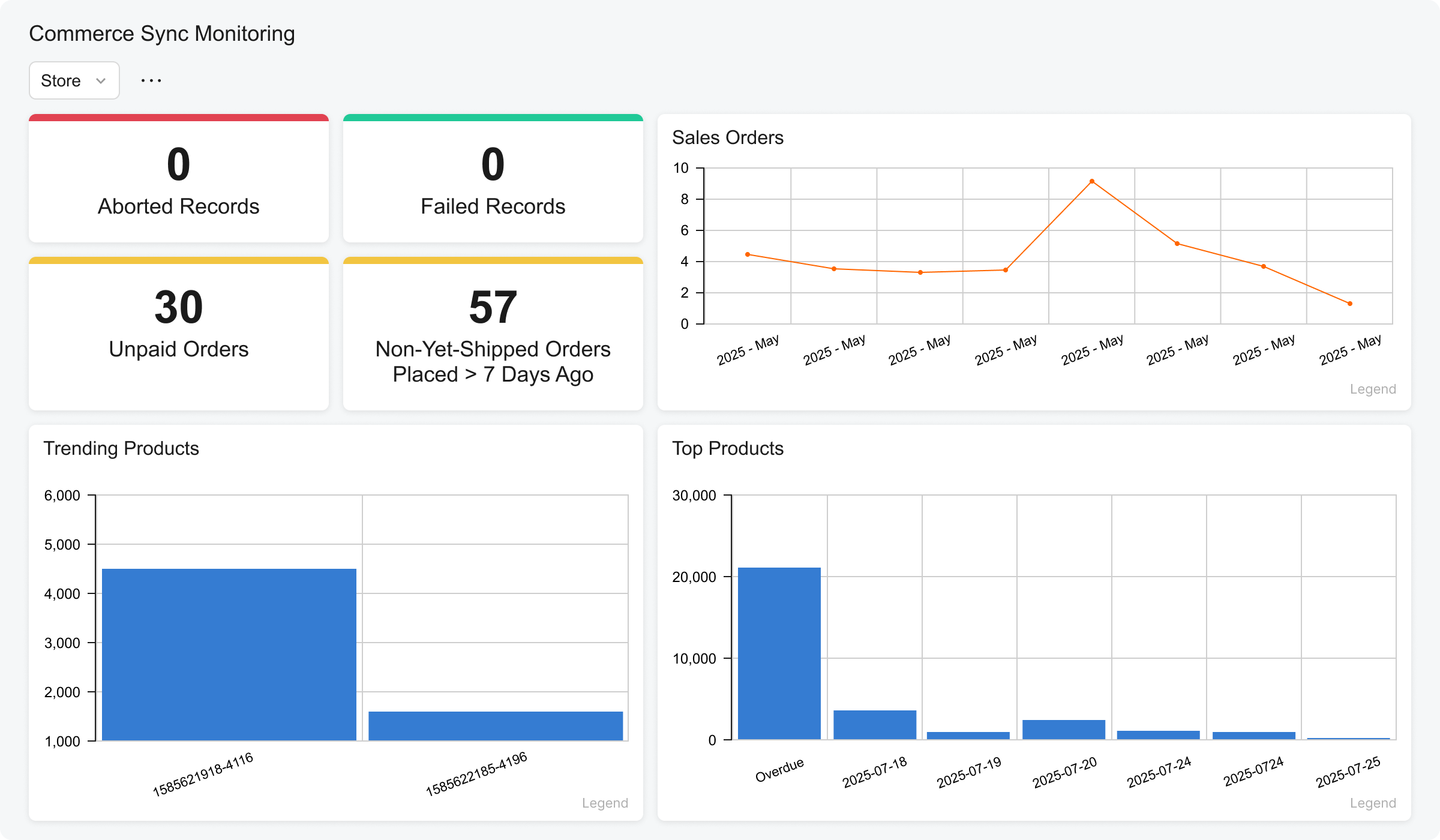
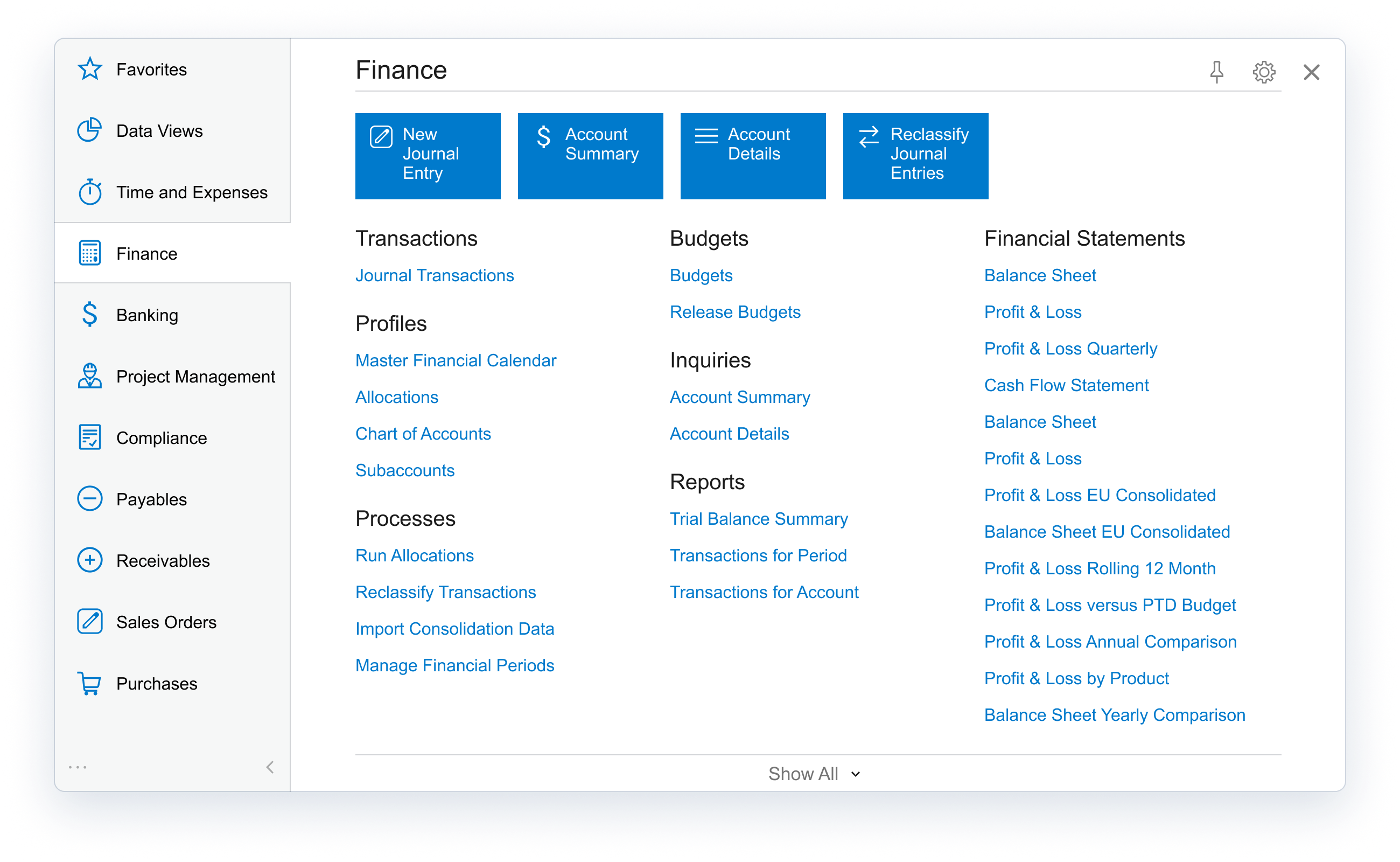
Acumatica delivers a set of cloud-based business software applications with dashboards, reporting tools, integrated document management, centralized security, and customization tools.
$1,000
per year
Microsoft Dynamics 365 Business Central
Score8 out of 10
N/A
Microsoft Dynamics 365 Business Central (formerly Dynamics NAV) is one of the ERP products in the Dynamics family.
The technology is based on the Navision product acquired by Microsoft in 2002. This product is the best-selling Microsoft ERP platform, and is often used by companies in the manufacturing and distribution verticals.
$8
per month per user
Pricing
Acumatica
Microsoft Dynamics 365 Business Central
Editions & Modules
No answers on this topic
Dynamics 365 Business Central Team Members
$8
per month (billed annually) per user
Dynamics 365 Business Central Essentials
$70
per month (billed annually) per user
Dynamics 365 Business Central Premium
$100
per month (billed annually) per user
Offerings
Pricing Offerings
Acumatica
Microsoft Dynamics 365 Business Central
Free Trial
No
Yes
Free/Freemium Version
No
Yes
Premium Consulting/Integration Services
Yes
No
Entry-level Setup Fee
No setup fee
No setup fee
Additional Details
Pricing is always consumption-based with no five-year lock-ins or termination penalties.
The Acumatica ERP pricing structure allows adding casual users, suppliers, and customers without paying for additional licenses.
The cost is based on the features and resources utilized, not on the number of users who access the system. An Acumatica partner works with users to understand specific requirements, determine the proper resources and modules for the company, and presents a price for the license.
A de minimis incentive was given to thank the reviewer for their time. The incentive was not used to bias or drive a particular response, nor was the incentive contingent on a positive endorsement. More Info
Verified User
Chose Acumatica
We used Business Central for 8 years and after 8 months of implementing Acumatica our processes are more efficient and our reporting is miles ahead of where we were with Business Central, and at a fraction of the cost. Acumatica's cloud first approach and customizability puts …
A de minimis incentive was given to thank the reviewer for their time. The incentive was not used to bias or drive a particular response, nor was the incentive contingent on a positive endorsement. More Info
Controller in Finance and Accounting at Northern Plains Rail Services (Accounting, 201-500 employees)
Chose Acumatica
I’m really happy we went with Acumatica over Microsoft. To me, they are more innovative and pushing out changes all the time which is important to me. There are some serious settings that need to change that I wish it would adopt from Microsoft like the user security which is …
A de minimis incentive was given to thank the reviewer for their time. The incentive was not used to bias or drive a particular response, nor was the incentive contingent on a positive endorsement. TR verified that a representative sample of customers was invited. More Info
Verified User
Chose Acumatica
I have preferred the flexibility within Acumatica quite a bit more but I do prefer the others data analysis better
A de minimis incentive was given to thank the reviewer for their time. The incentive was not used to bias or drive a particular response, nor was the incentive contingent on a positive endorsement. More Info
Verified User
Chose Acumatica
The ease of customization and the network of integrate-able ISV’s really stood out to us over the competitive products.
A de minimis incentive was given to thank the reviewer for their time. The incentive was not used to bias or drive a particular response, nor was the incentive contingent on a positive endorsement. TR verified that a representative sample of customers was invited. More Info
Verified User
Chose Acumatica
Dynamics SL is our current platform that we are migrating away from due to the lack of new features and future support. We attempted to launch with Dynamics 365 but found many screens and work flows do not work as intended. We left those project deployments and went with …
A de minimis incentive was given to thank the reviewer for their time. The incentive was not used to bias or drive a particular response, nor was the incentive contingent on a positive endorsement. TR verified that a representative sample of customers was invited. More Info
A de minimis incentive was given to thank the reviewer for their time. The incentive was not used to bias or drive a particular response, nor was the incentive contingent on a positive endorsement. TR verified that a representative sample of customers was invited. More Info
Verified User
Chose Acumatica
Transaction based pricing is better suited for us, the ability to not have to rely on so many customisations or addons
A de minimis incentive was given to thank the reviewer for their time. The incentive was not used to bias or drive a particular response, nor was the incentive contingent on a positive endorsement. TR verified that a representative sample of customers was invited. More Info
A de minimis incentive was given to thank the reviewer for their time. The incentive was not used to bias or drive a particular response, nor was the incentive contingent on a positive endorsement. More Info
A de minimis incentive was given to thank the reviewer for their time. The incentive was not used to bias or drive a particular response, nor was the incentive contingent on a positive endorsement. TR verified that a representative sample of customers was invited. More Info
A de minimis incentive was given to thank the reviewer for their time. The incentive was not used to bias or drive a particular response, nor was the incentive contingent on a positive endorsement. More Info
A de minimis incentive was given to thank the reviewer for their time. The incentive was not used to bias or drive a particular response, nor was the incentive contingent on a positive endorsement. More Info
I think it’s a great product. I think it’s very customizable, which is a big plus. For manufacturing, it’s excellent because of creating the inventory, turning it into an actual product to sell, and also tracking the status of each process within that system. I can’t think of any areas where it’s not suited, because otherwise we would be looking for something else or making changes, and at this time, we’re just growing with the system.
Microsoft Dynamics 365 Business Central is well suited for inventory management in all aspects. Its accessibility, along with my other apps, when out of the office is unparalleled. I find it easy to work with on a desktop or laptop; however, it could use some work on a mobile device.
A de minimis incentive was given to thank the reviewer for their time. The incentive was not used to bias or drive a particular response, nor was the incentive contingent on a positive endorsement. More Info
Particularly well is just the ease of it being able to be used. We're coming from Sage, that's the product that we used before. Sage was limited, five people could get into the system at a time. Acumatica is unlimited.
The amount of information that's so easily accessible has made us more efficient, more productive, and it just makes for an easier workday when everybody can see the same information real time.
A de minimis incentive was given to thank the reviewer for their time. The incentive was not used to bias or drive a particular response, nor was the incentive contingent on a positive endorsement. More Info
Automate the creation of bills of materials for production. We can now generate a BoM from a sales order.
Organization of all data pertaining to thousands of parts, assemblies, and finished goods. Engineering and purchasing have a common portal.
We can create sales orders from quotations instead of re-entering them (this did require some bolt-on software). Less redundant work with fewer entry errors.
Accounting can provide reports based on specific criteria stored in NAV. We can pull better and more detailed intelligence.
A de minimis incentive was given to thank the reviewer for their time. The incentive was not used to bias or drive a particular response, nor was the incentive contingent on a positive endorsement. More Info
Acumatica's open API is very powerful but doesn't get integrated cleanly across every external system, challenge arises with integration of legacy systems
Some of the platform feature's requires third-party add-ons or custom developments like advance finance report & BI.
Sometimes it gets glitch in the system leading slower processing speed
A de minimis incentive was given to thank the reviewer for their time. The incentive was not used to bias or drive a particular response, nor was the incentive contingent on a positive endorsement. More Info
A de minimis incentive was given to thank the reviewer for their time. The incentive was not used to bias or drive a particular response, nor was the incentive contingent on a positive endorsement. More Info
We are highly likely to renew because Acumatica has become the foundation of our ERP strategy replacing another ERP system with a more flexible, scalable platform while improving governance, planning, and operational visibility. Ongoing stabilization, roadmap investment in IBP and automation, and strong alignment across Finance and Operations give us long‑term confidence in the platform.
A de minimis incentive was given to thank the reviewer for their time. The incentive was not used to bias or drive a particular response, nor was the incentive contingent on a positive endorsement. More Info
We've already decided to continue using this software. It is too expensive for us to upgrade so we made a workaround by using the virtual computer with Windows XP installed on it. We did research replacing this software, but it was a better financial decision to keep what we had instead
A de minimis incentive was given to thank the reviewer for their time. The incentive was not used to bias or drive a particular response, nor was the incentive contingent on a positive endorsement. More Info
The processes are very intuitive and easy to use. Whether you are entering AP bills, timecards for payroll, or AR invoices, the processes are similar and easy to use. The drill-down capability is also a huge plus as you can easily toggle between different modules without having to leave the screen you are in and navigating through a menu to get the information you need. We found that the standard reports out of the box are lacking. Our implementation did not go so well and when we were finally ready to run financial reports, it was both disappointing and frustrating to discover that the P&L was highly summarized and to get a detailed report required having to do a lot of formatting myself. I was able to figure it out on my own, but when our financials were already delayed getting published, I did not really have the time to spend trying to figure out how to build my own P&L.
A de minimis incentive was given to thank the reviewer for their time. The incentive was not used to bias or drive a particular response, nor was the incentive contingent on a positive endorsement. TR verified that a representative sample of customers was invited. More Info
Ever since we deployed it, it has been a one-stop-shop for our organization. Everything we do has been through it, and we do not need to use other vendors to access student records, accounts receivable, procurement records, grades, transcripts, and report cards... they are all in one interface, which has been a solid plus for our organization.
A de minimis incentive was given to thank the reviewer for their time. The incentive was not used to bias or drive a particular response, nor was the incentive contingent on a positive endorsement. More Info
A de minimis incentive was given to thank the reviewer for their time. The incentive was not used to bias or drive a particular response, nor was the incentive contingent on a positive endorsement. More Info
I would rate the overall support for Acumatica an 8 out of 10. The support team is generally responsive, knowledgeable, and helpful when resolving issues or answering questions. Documentation and community resources are also useful. However, response times can occasionally vary depending on the complexity of the issue or support queue, which slightly affects the overall experience.
A de minimis incentive was given to thank the reviewer for their time. The incentive was not used to bias or drive a particular response, nor was the incentive contingent on a positive endorsement. More Info
It provides one to efficiently be able to manage bookkeeping and inventory without much challenges. One can easily navigate through workflow processes while managing usages and budgets. Being able to produce reports in Word, Excel or PDF means one is able to have a working document to produce trends and graphs or produce pivot tables.
A de minimis incentive was given to thank the reviewer for their time. The incentive was not used to bias or drive a particular response, nor was the incentive contingent on a positive endorsement. More Info
A de minimis incentive was given to thank the reviewer for their time. The incentive was not used to bias or drive a particular response, nor was the incentive contingent on a positive endorsement. More Info
I'd say the partner selection is critically important. I think the software is very easy to implement. It's very customizable to your business. Finding a partner that will work with you to understand your business and your needs is the critical piece to make sure that the system goes along with it.
A de minimis incentive was given to thank the reviewer for their time. The incentive was not used to bias or drive a particular response, nor was the incentive contingent on a positive endorsement. More Info
Having used Pastel for a long time in the business, it lacked certain features, or the system was not probably setup for our business needs and requirements at the time. It was also not 100% cloud based and needed to be used through remote desktop which had its limitations. Zero just had 10% of what our business needed.
I have personally supported all of the Dynamic family of ERP systems and made the decision to concentrate on NAV as the solution of choice. From a support and development standpoint there are few if any packages that can compare. It is not uncommon for most of the companies that I support to only call me once or twice a month after the first year. This is due to the ease of tracking down problems and errors and the ability for a developer to provide the end-user with routines that automatically correct the most basic kind of error
A de minimis incentive was given to thank the reviewer for their time. The incentive was not used to bias or drive a particular response, nor was the incentive contingent on a positive endorsement. More Info
From my understanding, the P.O. module is not very robust, at least the last time I inquired about it. At the time, it had a one-to-one match, with one invoice for one P.O. and that isn't practical for many businesses. I don't believe it would be an easy system to use for sending out invoices, if we had thousands of retail utility customers. We do a small number of invoices because we sell wholesale power, not retail, so we only Invoice the municipality. Not each utility customer.
They are very responsive and knowledgeable about the product. If the rep doesn't have the ability to solve the issue, they quickly get someone else involved to assist us.
We are able to send automated notifications through business Events, which ensures that information travels seamlessly and without the possibility of someone forgetting an email.
We save time being able to read our demand and level it against our current inventory qty on hand and our supply to make better strategic decisions when purchasing.
Better our business and see our pitfalls that were once hidden in our factory by establishing an On-Time Delivery system within a generic inquiry that uses data that is readily available in Acumatica.
A de minimis incentive was given to thank the reviewer for their time. The incentive was not used to bias or drive a particular response, nor was the incentive contingent on a positive endorsement. TR verified that a representative sample of customers was invited. More Info
A de minimis incentive was given to thank the reviewer for their time. The incentive was not used to bias or drive a particular response, nor was the incentive contingent on a positive endorsement. More Info