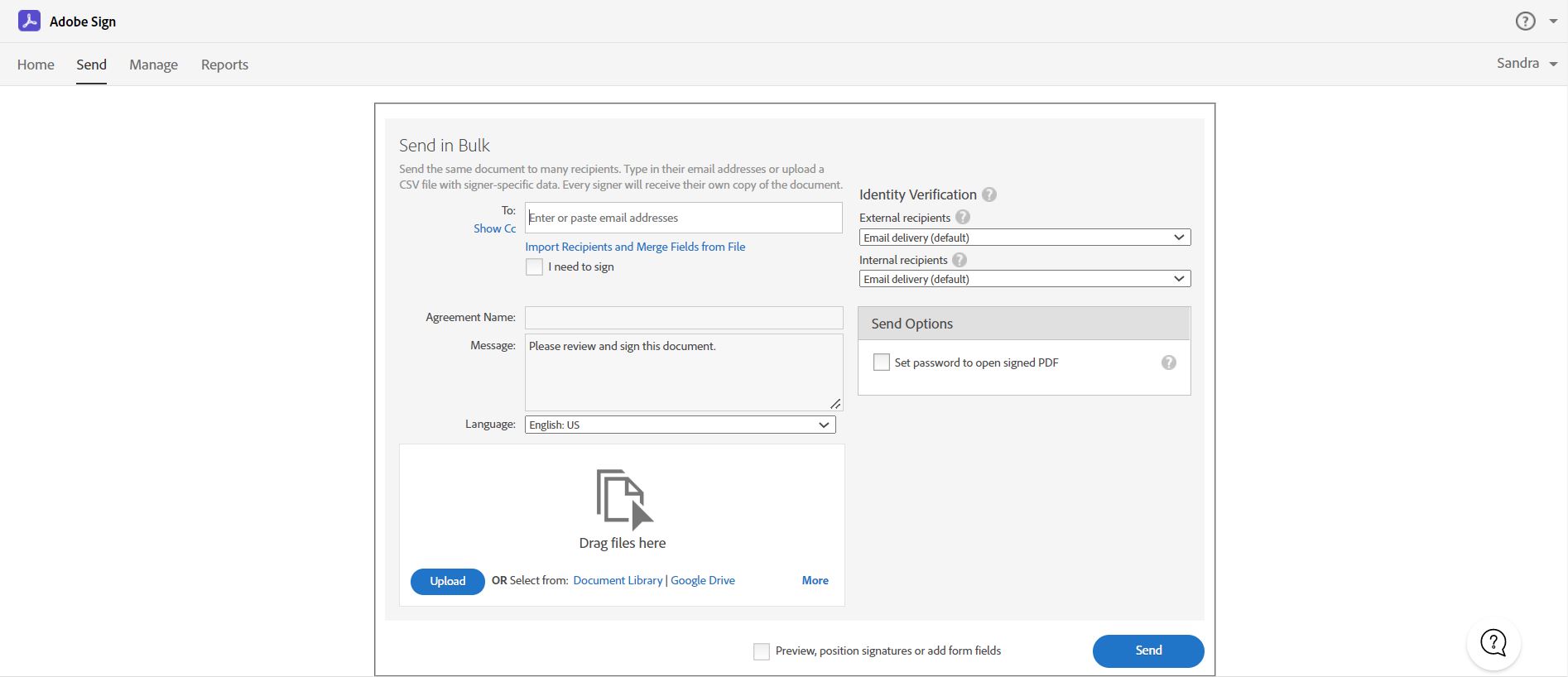
Acrobat Sign is an e-signature solution that combines simple and secure e-signatures with Adobe Acrobat. With Acrobat Sign, the user can create, sign, send for signature, manage, and track documents from one Adobe platform. The user can create signing experiences for customers and teams by enabling them to sign documents on any device or browser – anytime, anywhere. No additional software download or accounts are needed. As Microsoft’s e-signature solution, Acrobat Sign…
$14.99
per month license
BoldSign, by Syncfusion
Score 10.0 out of 10
N/A
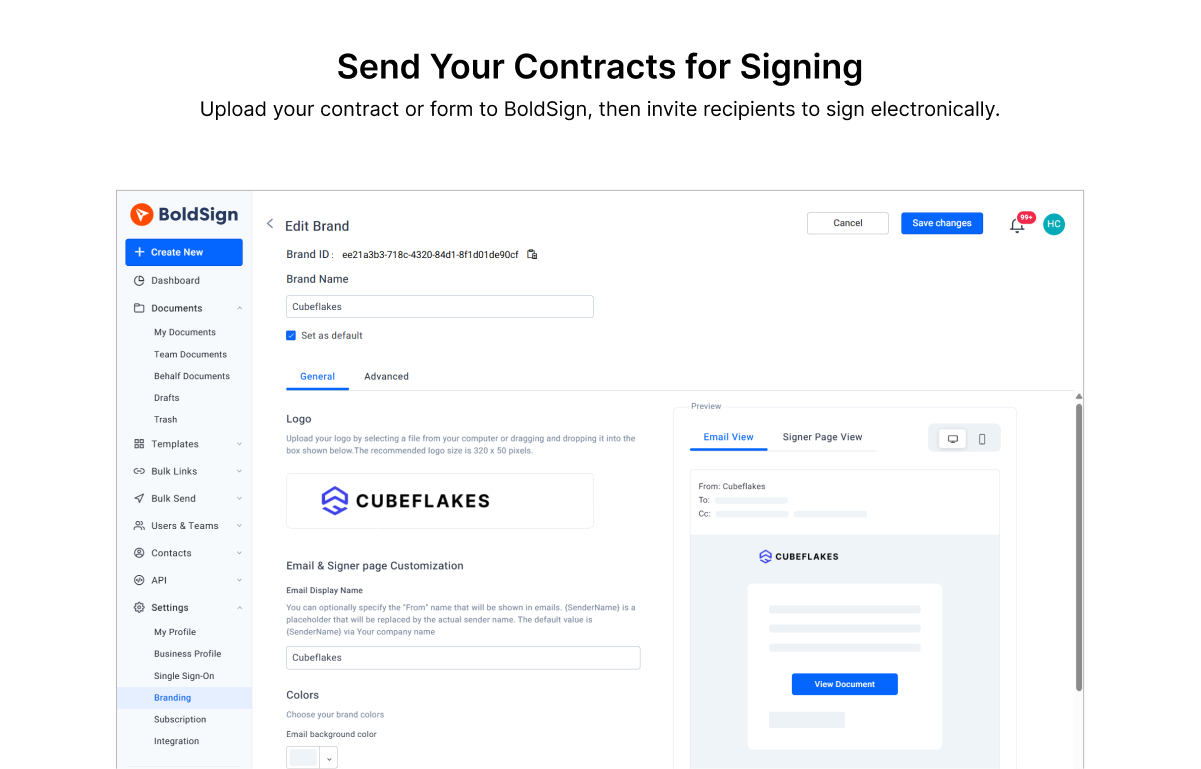
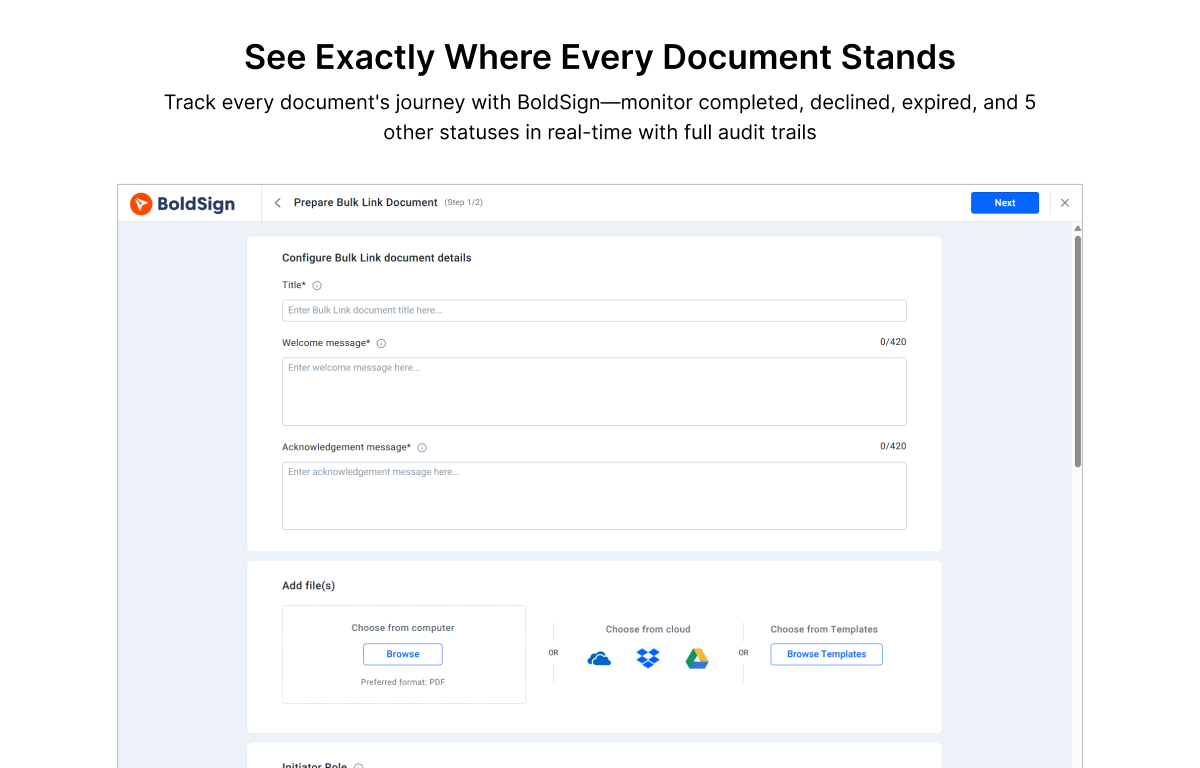
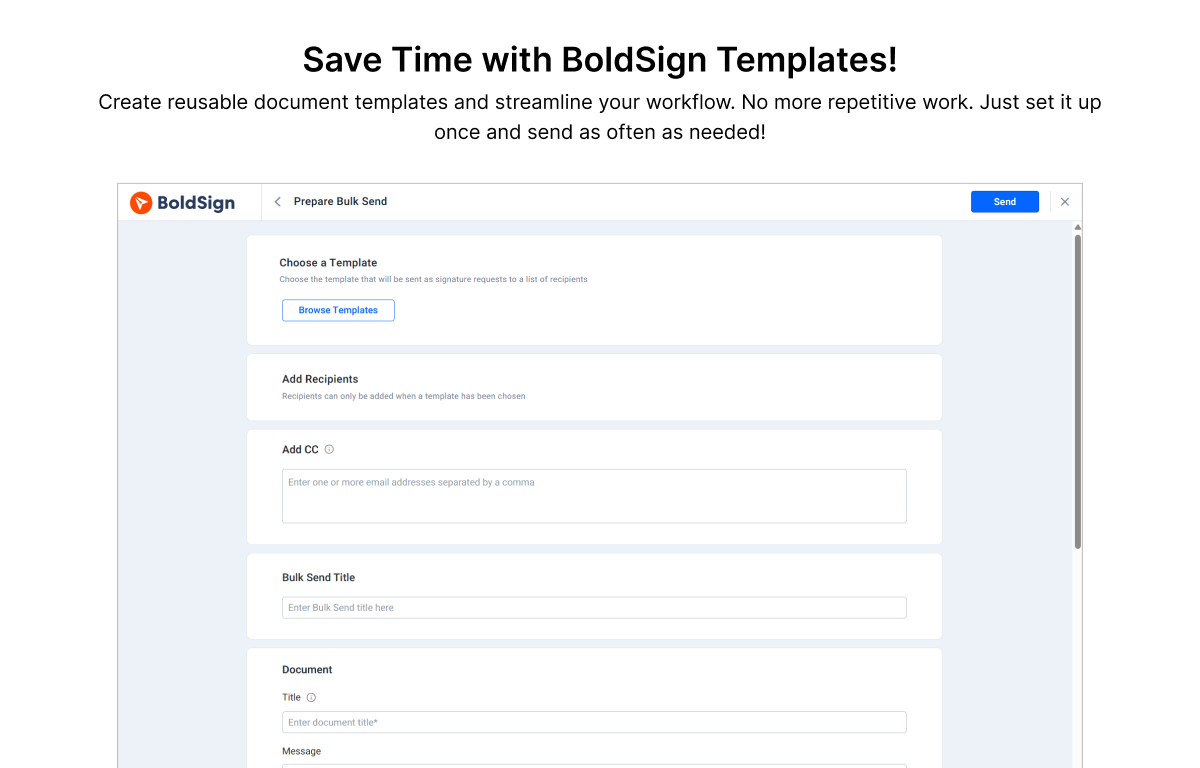
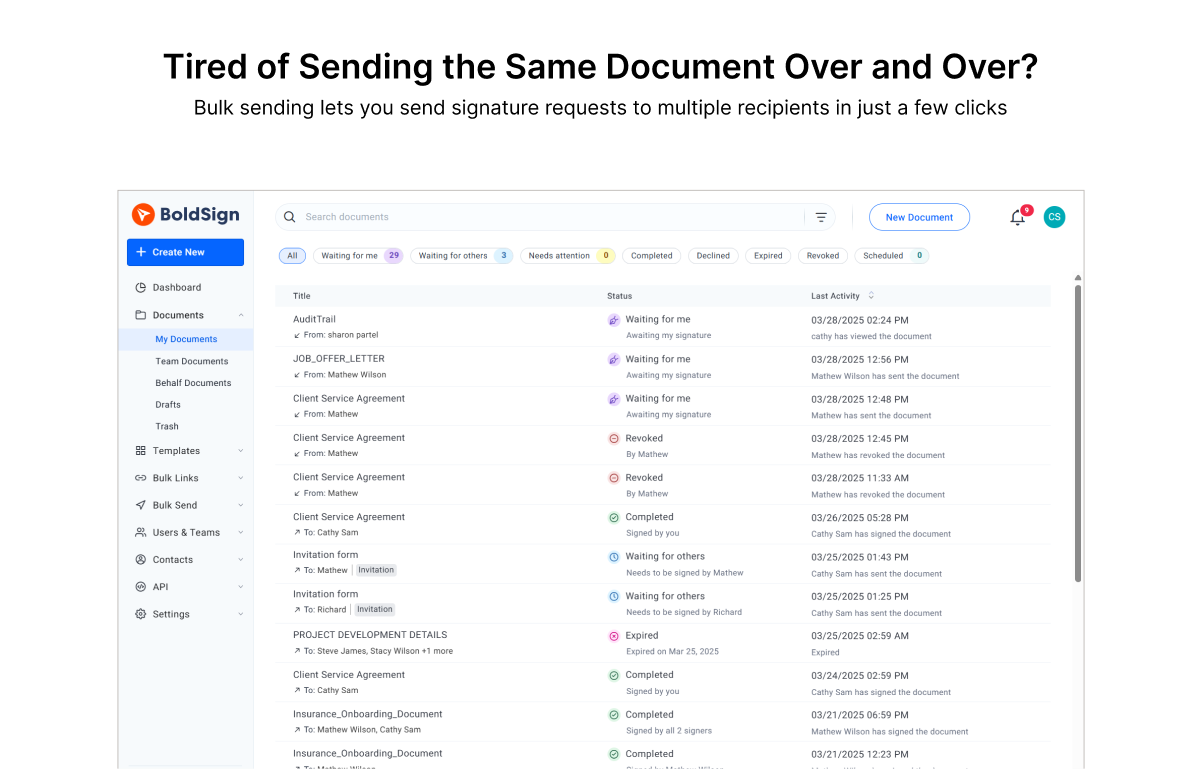
BoldSign is an e-signature platform that enables users to send documents out for legally binding signatures. Boasting users in over 120 countries by more than 50,000 customers, BoldSign offers a solution that works for companies of any size—from startups to global enterprises. The platform offers a range of features, including bulk send options, localization settings for time zones and automatic translation, and an API to integrate BoldSign e-signature functionality into an organization's…
$0
for 25 envelopes/month
Pricing
Adobe Acrobat Sign
BoldSign, by Syncfusion
Editions & Modules
Acrobat Standard DC for teams
$14.99
per month license
Acrobat Pro DC with advanced e-sign
$16.99
per month license
Acrobat Sign Solutions
Call 800-685-4192 for pricing
Essentials
$0
per month 1 sender & 25 envelopes/month
Growth
$15
per month per sender
Business
$25
per month per user
Premium
$138
per month unlimited senders.
Enterprise API
starting at $30
per month (includes 40 envelopes, +$0.75 for each additional)
Custom Plan
Custom Pricing
Offerings
Pricing Offerings
Adobe Acrobat Sign
BoldSign, by Syncfusion
Free Trial
Yes
Yes
Free/Freemium Version
No
Yes
Premium Consulting/Integration Services
Yes
No
Entry-level Setup Fee
$34.99 license per month
No setup fee
Additional Details
—
Monthly and annual options available. In addition to BoldSign's web app options, API plans are also offered. A free sandbox is available that allows you to integrate BoldSign into an application in a testing environment. A discount is available for annual billing.
They all have similar features, but BoldSign stands out for its simplicity and ease of use. Adobe has a business model where they are sending you ads while you are using the system and the truth is that it tends to be a bit annoying and distracting at times. I didn't like the …
The price-performance ratio is better with BoldSign. If I want to scale up to the next level and then go back, I can do it easily with BoldSign, unlike Adobe, for example. If you want to try another application, that's fine. They all do the same thing. In my experience, the …
Acrobat Sign isn't quite as user friendly as other E-Sign platforms I have used. However, it offers a wide range of features that provide convenience and efficiency. For example, I can have multiple people receive the same document separately, or I can have multiple people receive and review the exact same document. I also like that I can choose to set a signing order or not, this is important for when I send Offer Letters and other things that require order of approvals.
BoldSign is perfect for the small business or startup that needs a legally-binding solution to digitally sign contracts/agreements between 2 parties or more. It's no frills and super easy to use, and requires no training to understand how to use. BoldSign is less appropriate for organisations that require complex integrations and automation capabilities for their digital signature solution.
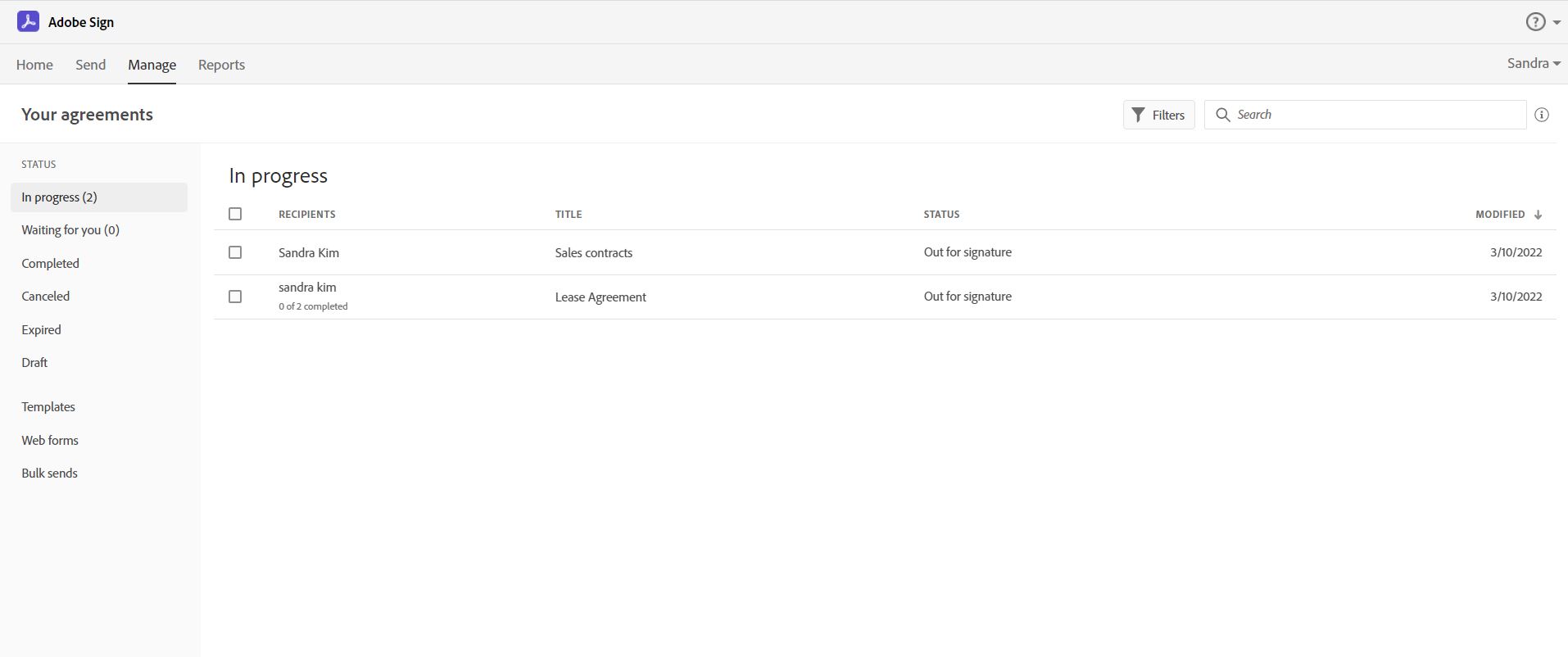
Adobe Acrobat Sign tracks whether or not a signer has viewed a document
Adobe Acrobat Sign tracks when a signer has signed, and the document has been sent to the next signer
Adobe Acrobat Sign sends you confirmation emails and progress update emails along the way
Adobe Acrobat Sign provides a "confirmation of signing" page at the end of the document package you put together, to prove the signatures are authentic
Builds on Adobe platform so it is easy to utilize, but many features require enterprise subscription.
Integrations available but your CRM integration is only available with enterprise license.
Lots of templates but there are additional templates with enterprise only and there was no drag and drop editor.
Adobe captures some analytical metrics but many of the analytics we required were not available - specifically metrics related to how the tool converts and reduces use time by our team and the impact on clients.
It would be great if BoldSign saved my signature in my account to use each time
It might be easier if you could select signature (or any heading for that matter) and click where you want it instead of dragging it to where you want it.
It would be nice if completed document’s automatically saved to a selected folder for safe keeping.
It is by far the easiest service we have used to obtain digital signatures from employees. In the past we had done it by hand (a process I would not recommend for 1500+ employees) and with another company that would not allow us to create our own forms and would charge us for each form.
Great product. Great price. Free for up to 25 signatures for one persons account. Having a group using it under one account is even a great price. Much cheaper than all the alternatives out there and does the same stuff the others do
I've had very little trouble with it in all my uses with it. I do wish the text boxes you add wouldn't cut off the text if you entered too many words and that it would adjust it's size to fit within the space you've provided. However, that just takes a little refining in the initial set up of the document before you send it out.
Very straight forward to use and customers understand the service. No questions or need for me to explain. The free tier is amazing and has locked me in as a customer for when we're big enough to need the paid version.
I would have rated this a 9 or greater had they not had had such critical outages. They have taken steps to resolve this so I may come in and revise this
The Adobe Acrobat Sign's performance are excellent.
When we send electronic document by email for signature all the customers receive it regularly, nobody has any issue to open it and the signature phase was very easy. The user-friendly aspect of this product reduce or reset the call for IT support
It is a great tool to get signatures from the client and has reduced a lot of overhead that was caused before resulting in very long delays. With the integration of Adobe Acrobat Sign, we have reduced this delay making the process much smoother and more efficient.
At the beginning I had a question so I emailed them. Response was super quick. Other then that I have not had to contact them for any help. System is easy to use
The best types of training are well integrated into the product and Echosign does this well. As mentioned earlier in my review - there are some areas of functionality that can be difficult to understand ("only I sign") for the novice user. Other areas such as macro usage, bulk signature and so on were easily learned and understood via the online tools.
We did not use it in the manner that most companies do, so I am pleased with how our company handled implementation. We will be pushing the full company over into Echosign for various processes which will incorporate more of an implementation effect.
They are just different. Adobe's number one feature that puts it above it's competitors is that your document, the signing process, all of it exists within Adobe. There is no need to go from Word, to Adobe, to DocuSign. It saves you time and makes life easy for you (and for your clients).
The price-performance ratio is better with BoldSign. If I want to scale up to the next level and then go back, I can do it easily with BoldSign, unlike Adobe, for example. If you want to try another application, that's fine. They all do the same thing. In my experience, the ease of use, sourcing and functionality was perfect with BoldSign.
At the beginning we assigned Adobe Acrobat Sign just to Purchase Office Department because at that moment we needed a tool that supported us to avoid manual signature and was compliance with remote working.
Now we are using it also in other situation because it help us with time and we can also reduce cost
I am sure that the paid version would be extremely beneficial if you did a bunch of contracts. I just started using the program, so not too many contracts yet. If I need to upgrade my subscription, the price will be well worth it.