
Adobe Acrobat Sign vs. Brokermint
Adobe Acrobat Sign vs. Brokermint
| Product | Rating | Most Used By | Product Summary | Starting Price |
|---|---|---|---|---|
 Adobe Acrobat Sign | Mid-Size Companies (51-1,000 employees) | Acrobat Sign is an e-signature solution that combines simple and secure e-signatures with Adobe Acrobat. With Acrobat Sign, the user can create, sign, send for signature, manage, and track documents from one Adobe platform. The user can create signing experiences for customers and teams by enabling them to sign documents on any device or browser – anytime, anywhere. No additional software download or accounts are needed. As Microsoft’s e-signature solution, Acrobat Sign… | $14.99 per month license | |
 Brokermint | Small Businesses (1-50 employees) | Brokermint is a real estate back office platform focused on ease of use. The product can be integrated withyour MLS and CRM to streamline all listings, transactions, and contacts for your business in one system. Brokermint provides agents, office administrators, and brokers true visibility into each real estate transaction via email reminders and instant notifications for each step of the process. By creating custom commission plans, Brokermint users can automatically… | $99 per month |
| Adobe Acrobat Sign | Brokermint | |||||||||||||||
|---|---|---|---|---|---|---|---|---|---|---|---|---|---|---|---|---|
| Editions & Modules |
|
| ||||||||||||||
| Offerings |
| |||||||||||||||
| Entry-level Setup Fee | $34.99 license per month | $399 installation | ||||||||||||||
| Additional Details | — | — | ||||||||||||||
| More Pricing Information | ||||||||||||||||
| Adobe Acrobat Sign | Brokermint |
|---|
| Adobe Acrobat Sign | Brokermint | |
|---|---|---|
| Small Businesses |  Foxit eSign Score 9.2 out of 10 |  Dotloop Score 7.1 out of 10 |
| Medium-sized Companies |  MSB Docs Score 9.4 out of 10 |  Condo Control Score 9.0 out of 10 |
| Enterprises |  DocuSign Score 8.7 out of 10 |  Accruent Lucernex Score 7.9 out of 10 |
| All Alternatives | View all alternatives | View all alternatives |
| Adobe Acrobat Sign | Brokermint | |
|---|---|---|
| Likelihood to Recommend | 4.2 (228 ratings) | 9.7 (5 ratings) |
| Likelihood to Renew | 8.0 (30 ratings) | - (0 ratings) |
| Usability | 3.1 (194 ratings) | - (0 ratings) |
| Availability | 9.0 (5 ratings) | - (0 ratings) |
| Performance | 9.0 (4 ratings) | - (0 ratings) |
| Support Rating | 7.3 (164 ratings) | 9.3 (5 ratings) |
| Online Training | 8.0 (1 ratings) | - (0 ratings) |
| Implementation Rating | 8.0 (7 ratings) | - (0 ratings) |
| Configurability | 9.0 (3 ratings) | - (0 ratings) |
| Ease of integration | 5.0 (2 ratings) | - (0 ratings) |
| Product Scalability | 8.0 (3 ratings) | - (0 ratings) |
| Vendor post-sale | 9.0 (2 ratings) | - (0 ratings) |
| Vendor pre-sale | 9.0 (2 ratings) | - (0 ratings) |
| Adobe Acrobat Sign | Brokermint | |
|---|---|---|
| Likelihood to Recommend |  Adobe
 Kennedy Humphrey MBA HR Manager | Brokermint LLC
 Arcoma L. Lambert Licensed Broker Associate |
| Pros | Adobe
| Brokermint LLC
 Barry Owen Real Estate Broker CEO |
| Cons | Adobe
 Jeff Keeney Sales and Customer Success at Cross-Sell | Brokermint LLC
|
| Likelihood to Renew | Adobe
 Lori Diggs HR Project Analyst | Brokermint LLC No answers on this topic |
| Usability | Adobe
| Brokermint LLC No answers on this topic |
| Reliability and Availability | Adobe
| Brokermint LLC No answers on this topic |
| Performance | Adobe
| Brokermint LLC No answers on this topic |
| Support Rating | Adobe
| Brokermint LLC
|
| Online Training | Adobe
 Joshua Lipton VP Technology | Brokermint LLC No answers on this topic |
| Implementation Rating | Adobe
 Jessie Mead Business Services | Brokermint LLC No answers on this topic |
| Alternatives Considered | Adobe
| Brokermint LLC
Arcoma L. Lambert Licensed Broker Associate |
| Scalability | Adobe
| Brokermint LLC No answers on this topic |
| Return on Investment | Adobe
| Brokermint LLC
|
| ScreenShots | Adobe Acrobat Sign Screenshots 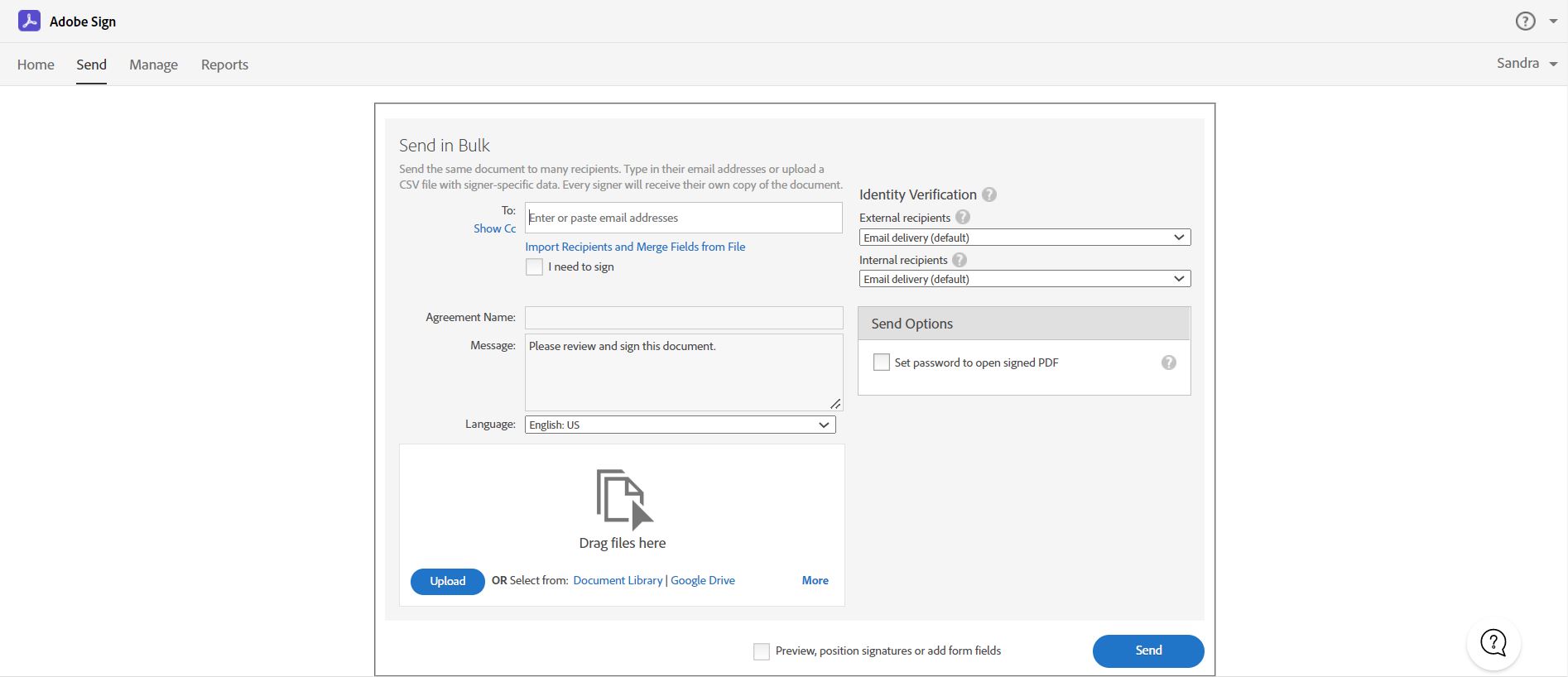 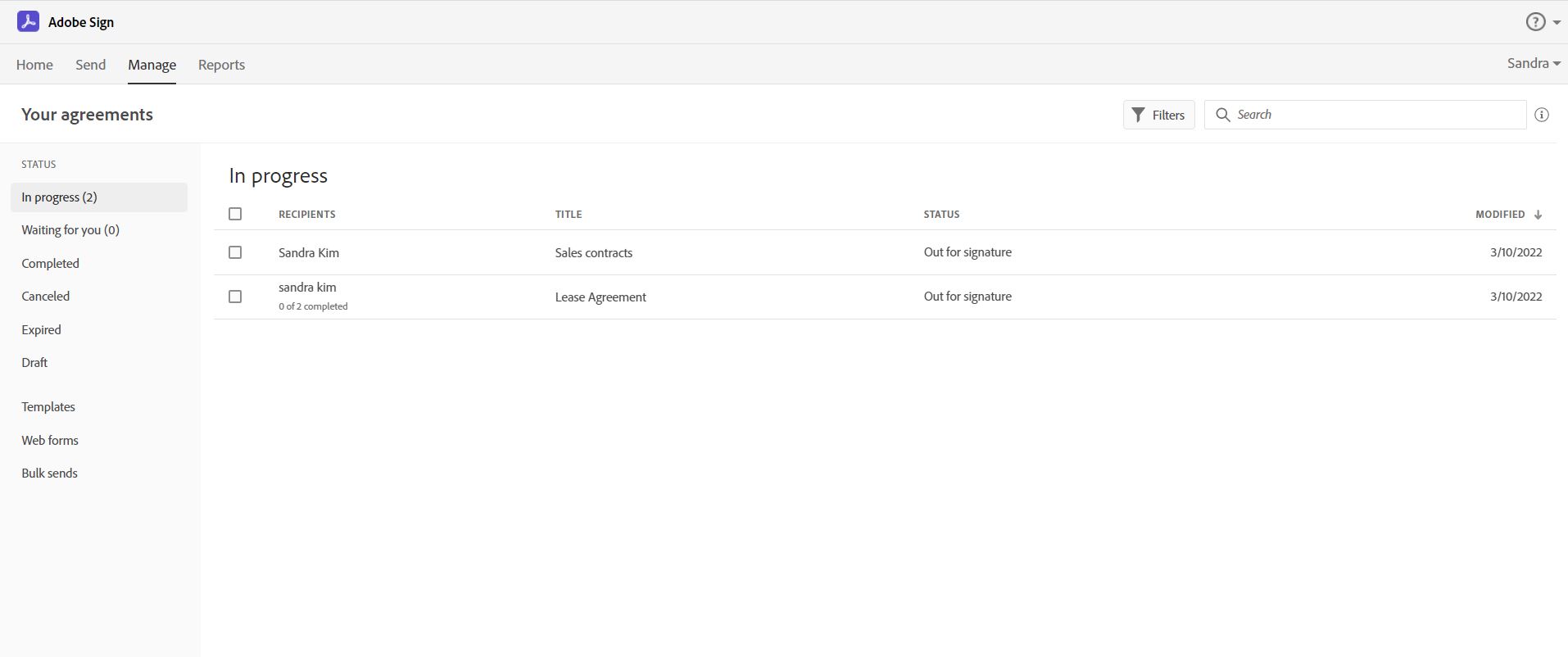  | Brokermint Screenshots      |