Adobe Illustrator CC vs. Conga Composer vs. UpSlide

Overview
ProductRatingMost Used ByProduct SummaryStarting Price
Adobe Illustrator
Score 9.3 out of 10
N/A
Adobe Illustrator CC is a vector-based graphic design software.
$20.99
per month
Conga Composer
Score 8.1 out of 10
N/A
Conga Composer is a document generation and automation tool designed to simplify and streamline the process of creating and distributing customized documents, presentations, and reports.
$30
per month per user
UpSlide
Score 0.0 out of 10
N/A
UpSlide, headquartered in Paris, offers software that helps users work better in Microsoft Office, supporting creativity through its tool suite. UpSlide helps produce high-quality reports and presentations faster in PowerPoint, Excel, Word and Power BI. UpSlide boasts users among 600+ teams across 60 countries.N/A
Pricing
Adobe Illustrator CCConga ComposerUpSlide
Editions & Modules
Yearly - Billed Monthly
$20.99
per month
Monthly
$31.49
per month
Yearly - Billed Upfront
$239.88
per year
No answers on this topic
Offerings
Pricing Offerings
Adobe IllustratorConga ComposerUpSlide
Free Trial
NoYesNo
Free/Freemium Version
NoNoNo
Premium Consulting/Integration Services
NoYesNo
Entry-level Setup FeeNo setup feeOptionalNo setup fee
Additional Details
More Pricing Information
Community Pulse
Adobe Illustrator CCConga ComposerUpSlide
Considered Multiple Products
Adobe Illustrator

No answer on this topic

Conga Composer
Chose Conga Composer
I did not evaluate any other software that competes with Conga Composer. This solution was brought to my attention by our Salesforce implementation consultant as an excellent program to accomplish multiple goals across our organization.
UpSlide

No answer on this topic

Best Alternatives
Adobe Illustrator CCConga ComposerUpSlide
Small Businesses
CorelDRAW Graphics Suite
Score 7.1 out of 10
airSlate WorkFlow
airSlate WorkFlow
Score 9.9 out of 10
airSlate WorkFlow
airSlate WorkFlow
Score 9.9 out of 10
Medium-sized Companies
GIMP
GIMP
Score 8.0 out of 10
Foxit PDF Editor
Foxit PDF Editor
Score 8.6 out of 10
Foxit PDF Editor
Foxit PDF Editor
Score 8.6 out of 10
Enterprises
CorelDRAW Graphics Suite
Score 7.1 out of 10
DocuSign
DocuSign
Score 8.7 out of 10
Conga Composer
Conga Composer
Score 8.1 out of 10
All AlternativesView all alternativesView all alternativesView all alternatives
User Ratings
Adobe Illustrator CCConga ComposerUpSlide
Likelihood to Recommend
9.4
(108 ratings)
8.2
(143 ratings)
-
(0 ratings)
Likelihood to Renew
9.0
(3 ratings)
8.9
(15 ratings)
-
(0 ratings)
Usability
9.0
(6 ratings)
7.7
(7 ratings)
-
(0 ratings)
Availability
-
(0 ratings)
3.6
(1 ratings)
-
(0 ratings)
Performance
-
(0 ratings)
3.6
(2 ratings)
-
(0 ratings)
Support Rating
5.0
(25 ratings)
6.7
(10 ratings)
-
(0 ratings)
Implementation Rating
10.0
(2 ratings)
3.7
(5 ratings)
-
(0 ratings)
Configurability
-
(0 ratings)
1.8
(1 ratings)
-
(0 ratings)
Ease of integration
-
(0 ratings)
2.7
(2 ratings)
-
(0 ratings)
Product Scalability
-
(0 ratings)
3.6
(1 ratings)
-
(0 ratings)
Professional Services
-
(0 ratings)
2.7
(1 ratings)
-
(0 ratings)
Vendor post-sale
-
(0 ratings)
1.8
(1 ratings)
-
(0 ratings)
Vendor pre-sale
-
(0 ratings)
3.3
(2 ratings)
-
(0 ratings)
User Testimonials
Adobe Illustrator CCConga ComposerUpSlide
Likelihood to Recommend
Adobe
It is the only tool that I use to create logos. It gives me the flexibility to create sharp text and marks and they can then be resized at will, color changes in a second and perfect way to export. I know that some people use Illustrator for document layout, it is not ideal. While I can easily create documents here, it really is InDesign that is the perfect tool.
Read full review
Conga
From my experience, Conga Composer is particularly well-suited for generating documents, such as quotes and contracts, directly from Salesforce. It saves us a great deal of time, which is remarkably beneficial for companies with sales teams. Not suitable for companies lacking significant Salesforce expertise or administrative support.
Read full review
UpSlide
No answers on this topic
Pros
Adobe
  • Vector graphics for scaling to large sizes
  • Filling an object with a texture
  • Easily adjusting and expanding an artboard to fit the size of the content (especially for infographics)
  • Compatibility with other Adobe CC programs, but also exporting for PPT graphics
Read full review
Conga
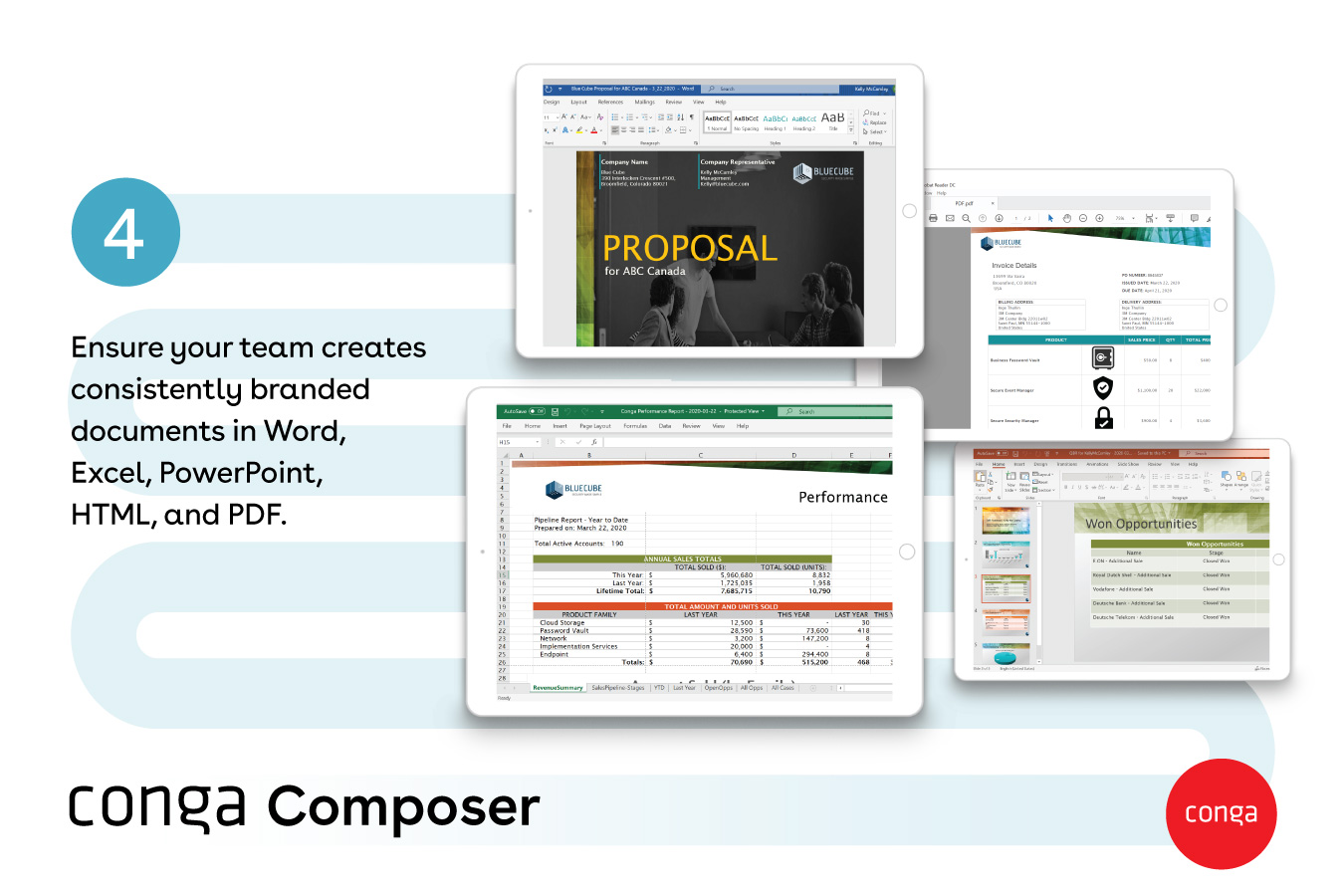
  • One great feature of Conga Composer is the ability to create various document types, including Word files, PDFs, and even PowerPoint presentations.
  • The ability to encrypt and share data is quite impressive with Conga Composer.
  • The integration, especially with different email providers, is quite good with Conga Composer.
Read full review
UpSlide
No answers on this topic
Cons
Adobe
  • It's tough to master. If you haven't used Adobe products like Photoshop or Illustrator before, there is a lot to take in.
  • It would be great to have some better options to preview the final product if you're creating a multiple page document.
  • Better integration and pricing points with Adobe Stock for the useful stock images to complete your projects.
Read full review
Conga
  • Not very intuitive. Once you know the system it's fine but there is a learning curve
  • I would like to see training opportunities on features that I am not using or aware of
  • I am sure I am only using about 3% of it's full potential
Read full review
UpSlide
No answers on this topic
Likelihood to Renew
Adobe
While Adobe Illustrator CC is one of the only true design software out there, it really stands heads above the other products. It's clean UI and menu structure is easy to navigate.
Read full review
Conga
Though I love how easily Conga Composer ties into Salesforce and its given analytics, it takes a lot of data entry to get up and running. I don't love that sometimes queries can take a long time to pull. I like keeping our marketing templates consistent via templates in the system. Pulling multiple objects into one report is fantastic too.
Read full review
UpSlide
No answers on this topic
Usability
Adobe
There's a bit of a learning curve to this software vs other similar tools that can take some time to learn and get familiar with but the amount of functionality that Adobe Illustrator CC offers is quite large compared to simpler tools.
Read full review
Conga
It's a fairly simple tool to integrate into your current business structure. When we've had issues, we were able to resolve them extremely quickly. The users click a button and it can bring in all the quote lines, and our credit application seamlessly into our tool. I'd definitely recommend it to other colleagues
Read full review
UpSlide
No answers on this topic
Reliability and Availability
Adobe
No answers on this topic
Conga
It was available, it just didn't always work depending on what glitches were happening within our app
Read full review
UpSlide
No answers on this topic
Performance
Adobe
No answers on this topic
Conga
This product appears to work well. It was not a fit for us this time, but we would consider in future
Read full review
UpSlide
No answers on this topic
Support Rating
Adobe
I normally already know how to do whatever I'm trying out, but the documentation (as well as a simple Google search) makes any question quick to resolve. The Adobe boards themselves are a fantastic resource, especially for resolving questions between new programs and iterative releases.
Read full review
Conga
It's been hit and miss depending on the issue. We use javascript to generate the urls which has confused many techs even though it generates a clean url - they are overwhelmed by the concept of code and can't understand that the url is all that matters.
Read full review
UpSlide
No answers on this topic
Implementation Rating
Adobe
It was very easy to purchase and download.
Read full review
Conga
It was painful internally to build out all of the templates, but the actual implementation of the product was okay.
Read full review
UpSlide
No answers on this topic
Alternatives Considered
Adobe
I chose Rhinoceros 3D because it is accurate to make drawings in it and it is better to make drawings in Rhinoceros 3D and then put them in Adobe Illustrator. But while printing or scaling it is much easier to put it in Adobe Illustrator. This makes the whole printing aspect of it much easier.
Read full review
Conga
I think Nintex is the primary competitor for Conga Composer, but I have not personally used it. I was not present for the decision to purchase Conga but I would recommend it in future document automation vendor selection processes because I have seen how well it works! We are especially fond of complementary features in Conga Composer, including Conga Email Templates and Conga Global Merge.
Read full review
UpSlide
No answers on this topic
Contract Terms and Pricing Model
Adobe
No answers on this topic
Conga
Not fair. Its an upfront cost and then pay per use
Read full review
UpSlide
No answers on this topic
Scalability
Adobe
No answers on this topic
Conga
We used it for something simple and it was still a pain to use
Read full review
UpSlide
No answers on this topic
Professional Services
Adobe
No answers on this topic
Conga
Needs additional training on what they are selling, how to install and use to explain to customers
Read full review
UpSlide
No answers on this topic
Return on Investment
Adobe
  • Helps us quickly and easily create and manage numerous logos
  • Cloud libraries allow us to access commonly used colors, fonts, logos and other design elements quickly
  • We are able to provide high-quality, scalable college logos for print and digital which give us a more professional, credible look.
Read full review
Conga
  • Could really use better error handling on the product when the document doesn't generate. Zero notifications are provided right now and have no idea where in a 20 page template the error is. Need to keep cutting the template into pieces to find the error.
  • The report generates 90% of the time so far.
  • Getting easier to generate templates when knowing how the JSON will be structured to add to merged fields.
  • Use Work Plan Template Entries and Work Steps to dynamically generate many deliverables.
Read full review
UpSlide
No answers on this topic
ScreenShots

Conga Composer Screenshots

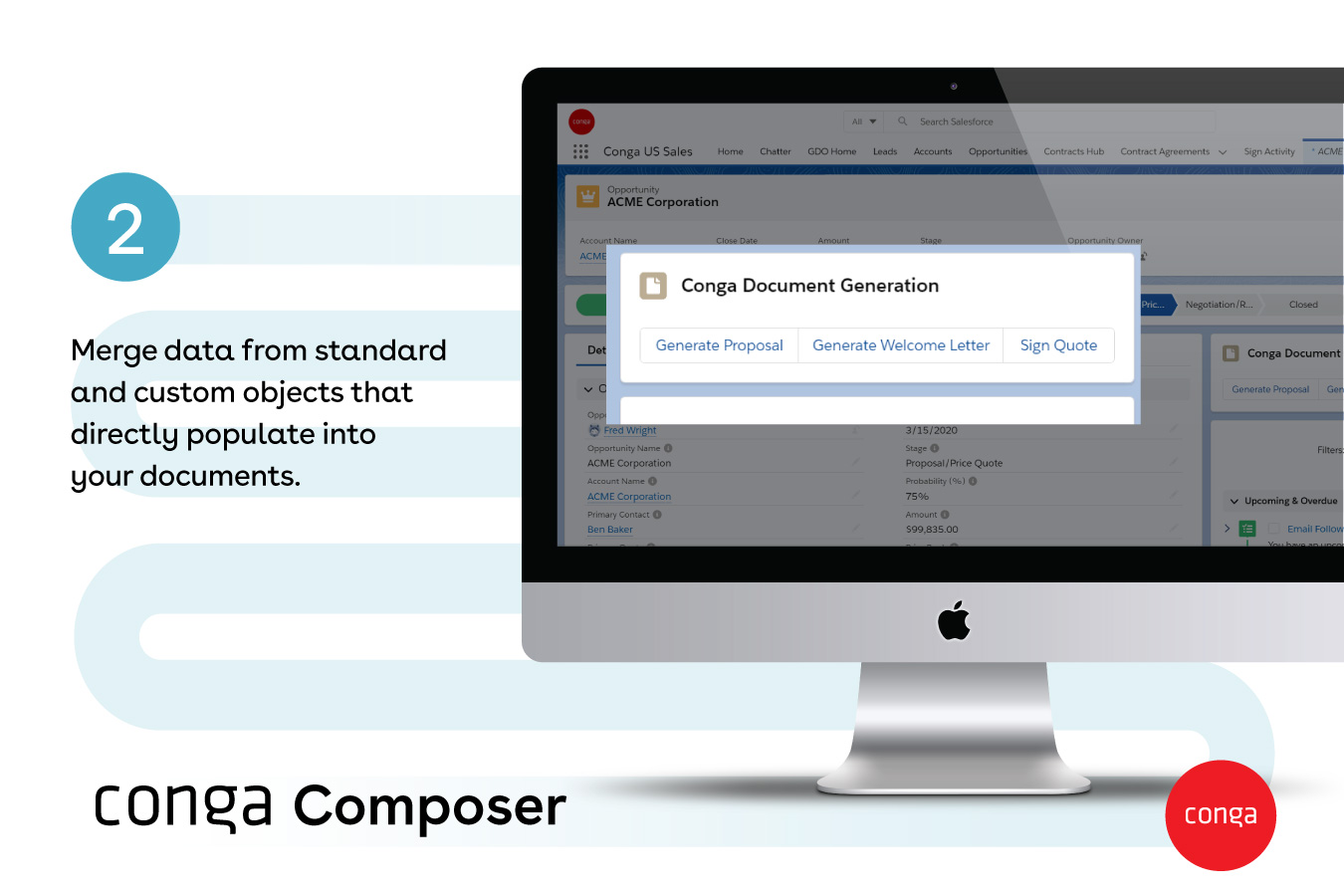
Screenshot of how documents are created automatically, directly from SalesforceScreenshot of documents generated with any data, from any object - standard or customScreenshot of Conga Document GenerationScreenshot of popular document formats available, like Word, Excel, PowerPoint, HTML, and PDFScreenshot of how large documents are sent via a link - and they provide visibility into customer document engagementScreenshot of how multiple documents can be sent with one or no clicks