Adobe Workfront, acquired by Adobe in late 2020, is a web-based project-management tool. It is designed for both IT and marketing teams, but can be implemented for any kind of project. Workfront offers all the features standard to project management platforms, as well as resource allocation, automation, and agile workflow.
N/A
CommUnity by Personify
Score 10.0 out of 10
N/A
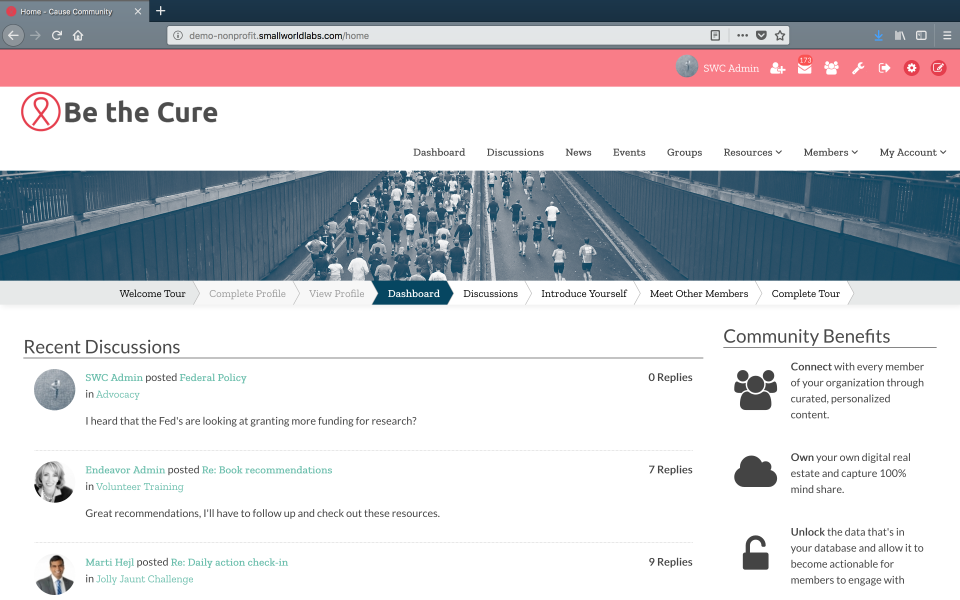
Small World Labs Community is a hosted collaboration and social networking platform with easy drag & drop modification capabilities. Small World Labs offers implementation and community engagement services, plus an open API for integration with other systems. Small World Labs has clients across industries, but a high concentration in the nonprofit area.
Small World Labs was acquired by Personify Corp in 2016.
It works super well for creative brief intake and brand reviews. It took us more time than I'm willing to admit to get it all set up, but for our limited use case, it's working very well now. I'm not sure where it wouldn't be a good fit, honestly. As a newer user, it's still something I'm getting to know and learn.
You can tell from the CEO and all staff that this is a very competent company that wants you to succeed with integrity. There is a strong support and services team that works collaboratively with us to make sure we are always getting what we need. They provide 24x7 emergency support, online ticket support, email support, a client community, and the ability to call and talk to the same account manager or community consultant every time (I even have Mariano's skype and he replies on weekends!). They recently launched a client community - so they are now even practicing what they preach. Our questions in the client community are always answered quickly.
It's easy to use. The admin panel has a number of drag and drop options to modify the experience
Flexibility. There are a large number of standard block features that can be added to areas. In addition, each dynamic block as a number of settings that allow you to tailor the experience you want to create. You can do this without being a programmer.
Personalization. There are good tools that allow you to personalize the experience based on whether users are logged in or not, whether they are in particular segments (which we can create) or recommendations based on information the user has provided about themselves.
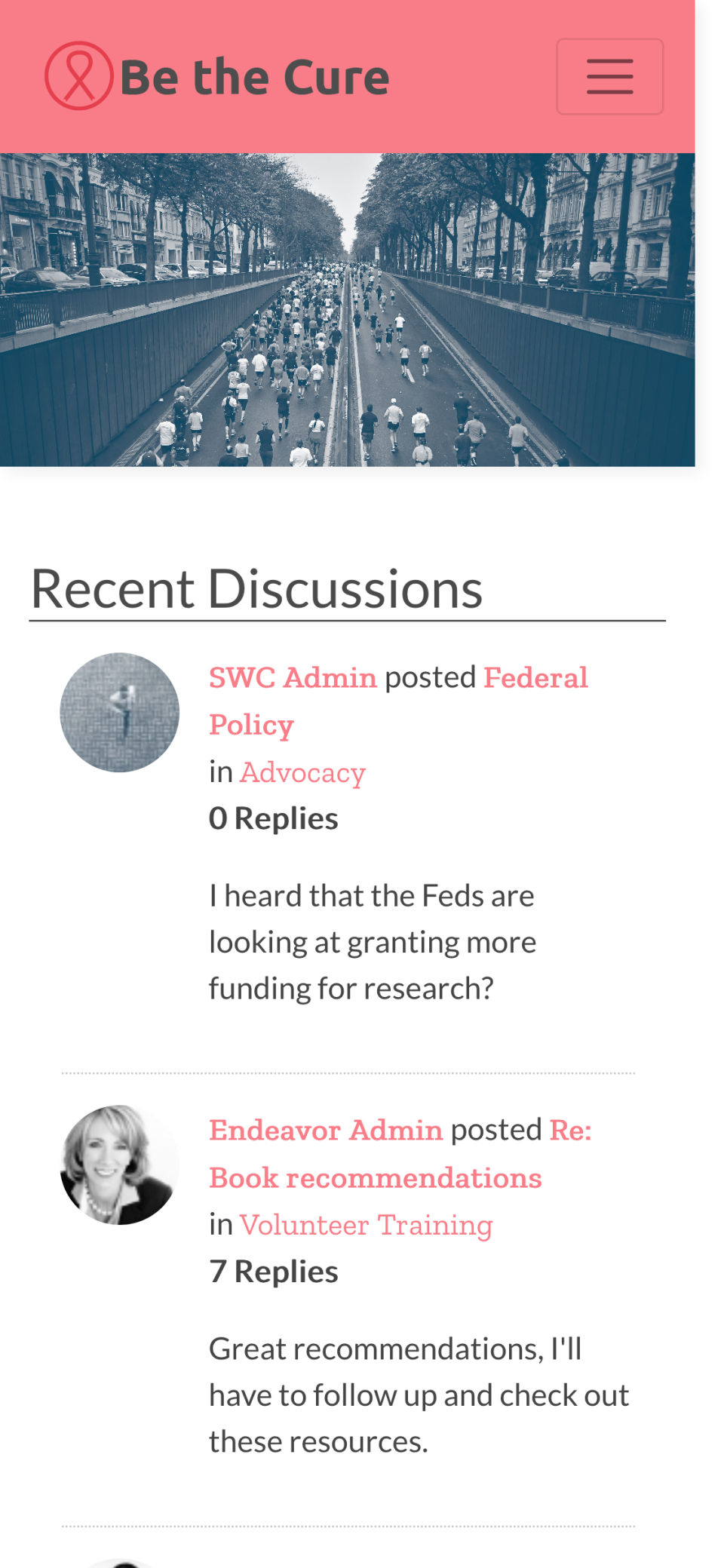
Mobile. Small World Labs has a really great way of doing mobile. They give you a drag and drop interface for designing the mobile environment so there is a lot of flexibility with this. We are currently turning this module on.
Allow nonusers to add requests, our organization has no need to add all 10,000+ team members to Adobe Workfront, but would like them to be able to send requests to our team
Integration with our Association Management System (AMS) didn't go as smoothly as I had wished. Having said that all of the issues with that integration have been addressed.
Because the platform is updated so frequently you need to stay on top of what is available to you and your end users or you may miss out on key functionality releases.
Workfront is sometimes a bit clunky to use, but overall it works well for our teams when it comes to project management and collaboration across multiple, involved teams. It also has flexibility that allows us to adapt it to diverse use cases, some of which aren't necessarily always the first things that one would think of using workfront for.
From the first conversation and beyond, it has been a pleasure working with Small World Labs. Their staff are genuinely interested in understanding our business and our goals, and actively make recommendation on continued improvement and long-term strategy. All of their staff demonstrate a clear understanding of the product and when to expect new features. Furthermore, their CEO, Michael Wilson, is more than competent and has proven to be an industry expert. He understands both the technical side and the community strategy side of the business. In fact, we have already initiated a project to build a second community with Small World Labs for a separate business unit
Workfront is overly complex, but it is functional as a tool to keep track of projects. It is a shame that sometimes it takes a lot of clicks to find anything. Workfront is slowly modernizing its interface but at the same time, hides certain information away thus making the experience feels worse.
Maintenance is required, but usually after work hours, Some days the proofing tool function is not operational, but this is a new function of the tool that WF is working out. the kinks on. Chrome is the best browser to use the system in and we find Firefox and Explorer lose some view functionality - Gantt Chart, Resource Grid
I think overall, Adobe Workfront performs well. There have been some times when it doesn't load or run as quickly as our team would like. This is frustrating when it is such a crucial tool that our team utilizes on a daily basis. It can show our workflow when it lags.
I know that this particular company has it's own Adobe Workfront employee that builds out things they need from the software, and meets with them regularly to troubleshoot. I'm not part of this process, but it's refreshing to see Adobe provide this level of customer service to people, and they're expedient.
The people at Small World Labs are very accessible. I can email, open a ticket, or call and they are there. I'd also point out that senior management is quite available too. We frequently have talks about potential strategies and new things we might be doing, which is great. I think the whole organization genuinely likes what they do and likes helping us succeed.
In-person training is more ad-hoc based on if they are traveling to you or you are going to visit them. I imagine that if I paid for in-person training that it would be set up as well, but I've just used the standard training that comes with the initial set up and ongoing support.
The training is very easy to use and you can simply choose the topics included in the course(s) that are most important to your training needs. After each training course, you are tested on what you have learned. If you need a refresher course, they provide Course Catalogs as well as instructor-led courses & workshops.
Most people learn as you go, a lot of this stuff requires trial and error throughout so my suggestion is to provide as much information in the upfront and keep it as simple as possible. You can add other tools and features as you go but everyone should have the basics down so no bad habits can start to develop. Be persistent with everyone, and don't be afraid to correct and talk through steps again so everyone is on the same page
We had staff turnover at our own organization during the implementation. We were able to get the community up and live in a good timeframe even though that happened and we had to switch some people around for managing the project on our side.
Adobe Workfront blows the other systems out of the water. It just delivers more - out of the gate, and at every quarterly update. Innovation is top of mind, and meeting customers' needs is key. We have been extremely satisfied with Workfront and look forward to all the new features on the horizon, especially AI.
We evaluated a few different community platform vendors over the course of a couple of months. I believe we also evaluated Jive, Lithium, KickApps, and Powered.
As I stated earlier, I didn't have to pay for Workfront myself- I'm a user under a large organization. I know it's not cheap to implement, I don't know how the price scales for a small-business, but I do like the product enough that I'm going to look into it in the future for my own company.
Our organization has thousands of users that use Workfront and it seems to hold up very well. I have not encountered any issues using it and I think it makes it very easy for multiple people to be involved in a project and keep things organized and clear for everyone involved.
Resource Management - Year over year, we were able to validate time and money saved by the implementation of Workfront by more than 2%, saving in non-working dollars and 9% savings in working media dollars.
Organization Restructuring and Automation- We also restructured our teams and implemented automation based on our analysis of how and what we spend our time on and the ROI for our respective business units.
Our community has been very active since the re-launch of our site. Have seen some increases in member engagement.
Feedback from our membership has been nothing but positive since we transitioned off of our older Sharepoint community. Look and feel and ease of use have been real pluses for our members.
Having the Small World Labs community is allowing us to be more creative with the way we integrate our community into all aspects of our online presence, web-site, social media, etc.