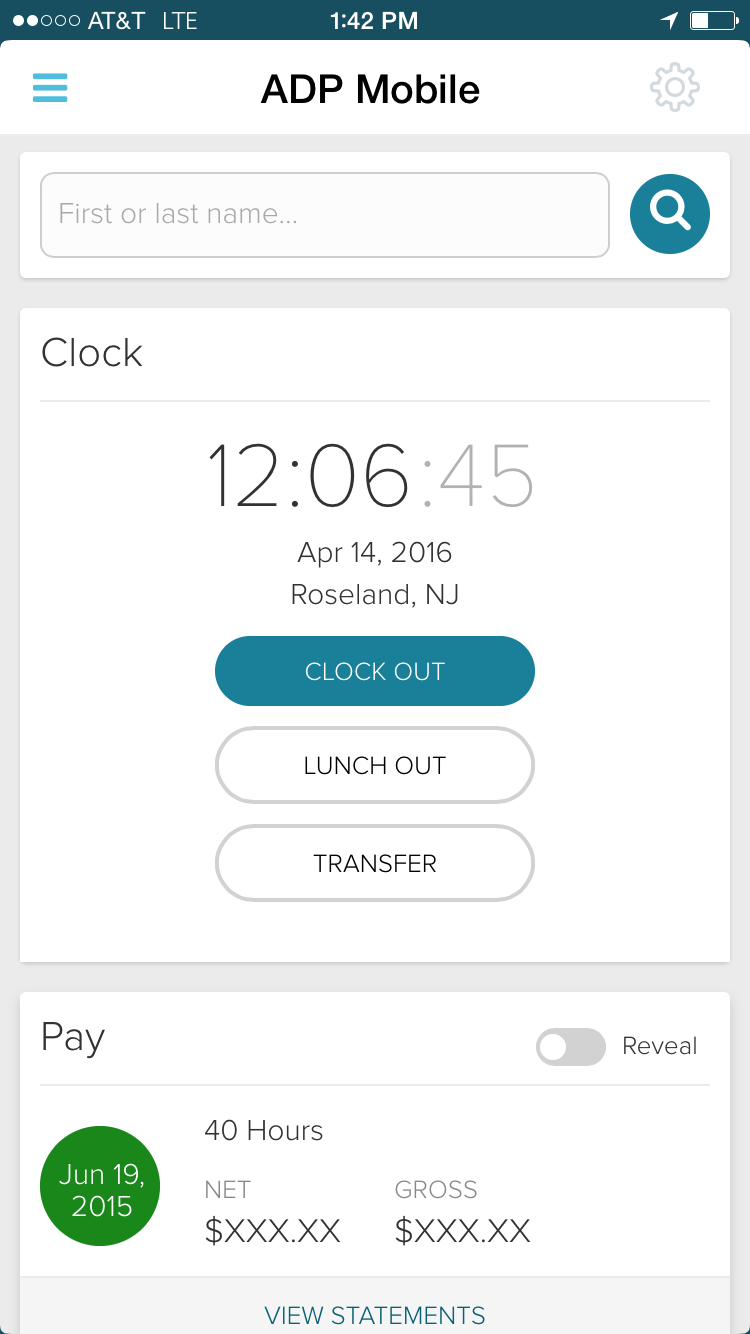
ADP Workforce Now is a cloud-based HR platform for mid-sized businesses. It features customizable modules of various HR services that businesses can tailor to their specific needs, as well as regulatory monitoring and alerts to help businesses remain compliant.
N/A
Welcome
Score8.5 out of 10
N/A
Welcome is an intelligent compensation hub used to communicate offers to candidates and total
rewards to employees — while making data-driven compensation decisions. It aims to help users increase acceptance rates
by clearly communicating
each offer and its total
compensation with Digital Offers, and boost employee retention by helping
employees understand the value
of their equity, benefits, salary,
and bonuses with Total Rewards. With Compensation Data, users' HR and People…
N/A
Pricing
ADP Workforce Now
Welcome
Editions & Modules
Essential
Contact sales team
Enhanced
Contact sales team
Complete
Contact sales team
HR Pro
Contact sales team
Payroll Essentials
Contact sales team
HR Plus
Contact sales team
Hiring Advantage
Contact sales team
Performance Plus
Contact sales team
No answers on this topic
Offerings
Pricing Offerings
ADP Workforce Now
Welcome
Free Trial
No
No
Free/Freemium Version
No
No
Premium Consulting/Integration Services
Yes
No
Entry-level Setup Fee
Required
No setup fee
Additional Details
Please contact ADP for a product demo and ask about a hands-on "test drive" of Workforce Now.
The ease in which you can process payroll and year end (T4s). Ability to maintain payroll - enter upcoming changes (e.g. pay raises for a certain date) ahead of time. While we don't use it in my current company, in past ones the time & attendance integration with timesheets is fabulous. Our company uses a 3rd party scheduling & timesheet platform which also integrates with one click but is a little more work to maintain time off balances within ADP Workforce Now. We use the 3rd party platform (Evolia) for scheduling and timesheets as the management here wanted the ability to see salaried employees on site, have a chat feature, and some self-management on the employee side with the ability to swap shifts.
A de minimis incentive was given to thank the reviewer for their time. The incentive was not used to bias or drive a particular response, nor was the incentive contingent on a positive endorsement. More Info
If you don't have a workflow management tool in place and are relying on email or shared documents, then I would recommend using Welcome to keep tasks moving and employees accountable. It's very flexible, so you can really drill down on what you're asking from users and it consolidates the tasks that you need to work on in one place. We don't use it for legal documents due to more specific requirements that those require, but, for most other collaborative work, it is used.
A de minimis incentive was given to thank the reviewer for their time. The incentive was not used to bias or drive a particular response, nor was the incentive contingent on a positive endorsement. More Info
A de minimis incentive was given to thank the reviewer for their time. The incentive was not used to bias or drive a particular response, nor was the incentive contingent on a positive endorsement. TR verified that a representative sample of customers was invited. More Info
A de minimis incentive was given to thank the reviewer for their time. The incentive was not used to bias or drive a particular response, nor was the incentive contingent on a positive endorsement. More Info
A de minimis incentive was given to thank the reviewer for their time. The incentive was not used to bias or drive a particular response, nor was the incentive contingent on a positive endorsement. More Info
For some tasks that don't require an article, we are forced to create one or the task doesn't function.
When changes are tracked in Word docs they are not apparent until the file is downloaded meaning that if people are only previewing content, they will miss these changes/comments.
Having 2 separate places to comment can be confusing and hiding resolved comments can mean less transparency in the process.
A de minimis incentive was given to thank the reviewer for their time. The incentive was not used to bias or drive a particular response, nor was the incentive contingent on a positive endorsement. More Info
Due to the lack of support from the sales and service center we are looking at other options outside of ADP. Again it is a good system, it just lacks the support it deserves from the company employees. It is just unimaginable that you will need to reach out to a service provider several times for the same issue and not get it resolved.
A de minimis incentive was given to thank the reviewer for their time. The incentive was not used to bias or drive a particular response, nor was the incentive contingent on a positive endorsement. More Info
I would give it a 10 however I do not like when ADP does facelifts in Workforce Now which does not add any value other than having to relearn navigation. I am also not a big fan of being forced to refer to the Bridge. We have Google which gives the same results. If I understood the answer I would not contact our Account Rep.
A de minimis incentive was given to thank the reviewer for their time. The incentive was not used to bias or drive a particular response, nor was the incentive contingent on a positive endorsement. TR verified that a representative sample of customers was invited. More Info
A de minimis incentive was given to thank the reviewer for their time. The incentive was not used to bias or drive a particular response, nor was the incentive contingent on a positive endorsement. More Info
Overall, I think the functionality of the program works pretty well. Sometimes, certain browsers do not work well for the policy function of ADP, but that is the only issue thus far
A de minimis incentive was given to thank the reviewer for their time. The incentive was not used to bias or drive a particular response, nor was the incentive contingent on a positive endorsement. More Info
Kelly La Rosa and Brian McLaughlin have been exceptional partners over the last few years and a tremendous source of support in my role. They are consistently solution‑oriented, highly responsive, and proactive in identifying opportunities to improve our processes. Both regularly brought forward thoughtful recommendations, including suggestions for new ADP products that aligned well with our evolving needs. Their expertise, reliability, and genuine commitment to client success have made a meaningful impact on my work and on our overall experience with ADP.
A de minimis incentive was given to thank the reviewer for their time. The incentive was not used to bias or drive a particular response, nor was the incentive contingent on a positive endorsement. More Info
In-person training was pretty good - I think this significantly depends on the trainer. Our trainer was really good and showed what ADP can do - but I know that all trainers are not the same - and this truly makes such as difference. Overall, our training went pretty well.
A de minimis incentive was given to thank the reviewer for their time. The incentive was not used to bias or drive a particular response, nor was the incentive contingent on a positive endorsement. More Info
At the time training was not as expansive as it is now. If it could go wrong it did for me so the process was difficult and lengthy. I needed to have more in person walkthroughs of things to ensure the transition was done correctly. Not sure what else I can say, we were part of the initial move to Workforce Now when it was introduced.
A de minimis incentive was given to thank the reviewer for their time. The incentive was not used to bias or drive a particular response, nor was the incentive contingent on a positive endorsement. TR verified that a representative sample of customers was invited. More Info
Either assign more than one specialist to the implementation process, or assign less clients to the implementation specialist. The process requires attention to detail and the ability to test and re-test as well as verify the information. It also requires a lot of back and forth between the client ant the implementation specialist, so they need to be readily available during the whole implementation process.
I also used UltiPro (way back -- it didn't even appear in dropdown). Recommend ADP Workforce Now above all others. Paycor and Paycom were both very clunky. I even helped implement Paycom and could never get it to work how the business needed it to.
A de minimis incentive was given to thank the reviewer for their time. The incentive was not used to bias or drive a particular response, nor was the incentive contingent on a positive endorsement. More Info
We have several departments that utilize the reporting, utilize the timecards and the system. We also have self service that is nice for all of our employees. This system allows us to designate what each group can see, and what employees can change, or who can clock in and out offsite
A de minimis incentive was given to thank the reviewer for their time. The incentive was not used to bias or drive a particular response, nor was the incentive contingent on a positive endorsement. TR verified that a representative sample of customers was invited. More Info
ADP WorkforceNow has provided a positive ROI for our company. It has saved me countless hours in the time I used to spend preparing reports, managing benefits, and annual enrollment, recruitment tracking, and much more.
The integration with Payscale has allowed our company to take every position in our organization and benchmark it to industries and job titles. This has allowed us to be more competitive on recruitment and retention.
We have used the new DE&I dashboard to provide valuable information on the landscape of our workforce, as well as areas of our organization that may not be as diverse.
A de minimis incentive was given to thank the reviewer for their time. The incentive was not used to bias or drive a particular response, nor was the incentive contingent on a positive endorsement. More Info
Employees can be resistant to using Welcome at first as they think it will add to their workload, but they, eventually, see the benefits of saving time and gaining efficiency.
If one person is responsible for entering all tasks, it can be a fair bit of admin time for that person.
We have a better working relationship with external agencies that also use Welcome to collaborate with us.
A de minimis incentive was given to thank the reviewer for their time. The incentive was not used to bias or drive a particular response, nor was the incentive contingent on a positive endorsement. More Info