Chose Alive5
AliveChat really serves a different purpose than other products. Very few products offer the ability to chat through our website, so it compliments our phone, text, and email options very well.

| Product | Rating | Most Used By | Product Summary | Starting Price |
|---|---|---|---|---|
 Alive5 | N/A | With Alive5’s Business Class SMS platform, teams can text-enable their office phone lines to send 2-way texts, bulk messages, and manage conversations with customers, patients, clients or patrons with chatbot automation. | N/A | |
 LogMeIn Resolve | N/A | LogMeIn Resolve is an IT management and support solution designed to help organizations take control of their IT infrastructure. The platform combines features like remote monitoring, access, and support with tools such as ticketing, AI-assisted task automation, and patch management. | $29 per month |
| Alive5 | LogMeIn Resolve | |||||||||||||||
|---|---|---|---|---|---|---|---|---|---|---|---|---|---|---|---|---|
| Editions & Modules | No answers on this topic |
| ||||||||||||||
| Offerings |
| |||||||||||||||
| Entry-level Setup Fee | No setup fee | No setup fee | ||||||||||||||
| Additional Details | — | Volume discounts are available. MDM is available as a standalone or as an add-on. Discount available for annual billing. | ||||||||||||||
| More Pricing Information | ||||||||||||||||
| Alive5 | LogMeIn Resolve | |
|---|---|---|
| Considered Both Products | Alive5 |  LogMeIn Resolve  Irvin Reyes LAN Support/PC Maintenance Technician Chose LogMeIn Resolve It has been easier to use, compare to past jobs where Teamviewer what the tool to use  Muhammad Imtiaz IT Business analyst Chose LogMeIn Resolve Go to offer all-in-one functionalities without compromising organizational security and policy. Go-to is versatile compared to other systems like JIRA and is suitable for medium organizations. It has all the support options required. Like web meetings, conversational ticketing, …  Stephanie Ramirez Broker Chose LogMeIn Resolve GoTo Resolve had more functionality than Team Viewer. |
| Alive5 | LogMeIn Resolve | |
|---|---|---|
| Small Businesses |  Front Score 9.2 out of 10 |  Avast CloudCare Score 10.0 out of 10 |
| Medium-sized Companies |  Genesys DX (discontinued) Score 10.0 out of 10 |  KACE Systems Management Appliance Score 8.5 out of 10 |
| Enterprises | Genesys DX (discontinued) Score 10.0 out of 10 | KACE Systems Management Appliance Score 8.5 out of 10 |
| All Alternatives | View all alternatives | View all alternatives |
| Alive5 | LogMeIn Resolve | |
|---|---|---|
| Likelihood to Recommend | 8.0 (0 ratings) | 8.9 (0 ratings) |
| Likelihood to Renew | - (0 ratings) | 6.8 (0 ratings) |
| Usability | - (0 ratings) | 8.2 (0 ratings) |
| Availability | - (0 ratings) | 9.1 (0 ratings) |
| Performance | - (0 ratings) | 6.4 (0 ratings) |
| Support Rating | - (0 ratings) | 9.1 (0 ratings) |
| In-Person Training | - (0 ratings) | 9.1 (0 ratings) |
| Online Training | - (0 ratings) | 9.1 (0 ratings) |
| Implementation Rating | - (0 ratings) | 9.1 (0 ratings) |
| Configurability | - (0 ratings) | 9.1 (0 ratings) |
| Product Scalability | - (0 ratings) | 9.1 (0 ratings) |
| Vendor post-sale | - (0 ratings) | 9.1 (0 ratings) |
| Vendor pre-sale | - (0 ratings) | 9.1 (0 ratings) |
| Alive5 | LogMeIn Resolve | |
|---|---|---|
| Likelihood to Recommend |
|
|
| Pros |
|
|
| Cons |
|
|
| Likelihood to Renew | No answers on this topic |
 Jarrell L. Chatman Technical Support Analyst |
| Usability | No answers on this topic |
|
| Reliability and Availability | No answers on this topic |
|
| Performance | No answers on this topic |
|
| Support Rating | No answers on this topic |
|
| In-Person Training | No answers on this topic |
|
| Online Training | No answers on this topic |
|
| Implementation Rating | No answers on this topic |
|
| Alternatives Considered |
|
|
| Scalability | No answers on this topic |
|
| Return on Investment |
|
|
| ScreenShots | LogMeIn Resolve Screenshots  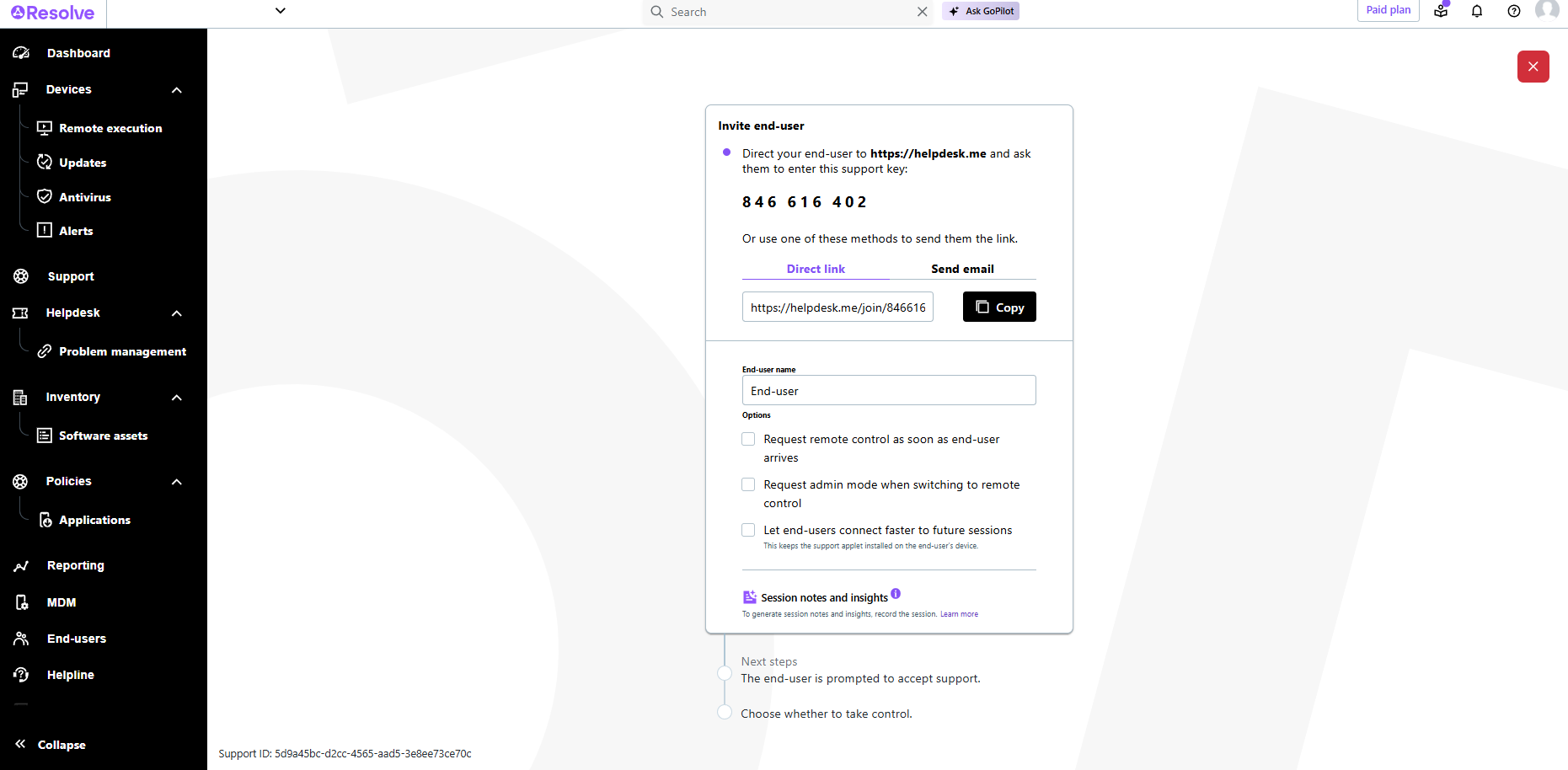    |
